Busy Bee Time Tracker
Simple, powerful time tracking
iPhone, iPad, Mac向けに設計
無料 · アプリ内課金
- 対象年齢4+
- カテゴリビジネス
- 開発元Steve Rose
- 言語英語
- サイズ8.9 MB
App Storeの公式ページにリンクしています
Download.orgはBusy Bee Time Trackerのファイルを一切ホストしていません。ボタンを押すと、Steve Roseが公開しているApp Storeのアプリページが開きます。ページの最終確認:2026/11/20。
スクリーンショット
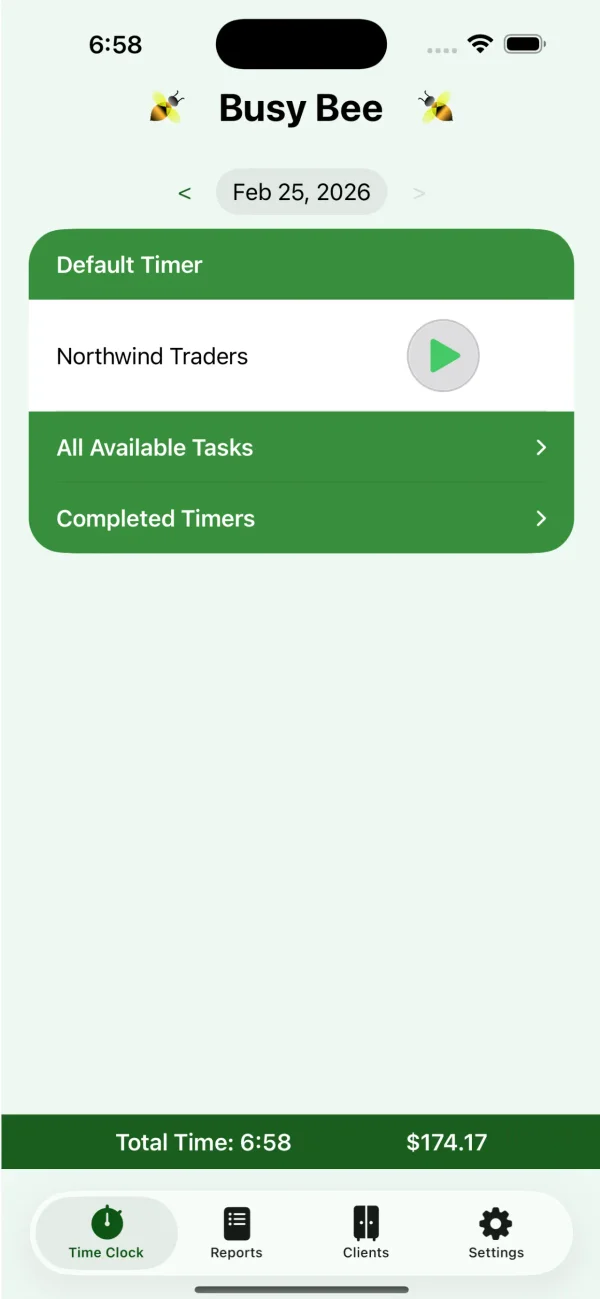
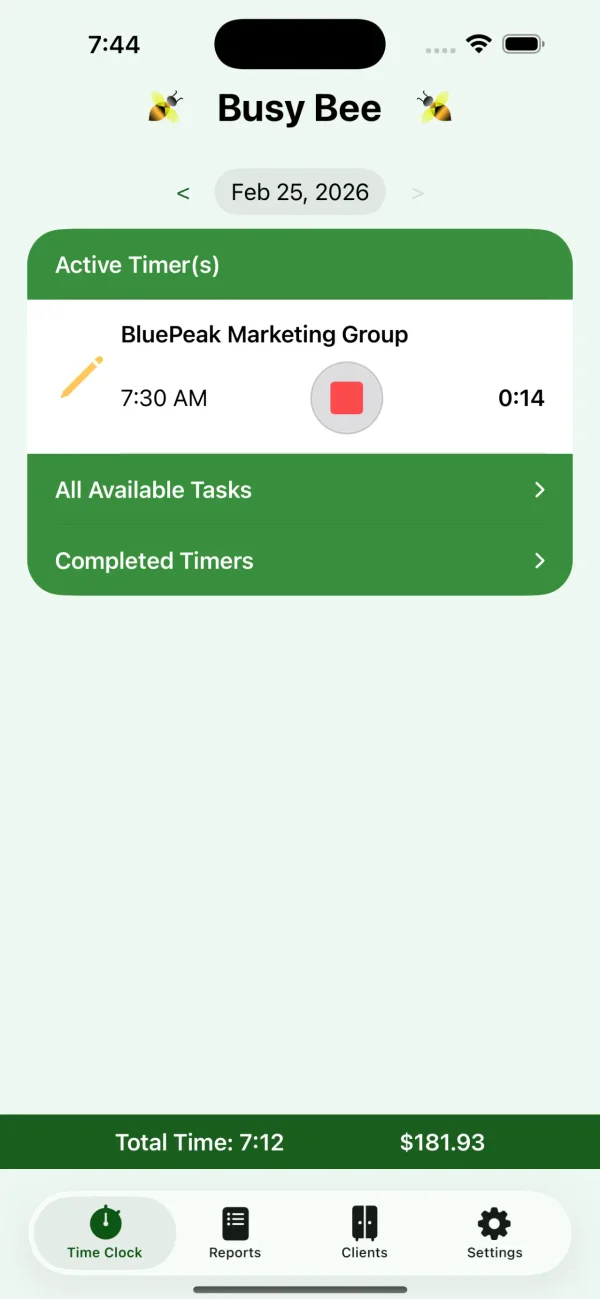
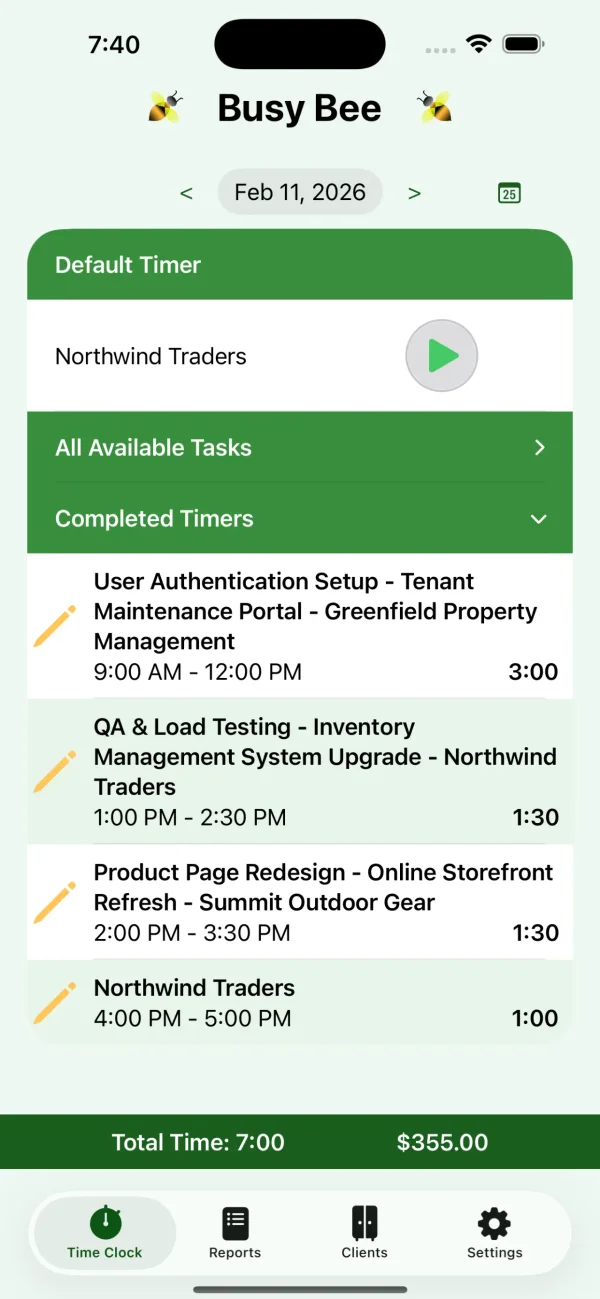

概要
開発元はこのテキストをお使いの言語で提供していません。
Busy Bee Time Tracker is a straightforward time-tracking app packed with features that won’t clutter your screen or make you sit through annoying ads. You can easily track your time by client, project, and task, or no task at all.
To begin, you’ll create a client, and a default project and task will be set up for you. Alternatively, you can start the timer and choose a task later—or not. You can also add multiple projects and tasks to get super precise and detailed tracking that suits your workflow.
Want flexible billing? You’re in luck! You can set hourly rates at the client, project, or task level, or keep it simple with one rate per client that automatically applies to everything below.
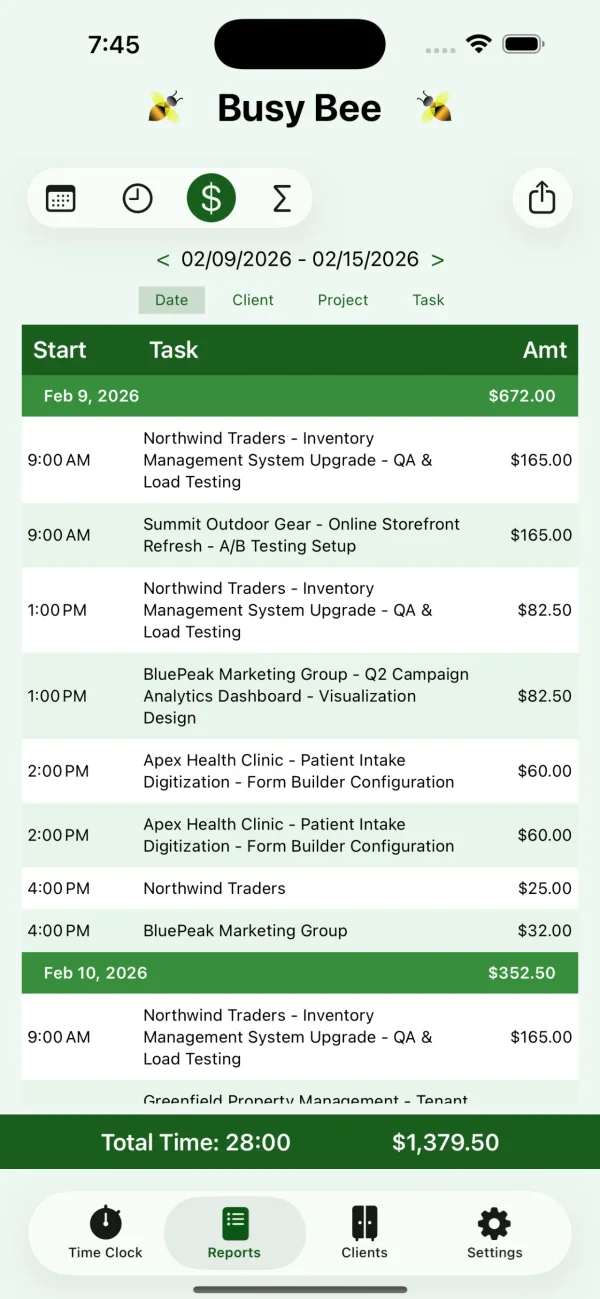
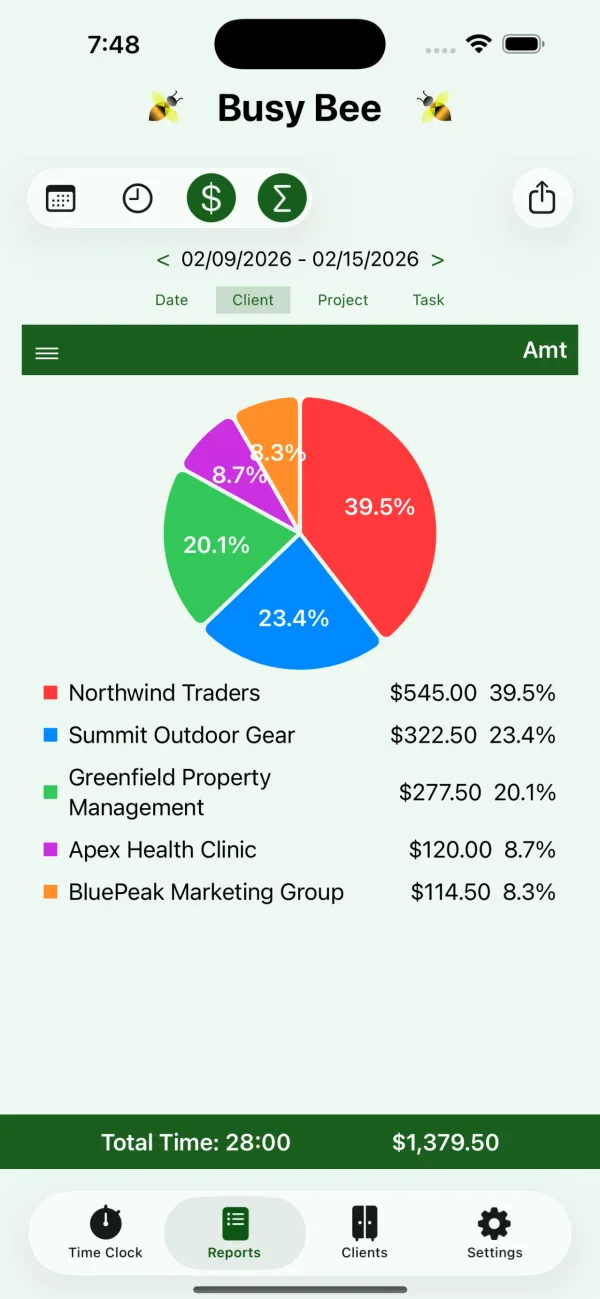
Powerful reporting is included. You can pick any date range to see a clear breakdown of your time by day, client, project, or task. If you prefer a summary, you can hide the details or view a chart broken down by any of those categories. Need to do some calculations? Export your data as a CSV file for easy use in your favorite spreadsheet or database tools.
Busy Bee Time Tracker is free to try out. When you create your first item, you’ll get a two-week unlimited preview. If you like it, subscribe to keep tracking without limits. Or, you can keep using it for free with limits of one client, two projects, and three tasks.
Features
• Start and stop a timer with a single tap.
• Start tracking time with no task.
• Track time by client, project, and task.
• Change a timer's task after it starts.
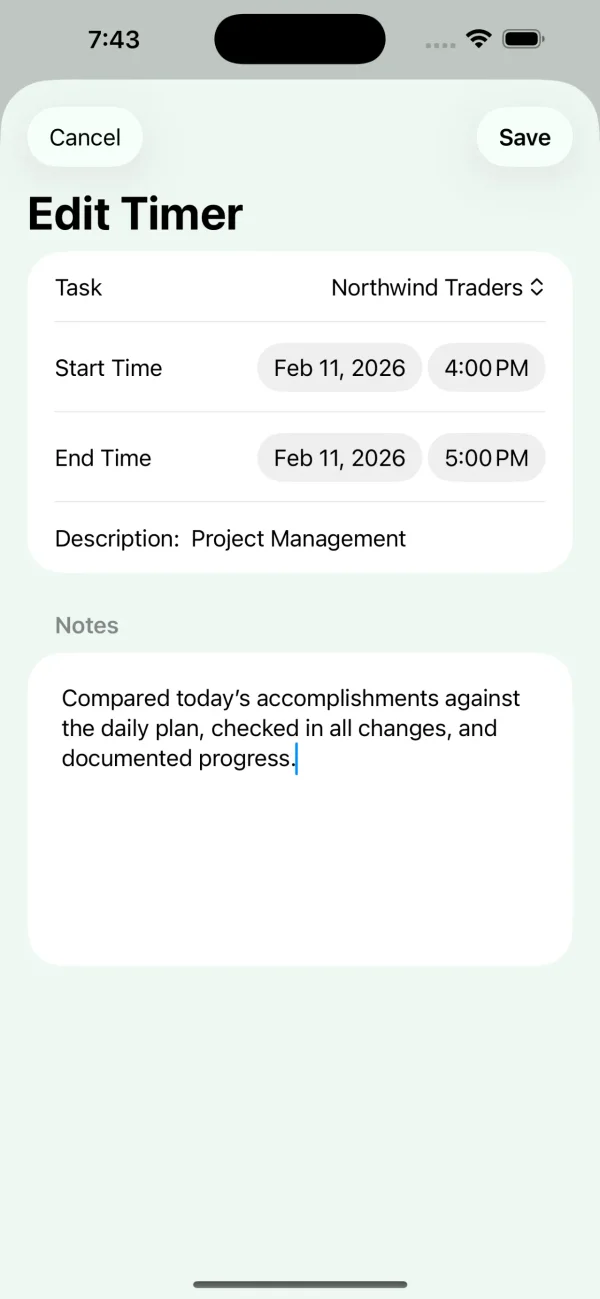
• Manually set the start and/or end times for a timer.
• Starting a new timer stops the current timer.
• Log a description for each timer entry if desired.
• Attach detailed notes to each client, project, task, or timer.
• Set hourly rates at the client, project, or task level.
• Powerful reporting options with flexible date ranges.
• Filter reports by Client, Project, or Task
• Summary reports give you the totals and hide the details.
• Display summary reports as a pie chart.
• Export report data as a CSV file.
Terms of Use (EULA): https://www.apple.com/legal/internet-services/itunes/dev/stdeula/
新機能
バージョン 1.1 · 2026/7/9
Added support for timer validation.
Various display improvements and bug fixes.
アプリのプライバシー
このアプリのデータの取り扱いについて、Steve RoseがApp Storeで申告している内容です。
-
データの収集なし
開発元はこのアプリからデータを収集しません。
プライバシーの取り扱いは、ご利用の機能やお客様の年齢などに応じて異なる場合があります。
情報
- 販売元
- Steve Rose
- カテゴリ
- ビジネス
- バージョン
- 1.1
- 更新日
- 2026/7/9
- リリース
- 2026/2/26
- サイズ
- 8.9 MB
- 必要条件
- iOS 18.6以降
- 対象年齢
- 4+
- 価格
- 無料
- アプリ内課金
- あり
- 言語
- 英語
- 著作権
- © 2026