- 対象年齢4+
- カテゴリ写真/ビデオ
- 開発元Michael Newell
- 言語英語ほか10言語
- サイズ3.1 MB
App Storeの公式ページにリンクしています
Download.orgはByteMarkerのファイルを一切ホストしていません。ボタンを押すと、Michael Newellが公開しているApp Storeのアプリページが開きます。ページの最終確認:2026/11/18。
スクリーンショット

概要
開発元はこのテキストをお使いの言語で提供していません。
Note: This app is optimized for iOS 18. The spatial video and photo features only work on iOS 18.
Note: To toggle 360 VR video, tap the L/R icon which will then show T/D.
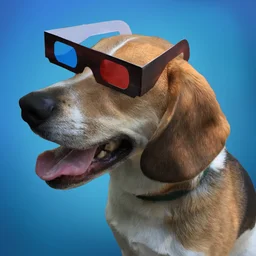
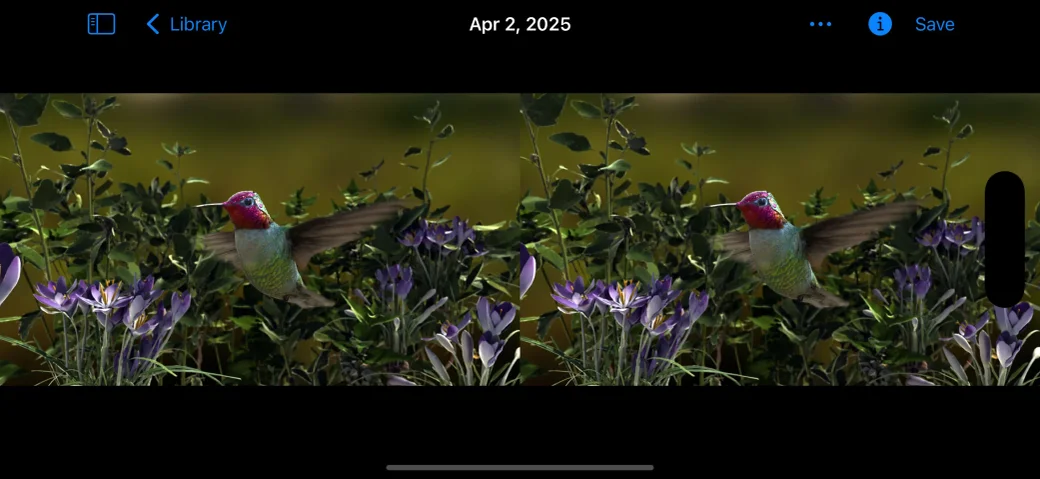
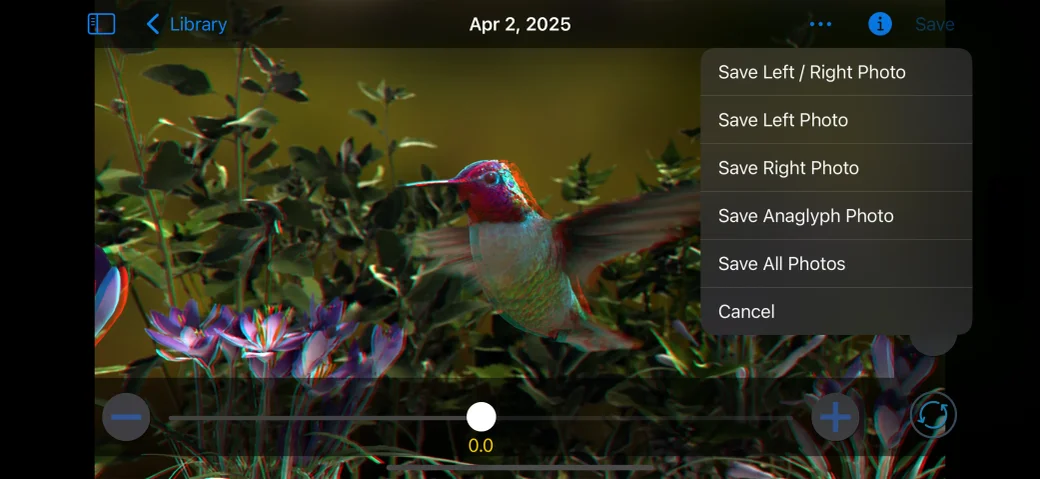
A photo album with photography tools designed for 3D photo and video content, such as converting media files into anaglyph (red / cyan) and Left / Right stitched images.
Supported Formats:
- Apple Spatial Photo
- Apple Spatial Video
- MPO
- 3D AVI
- Adobe VR
- Left / Right 180 VR videos
- Top / Down 360 VR videos
- Left / Right Stitched Images
Directions:
1. Save the original supported media file to your device or iCloud account
2. From the ByteMarker app, click the + icon
3. Import the original supported media file using the Files browser
4. Tap the image cell to view the photo or video
5. Tap the Save button to save the photo or video to your library
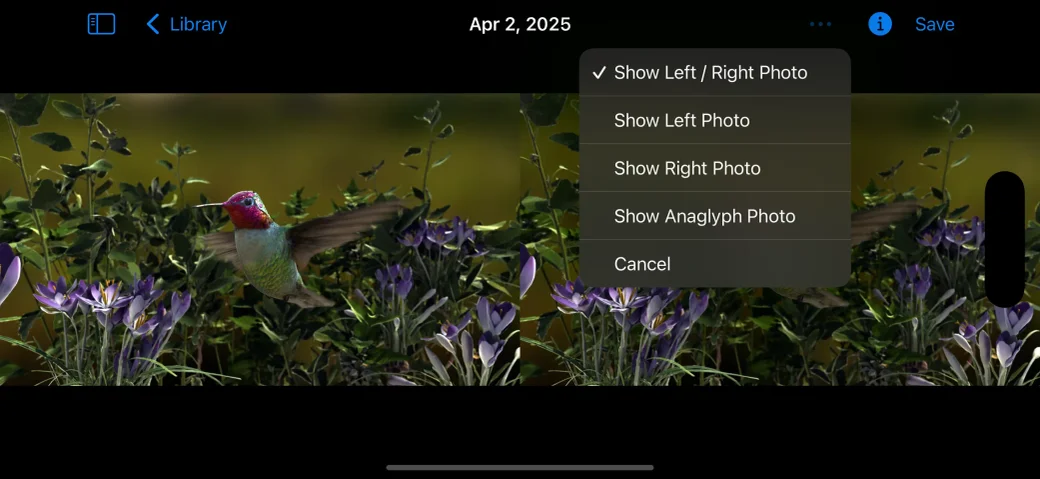
6. Tap the . . . button on the top left of the Photos view to switch between export formats
新機能
バージョン 1.1.2 · 2025/11/24
- Bug fixes on Spatial Photo import
アプリのプライバシー
このアプリのデータの取り扱いについて、Michael NewellがApp Storeで申告している内容です。
-
データの収集なし
開発元はこのアプリからデータを収集しません。
プライバシーの取り扱いは、ご利用の機能やお客様の年齢などに応じて異なる場合があります。
情報
- 販売元
- Michael Newell
- カテゴリ
- 写真/ビデオ
- バージョン
- 1.1.2
- 更新日
- 2025/11/24
- リリース
- 2020/10/17
- サイズ
- 3.1 MB
- 必要条件
- iOS 18.0以降
- 対象年齢
- 4+
- 価格
- ¥1,500
- 言語
- 英語, オランダ語, フランス語, ドイツ語, ヘブライ, ヒンディー語, 日本語, ロシア語, 簡体字中国語, スペイン語, 繁体字中国語
- 著作権
- © Michael Newell 2020