- 対象年齢4+
- カテゴリ仕事効率化
- 開発元Maximilian Glasmacher
- 言語英語
- サイズ3.6 MB
App Storeの公式ページにリンクしています
Download.orgはCaptureMobile AIのファイルを一切ホストしていません。ボタンを押すと、Maximilian Glasmacherが公開しているApp Storeのアプリページが開きます。ページの最終確認:2026/11/20。
スクリーンショット


概要
開発元はこのテキストをお使いの言語で提供していません。
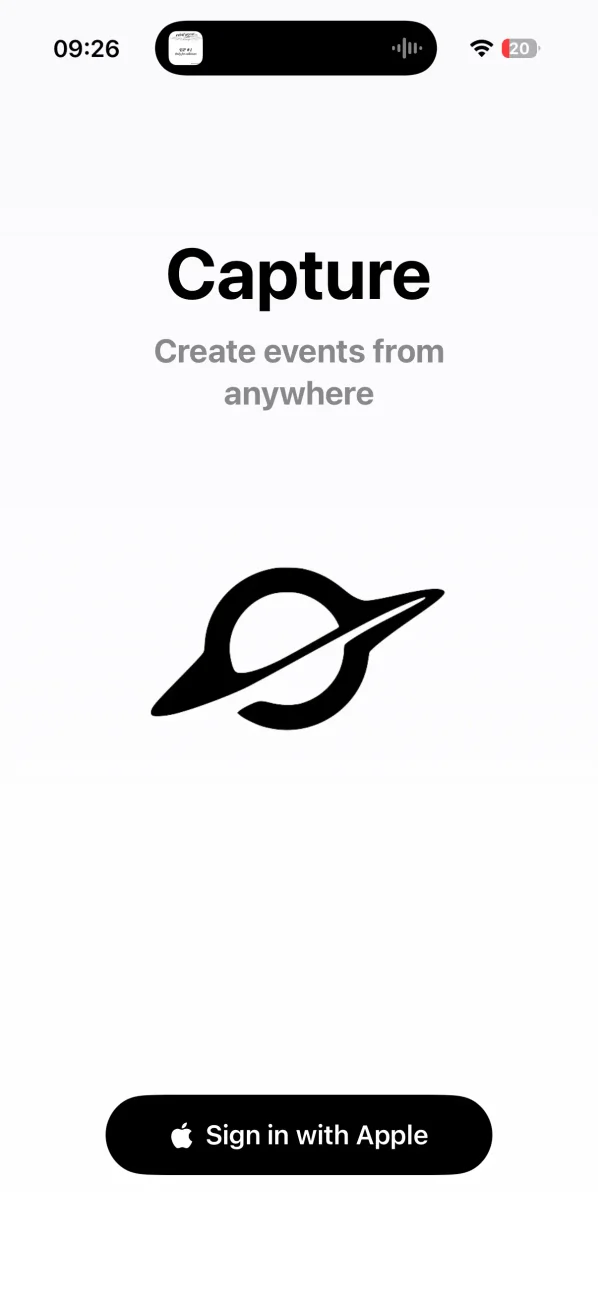
See an event in Whatsapp, Instagram or anywhere else you want to track? Add it to your calendar in one tap. Capture uses AI to read event details from a screenshot and create calendar events in your chosen Apple Calendar. No typing, no copy-paste.
How it works:
1. Install the shortcut: In the app, tap “Tap to install” to add the Capture shortcut to your device.
2. Add to Control Center: Add the “Run Shortcut” control and choose “Capture something” so you can run it with one tap.
3. Capture events: When you see an event, open Control Center, and run “Capture something” Your screenshot is sent to Capture.
4. Events in your calendar: Capture analyzes the screenshot, extracts title, date, time, and location, and creates the event in the calendar you selected in the app.
アプリのプライバシー
このアプリのデータの取り扱いについて、Maximilian GlasmacherがApp Storeで申告している内容です。
-
ユーザーに関連付けられたデータ
収集され、ユーザーの識別情報に関連付けられる場合があります。
- 連絡先情報
- ID
- 使用状況データ
- 診断
プライバシーの取り扱いは、ご利用の機能やお客様の年齢などに応じて異なる場合があります。
情報
- 販売元
- Maximilian Glasmacher
- カテゴリ
- 仕事効率化
- バージョン
- 1.0
- 更新日
- 2026/2/24
- リリース
- 2026/2/24
- サイズ
- 3.6 MB
- 必要条件
- iOS 16.6以降
- 対象年齢
- 4+
- 価格
- 無料
- 言語
- 英語
- 著作権
- © 2026 Maximilian Glasmacher