- 対象年齢4+
- カテゴリ写真/ビデオ
- 開発元Celestron, LLC
- 言語英語ほか13言語
- サイズ983.5 MB
App Storeの公式ページにリンクしています
Download.orgはCelestron Originのファイルを一切ホストしていません。ボタンを押すと、Celestron, LLCが公開しているApp Storeのアプリページが開きます。ページの最終確認:2026/11/14。
スクリーンショット


概要
開発元はこのテキストをお使いの言語で提供していません。
Celestron Origin redefines stargazing and astroimaging for a new generation. The images you capture with Origin look better than what you’d see in a much larger telescope under much darker skies.
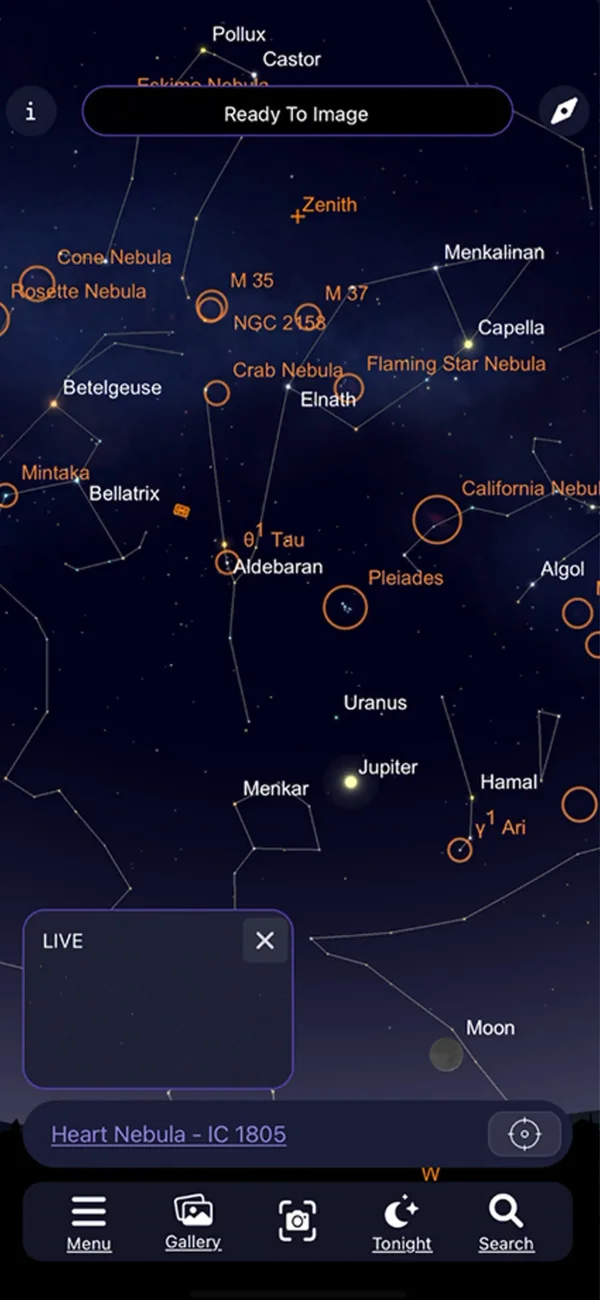
The Celestron Origin Powered by the SkySafari™ app, developed in partnership with Simulation Curriculum, features a user-friendly planetarium interface that makes it easy to navigate the sky and control the system. Simply hold your device up to the sky using Compass mode and tap on any object you want to see. (The best ones are highlighted.) Or try the Tonight’s Best list, which displays all the most impressive celestial objects you can see right now.
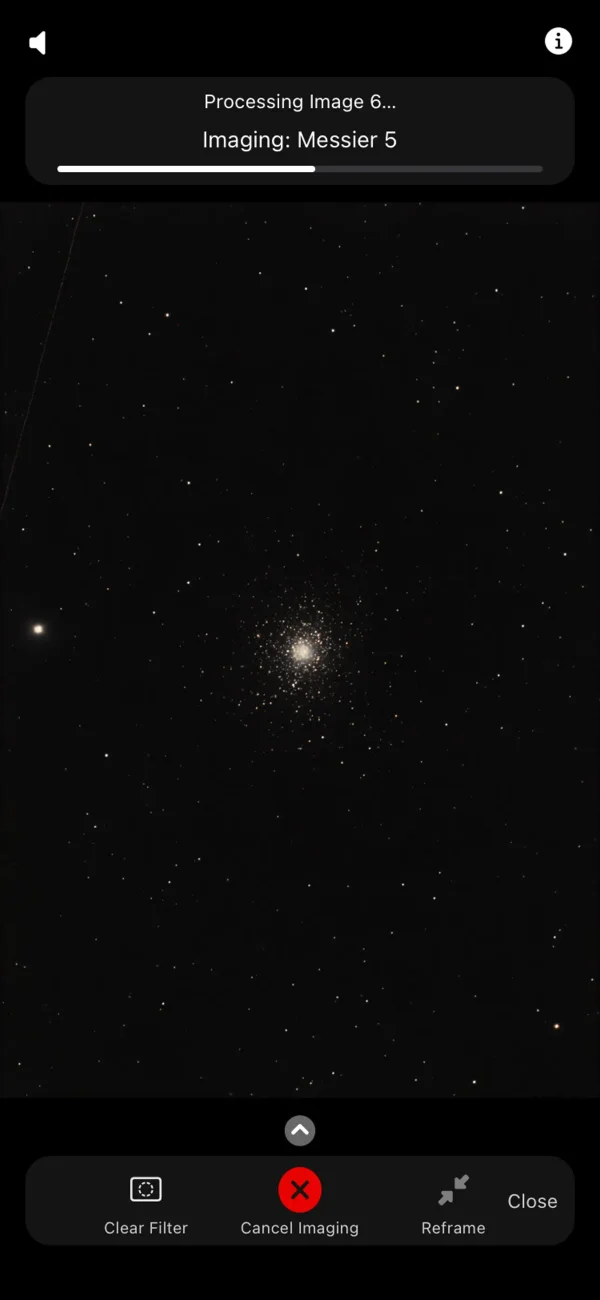
Once you’ve selected a target, Origin locates it and begins capturing data. With each exposure, built-in AI algorithms autonomously stack and process every frame in real time. Galaxies and nebulae spring to life—sharp, detailed, and in brilliant color—all with no user intervention.
Gone are the days of waiting in line to peer into a telescope’s eyepiece. Multiple people can connect to Origin via the app and stream the view with their own devices. With Origin, you can cast the live feed to your smart TV and save and share your completed astroimages.
ORIGIN’S KEY FEATURES
+ Planetarium Functionality +
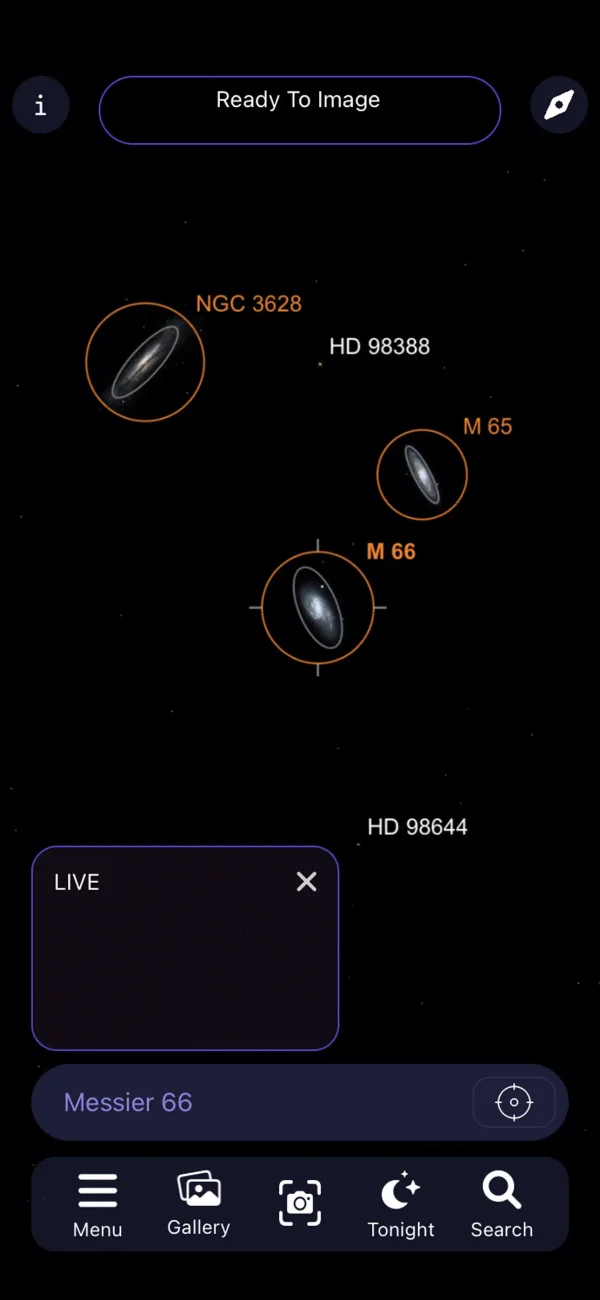
In the app’s Planetarium View, navigate the sky by swiping or pinching the screen. For a more interactive experience, tap the compass icon to enter Compass mode, which uses your smartphone’s accelerometer and gyro to match the onscreen view to the sky overhead.
+ Selecting an Object +
In the Planetarium View, objects highlighted with orange circles are the best targets. Tap an object to select it and display its name. Zoom in to find fainter objects. To point Origin to your chosen object, tap the crosshairs icon or use the “Center Object” option in the Object Info bar.
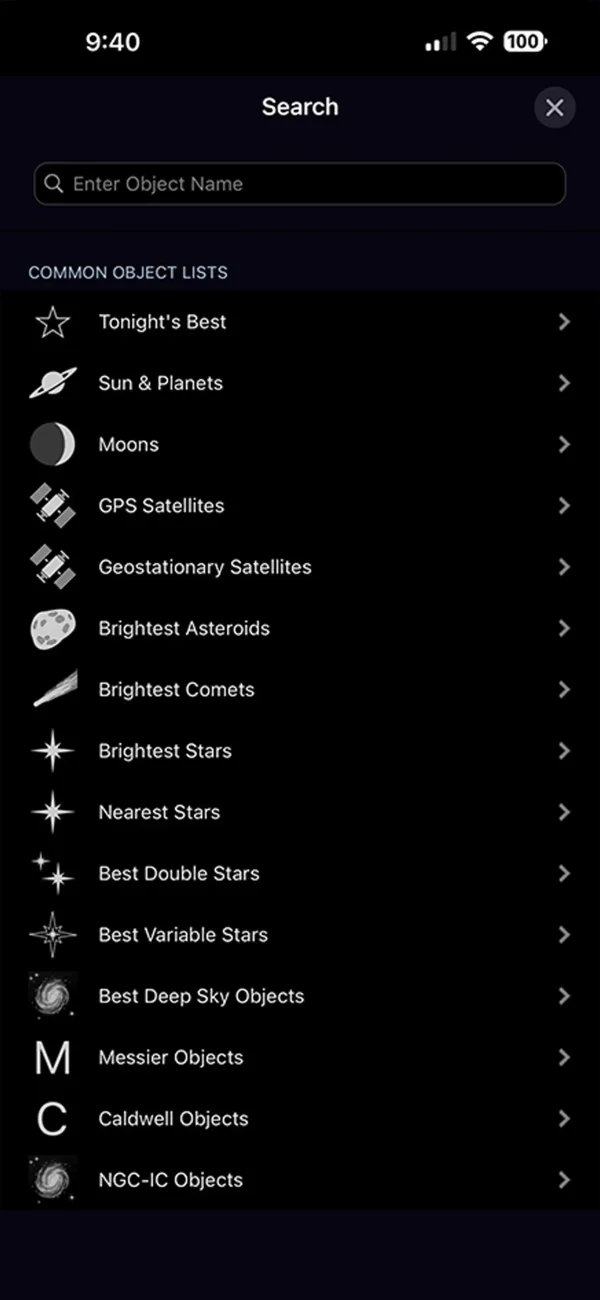
Use the Tonight icon to see a list of the best currently visible objects. You can also search for objects by name or designation with the Search icon.
+ Picture-in-Picture (PIP) +
A Picture-in-Picture (PIP) in the lower-left corner of the Planetarium View shows a live feed from Origin’s camera. Tapping the PIP screen shows the full Camera View, which displays the same view but fills the entire screen.
+ Camera View +
The Camera View displays a live feed from Origin’s camera. Here, you can start imaging sessions or adjust camera settings. Origin automatically stacks and processes each exposure using its built-in AI algorithms. This processing doesn’t add new data to your image but rather brings out the best in your data and reduces noise. When you’re finished, tap “End Imaging” to save the final stacked master to the Image Gallery and your device’s camera roll.
+ Object Info View +
You can view detailed information on every object in the Origin app’s database by pressing the Info button. You can also listen to audio presentations for over 200 of the most popular celestial objects.
+ Image Gallery +
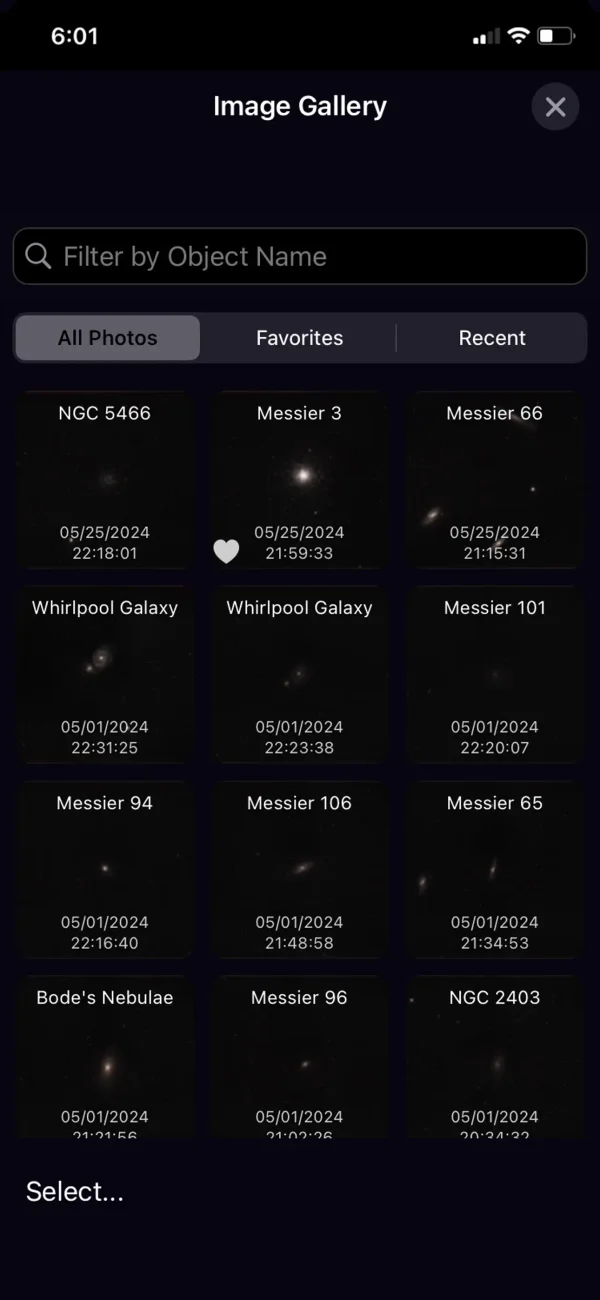
After you complete an image, Origin stores it in the app’s Image Gallery and your device’s camera roll. You can access the Image Gallery anytime by tapping the Gallery button.
+ Sharing Images +
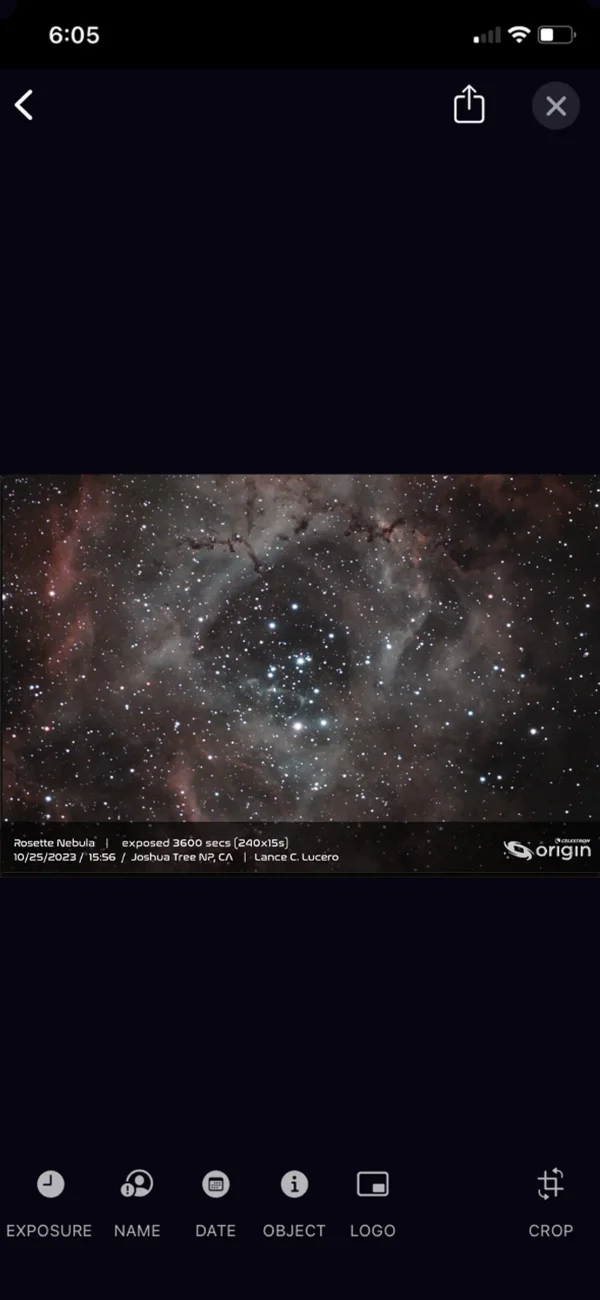
After tapping the Share button, you can customize your image by adjusting settings like exposure, name, date, object, logo, and crop. When you’re ready to share, press the Share icon to share via various apps or directly to social media.
+ Scheduled Imaging +
Origin can capture images automatically during a scheduled imaging session without any input from you (even while you sleep!). Simply add the desired objects to a schedule and tap “Run Schedule Now.” Origin will start with the first object and continue through your list. To retrieve images, select the completed schedule and download the images to your Image Gallery and your device’s camera roll.
Device requirements:
iOS 16 and up
iPhone 8 and up
新機能
バージョン 1.2.2 · 2026/10/21
Fixes an incompatibility with iOS 27
Other fixes and performance enhancements
アプリのプライバシー
このアプリのデータの取り扱いについて、Celestron, LLCがApp Storeで申告している内容です。
-
ユーザーに関連付けられないデータ
収集される場合がありますが、ユーザーの識別情報には関連付けられません。
- ID
- 診断
プライバシーの取り扱いは、ご利用の機能やお客様の年齢などに応じて異なる場合があります。
情報
- 販売元
- Celestron, LLC.
- カテゴリ
- 写真/ビデオ
- バージョン
- 1.2.2
- 更新日
- 2026/10/21
- リリース
- 2024/7/1
- サイズ
- 983.5 MB
- 必要条件
- iOS 18.6以降
- 対象年齢
- 4+
- 価格
- 無料
- 言語
- 英語, フランス語, ドイツ語, ギリシャ語, ヒンディー語, インドネシア語, イタリア語, 日本語, 韓国語, ポルトガル語, ロシア語, 簡体字中国語 ほか2言語
- 著作権
- © 2025 Celestron Inc.