- 対象年齢4+
- カテゴリ仕事効率化
- 開発元寅吉 申屠
- 言語簡体字中国語
- サイズ23.5 MB
App Storeの公式ページにリンクしています
Download.orgはChordeskのファイルを一切ホストしていません。ボタンを押すと、寅吉 申屠が公開しているApp Storeのアプリページが開きます。ページの最終確認:2026/11/23。
スクリーンショット
概要
開発元はこのテキストをお使いの言語で提供していません。
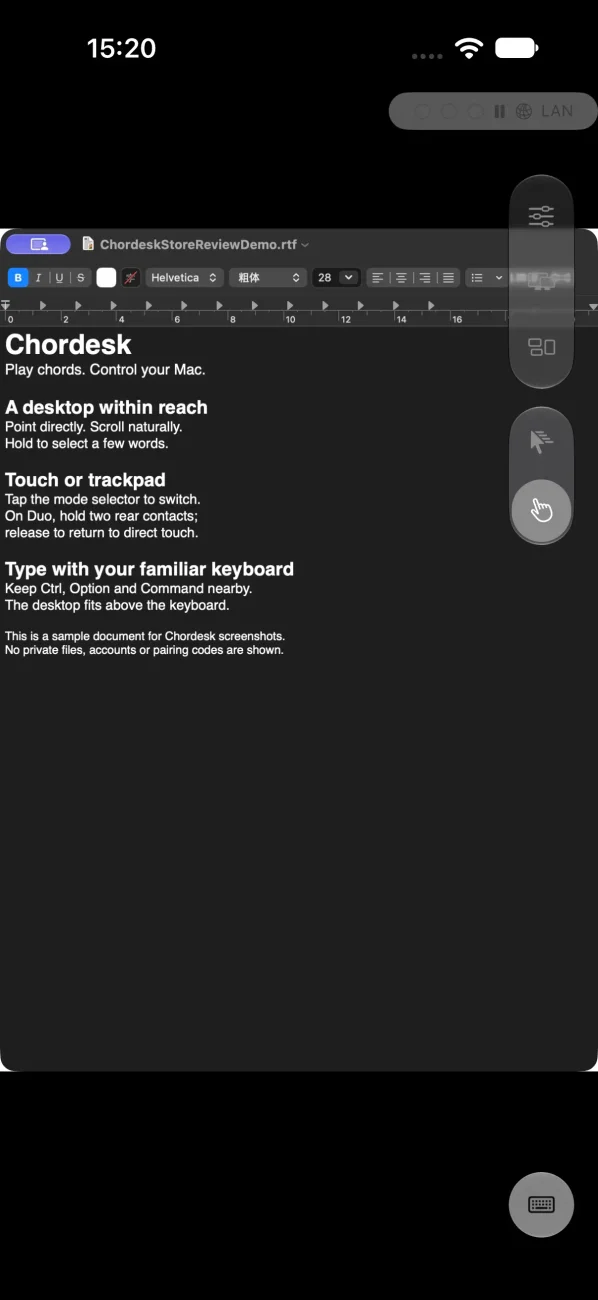
Chordesk brings your Mac desktop to your iPhone, combining direct touch, a trackpad and your iPhone keyboard.
PLAY A CHORD. CONTROL YOUR DESKTOP.
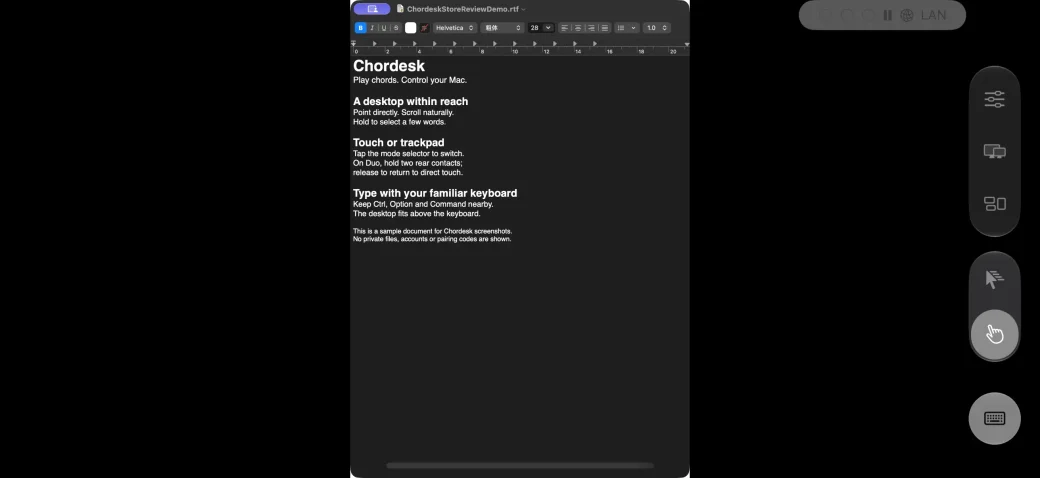
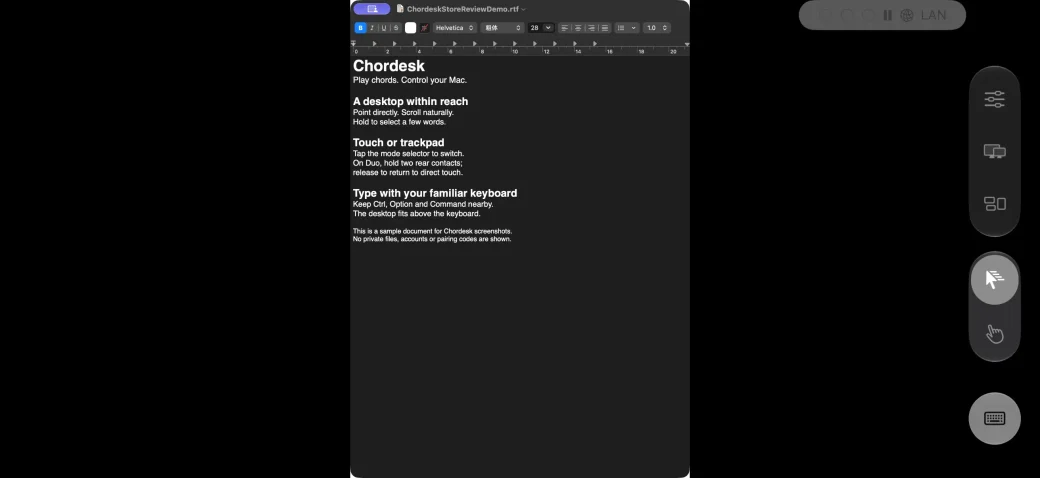
On an iPhone Duo with camera-accessory rear interaction available, hold one rear finger and swipe two front fingers to open or close Mission Control or switch Spaces. Hold two rear fingers to temporarily turn the front into a trackpad. Other iPhones can switch modes using on-screen controls.
WORK YOUR WAY
• Direct touch: tap targets, scroll and press-and-drag to select.
• Trackpad: move the pointer, click and scroll with two fingers. Adjust sensitivity and scrolling inertia.
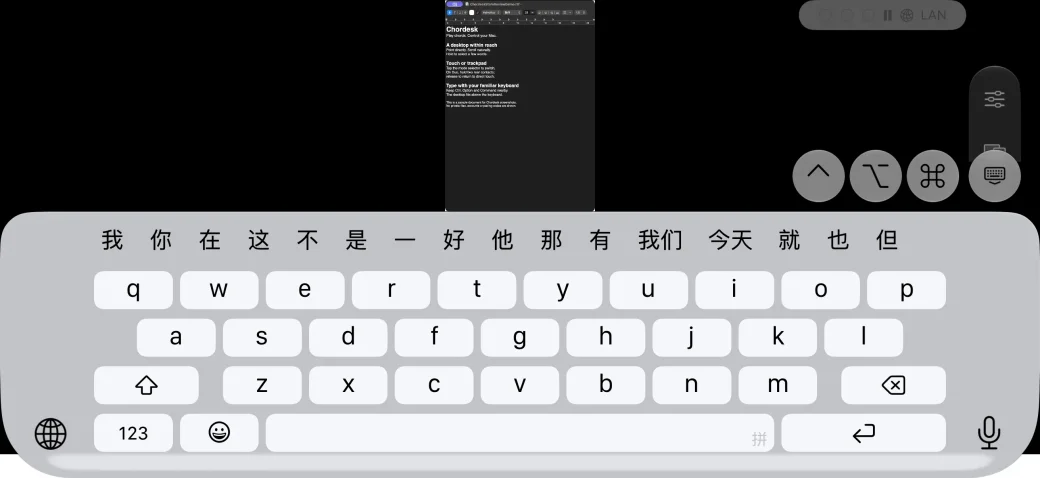
• iPhone keyboard: use your enabled input method with Control, Option and Command shortcuts. The desktop can shrink proportionally above the keyboard so the input area remains visible.
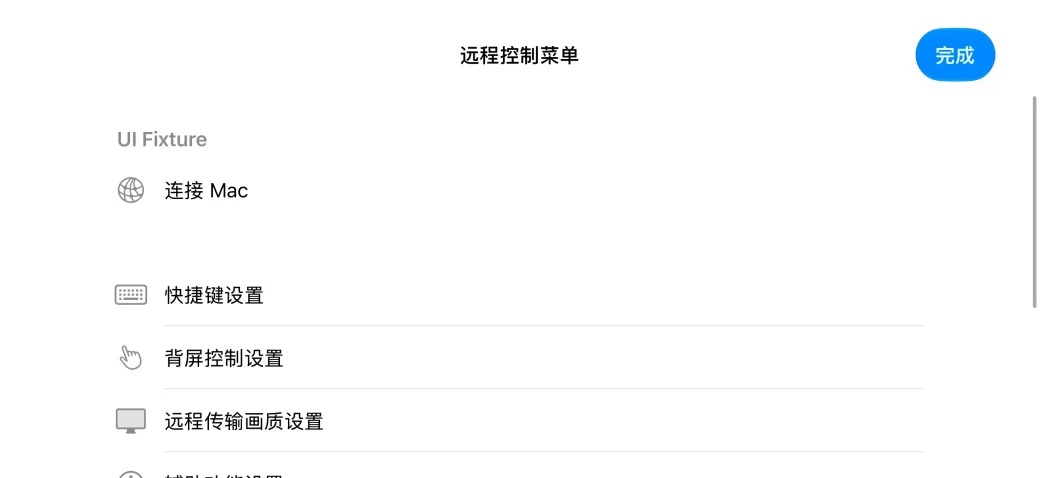
• Customize side shortcuts, the rear activation region, video quality and connection diagnostics.
CONNECT YOUR OWN MAC
Pair by scanning a QR code on the same local network; no Chordesk account is required. For optional Internet access, sign both endpoints into your own Tailscale private network inside Chordesk. The separate Tailscale app is not required. Tailscale provides its own account, terms and service availability. Reconnect to saved Macs and let automatic mode try available connection paths.
REQUIREMENTS AND LIMITS
An Apple Silicon Mac running macOS 15.2 or later, with the Chordesk companion installed, is required. You must allow screen recording and control on the Mac. Duo rear interaction uses the public CameraCaptureAccessory API and requires a foreground camera capture session. Camera frames are discarded, not displayed, stored or transmitted. Rear interaction can be disabled; on-screen mode controls remain available.
Video options include H.264, H.265/HEVC and JPEG fallback. Actual quality, frame rate and latency depend on your devices and network. This version does not transmit audio or guarantee waking a sleeping or closed-lid Mac. Use only computers you own or are authorized to control.
The app interface currently uses Simplified Chinese.
Companion download, operation guide and support: https://stland-admin.github.io/Chordesk-site/support.html?lang=en
新機能
バージョン 1.34 · 2026/11/11
• Customize the actions for one, two, or three fingers on the Duo rear screen. Three fingers hold Command by default.
• A glass input bar above the keyboard shows text as you compose it. With desktop fitting enabled, submitted text appears on the remote desktop.
• Choose a direct-only, relay-only, or automatic Tailscale path, and see whether a direct path uses IPv4 or IPv6.
• Fixed unresponsive areas between the controls on the right edge.
アプリのプライバシー
このアプリのデータの取り扱いについて、寅吉 申屠がApp Storeで申告している内容です。
-
ユーザーに関連付けられたデータ
収集され、ユーザーの識別情報に関連付けられる場合があります。
- 連絡先情報
- ID
- その他のデータ
プライバシーの取り扱いは、ご利用の機能やお客様の年齢などに応じて異なる場合があります。
情報
- 販売元
- 寅吉 申屠
- カテゴリ
- 仕事効率化
- バージョン
- 1.34
- 更新日
- 2026/11/11
- リリース
- 2026/11/7
- サイズ
- 23.5 MB
- 必要条件
- iOS 17.0以降
- 対象年齢
- 4+
- 価格
- 無料
- 言語
- 簡体字中国語
- 著作権
- © 2026 STLAND / Yinji Shentu