- Độ tuổi4+
- Danh mụcHiệu Suất
- Nhà phát triển寅吉 申屠
- Ngôn ngữTiếng Trung Giản thể
- Kích thước23,5 MB
Chordesk hiện có thể không có trên App Store
Ở lần kiểm tra gần nhất, chúng tôi không truy cập được trang trên cửa hàng. Liên kết vẫn dẫn đến trang App Store chính thức.
Ảnh chụp màn hình
Giới thiệu
Nhà phát triển chưa cung cấp nội dung này bằng ngôn ngữ của bạn.
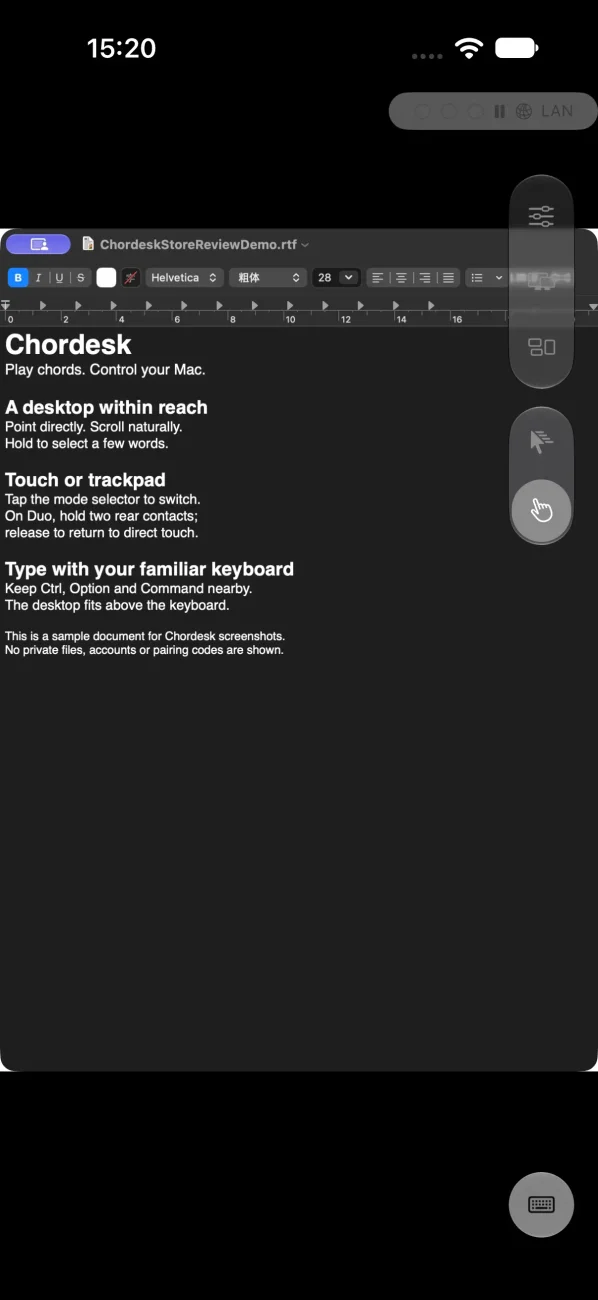
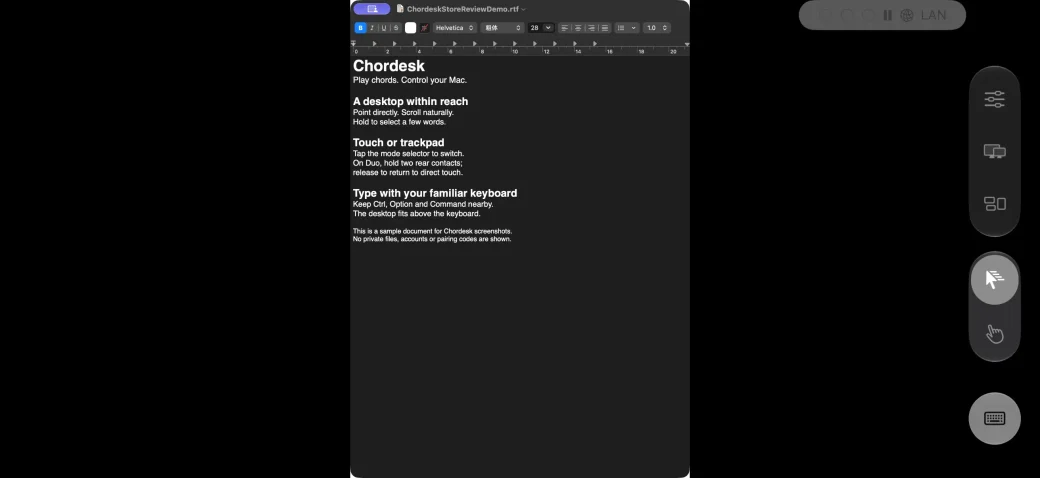
Chordesk brings your Mac desktop to your iPhone, combining direct touch, a trackpad and your iPhone keyboard.
PLAY A CHORD. CONTROL YOUR DESKTOP.
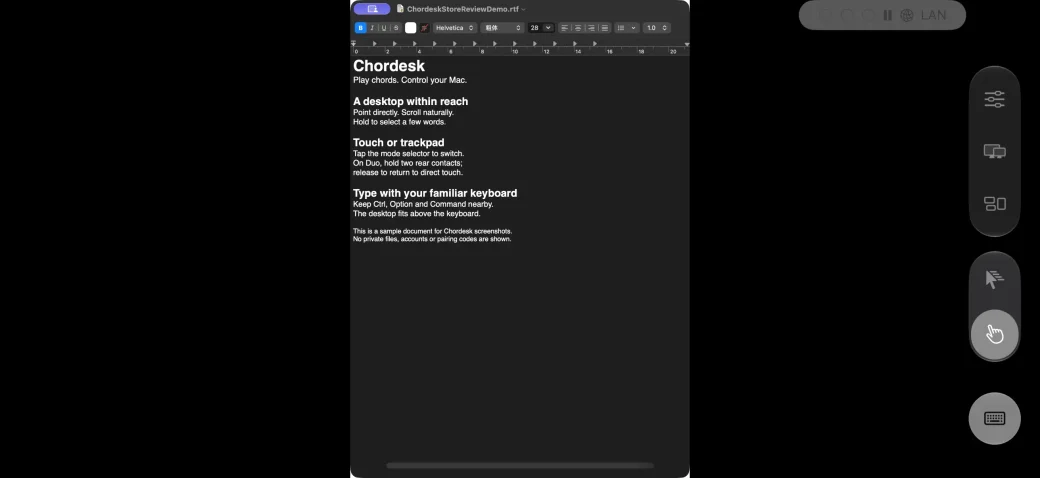
On an iPhone Duo with camera-accessory rear interaction available, hold one rear finger and swipe two front fingers to open or close Mission Control or switch Spaces. Hold two rear fingers to temporarily turn the front into a trackpad. Other iPhones can switch modes using on-screen controls.
WORK YOUR WAY
• Direct touch: tap targets, scroll and press-and-drag to select.
• Trackpad: move the pointer, click and scroll with two fingers. Adjust sensitivity and scrolling inertia.
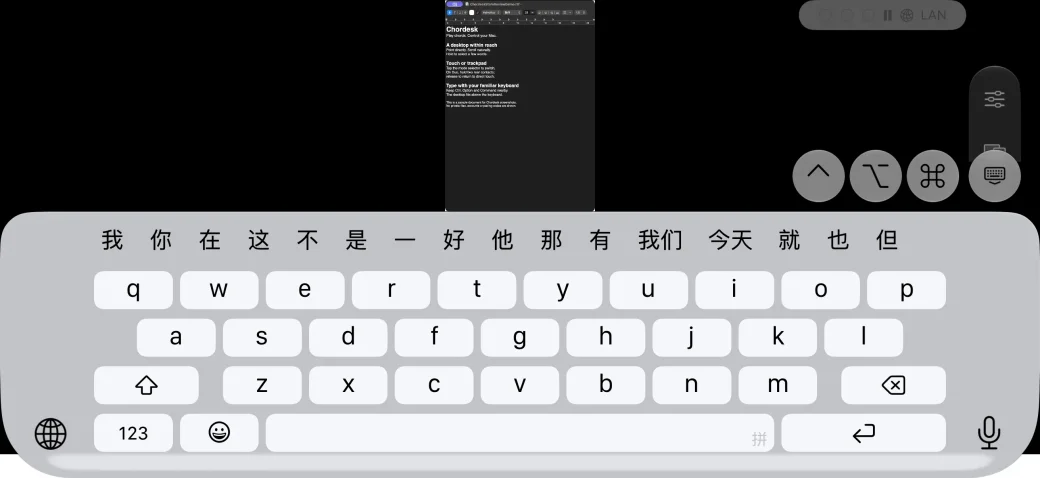
• iPhone keyboard: use your enabled input method with Control, Option and Command shortcuts. The desktop can shrink proportionally above the keyboard so the input area remains visible.
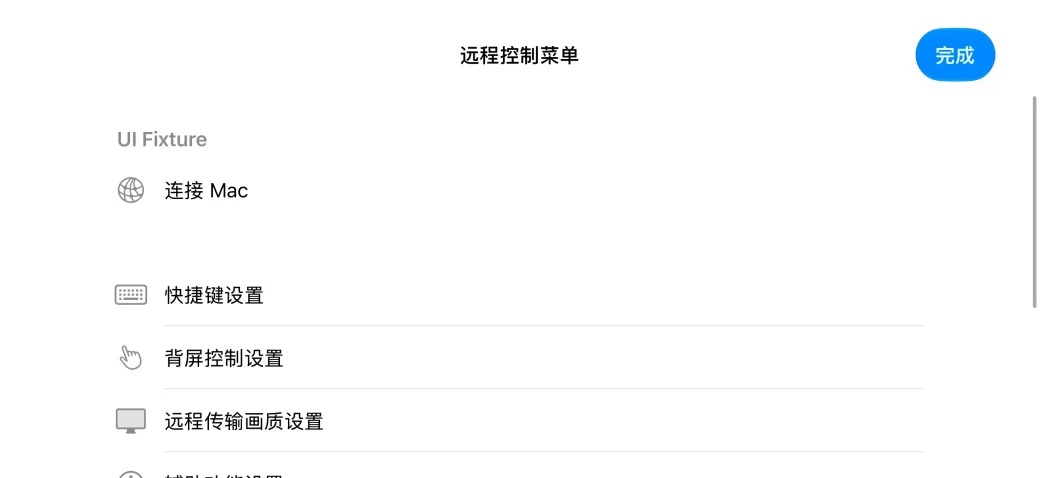
• Customize side shortcuts, the rear activation region, video quality and connection diagnostics.
CONNECT YOUR OWN MAC
Pair by scanning a QR code on the same local network; no Chordesk account is required. For optional Internet access, sign both endpoints into your own Tailscale private network inside Chordesk. The separate Tailscale app is not required. Tailscale provides its own account, terms and service availability. Reconnect to saved Macs and let automatic mode try available connection paths.
REQUIREMENTS AND LIMITS
An Apple Silicon Mac running macOS 15.2 or later, with the Chordesk companion installed, is required. You must allow screen recording and control on the Mac. Duo rear interaction uses the public CameraCaptureAccessory API and requires a foreground camera capture session. Camera frames are discarded, not displayed, stored or transmitted. Rear interaction can be disabled; on-screen mode controls remain available.
Video options include H.264, H.265/HEVC and JPEG fallback. Actual quality, frame rate and latency depend on your devices and network. This version does not transmit audio or guarantee waking a sleeping or closed-lid Mac. Use only computers you own or are authorized to control.
The app interface currently uses Simplified Chinese.
Companion download, operation guide and support: https://stland-admin.github.io/Chordesk-site/support.html?lang=en
Có gì mới
Phiên bản 1.34 · 11/11/2026
• Customize the actions for one, two, or three fingers on the Duo rear screen. Three fingers hold Command by default.
• A glass input bar above the keyboard shows text as you compose it. With desktop fitting enabled, submitted text appears on the remote desktop.
• Choose a direct-only, relay-only, or automatic Tailscale path, and see whether a direct path uses IPv4 or IPv6.
• Fixed unresponsive areas between the controls on the right edge.
Quyền riêng tư của ứng dụng
Những gì 寅吉 申屠 khai báo trên App Store về cách ứng dụng này xử lý dữ liệu.
-
Dữ liệu liên kết với bạn
Có thể được thu thập và liên kết với danh tính của bạn.
- Thông tin liên hệ
- Mã định danh
- Dữ liệu khác
Phương thức đảm bảo quyền riêng tư có thể khác nhau, chẳng hạn như tuỳ theo các tính năng bạn sử dụng hoặc độ tuổi của bạn.
Thông tin
- Người bán
- 寅吉 申屠
- Danh mục
- Hiệu Suất
- Phiên bản
- 1.34
- Cập nhật
- 11/11/2026
- Phát hành
- 07/11/2026
- Kích thước
- 23,5 MB
- Yêu cầu
- iOS 17.0 trở lên
- Độ tuổi
- 4+
- Ngôn ngữ
- Tiếng Trung Giản thể
- Bản quyền
- © 2026 STLAND / Yinji Shentu