Clarity: Second Brain & Notes
Save reels, links & read later
iPhone, iPad向けに設計
無料 · アプリ内課金
- 対象年齢4+
- カテゴリ仕事効率化
- 開発元Moon Shard Ltd
- 言語英語
- サイズ22.2 MB
App Storeの公式ページにリンクしています
Download.orgはClarity: Second Brain & Notesのファイルを一切ホストしていません。ボタンを押すと、Moon Shard Ltdが公開しているApp Storeのアプリページが開きます。ページの最終確認:2026/11/18。
スクリーンショット
概要
開発元はこのテキストをお使いの言語で提供していません。
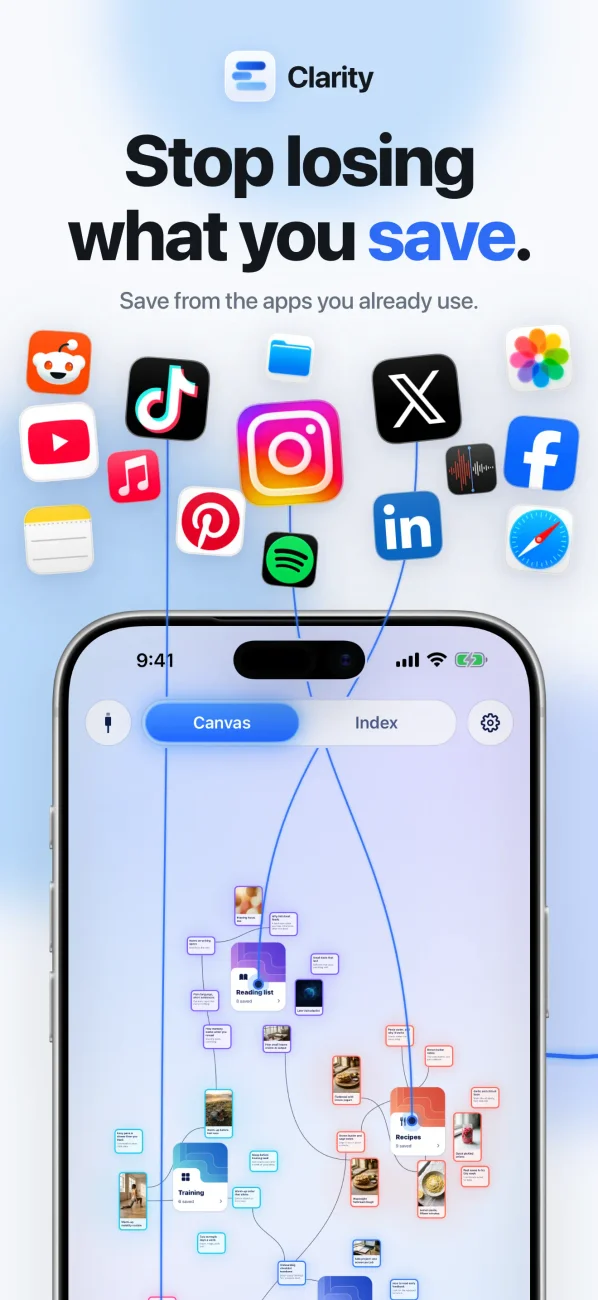
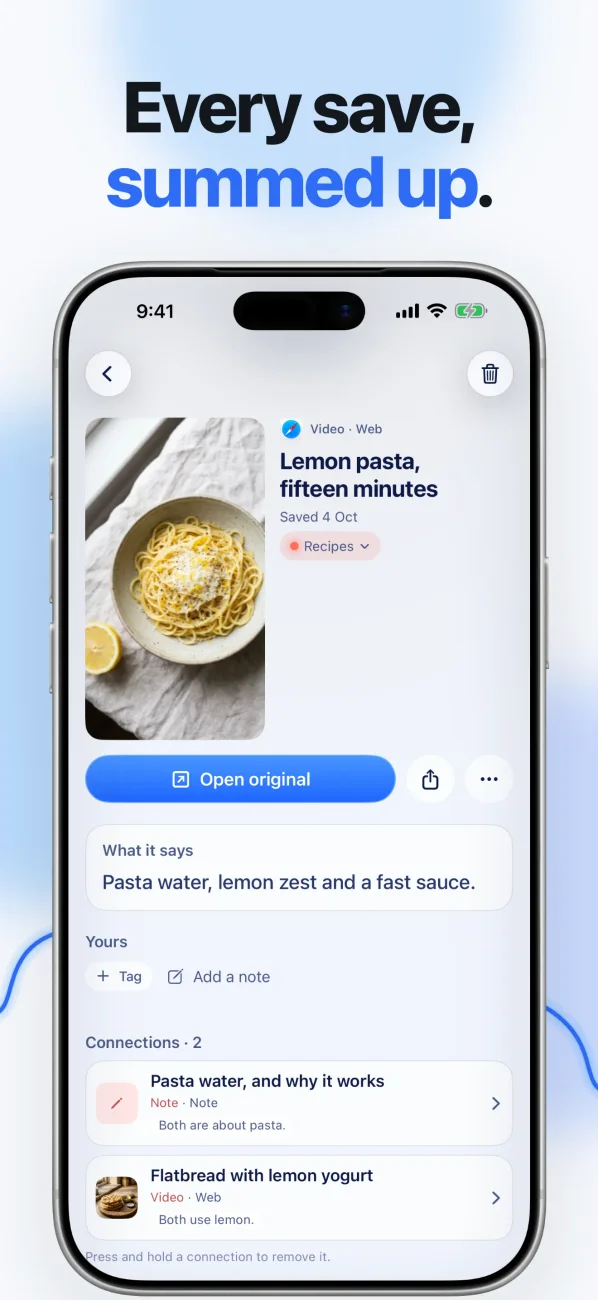
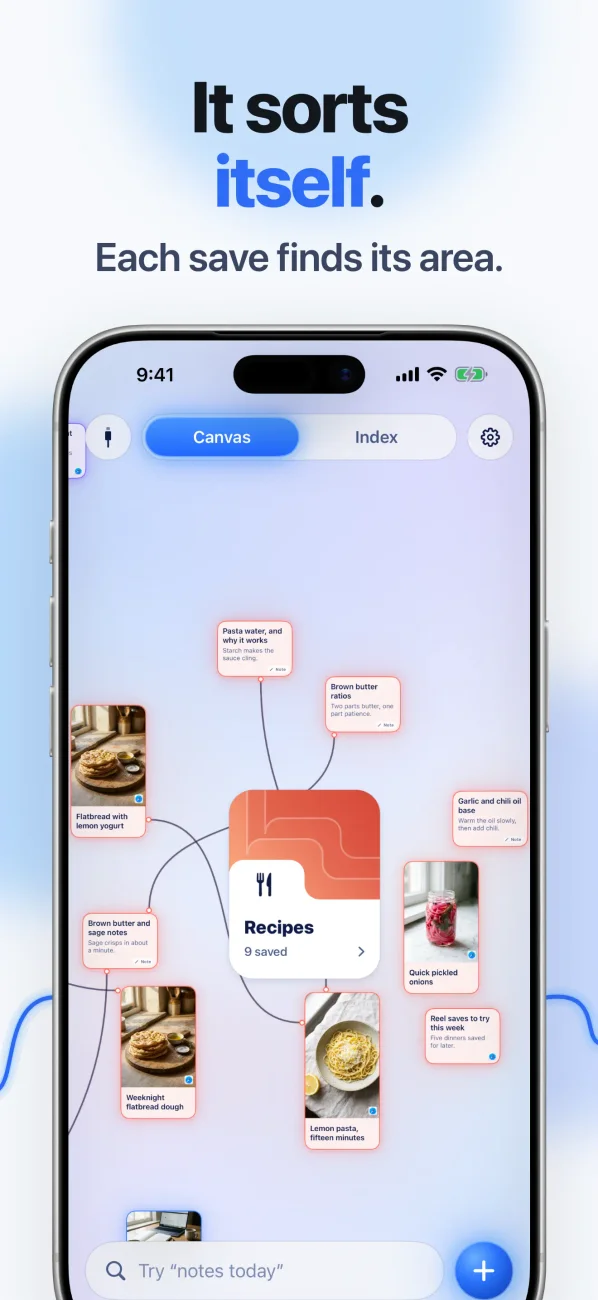
Share anything you want to keep from Instagram, TikTok, X, YouTube, Reddit, the web, PDFs and screenshots, and Clarity reads it, sums it up and files it into your areas.
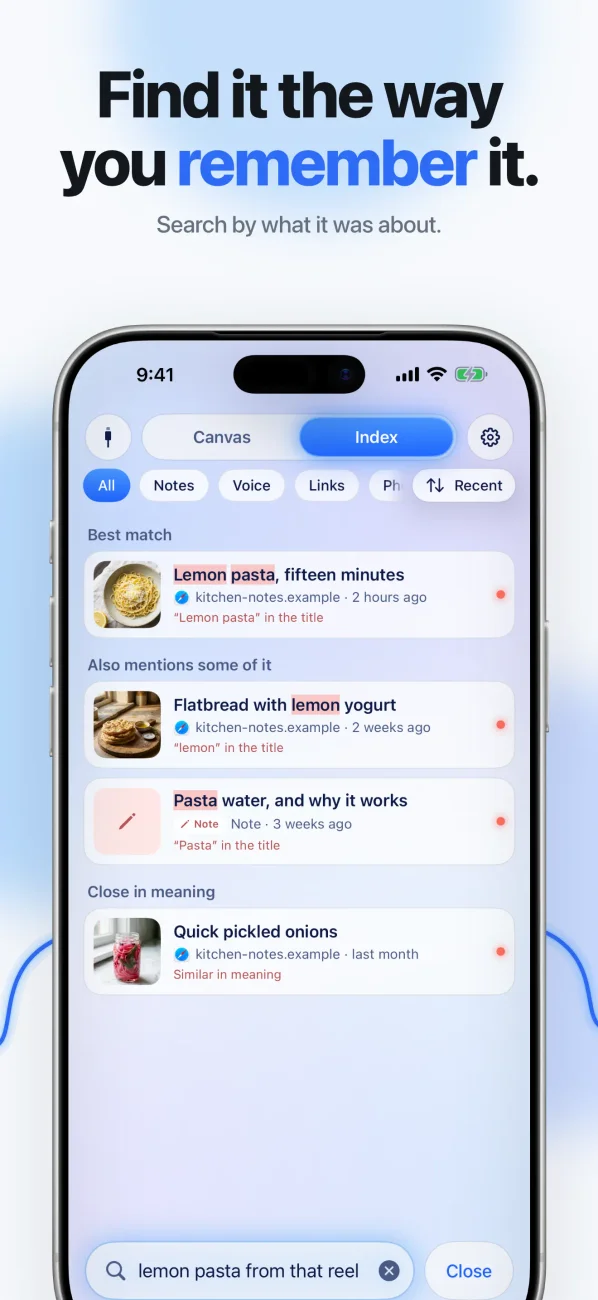
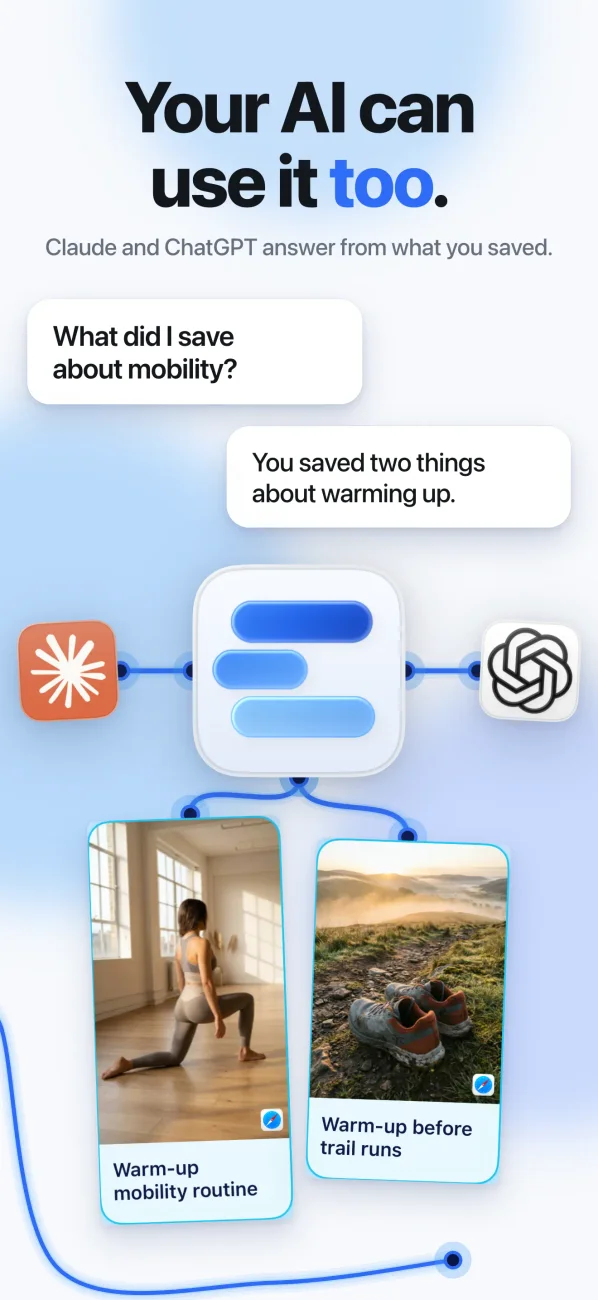
Find any save later by describing what you remember, see how your ideas connect on a visual map, and let Claude or ChatGPT search your second brain through a connector.
SAVE FROM ANY APP
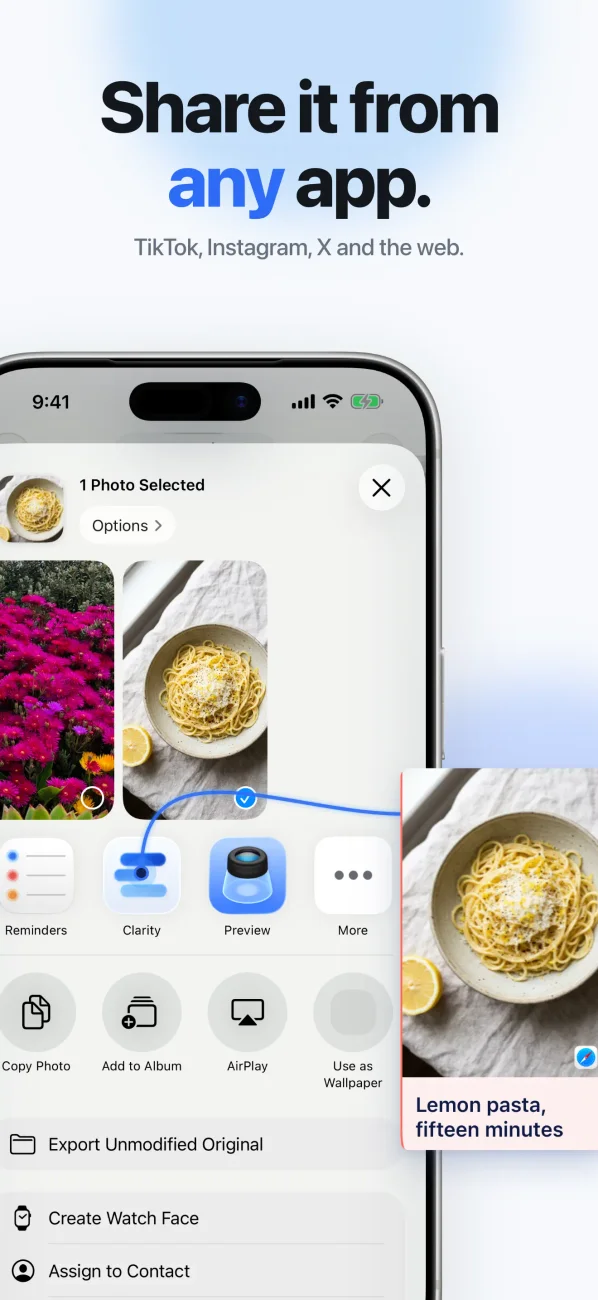
• Share a link, image or file to Clarity from Safari, Mail, Photos or any app with a share button.
• Hold + and talk. Voice notes are transcribed on your device, and a tap on any word plays the recording from there.
• Saved links open back in the app they came from.
FIND THE THING YOU HALF REMEMBER
• Search the way you remember it: "the dentist invoice", "that talk about sleep". Results that are close in meaning show up too, not only exact words.
• Every result says why it matched.
• Text inside images is read on your device, so screenshots of receipts, slides and notes are searchable.
SEE HOW IT FITS TOGETHER
• Your saves sit on a canvas, coloured by the area of life they belong to and connected to related saves.
COPY WHAT YOU REUSE
• Tap a card, then Copy, and the text is on your clipboard.
• Blanks: write {name} or {date} in a note and Clarity asks for the value before it copies.
SHOW A DOCUMENT
• Import PDFs and other files from Files, the share sheet, or drag and drop on iPad.
• Preview any format with Quick Look, or share it on.
• Present fills the screen with the document and nothing else, so you can turn your iPad to a client and swipe through the pages.
• Clarity reads the text inside your documents on your device, so a phrase from page 12 finds the file.
MADE FOR IPHONE AND IPAD
• Shortcuts actions: Copy Snippet, Find in Clarity and Save to Clarity. Run them from the Shortcuts app or with Siri.
• Home Screen widgets copy a saved note in one tap.
• On iPad, keep Clarity in Slide Over next to Mail, or side by side with any app, in any orientation.
YOURS, ON YOUR DEVICE
• Everything you save is stored on your device. There is no account to create.
• Signed in to iCloud, your library syncs between your devices through your own private iCloud.
• Export everything at any time, including as an Obsidian vault.
WHAT IS FREE AND WHAT COSTS EXTRA
• Saving is free and unlimited, and every feature that runs on your device works without paying.
• Clarity Plus is an optional subscription at £4.99 a month or £39.99 a year, or the equivalent price in your country. The yearly plan starts with a 7-day free trial. It adds the online AI features: 1,000 AI summaries a month, connecting Claude or ChatGPT to your library, and checks for which saves really connect.
• The subscription renews automatically at the end of each month or year until you cancel. If you start the free trial, the yearly price is charged when it ends unless you cancel at least 24 hours before. Cancel at least 24 hours before the renewal date in Settings > Apple Account > Subscriptions. Payment is charged to your Apple Account.
• Searching, copying, presenting, exporting and deleting never need Clarity Plus.
• The AI features are off until you turn them on, and Clarity asks first. For a summary, the link goes to our server, where Cloudflare Workers AI writes it. For connection checks, a save's title and some of its text go to our server and on to Jev, from TypeSafe.
Questions or problems: clarity@moonshard.co
Terms of Use: https://www.apple.com/legal/internet-services/itunes/dev/stdeula/
Privacy: https://clarity.moonshard.co/privacy
新機能
バージョン 1.1.5 · 2026/10/7
Performance and general experience improvements.
アプリのプライバシー
このアプリのデータの取り扱いについて、Moon Shard LtdがApp Storeで申告している内容です。
-
ユーザーに関連付けられたデータ
収集され、ユーザーの識別情報に関連付けられる場合があります。
- 購入
- ユーザーコンテンツ
- 閲覧履歴
- ID
-
ユーザーに関連付けられないデータ
収集される場合がありますが、ユーザーの識別情報には関連付けられません。
- 使用状況データ
プライバシーの取り扱いは、ご利用の機能やお客様の年齢などに応じて異なる場合があります。
情報
- 販売元
- Moon Shard LTD
- カテゴリ
- 仕事効率化
- バージョン
- 1.1.5
- 更新日
- 2026/10/7
- リリース
- 2026/9/30
- サイズ
- 22.2 MB
- 必要条件
- iOS 17.0以降
- 対象年齢
- 4+
- 価格
- 無料
- アプリ内課金
- あり
- 言語
- 英語
- 著作権
- © 2026 Moon Shard LTD
こちらもおすすめ
-
 アトヨム: あとで読む・AI要約・ブックマーク記事・リンクを保存、自動整理で読みたい情報が見つかる
-
 Recallio: Save & Find仕事効率化
-
 Anchor: AIセカンドブレインメモ・音声・スクショをまとめて記憶
-
 ThinkCapture リンクもToDoもメモもAIが仕分ける、分類ゼロの保管庫
-
 Kakesu - あとで読むブックマーク登録不要・本文まで検索・端末間で同期
-
 Zephlo:AIブックマーク整理リンクを保存、自動で要約・分類
-
 memry: Your Digital Memory仕事効率化
-
 Re:share − AIブックマーク整理保存したリンクを自動整理&リマインド
-
 シンプルあとで読む - ブックマーク・リンク管理共有で簡単に記事を保存・AI要約・オフライン読書リスト
-
 Recall - Save Everything仕事効率化