- 対象年齢4+
- カテゴリミュージック
- 開発元Nick Hayward
- 言語英語
- サイズ108.7 MB
App Storeの公式ページにリンクしています
Download.orgはClic for Sonosのファイルを一切ホストしていません。ボタンを押すと、Nick Haywardが公開しているApp Storeのアプリページが開きます。ページの最終確認:2026/11/25。
スクリーンショット


概要
開発元はこのテキストをお使いの言語で提供していません。
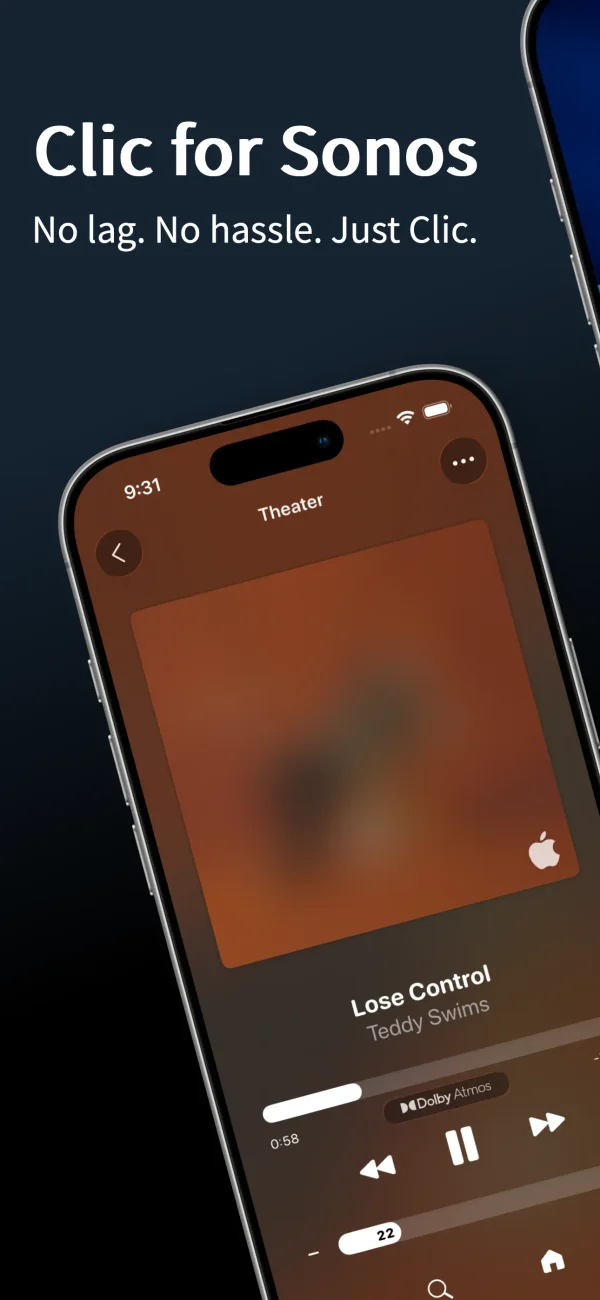
Designed for Apple devices from the ground up, Clic brings your music and speakers together across iPhone, iPad, Apple Watch, Mac, and Apple TV.
DEEP APPLE INTEGRATION
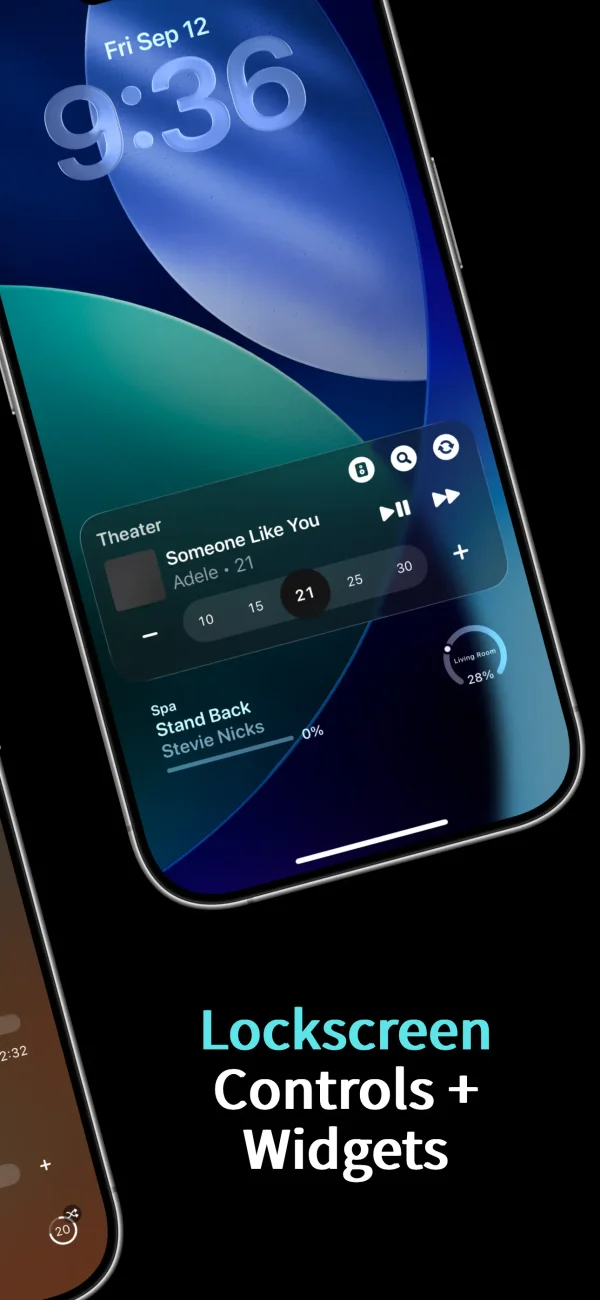
Control playback from the Lock Screen, Dynamic Island, and Control Center. Use Live Activities and wrist controls on Apple Watch. Access instant playback controls from the Mac menu bar while you work. Widgets and Lock Screen controls keep everything close at hand.
HOME AND SPEAKER CONTROL
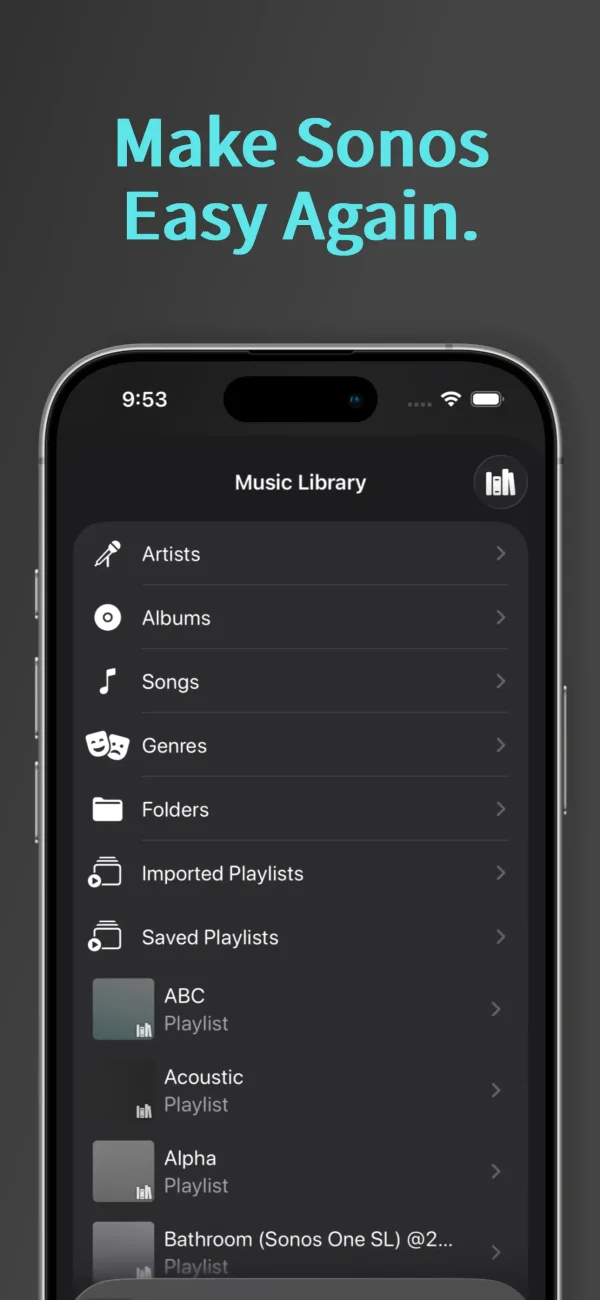
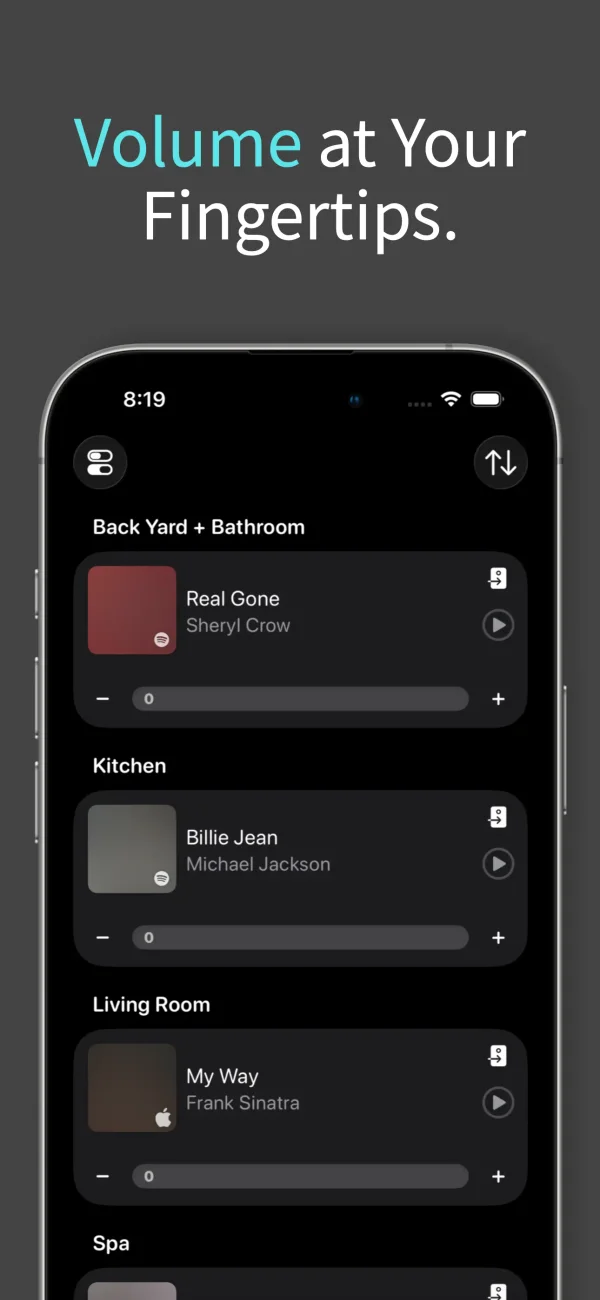
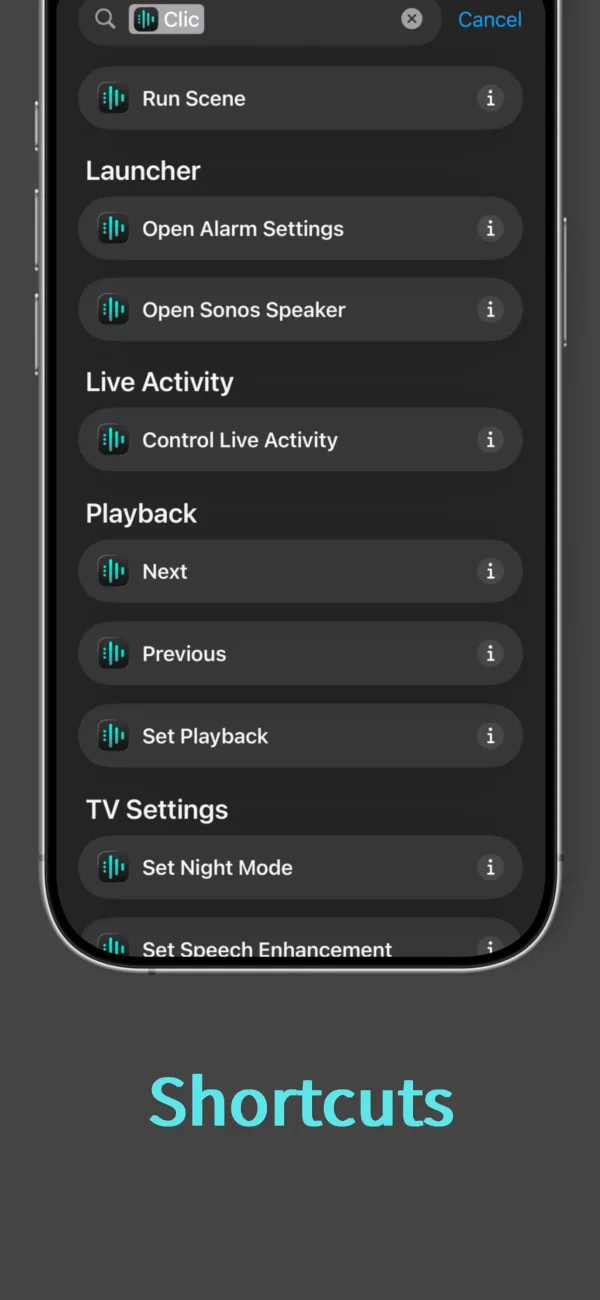
Group speakers, adjust volume, and start music with a single tap. Save scenes for the rooms, volumes, and sources you use most. Trigger favorites with Shortcuts, automations, hot keys, and quick actions throughout your day.
YOUR MUSIC, YOUR WAY
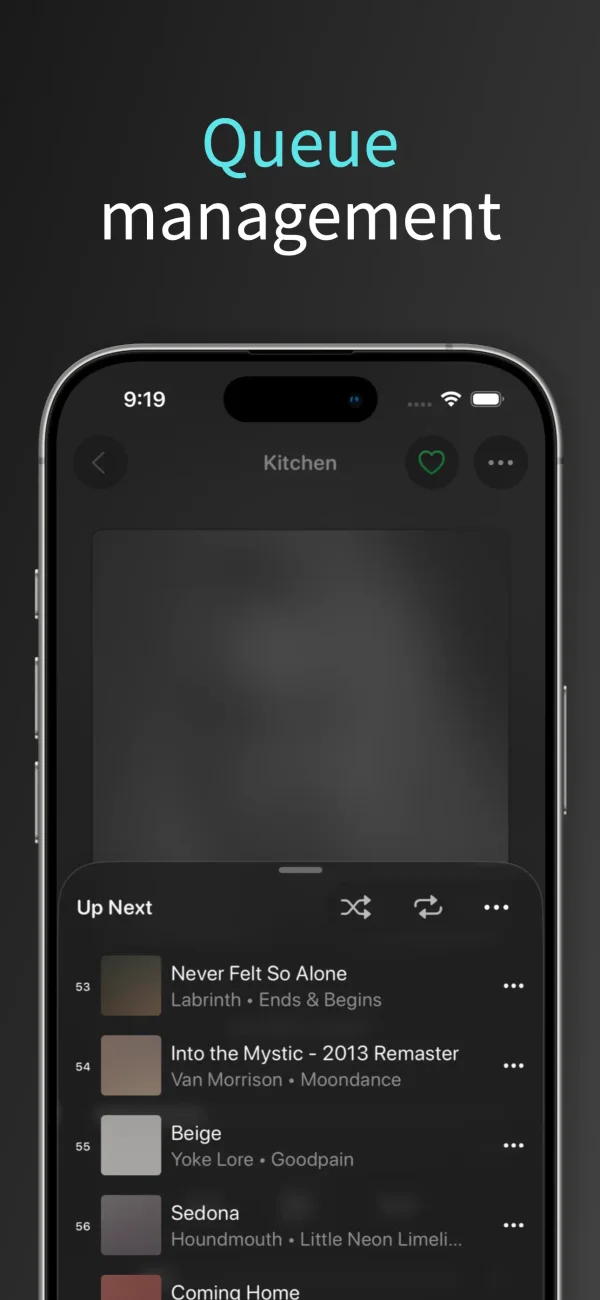
Search and play across your favorite streaming services and personal libraries — all from one place. Build queues, browse your collection, and send music to any room.
QUICK SETUP
Open Clic, allow local network access, and you’re ready to go. Clic tells your speakers to stream directly, so music keeps playing even when your phone leaves the room — with no battery drain or dependency on your device.
INDEPENDENT AND UNAFFILIATED
Clic is independently developed and is not affiliated with Sonos. Sonos is a registered trademark of Sonos Inc.
PRIVACY & TERMS
Privacy: https://clic.dance/privacy
Terms: https://clic.dance/terms
Proudly designed and built in Seattle.
新機能
バージョン 2026.11 · 2026/11/24
–– New Features ––
- Artist pages, sorted like Apple Music's: Albums, Singles & EPs, Live, Compilations and All, and each album listed once, its remasters and deluxe editions folded in, in the year it first came out
- Now Playing on Apple Watch: While your iPhone's Lock Screen shows a speaker, it's at the top of your Watch's room list. Tap it for Clic's player, where play, pause, skip and the crown answer at once through your iPhone instead of waiting for the speakers, and the next song shows the moment you skip. Swipe for the group's volume and Up Next, or tap the group button to add and drop rooms. With Auto Launch on, opening Clic on your Watch goes straight there while your iPhone is playing, and if your iPhone is out of reach the Watch carries on with the speakers itself. Needs Lock Screen set to Now Playing in Clic's Settings on iPhone; turn it off in the Watch's Settings
- Apple Music Favorites: A Favorites row in your library opens the playlists, albums and artists you've favorited, newest added first, and Favorite Songs lists every song you've favorited, even ones you never added to your library
- Sort and filter your Apple Music library: Albums, Artists and Songs have a sort menu to show only your favorites and sort by title, artist, album, release date or date added, remembered for each list
- Grid view: Show your Apple Music, Spotify, Plex and Subsonic albums, artists and playlists as a grid of covers, artists in circles, or as a list
- Subsonic and Navidrome favorites: A Favorites row opens the artists, albums and songs you've starred, newest first, Albums and Artists can show only your favorites, and you can favorite an artist or album from its menu
- Plex: Sort albums and artists by title, artist, year, date added, play count, last played or favorites
- Save as Scene: Save the rooms you're listening in, at their volumes, with the album, playlist or station they're playing, even music started in the Sonos app, from the player's ••• menu, Play On or the Scenes sheet
- Scenes, redesigned: Set up a scene's rooms and volumes, its music, shuffle, repeat and sleep timer on one screen, tap Try It to hear it first, and see when a scene has run or which rooms it couldn't reach
- Pause and Fade In for scenes: A scene can pause its rooms instead of starting music, or bring the music in from silence with each speaker easing up to its volume
- Hear It Live: Hear a scene's volumes on your speakers as you set them, and they go back to how they were if you don't save
- Settings on the Mac: Settings opens in a window of its own, with General, Services, Playback, Sonos, Storage and About along its toolbar, and the window fits each one. Super's subscription screen opens in its own window too
アプリのプライバシー
このアプリのデータの取り扱いについて、Nick HaywardがApp Storeで申告している内容です。
-
データの収集なし
開発元はこのアプリからデータを収集しません。
プライバシーの取り扱いは、ご利用の機能やお客様の年齢などに応じて異なる場合があります。
情報
- 販売元
- Nick Hayward
- カテゴリ
- ミュージック
- バージョン
- 2026.11
- 更新日
- 2026/11/24
- リリース
- 2023/10/24
- サイズ
- 108.7 MB
- 必要条件
- iOS 17.0以降
- 対象年齢
- 4+
- 価格
- 無料
- アプリ内課金
- あり
- 言語
- 英語
- 著作権
- © Clic 2023
こちらもおすすめ
-
 Lyd - Sonos Control & Widgetsミュージック
-
 SonoPhone for Sonosミュージック
-
 Orto - For Sonosミュージック
-
 SonoSequencrミュージック
-
 Phonos Plusミュージック
-
 スマートスピーカー リモートコントロールSonos・JBL対応 キャスト、音量調整、低音ブースト
-
 S1 & S2 Controller for Sonosミュージック
-
 NowPlaying: Find New MusicSong, Album & Band details
-
 Victrola Streamミュージック
-
SonoPad for Sonosミュージック