Clic for Sonos
Music controller & remote
Designed for iPhone, iPad, Mac
Free · In-app purchases
- Age rating4+
- CategoryMusic
- DeveloperNick Hayward
- LanguagesEnglish
- Size108.7 MB
Links to the official App Store page
Download.org hosts no file of Clic for Sonos. The button opens its official App Store page, published by Nick Hayward. Listing last checked on Nov 25, 2026.
Screenshots


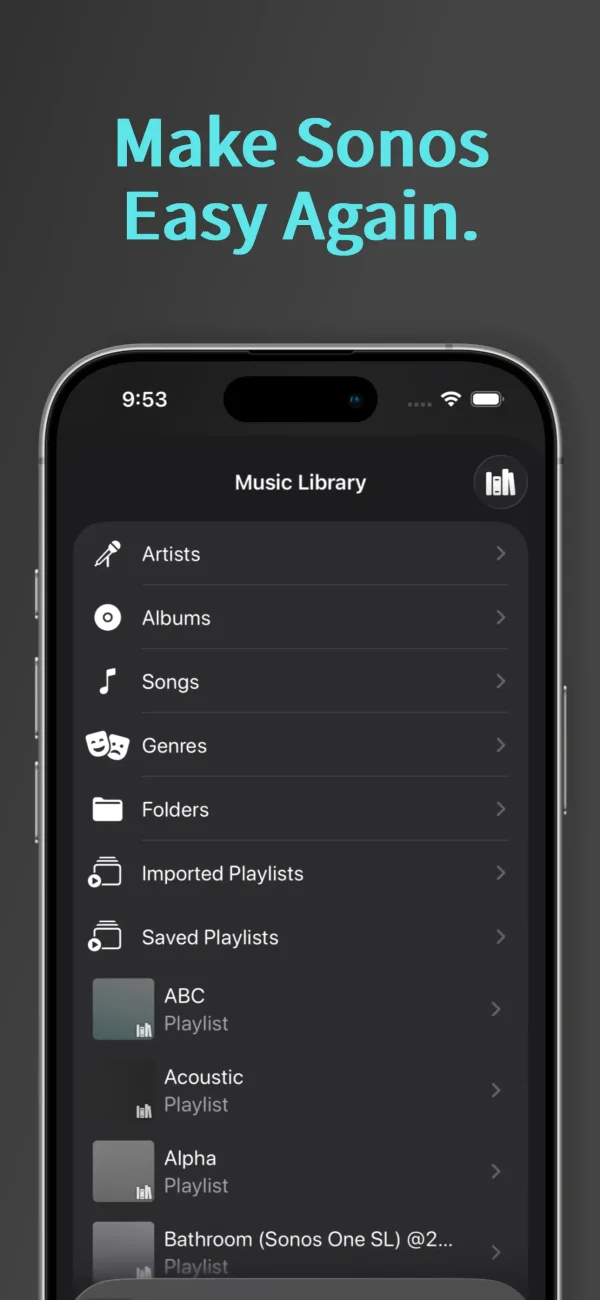
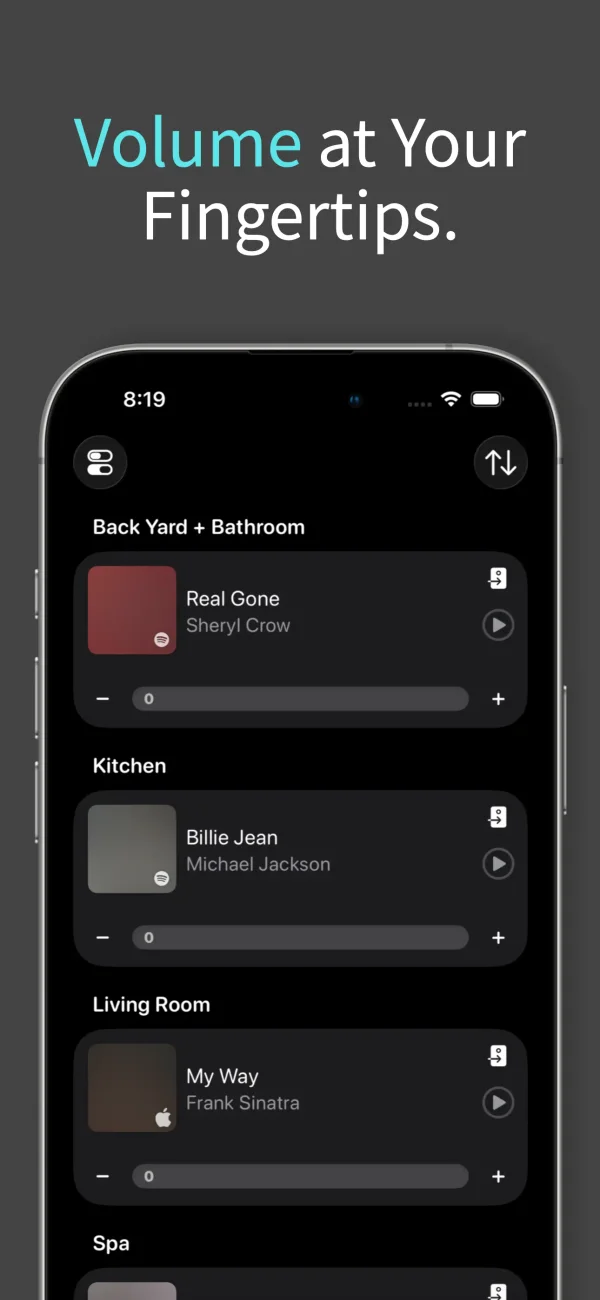
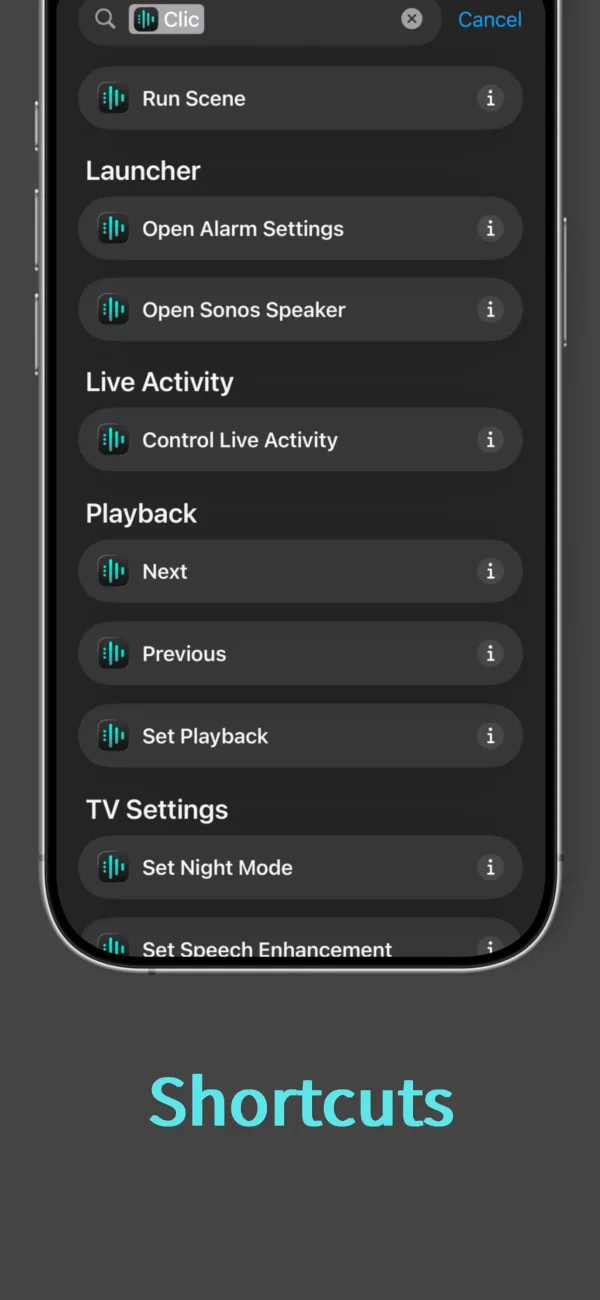
About
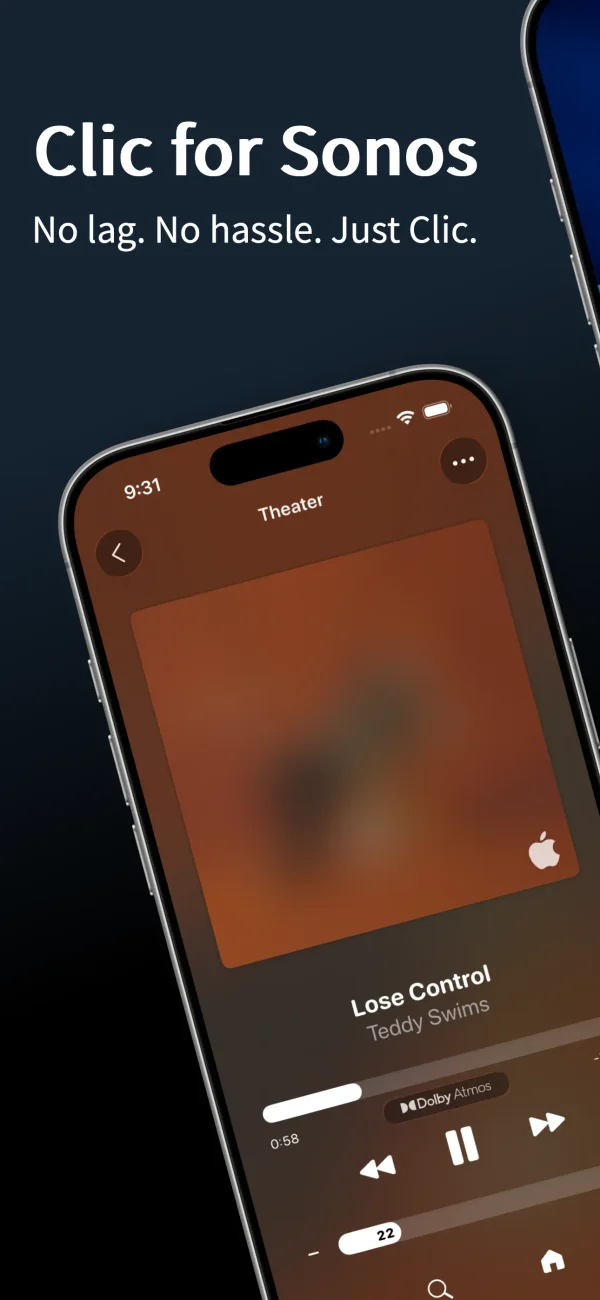
Designed for Apple devices from the ground up, Clic brings your music and speakers together across iPhone, iPad, Apple Watch, Mac, and Apple TV.
DEEP APPLE INTEGRATION
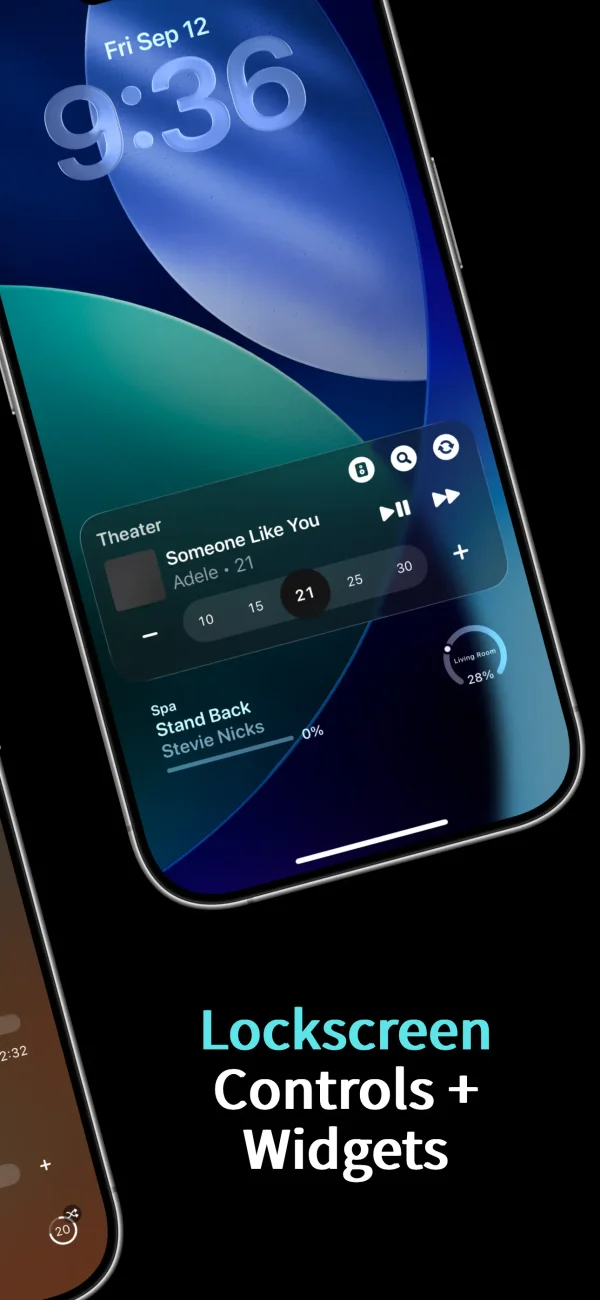
Control playback from the Lock Screen, Dynamic Island, and Control Center. Use Live Activities and wrist controls on Apple Watch. Access instant playback controls from the Mac menu bar while you work. Widgets and Lock Screen controls keep everything close at hand.
HOME AND SPEAKER CONTROL
Group speakers, adjust volume, and start music with a single tap. Save scenes for the rooms, volumes, and sources you use most. Trigger favorites with Shortcuts, automations, hot keys, and quick actions throughout your day.
YOUR MUSIC, YOUR WAY
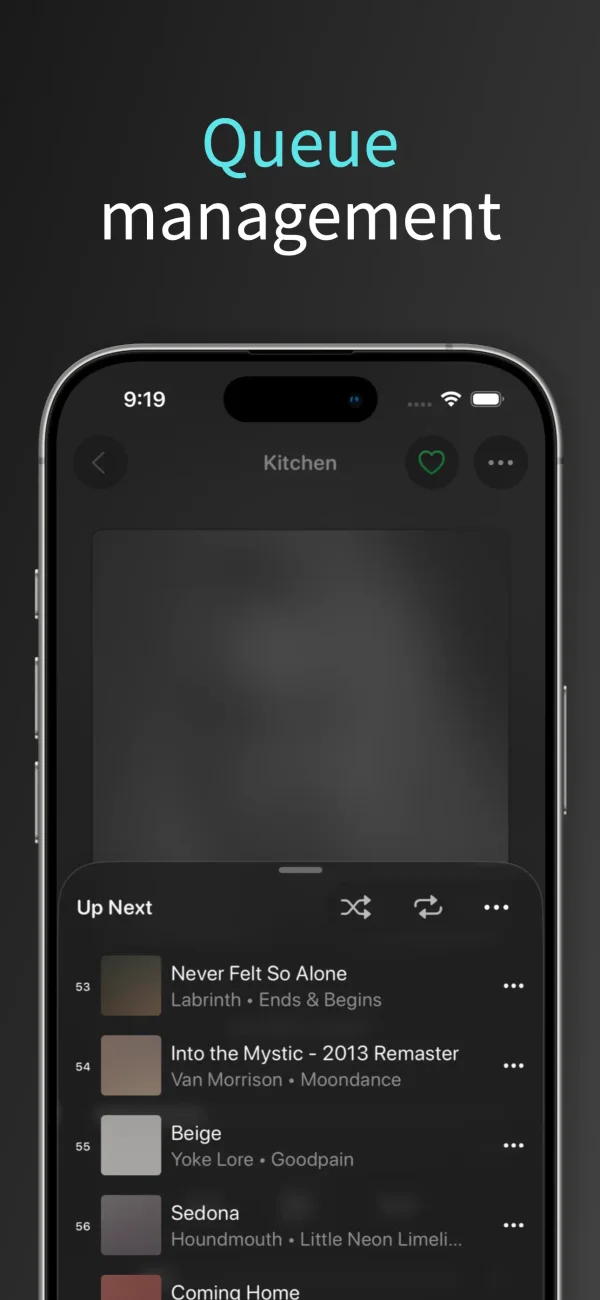
Search and play across your favorite streaming services and personal libraries — all from one place. Build queues, browse your collection, and send music to any room.
QUICK SETUP
Open Clic, allow local network access, and you’re ready to go. Clic tells your speakers to stream directly, so music keeps playing even when your phone leaves the room — with no battery drain or dependency on your device.
INDEPENDENT AND UNAFFILIATED
Clic is independently developed and is not affiliated with Sonos. Sonos is a registered trademark of Sonos Inc.
PRIVACY & TERMS
Privacy: https://clic.dance/privacy
Terms: https://clic.dance/terms
Proudly designed and built in Seattle.
What’s new
Version 2026.11 · Nov 24, 2026
–– New Features ––
- Artist pages, sorted like Apple Music's: Albums, Singles & EPs, Live, Compilations and All, and each album listed once, its remasters and deluxe editions folded in, in the year it first came out
- Now Playing on Apple Watch: While your iPhone's Lock Screen shows a speaker, it's at the top of your Watch's room list. Tap it for Clic's player, where play, pause, skip and the crown answer at once through your iPhone instead of waiting for the speakers, and the next song shows the moment you skip. Swipe for the group's volume and Up Next, or tap the group button to add and drop rooms. With Auto Launch on, opening Clic on your Watch goes straight there while your iPhone is playing, and if your iPhone is out of reach the Watch carries on with the speakers itself. Needs Lock Screen set to Now Playing in Clic's Settings on iPhone; turn it off in the Watch's Settings
- Apple Music Favorites: A Favorites row in your library opens the playlists, albums and artists you've favorited, newest added first, and Favorite Songs lists every song you've favorited, even ones you never added to your library
- Sort and filter your Apple Music library: Albums, Artists and Songs have a sort menu to show only your favorites and sort by title, artist, album, release date or date added, remembered for each list
- Grid view: Show your Apple Music, Spotify, Plex and Subsonic albums, artists and playlists as a grid of covers, artists in circles, or as a list
- Subsonic and Navidrome favorites: A Favorites row opens the artists, albums and songs you've starred, newest first, Albums and Artists can show only your favorites, and you can favorite an artist or album from its menu
- Plex: Sort albums and artists by title, artist, year, date added, play count, last played or favorites
- Save as Scene: Save the rooms you're listening in, at their volumes, with the album, playlist or station they're playing, even music started in the Sonos app, from the player's ••• menu, Play On or the Scenes sheet
- Scenes, redesigned: Set up a scene's rooms and volumes, its music, shuffle, repeat and sleep timer on one screen, tap Try It to hear it first, and see when a scene has run or which rooms it couldn't reach
- Pause and Fade In for scenes: A scene can pause its rooms instead of starting music, or bring the music in from silence with each speaker easing up to its volume
- Hear It Live: Hear a scene's volumes on your speakers as you set them, and they go back to how they were if you don't save
- Settings on the Mac: Settings opens in a window of its own, with General, Services, Playback, Sonos, Storage and About along its toolbar, and the window fits each one. Super's subscription screen opens in its own window too
App privacy
What Nick Hayward declares on the App Store about how this app handles data.
-
Data not collected
The developer does not collect any data from this app.
Privacy practices may vary, for example with the features you use or your age.
Information
- Seller
- Nick Hayward
- Category
- Music
- Version
- 2026.11
- Updated
- Nov 24, 2026
- Released
- Oct 24, 2023
- Size
- 108.7 MB
- Requires
- iOS 17.0 or later
- Age rating
- 4+
- Price
- Free
- In-app purchases
- Yes
- Languages
- English
- Copyright
- © Clic 2023
You might also like
-
 Lyd - Sonos Control & WidgetsWidgets, Shortcuts & Watch
-
 SonoPhone for SonosBest experience on Sonos S1/S2
-
 Orto - For SonosMulti-Device Remote for Sonos
-
 SonoSequencrSonos Automation & Scenes
-
 Phonos PlusUtilities for your Sonos
-
 Smart Speaker Equalizer RemoteBluetooth, Volume Bass booster
-
 S1 & S2 Controller for SonosMusic
-
 NowPlaying: Music DiscoveryFind Albums, Artists & Songs
-
 Victrola StreamVictrola Stream Turntables
-
SonoPad for SonosBest experience on Sonos S1/S2