
- 対象年齢9+
- カテゴリ仕事効率化
- 開発元Johnny Hockin
- 言語英語
- サイズ1.6 MB
App Storeの公式ページにリンクしています
Download.orgはContext Bankのファイルを一切ホストしていません。ボタンを押すと、Johnny Hockinが公開しているApp Storeのアプリページが開きます。ページの最終確認:2026/11/22。
スクリーンショット
概要
開発元はこのテキストをお使いの言語で提供していません。
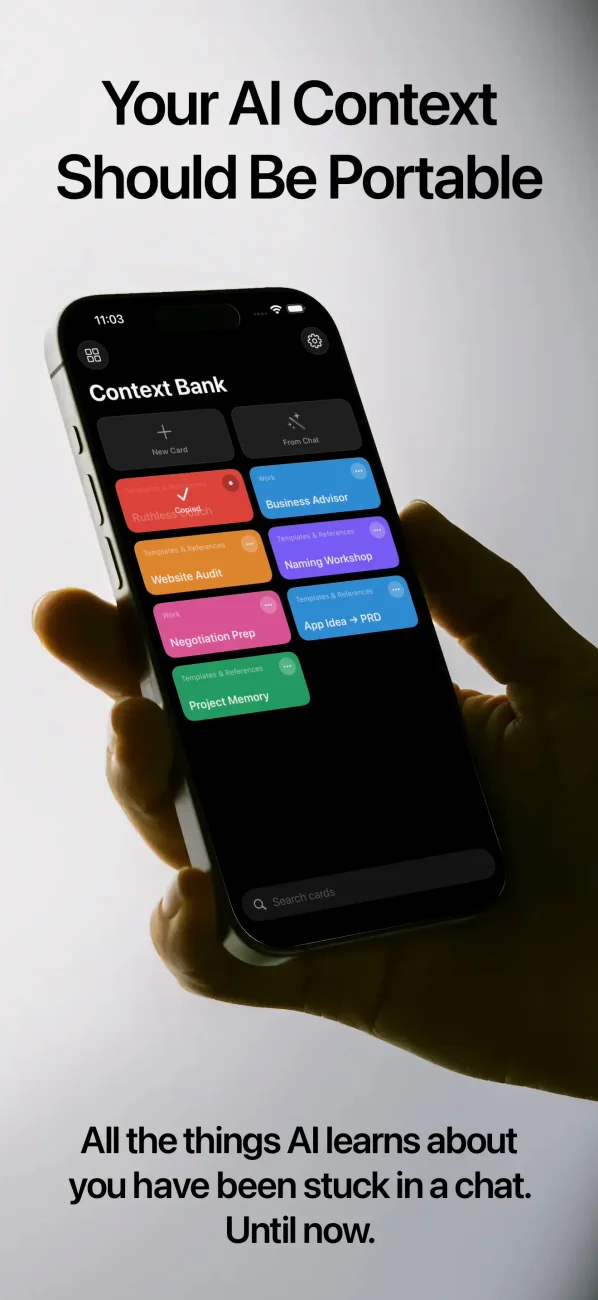
Your AI context should be portable.
Every conversation, AI learns how you think. Your preferences, your projects, your style. Then the chat ends — and it's gone. Next conversation, you start over.
The best AI users already solved this. They save context about themselves and paste it into every new chat. It's the difference between starting from scratch and picking up where you left off. Context Bank puts that cheat code in your pocket.
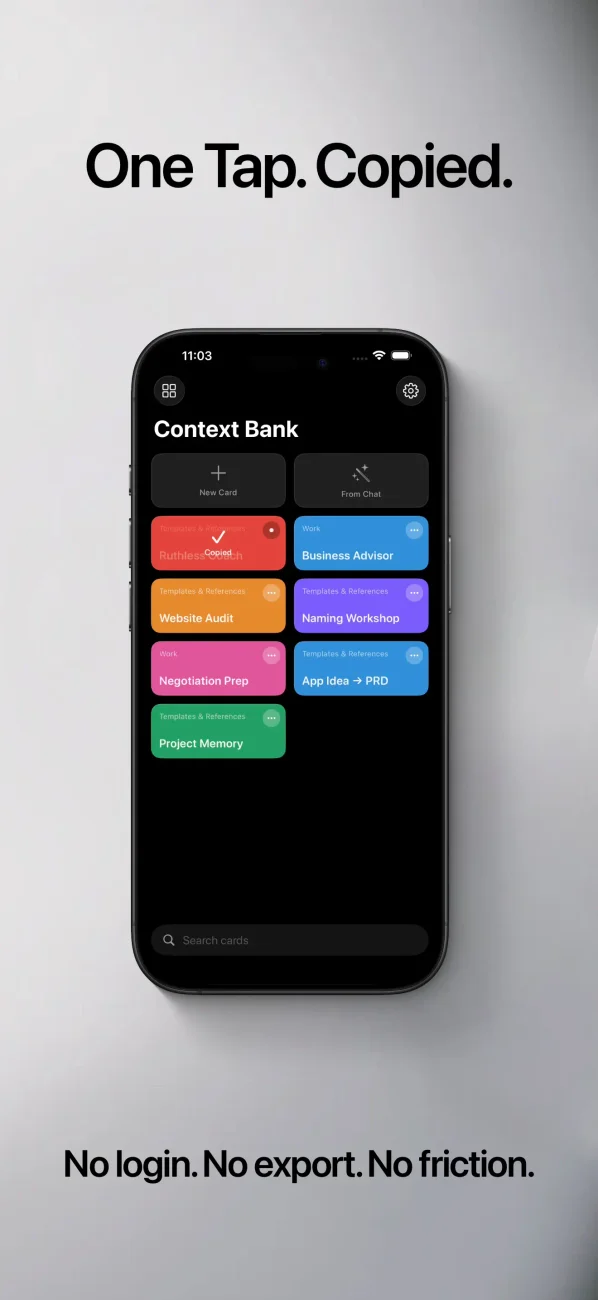
Save context once. Tap a card to copy. Paste into ChatGPT, Claude, Gemini: any AI, any conversation. Every new chat starts informed.
— HOW IT WORKS —
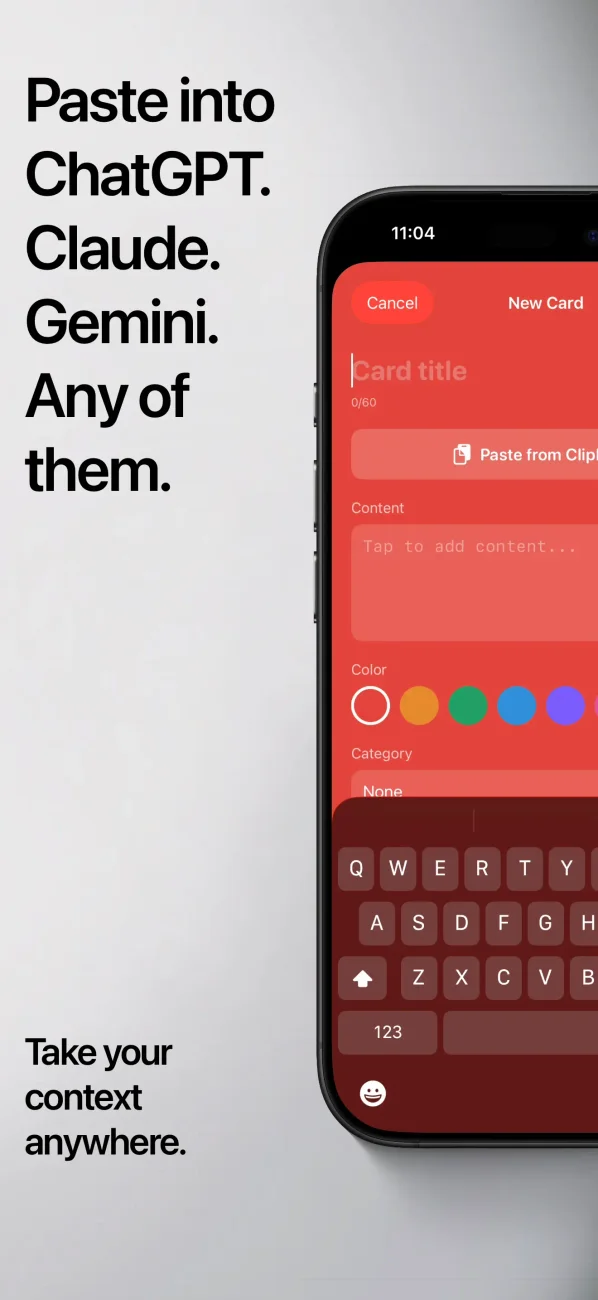
1. Create a card. A persona the AI should adopt. A project brief. A client context. Whatever you find yourself re-explaining — write it once.
2. Tap to copy. One tap, it's on your clipboard. No menus, no loading, no friction.
3. Paste into any AI. ChatGPT, Claude, Gemini, Perplexity — your AI knows you from word one.
— THE EXAMPLE STORE —
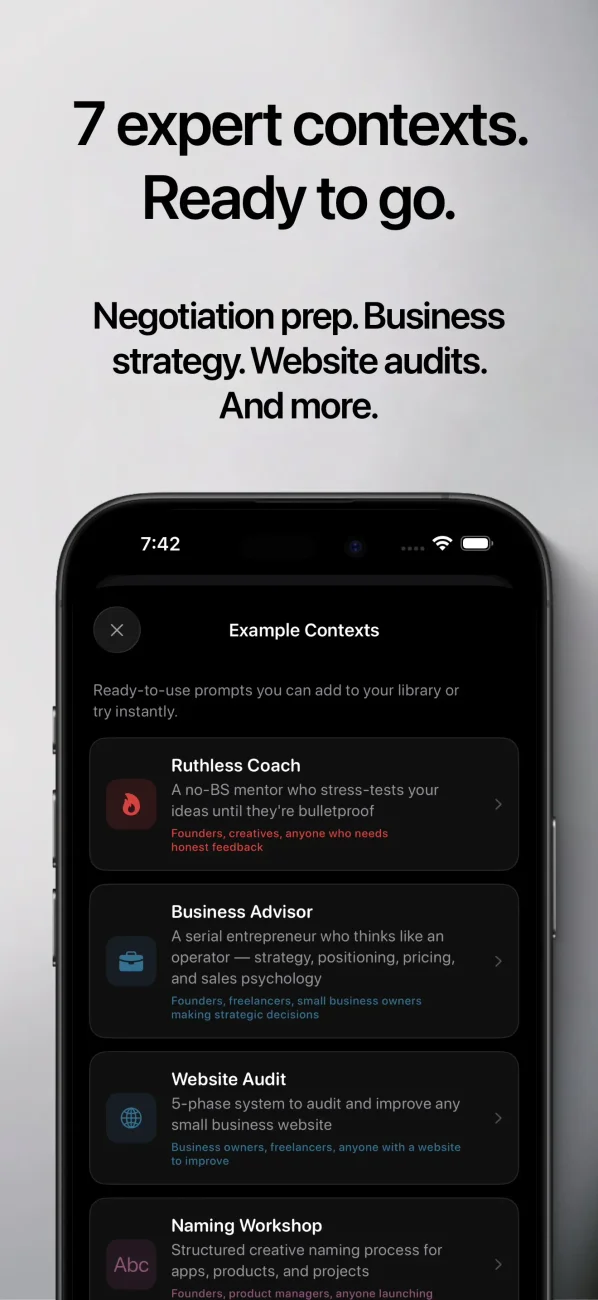
Not sure where to start? The built-in store includes seven ready-to-use contexts:
– Ruthless Coach – Based on the viral prompt that unlocks brutally powerful strategic thinking from any LLM
– Website Audit – A 5-phase protocol for evaluating any website
– Naming Workshop – A structured creative process for naming anything
– Negotiation Prep – Chris Voss-style techniques, ready for high-stakes conversations
– App Idea to PRD – A carefully-optimized prompt to turn a rough concept into a full product requirements doc for your next app
– Business Advisor – A serial entrepreneur with cross-industry pattern recognition
– Project Memory – A powerfully simple context-management protocol for AI coding agents. Unlock Ralph Wiggum-style results without the added work
Add any to your library. Customize them. Use them as templates for your own.
— FEATURES —
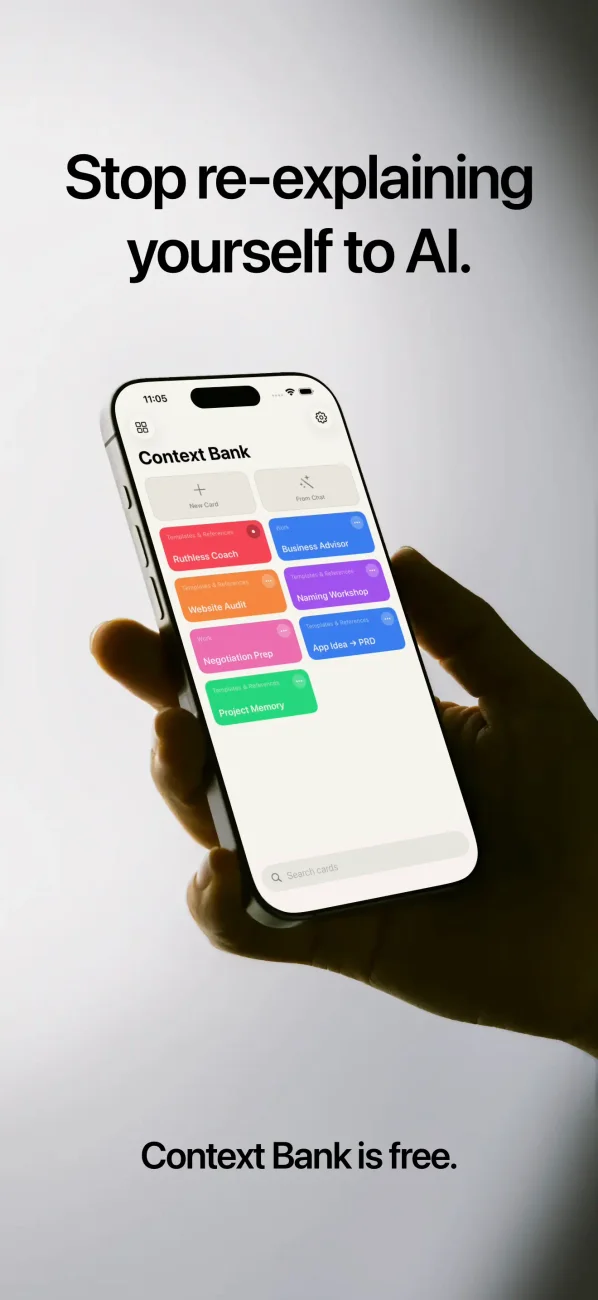
– Color-coded card gallery with instant tap-to-copy
– Full text editor with live word count
– Categories: Personal, Work, Clients, Templates & References
– Search across all your cards
– From Chat – turn any AI conversation into a reusable context card
– Light and dark mode
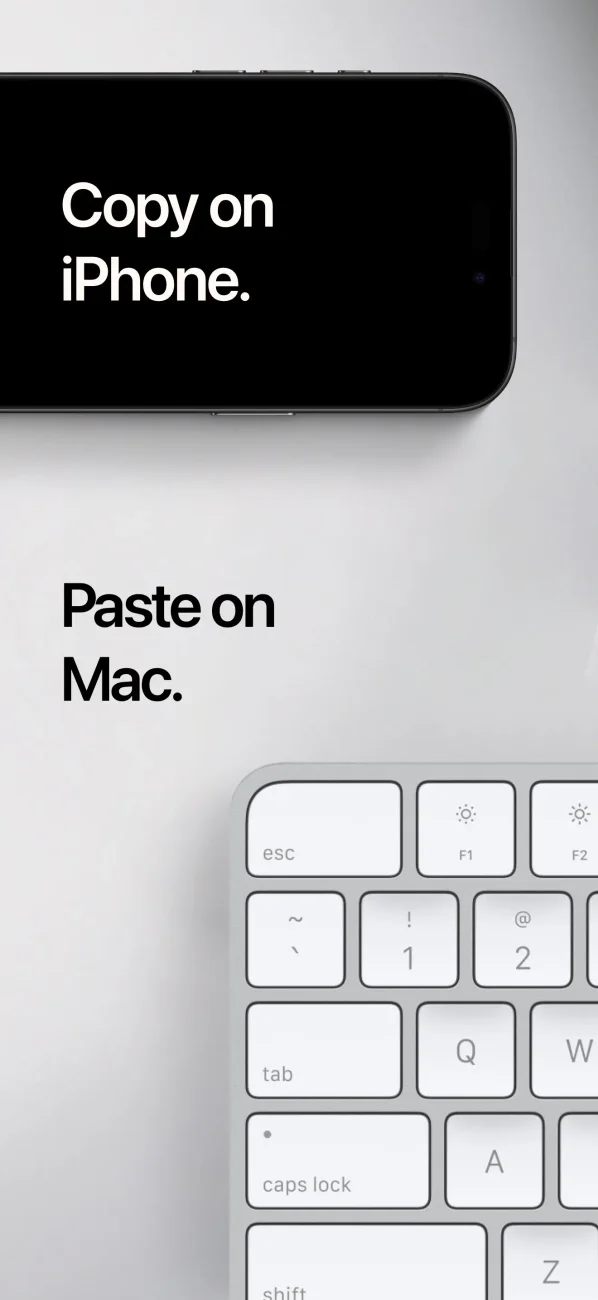
– Universal Clipboard — copy on iPhone, paste on Mac
– No accounts, no sign-up, no cloud required
— WHO IT'S FOR —
Anyone who uses AI more than casually. Freelancers juggling clients. Founders who live in AI. Developers, consultants, creatives. If you've ever re-explained yourself to an AI that should already know you — this is the unlock.
— PRIVACY —
Everything stays on your device. No analytics. No tracking. No cloud sync. We don't know you exist.
— PRICE —
Free. No ads. No in-app purchases. No catch.
We believe your AI context should belong to you. Now it does.
新機能
バージョン 1.0.1 · 2026/3/27
Fresh colour palette ... bolder, more vibrant cards in dark and light mode. Export your library as plain text.
アプリのプライバシー
このアプリのデータの取り扱いについて、Johnny HockinがApp Storeで申告している内容です。
-
データの収集なし
開発元はこのアプリからデータを収集しません。
プライバシーの取り扱いは、ご利用の機能やお客様の年齢などに応じて異なる場合があります。
情報
- 販売元
- Johnny Hockin
- カテゴリ
- 仕事効率化
- バージョン
- 1.0.1
- 更新日
- 2026/3/27
- リリース
- 2026/3/23
- サイズ
- 1.6 MB
- 必要条件
- iOS 17.0以降
- 対象年齢
- 9+
- 価格
- 無料
- 言語
- 英語
- 著作権
- © 2026 Johnny Hockin
こちらもおすすめ
-
 InfoBlocks PocketOrganize Once, Find Anything
-
 Prompt Tutor: AI Prompt Maker仕事効率化
-
 Balane TextDeck: 定型文ショートカットプロンプト・テンプレートをワンタップでコピペ
-
 Pomodoro Timer: Tempo Focus仕事効率化
-
 Writing App: PlotWords仕事効率化
-
 Home Stories: リフォーム見積もり予算・費用・買い物・写真を一括管理
-
 習慣管理 – Dayriseストリーク・ルーティン・目標管理
-
 Anchor: Time Blocking Planner仕事効率化
-
 Co-work - AI Agent Assistant仕事効率化
-
 Quick Capture- SupasendCapture quickly notes & tasks