
Anchor: Time Blocking Planner
Daily Calendar & Focus Timer
iPhone, Mac向けに設計
無料 · アプリ内課金
- 対象年齢4+
- カテゴリ仕事効率化
- 開発元Alessandro Pluda
- 言語英語ほか5言語
- サイズ98.2 MB
App Storeの公式ページにリンクしています
Download.orgはAnchor: Time Blocking Plannerのファイルを一切ホストしていません。ボタンを押すと、Alessandro Pludaが公開しているApp Storeのアプリページが開きます。ページの最終確認:2026/11/25。
スクリーンショット


概要
開発元はこのテキストをお使いの言語で提供していません。
A place for your tasks, projects, and daily plan.
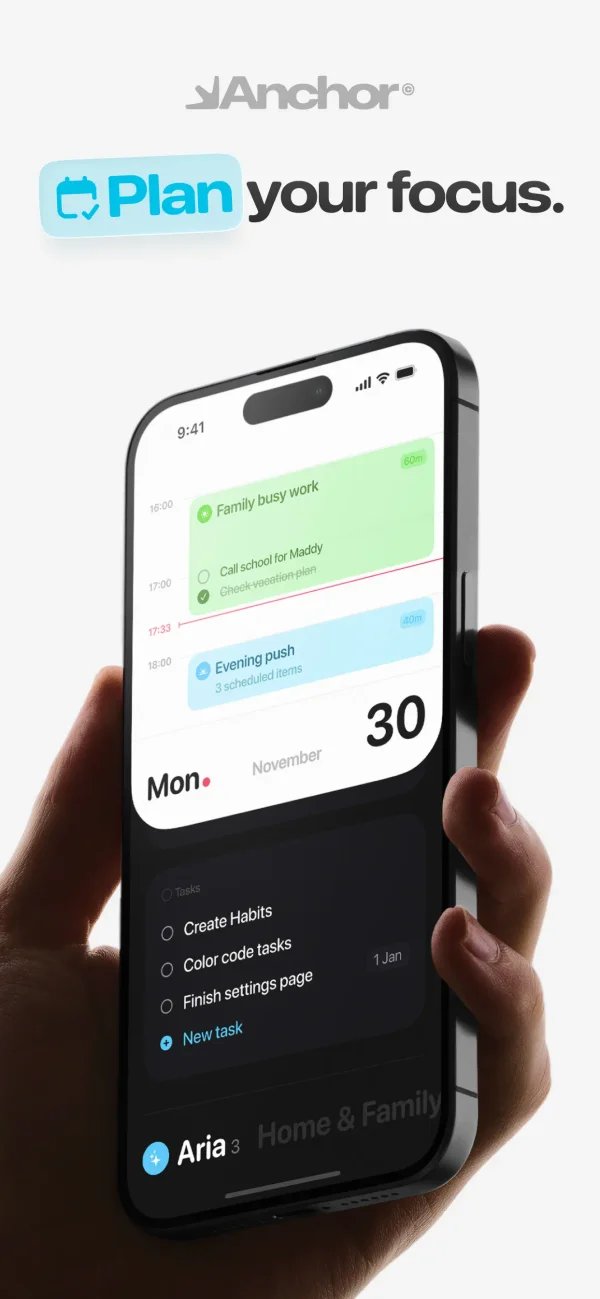
Anchor organizes your day around focus blocks. Group tasks into a block, give it some time in your calendar, and work through them at your own pace. When plans change, move things around.
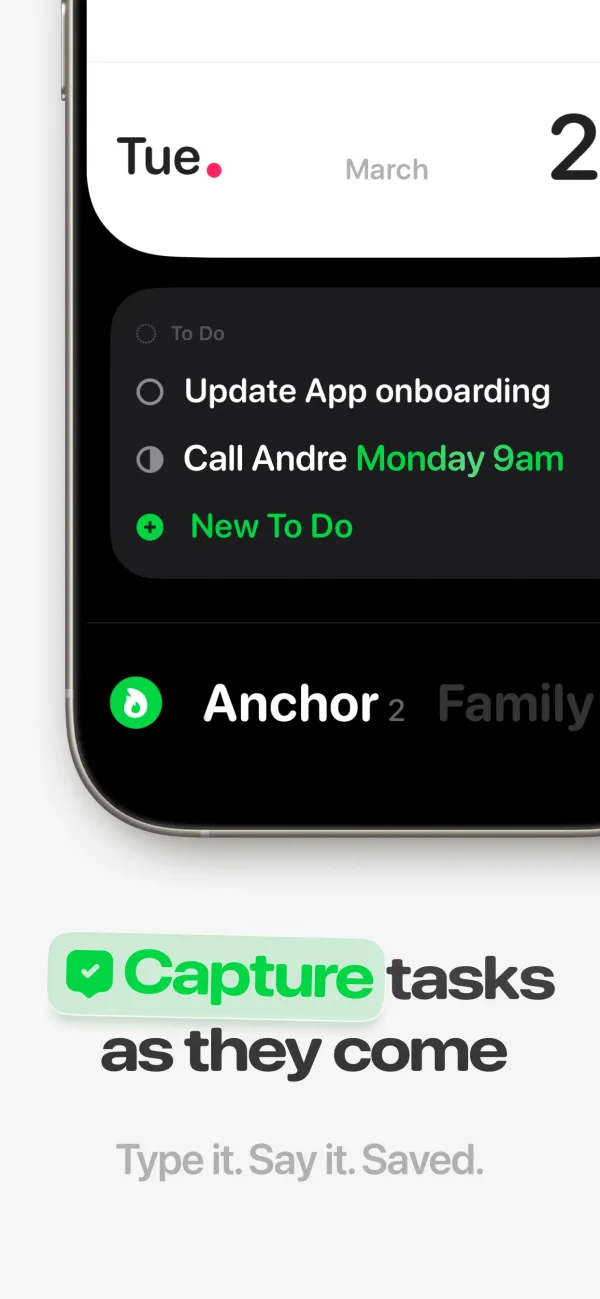
CAPTURE YOUR TASKS
Type a task as it comes to mind. Use Smart Dates to add a date as you type, or hold New To Do and talk through several things at once. Anchor turns what you say into tasks, with projects, dates, and urgency levels, privately with Apple Intelligence.*
KEEP PROJECTS ORGANIZED
Keep related tasks in projects. Add dividers to separate sections, notes to hold the details, and urgency levels to show what needs attention. Drag tasks into the order that works for you.
PLAN WITH FOCUS BLOCKS
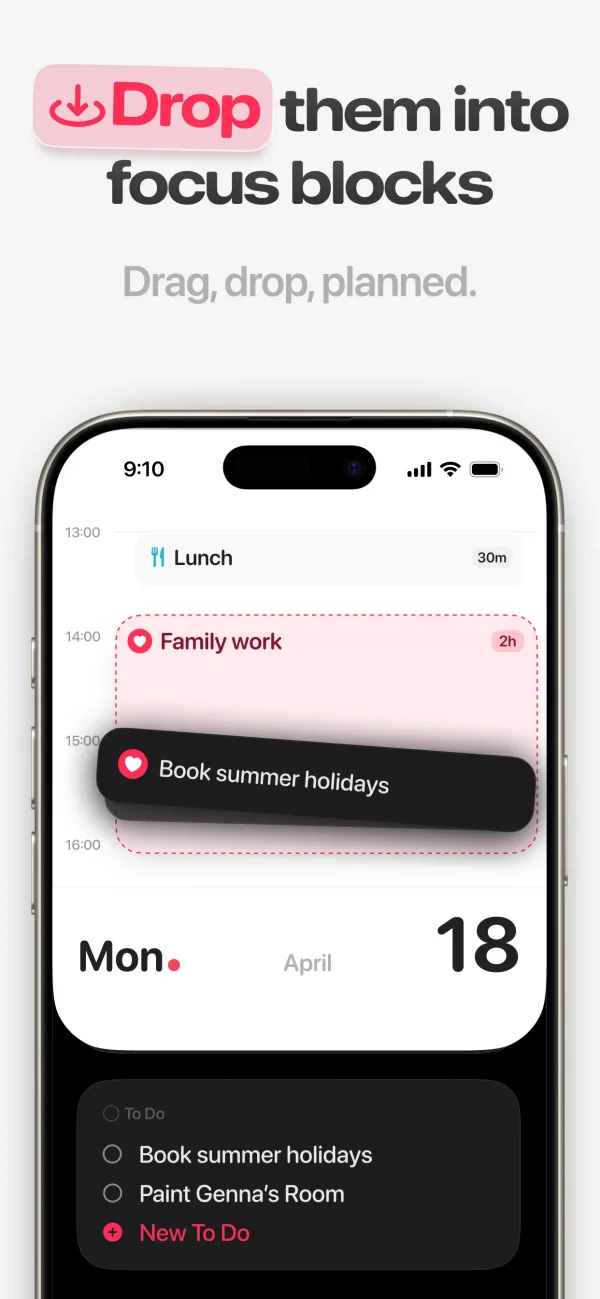
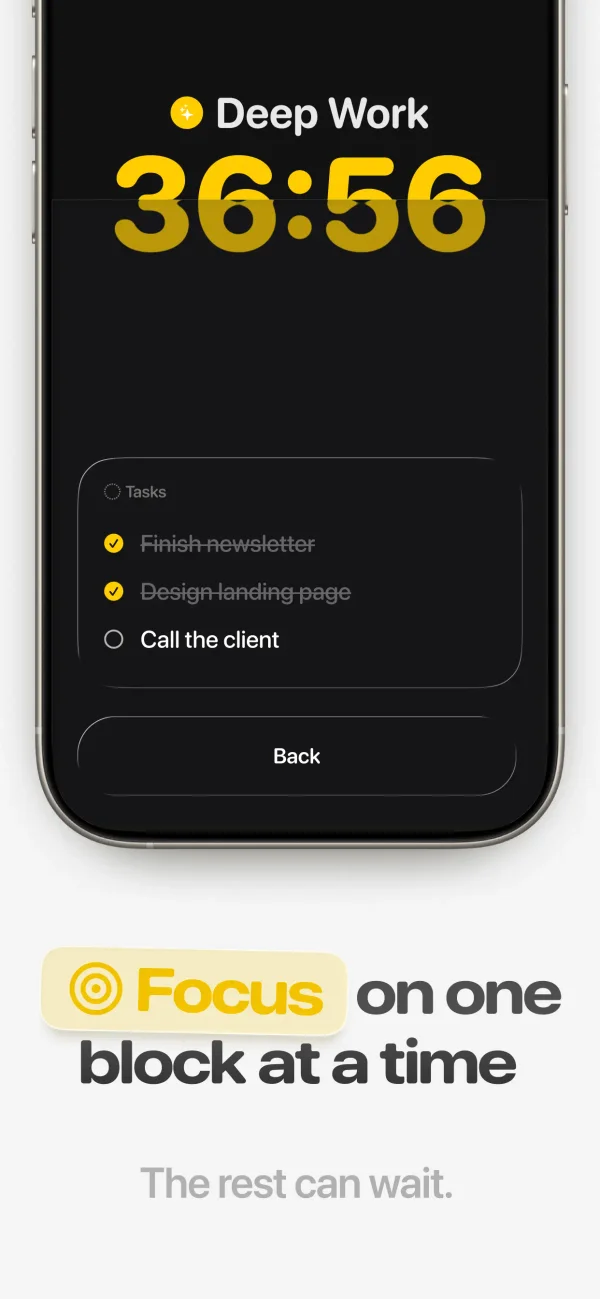
Bring tasks into a block alongside your calendar events. Set up repeating blocks for the regular parts of your week. Focus on one block at a time, and move unfinished tasks forward when you need to.
PICK UP ON ANOTHER DEVICE
Your tasks, projects, and focus blocks sync through your private iCloud. Anchor is also available on Mac, so you can continue there.
CONNECTED TO YOUR DAY
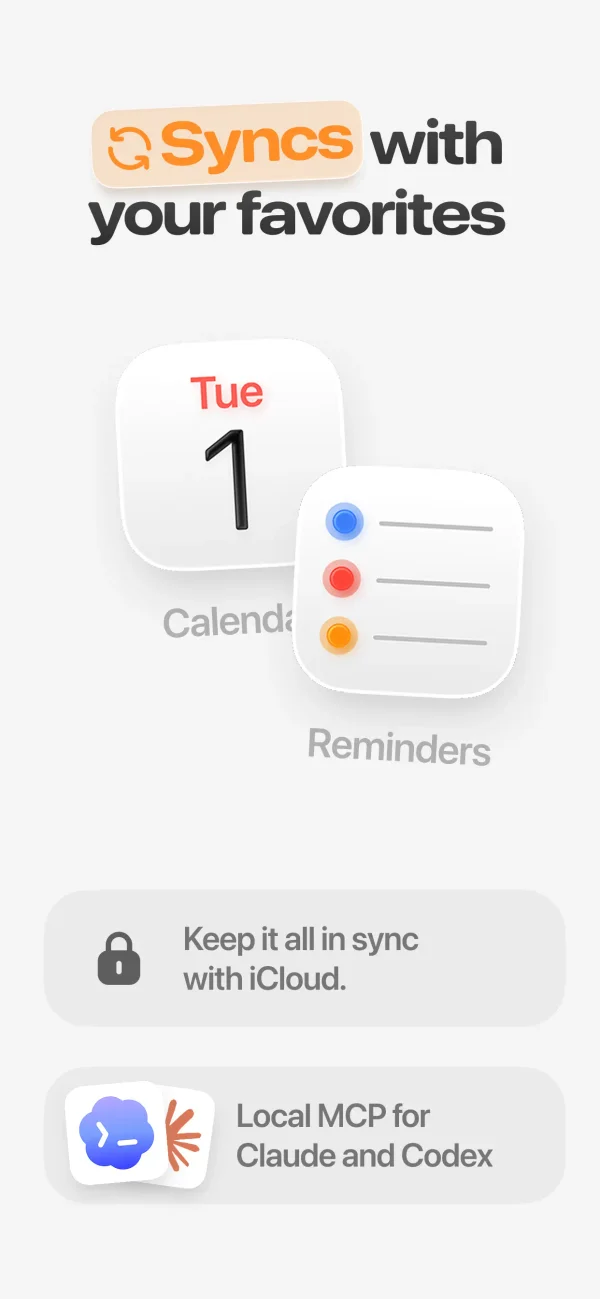
• Apple Calendar and Reminders sync
• Widgets and Live Activity
• Siri shortcuts
• Repeating blocks and custom icons
• Works offline
• No separate Anchor account required
Available in English, German, French, Spanish, Italian, and Brazilian Portuguese.
MADE INDEPENDENTLY
Anchor is designed and built by an independent developer. No ads, no venture capital. Just an app that keeps getting better with feedback from the people who use it.
*Voice capture requires Super Anchor and a compatible iPhone with Apple Intelligence enabled, using a supported language.
Terms of Use: https://www.apple.com/legal/internet-services/itunes/dev/stdeula/
新機能
バージョン 2.3 · 2026/11/23
• Repeating Tasks: Set a task to repeat from its date: daily, on weekdays, monthly and more. Check it off and it comes back on its next date. On iPhone and Mac, and in step with Apple Reminders.
• Emoji Icons and New Colors: Give a project or focus block an emoji as its icon: swipe to the second page of the icon picker. Peach, lilac and raspberry join the colors.
• More Ways to Repeat Blocks: Repeat a focus block on several weekdays, every few weeks or months, on chosen days of the month or its last day, or in chosen months of the year. On iPhone and Mac.
• Live Activity for Blocks with Tasks: Choose whether the Dynamic Island shows every focus block or only the ones with tasks. The same choice for the notch on the Mac.
Fixes
• Dragging a to do onto a repeating focus block no longer crashes Anchor.
• Changes you make in Anchor reach Apple Reminders within seconds.
• Your Reminders lists show up right after you give Anchor access to Reminders.
• A new focus block keeps the name you typed.
• All-day focus blocks set to repeat now show on every repeat day.
• Changing a repeating focus block with This and Future now reaches every later day.
• On Mac, ⌘Z no longer gets stuck after a sync with Reminders.
• A to do you just completed can be held and dragged to Delete right away.
• With Smart Dates off, words like "tomorrow" stay in the to do's name.
• To dos keep the same order on all your devices.
• On a closed iPhone Duo, the urgency slider no longer runs into the status column.
アプリのプライバシー
このアプリのデータの取り扱いについて、Alessandro PludaがApp Storeで申告している内容です。
-
ユーザーに関連付けられないデータ
収集される場合がありますが、ユーザーの識別情報には関連付けられません。
- 購入
- ID
- 使用状況データ
- 診断
プライバシーの取り扱いは、ご利用の機能やお客様の年齢などに応じて異なる場合があります。
情報
- 販売元
- Alessandro Pluda
- カテゴリ
- 仕事効率化
- バージョン
- 2.3
- 更新日
- 2026/11/23
- リリース
- 2026/4/7
- サイズ
- 98.2 MB
- 必要条件
- iOS 26.0以降
- 対象年齢
- 4+
- 価格
- 無料
- アプリ内課金
- あり
- 言語
- 英語, フランス語, ドイツ語, イタリア語, ポルトガル語, スペイン語
- 著作権
- © 2026, Alessandro Pluda
こちらもおすすめ
-
 AI Calendar - Pocket Cal仕事効率化
-
 習慣管理 – Dayriseストリーク・ルーティン・目標管理
-
 Pomodoro Timer: Tempo Focus仕事効率化
-
 習慣トラッカー // init.Habits継続・ルーティン・目標管理・記録・ハビットトラッカー
-
 Re:mindr - Quick Reminders仕事効率化
-
 Offload ADHD Organizer仕事効率化
-
 Focus Timer - Studious仕事効率化
-
 Things take time: Life tracker仕事効率化
-
 Ivy: Plan. Do. Reflect.仕事効率化
-
 ThisDay: プランナーとリマインダータスク、習慣、リマインダー