- 対象年齢4+
- カテゴリ仕事効率化
- 開発元Kang Soohee
- 言語英語
- サイズ6.8 MB
App Storeの公式ページにリンクしています
Download.orgはCount On Me Timerのファイルを一切ホストしていません。ボタンを押すと、Kang Sooheeが公開しているApp Storeのアプリページが開きます。ページの最終確認:2026/11/18。
スクリーンショット

概要
開発元はこのテキストをお使いの言語で提供していません。
Focus feels easier when your space feels familiar.
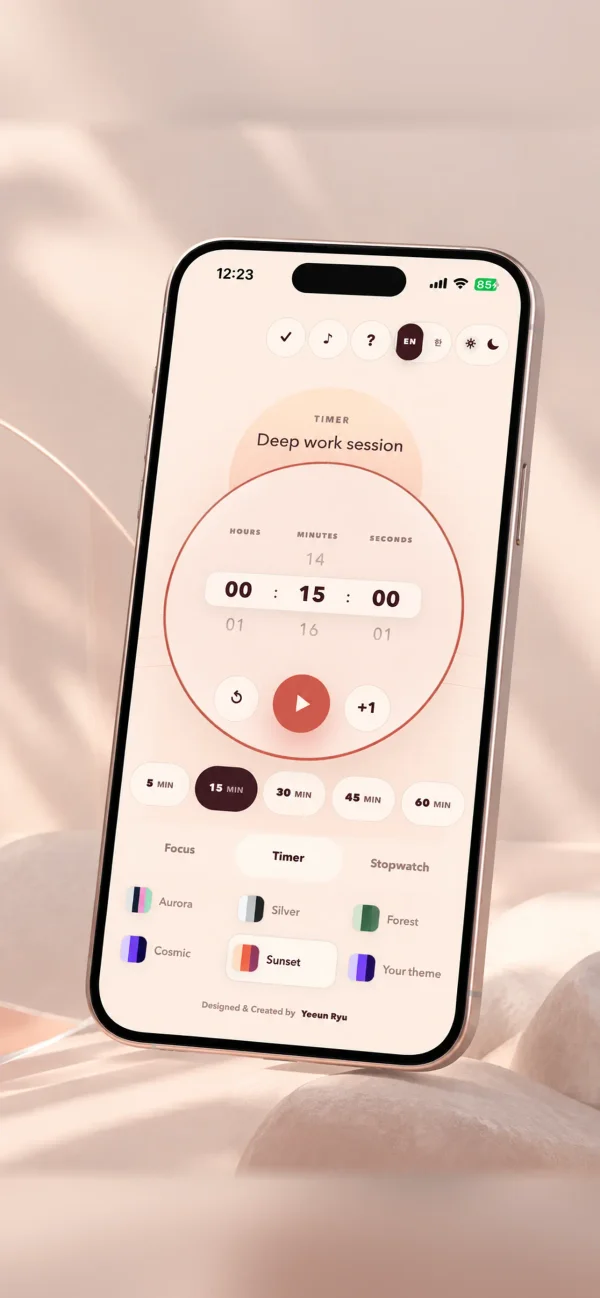
Count On Me is a customizable focus companion that helps you concentrate in an atmosphere that looks and feels like your own. Choose a thoughtfully designed theme, adjust the colors and typeface, or use a personal photo to create a focus space where you feel comfortable.
FOCUS IN YOUR OWN WAY
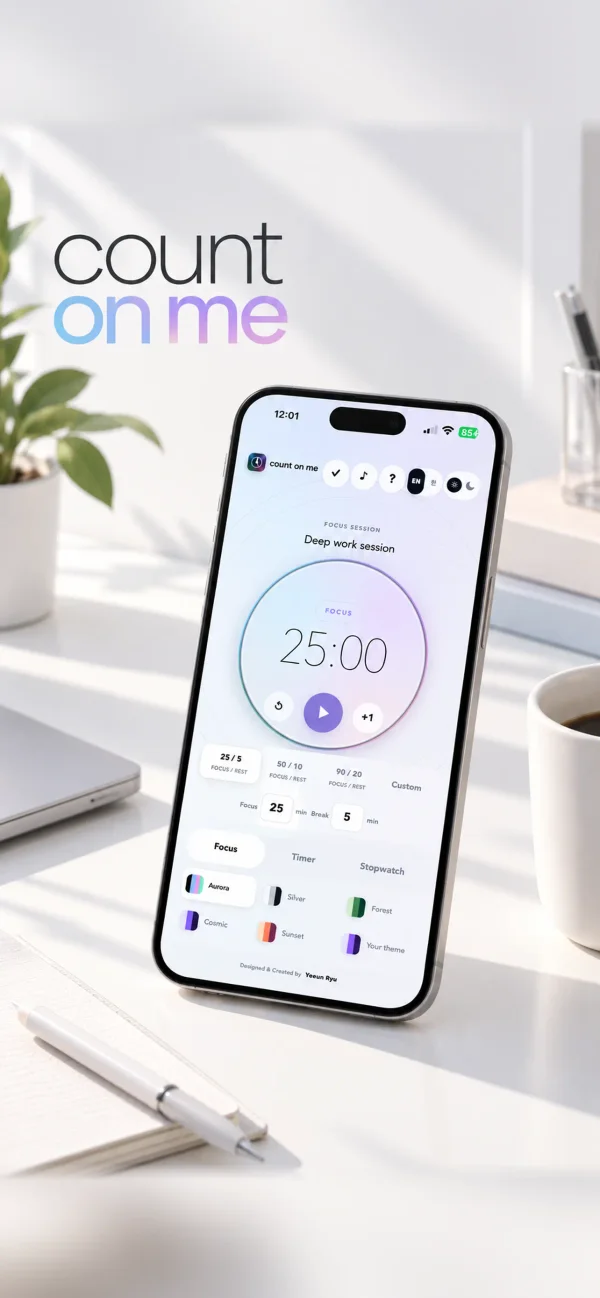
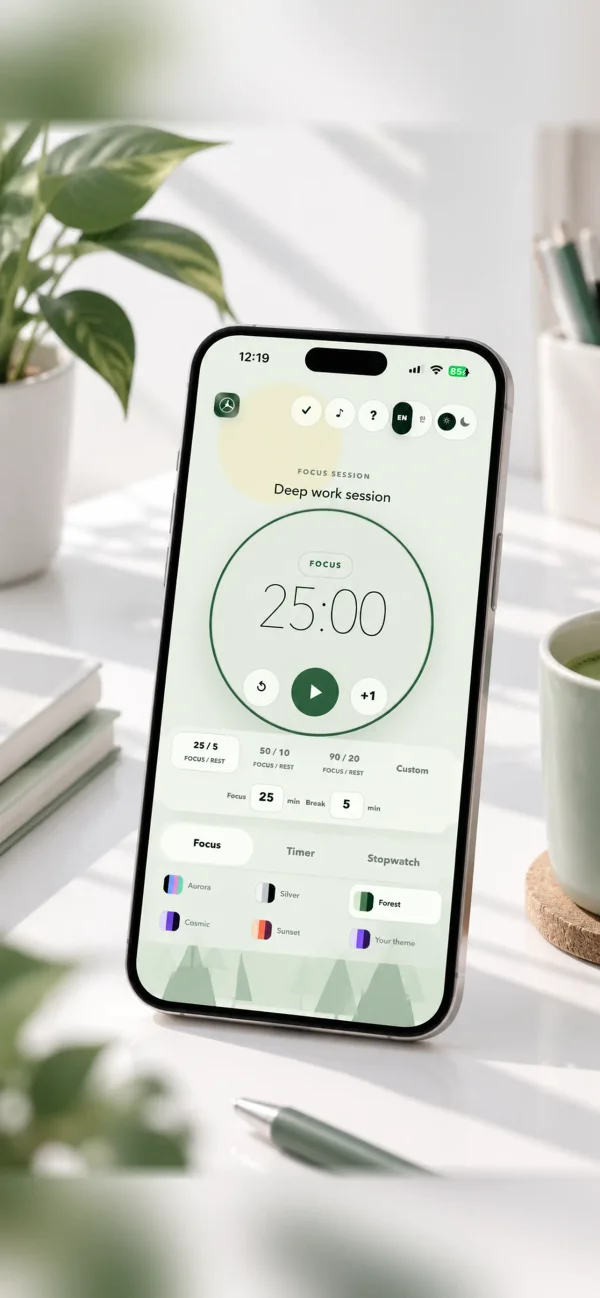
• Use Focus, Timer, and Stopwatch modes.
• Choose a Pomodoro preset or create your own focus and break times.
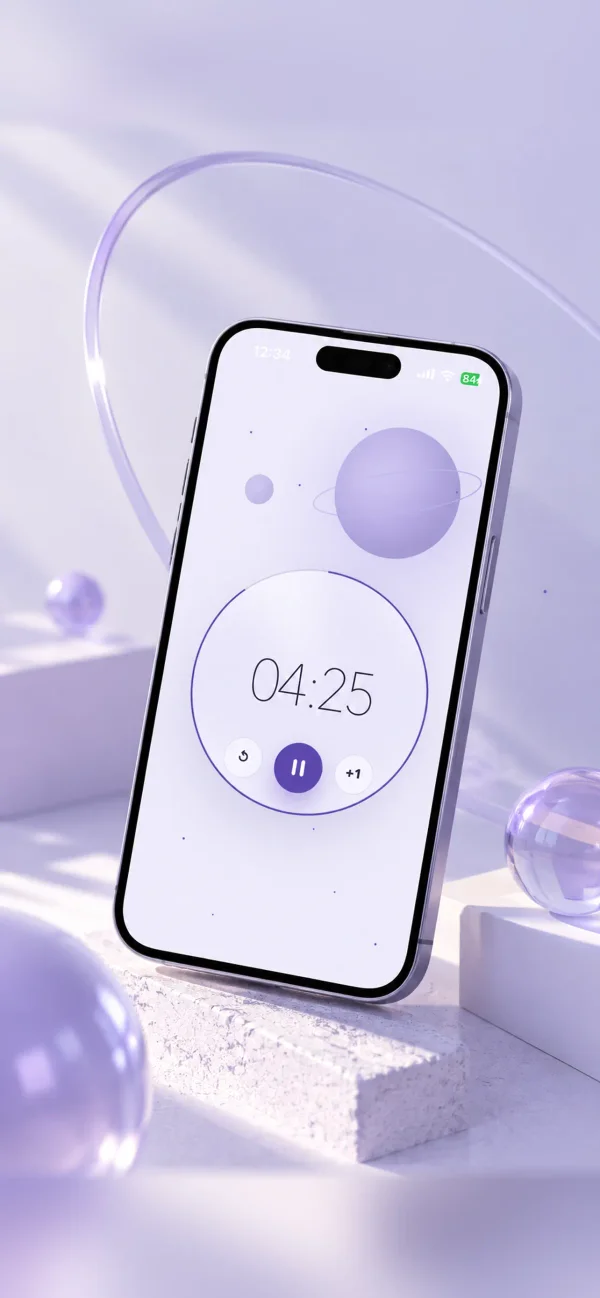
• Pause, resume, reset, or add another minute whenever you need.
• Receive an alert when your session is complete.
CREATE A FAMILIAR SPACE
• Explore Aurora, Silver, Forest, Cosmic, and Sunset themes.
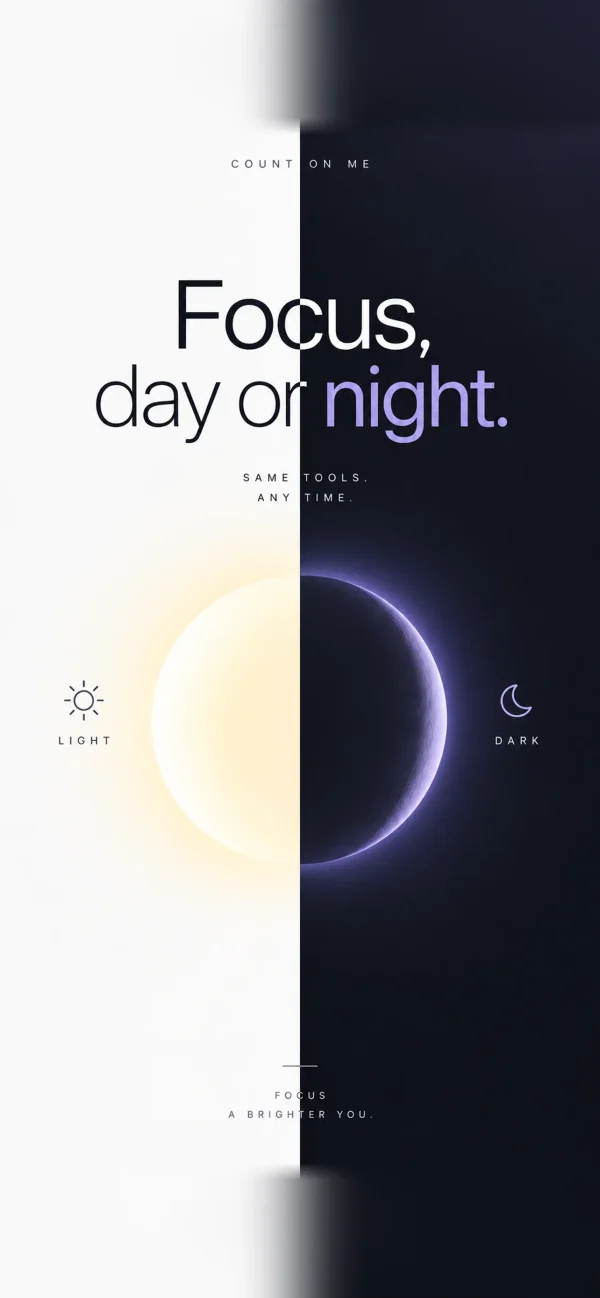
• Switch between carefully designed light and dark modes.
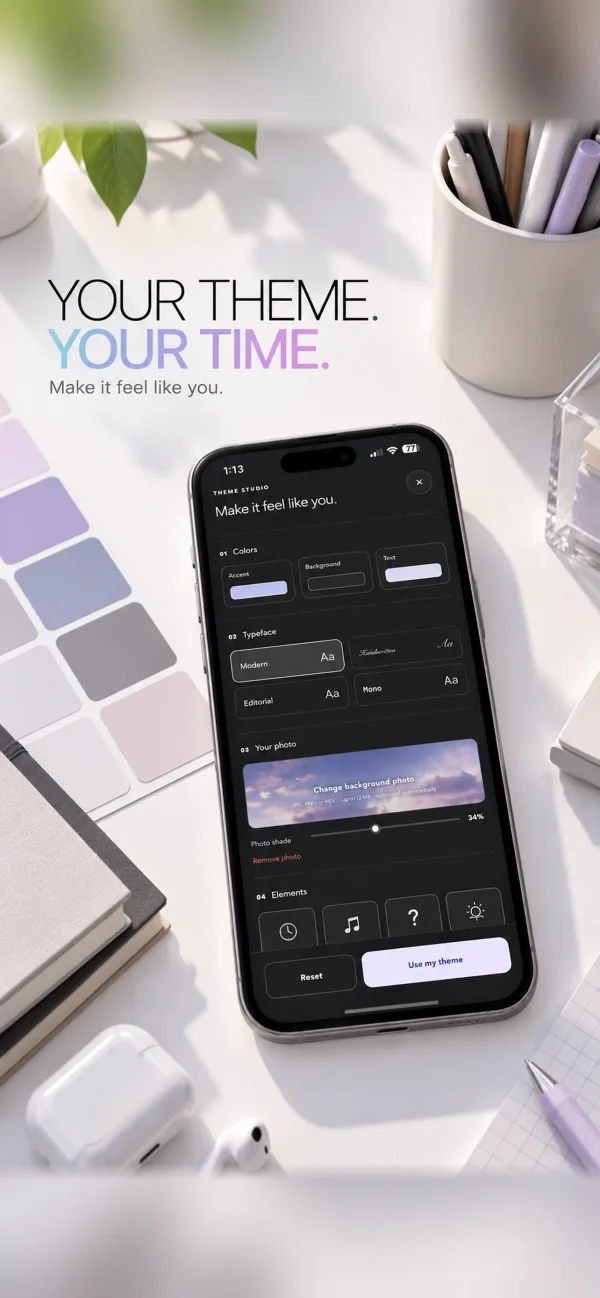
• Personalize colors, typefaces, and visual elements.
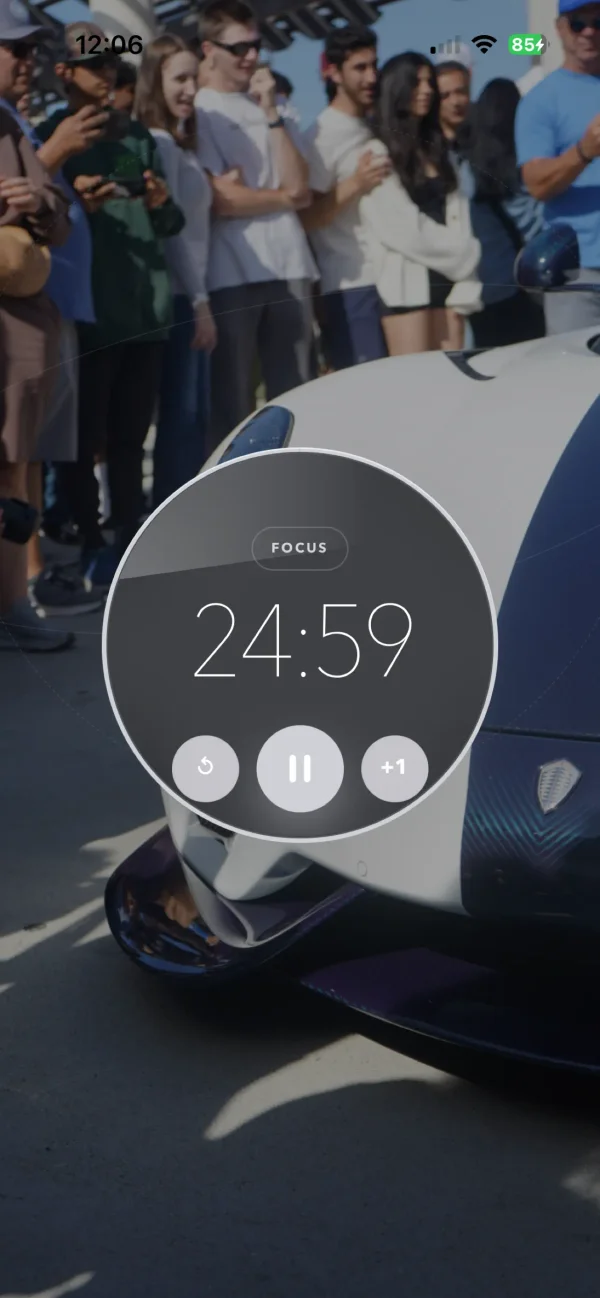
• Add your own background photo and adjust its appearance.
KEEP WHAT MATTERS CLOSE
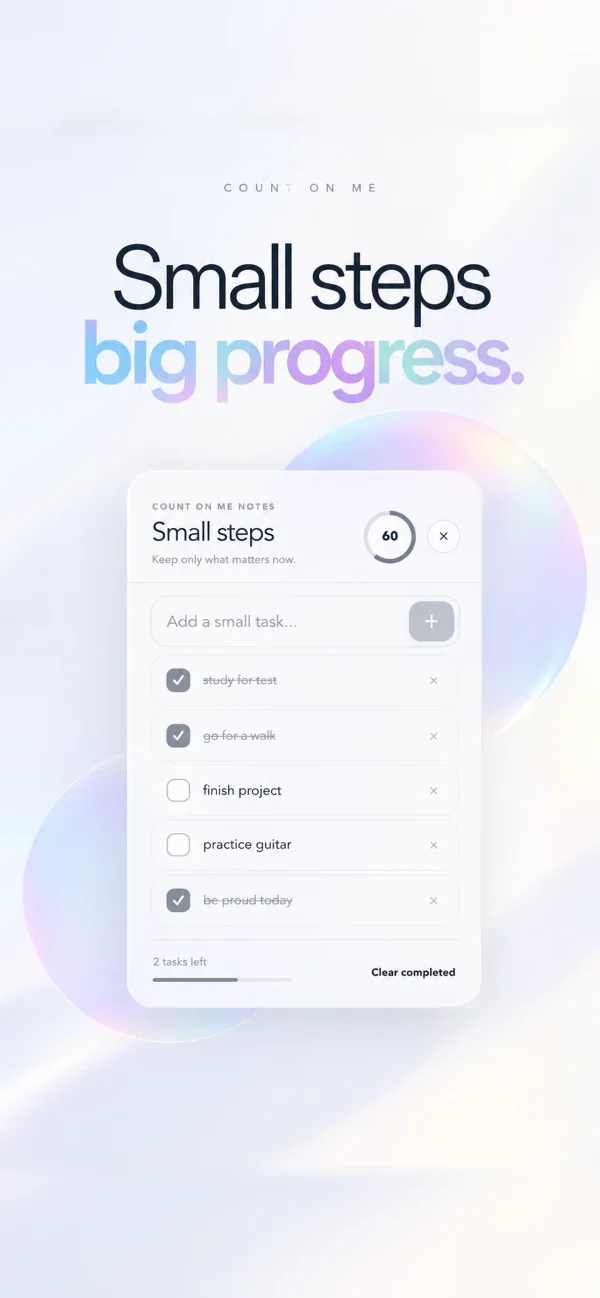
• Create a simple to-do list for your current priorities.
• Check off tasks without leaving your focus space.
• Use Count On Me in English or Korean.
Whether you are studying, working, creating, exercising, or building a new routine, Count On Me helps you settle into a space that feels familiar—so you can give your attention to what matters.
Your time. Your space. Count On Me.
新機能
バージョン 1.0.1 · 2026/11/17
Make your focus space feel even more like you.
• Added Digital 7 and Rounded fonts.
• Improved Handwritten font sizing to prevent clipped timer digits.
• Improved scrolling in Theme Studio and keyboard visibility in Small Steps.
• Updated custom colors to apply consistently in light and dark modes.
• Added GIF backgrounds, alarm sound choices, and clock transparency options.
• Refined theme layouts across screen sizes, with a fuller Forest and larger Cosmic planets.
• Added dark app icons and support for keeping the screen awake during active sessions.
アプリのプライバシー
このアプリのデータの取り扱いについて、Kang SooheeがApp Storeで申告している内容です。
-
データの収集なし
開発元はこのアプリからデータを収集しません。
プライバシーの取り扱いは、ご利用の機能やお客様の年齢などに応じて異なる場合があります。
情報
- 販売元
- Kang Soohee
- カテゴリ
- 仕事効率化
- バージョン
- 1.0.1
- 更新日
- 2026/11/17
- リリース
- 2026/9/11
- サイズ
- 6.8 MB
- 必要条件
- iOS 15.0以降
- 対象年齢
- 4+
- 価格
- 無料
- 言語
- 英語
- 著作権
- © 2026 Yeeun Ryu
こちらもおすすめ
-
 timeBox: 集中タイマー & 癒しポモドーロ時計 & デスクタイマー
-
 Work Timer: Pomodoro Focus仕事効率化
-
 Catena: Pomodoro & Focus Timer仕事効率化
-
 Gameify: Turn Life into a Game仕事効率化
-
 Idle Habits RPG仕事効率化
-
 Daily Habit Tracker • About Me仕事効率化
-
 Endura: Study Timer仕事効率化
-
 BoxOrganizer - Inventory仕事効率化
-
 Count On Me: Tally Counter仕事効率化
-
 Goal Streak: 習慣トラッカー連続記録。シンプル。プライバシー。