- Age rating4+
- CategoryProductivity
- DeveloperKang Soohee
- LanguagesEnglish
- Size6.8 MB
Links to the official App Store page
Download.org hosts no file of Count On Me Timer. The button opens its official App Store page, published by Kang Soohee. Listing last checked on Nov 18, 2026.
Screenshots
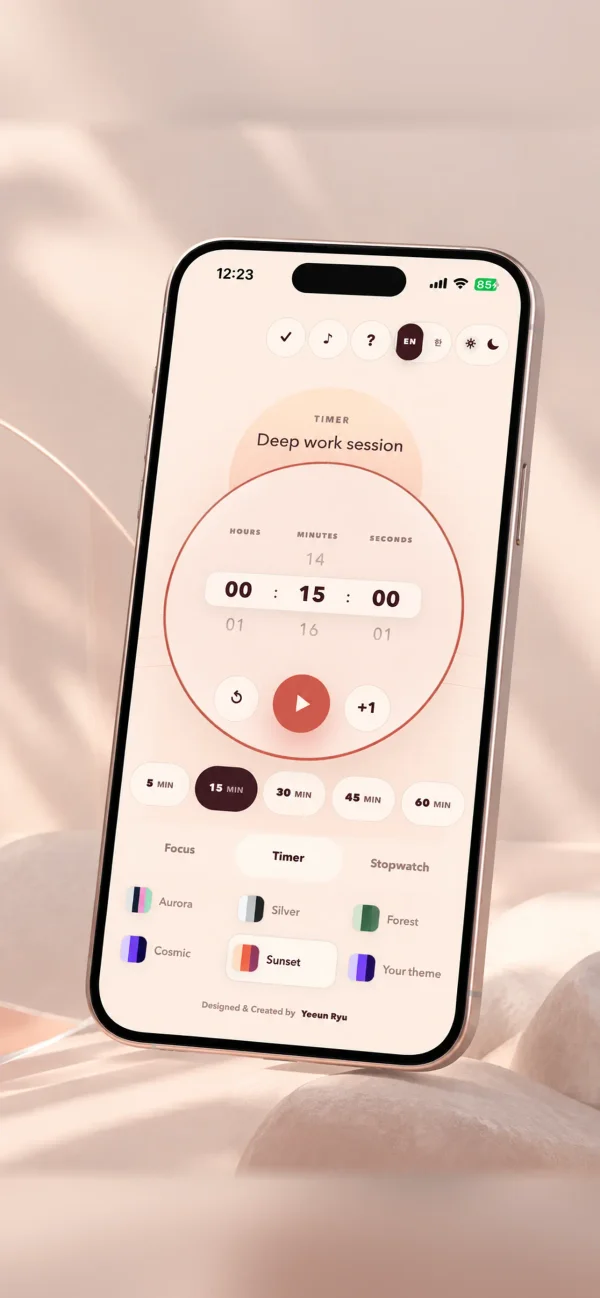

About
Focus feels easier when your space feels familiar.
Count On Me is a customizable focus companion that helps you concentrate in an atmosphere that looks and feels like your own. Choose a thoughtfully designed theme, adjust the colors and typeface, or use a personal photo to create a focus space where you feel comfortable.
FOCUS IN YOUR OWN WAY
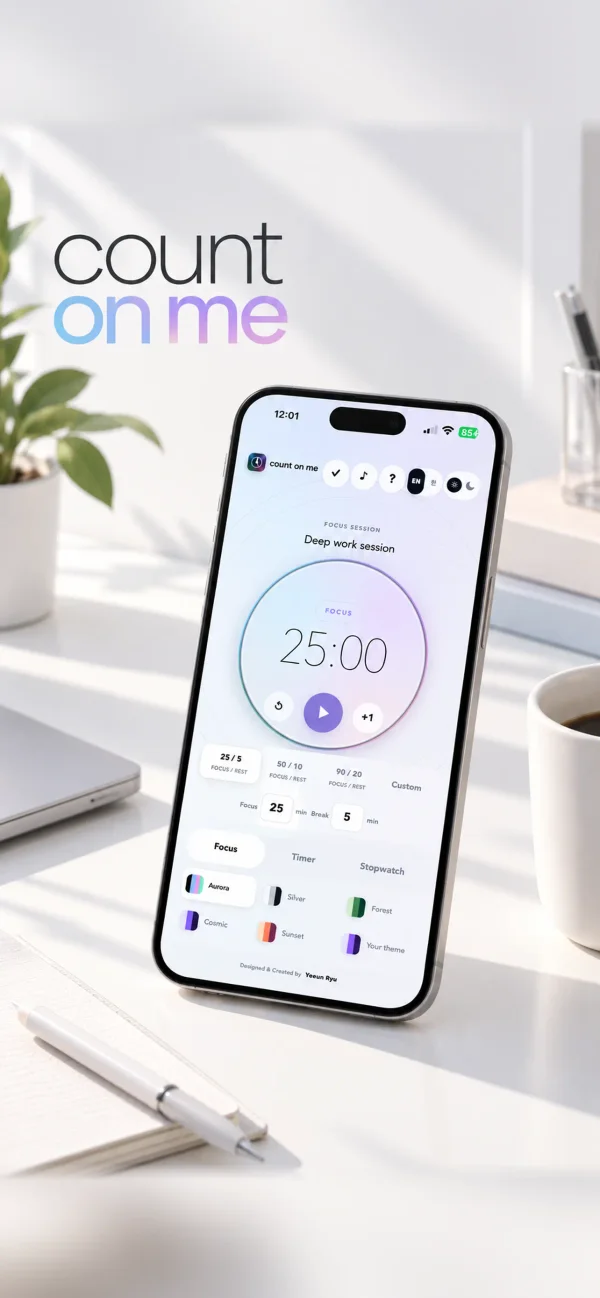
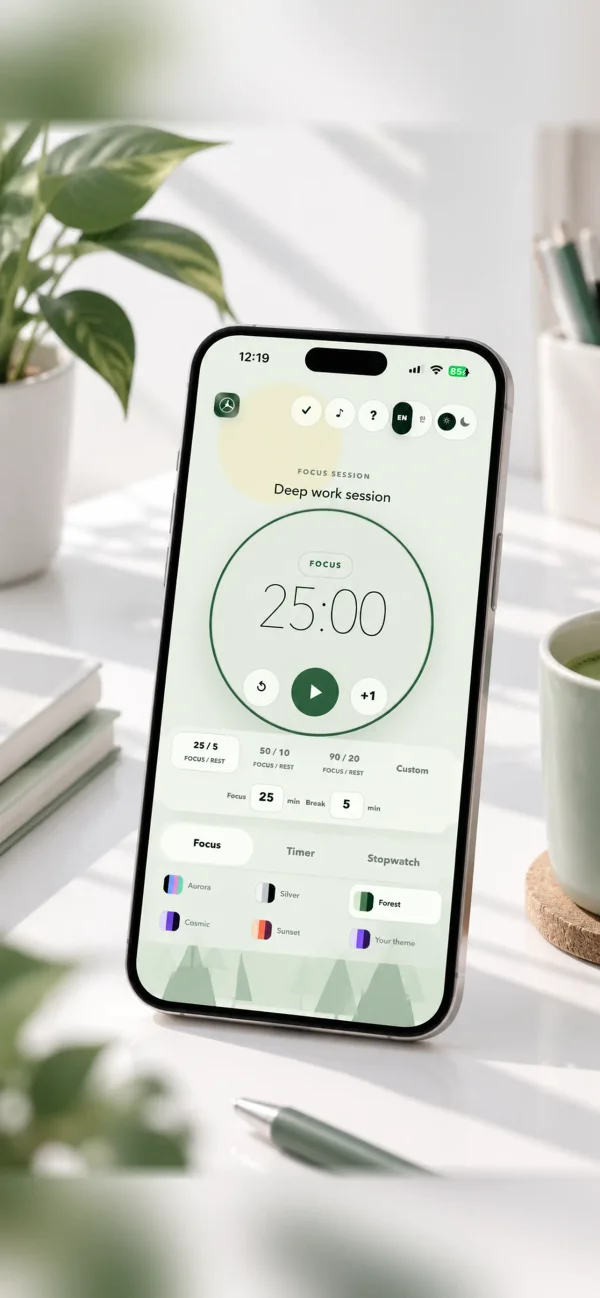
• Use Focus, Timer, and Stopwatch modes.
• Choose a Pomodoro preset or create your own focus and break times.
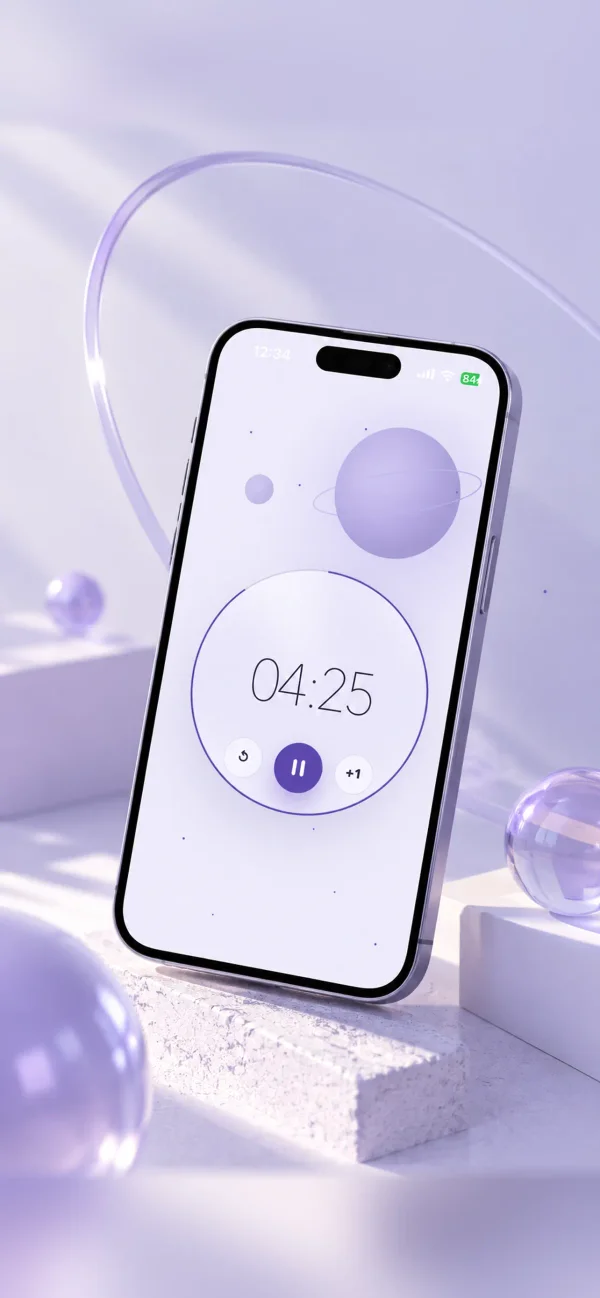
• Pause, resume, reset, or add another minute whenever you need.
• Receive an alert when your session is complete.
CREATE A FAMILIAR SPACE
• Explore Aurora, Silver, Forest, Cosmic, and Sunset themes.
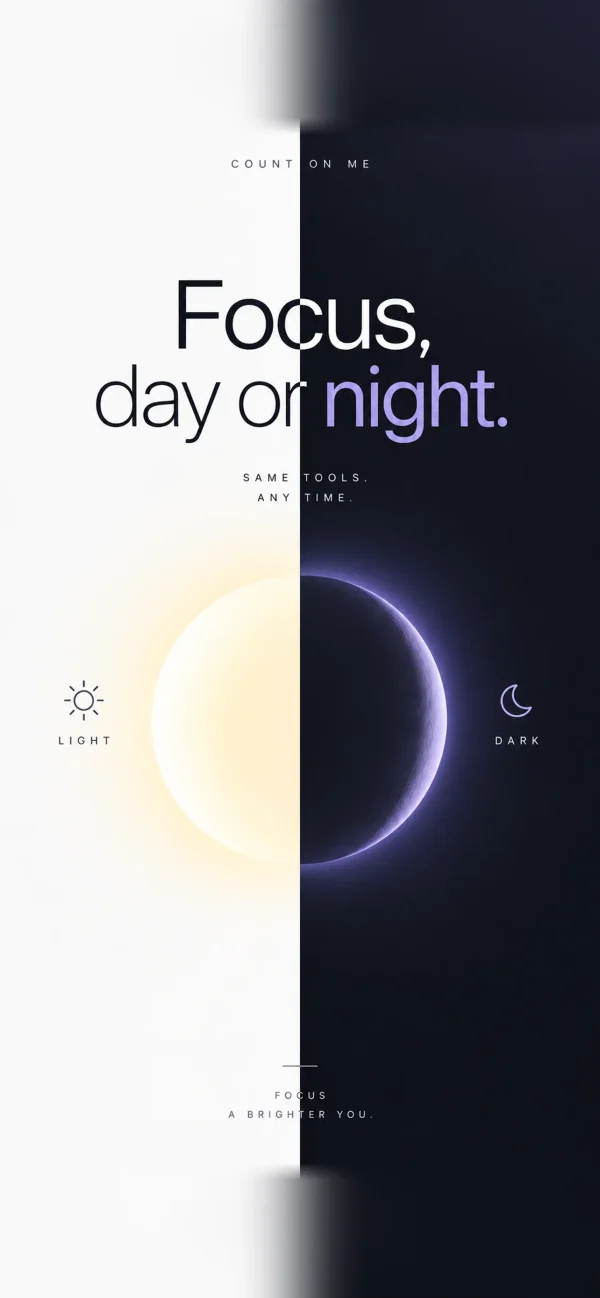
• Switch between carefully designed light and dark modes.
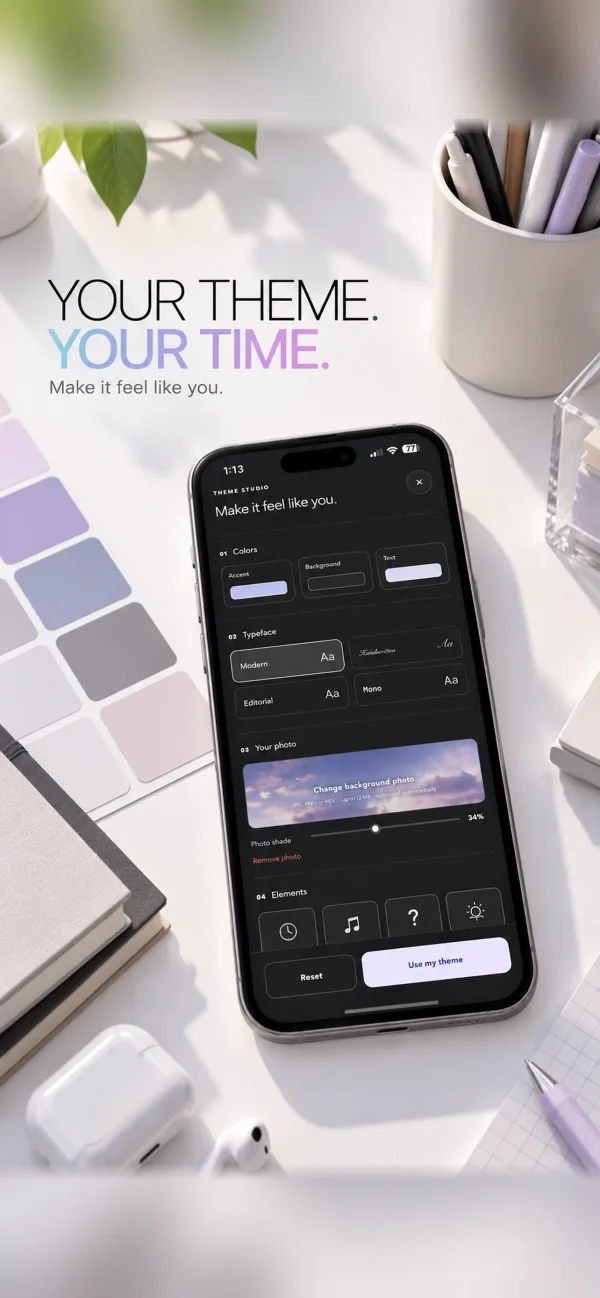
• Personalize colors, typefaces, and visual elements.
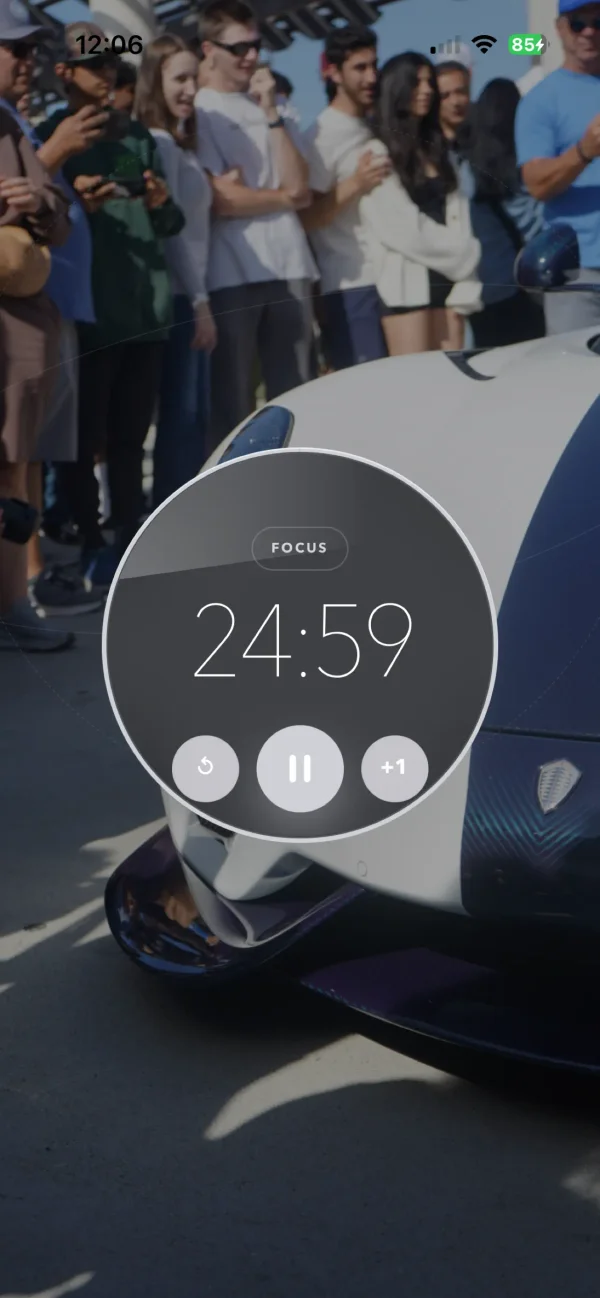
• Add your own background photo and adjust its appearance.
KEEP WHAT MATTERS CLOSE
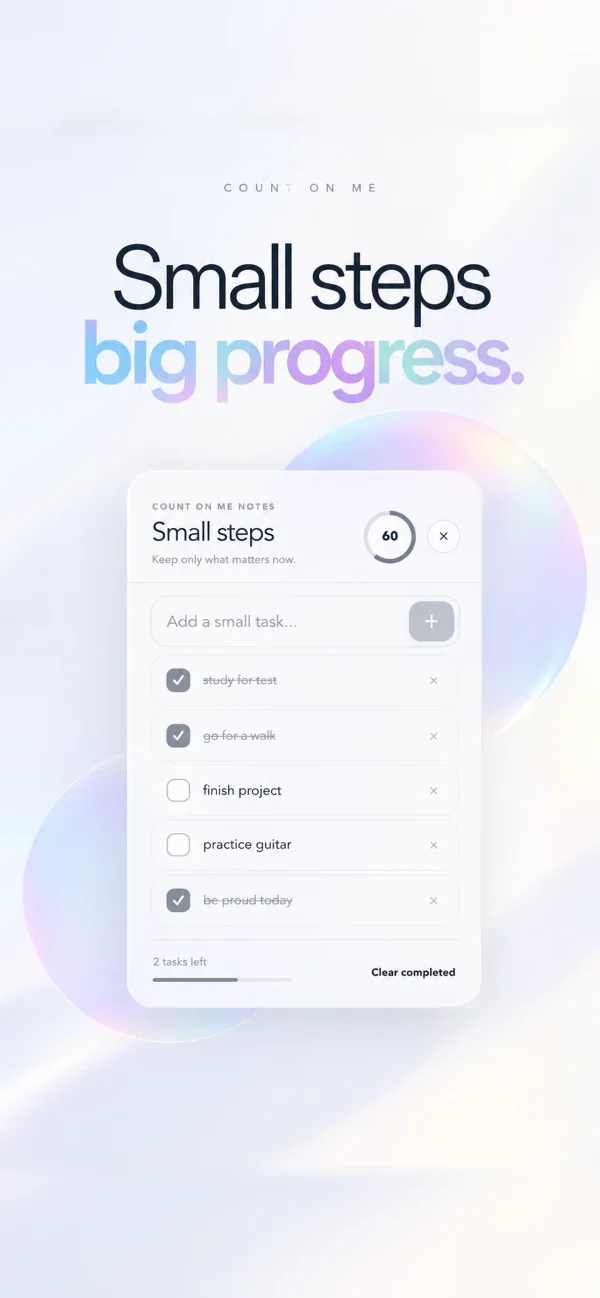
• Create a simple to-do list for your current priorities.
• Check off tasks without leaving your focus space.
• Use Count On Me in English or Korean.
Whether you are studying, working, creating, exercising, or building a new routine, Count On Me helps you settle into a space that feels familiar—so you can give your attention to what matters.
Your time. Your space. Count On Me.
What’s new
Version 1.0.1 · Nov 17, 2026
Make your focus space feel even more like you.
• Added Digital 7 and Rounded fonts.
• Improved Handwritten font sizing to prevent clipped timer digits.
• Improved scrolling in Theme Studio and keyboard visibility in Small Steps.
• Updated custom colors to apply consistently in light and dark modes.
• Added GIF backgrounds, alarm sound choices, and clock transparency options.
• Refined theme layouts across screen sizes, with a fuller Forest and larger Cosmic planets.
• Added dark app icons and support for keeping the screen awake during active sessions.
App privacy
What Kang Soohee declares on the App Store about how this app handles data.
-
Data not collected
The developer does not collect any data from this app.
Privacy practices may vary, for example with the features you use or your age.
Information
- Seller
- Kang Soohee
- Category
- Productivity
- Version
- 1.0.1
- Updated
- Nov 17, 2026
- Released
- Sep 11, 2026
- Size
- 6.8 MB
- Requires
- iOS 15.0 or later
- Age rating
- 4+
- Price
- Free
- Languages
- English
- Copyright
- © 2026 Yeeun Ryu
You might also like
-
 timeBox: Calm & Focus TimerAesthetic Pomodoro, Desk Clock
-
 Work Timer: Pomodoro FocusFlip Clock, Widgets & Study
-
 Catena: Pomodoro & Focus TimerStudy with friends & cute cats
-
 Gameify: Turn Life into a GameHabit Tracker, Earn Points
-
 Idle Habits RPGLevel up your routines!
-
 Daily Habit Tracker • About MeRoutine planner & health goals
-
 Endura: Study TimerHatch Your Potential
-
 BoxOrganizer - InventoryOrganize just everything
-
 Count On Me: Tally CounterBeautiful Counter & Widget
-
 Goal Streak: Habit TrackerStreaks. Simple. Private.