- 対象年齢4+
- カテゴリユーティリティ
- 開発元Agimem
- 言語英語ほか10言語
- サイズ3.1 MB
App Storeの公式ページにリンクしています
Download.orgはCrisp Document Scannerのファイルを一切ホストしていません。ボタンを押すと、Agimemが公開しているApp Storeのアプリページが開きます。ページの最終確認:2026/11/12。
スクリーンショット

概要
開発元はこのテキストをお使いの言語で提供していません。
Crisp Document Scanner is built on a simple idea: scanning a document shouldn't require an account, a subscription, or sending your data to a third-party server. All processing happens on your iPhone or iPad, using Apple's own frameworks. Your scans are saved to iCloud and accessible from the Files app on all your devices. No compromises.
SCAN IN ONE TAP
Open the app and tap Scan. That's it. Automatic edge detection finds the edges of your document and perspective correction straightens it instantly. Scan a single receipt or a 50-page contract in one session. The camera adapts to your environment and captures sharp, clean pages every time.
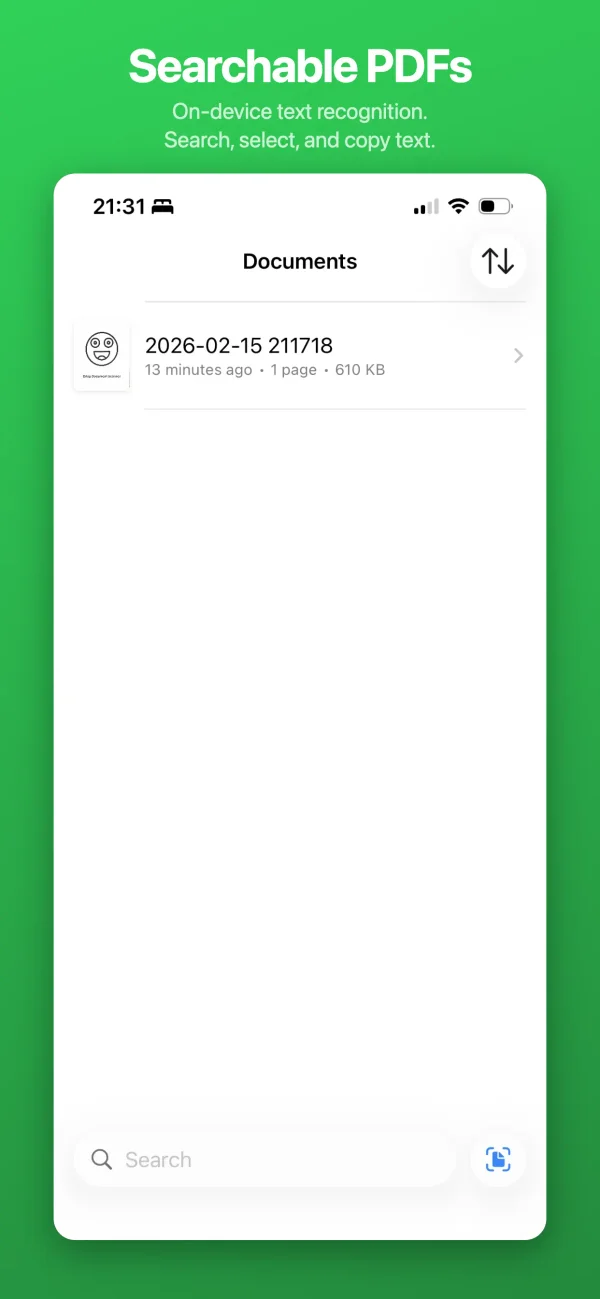
SEARCHABLE PDFs WITH OCR
Every scan is automatically processed with on-device text recognition. The result: PDFs where you can search for any word, select text, and copy it to other apps. Looking for an amount on a 20-page statement? Just search. Need to copy an address from a letter? Select and copy. OCR supports English, Spanish, and French, with automatic language detection. Even handwritten text is recognized.
PERFECT FOR EVERYDAY DOCUMENTS
- Invoices and bills
- Receipts and purchase confirmations
- Bank and credit card statements
- Contracts and agreements
- Letters and official correspondence
- Meeting notes and memos
- Certificates and forms
- Any paper document you want to digitize
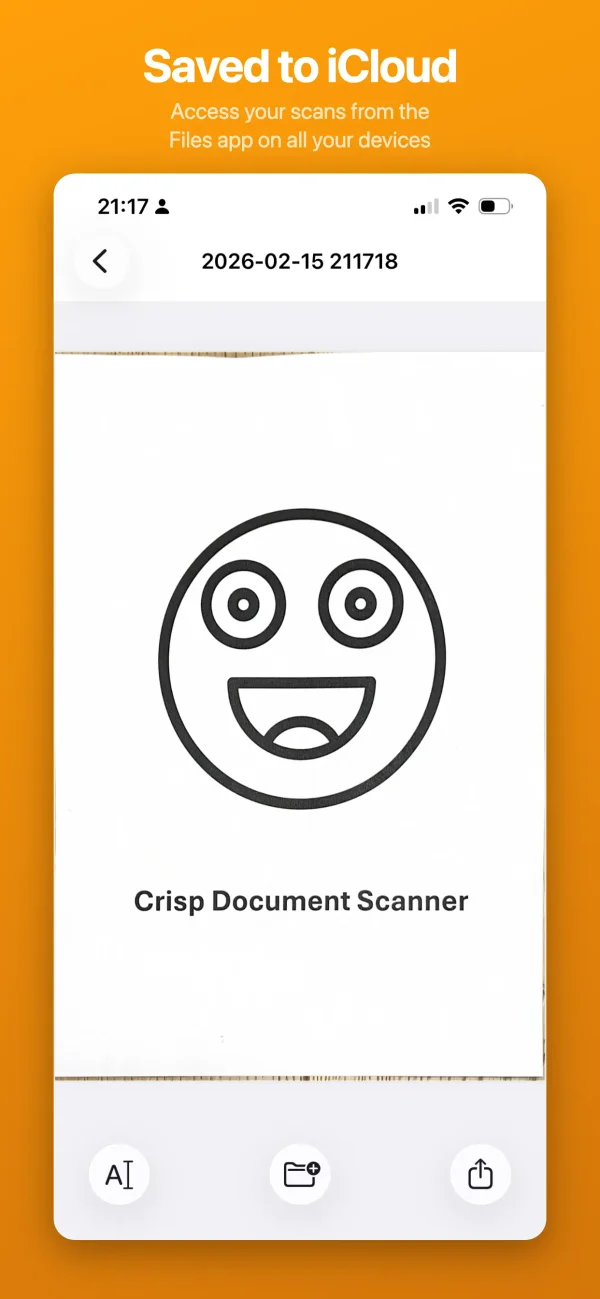
SAVED TO iCLOUD
All your scans are saved directly to iCloud and accessible from the Files app on any of your Apple devices. Browse, rename, organize into folders, and manage your documents the way you already manage all your other files. No proprietary format, no lock-in — just standard PDF files in your iCloud Drive.
SHARE INSTANTLY
Send your scans anywhere. Use AirDrop to share with nearby devices, attach to an email or message, or share directly from the Files app. Works with every app that accepts PDF files.
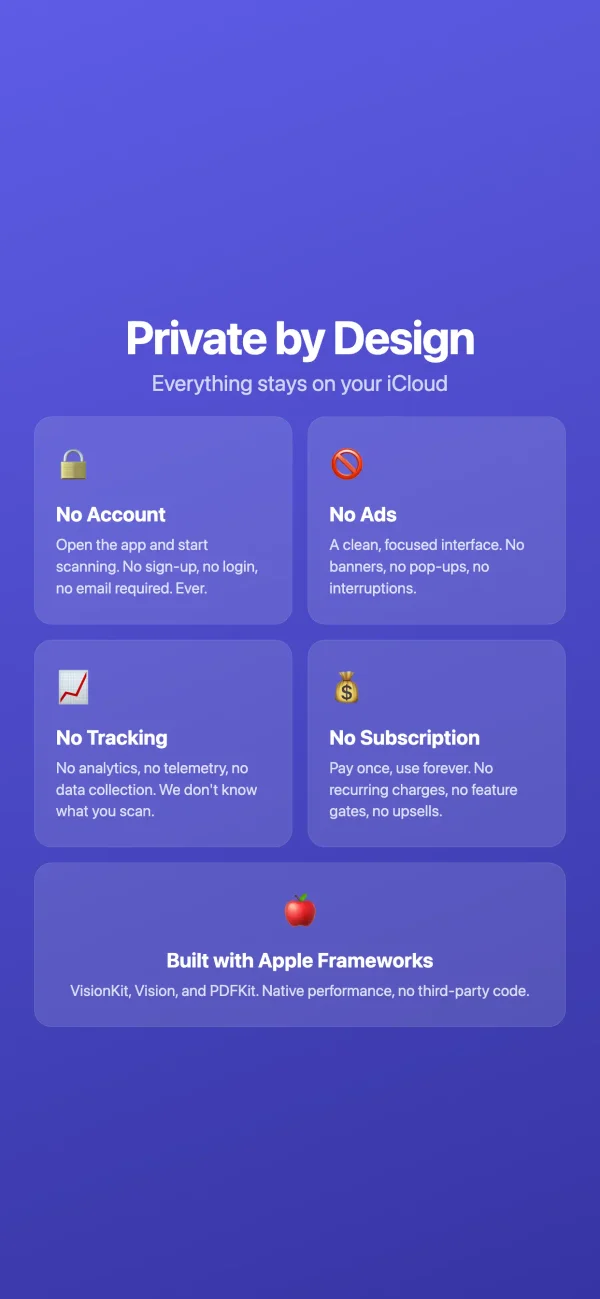
PRIVATE BY DESIGN
This is not just a feature — it is the foundation of the app.
- No account required. Open the app and start scanning.
- No third-party servers. Your documents go to your iCloud, not ours.
- No analytics or tracking. We don't know what you scan.
- No ads. A clean interface, nothing else.
- No subscription. Pay once, use forever.
All text recognition and document processing happens locally using Apple's native Vision and VisionKit frameworks. Your documents are yours and yours alone.
BUILT WITH APPLE FRAMEWORKS
Document Scanner relies entirely on Apple's native technologies: VisionKit for camera scanning, Vision for text recognition, PDFKit for PDF generation, and iCloud for seamless sync. This means fast performance, low battery usage, and seamless integration with iOS. No third-party libraries, no external dependencies, no surprises.
新機能
バージョン 2.0 · 2026/2/16
Redesigned with a simpler, more intuitive interface. Your scans are now saved directly to iCloud and accessible from the Files app on all your Apple devices.
アプリのプライバシー
このアプリのデータの取り扱いについて、AgimemがApp Storeで申告している内容です。
-
データの収集なし
開発元はこのアプリからデータを収集しません。
プライバシーの取り扱いは、ご利用の機能やお客様の年齢などに応じて異なる場合があります。
情報
- 販売元
- Agimem Sarl
- カテゴリ
- ユーティリティ
- バージョン
- 2.0
- 更新日
- 2026/2/16
- リリース
- 2026/2/12
- サイズ
- 3.1 MB
- 必要条件
- iOS 26.0以降
- 対象年齢
- 4+
- 価格
- 無料
- 言語
- 英語, アラビア語, フランス語, ドイツ語, イタリア語, 日本語, 韓国語, ポルトガル語, ロシア語, 簡体字中国語, スペイン語
- 著作権
- © Copyright 2026 Agimem Sàrl
こちらもおすすめ
-
 Explorer - Device Sensor Dataユーティリティ
-
 deBeam - Secure File Transferユーティリティ
-
 Tablecast: CSV Converterユーティリティ
-
 PaperBridge 書類スキャナースキャン・OCR・AI、完全オフライン
-
 LocalLock - オフライン金庫サーバー送信なしの100%オフライン金庫
-
 WebDAV File Browserユーティリティ
-
 Snapdf - PDF Scannerユーティリティ
-
 Nordcham - Business Cardユーティリティ
-
 PDF Converter & Scan·CleanScanPDF Scanner・領収書・pdf圧縮
-
 PDF Scanner - SLOXユーティリティ