- 対象年齢4+
- カテゴリグラフィック/デザイン
- 開発元Sand Castle Designs, Inc
- 言語英語
- サイズ17.3 MB
App Storeの公式ページにリンクしています
Download.orgはCross Stitch Pattern Creatorのファイルを一切ホストしていません。ボタンを押すと、Sand Castle Designs, Incが公開しているApp Storeのアプリページが開きます。ページの最終確認:2026/11/14。
スクリーンショット

概要
開発元はこのテキストをお使いの言語で提供していません。
Cross Stitch Pattern Creator
No ads ever.
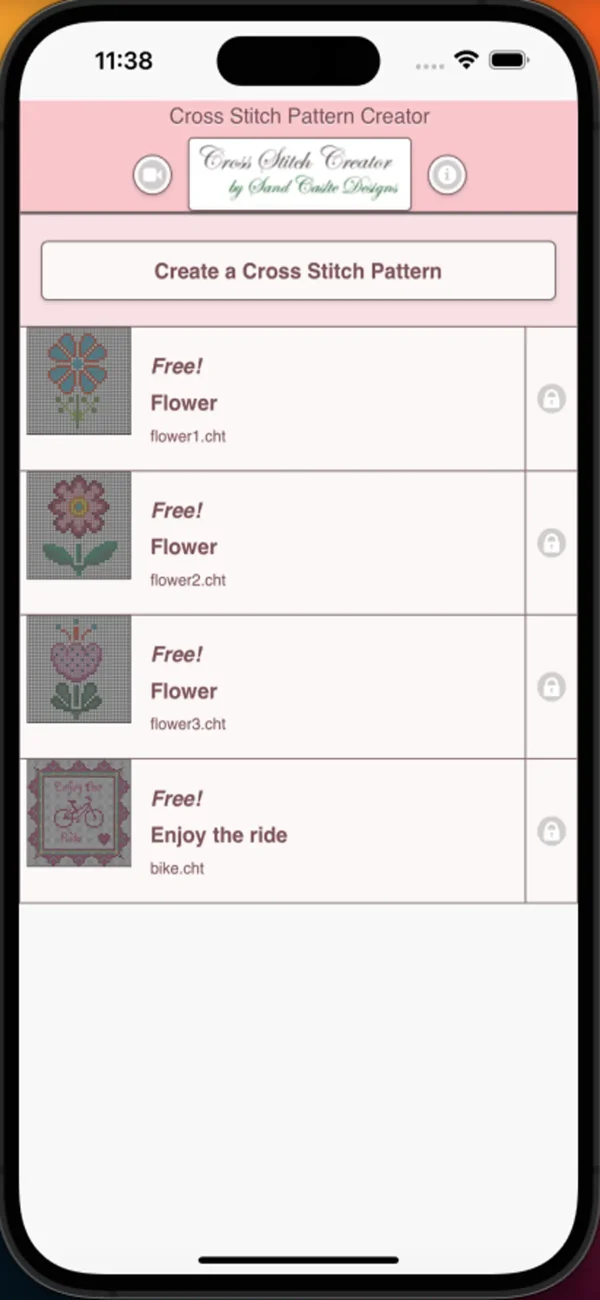
Comes with 4 sample cross stitch patterns. Download is free. To activate is $2.99.
Create your own cross stitch patterns using Cross Stitch Pattern Creator
Highly recommended to use a tablet because of cross stitch pattern size.
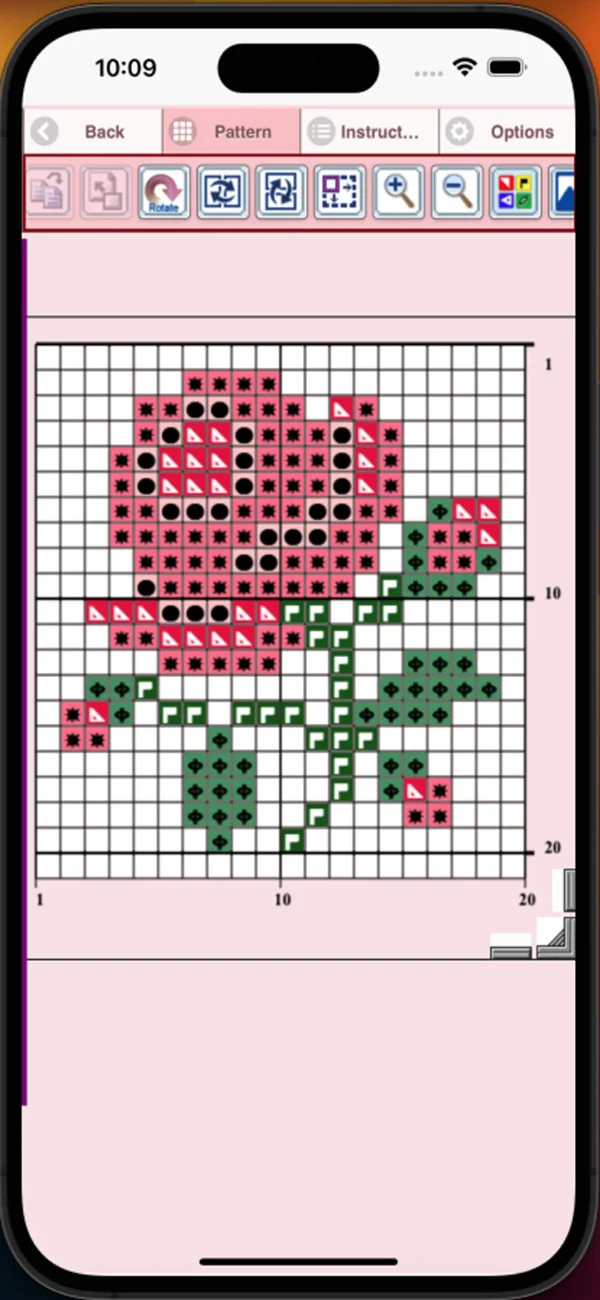
To create cross stitch patterns, select Create a Cross Stitch Pattern button.
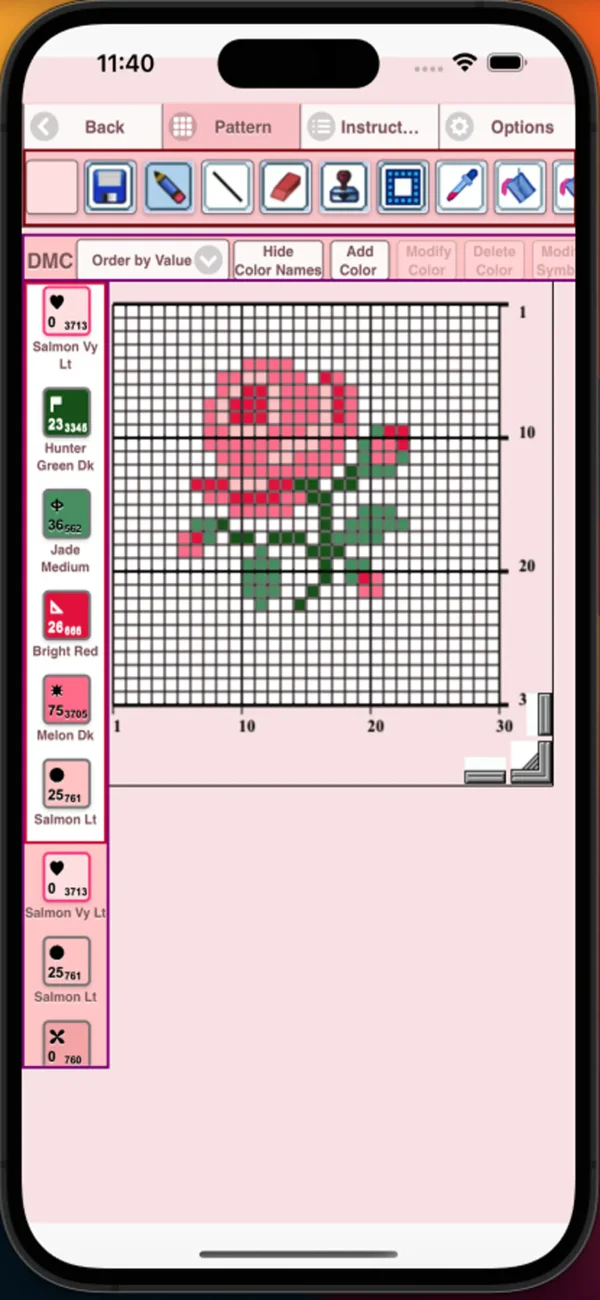
The Cross Stitch Pattern Editor will appear. Fill in the squares with DMS floss colors.
You can even add your own colors if you want.
To get started - Use the pencil to fill in squares to your cross stitch pattern. Use the Eraser to clear filled squares from your cross stitch pattern.
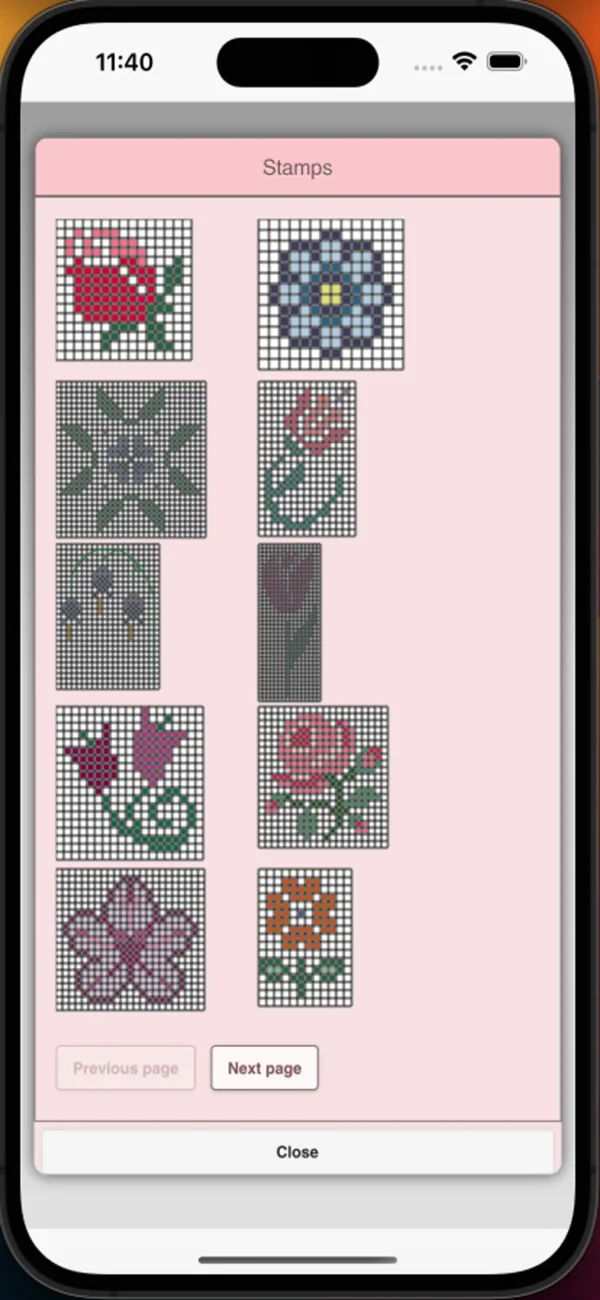
You also can select from over 80 stamps and borders to apply to your cross stitch pattern.
Buttons from left to right in the button bar are:
DMC Floss Color button - use to select the floss color you want to use
Save - button to save your pattern
Pencil - button to fill in squares on your cross stitch pattern
Eraser - use to erase filled squares and backstitch lines from your pattern
Backstitch - First select the color button to select the color for the backstitch. Now select Backstitch button to add backstitch lines on your cross stitch pattern
Backstitch move - Select a backstitch and drag it to a new location
Backstitch move stitch end - Select a backstitch. Blue boxes will appear over each end of the backstitch. Now move either end to new location.
Stamps - selectable little stamps (little cross stitch designs) to add to your cross stitch pattern
Borders - selectable borders to add to your pattern. Borders automatically wrap around your cross stitch pattern.
Dropper - lets you extract a color from your pattern and add more of that color to your cross stitch pattern
Bucket - use to fill selected area with the current selected color
Bucket+ - used to replace a color with the currently selected color
Undo - undo each last change you made to the pattern
Redo - redo each changes you undid
Selection box - select the area of the pattern to cut/copy/rotate/flip
Cut- First select the "Selection box" button to select an area of the pattern. Now select the cut button to remove select area of your cross stitch pattern
Copy - First select the "Selection box" button to select an area of the pattern. Now select the copy button to copy the selected area of your cross stitch pattern to the clipboard.
Paste - Paste copied area to your cross stitch pattern. Now drag the pasted box to the location you want.
Rotate - rotated selected area of the pattern or whole pattern
Flip right/left - flip selected area of the pattern or whole pattern
Flip top/bottom - flip selected area of your cross stitch pattern or whole pattern
Zoom in - magnify the pattern
Zoom out - minify the pattern
Symbols - displays a unique symbol on each color to indicate it's color value
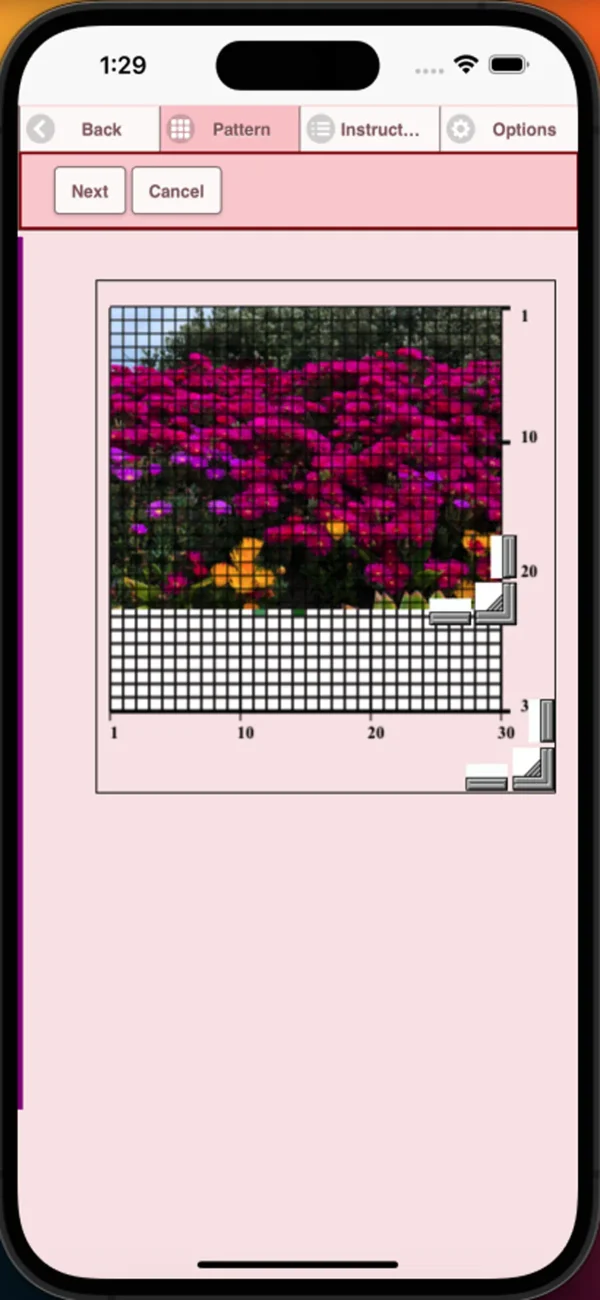
Picture - select a picture from your device and convert to a pattern
Print pattern - select to print your pattern
Social media - use social media to share your pattern (email, text etc.)
Resize bars - resize bars are display at the bottom right corner of your pattern. Drag them to resize your cross stitch pattern
Option settings - change the grid color, change fill style from Solid to X's,
select not to display the row/column counter.
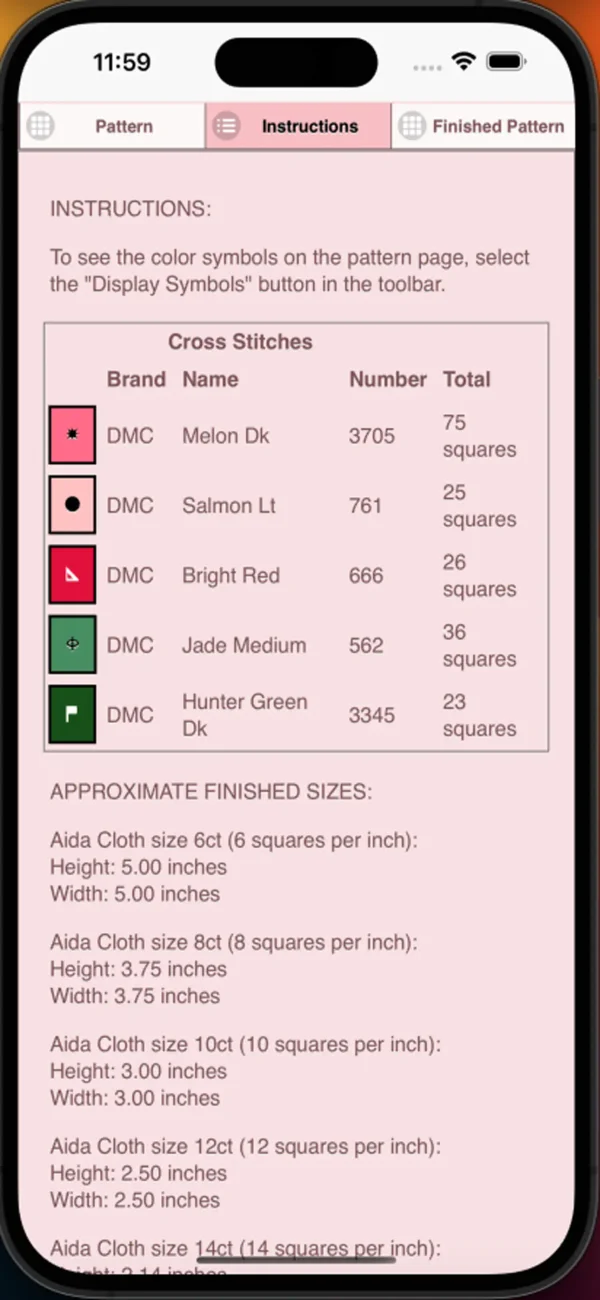
Instruction page - displays the DMC colors used and finished sizes for
different Aida Cloth sizes
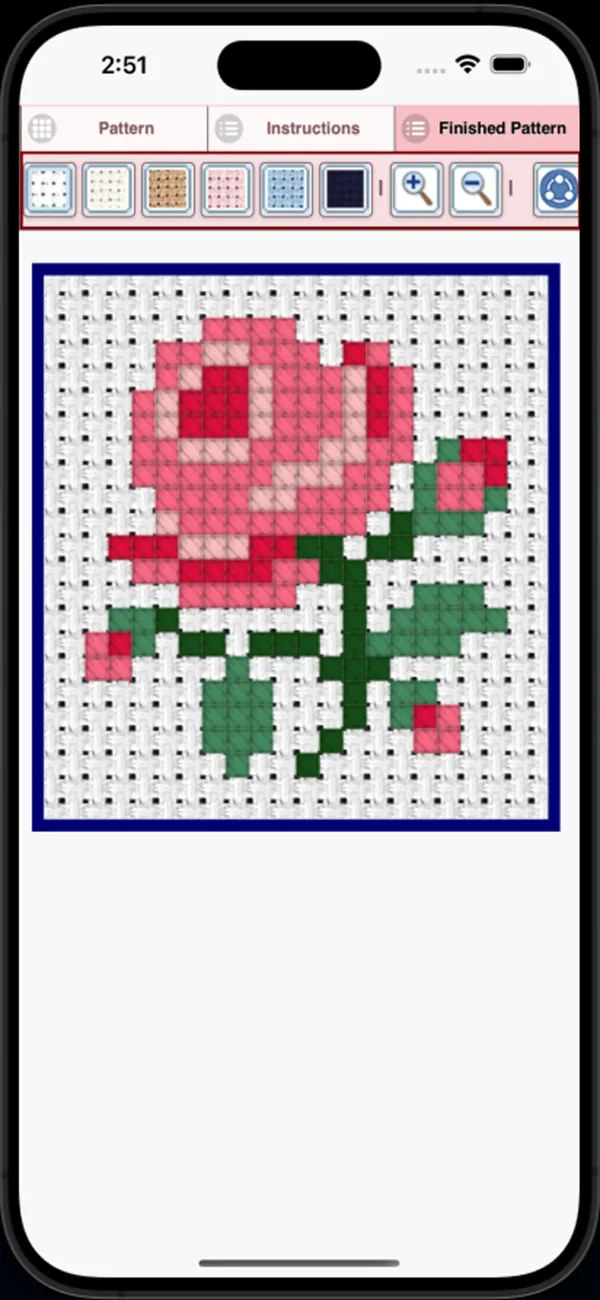
Finished Product page - displays what your pattern looks like after cross
stitched. You can also change the fabric color.
新機能
バージョン 10 · 2026/7/9
Minor fixes
アプリのプライバシー
このアプリのデータの取り扱いについて、Sand Castle Designs, IncがApp Storeで申告している内容です。
-
データの収集なし
開発元はこのアプリからデータを収集しません。
プライバシーの取り扱いは、ご利用の機能やお客様の年齢などに応じて異なる場合があります。
情報
- 販売元
- Sand Castle Designs, Inc
- カテゴリ
- グラフィック/デザイン
- バージョン
- 10
- 更新日
- 2026/7/9
- リリース
- 2024/1/18
- サイズ
- 17.3 MB
- 必要条件
- iOS 13.0以降
- 対象年齢
- 4+
- 価格
- 無料
- アプリ内課金
- あり
- 言語
- 英語
- 著作権
- © Sand Castle Designs, Inc.
こちらもおすすめ
-
 Stitcher Pixel Artグラフィック/デザイン
-
 StitchHub: クロスステッチ図案作成と進捗管理
-
 クロスステッチ 図案作成・写真変換写真から図案作成・印刷用PDF出力
-
 mobistitchグラフィック/デザイン
-
 StitchSketchグラフィック/デザイン
-
 BeadsDesignアイロンビーズやビーズ織りの図案の作成に!
-
 StitchALot Studioグラフィック/デザイン
-
 StitchSketchEx mobileグラフィック/デザイン
-
 PixelPencil - ドット絵エディター高機能ドット絵エディター
-
 Friendship Bracelet Designerグラフィック/デザイン