
CSV Editor for Files & iCloud
Reader for Large Spreadsheets
iPhone, iPad向けに設計
無料 · アプリ内課金
- 対象年齢4+
- カテゴリ仕事効率化
- 開発元Hue Nguyen
- 言語英語ほか8言語
- サイズ7.2 MB
App Storeの公式ページにリンクしています
Download.orgはCSV Editor for Files & iCloudのファイルを一切ホストしていません。ボタンを押すと、Hue Nguyenが公開しているApp Storeのアプリページが開きます。ページの最終確認:2026/11/23。
スクリーンショット
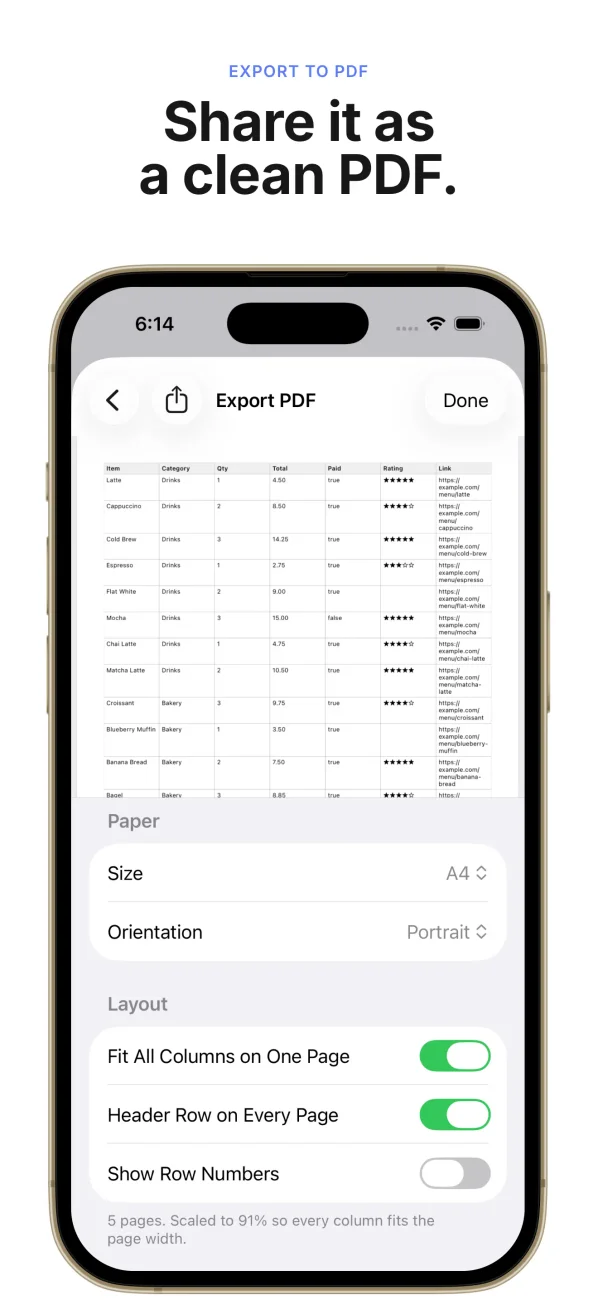
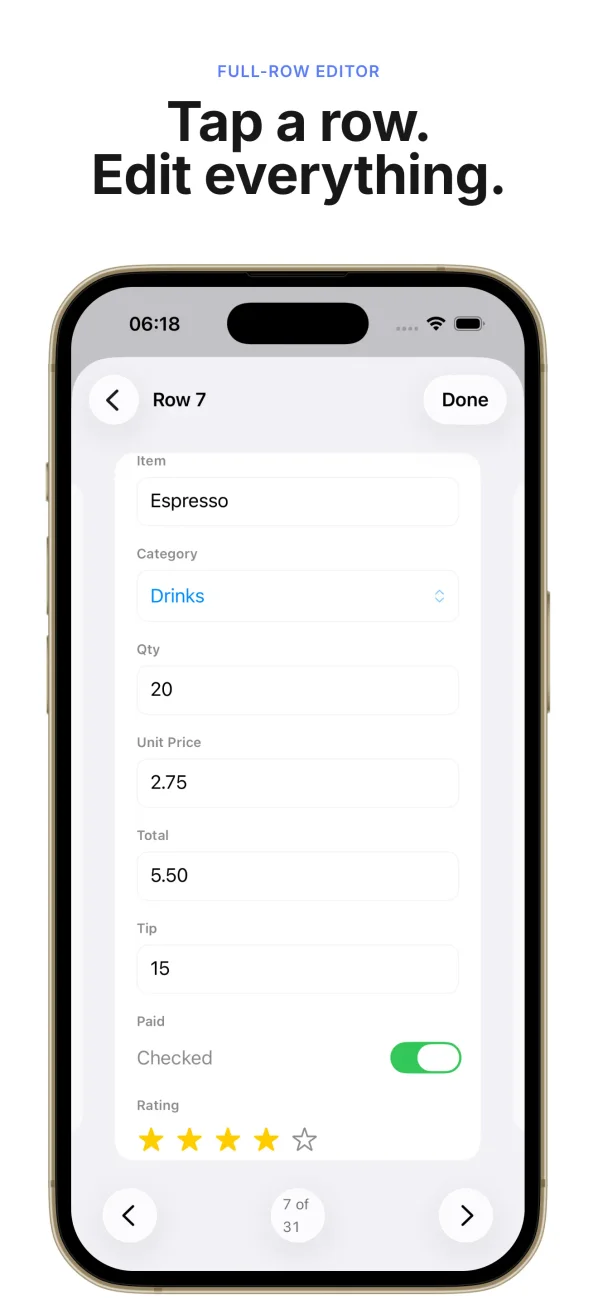
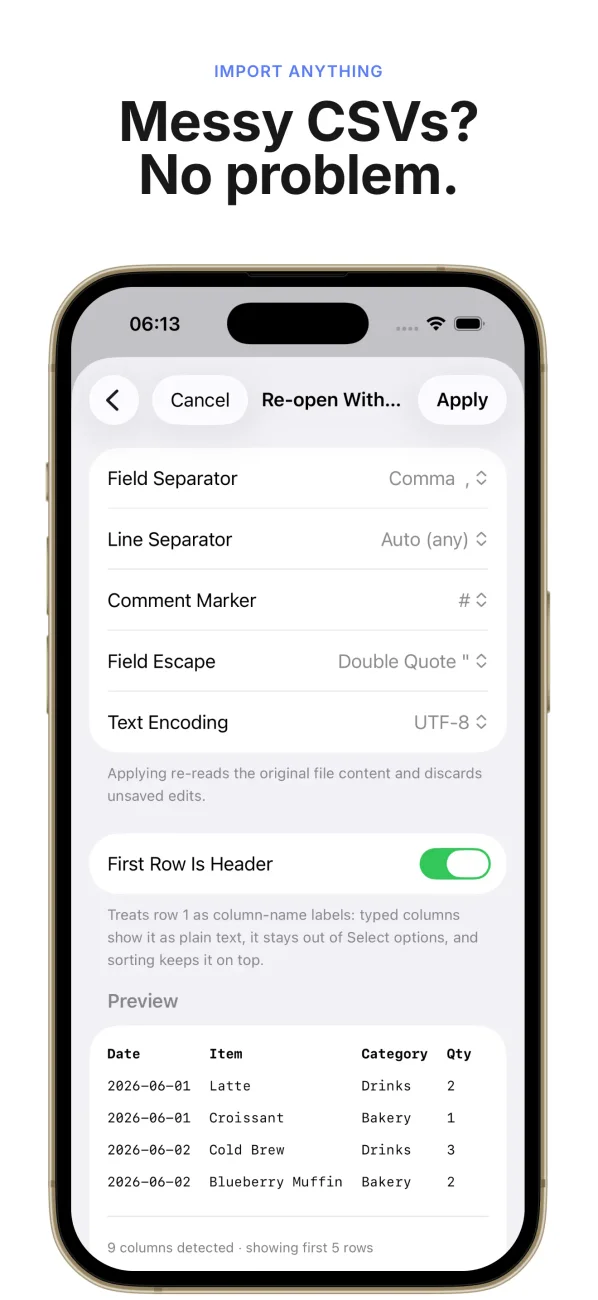

概要
開発元はこのテキストをお使いの言語で提供していません。
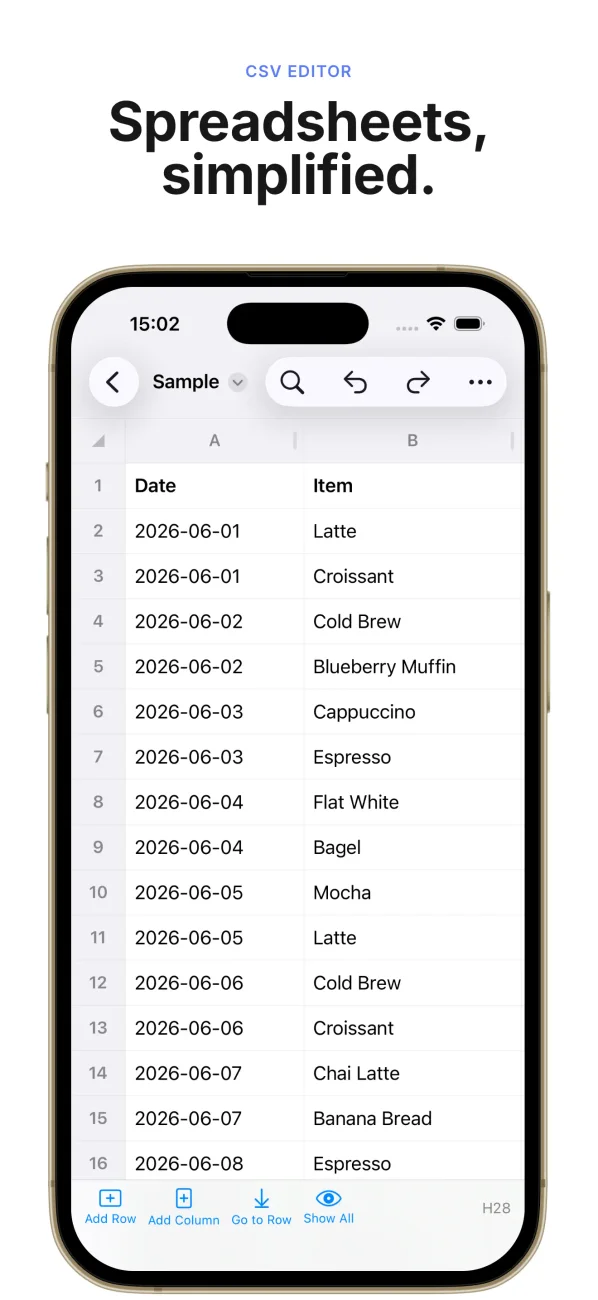
CSV Editor opens the CSV files other apps choke on, straight from the Files app, iCloud Drive or any cloud storage, and saves your edits back to the original file. Files with
hundreds of thousands of rows open in seconds, scroll smoothly, and edit
like a real spreadsheet — right on your iPhone or iPad.
EDIT FILES IN PLACE
• Browse and open CSV files from Files, iCloud Drive and other storage providers
• Edits are saved to the original file, no import or export copies
• Create new CSV files from scratch, right where you keep them
EDIT LIKE A SPREADSHEET
• Tap to select, tap again to edit — Excel-style on touch
• Insert, delete, and reorder rows and columns
• Undo and redo everything
• Freeze rows and columns so headers stay put while you scroll
• Select ranges with drag handles, clear whole ranges at once
BUILT FOR BIG FILES
• Opens 500,000+ row files without slowing down
• Background loading with live progress — start reading immediately
• Smooth flick-scrolling through the whole sheet
SORT & FILTER
• Excel-style AutoFilter per column
• Sort text, numbers, and dates the way Excel does
• Filtered rows are protected: edits and deletes never touch hidden data
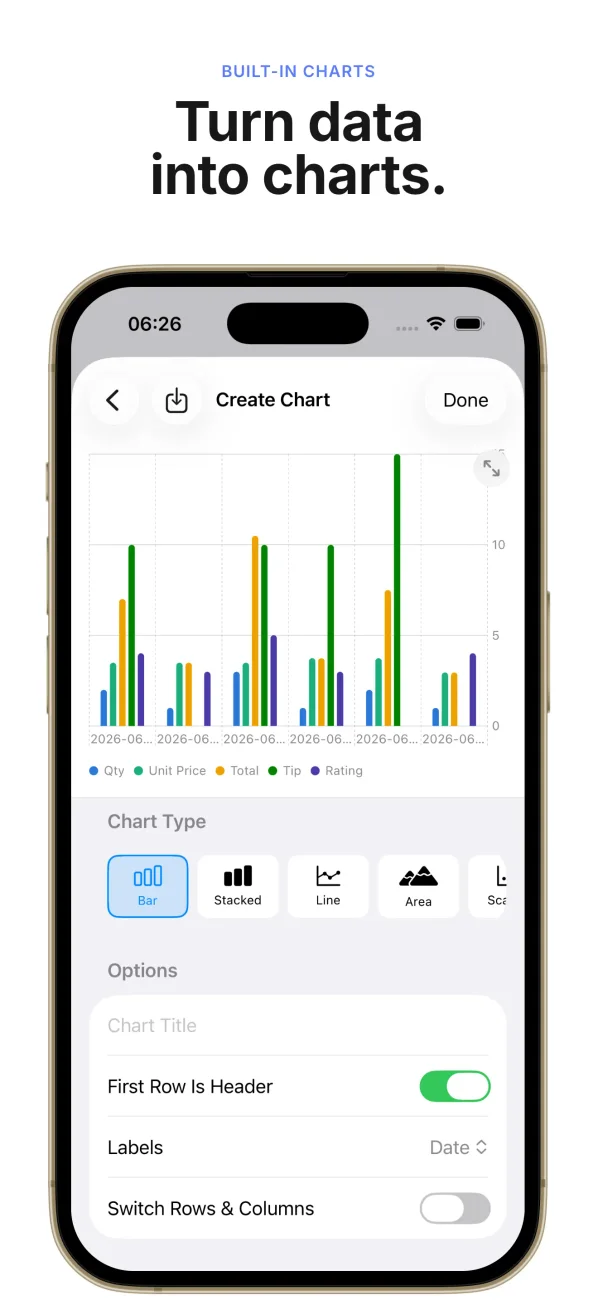
CHARTS (PRO)
• Turn any selection into a chart in two taps
• Bar, line, and more, powered by Swift Charts
• Save chart images to your photo library or share them
FORMULA COLUMNS (PRO)
• Add a computed column that fills down every row, like a spreadsheet formula
• Reference other columns by name — e.g. [Price] * [Qty]
• Built-in functions: IF, ROUND, ABS, MIN, MAX, CONCAT, UPPER, LOWER, TRIM, LEN, CONTAINS
• Live preview and inline error checking while you build the formula
• Formulas save inside the CSV, so results are readable in any app
SMART FORMAT HANDLING
• Auto-detects delimiters, headers, and encodings
• Opens TSV and other delimited files
• Re-open with custom parse settings when a file is unusual
FREE VS PRO
The free version includes full editing, sorting, and filtering for files up
to 100 rows. CSV Editor Pro unlocks:
• Unlimited rows — open and edit files of any size
• Charts
• Formula columns
Your files are never truncated: even in the free version, every row of your
file is preserved when you save.
Pro is available as a one-time lifetime purchase, or as a monthly or yearly
auto-renewing subscription. Subscriptions renew unless canceled at least 24
hours before the end of the period and can be managed in your App Store
account settings.
Terms of Use: https://mygems.app/term
Privacy Policy: https://mygems.app/privacy
新機能
バージョン 1.8.2 · 2026/11/17
- Updated app icon for iOS 27
アプリのプライバシー
このアプリのデータの取り扱いについて、Hue NguyenがApp Storeで申告している内容です。
-
データの収集なし
開発元はこのアプリからデータを収集しません。
プライバシーの取り扱いは、ご利用の機能やお客様の年齢などに応じて異なる場合があります。
情報
- 販売元
- Hue Nguyen
- カテゴリ
- 仕事効率化
- バージョン
- 1.8.2
- 更新日
- 2026/11/17
- リリース
- 2026/7/9
- サイズ
- 7.2 MB
- 必要条件
- iOS 18.0以降
- 対象年齢
- 4+
- 価格
- 無料
- アプリ内課金
- あり
- 言語
- 英語, オランダ語, フランス語, ドイツ語, イタリア語, 日本語, 韓国語, ポルトガル語, スペイン語
- 著作権
- © My Gems 2026
こちらもおすすめ
-
 QuickSheet - Grid EditorCSV・XLSX・構造化データ
-
 Open CSV仕事効率化
-
 FollowUp – Stay in Touch仕事効率化
-
 生き急ぎタイマー今日の残り時間は、あと何秒?
-
 When Did I Last: Task Tracker仕事効率化
-
 BigSplice – GB Spreadsheets仕事効率化
-
 Last Done: Recurring Tasks仕事効率化
-
 CSVly - CSVビューア・エディタCSVを表で確認、行ごとにフォームで編集
-
 Recall - Contact Notes仕事効率化
-
 Daopen:ODT・HWP 文書ビューアHWP・ODTを開いてPDFに変換