
CSV Editor for Files & iCloud
Reader for Large Spreadsheets
Designed for iPhone, iPad
Free · In-app purchases
- Age rating4+
- CategoryProductivity
- DeveloperHue Nguyen
- LanguagesEnglish+ 8 more
- Size7.2 MB
Links to the official App Store page
Download.org hosts no file of CSV Editor for Files & iCloud. The button opens its official App Store page, published by Hue Nguyen. Listing last checked on Nov 23, 2026.
Screenshots

About
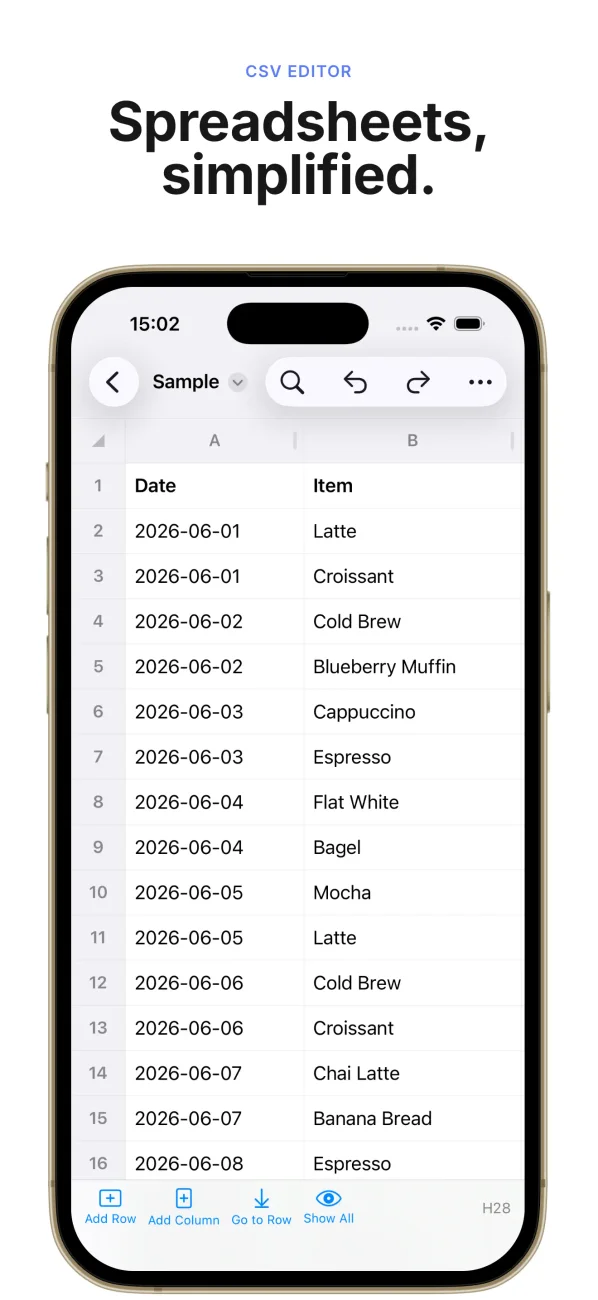
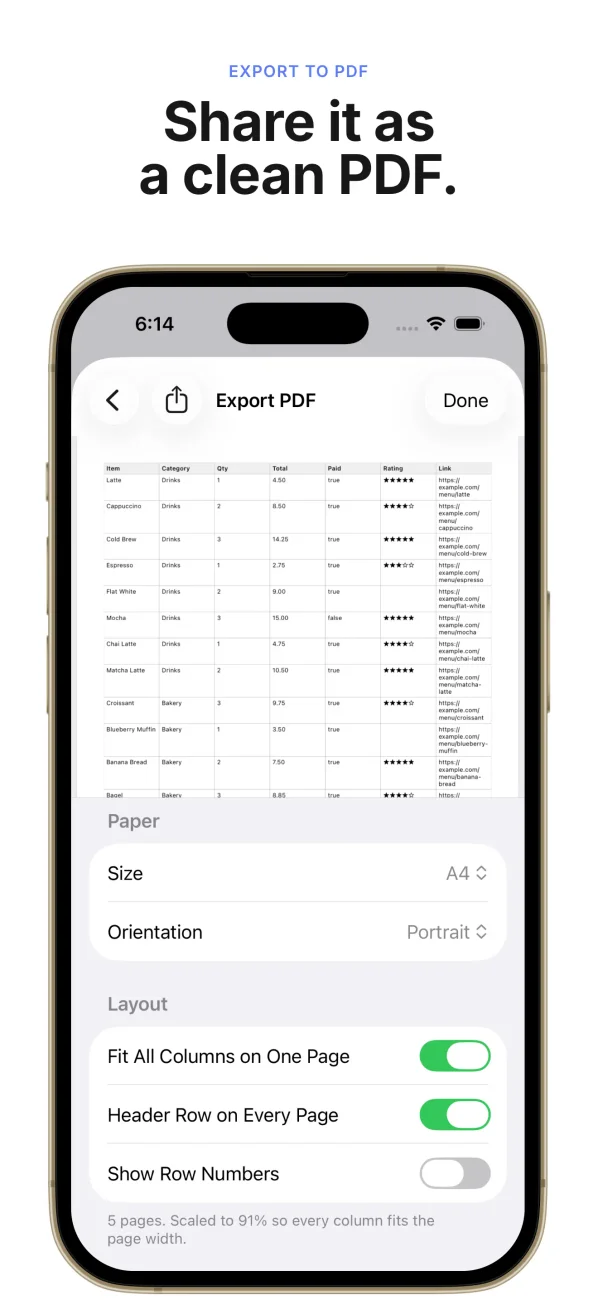
CSV Editor opens the CSV files other apps choke on, straight from the Files app, iCloud Drive or any cloud storage, and saves your edits back to the original file. Files with
hundreds of thousands of rows open in seconds, scroll smoothly, and edit
like a real spreadsheet — right on your iPhone or iPad.
EDIT FILES IN PLACE
• Browse and open CSV files from Files, iCloud Drive and other storage providers
• Edits are saved to the original file, no import or export copies
• Create new CSV files from scratch, right where you keep them
EDIT LIKE A SPREADSHEET
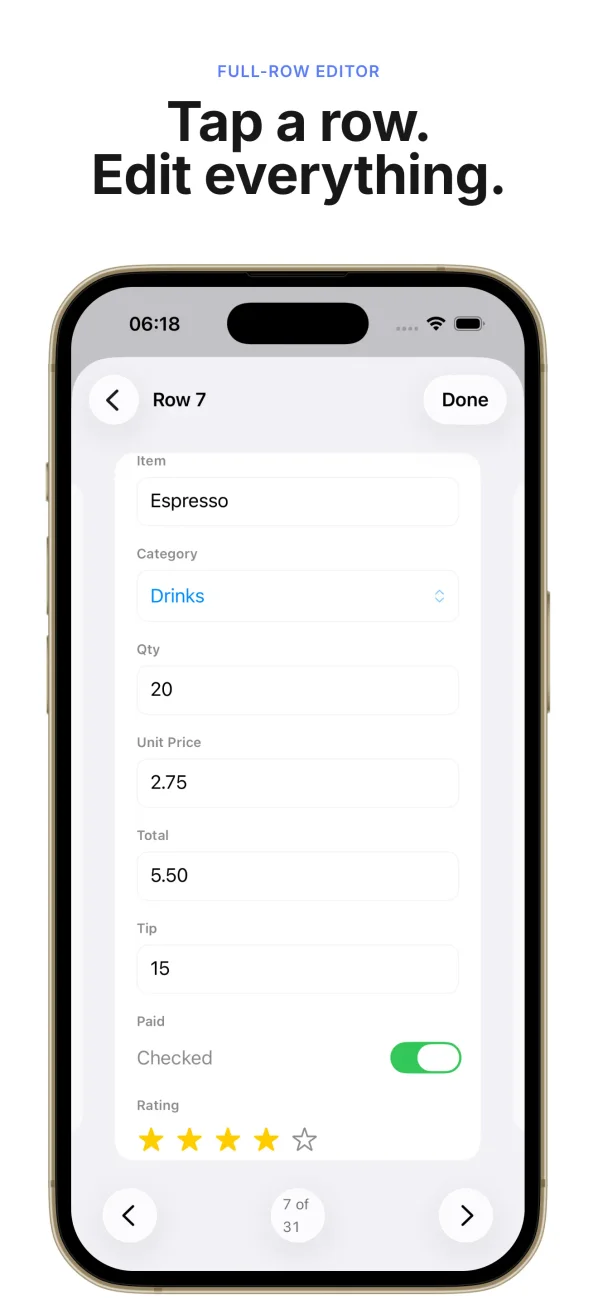
• Tap to select, tap again to edit — Excel-style on touch
• Insert, delete, and reorder rows and columns
• Undo and redo everything
• Freeze rows and columns so headers stay put while you scroll
• Select ranges with drag handles, clear whole ranges at once
BUILT FOR BIG FILES
• Opens 500,000+ row files without slowing down
• Background loading with live progress — start reading immediately
• Smooth flick-scrolling through the whole sheet
SORT & FILTER
• Excel-style AutoFilter per column
• Sort text, numbers, and dates the way Excel does
• Filtered rows are protected: edits and deletes never touch hidden data
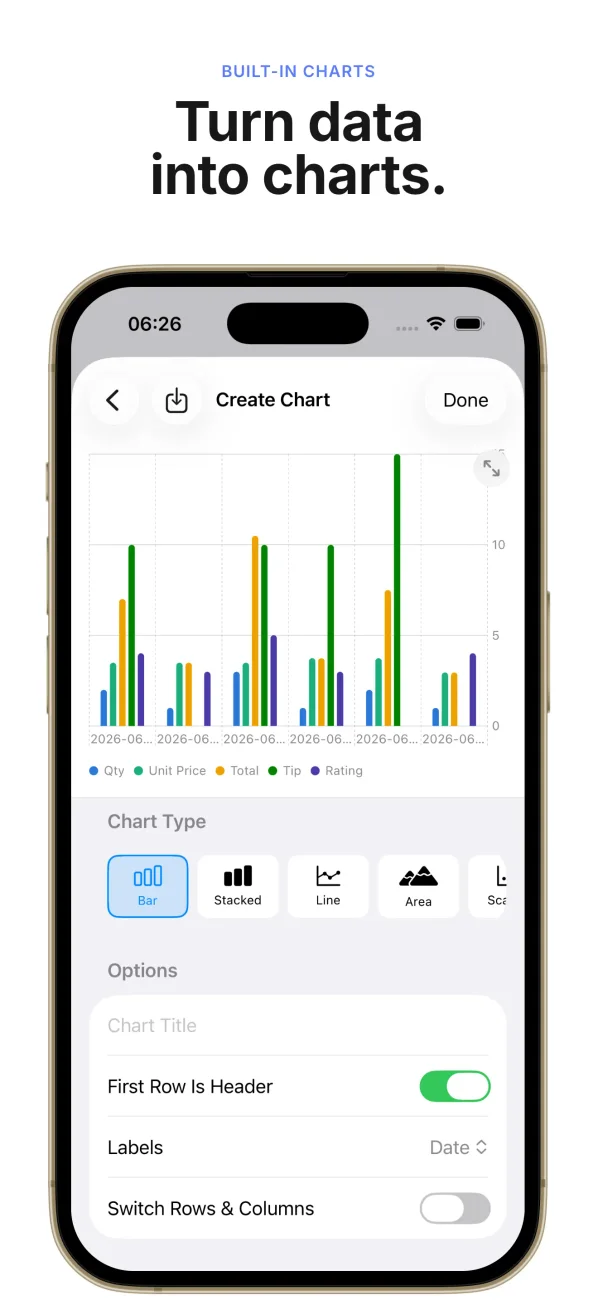
CHARTS (PRO)
• Turn any selection into a chart in two taps
• Bar, line, and more, powered by Swift Charts
• Save chart images to your photo library or share them
FORMULA COLUMNS (PRO)
• Add a computed column that fills down every row, like a spreadsheet formula
• Reference other columns by name — e.g. [Price] * [Qty]
• Built-in functions: IF, ROUND, ABS, MIN, MAX, CONCAT, UPPER, LOWER, TRIM, LEN, CONTAINS
• Live preview and inline error checking while you build the formula
• Formulas save inside the CSV, so results are readable in any app
SMART FORMAT HANDLING
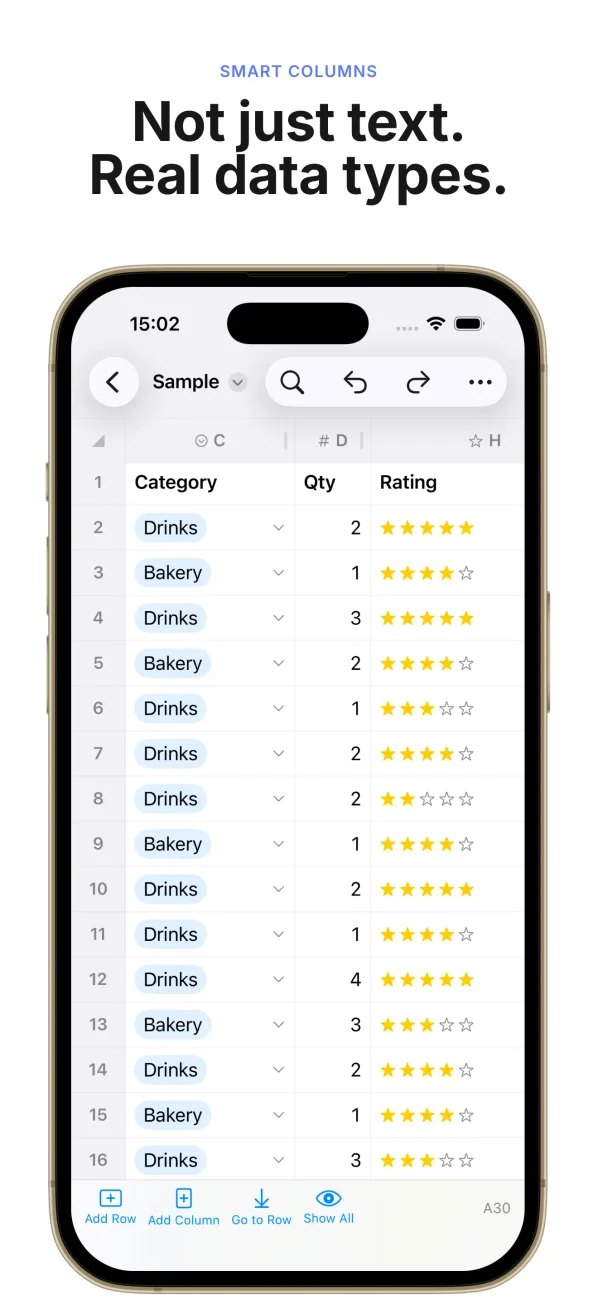
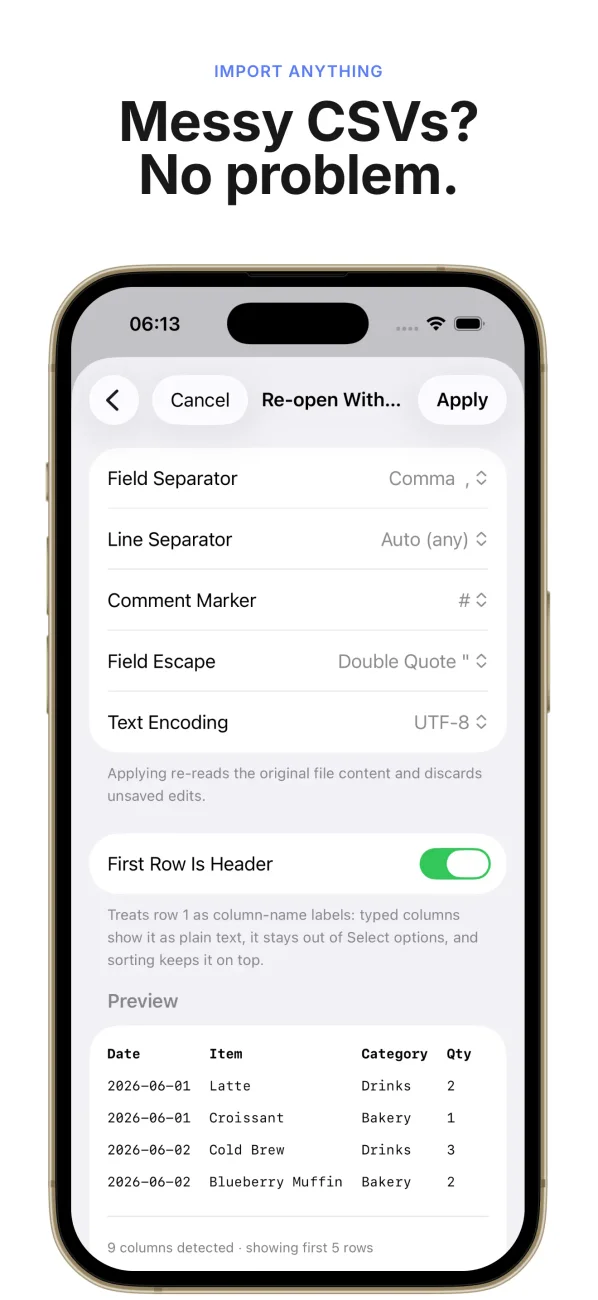
• Auto-detects delimiters, headers, and encodings
• Opens TSV and other delimited files
• Re-open with custom parse settings when a file is unusual
FREE VS PRO
The free version includes full editing, sorting, and filtering for files up
to 100 rows. CSV Editor Pro unlocks:
• Unlimited rows — open and edit files of any size
• Charts
• Formula columns
Your files are never truncated: even in the free version, every row of your
file is preserved when you save.
Pro is available as a one-time lifetime purchase, or as a monthly or yearly
auto-renewing subscription. Subscriptions renew unless canceled at least 24
hours before the end of the period and can be managed in your App Store
account settings.
Terms of Use: https://mygems.app/term
Privacy Policy: https://mygems.app/privacy
What’s new
Version 1.8.2 · Nov 17, 2026
- Updated app icon for iOS 27
App privacy
What Hue Nguyen declares on the App Store about how this app handles data.
-
Data not collected
The developer does not collect any data from this app.
Privacy practices may vary, for example with the features you use or your age.
Information
- Seller
- Hue Nguyen
- Category
- Productivity
- Version
- 1.8.2
- Updated
- Nov 17, 2026
- Released
- Jul 9, 2026
- Size
- 7.2 MB
- Requires
- iOS 18.0 or later
- Age rating
- 4+
- Price
- Free
- In-app purchases
- Yes
- Languages
- English, Dutch, French, German, Italian, Japanese, Korean, Portuguese, Spanish
- Copyright
- © My Gems 2026
You might also like
-
 QuickSheet - Grid EditorCSV, XLSX & Structured Data
-
 Open CSVOpen, view, sort CSV files
-
 FollowUp – Stay in TouchRemember who to check in with
-
 Today CountdownMake every second count
-
 When Did I Last: Task TrackerRecurring Chores & Reminders
-
 BigSplice – GB SpreadsheetsLog analysis & giant datasets
-
 Last Done: Recurring TasksSimple Routine & Chore Tracker
-
 CSVly - CSV Viewer & EditorView CSV as a table, edit rows
-
 Recall - Contact NotesProductivity
-
 Daopen: HWP, ODT, PDF ReaderOpen HWP & ODT, convert to PDF