- 対象年齢4+
- カテゴリ写真/ビデオ
- 開発元Alexander Oscar Gremzo
- 言語スペイン語ほか13言語
- サイズ59.3 MB
App Storeの公式ページにリンクしています
Download.orgはDavexa Studioのファイルを一切ホストしていません。ボタンを押すと、Alexander Oscar Gremzoが公開しているApp Storeのアプリページが開きます。ページの最終確認:2026/11/28。
スクリーンショット
概要
開発元はこのテキストをお使いの言語で提供していません。
Turn your iPad into the photo booth everyone wants to try.
From wedding celebrations and birthday parties to your own DIY photo booth, Davexa Studio helps you create an experience guests will love, with photos they can take home, share, and remember.
YOUR CELEBRATION. YOUR STYLE.
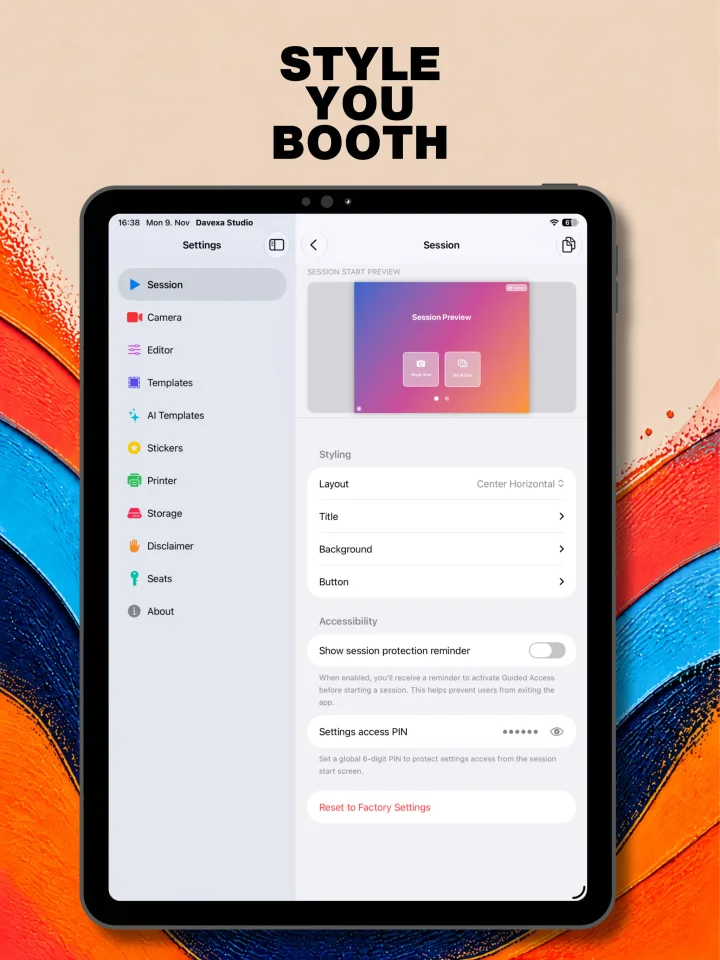
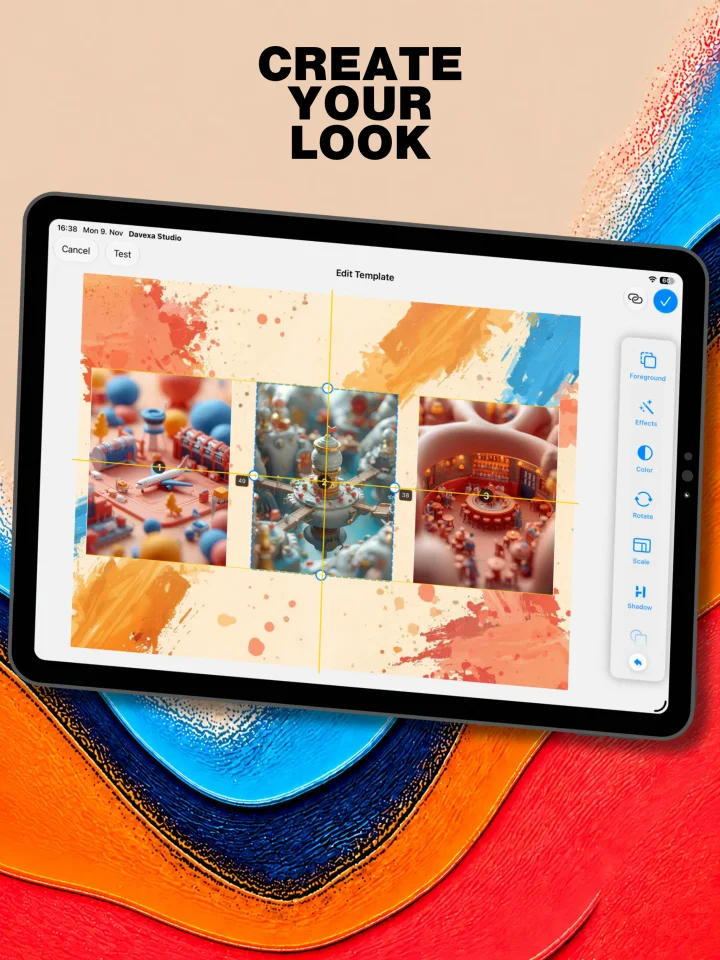
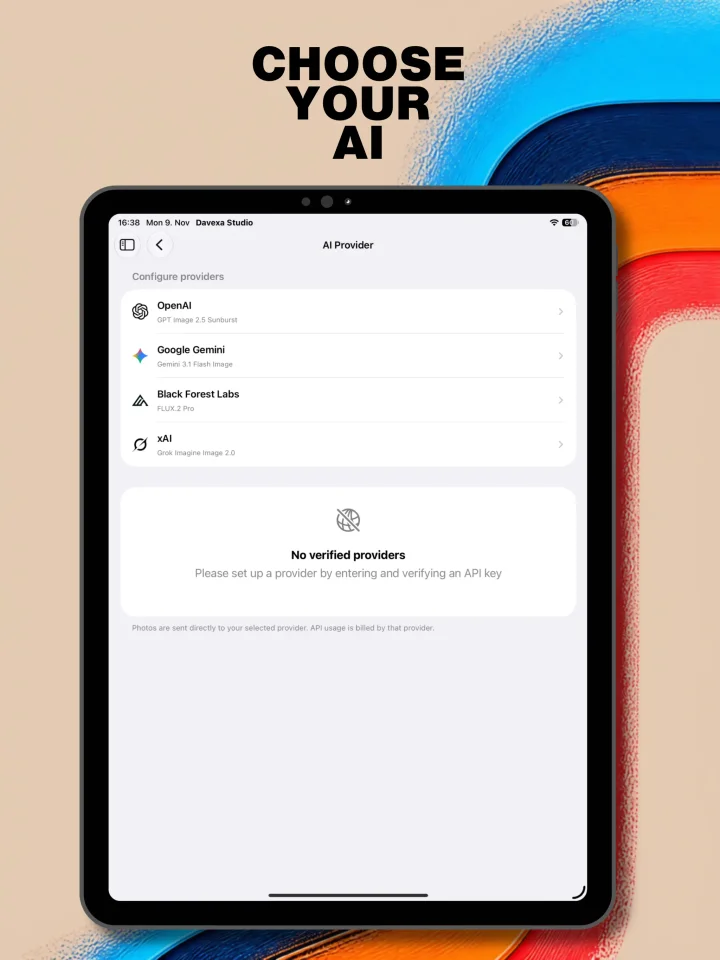
Make your photo booth feel like part of the occasion. Choose photo templates, personalize the welcome screen, and create a look that matches your wedding, party, or brand. Add AI photo transformations for imaginative results that give guests something unexpected.
SET IT UP. LET THE FUN BEGIN.
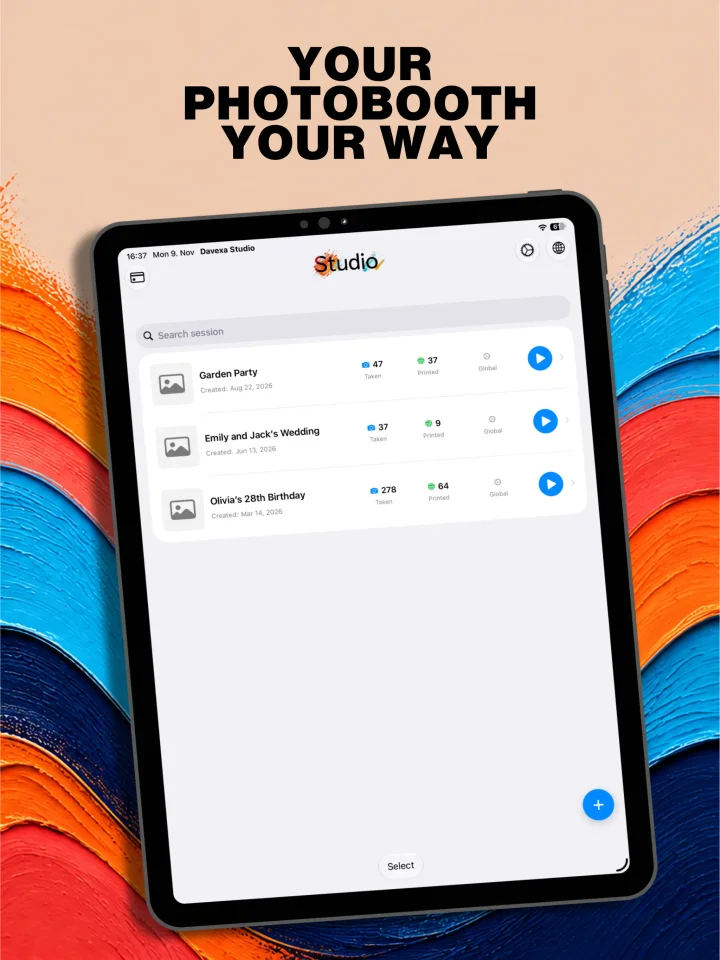
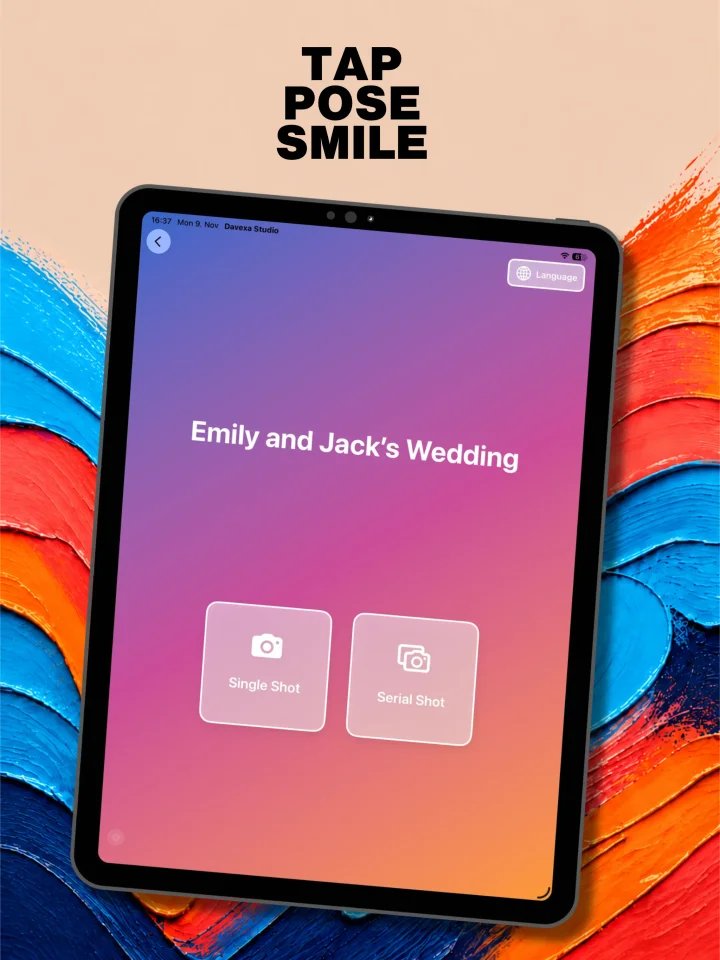
Prepare your photo booth before guests arrive, then launch it with a single tap. Clear instructions and a countdown guide them from their first pose to the finished photo, so they can enjoy the moment.
ONE GREAT PHOTO. OR A WHOLE SERIES.
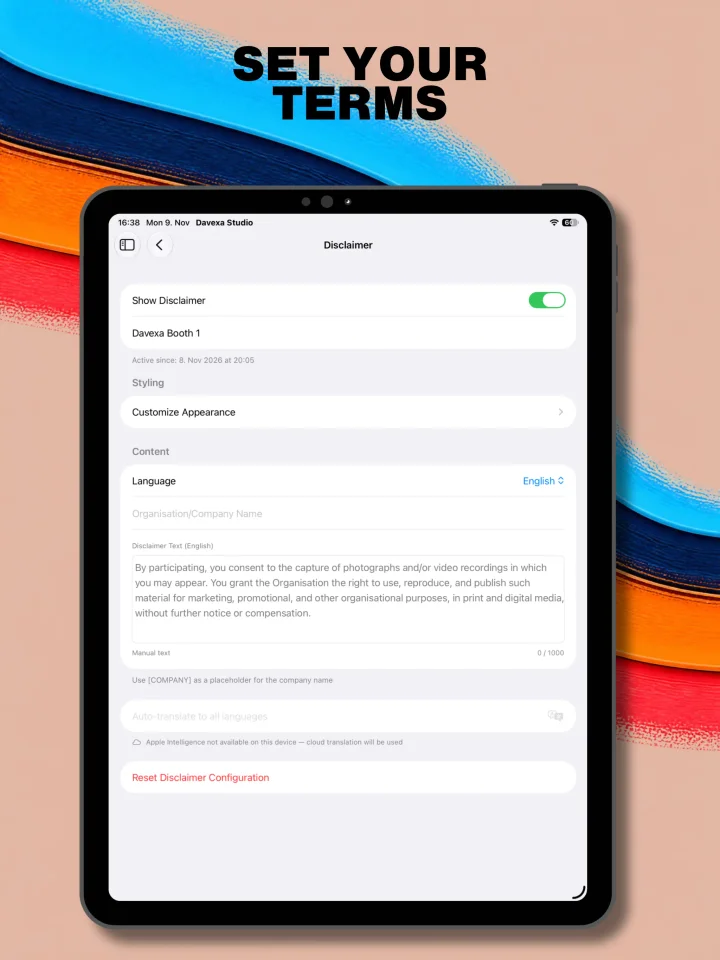
Capture a single shot or create a sequence of poses. Set the pace yourself or let guests choose how many photos to take within the limits you decide. Keep it spontaneous for a party or consistent for a professional event.
USE THE CAMERA THAT FITS YOUR SETUP.
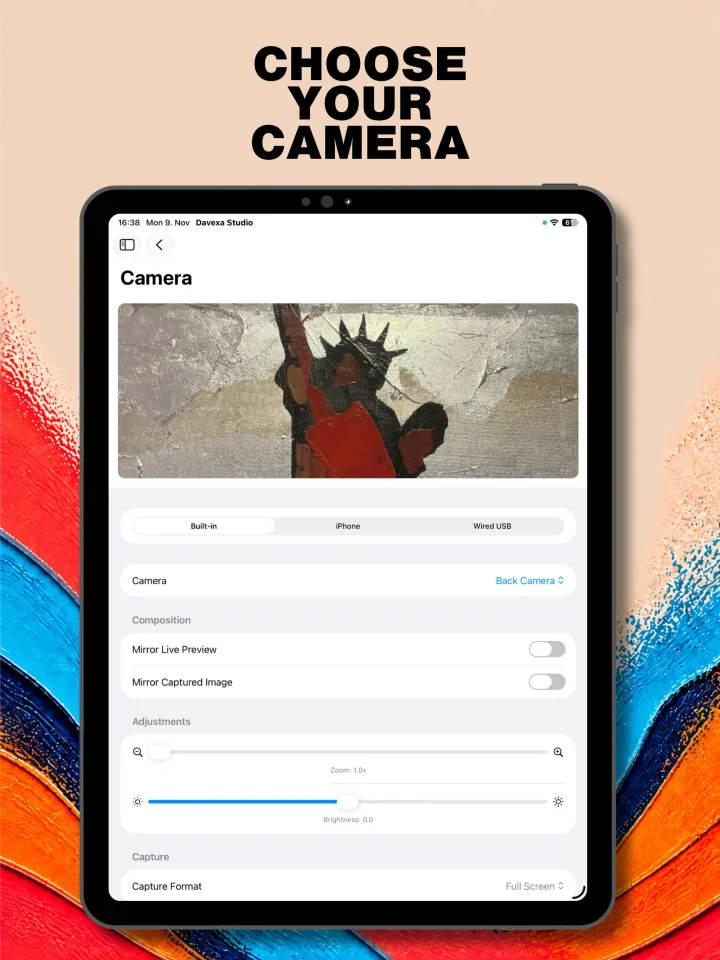
Start with your iPad’s built-in camera. Use your iPhone as a connected camera with Davexa Connect, or connect a compatible wired camera for a dedicated photo booth setup.
MEMORIES WORTH TAKING HOME.
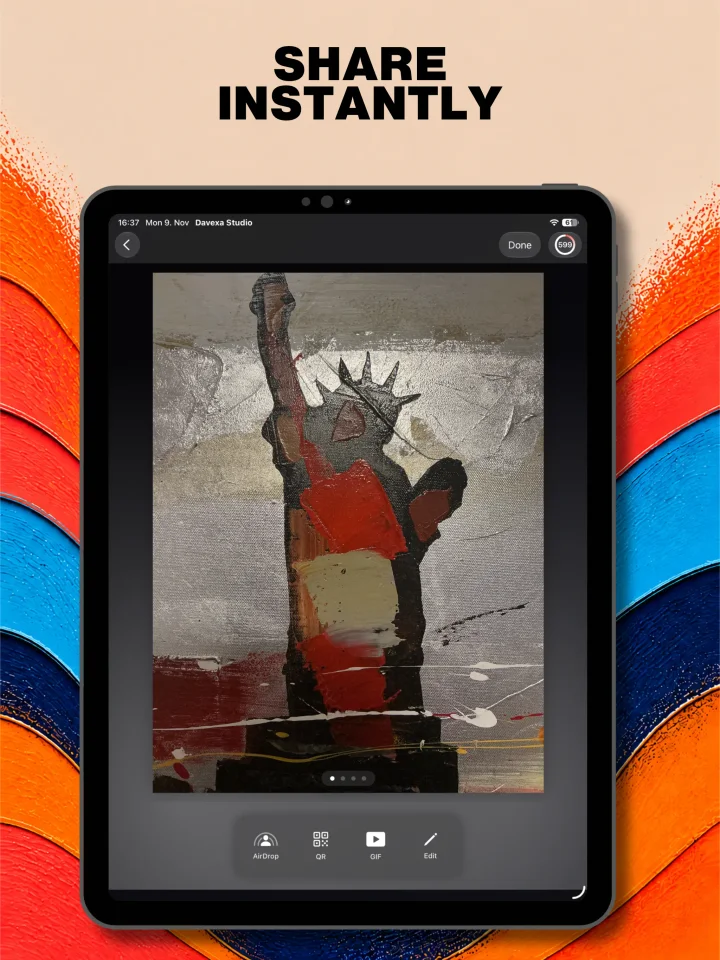
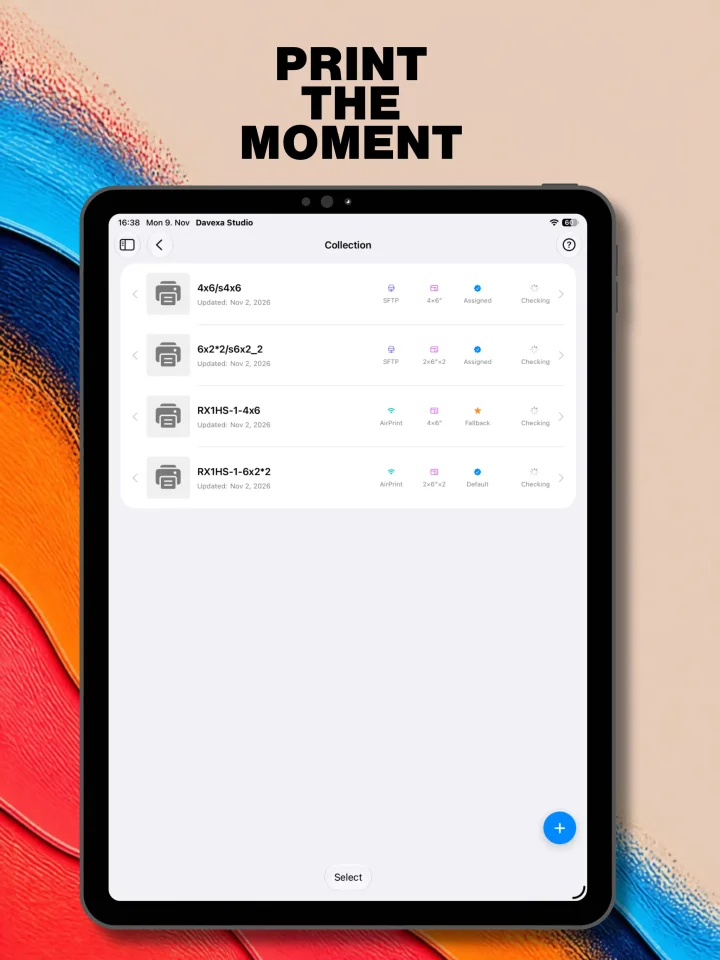
Let guests review, edit, share, save, and print their photos after capture. Print with AirPrint or connect Davexa Studio to a compatible existing print system.
FROM YOUR FIRST PARTY TO YOUR NEXT BIG EVENT.
Build a DIY photo booth at home or bring a personalized photo experience to your professional setup. Davexa Studio gives you control over the details while keeping the guest experience simple.
Download Davexa Studio and make your next celebration one to remember.
新機能
バージョン 1.2.5 · 2026/11/27
This update brings more creative choice and a smoother photo booth experience.
• New AI models, including GPT Image 2.6, Gemini Nano Banana 2.1, FLUX 3 Image and FLUX 3 Image Klein.
• Easier API key entry, helpful prompt-writing guidance and clearer notices when an AI model needs replacing.
• A new iCloud sync indicator in the session list. Tap it for a short explanation of the current activity.
• The status bar now hides during sessions in Guided Access and reappears when Guided Access ends.
• Smoother toolbar display when returning to the session list.
• More consistent spacing in template lists and settings.
Have an idea for improving Davexa Studio? We’d love to hear from you on Instagram or by email.
アプリのプライバシー
このアプリのデータの取り扱いについて、Alexander Oscar GremzoがApp Storeで申告している内容です。
-
ユーザーに関連付けられたデータ
収集され、ユーザーの識別情報に関連付けられる場合があります。
- 購入
-
ユーザーに関連付けられないデータ
収集される場合がありますが、ユーザーの識別情報には関連付けられません。
- ユーザーコンテンツ
- 診断
プライバシーの取り扱いは、ご利用の機能やお客様の年齢などに応じて異なる場合があります。
情報
- 販売元
- Alexander Oscar Gremzo
- カテゴリ
- 写真/ビデオ
- バージョン
- 1.2.5
- 更新日
- 2026/11/27
- リリース
- 2026/9/30
- サイズ
- 59.3 MB
- 必要条件
- iOS 26.0以降
- 対象年齢
- 4+
- 価格
- 無料
- アプリ内課金
- あり
- 言語
- スペイン語, ドイツ語, 簡体字中国語, フランス語, ヒンディー語, インドネシア語, 英語, イタリア語, 日本語, ポーランド語, ポルトガル語, ロシア語 ほか2言語
- 著作権
- © 2026 AOG Systems
こちらもおすすめ
-
 GalaBooth – Event Selfie Booth写真/ビデオ
-
 Go Photobooth別のスマホをカメラに
-
 Ourbooth - Photo Booth写真/ビデオ
-
 NFC Media Scanner写真/ビデオ
-
 Cekrekin写真/ビデオ
-
 SLR Booth Pro写真/ビデオ
-
 PocketBooth: Mini Photoboothあなたの小さなフォトブース
-
 PlanetEdit - Simple and Quick写真/ビデオ
-
 フレピック:プリクラ風フォトブースフレーム作成カップル・誕生日・結婚式・パーティー 即席加工プリント
-
 SkyScope: Telescope Camera写真/ビデオ