- Age rating4+
- CategoryPhoto & Video
- DeveloperAlexander Oscar Gremzo
- LanguagesSpanish+ 13 more
- Size59.3 MB
Links to the official App Store page
Download.org hosts no file of Davexa Studio. The button opens its official App Store page, published by Alexander Oscar Gremzo. Listing last checked on Nov 28, 2026.
Screenshots

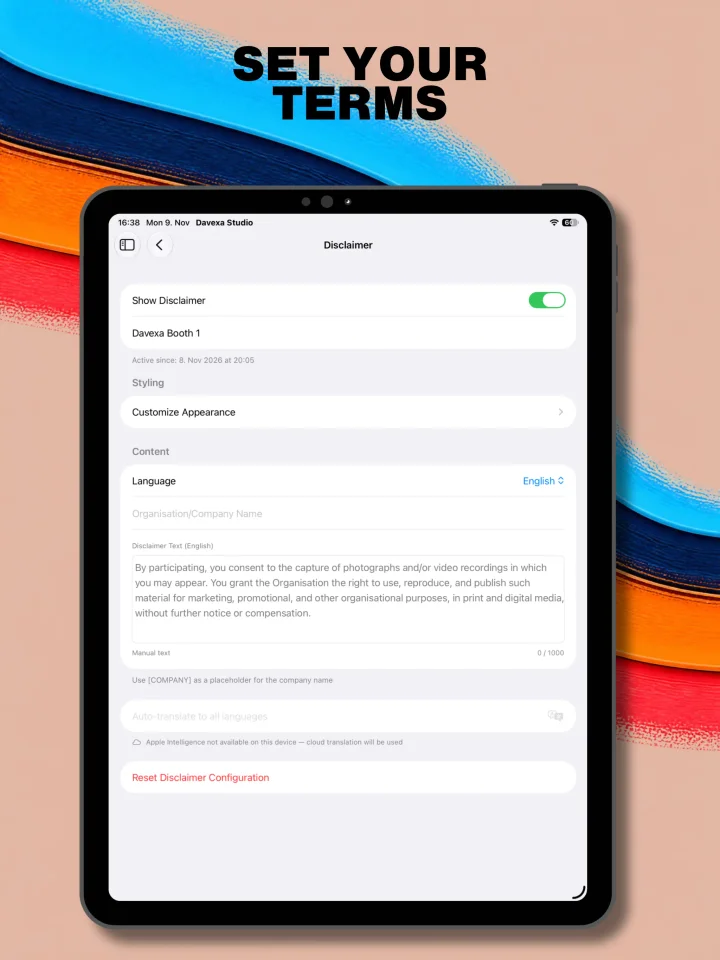
About
Turn your iPad into the photo booth everyone wants to try.
From wedding celebrations and birthday parties to your own DIY photo booth, Davexa Studio helps you create an experience guests will love, with photos they can take home, share, and remember.
YOUR CELEBRATION. YOUR STYLE.
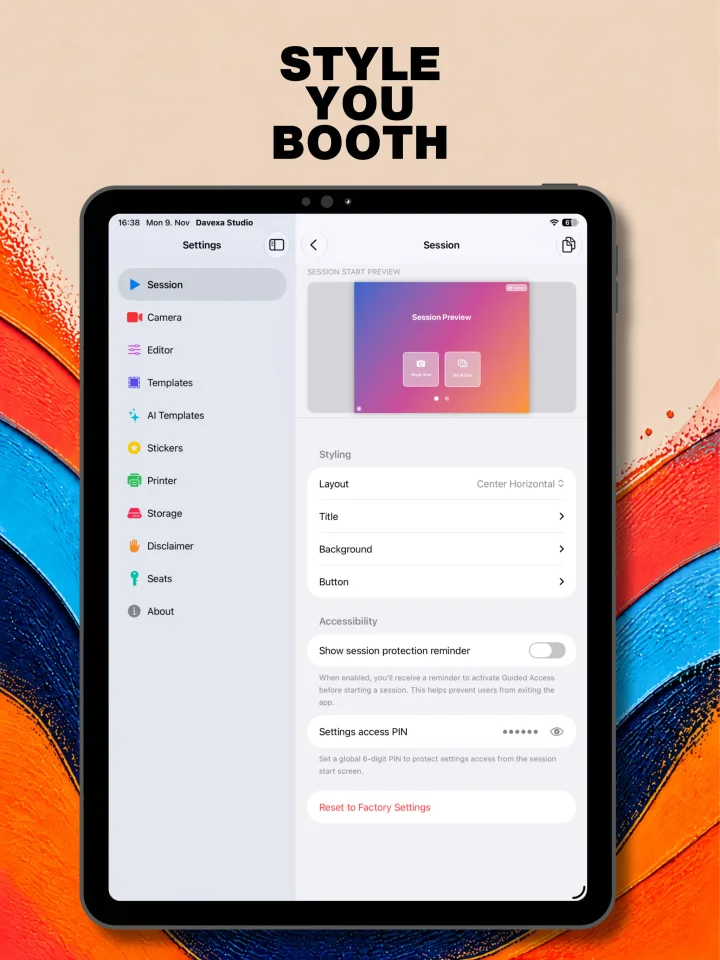
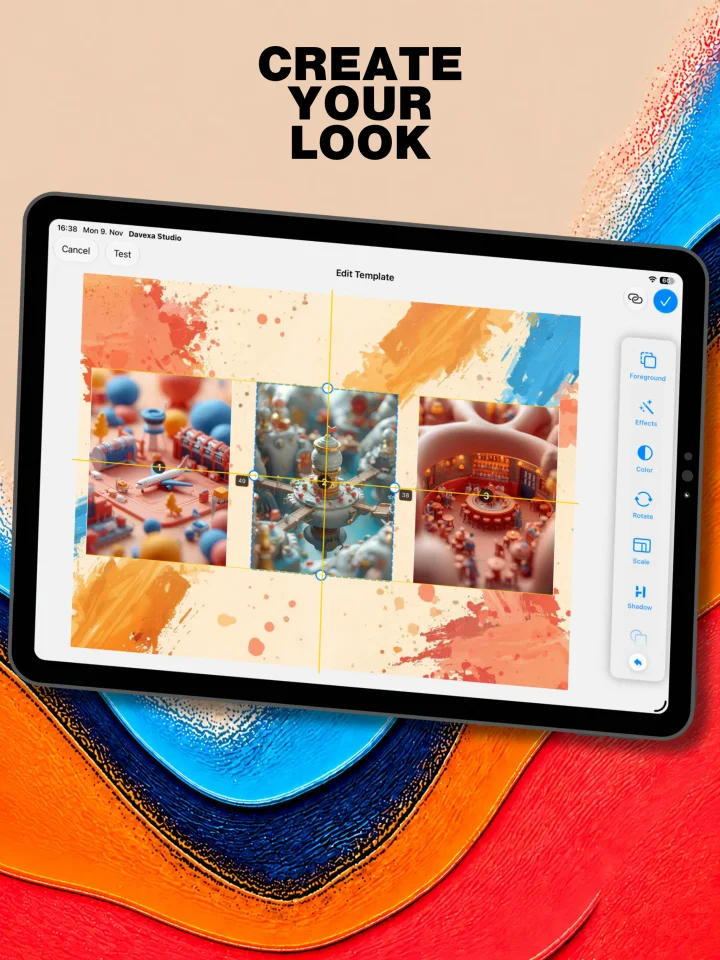
Make your photo booth feel like part of the occasion. Choose photo templates, personalize the welcome screen, and create a look that matches your wedding, party, or brand. Add AI photo transformations for imaginative results that give guests something unexpected.
SET IT UP. LET THE FUN BEGIN.
Prepare your photo booth before guests arrive, then launch it with a single tap. Clear instructions and a countdown guide them from their first pose to the finished photo, so they can enjoy the moment.
ONE GREAT PHOTO. OR A WHOLE SERIES.
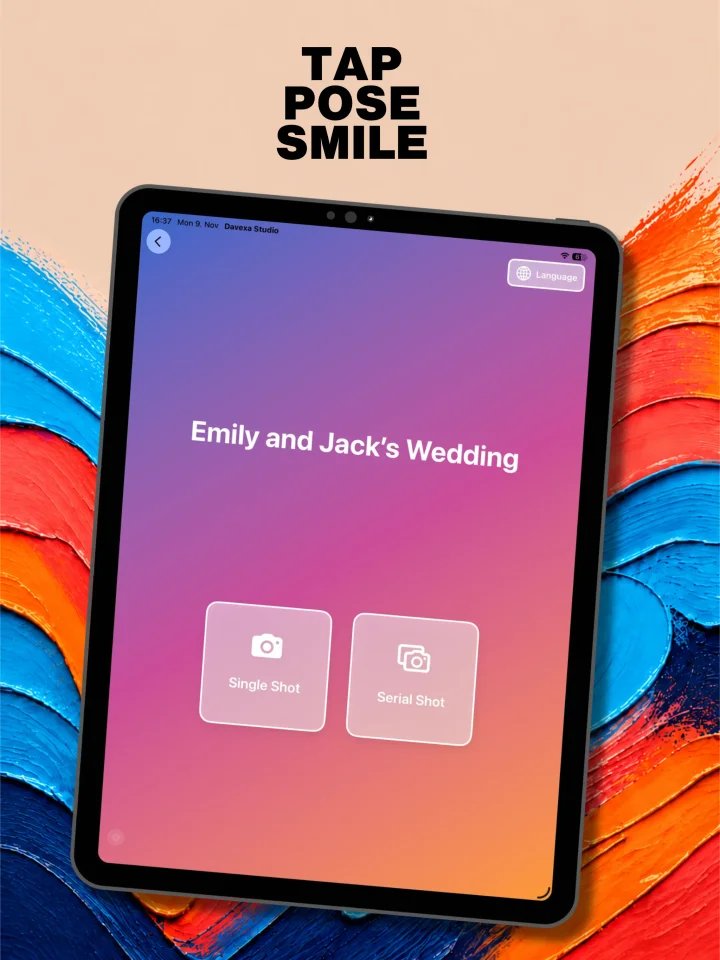
Capture a single shot or create a sequence of poses. Set the pace yourself or let guests choose how many photos to take within the limits you decide. Keep it spontaneous for a party or consistent for a professional event.
USE THE CAMERA THAT FITS YOUR SETUP.
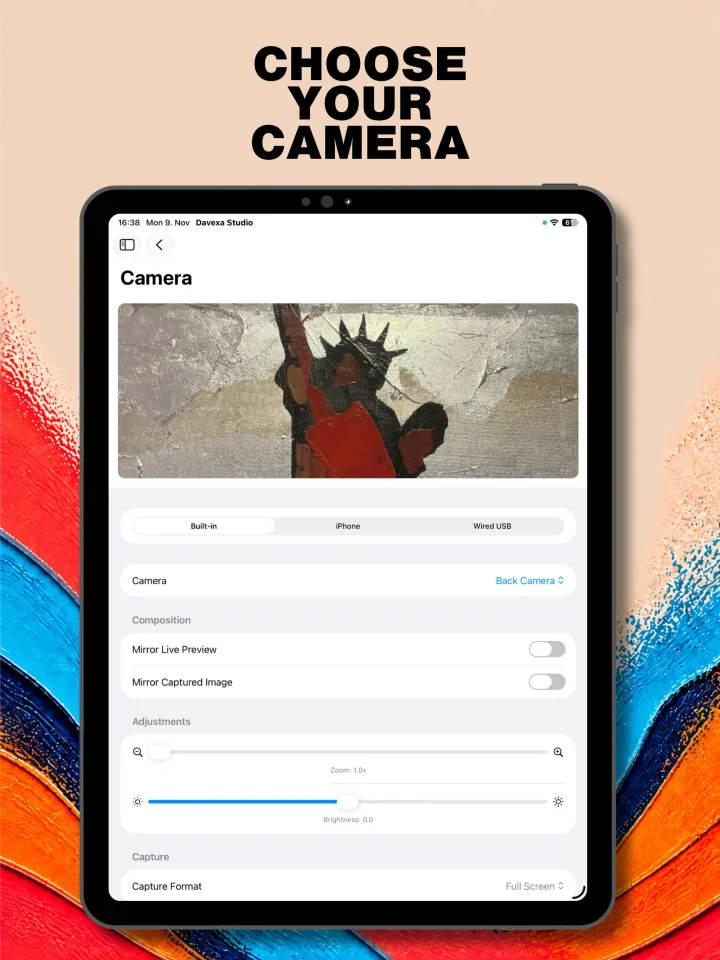
Start with your iPad’s built-in camera. Use your iPhone as a connected camera with Davexa Connect, or connect a compatible wired camera for a dedicated photo booth setup.
MEMORIES WORTH TAKING HOME.
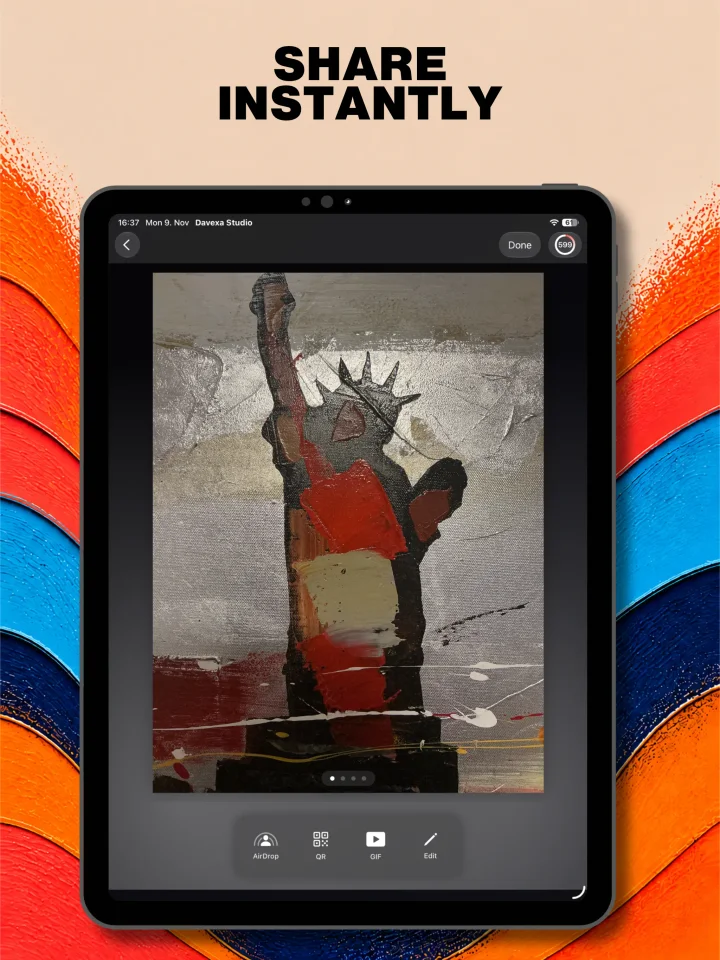
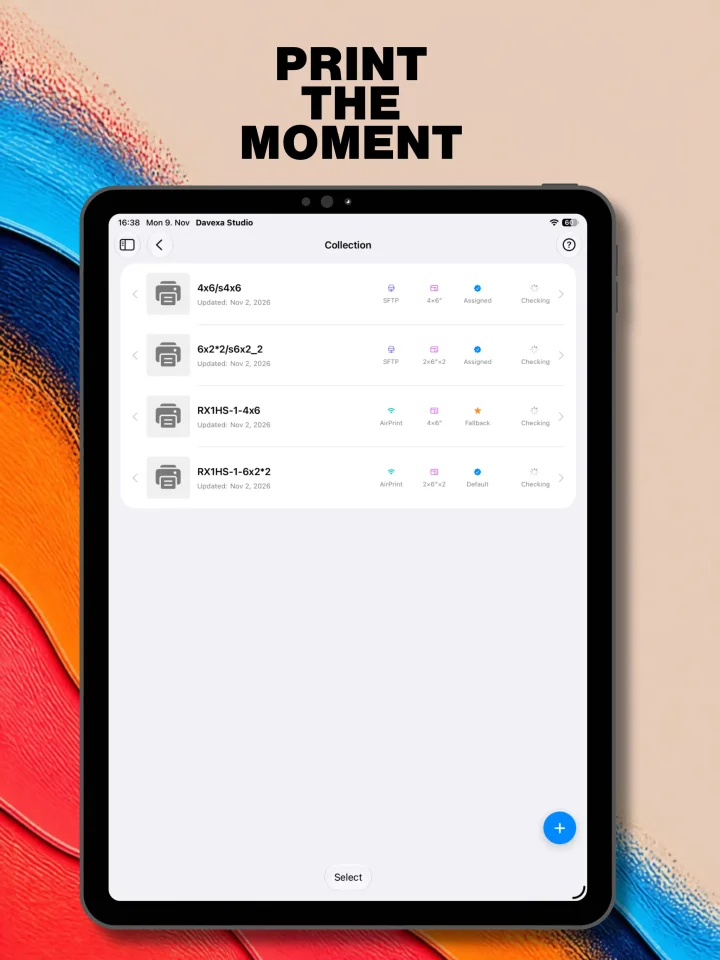
Let guests review, edit, share, save, and print their photos after capture. Print with AirPrint or connect Davexa Studio to a compatible existing print system.
FROM YOUR FIRST PARTY TO YOUR NEXT BIG EVENT.
Build a DIY photo booth at home or bring a personalized photo experience to your professional setup. Davexa Studio gives you control over the details while keeping the guest experience simple.
Download Davexa Studio and make your next celebration one to remember.
What’s new
Version 1.2.5 · Nov 27, 2026
This update brings more creative choice and a smoother photo booth experience.
• New AI models, including GPT Image 2.6, Gemini Nano Banana 2.1, FLUX 3 Image and FLUX 3 Image Klein.
• Easier API key entry, helpful prompt-writing guidance and clearer notices when an AI model needs replacing.
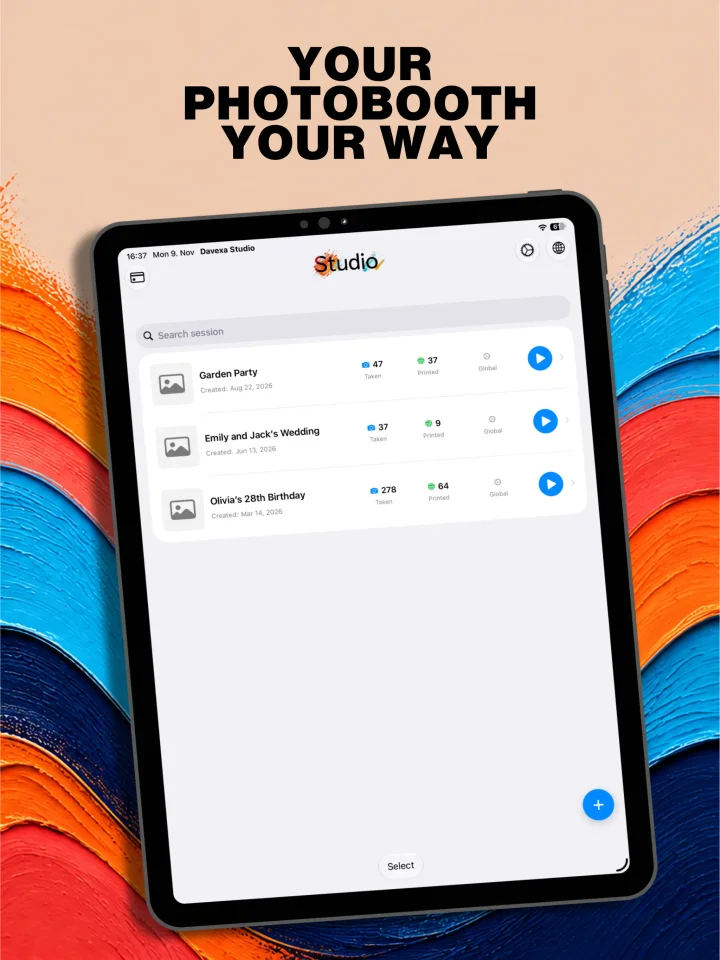
• A new iCloud sync indicator in the session list. Tap it for a short explanation of the current activity.
• The status bar now hides during sessions in Guided Access and reappears when Guided Access ends.
• Smoother toolbar display when returning to the session list.
• More consistent spacing in template lists and settings.
Have an idea for improving Davexa Studio? We’d love to hear from you on Instagram or by email.
App privacy
What Alexander Oscar Gremzo declares on the App Store about how this app handles data.
-
Data linked to you
May be collected and linked to your identity.
- Purchases
-
Data not linked to you
May be collected but is not linked to your identity.
- User content
- Diagnostics
Privacy practices may vary, for example with the features you use or your age.
Information
- Seller
- Alexander Oscar Gremzo
- Category
- Photo & Video
- Version
- 1.2.5
- Updated
- Nov 27, 2026
- Released
- Sep 30, 2026
- Size
- 59.3 MB
- Requires
- iOS 26.0 or later
- Age rating
- 4+
- In-app purchases
- Yes
- Languages
- Spanish, German, Simplified Chinese, French, Hindi, Indonesian, English, Italian, Japanese, Polish, Portuguese, Russian + 2 more
- Copyright
- © 2026 AOG Systems
You might also like
-
 GalaBooth – Event Selfie BoothWedding & party photo strips
-
 Go PhotoboothSecond phone as a camera
-
 Ourbooth - Photo BoothEvent & Wedding Photo Booth
-
 NFC Media ScannerScan your DS-620 & RX1 Media
-
 CekrekinPhotobooth & Instant Prints
-
 SLR Booth ProPhoto & Video
-
 PocketBooth: Mini PhotoboothYour little photo booth
-
 PlanetEdit - Simple and Quick4 in 1 Planet Stacking App
-
 FramePic: Photo Booth StripsCouple, Wedding & Party Photos
-
 SkyScope: Telescope CameraUltra Zoom Moon & Sky Camera