- 対象年齢4+
- カテゴリユーティリティ
- 開発元Hai Nam Trinh
- 言語英語ほか1言語
- サイズ5.6 MB
App Storeの公式ページにリンクしています
Download.orgはDead Pixels: Touch Screen Testのファイルを一切ホストしていません。ボタンを押すと、Hai Nam Trinhが公開しているApp Storeのアプリページが開きます。ページの最終確認:2026/11/20。
スクリーンショット

概要
開発元はこのテキストをお使いの言語で提供していません。
▶ DEAD PIXEL & TOUCH SCREEN TEST
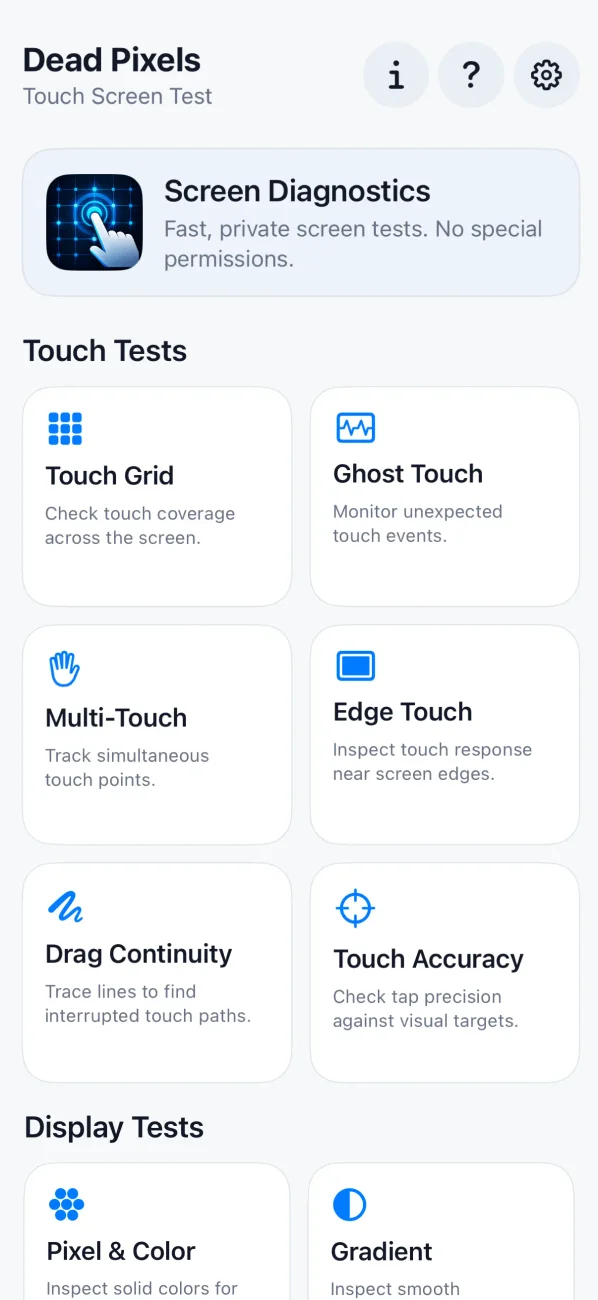
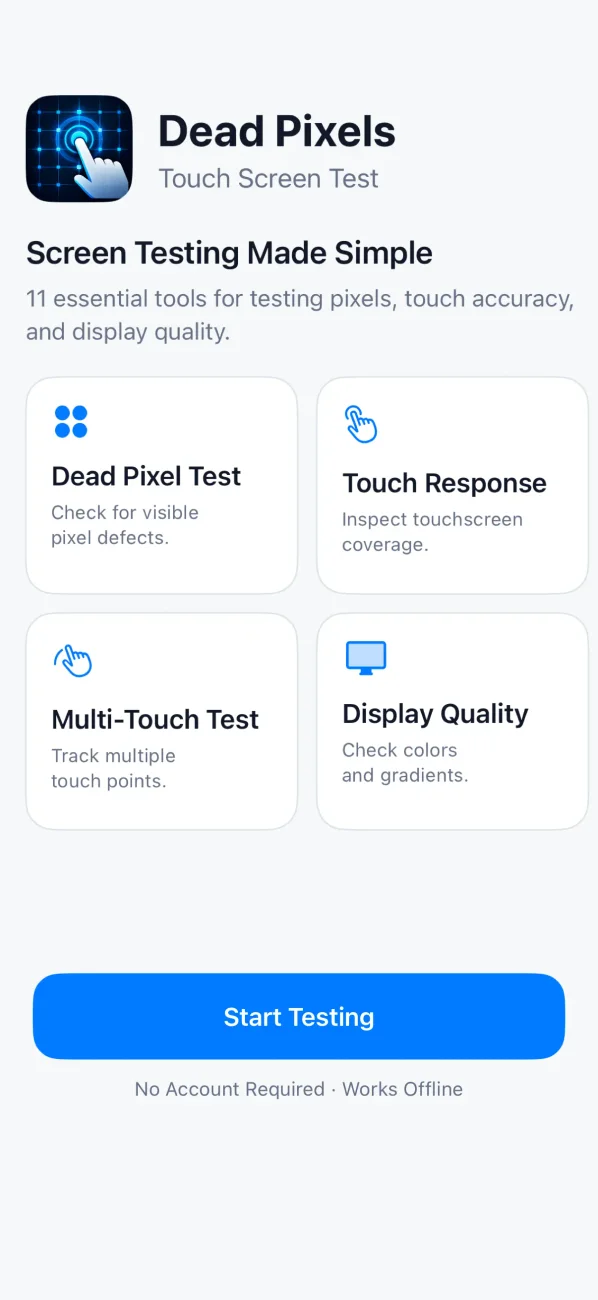
Dead Pixels: Touch Screen Test helps you quickly check your iPhone screen and touchscreen with 11 practical diagnostic tests.
Inspect dead pixels, stuck pixels, touch response, ghost touch, multi-touch, screen edges, touch accuracy, display colors, refresh rate, and display information.
▶ TOUCH SCREEN TESTS — 6 TOOLS
1. TOUCH GRID TEST
Check for unresponsive areas by moving your finger across an interactive touch grid. Identify missed or inconsistent touch responses.
2. GHOST TOUCH TEST
Monitor unexpected touch events while your iPhone is resting on a flat surface. Help investigate possible ghost touch issues without making unsupported hardware claims.
3. MULTI-TOUCH TEST
Touch the screen with multiple fingers simultaneously. View detected touch positions and check how many touch points your iPhone recognizes.
4. EDGE TOUCH TEST
Check touchscreen responsiveness near the top, bottom, left, and right edges of your display.
5. DRAG CONTINUITY TEST
Drag your finger across the screen and inspect the touch path for interruptions, gaps, or inconsistent tracking.
6. TOUCH ACCURACY TEST
Tap displayed targets to check how closely your touch locations match the intended positions.
▶ DISPLAY TESTS — 5 TOOLS
7. PIXEL & COLOR TEST
Display full-screen colors to help identify dead pixels, stuck pixels, bright pixels, and unusual screen defects.
Inspect black, white, red, green, blue, gray, cyan, magenta, and yellow screens.
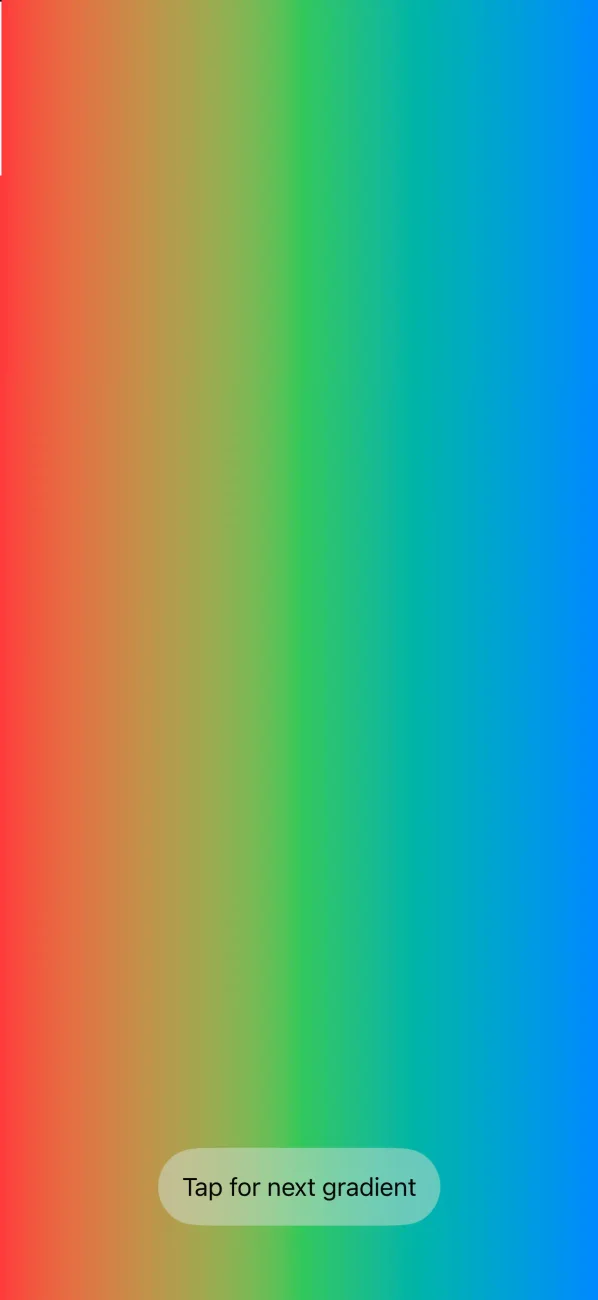
8. GRADIENT TEST
Examine smooth color transitions to help identify color banding, uneven gradients, and display irregularities.
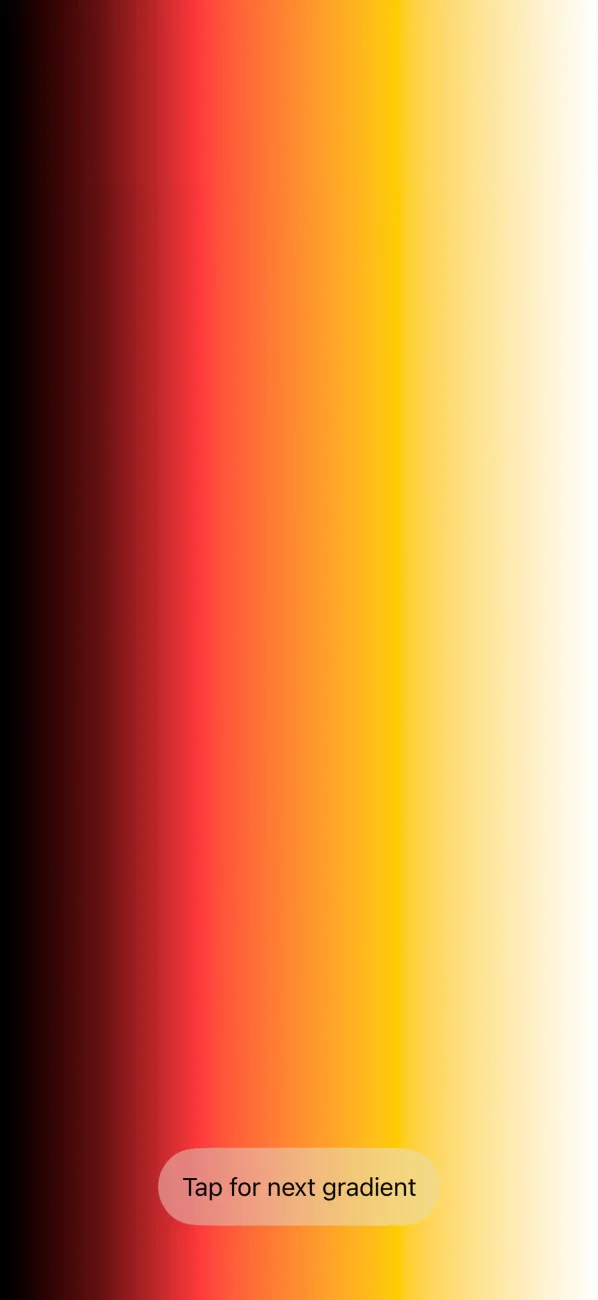
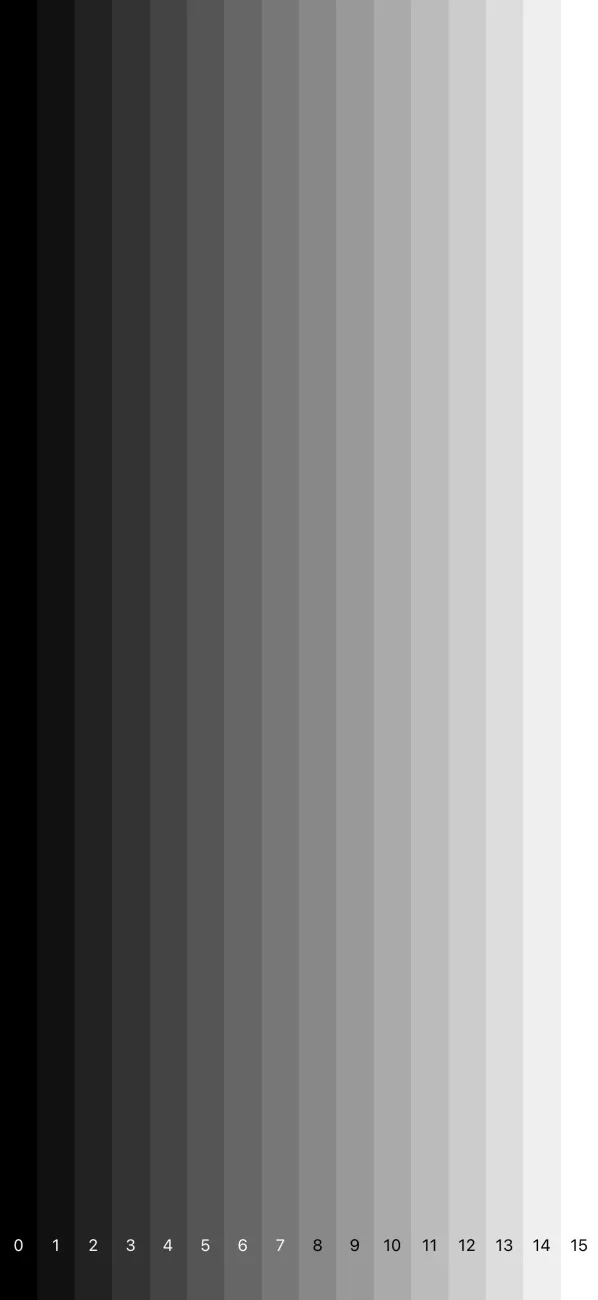
9. GRAYSCALE TEST
Inspect grayscale levels, dark tones, bright tones, and gradual brightness transitions.
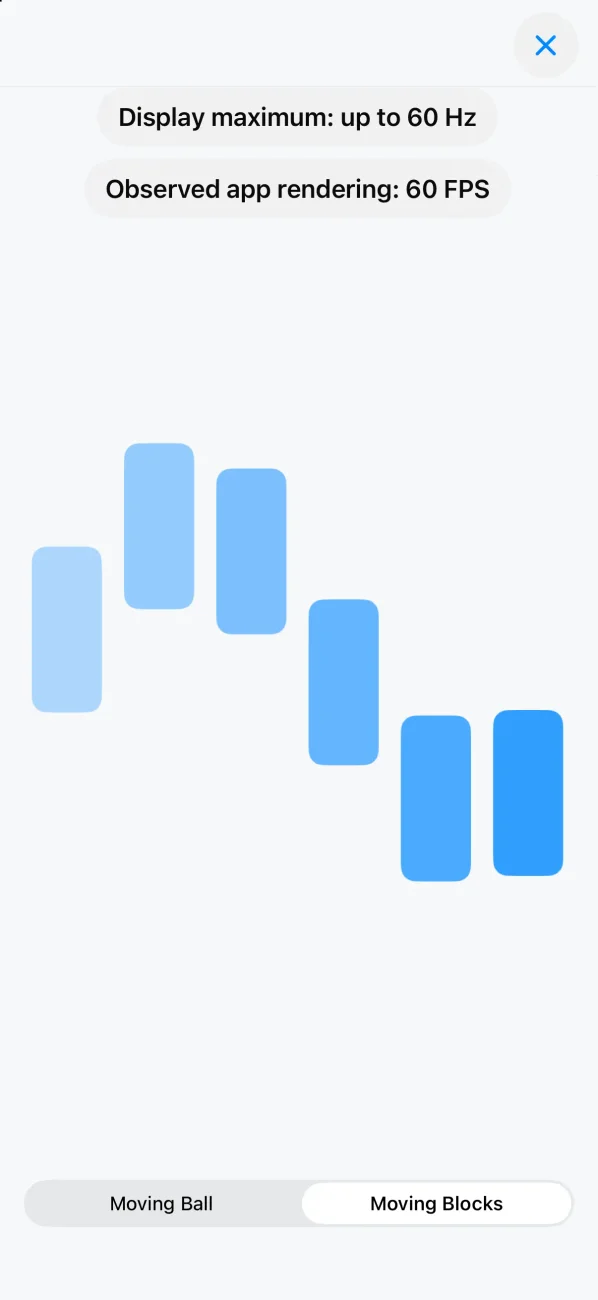
10. REFRESH RATE TEST
View supported screen refresh rate information and real-time rendered FPS to observe display performance.
11. DISPLAY INFORMATION
View useful screen details, including resolution, logical resolution, display scale, aspect ratio, brightness, refresh rate, and available display capabilities.
▶ WHEN SHOULD YOU TEST YOUR SCREEN?
Dead Pixels is useful for:
• Checking a used iPhone before buying
• Testing a screen after repair or replacement
• Looking for dead or stuck pixels
• Investigating unresponsive touch areas
• Checking possible ghost touch problems
• Testing multi-touch and edge response
• Inspecting display colors and gradients
• Checking refresh rate and screen information
▶ SIMPLE, PRIVATE & OFFLINE
• 11 practical screen diagnostic tests
• Clean and easy-to-use interface
• No account required
• No internet required for screen tests
• No camera or microphone permission
• No location or accessibility permission
• Screen tests run locally on your iPhone
▶ CHECK YOUR IPHONE SCREEN IN SECONDS
Whether you're buying a used iPhone, checking a replacement display, or investigating touchscreen issues, Dead Pixels: Touch Screen Test gives you practical tools to inspect your screen.
Open the app, choose a test, and start checking your display in seconds.
Note: This app provides visual and touchscreen diagnostic tools. It does not repair hardware or guarantee detection of every display or touchscreen defect.
Terms of Use (EULA):
https://www.apple.com/legal/internet-services/itunes/dev/stdeula/
アプリのプライバシー
このアプリのデータの取り扱いについて、Hai Nam TrinhがApp Storeで申告している内容です。
-
ユーザーのトラッキングに使用されるデータ
他社のアプリやウェブサイトを横断してユーザーをトラッキングする目的で使用される場合があります。
- 位置情報
- ID
-
ユーザーに関連付けられないデータ
収集される場合がありますが、ユーザーの識別情報には関連付けられません。
- 位置情報
- ID
プライバシーの取り扱いは、ご利用の機能やお客様の年齢などに応じて異なる場合があります。
情報
- 販売元
- Hai Nam Trinh
- カテゴリ
- ユーティリティ
- バージョン
- 1.0
- 更新日
- 2026/11/18
- リリース
- 2026/11/18
- サイズ
- 5.6 MB
- 必要条件
- iOS 17.0以降
- 対象年齢
- 4+
- 価格
- 無料
- アプリ内課金
- あり
- 言語
- 英語, 簡体字中国語
- 著作権
- © TRINH HAI NAM