Dead Pixels: Touch Screen Test
Multi Touch & Display Test
Được thiết kế cho iPhone
Miễn phí · Mua hàng trong ứng dụng
- Độ tuổi4+
- Danh mụcTiện Ích
- Nhà phát triểnHai Nam Trinh
- Ngôn ngữTiếng Anh+ 1 ngôn ngữ khác
- Kích thước5,6 MB
Liên kết đến trang App Store chính thức
Download.org không lưu trữ tệp nào của Dead Pixels: Touch Screen Test. Nút này mở trang ứng dụng trên App Store, nơi Hai Nam Trinh phát hành ứng dụng. Trang được kiểm tra lần cuối: 20/11/2026.
Ảnh chụp màn hình


Giới thiệu
Nhà phát triển chưa cung cấp nội dung này bằng ngôn ngữ của bạn.
▶ DEAD PIXEL & TOUCH SCREEN TEST
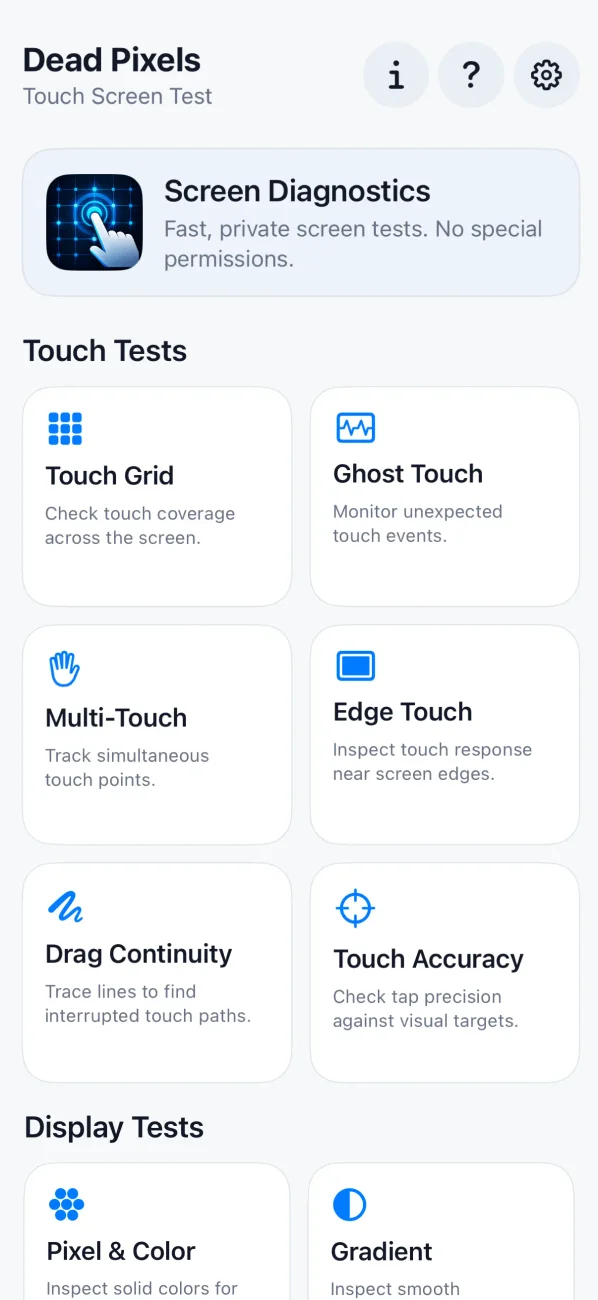
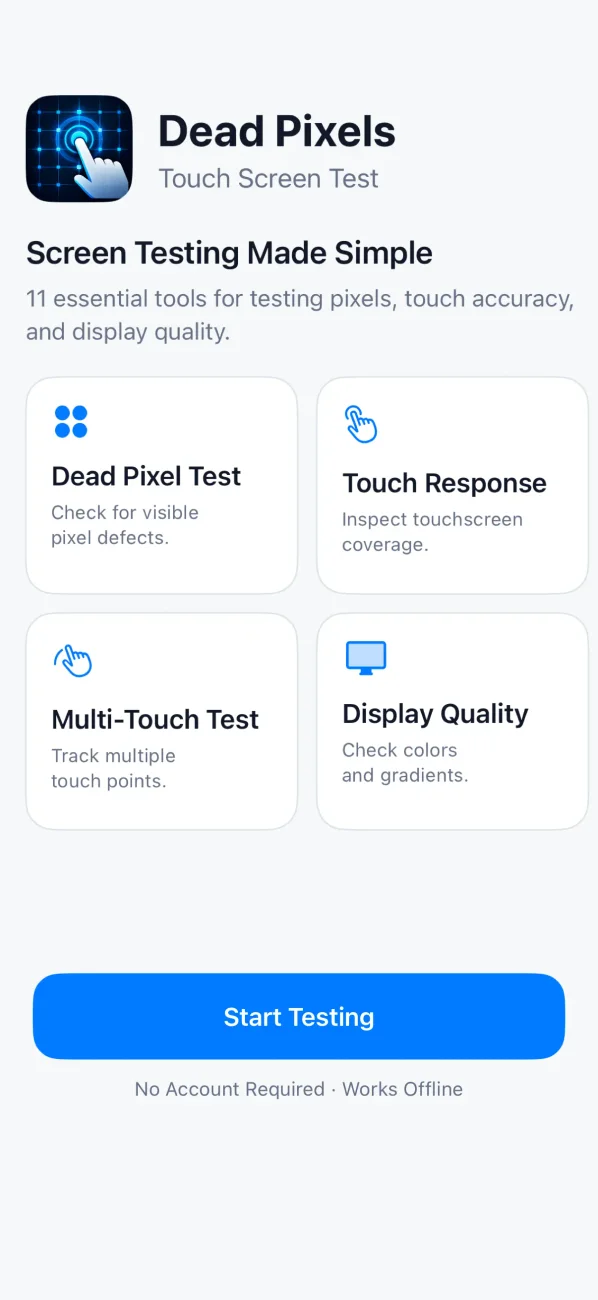
Dead Pixels: Touch Screen Test helps you quickly check your iPhone screen and touchscreen with 11 practical diagnostic tests.
Inspect dead pixels, stuck pixels, touch response, ghost touch, multi-touch, screen edges, touch accuracy, display colors, refresh rate, and display information.
▶ TOUCH SCREEN TESTS — 6 TOOLS
1. TOUCH GRID TEST
Check for unresponsive areas by moving your finger across an interactive touch grid. Identify missed or inconsistent touch responses.
2. GHOST TOUCH TEST
Monitor unexpected touch events while your iPhone is resting on a flat surface. Help investigate possible ghost touch issues without making unsupported hardware claims.
3. MULTI-TOUCH TEST
Touch the screen with multiple fingers simultaneously. View detected touch positions and check how many touch points your iPhone recognizes.
4. EDGE TOUCH TEST
Check touchscreen responsiveness near the top, bottom, left, and right edges of your display.
5. DRAG CONTINUITY TEST
Drag your finger across the screen and inspect the touch path for interruptions, gaps, or inconsistent tracking.
6. TOUCH ACCURACY TEST
Tap displayed targets to check how closely your touch locations match the intended positions.
▶ DISPLAY TESTS — 5 TOOLS
7. PIXEL & COLOR TEST
Display full-screen colors to help identify dead pixels, stuck pixels, bright pixels, and unusual screen defects.
Inspect black, white, red, green, blue, gray, cyan, magenta, and yellow screens.
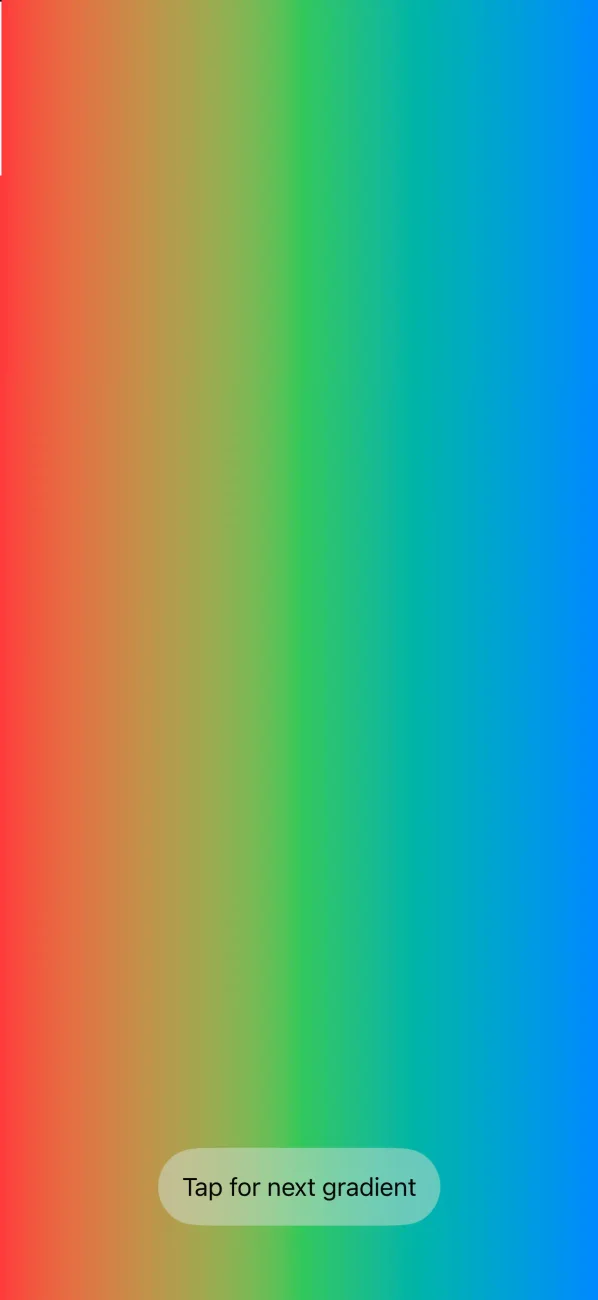
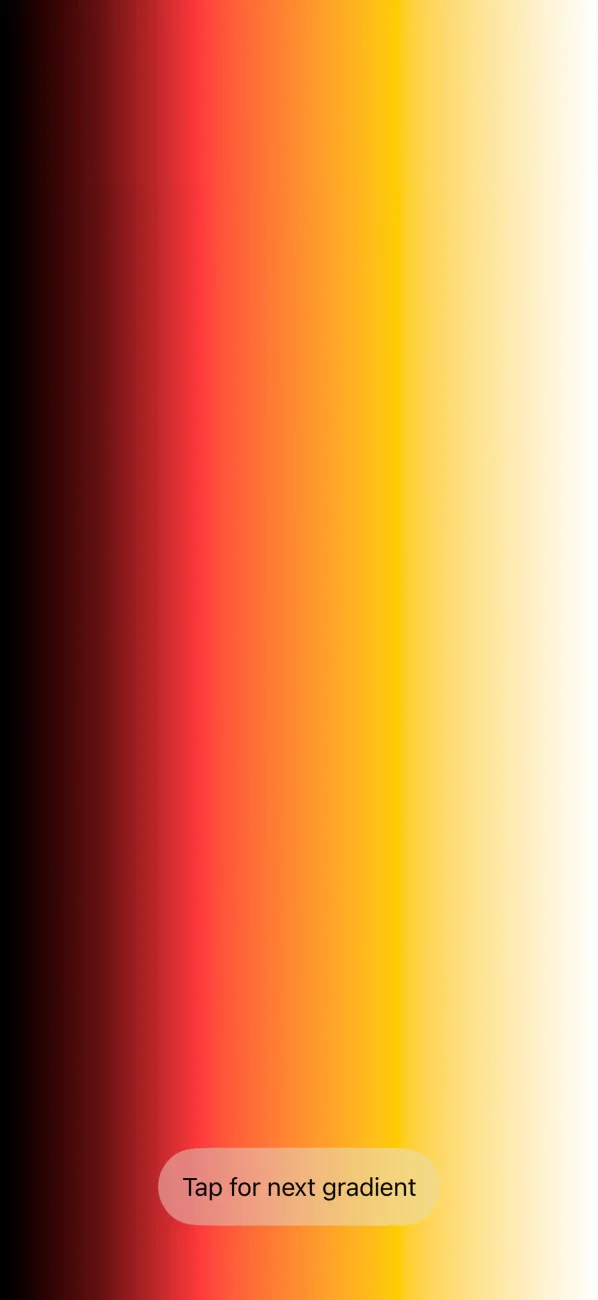
8. GRADIENT TEST
Examine smooth color transitions to help identify color banding, uneven gradients, and display irregularities.
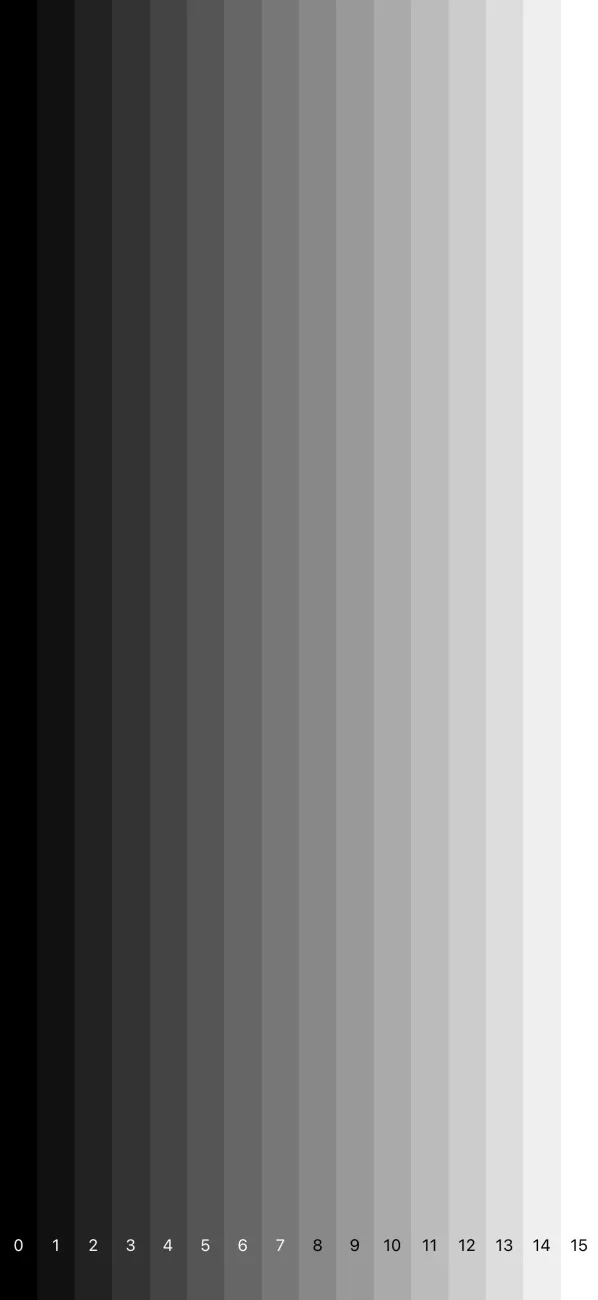
9. GRAYSCALE TEST
Inspect grayscale levels, dark tones, bright tones, and gradual brightness transitions.
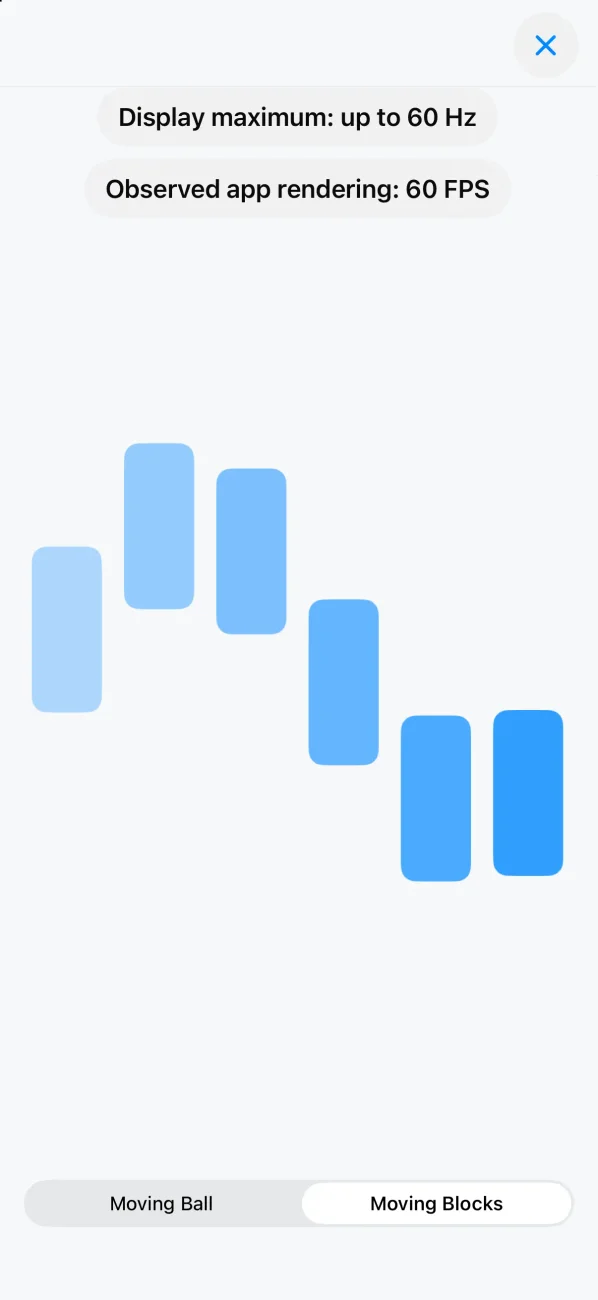
10. REFRESH RATE TEST
View supported screen refresh rate information and real-time rendered FPS to observe display performance.
11. DISPLAY INFORMATION
View useful screen details, including resolution, logical resolution, display scale, aspect ratio, brightness, refresh rate, and available display capabilities.
▶ WHEN SHOULD YOU TEST YOUR SCREEN?
Dead Pixels is useful for:
• Checking a used iPhone before buying
• Testing a screen after repair or replacement
• Looking for dead or stuck pixels
• Investigating unresponsive touch areas
• Checking possible ghost touch problems
• Testing multi-touch and edge response
• Inspecting display colors and gradients
• Checking refresh rate and screen information
▶ SIMPLE, PRIVATE & OFFLINE
• 11 practical screen diagnostic tests
• Clean and easy-to-use interface
• No account required
• No internet required for screen tests
• No camera or microphone permission
• No location or accessibility permission
• Screen tests run locally on your iPhone
▶ CHECK YOUR IPHONE SCREEN IN SECONDS
Whether you're buying a used iPhone, checking a replacement display, or investigating touchscreen issues, Dead Pixels: Touch Screen Test gives you practical tools to inspect your screen.
Open the app, choose a test, and start checking your display in seconds.
Note: This app provides visual and touchscreen diagnostic tools. It does not repair hardware or guarantee detection of every display or touchscreen defect.
Terms of Use (EULA):
https://www.apple.com/legal/internet-services/itunes/dev/stdeula/
Quyền riêng tư của ứng dụng
Những gì Hai Nam Trinh khai báo trên App Store về cách ứng dụng này xử lý dữ liệu.
-
Dữ liệu được sử dụng để theo dõi bạn
Có thể được sử dụng để theo dõi bạn trên các ứng dụng và trang web do công ty khác sở hữu.
- Vị trí
- Mã định danh
-
Dữ liệu không liên kết với bạn
Có thể được thu thập nhưng không liên kết với danh tính của bạn.
- Vị trí
- Mã định danh
Phương thức đảm bảo quyền riêng tư có thể khác nhau, chẳng hạn như tuỳ theo các tính năng bạn sử dụng hoặc độ tuổi của bạn.
Thông tin
- Người bán
- Hai Nam Trinh
- Danh mục
- Tiện Ích
- Phiên bản
- 1.0
- Cập nhật
- 18/11/2026
- Phát hành
- 18/11/2026
- Kích thước
- 5,6 MB
- Yêu cầu
- iOS 17.0 trở lên
- Độ tuổi
- 4+
- Giá
- Miễn phí
- Mua hàng trong ứng dụng
- Có
- Ngôn ngữ
- Tiếng Anh, Tiếng Trung Giản thể
- Bản quyền
- © TRINH HAI NAM