
- 対象年齢17+
- カテゴリ開発ツール
- 開発元Nitin Yadav
- 言語英語
- サイズ6.9 MB
App Storeの公式ページにリンクしています
Download.orgはDevSnoop - Developer Browserのファイルを一切ホストしていません。ボタンを押すと、Nitin Yadavが公開しているApp Storeのアプリページが開きます。ページの最終確認:2026/11/19。
スクリーンショット
概要
開発元はこのテキストをお使いの言語で提供していません。
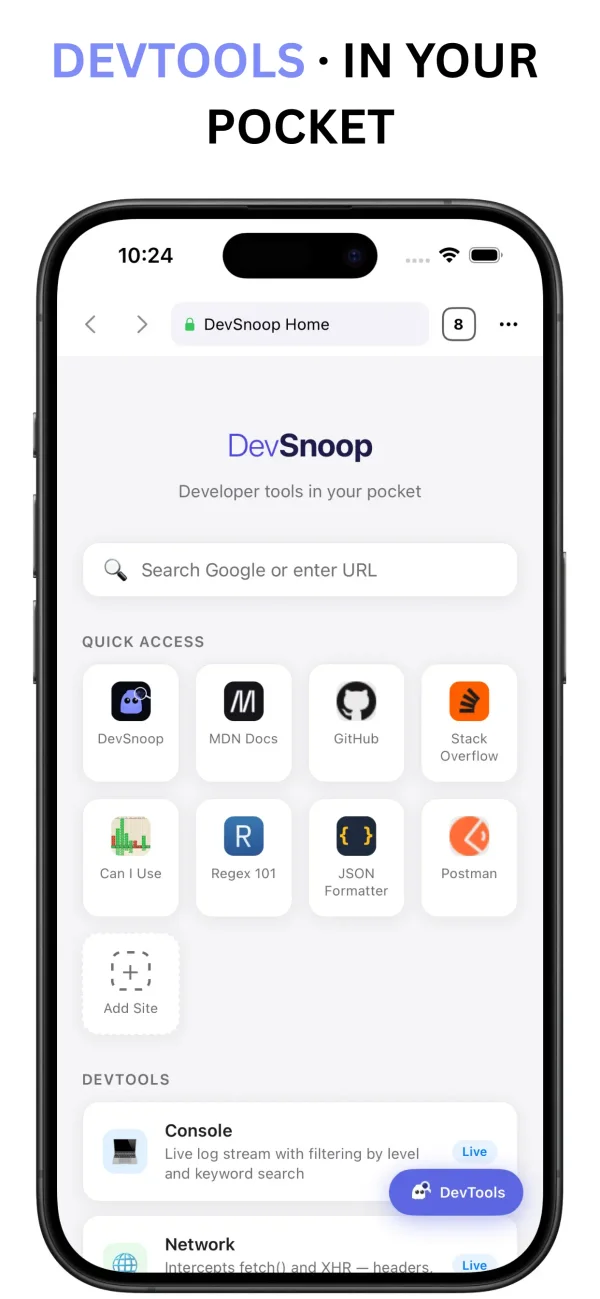
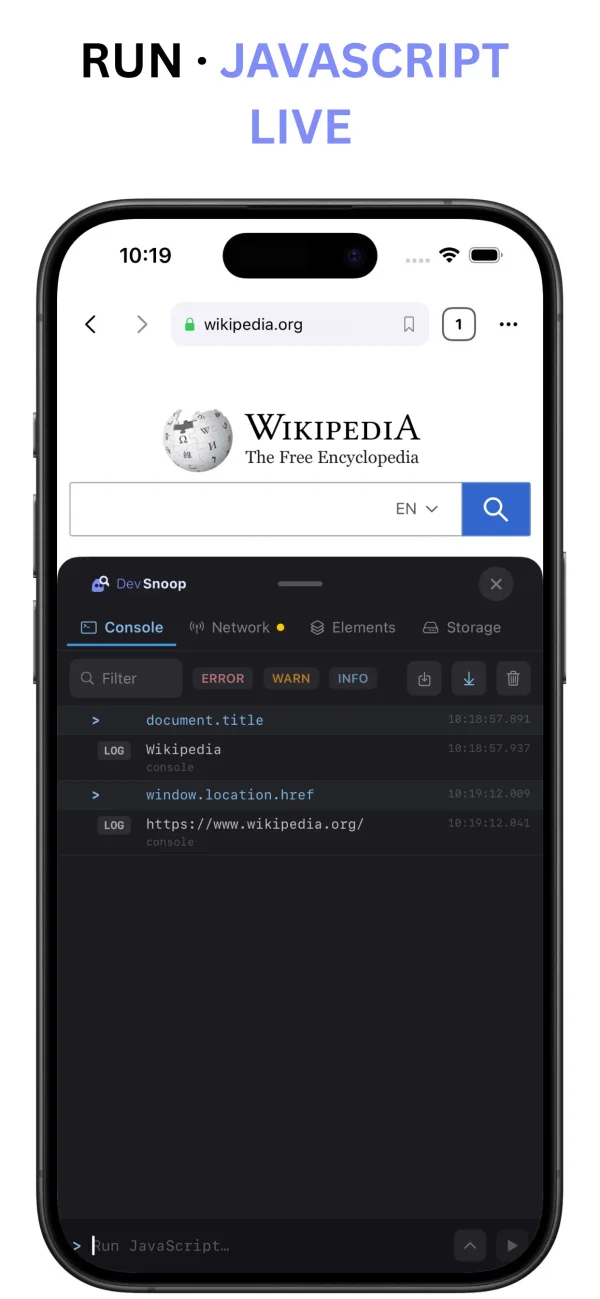
DevSnoop is a web browser with a full developer tools panel built in, for iPhone and iPad. Build a page, load it in DevSnoop, and inspect it right there — no laptop, no cable, no remote debugging setup.
DevSnoop's tools work only on pages you open inside DevSnoop, on your own device.
WHAT'S INSIDE
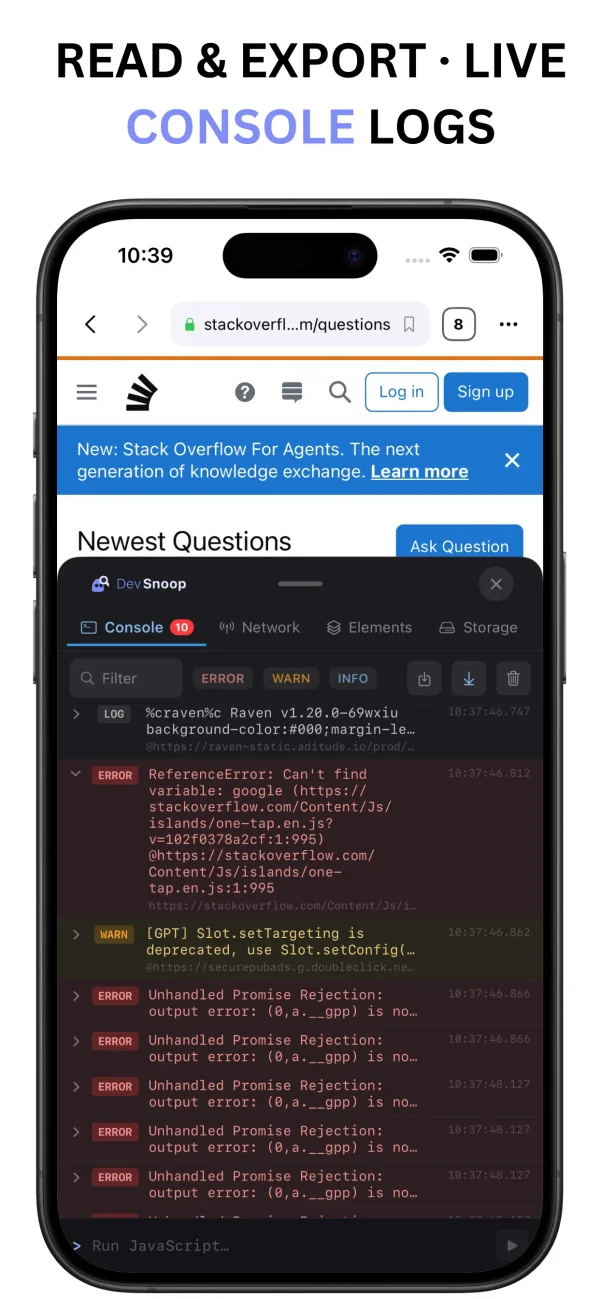
Console — Live log stream with filter chips for error / warn / info, keyword search, and a JavaScript REPL for evaluating expressions against the page you're testing. Errors, warnings and logs carry the complete stack trace — tap to expand it, just like a desktop console. Download the whole log buffer to a file in one tap. Smart-quote autocorrect is off, so code runs exactly as you typed it.
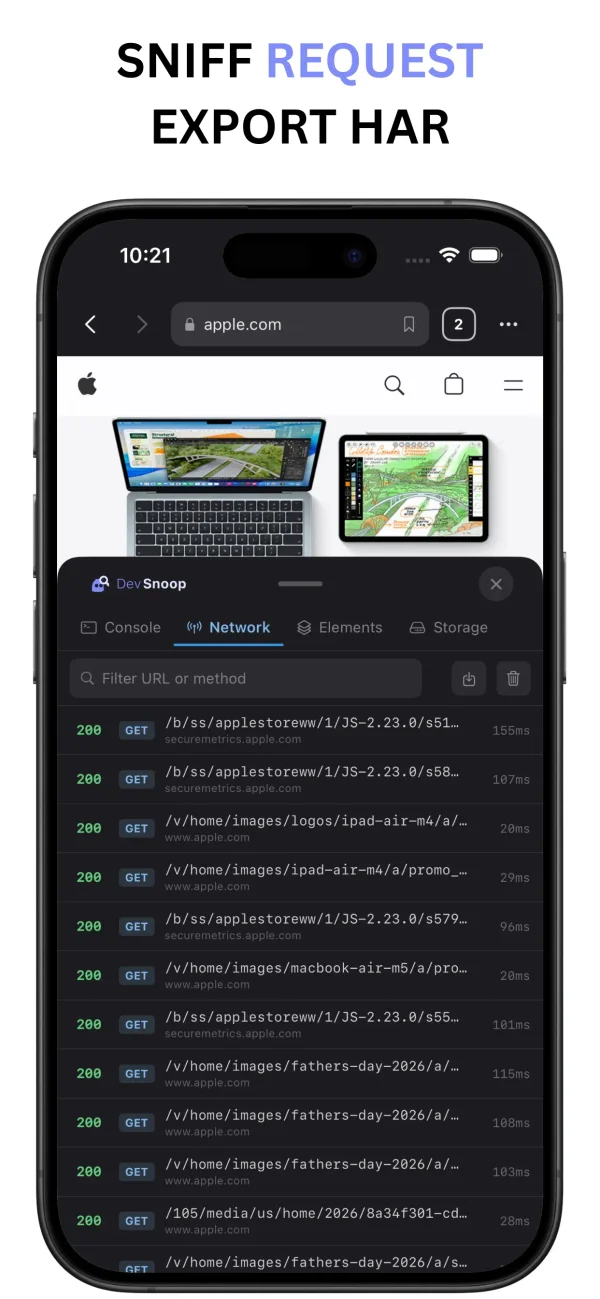
Network — See every request your page makes. fetch() and XMLHttpRequest calls show full headers and bodies; static resources (CSS, scripts, images, fonts, manifest, the main document) are surfaced via the Resource Timing API. WebSocket connections appear too, with a live log of sent and received frames. Tap a row to load its response body on demand, copy it as a cURL command or a fetch() call to reproduce outside the app, or export the session as a standard HAR file you can open in Chrome or Firefox DevTools.
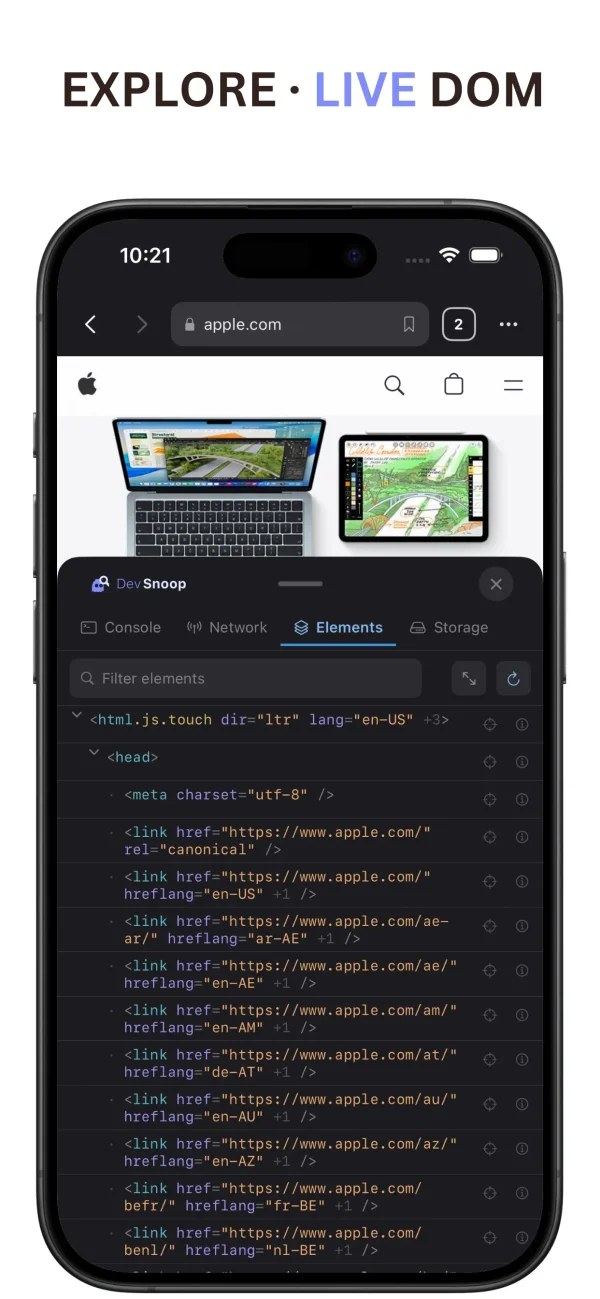
Elements — Walk the live DOM tree, expand nested elements, and tap to highlight a node on the rendered page. Useful for tracking down a stray z-index or unexpected CSS inheritance.
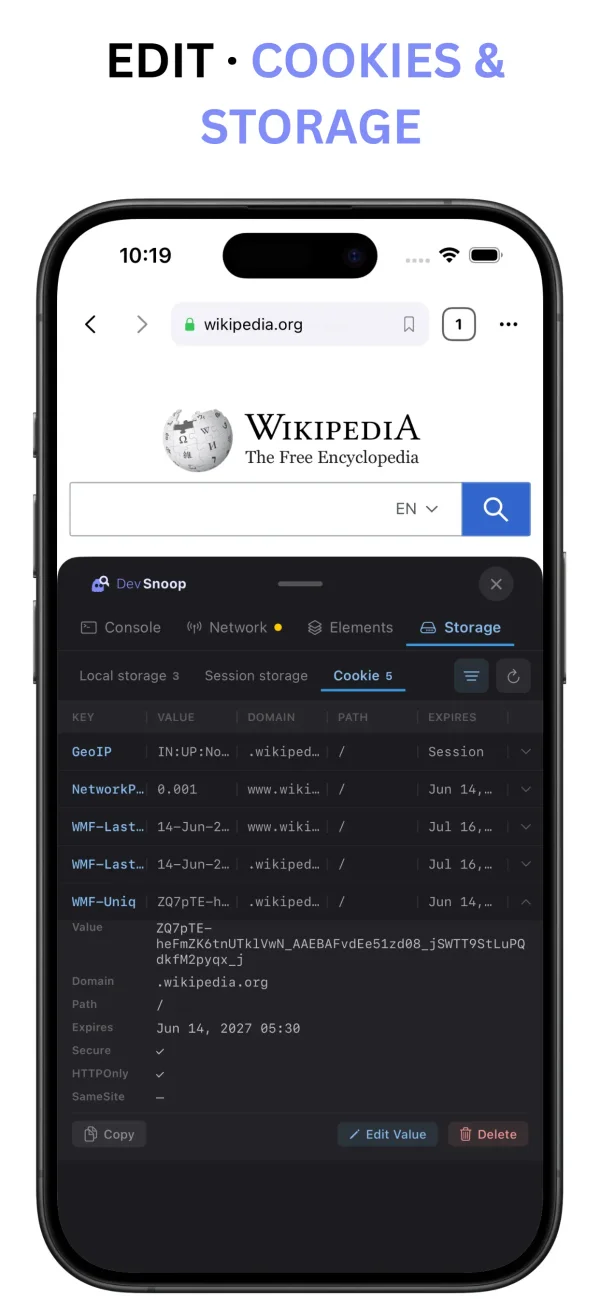
Storage — Inspect and edit local storage, session storage and cookies for the page you're testing, including the full cookie attribute set (domain, path, expiry, Secure, HttpOnly, SameSite). Edit a value, refresh, and watch how your page responds.
BROWSER ESSENTIALS
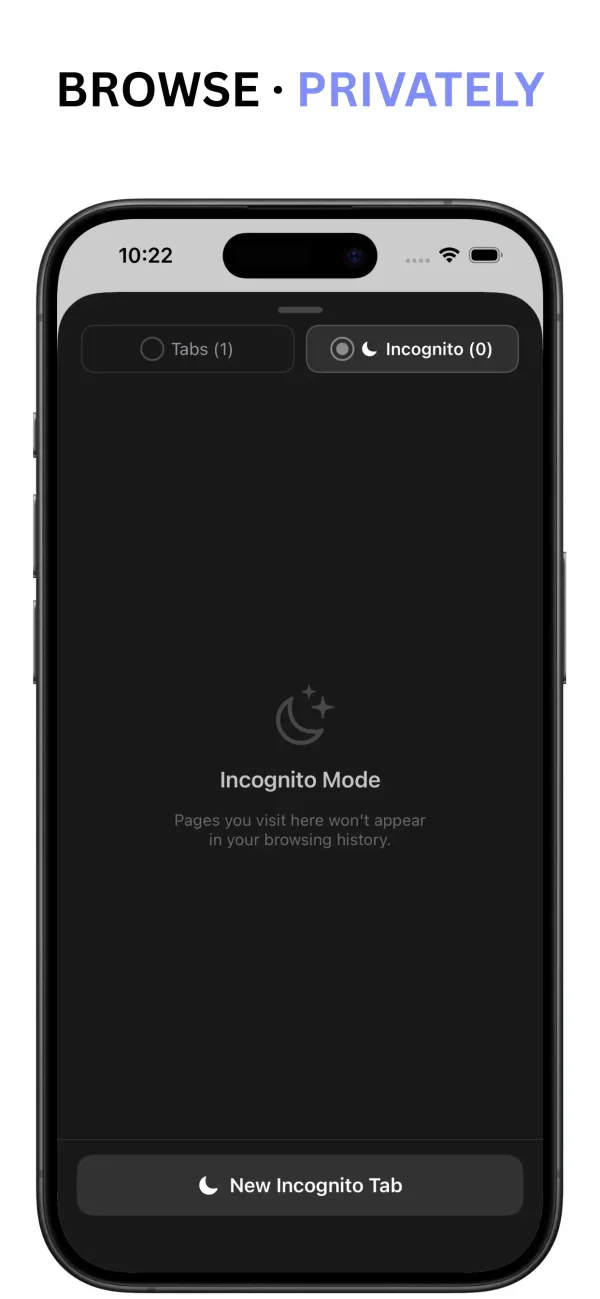
— Tabs, with private tabs that use a non-persistent WebKit data store: cookies and cache stay in memory and are discarded when the tab closes.
— Tab session restoration on next launch.
— Bookmarks, browsing history, and an editable Quick Access grid (long-press a tile to rename, change the URL, or delete it).
— Search engine choice: Google, DuckDuckGo or Bing.
— Clear browsing data selectively — history, cookies and site data, or cache.
— Support for the modern web APIs your pages expect: getUserMedia (camera and microphone), navigator.geolocation, and WebKit-backed media playback.
— Pull-to-refresh, offline error pages, and a mail-app chooser so links open where you want them.
PRIVACY
— Your browsing history, bookmarks, open tabs and Quick Access shortcuts are stored only on your device.
— No accounts, no advertising SDKs, no selling of your data.
— Product analytics are strictly opt-in: you're asked once on first launch, nothing is collected until you agree, the data is anonymous (no account, no URLs, no page content), and you can change your choice anytime in Settings.
— Crash reports go to Sentry for stability monitoring and never include URLs, page content or personal data.
— Full privacy policy: devsnoop.app
DevSnoop is a development and testing tool. Its inspector is intended for debugging and testing your own web pages, for learning how the web platform works, and for accessibility and QA checks on sites you are responsible for.
Built for the developer checking a layout fix on a real iPhone, the QA engineer running through a release candidate on a test device, the student learning how the DOM and the network stack fit together — and anyone who has wished mobile Safari had a real DevTools panel.
新機能
バージョン 1.4.1 · 2026/10/20
- New: Clear site data for the current site only — Storage tab, trash icon.
- Fixed freezing issue for large storage values.
アプリのプライバシー
このアプリのデータの取り扱いについて、Nitin YadavがApp Storeで申告している内容です。
-
ユーザーに関連付けられないデータ
収集される場合がありますが、ユーザーの識別情報には関連付けられません。
- 位置情報
- 使用状況データ
- 診断
プライバシーの取り扱いは、ご利用の機能やお客様の年齢などに応じて異なる場合があります。
情報
- 販売元
- Nitin Yadav
- カテゴリ
- 開発ツール
- バージョン
- 1.4.1
- 更新日
- 2026/10/20
- リリース
- 2026/5/28
- サイズ
- 6.9 MB
- 必要条件
- iOS 16.6以降
- 対象年齢
- 17+
- 価格
- 無料
- 言語
- 英語
- 著作権
- © 2026 Nitin Yadav
こちらもおすすめ
-
 テキストエディタ : HTMLエディタコードやテキストを素早く編集
-
 JavaScript IDE・HTML エディタプログラミング学習と実行
-
 DevInspect BrowserWebインスペクター & DOMデバッガー
-
 Cookie Editor Safari向けCookie編集とJWTデコード
-
 Codeye: Web Inspector開発ツール
-
 JSON View : Editor & Formatter開発ツール
-
 ScutumBROwser開発ツール
-
 Agent Browser開発ツール
-
 Pushword開発ツール
-
 Web DevTools+Powerful web developer tools