- 対象年齢4+
- カテゴリ仕事効率化
- 開発元Zhang Zhang
- 言語英語ほか1言語
- サイズ2.3 MB
App Storeの公式ページにリンクしています
Download.orgはDidThatのファイルを一切ホストしていません。ボタンを押すと、Zhang Zhangが公開しているApp Storeのアプリページが開きます。ページの最終確認:2026/11/13。
スクリーンショット

概要
開発元はこのテキストをお使いの言語で提供していません。
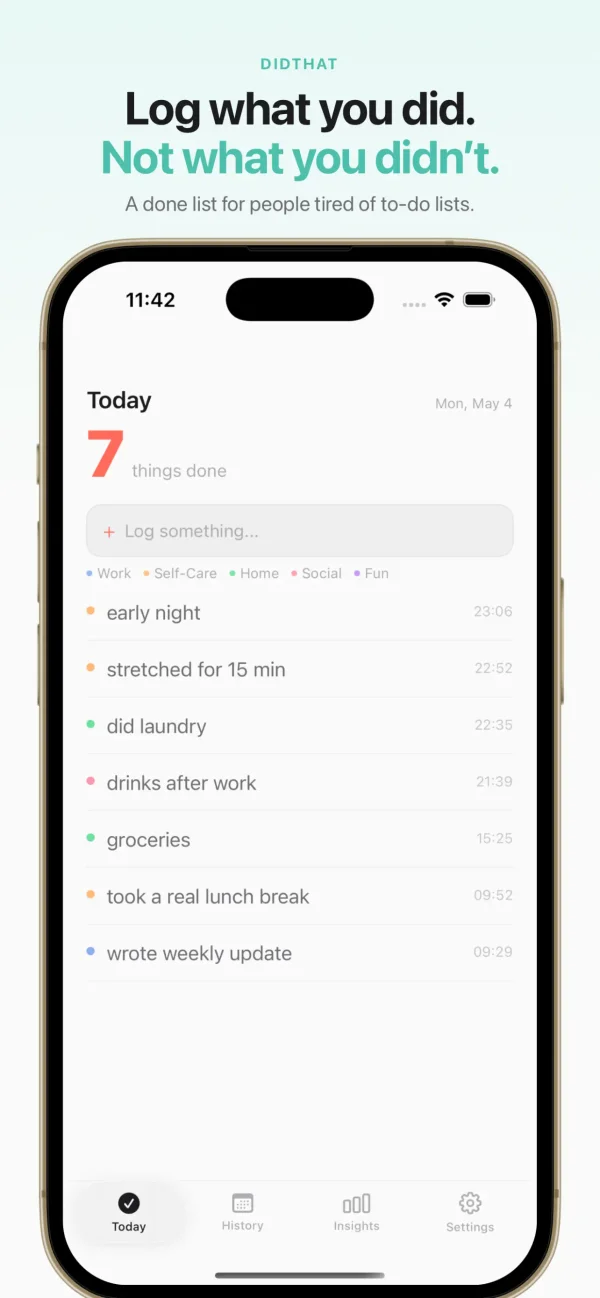
DidThat is a done list - the opposite of a to-do list. Instead of planning what you should do, you log what you already did. There are no goals to miss, no boxes left unchecked, and no failure state. You just notice what you accomplished, and the app quietly celebrates it.
The idea is simple: ADHD brains and busy people massively underestimate how much they get done in a day. DidThat fixes that by giving you a place to capture it all - from "replied to an email at work" to "got out of bed" to "made lunch." Everything counts.
HOW IT WORKS
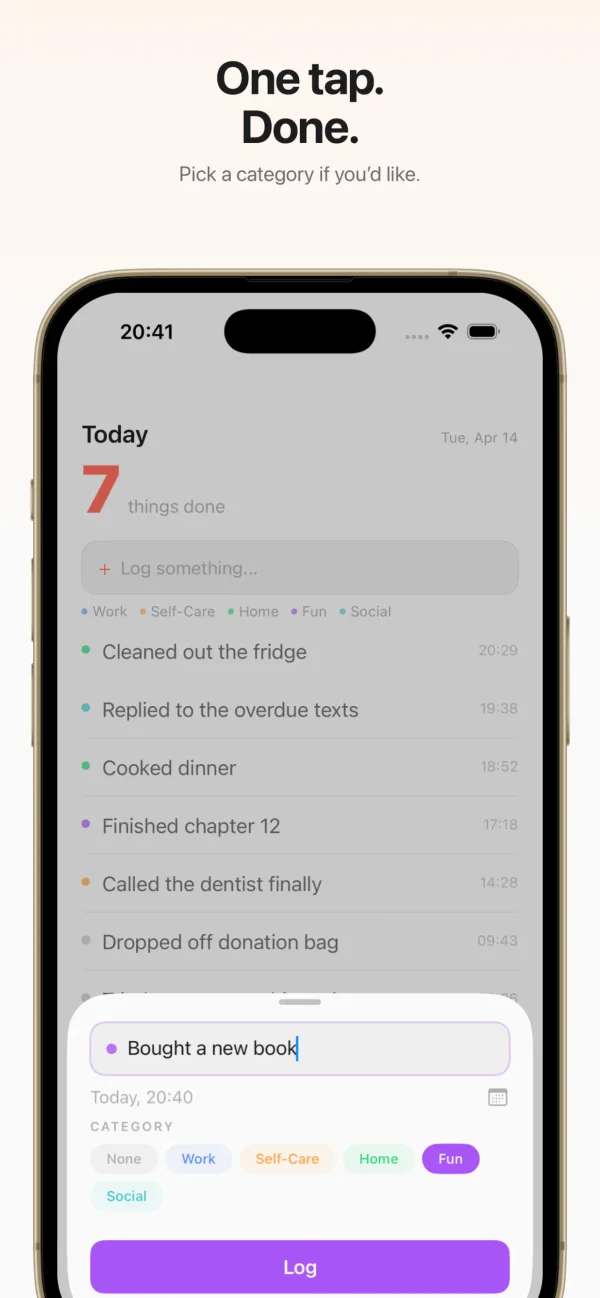
Tap to log what you just did. That's it. An entry goes on your list with a timestamp. Do this throughout the day and watch your count grow. At the end of the day, you'll be surprised how much was on it.
FEATURES
- Freeform entries — type whatever you want, no templates or predefined tasks
- Optional categories — tag entries like Work, Self-Care, Home, Social, or Fun, or don't - uncategorised is fine
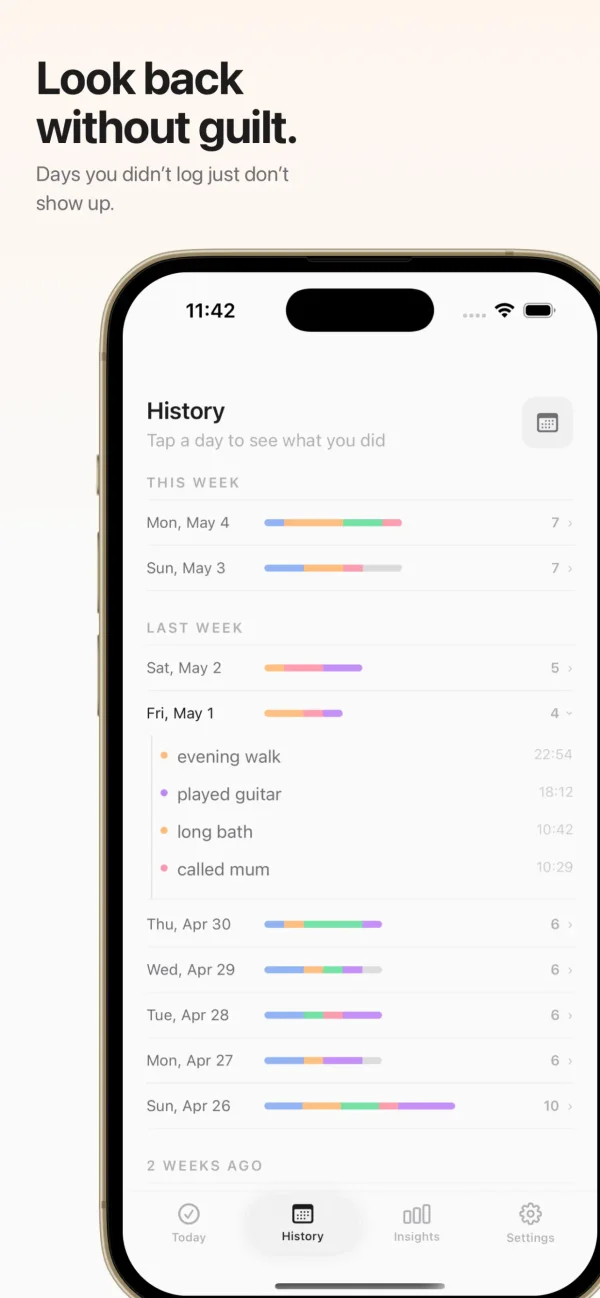
- History — browse past days, weeks, and months to see what you did
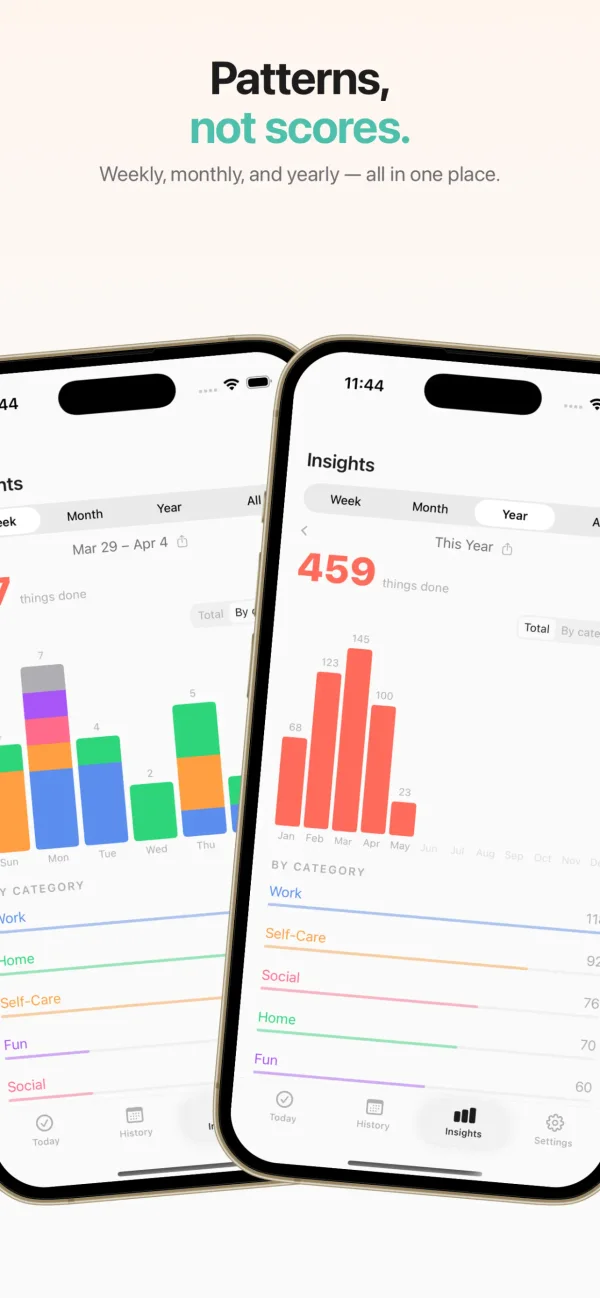
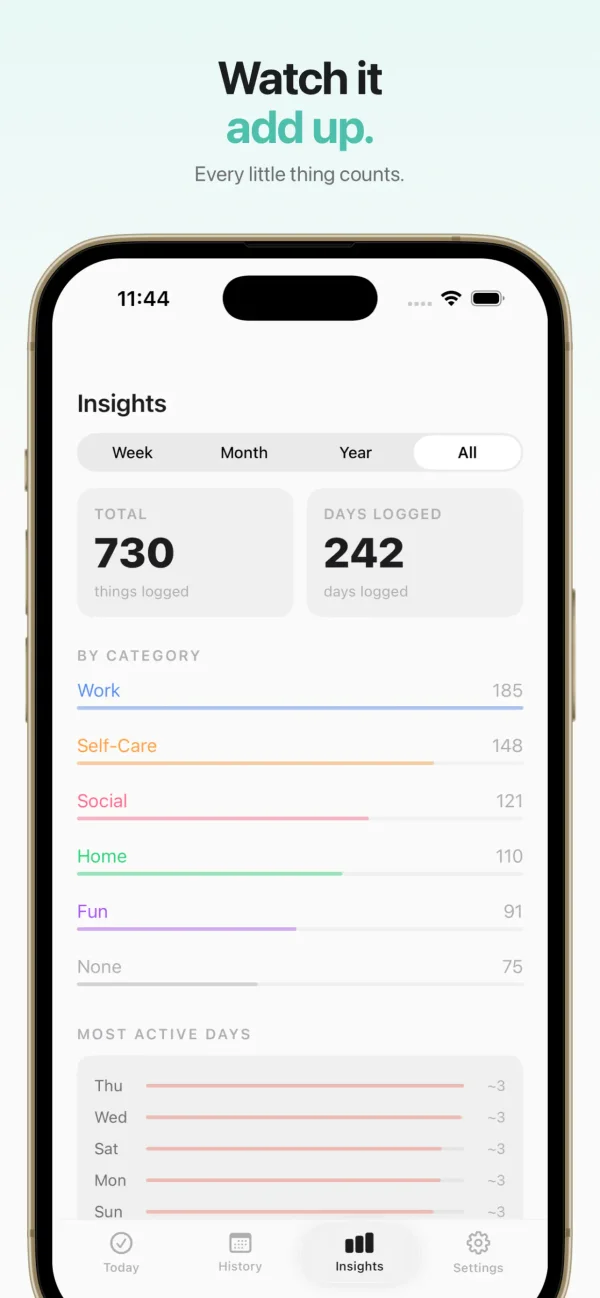
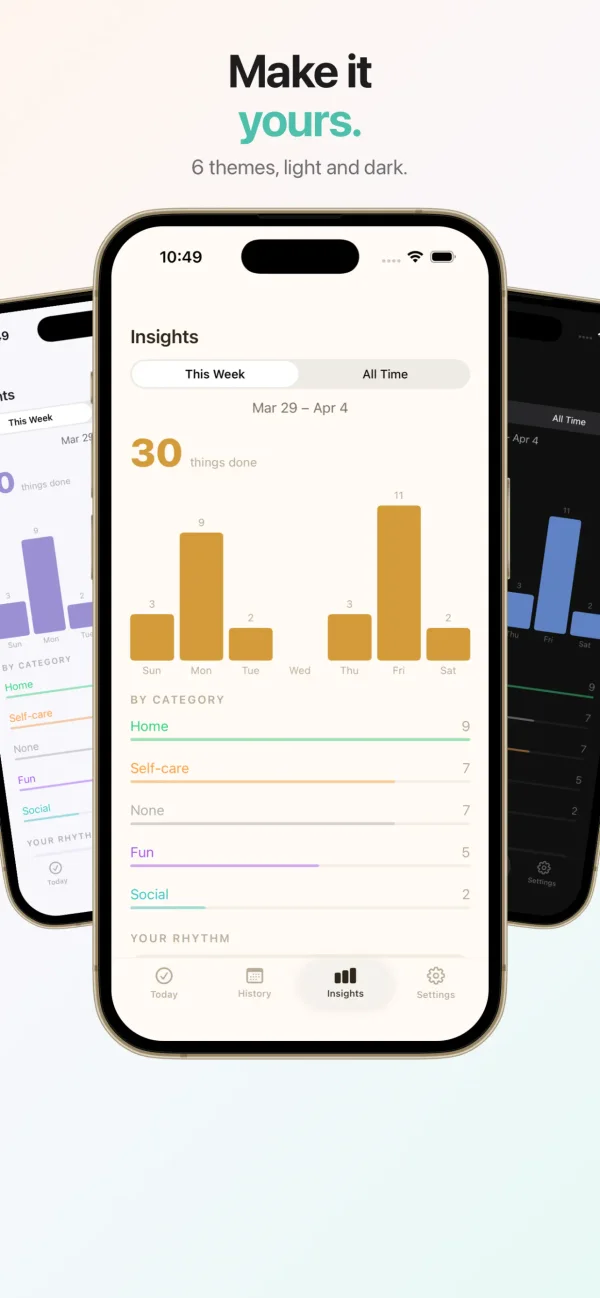
- Insights — weekly and all-time views with category breakdowns and your most active days
- 6 colour themes — each with light and dark mode, follows your device setting or set manually
- Home screen widgets — see your count at a glance and tap to log
- Daily nudge — an optional evening notification that tells you how many things you did today (and stays silent on days you didn't log)
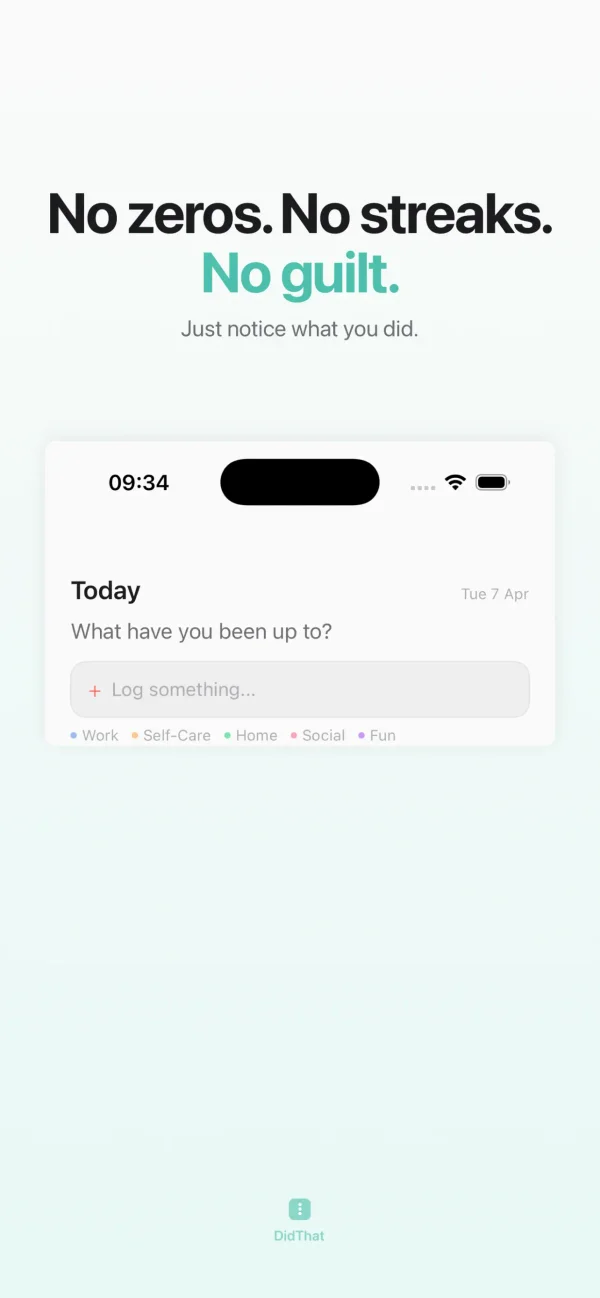
- No zeros anywhere — if you haven't logged anything today, the app shows a friendly prompt instead of "0 things done"
- iCloud sync — your entries sync across all your devices automatically
DESIGNED FOR ENCOURAGEMENT
DidThat is built around one principle: every interaction should feel like a small win. The count bounces when you log something. Your history shows colourful bars that grow with each entry. Days you didn't log simply don't appear - no gaps, no guilt. The insights page shows patterns without ever comparing you to yourself or setting targets.
There are no streaks that break. No week-over-week comparisons. No "you did less than last week" messaging. Just your data, presented warmly, without judgment.
PRICING
DidThat is free to try for 5 days with full access to every feature. After that, a single one-time purchase unlocks the app forever. No subscription, no ads, no tracking.
PRIVACY
All your data stays on your device and in your personal iCloud account. DidThat has no analytics, no third-party tracking, and no server. Your entries are yours.
新機能
バージョン 1.2.0 · 2026/5/4
- Monthly and yearly insights - swipe between weeks, months, and years
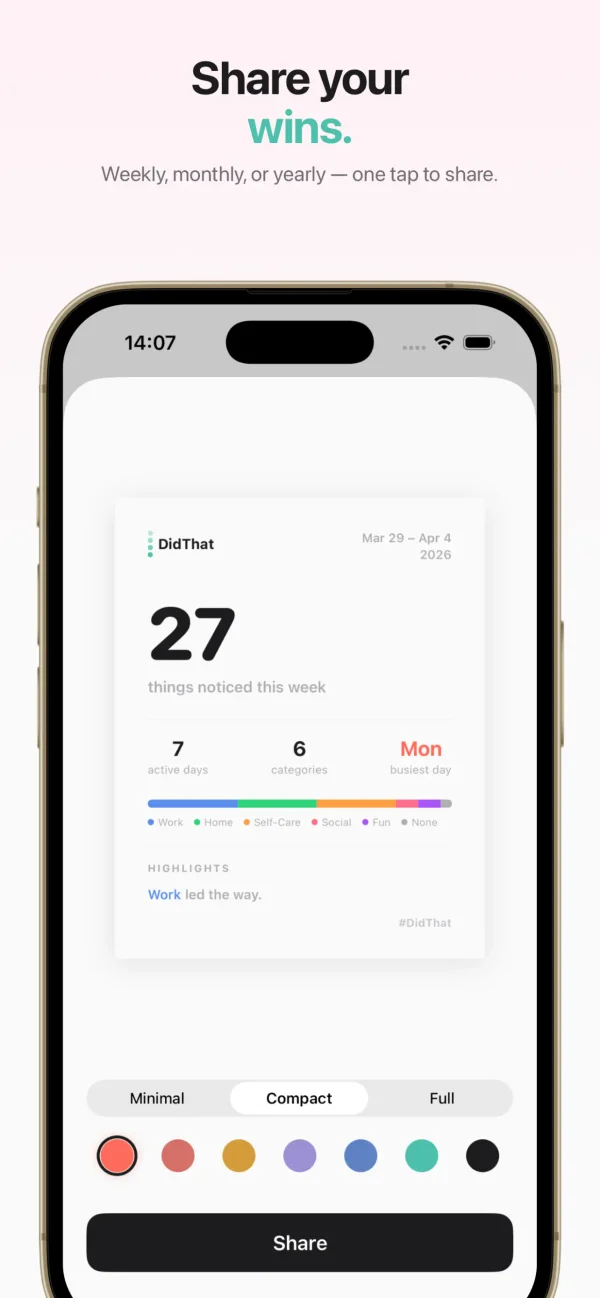
- Share cards - turn your stats into something beautiful to share
- Category view toggle on charts
- Small improvements and bug fixes
アプリのプライバシー
このアプリのデータの取り扱いについて、Zhang ZhangがApp Storeで申告している内容です。
-
データの収集なし
開発元はこのアプリからデータを収集しません。
プライバシーの取り扱いは、ご利用の機能やお客様の年齢などに応じて異なる場合があります。
情報
- 販売元
- Zhang Zhang
- カテゴリ
- 仕事効率化
- バージョン
- 1.2.0
- 更新日
- 2026/5/4
- リリース
- 2026/4/9
- サイズ
- 2.3 MB
- 必要条件
- iOS 18.6以降
- 対象年齢
- 4+
- 価格
- 無料
- アプリ内課金
- あり
- 言語
- 英語, 簡体字中国語
- 著作権
- © 2026 Zhang Zhang