- Age rating4+
- CategoryProductivity
- DeveloperZhang Zhang
- LanguagesEnglish+ 1 more
- Size2.3 MB
Links to the official App Store page
Download.org hosts no file of DidThat. The button opens its official App Store page, published by Zhang Zhang. Listing last checked on Nov 13, 2026.
Screenshots

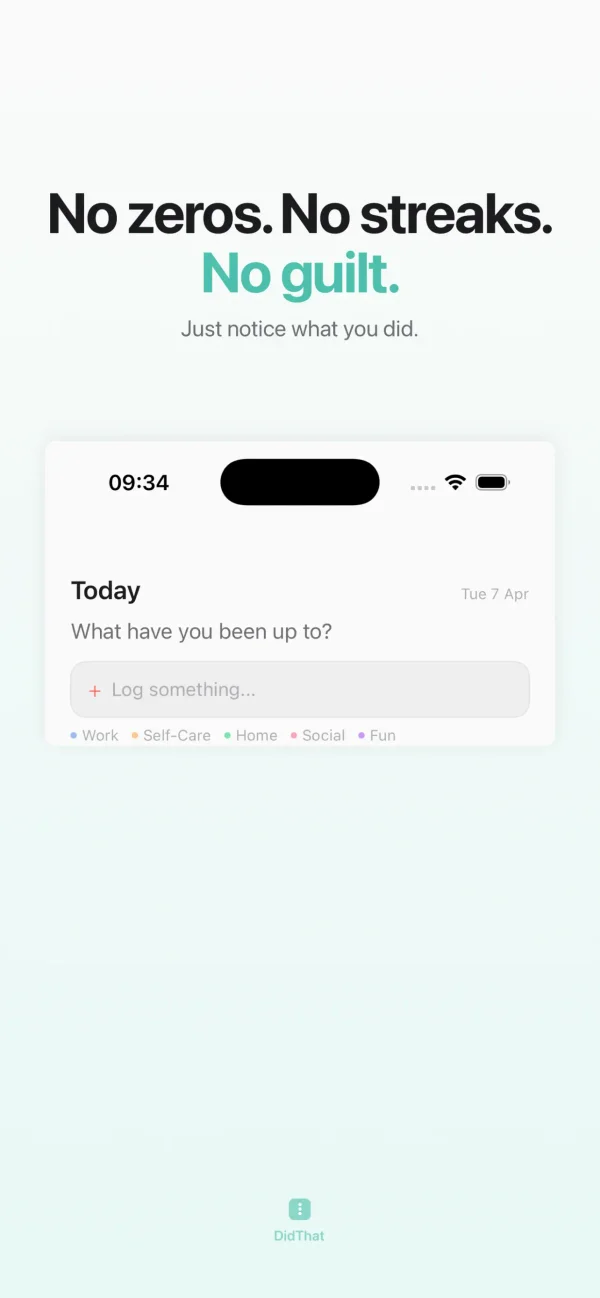
About
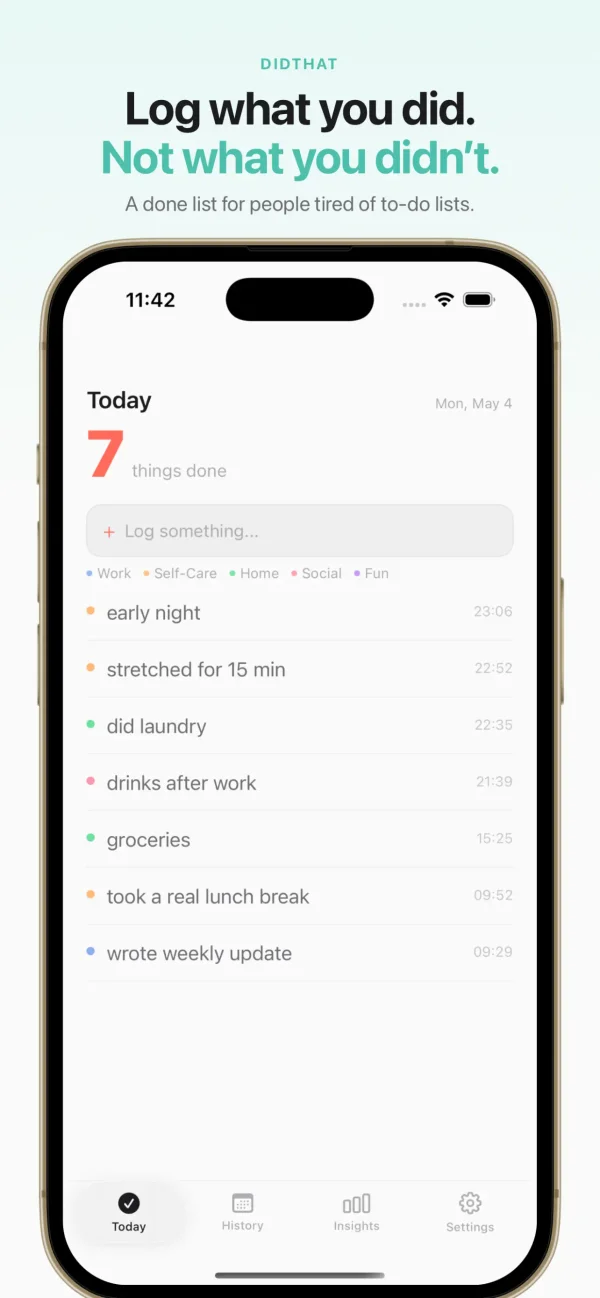
DidThat is a done list - the opposite of a to-do list. Instead of planning what you should do, you log what you already did. There are no goals to miss, no boxes left unchecked, and no failure state. You just notice what you accomplished, and the app quietly celebrates it.
The idea is simple: ADHD brains and busy people massively underestimate how much they get done in a day. DidThat fixes that by giving you a place to capture it all - from "replied to an email at work" to "got out of bed" to "made lunch." Everything counts.
HOW IT WORKS
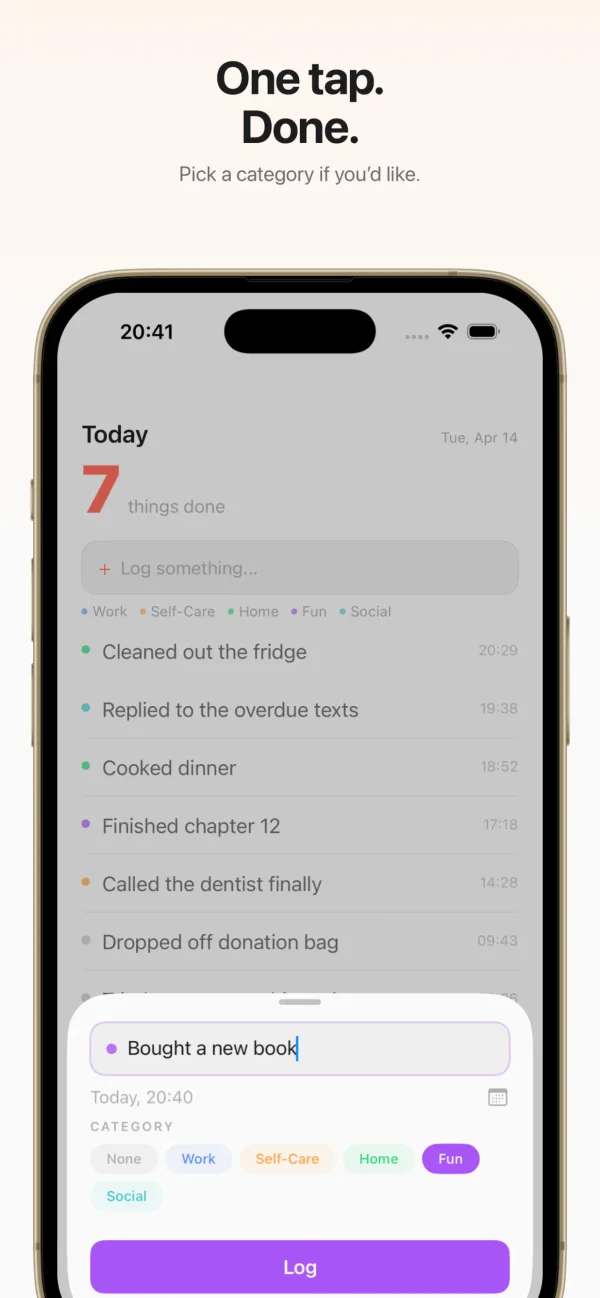
Tap to log what you just did. That's it. An entry goes on your list with a timestamp. Do this throughout the day and watch your count grow. At the end of the day, you'll be surprised how much was on it.
FEATURES
- Freeform entries — type whatever you want, no templates or predefined tasks
- Optional categories — tag entries like Work, Self-Care, Home, Social, or Fun, or don't - uncategorised is fine
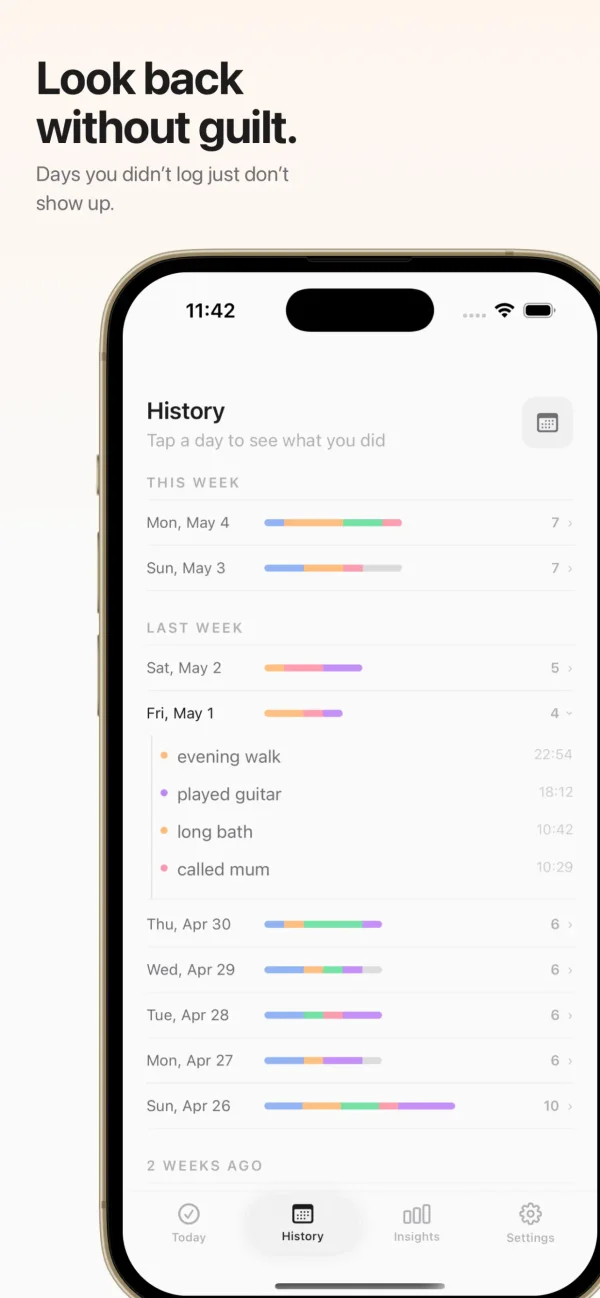
- History — browse past days, weeks, and months to see what you did
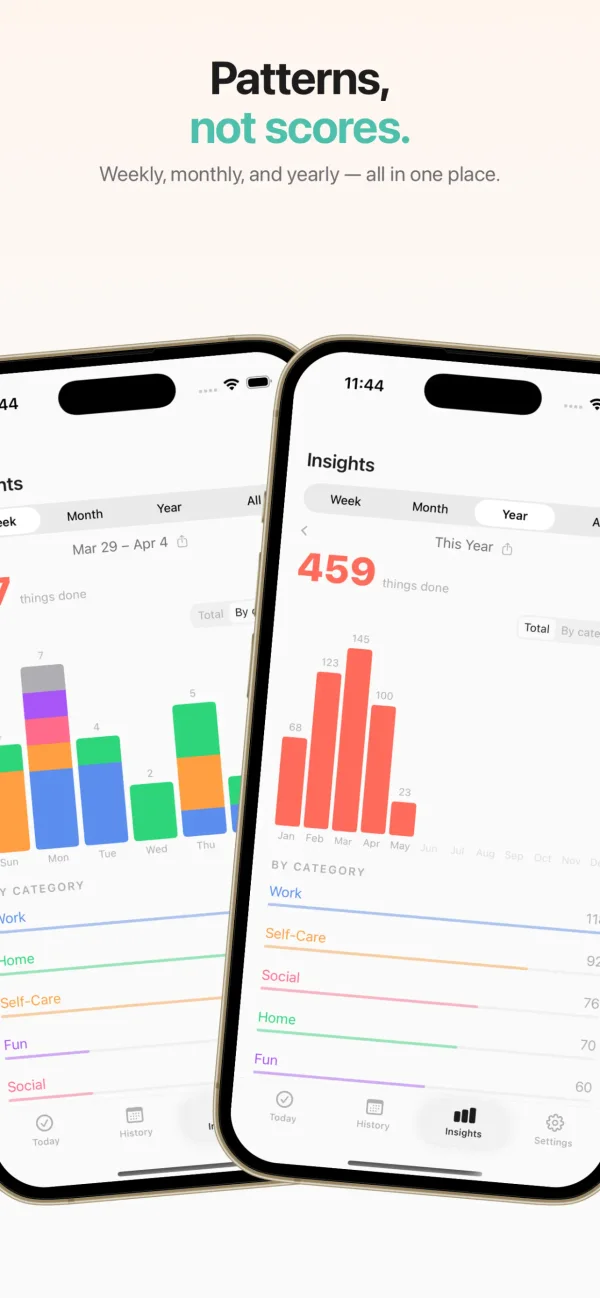
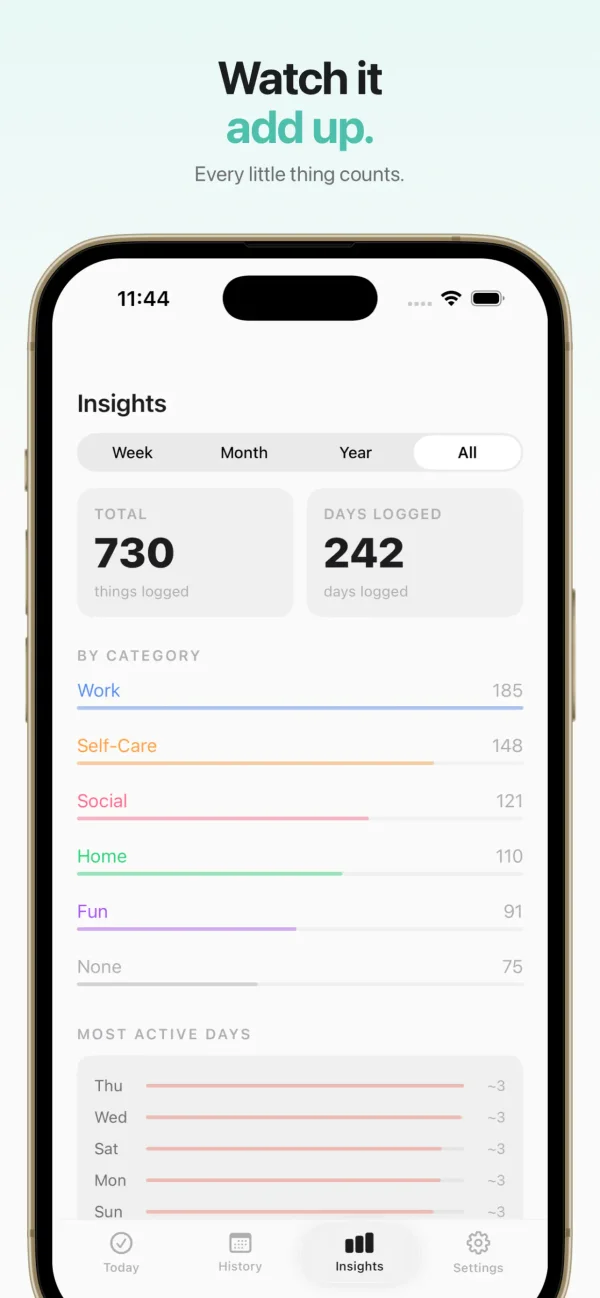
- Insights — weekly and all-time views with category breakdowns and your most active days
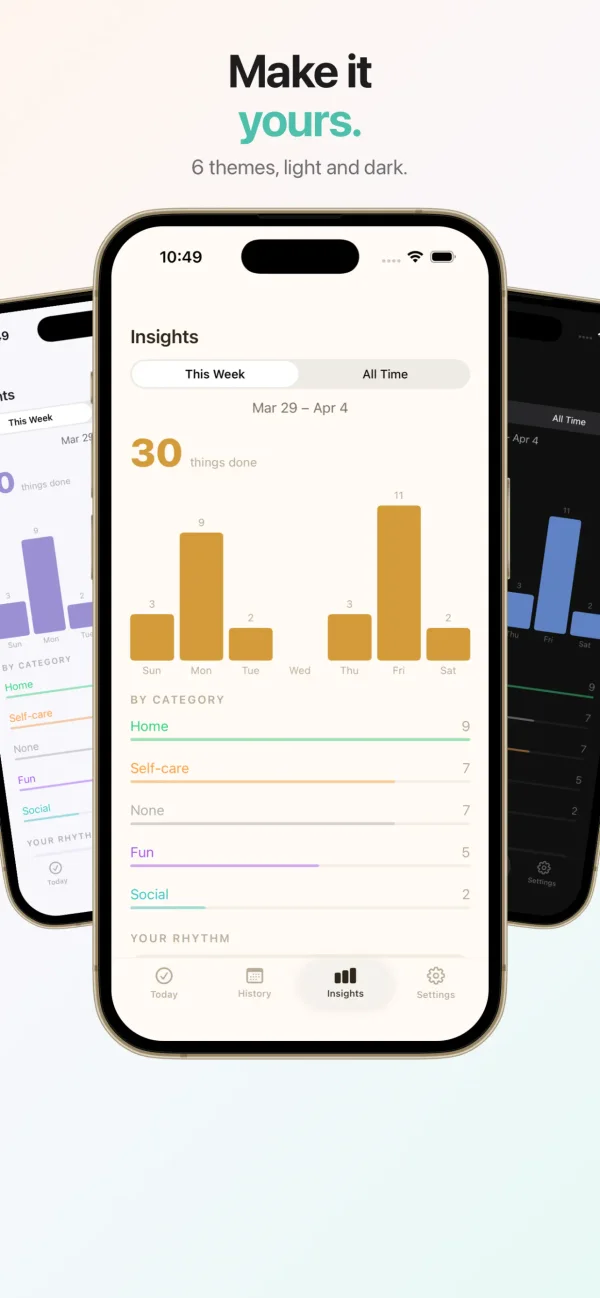
- 6 colour themes — each with light and dark mode, follows your device setting or set manually
- Home screen widgets — see your count at a glance and tap to log
- Daily nudge — an optional evening notification that tells you how many things you did today (and stays silent on days you didn't log)
- No zeros anywhere — if you haven't logged anything today, the app shows a friendly prompt instead of "0 things done"
- iCloud sync — your entries sync across all your devices automatically
DESIGNED FOR ENCOURAGEMENT
DidThat is built around one principle: every interaction should feel like a small win. The count bounces when you log something. Your history shows colourful bars that grow with each entry. Days you didn't log simply don't appear - no gaps, no guilt. The insights page shows patterns without ever comparing you to yourself or setting targets.
There are no streaks that break. No week-over-week comparisons. No "you did less than last week" messaging. Just your data, presented warmly, without judgment.
PRICING
DidThat is free to try for 5 days with full access to every feature. After that, a single one-time purchase unlocks the app forever. No subscription, no ads, no tracking.
PRIVACY
All your data stays on your device and in your personal iCloud account. DidThat has no analytics, no third-party tracking, and no server. Your entries are yours.
What’s new
Version 1.2.0 · May 4, 2026
- Monthly and yearly insights - swipe between weeks, months, and years
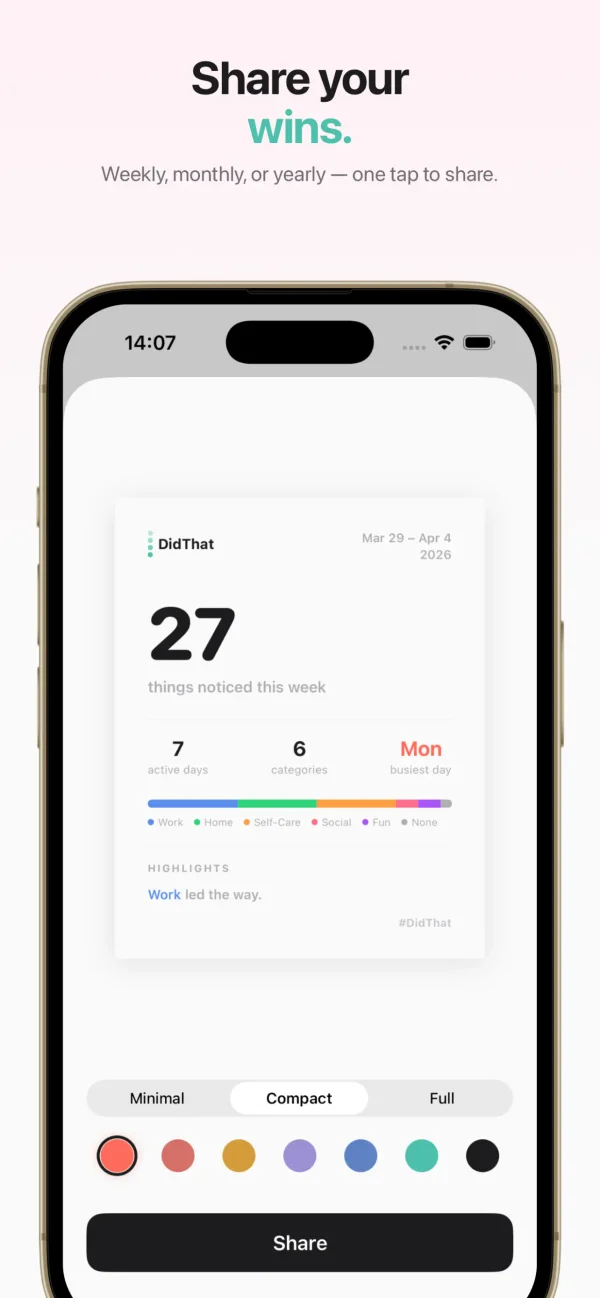
- Share cards - turn your stats into something beautiful to share
- Category view toggle on charts
- Small improvements and bug fixes
App privacy
What Zhang Zhang declares on the App Store about how this app handles data.
-
Data not collected
The developer does not collect any data from this app.
Privacy practices may vary, for example with the features you use or your age.
Information
- Seller
- Zhang Zhang
- Category
- Productivity
- Version
- 1.2.0
- Updated
- May 4, 2026
- Released
- Apr 9, 2026
- Size
- 2.3 MB
- Requires
- iOS 18.6 or later
- Age rating
- 4+
- In-app purchases
- Yes
- Languages
- English, Simplified Chinese
- Copyright
- © 2026 Zhang Zhang
You might also like
-
 OrbNote: Chat-Style NotesCapture first. Organize later.
-
 SliceFocusPomodoro Planner & App Blocker
-
 Blekk | NotesTasks | Journal | Scratchpad
-
 my BragBookYour personal journal of wins
-
 Do List 100Planner with % of progress
-
 Off My Mind: Unload ThoughtsWorry journal to vent & let go
-
 TodolooJust Your Tasks. Nothing Else.
-
 点点:你的目标搭子Productivity
-
 Tether: ADHD Planner & FocusAI todo list & daily timer
-
 Timesense: Days Since TrackerTrack when you last did it