- 対象年齢4+
- カテゴリユーティリティ
- 開発元Ihor July
- 言語英語ほか5言語
- サイズ14.9 MB
App Storeの公式ページにリンクしています
Download.orgはDiskPress for Filesのファイルを一切ホストしていません。ボタンを押すと、Ihor Julyが公開しているApp Storeのアプリページが開きます。ページの最終確認:2026/11/25。
スクリーンショット

概要
開発元はこのテキストをお使いの言語で提供していません。
Make room for the files you want to keep. Configure cleanup filters to remove unwanted files and folder contents, then deduplicate and compress the rest.
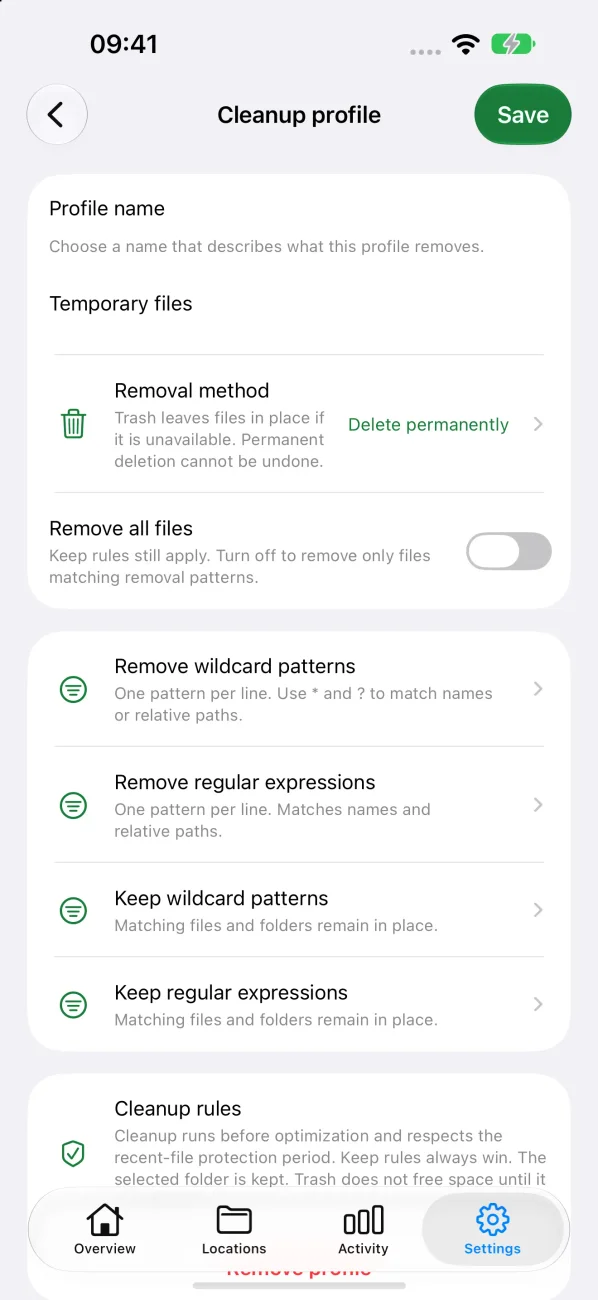
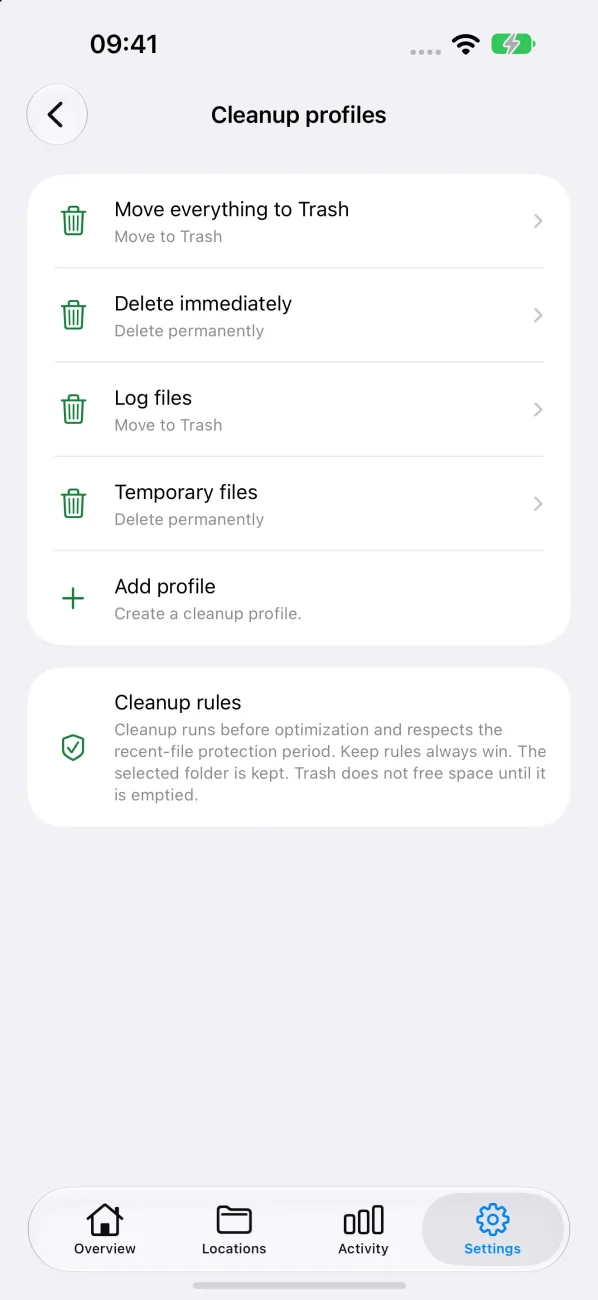
Create an editable cleanup profile for each job. Match file names or relative paths with wildcard masks or regular expressions. Add keep rules to protect specific files or entire folders. Start with a preset for logs or temporary files, or build your own rules. Cleanup removes eligible files and empty matched subfolders while keeping the selected root folder.
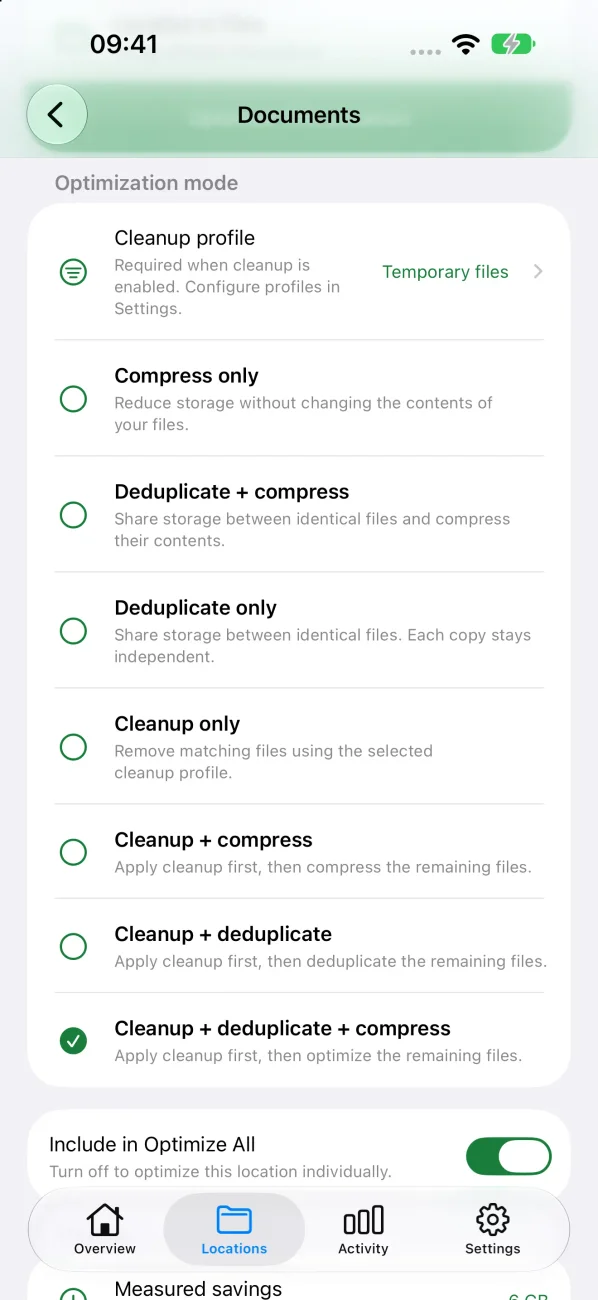
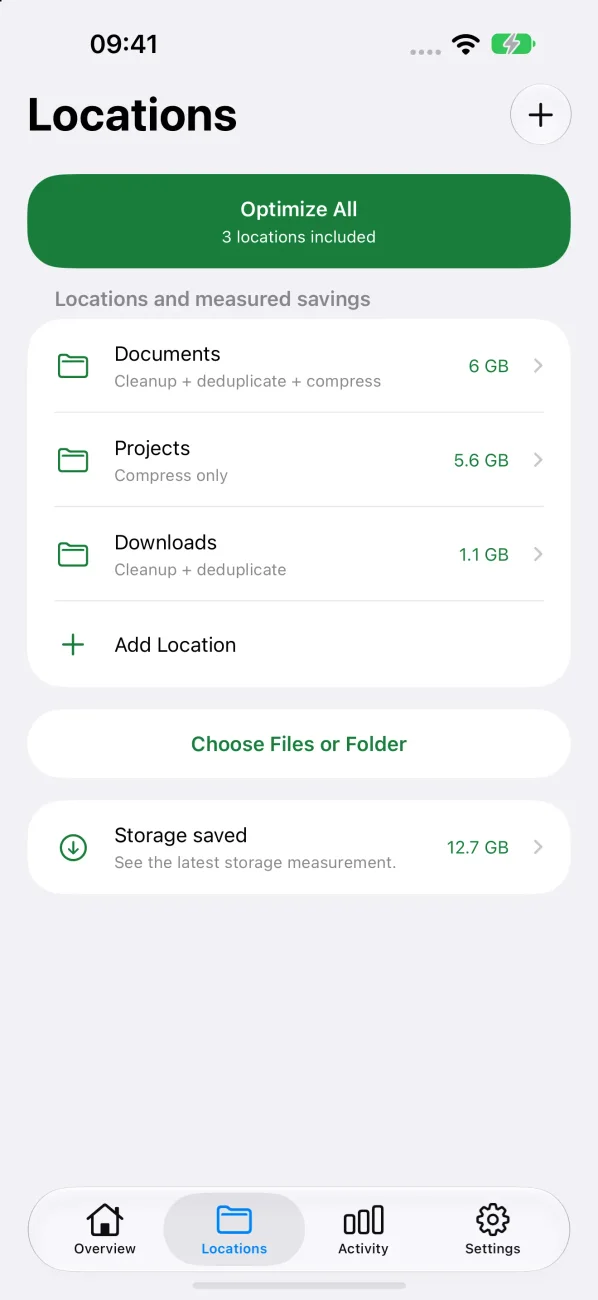
Choose a workflow for each saved location. Run cleanup, deduplication and compression together, combine any two, or use just one. Cleanup runs first, followed by deduplication and compression when enabled. Every location using cleanup must have a selected profile.
Native lossless compression reduces the storage used by remaining files without changing their contents. Identical files can share physical storage while keeping their own names and locations. Editing one copy does not change the others. Open optimized files in your usual apps without unpacking.
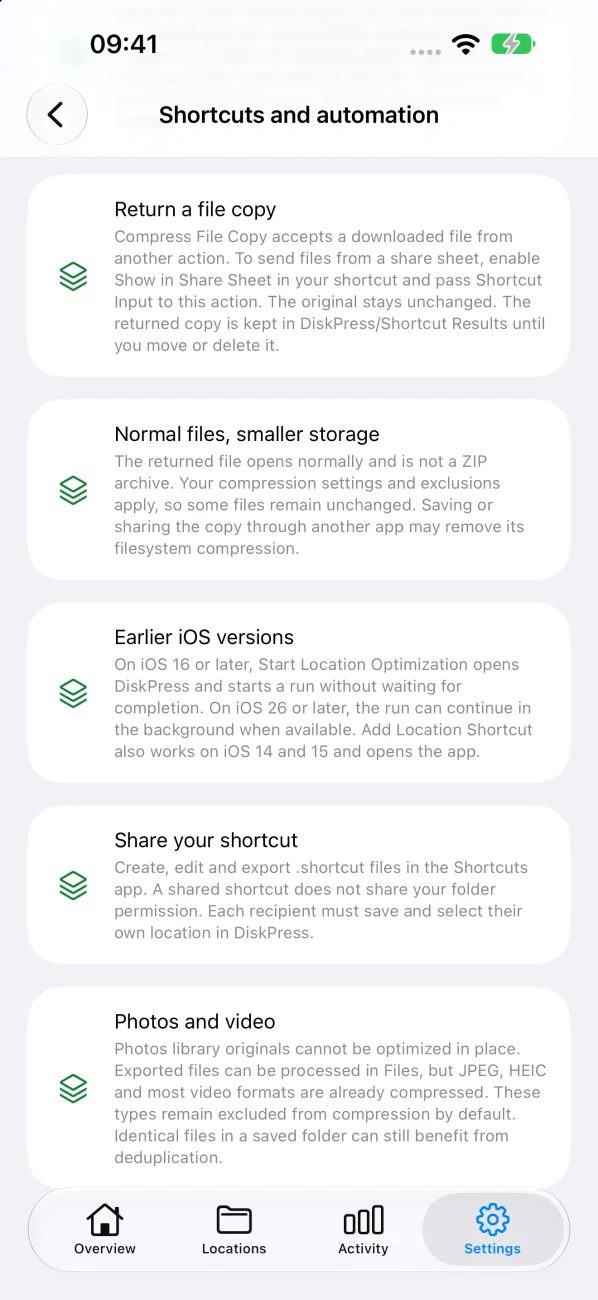
Schedule saved-folder workflows with Apple Shortcuts. On iOS 16 or later, list saved folders and start optimization in DiskPress. On iOS 27 or later, run authorized folders or subfolders in the background and receive a completion summary. Compress File Copy can also return a separate file to the next shortcut action. Shared shortcuts do not transfer folder permissions.
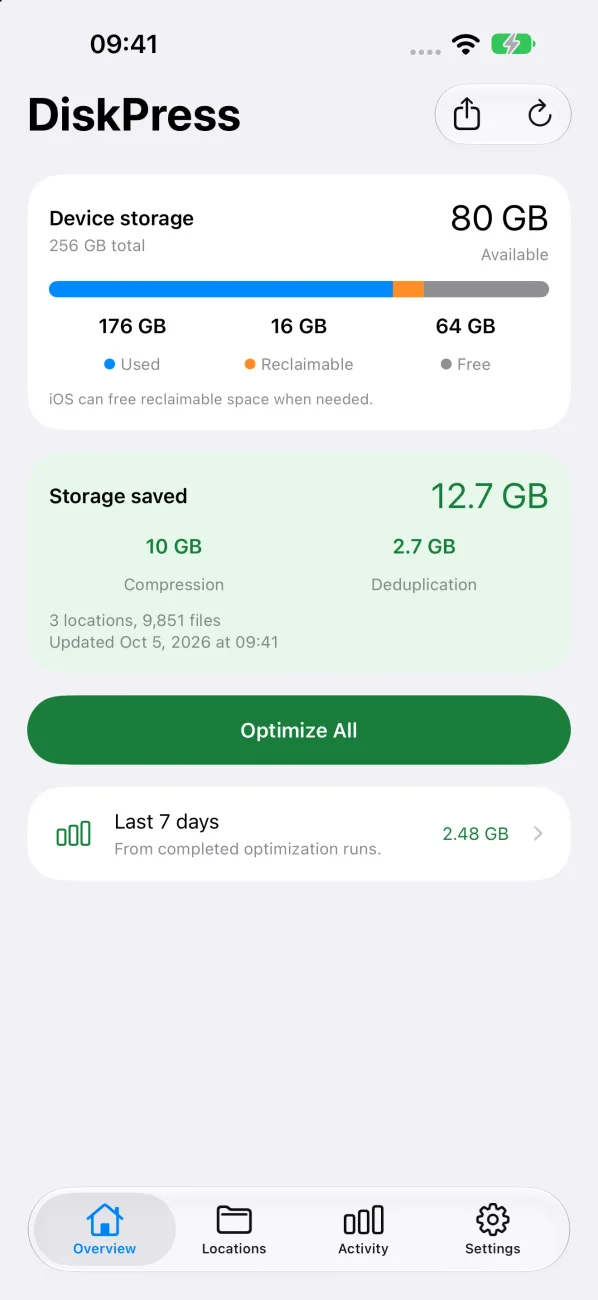
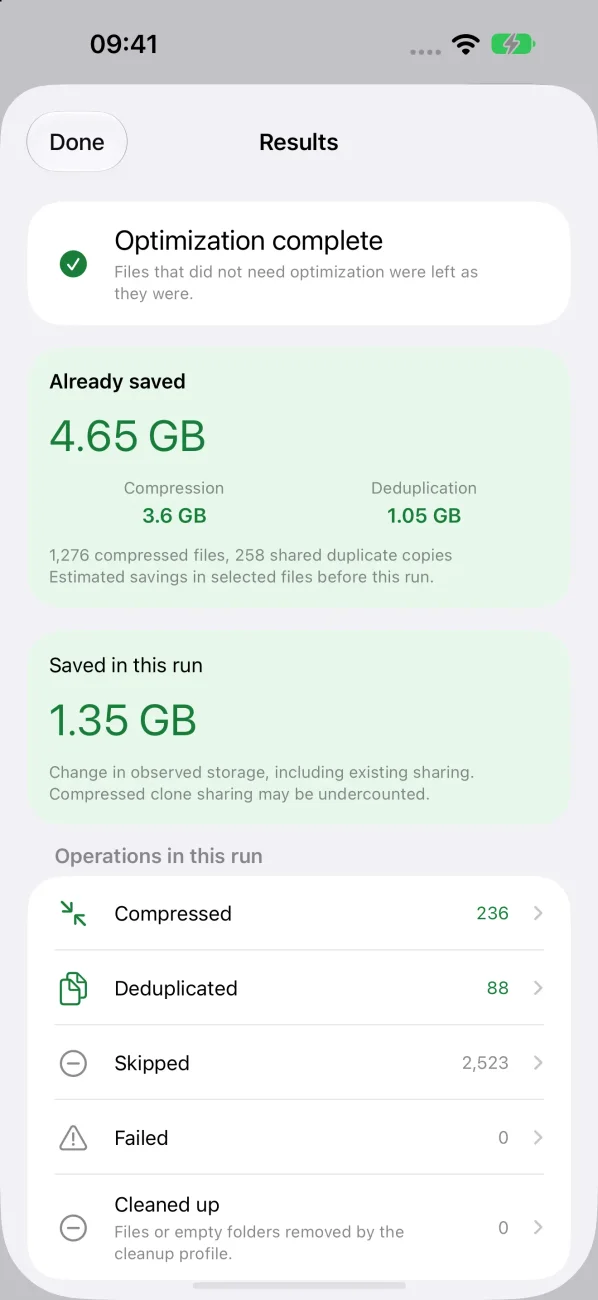
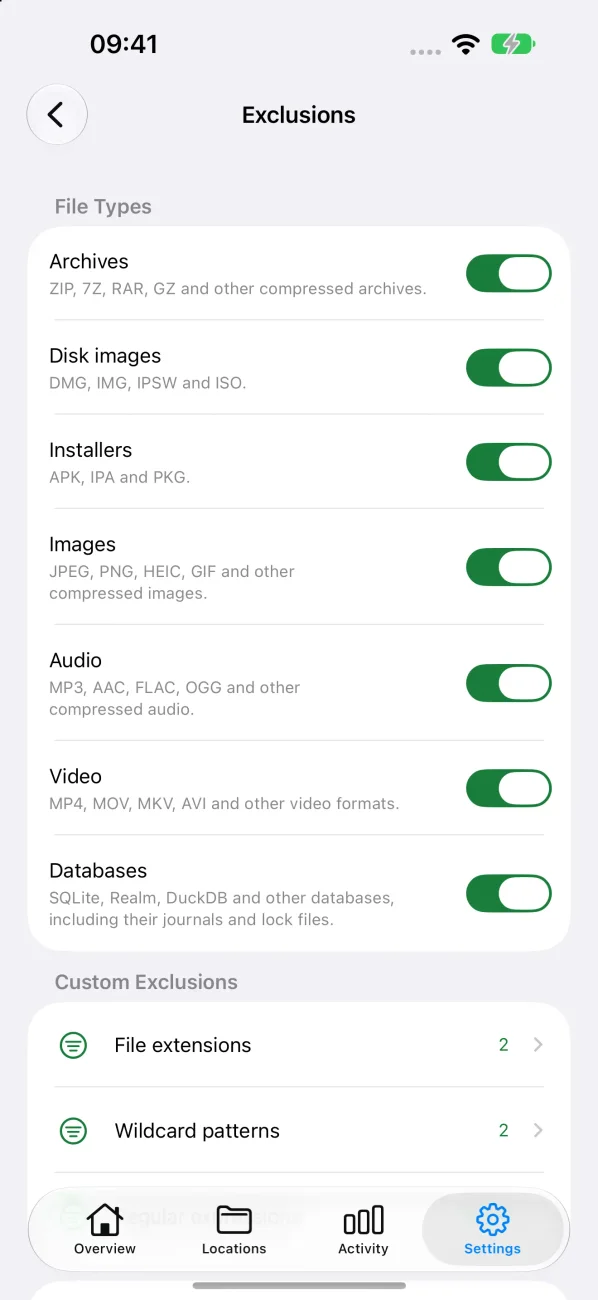
Recent-file protection skips files modified within your chosen waiting period, including during cleanup. Set optimization exclusions, file-size limits, minimum compression savings and performance preferences. Overview shows current savings, while results and Activity explain what changed or was skipped. Savings vary with file contents and existing compression or sharing.
Choose the removal method in each cleanup profile. Permanent deletion cannot be undone. Moving to Trash depends on the selected location's support and is not available everywhere on iOS. If it is unsupported, the item stays in place. Items in recoverable storage may still occupy space.
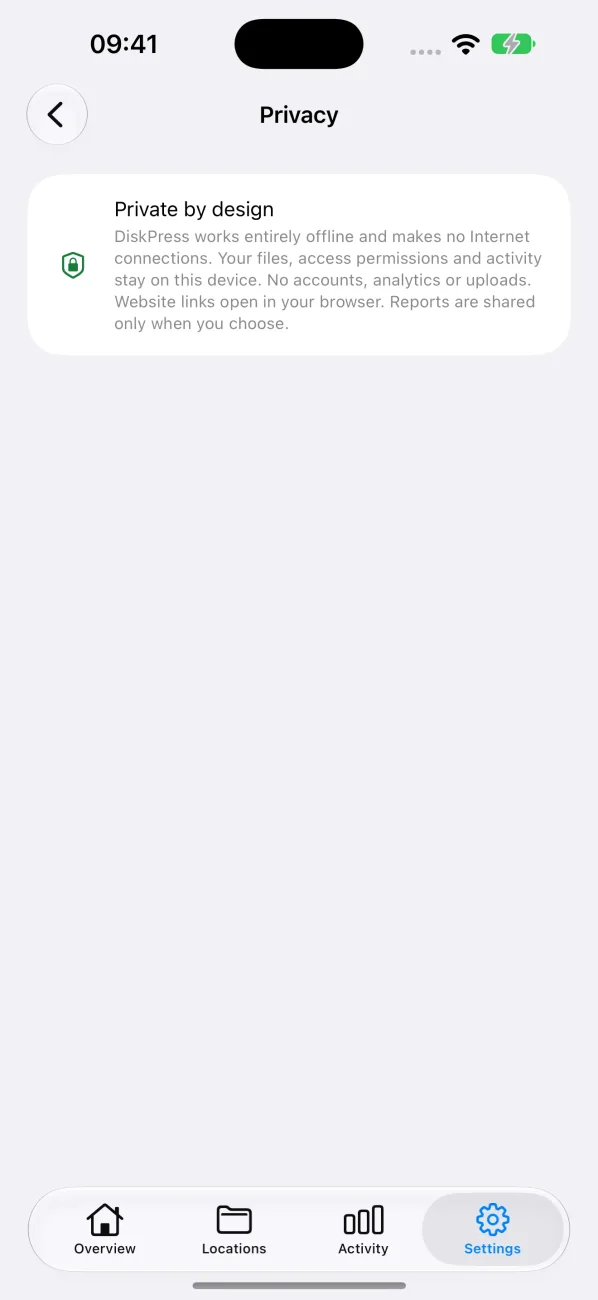
File processing stays on your device and works offline. No account, file uploads, analytics or telemetry. Website links open in your browser. Reports and output files are shared only when you choose.
Requires iOS 14 or later and supported writable local APFS storage. Cloud and network locations are unsupported. The Photos library stays unchanged. DiskPress does not continuously monitor folders. On iOS 26 or later, work started in the app can continue in the background when the system allows it. iOS may stop background work or require an unlock. DiskPress is also available separately for macOS.
新機能
バージョン 1.2.0 · 2026/10/30
- Added cleanup before deduplication and compression.
- Choose any combination of the three stages for each location.
- Create editable profiles with removal and keep rules using masks or regex.
- Start with presets for logs and temporary files.
- Choose a removal method for each profile, including permanent deletion.
- Cleanup respects your recent-file protection setting.
- The selected cleanup profile is visible alongside the optimization mode.
アプリのプライバシー
このアプリのデータの取り扱いについて、Ihor JulyがApp Storeで申告している内容です。
-
データの収集なし
開発元はこのアプリからデータを収集しません。
プライバシーの取り扱いは、ご利用の機能やお客様の年齢などに応じて異なる場合があります。
情報
- 販売元
- Ihor July
- カテゴリ
- ユーティリティ
- バージョン
- 1.2.0
- 更新日
- 2026/10/30
- リリース
- 2026/10/15
- サイズ
- 14.9 MB
- 必要条件
- iOS 14.0以降
- 対象年齢
- 4+
- 価格
- ¥500
- 言語
- 英語, ドイツ語, 簡体字中国語, スペイン語, 繁体字中国語, ウクライナ語
- 著作権
- © 2026 Ihor July