- 対象年齢4+
- カテゴリ仕事効率化
- 開発元Solueman Hussain
- 言語スペイン語ほか16言語
- サイズ13.9 MB
App Storeの公式ページにリンクしています
Download.orgはDocFlipのファイルを一切ホストしていません。ボタンを押すと、Solueman Hussainが公開しているApp Storeのアプリページが開きます。ページの最終確認:2026/11/12。
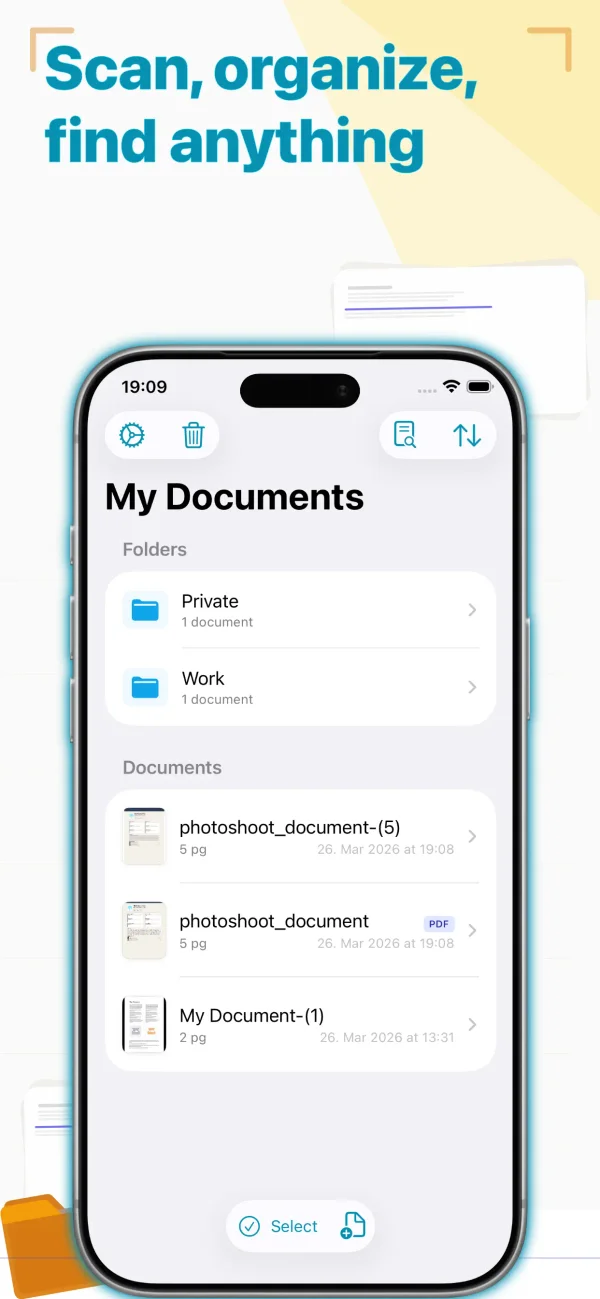
スクリーンショット

概要
開発元はこのテキストをお使いの言語で提供していません。
Scan anything to a crisp PDF, sign it and find it again in seconds. DocFlip turns your iPhone and iPad into a pocket document scanner with OCR, e-signatures, true redaction and smart organisation.
Contracts, receipts, invoices, forms, letters, study notes: capture them once and DocFlip sorts them, suggests a name and makes every word searchable.
WHY PEOPLE LOVE DocFlip
· Scan to PDF in seconds with automatic edge detection
· Sign and fill PDF forms without printing anything
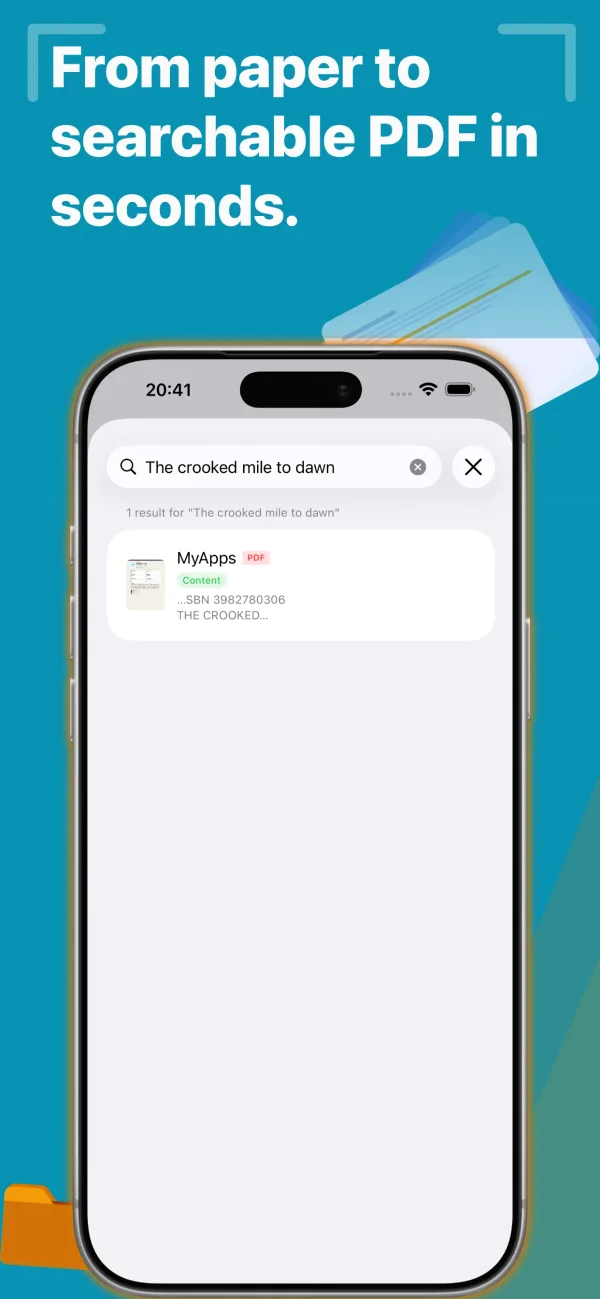
· Search the text inside every scan with built-in OCR
· Redact for real: hidden content is removed, not just covered
· Find documents from Spotlight, Siri and the Shortcuts app
SCAN & IMPORT
· Scan paper documents with automatic edge detection
· Convert photos to PDF right from the Photos app: tap Share, then "Convert to PDF"
· Scan QR codes and barcodes
· Import PDFs and keep them native or convert them into editable pages
· Drag and drop images or PDFs from Files, Safari, Mail and other apps
SMART ORGANISATION
· Receipts, business cards and general documents are sorted automatically
· Smart name suggestions based on content: document type, date and amount
· Folders and tags, with tag search across your library
· Merge files or split out individual pages
· Restore deleted documents for up to 30 days
SEARCH EVERYTHING
· Built-in OCR makes every scanned page searchable
· Recognise text in all your documents at once and choose the languages
· Your documents and the text inside your scans show up in Spotlight
· Use Siri or Shortcuts to scan, import from Photos or search your documents
EDIT & ANNOTATE
· Crop, rotate, reorder and enhance pages
· Highlight, underline, strikethrough and add text boxes
· Draw with Apple Pencil or your finger
SIGN, FILL & PROTECT
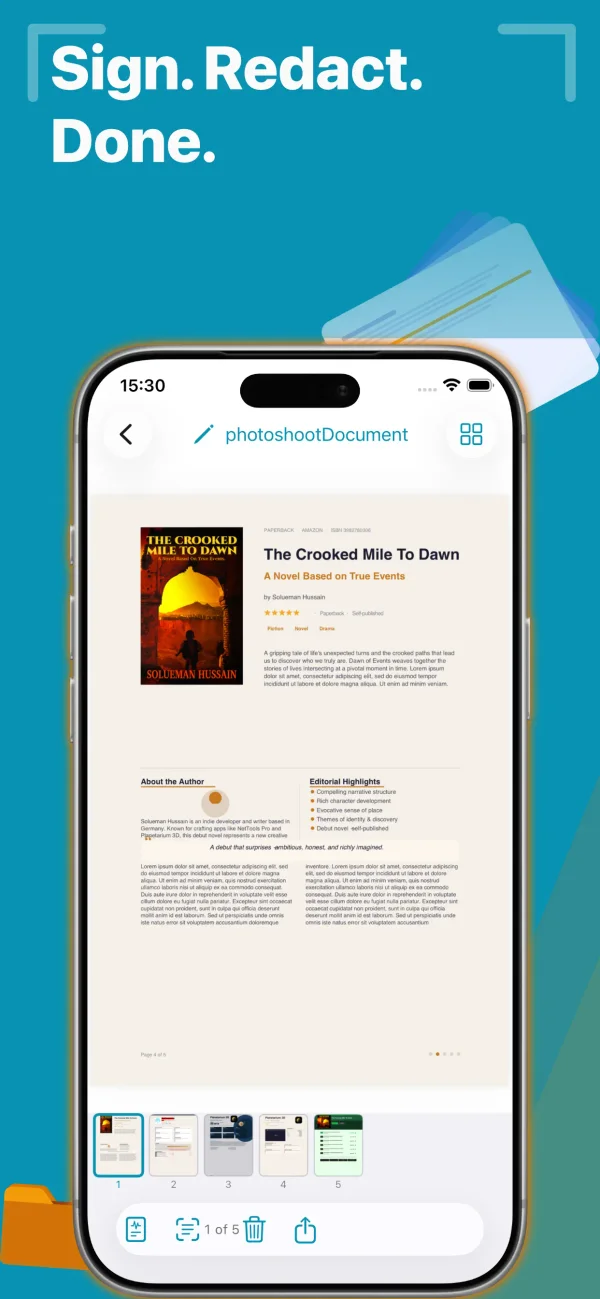
· Save your handwritten signature and place it on any page
· Fill PDF forms without printing, scanning or switching apps
· Permanently black out sensitive information with true redaction
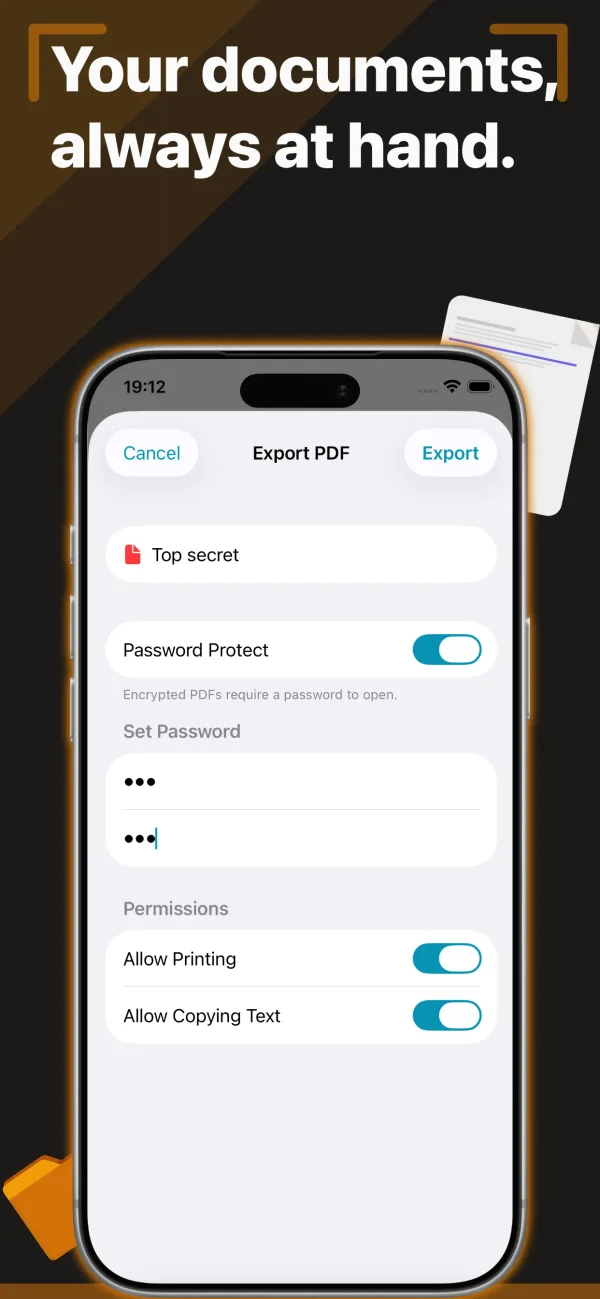
· Export PDFs with optional password protection and your own watermark
MADE FOR iPHONE, iPAD & MAC
· Keep your library in sync across your devices with iCloud
· Use Split View on iPad to read and work side by side
Download DocFlip and turn today's paper pile into a searchable library.
新機能
バージョン 26.4 · 2026/10/4
A big update: DocFlip is now smarter, quicker to reach and easier to keep organised.
• Photos to PDF in one tap: select photos in the Photos app, tap Share and choose "Convert to PDF". The PDF is saved to your library, and you can save a copy to Files.
• Siri & Shortcuts: scan a document, import from Photos or search your documents by voice or in the Shortcuts app.
• Spotlight search: find your documents, and the text inside your scans, right from your Home Screen.
• Smart names: rename suggestions based on the document's content (type, date, amount).
• Auto-sorting: receipts, business cards and general documents are sorted automatically.
• Tags: organise documents with tags and search by tag in your library.
• Markup: highlight, add text boxes and redact. Redactions are permanently blacked out when saved.
• Watermarks: add your own text watermark with adjustable opacity when exporting a PDF.
• QR code and barcode scanner built in.
• Batch text recognition: recognise text in all your documents at once and choose which languages to recognise.
Improvements
• Password-protected PDFs now ask for the password instead of being skipped.
• Fixed photo imports.
• Improved VoiceOver support and translations.
• Stability, sync and performance improvements.
Enjoying DocFlip? A quick rating on the App Store helps more people find it. Thank you!
アプリのプライバシー
このアプリのデータの取り扱いについて、Solueman HussainがApp Storeで申告している内容です。
-
データの収集なし
開発元はこのアプリからデータを収集しません。
プライバシーの取り扱いは、ご利用の機能やお客様の年齢などに応じて異なる場合があります。
情報
- 販売元
- Solueman Hussain
- カテゴリ
- 仕事効率化
- バージョン
- 26.4
- 更新日
- 2026/10/4
- リリース
- 2024/1/25
- サイズ
- 13.9 MB
- 必要条件
- iOS 17.6以降
- 対象年齢
- 4+
- 価格
- 無料
- アプリ内課金
- あり
- 言語
- スペイン語, ドイツ語, 簡体字中国語, 韓国語, フィンランド語, フランス語, ヘブライ, 英語, イタリア語, 日本語, オランダ語, ポルトガル語 ほか5言語
- 著作権
- © Solueman Hussain