DocFlip
PDF Scanner, Sign & Fill Forms
Được thiết kế cho iPhone, iPad
Miễn phí · Mua hàng trong ứng dụng
- Độ tuổi4+
- Danh mụcHiệu Suất
- Nhà phát triểnSolueman Hussain
- Ngôn ngữTiếng Tây Ban Nha+ 16 ngôn ngữ khác
- Kích thước13,9 MB
Liên kết đến trang App Store chính thức
Download.org không lưu trữ tệp nào của DocFlip. Nút này mở trang ứng dụng trên App Store, nơi Solueman Hussain phát hành ứng dụng. Trang được kiểm tra lần cuối: 12/11/2026.
Ảnh chụp màn hình

Giới thiệu
Nhà phát triển chưa cung cấp nội dung này bằng ngôn ngữ của bạn.
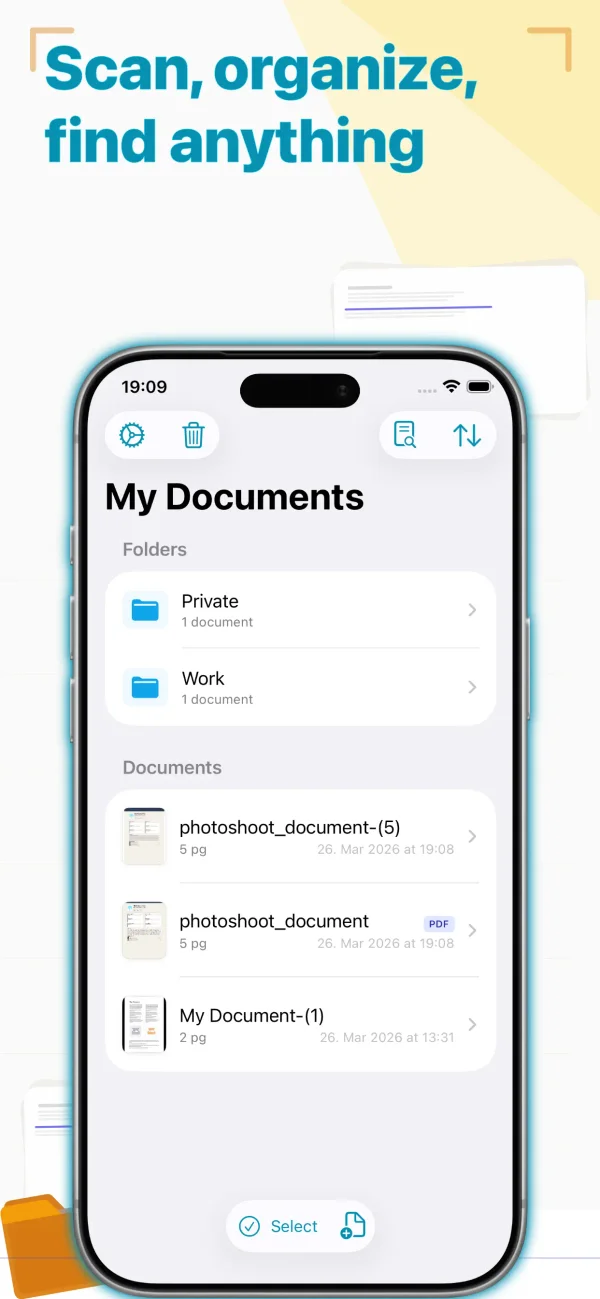
Scan anything to a crisp PDF, sign it and find it again in seconds. DocFlip turns your iPhone and iPad into a pocket document scanner with OCR, e-signatures, true redaction and smart organisation.
Contracts, receipts, invoices, forms, letters, study notes: capture them once and DocFlip sorts them, suggests a name and makes every word searchable.
WHY PEOPLE LOVE DocFlip
· Scan to PDF in seconds with automatic edge detection
· Sign and fill PDF forms without printing anything
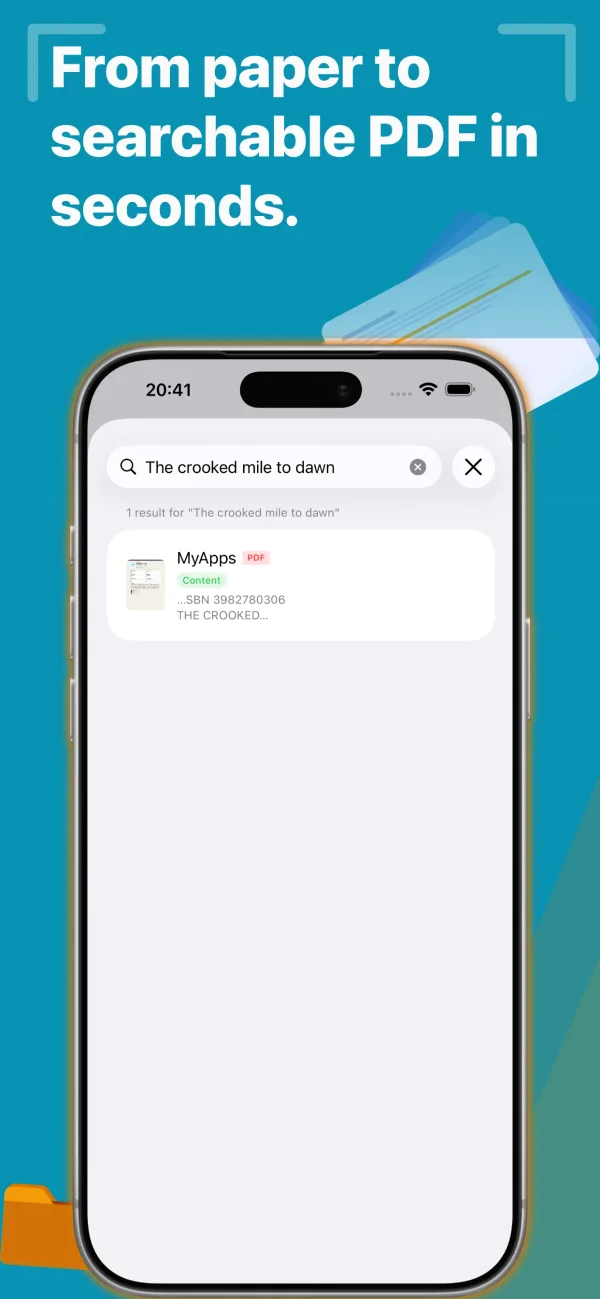
· Search the text inside every scan with built-in OCR
· Redact for real: hidden content is removed, not just covered
· Find documents from Spotlight, Siri and the Shortcuts app
SCAN & IMPORT
· Scan paper documents with automatic edge detection
· Convert photos to PDF right from the Photos app: tap Share, then "Convert to PDF"
· Scan QR codes and barcodes
· Import PDFs and keep them native or convert them into editable pages
· Drag and drop images or PDFs from Files, Safari, Mail and other apps
SMART ORGANISATION
· Receipts, business cards and general documents are sorted automatically
· Smart name suggestions based on content: document type, date and amount
· Folders and tags, with tag search across your library
· Merge files or split out individual pages
· Restore deleted documents for up to 30 days
SEARCH EVERYTHING
· Built-in OCR makes every scanned page searchable
· Recognise text in all your documents at once and choose the languages
· Your documents and the text inside your scans show up in Spotlight
· Use Siri or Shortcuts to scan, import from Photos or search your documents
EDIT & ANNOTATE
· Crop, rotate, reorder and enhance pages
· Highlight, underline, strikethrough and add text boxes
· Draw with Apple Pencil or your finger
SIGN, FILL & PROTECT
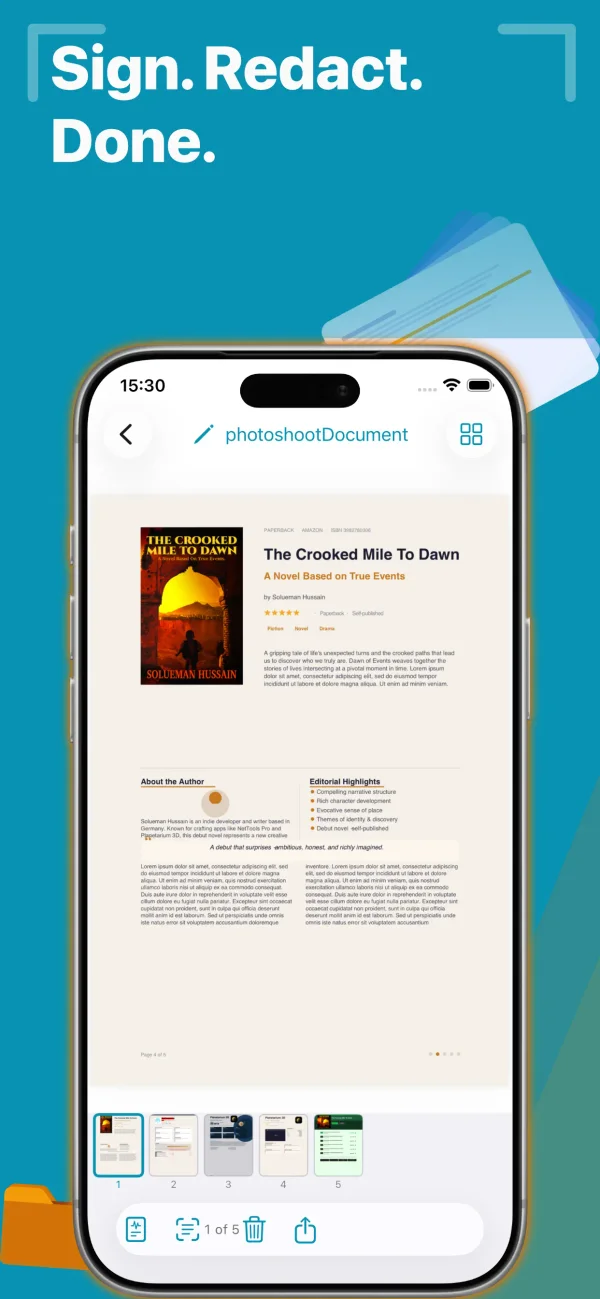
· Save your handwritten signature and place it on any page
· Fill PDF forms without printing, scanning or switching apps
· Permanently black out sensitive information with true redaction
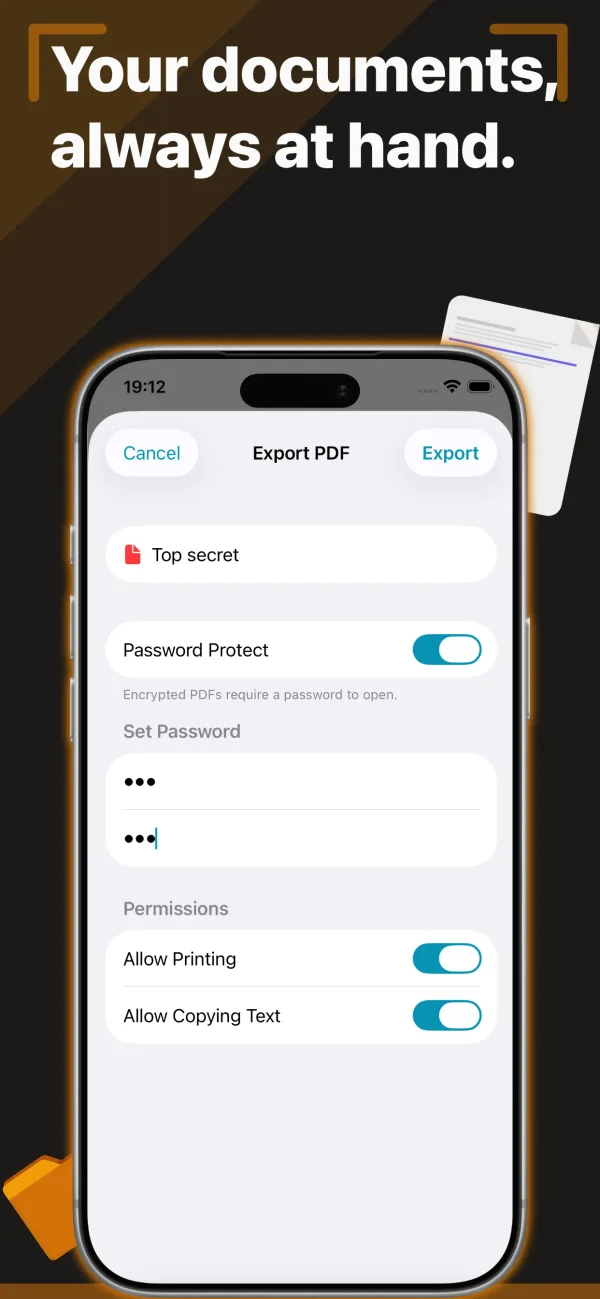
· Export PDFs with optional password protection and your own watermark
MADE FOR iPHONE, iPAD & MAC
· Keep your library in sync across your devices with iCloud
· Use Split View on iPad to read and work side by side
Download DocFlip and turn today's paper pile into a searchable library.
Có gì mới
Phiên bản 26.4 · 04/10/2026
A big update: DocFlip is now smarter, quicker to reach and easier to keep organised.
• Photos to PDF in one tap: select photos in the Photos app, tap Share and choose "Convert to PDF". The PDF is saved to your library, and you can save a copy to Files.
• Siri & Shortcuts: scan a document, import from Photos or search your documents by voice or in the Shortcuts app.
• Spotlight search: find your documents, and the text inside your scans, right from your Home Screen.
• Smart names: rename suggestions based on the document's content (type, date, amount).
• Auto-sorting: receipts, business cards and general documents are sorted automatically.
• Tags: organise documents with tags and search by tag in your library.
• Markup: highlight, add text boxes and redact. Redactions are permanently blacked out when saved.
• Watermarks: add your own text watermark with adjustable opacity when exporting a PDF.
• QR code and barcode scanner built in.
• Batch text recognition: recognise text in all your documents at once and choose which languages to recognise.
Improvements
• Password-protected PDFs now ask for the password instead of being skipped.
• Fixed photo imports.
• Improved VoiceOver support and translations.
• Stability, sync and performance improvements.
Enjoying DocFlip? A quick rating on the App Store helps more people find it. Thank you!
Quyền riêng tư của ứng dụng
Những gì Solueman Hussain khai báo trên App Store về cách ứng dụng này xử lý dữ liệu.
-
Dữ liệu không được thu thập
Nhà phát triển không thu thập bất kỳ dữ liệu nào từ ứng dụng này.
Phương thức đảm bảo quyền riêng tư có thể khác nhau, chẳng hạn như tuỳ theo các tính năng bạn sử dụng hoặc độ tuổi của bạn.
Thông tin
- Người bán
- Solueman Hussain
- Danh mục
- Hiệu Suất
- Phiên bản
- 26.4
- Cập nhật
- 04/10/2026
- Phát hành
- 25/01/2024
- Kích thước
- 13,9 MB
- Yêu cầu
- iOS 17.6 trở lên
- Độ tuổi
- 4+
- Giá
- Miễn phí
- Mua hàng trong ứng dụng
- Có
- Ngôn ngữ
- Tiếng Tây Ban Nha, Tiếng Đức, Tiếng Trung Giản thể, Tiếng Hàn, Tiếng Phần Lan, Tiếng Pháp, Tiếng Do Thái, Tiếng Anh, Tiếng Ý, Tiếng Nhật, Tiếng Hà Lan, Tiếng Bồ Đào Nha + 5 ngôn ngữ khác
- Bản quyền
- © Solueman Hussain