- 対象年齢4+
- カテゴリ仕事効率化
- 開発元涛 刘
- 言語英語ほか1言語
- サイズ65.5 MB
App Storeの公式ページにリンクしています
Download.orgはDocLens - OCRのファイルを一切ホストしていません。ボタンを押すと、涛 刘が公開しているApp Storeのアプリページが開きます。ページの最終確認:2026/11/12。
スクリーンショット


概要
開発元はこのテキストをお使いの言語で提供していません。
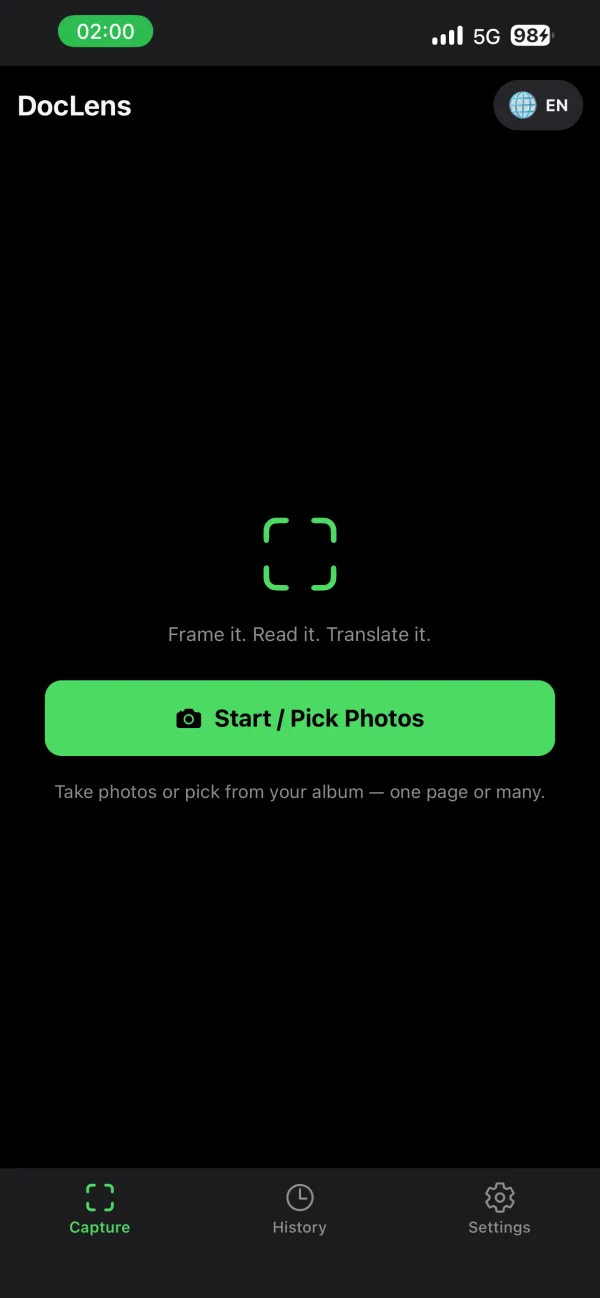
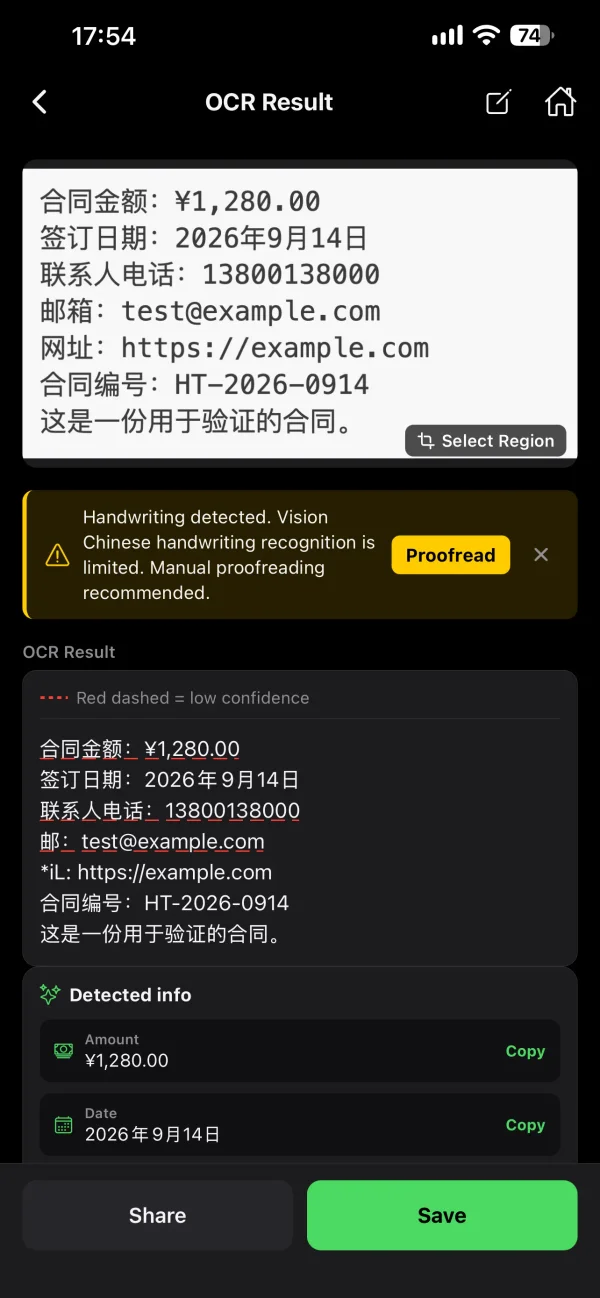
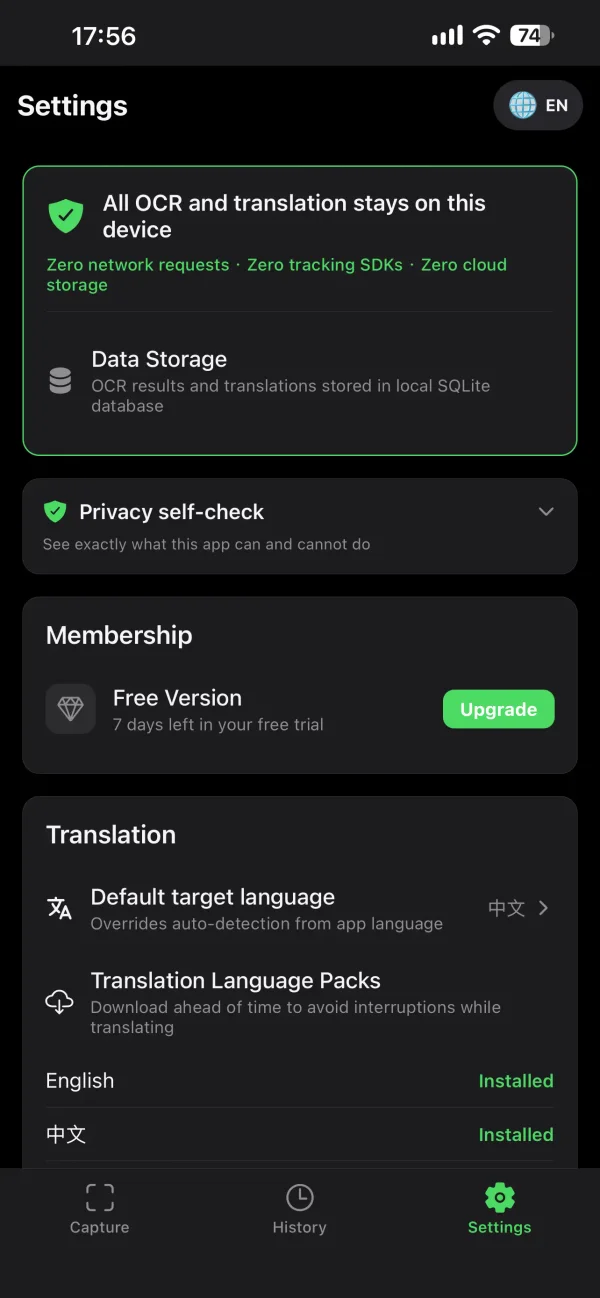
DocLens is a fully offline frame-select OCR tool: draw a box, extract exactly the text you circled, and translate it on your device. The liability clause in a contract, the date on a court ruling, one verbatim line from an interview: you choose the block, it reads only that. Headers, footers, ads and noise are never touched.
Key features:
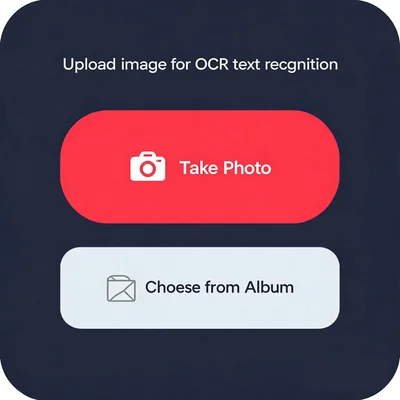
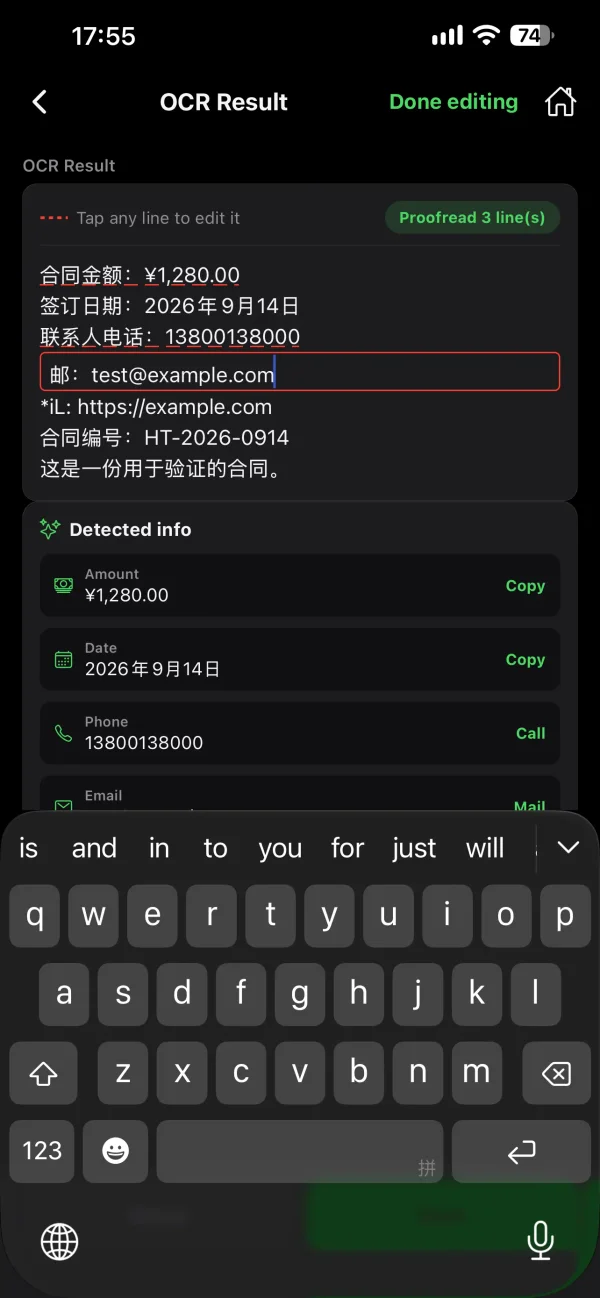
1. Frame-select OCR: shoot or pick a photo, drag a box, and only the text inside is recognized. Low-confidence lines are dashed-underlined for line-by-line proofreading before translation.
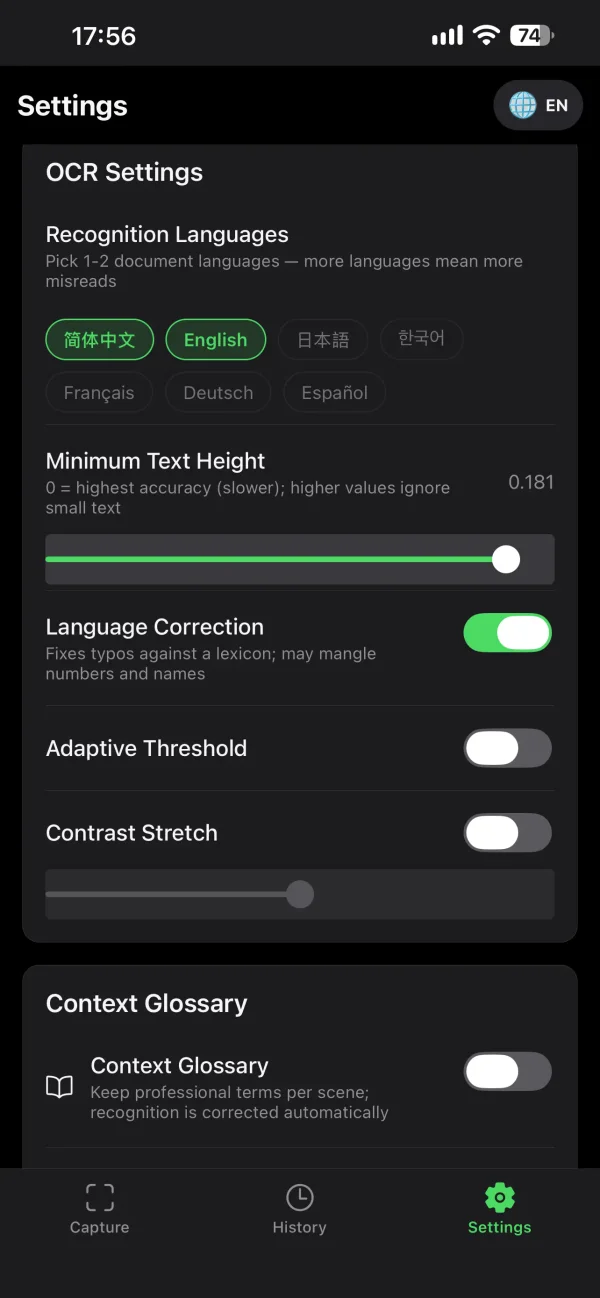
2. Accurate recognition: selectable recognition languages with automatic per-line detection for mixed Chinese and English; handwriting and rotated text supported; Enhance and Retry rescues poor scans.
3. On-device translation: results are translated paragraph by paragraph for fluent output. Chinese, English, Japanese, Korean, French, German and Spanish are supported, and language packs can be downloaded in advance.
4. QR and barcode scanning: frame a code to open URLs in an in-app browser, dial numbers, compose emails, open locations, or copy Wi-Fi passwords and contact fields.
5. Fully offline: recognition, translation and barcode scanning all run on your device. No account, no analytics, no cloud upload, and no network access from shutter to text.
6. Minimal permissions: DocLens never asks for full photo library access, only permission to save your exports. Data stays in the local sandbox and database.
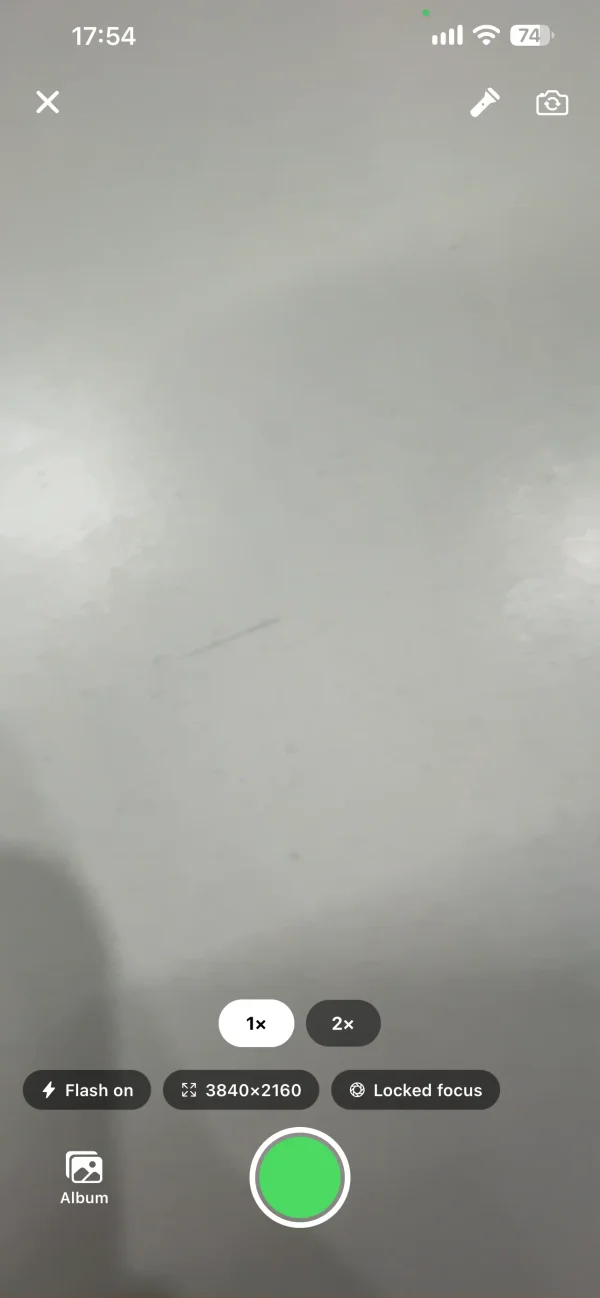
7. Torch and Enhance Retry: turn on the light for close-up documents, and re-run recognition with boosted contrast when a scan comes out poorly.
Membership:
New users get a free 7-day trial, extendable once by another 7 days from the membership page. After the trial, you can still scan free once per day. VIP is a one-time purchase: no subscription, no ads, no tracking.
Great for contract review, hearing and meeting notes, interview transcription, research excerpts, receipt and form data extraction, and translating foreign signs.
Your files go nowhere. That is what makes DocLens different: it does not make decisions for you. It hands judgment back to you, and keeps privacy structural with on-device computing.
新機能
バージョン 1.5 · 2026/11/2
1. Added
Ad-supported credits (now fully free): no more IAP or membership. New users get 5 credits; a rewarded video grants +2; each recognition confirmation costs 1 credit (a whole batch costs 1, and resuming never double-charges). Watching a splash ad to the end silently grants +1 (max 5/day); when ads fail to load you are automatically compensated +2 (max 3/day). Rewarded videos are capped at 3 per session. Credits never expire and cannot be cashed out or transferred; a labelled ledger is available in Settings.
Term locking (three layers): with a glossary scene active, preferred term spellings are injected at the recognition source (system OCR custom words), results are corrected by the on-device dictionary, and AI suggestions may never alter locked terms (any change drops the whole suggestion) — professional terms keep your spelling end to end.
Confidence visualization: results are colour-tiered by confidence (red dashed / yellow bar / normal) with per-line counts; tap a low-confidence line to compare against the original image (cropped zoom popup, cached).
iPad split view: on >=768pt widths the result page shows image and text side by side; the proofread line is highlighted on the image in real time. iPhone layout is unchanged.
AI enhance, now free: an on-device LLM (downloaded on demand, inference fully offline) drafts corrections for low-confidence lines, toggleable in Settings; suggestions are tracked per group and silenced automatically when adoption stays low.
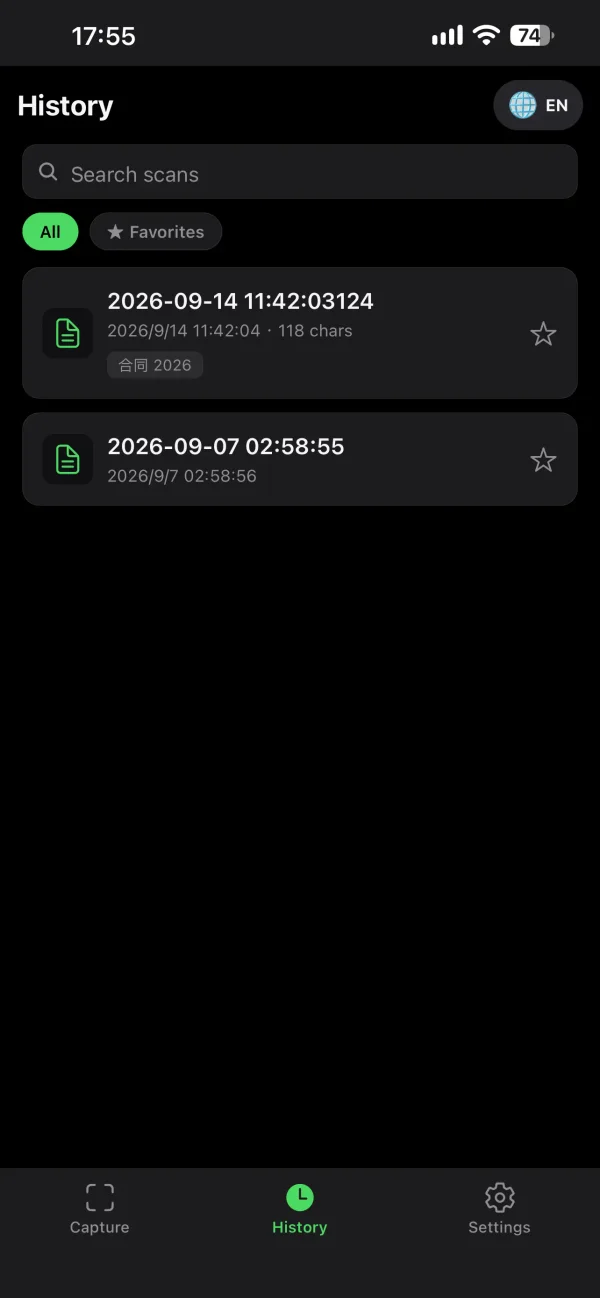
Multi-select merge to PDF: pick history records, merge them in chronological order into one archived PDF (organizing costs no credits).
Privacy and consent gate: first launch runs privacy consent, then ATT tracking prompt, then splash ad; declining keeps every recognition feature working, just without ads. Umeng serves mainland China, AdMob serves elsewhere, routed by device region. Recognition, translation, barcodes, glossary and history search still run entirely on-device; ads are the only networked part.
2. Changed
Billing: recognition no longer relies on a daily free quota or membership — everything uses credits, with an in-place gate that resumes the original action right after you earn enough.
AI corrections are now free for everyone (on-device inference, costs no credits); the entry hides itself when the runtime is unavailable.
The launch flow adds the ad gate and authorization guides; Settings adds a "Scan credits" card with balance, earning and the ledger.
Version 1.4.0 → 1.5.0.
3. Removed
The one-time IAP purchase and the 7+7 day free trial.
The membership page, paywall and daily free quota mechanism.
アプリのプライバシー
このアプリのデータの取り扱いについて、涛 刘がApp Storeで申告している内容です。
-
ユーザーのトラッキングに使用されるデータ
他社のアプリやウェブサイトを横断してユーザーをトラッキングする目的で使用される場合があります。
- 使用状況データ
-
ユーザーに関連付けられたデータ
収集され、ユーザーの識別情報に関連付けられる場合があります。
- 使用状況データ
-
ユーザーに関連付けられないデータ
収集される場合がありますが、ユーザーの識別情報には関連付けられません。
- 診断
プライバシーの取り扱いは、ご利用の機能やお客様の年齢などに応じて異なる場合があります。
情報
- 販売元
- 涛 刘
- カテゴリ
- 仕事効率化
- バージョン
- 1.5
- 更新日
- 2026/11/2
- リリース
- 2026/8/3
- サイズ
- 65.5 MB
- 必要条件
- iOS 17.0以降
- 対象年齢
- 4+
- 価格
- 無料
- アプリ内課金
- あり
- 言語
- 英語, 簡体字中国語
- 著作権
- Copyright © 2026 PrismTao. All rights reserved.