DSLR Clapperboard
Clapboard Prompter Storyboard
iPhone, iPad, iPod touch向けに設計
無料 · アプリ内課金
- 対象年齢4+
- カテゴリ写真/ビデオ
- 開発元Daniele Morelli
- 言語英語ほか2言語
- サイズ71.6 MB
App Storeの公式ページにリンクしています
Download.orgはDSLR Clapperboardのファイルを一切ホストしていません。ボタンを押すと、Daniele Morelliが公開しているApp Storeのアプリページが開きます。ページの最終確認:2026/11/17。
スクリーンショット
概要
開発元はこのテキストをお使いの言語で提供していません。
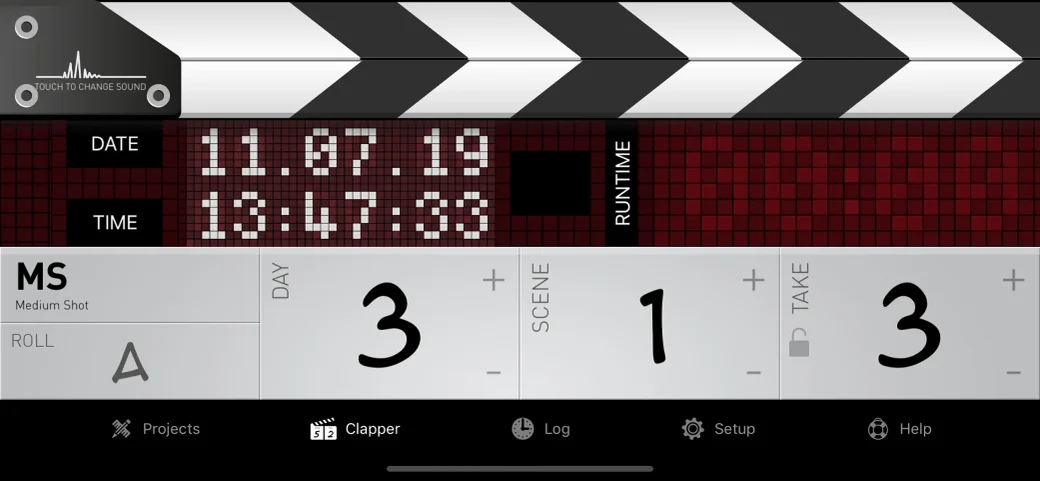
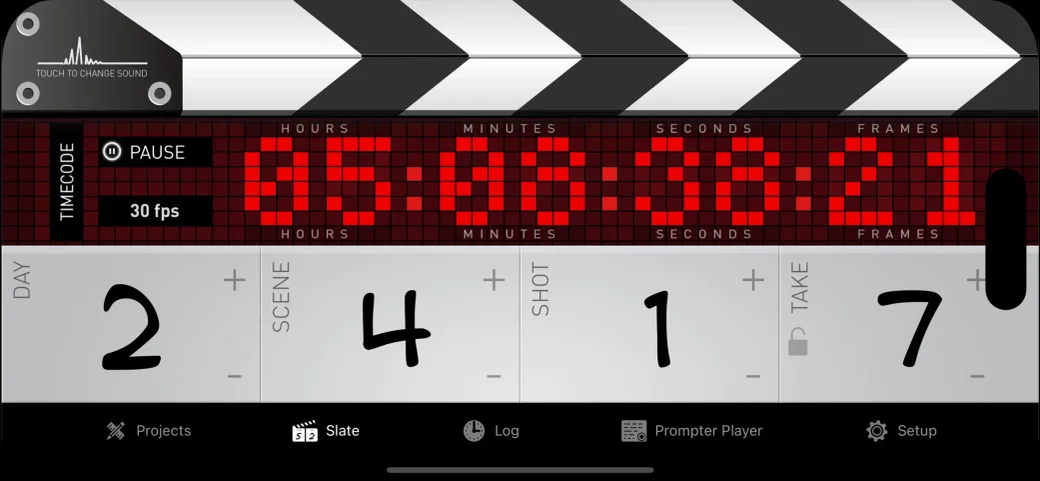
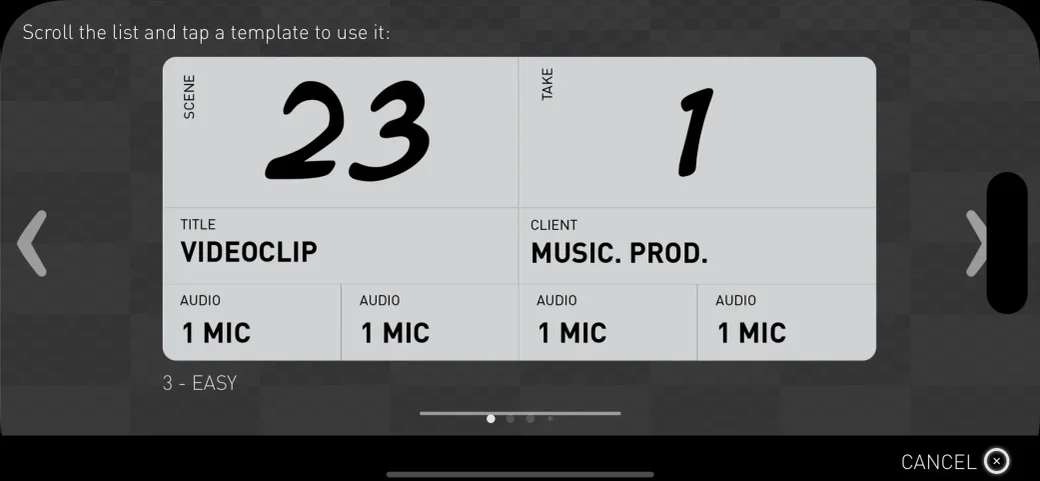
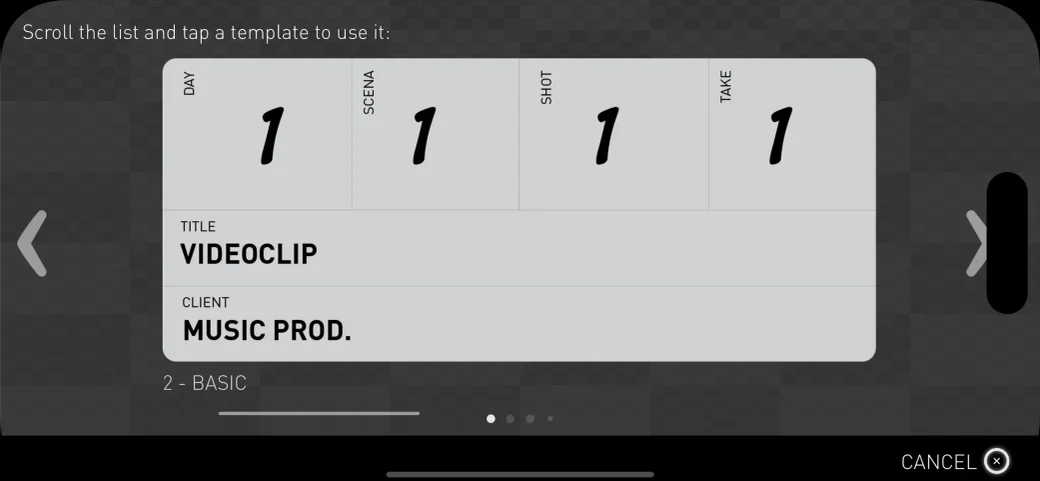
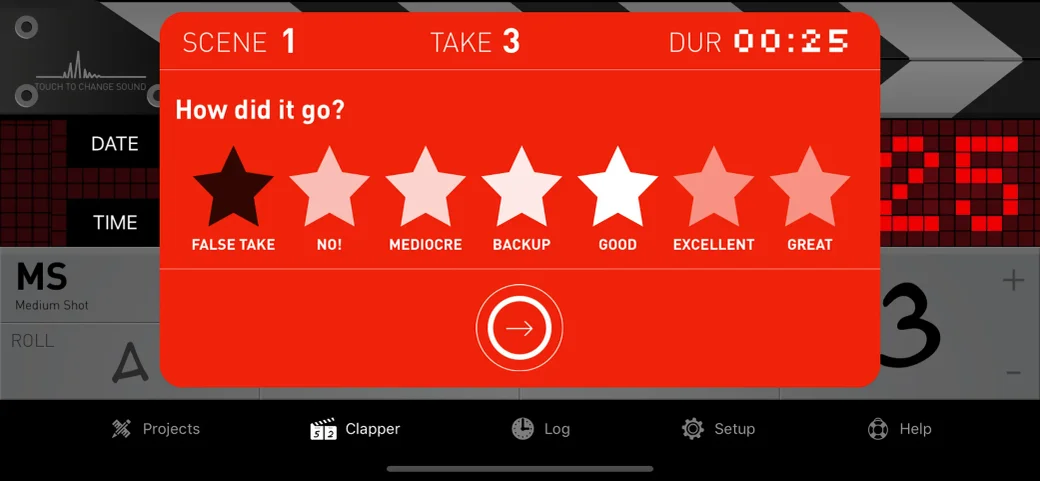
A few taps and you are on-air: select the angle, scene and take of your shot and tap on the clapper. You can edit the items and the descriptions in the setup page of the app to fully customize it.
Features' list:
CLAPPERBOARD
• Full customization of the clapboard: design your own slate with a few touches. (IPad version)
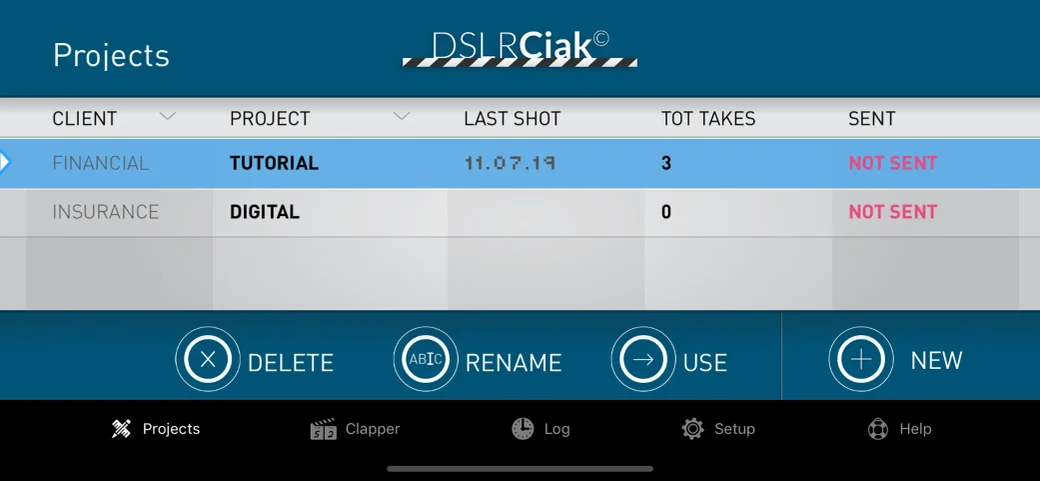
• Project based clapboard: start, stop and recall your work at your needs.
• Switch from timer to timecode (24, 25, 30, 50 and 60 fps).
• Choose among 3 different clap sounds.
• Auto takes advance, to update the take after each shot.
• Stopwatch, to have time under your control.
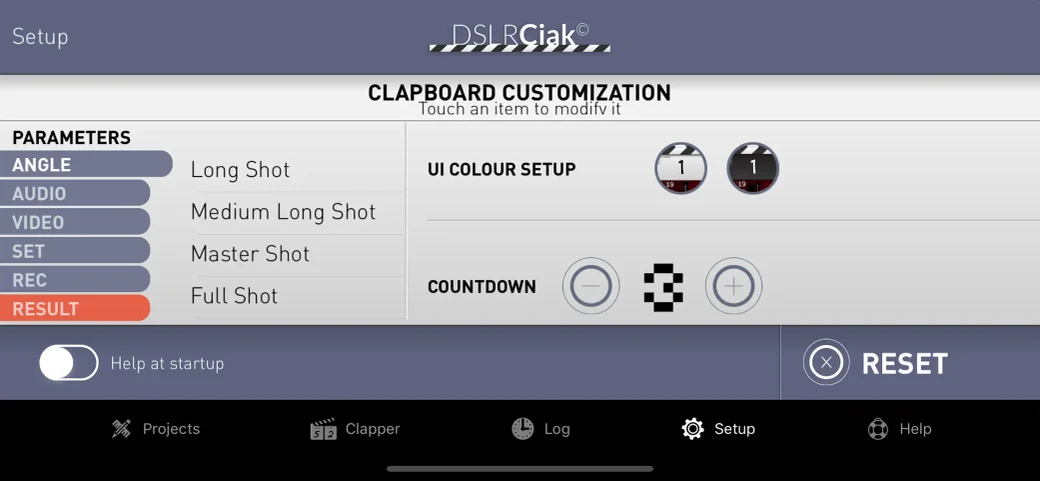
• Full customization, to have a clapperboard exactly the way you like.
• Remarks, allows you to add notes during the shooting.
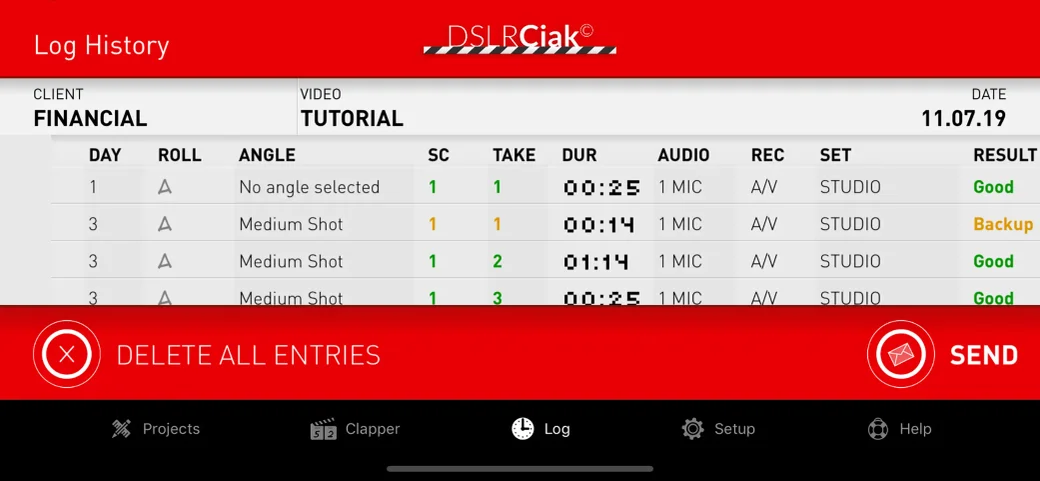
• Log history, to keep everything under your eyes.
• Summary e-mail report, to send the result of your shooting in your inbox (in-app purchase).
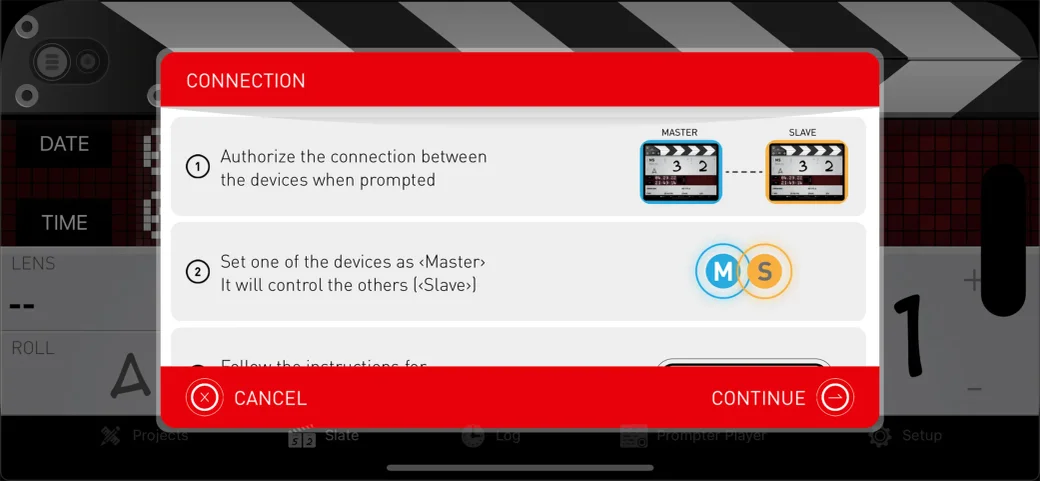
• NEW Multi-camera clapboard: you can synchronize up to 8 devices to execute the clapboard simultaneously on all of them.
In-App Purchase (for a short period of time at a very competitive price):
PROMPTER (IPad version)
• Unlimited number of scripts.
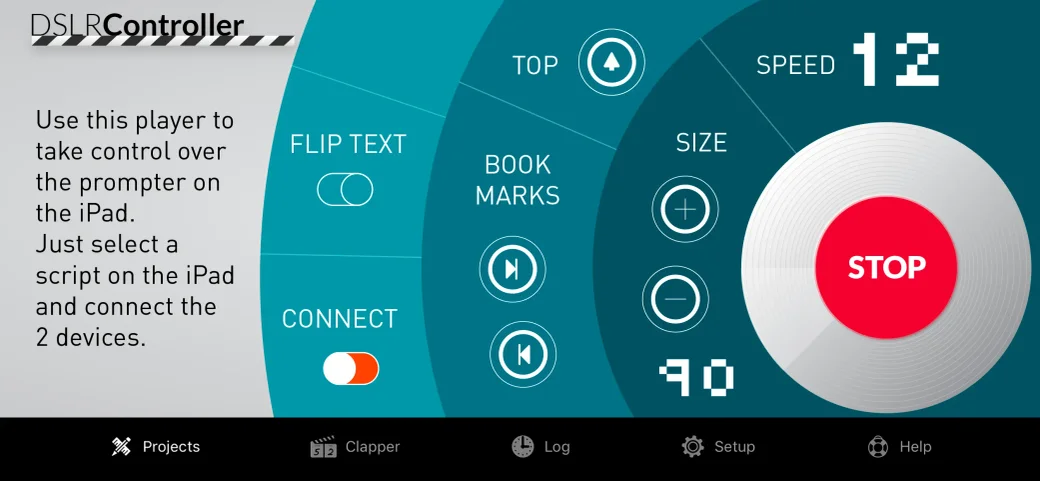
• Bookmarks, to jump directly to the point.
• Remote control, with full preview at your fingertips.
• Easy connection, over bluetooth or wi-fi.
• Speed wheel, for an innovative user interaction.
• Change font size from the remote control.
• Flip text on the fly.
• Drag text on the remote control, the prompter will follow accordingly.
• Auto prompter: set up your speed and then start playing it.
STORYBOARD (IPad version)
• Import any image or picture you have as a frame of your storyboard.
• Give it a number (also 12B-2C#2) and a description.
• You can automatically import you storyboard with the new DSLR Template available for download at your fingertip.
• Synchronize your storyboard with the clapperboard (scene number and final summary email).
---
To ask for new features and to report bugs, please refer to dslrslate.com and visit the page "customer care".
新機能
バージョン 5.7 · 2024/2/22
• A great new feature: the ability to synchronize multiple iPads and iPhones for multi-camera clapboard. After calibrating your devices, you can use one of them to control all the others, executing the clapperboard perfectly synchronized.
• Minor bug fixings.
• A new, more rational and clear clapboard menu.
• Clapboard: the screen brightness increases to make the information more visible.
• New lens selector.
アプリのプライバシー
このアプリのデータの取り扱いについて、Daniele MorelliがApp Storeで申告している内容です。
-
データの収集なし
開発元はこのアプリからデータを収集しません。
プライバシーの取り扱いは、ご利用の機能やお客様の年齢などに応じて異なる場合があります。
情報
- 販売元
- Daniele Morelli
- カテゴリ
- 写真/ビデオ
- バージョン
- 5.7
- 更新日
- 2024/2/22
- リリース
- 2018/6/15
- サイズ
- 71.6 MB
- 必要条件
- iOS 13.0以降
- 対象年齢
- 4+
- 価格
- 無料
- アプリ内課金
- あり
- 言語
- 英語, イタリア語, スペイン語
- 著作権
- © 2022 DM