DSLR Clapperboard
Clapboard Prompter Storyboard
Designed for iPhone, iPad, iPod touch
Free · In-app purchases
- Age rating4+
- CategoryPhoto & Video
- DeveloperDaniele Morelli
- LanguagesEnglish+ 2 more
- Size71.6 MB
Links to the official App Store page
Download.org hosts no file of DSLR Clapperboard. The button opens its official App Store page, published by Daniele Morelli. Listing last checked on Nov 17, 2026.
Screenshots
About
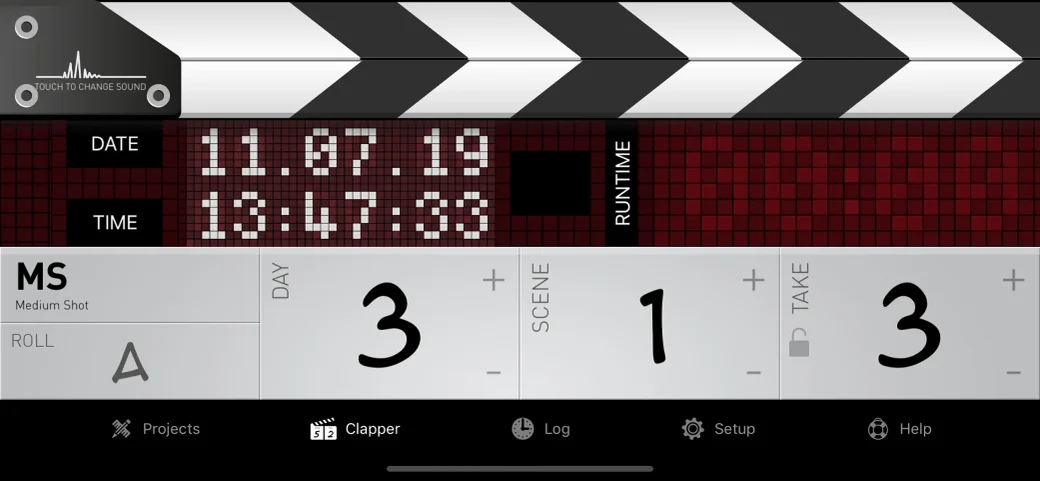
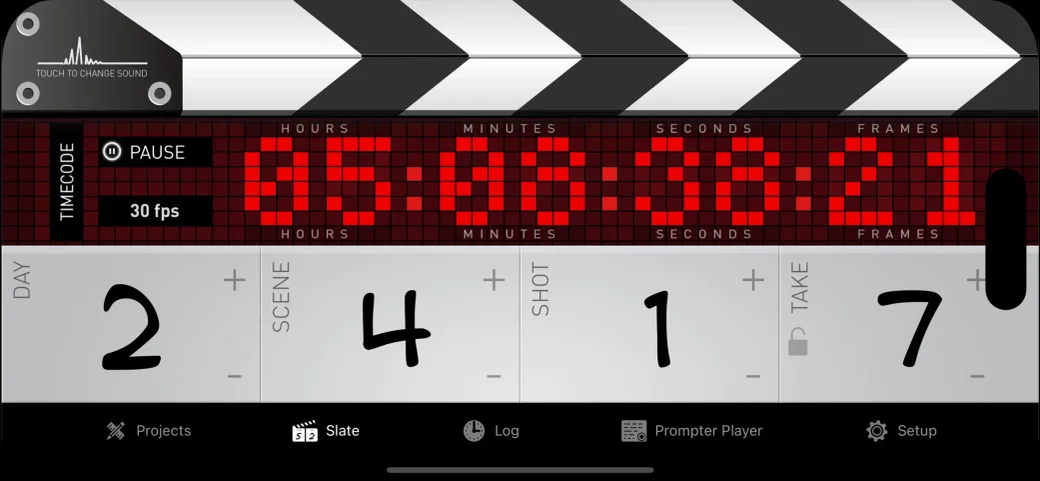
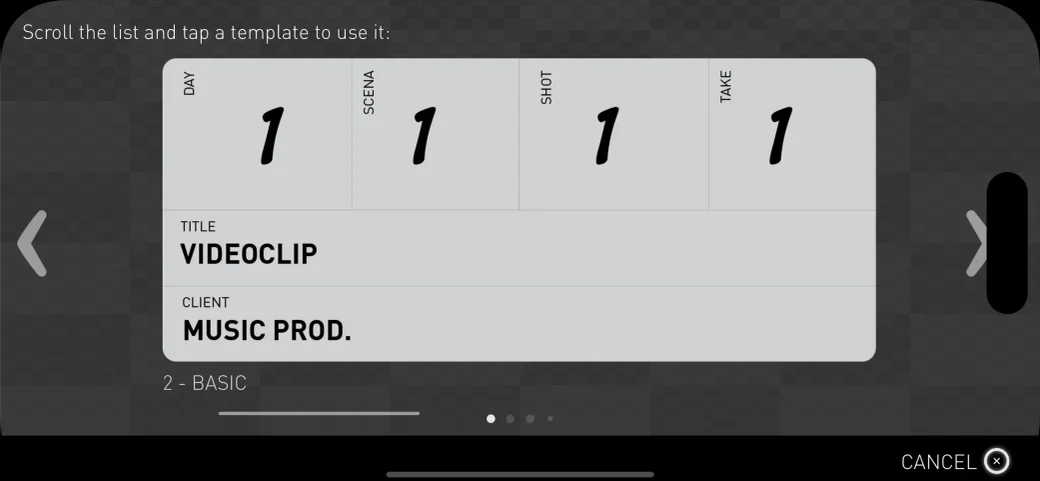
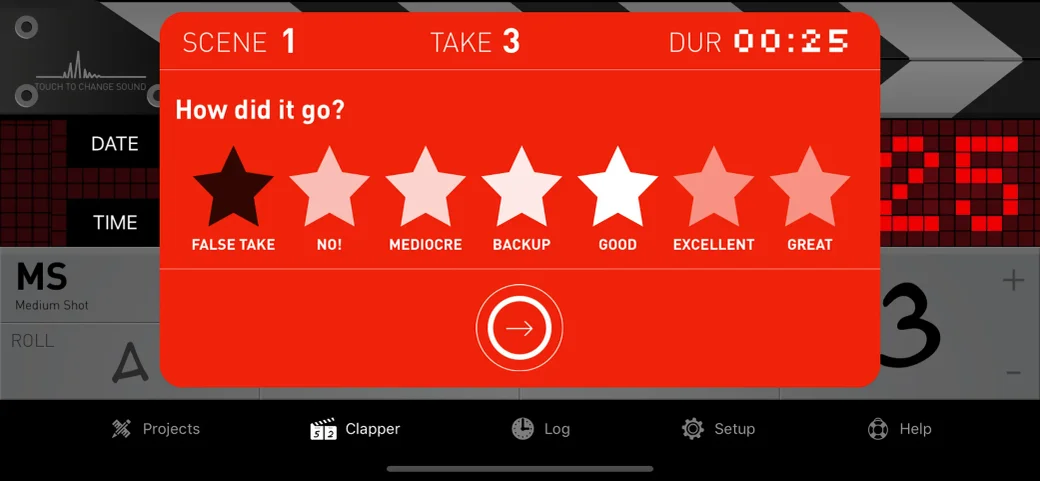
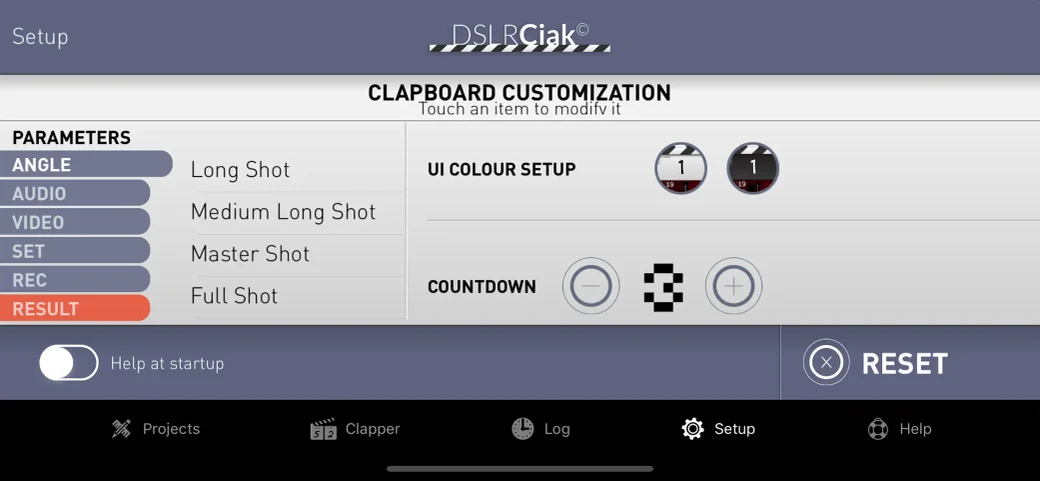
A few taps and you are on-air: select the angle, scene and take of your shot and tap on the clapper. You can edit the items and the descriptions in the setup page of the app to fully customize it.
Features' list:
CLAPPERBOARD
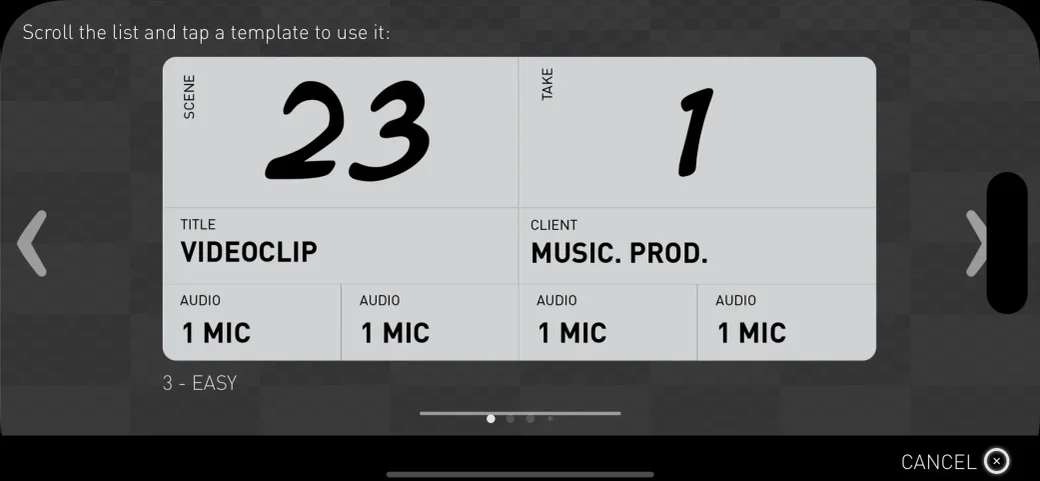
• Full customization of the clapboard: design your own slate with a few touches. (IPad version)
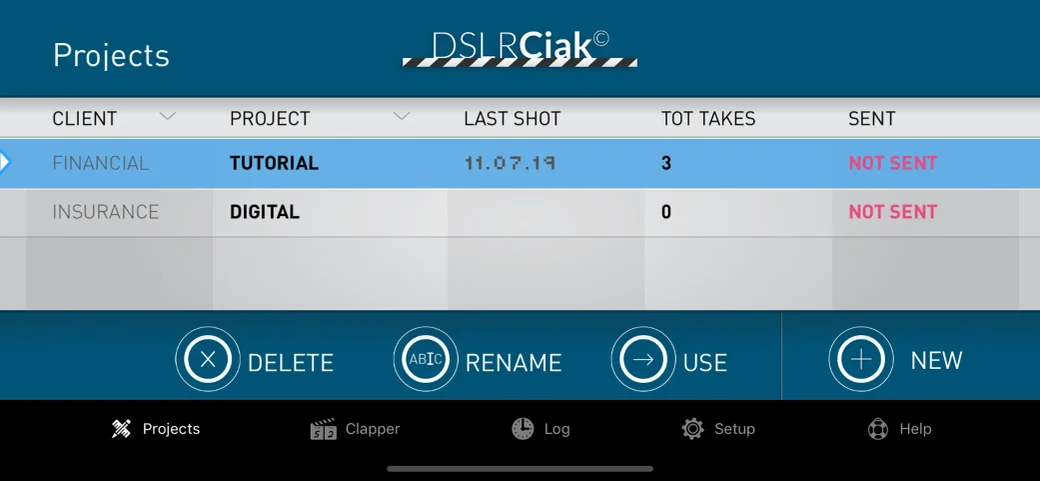
• Project based clapboard: start, stop and recall your work at your needs.
• Switch from timer to timecode (24, 25, 30, 50 and 60 fps).
• Choose among 3 different clap sounds.
• Auto takes advance, to update the take after each shot.
• Stopwatch, to have time under your control.
• Full customization, to have a clapperboard exactly the way you like.
• Remarks, allows you to add notes during the shooting.
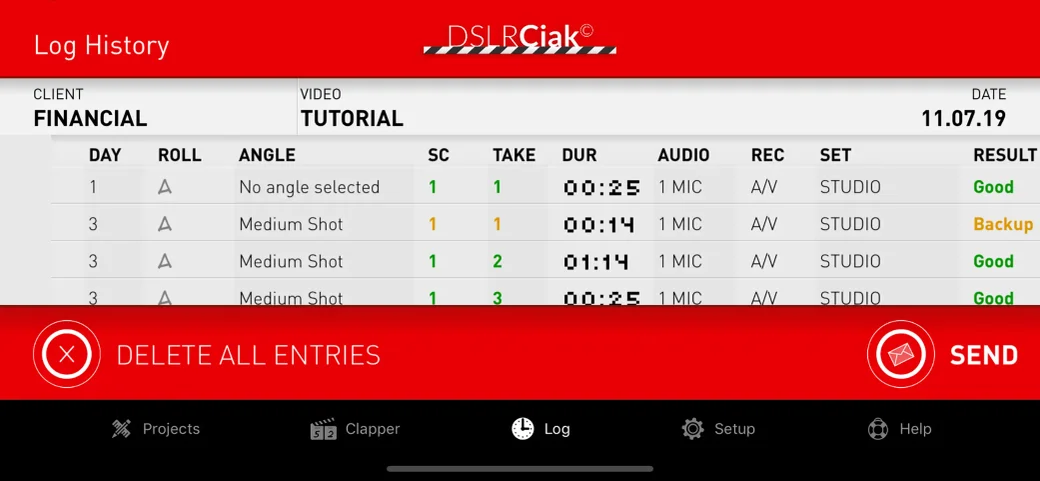
• Log history, to keep everything under your eyes.
• Summary e-mail report, to send the result of your shooting in your inbox (in-app purchase).
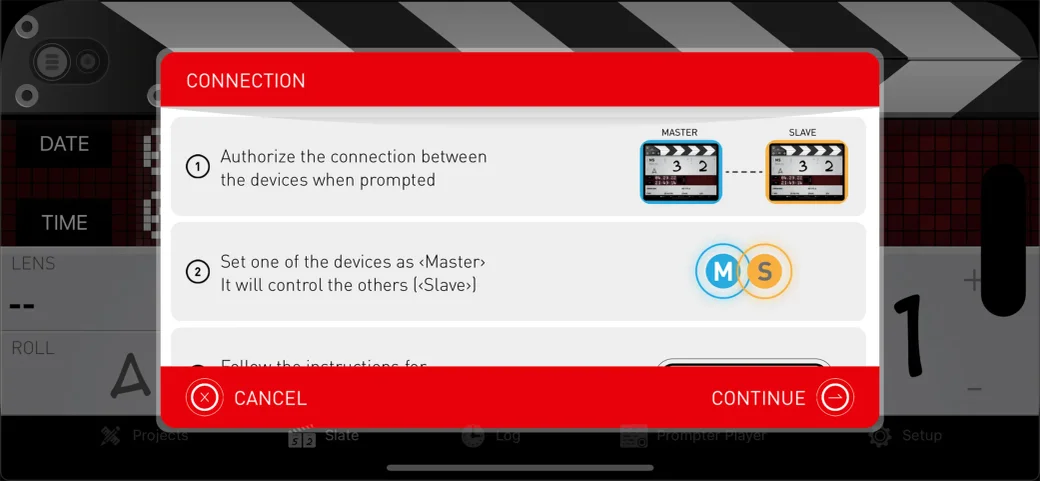
• NEW Multi-camera clapboard: you can synchronize up to 8 devices to execute the clapboard simultaneously on all of them.
In-App Purchase (for a short period of time at a very competitive price):
PROMPTER (IPad version)
• Unlimited number of scripts.
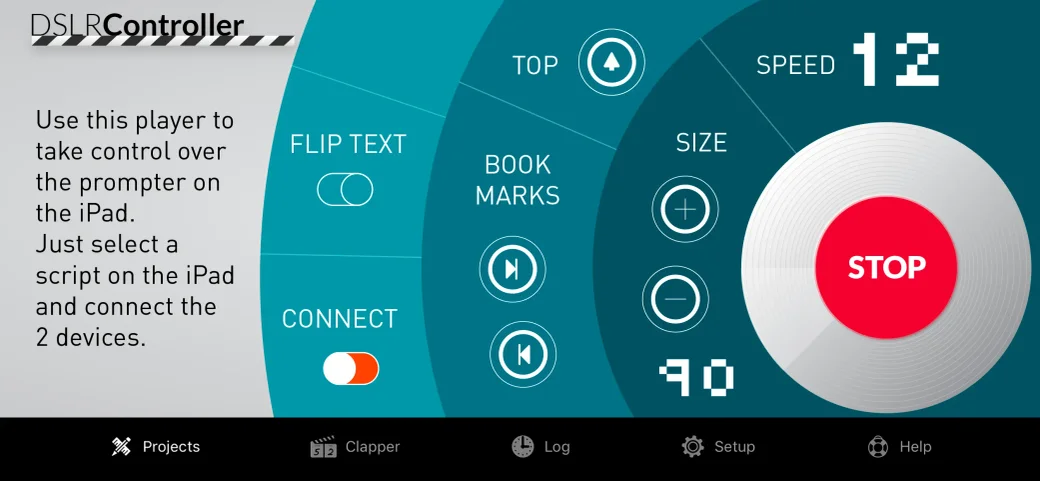
• Bookmarks, to jump directly to the point.
• Remote control, with full preview at your fingertips.
• Easy connection, over bluetooth or wi-fi.
• Speed wheel, for an innovative user interaction.
• Change font size from the remote control.
• Flip text on the fly.
• Drag text on the remote control, the prompter will follow accordingly.
• Auto prompter: set up your speed and then start playing it.
STORYBOARD (IPad version)
• Import any image or picture you have as a frame of your storyboard.
• Give it a number (also 12B-2C#2) and a description.
• You can automatically import you storyboard with the new DSLR Template available for download at your fingertip.
• Synchronize your storyboard with the clapperboard (scene number and final summary email).
---
To ask for new features and to report bugs, please refer to dslrslate.com and visit the page "customer care".
What’s new
Version 5.7 · Feb 22, 2024
• A great new feature: the ability to synchronize multiple iPads and iPhones for multi-camera clapboard. After calibrating your devices, you can use one of them to control all the others, executing the clapperboard perfectly synchronized.
• Minor bug fixings.
• A new, more rational and clear clapboard menu.
• Clapboard: the screen brightness increases to make the information more visible.
• New lens selector.
App privacy
What Daniele Morelli declares on the App Store about how this app handles data.
-
Data not collected
The developer does not collect any data from this app.
Privacy practices may vary, for example with the features you use or your age.
Information
- Seller
- Daniele Morelli
- Category
- Photo & Video
- Version
- 5.7
- Updated
- Feb 22, 2024
- Released
- Jun 15, 2018
- Size
- 71.6 MB
- Requires
- iOS 13.0 or later
- Age rating
- 4+
- Price
- Free
- In-app purchases
- Yes
- Languages
- English, Italian, Spanish
- Copyright
- © 2022 DM
You might also like
-
 DigiSlatePhoto & Video
-
 No Budget SlatePhoto & Video
-
 Clapper!Simple Clapperboard
-
 Shot ListerFilm shot list & schedule tool
-
 Shot DesignerPhoto & Video
-
 Tentacle TimebarPhoto & Video
-
 CameraKit: Camera ToolsSpecs, storage calc, and more
-
 ZoeLogCamera Reports for Film & TV
-
 FinderKit: ViewfinderFor filmmaking and photography
-
 Previs Pro - Storyboard FastStoryboard Film, TV & Video