- 対象年齢4+
- カテゴリ仕事効率化
- 開発元ITSecuConsult
- 言語英語
- サイズ6.6 MB
App Storeの公式ページにリンクしています
Download.orgはDuctioのファイルを一切ホストしていません。ボタンを押すと、ITSecuConsultが公開しているApp Storeのアプリページが開きます。ページの最終確認:2026/11/22。
スクリーンショット


概要
開発元はこのテキストをお使いの言語で提供していません。
Capture at the Speed of Thought
The gap between "having an idea" and "saving it" is where productivity dies. Choosing an app, navigating menus, and categorizing data creates cognitive friction. Ductio eliminates that friction by becoming your brain’s instant inbox.
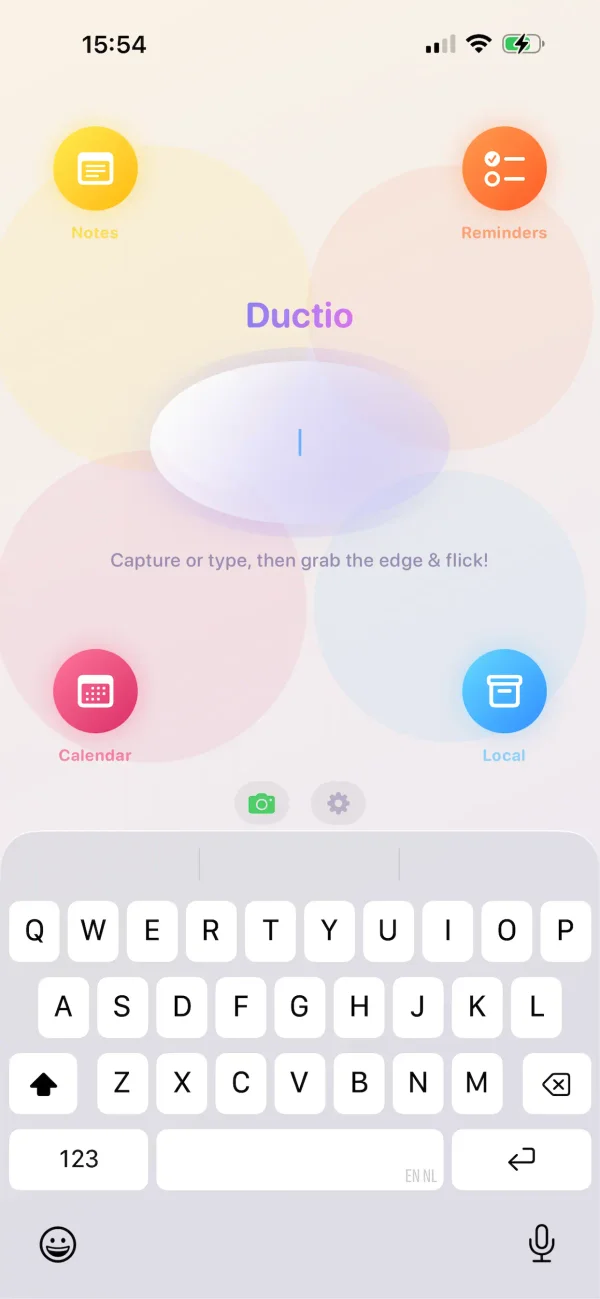
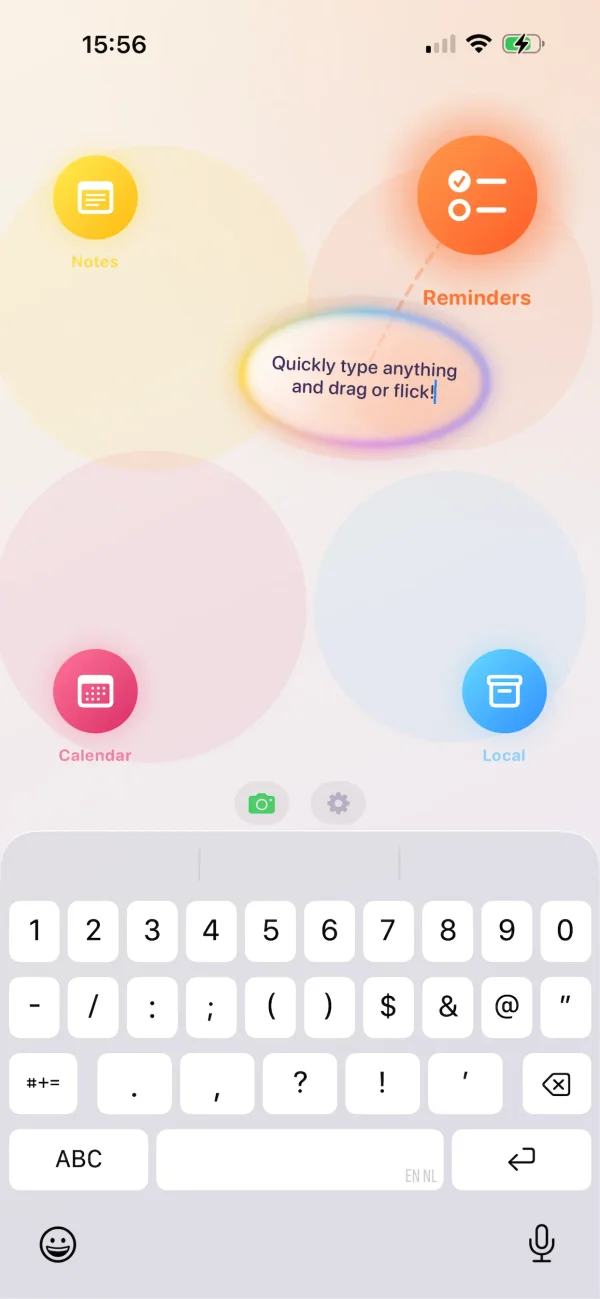
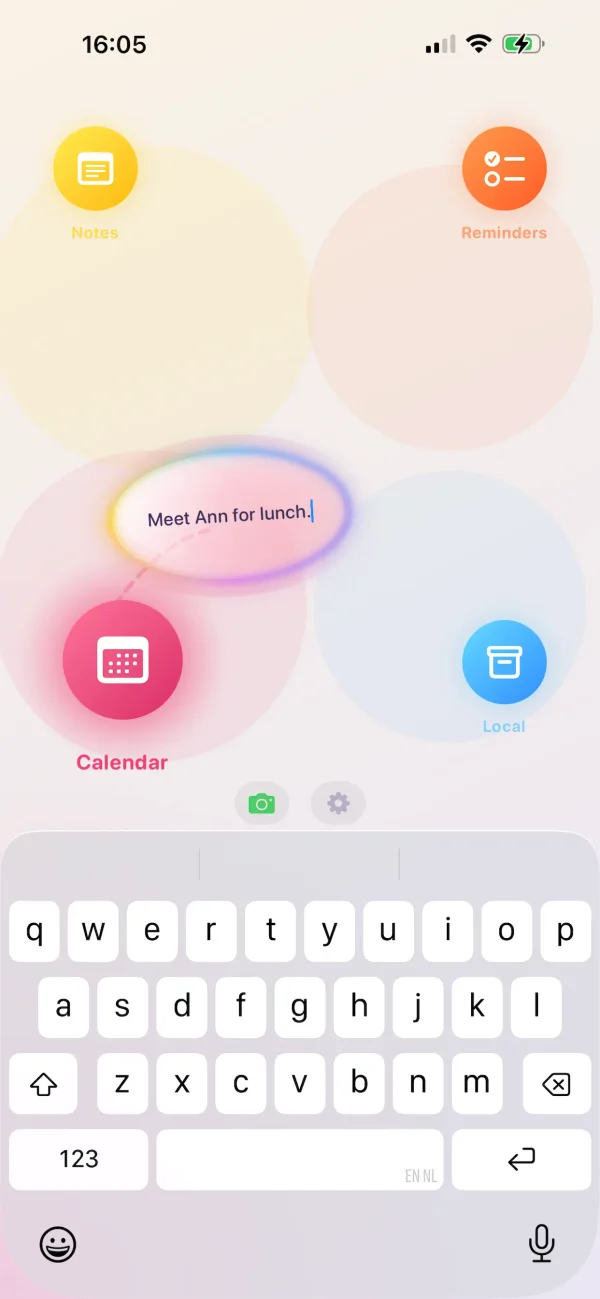
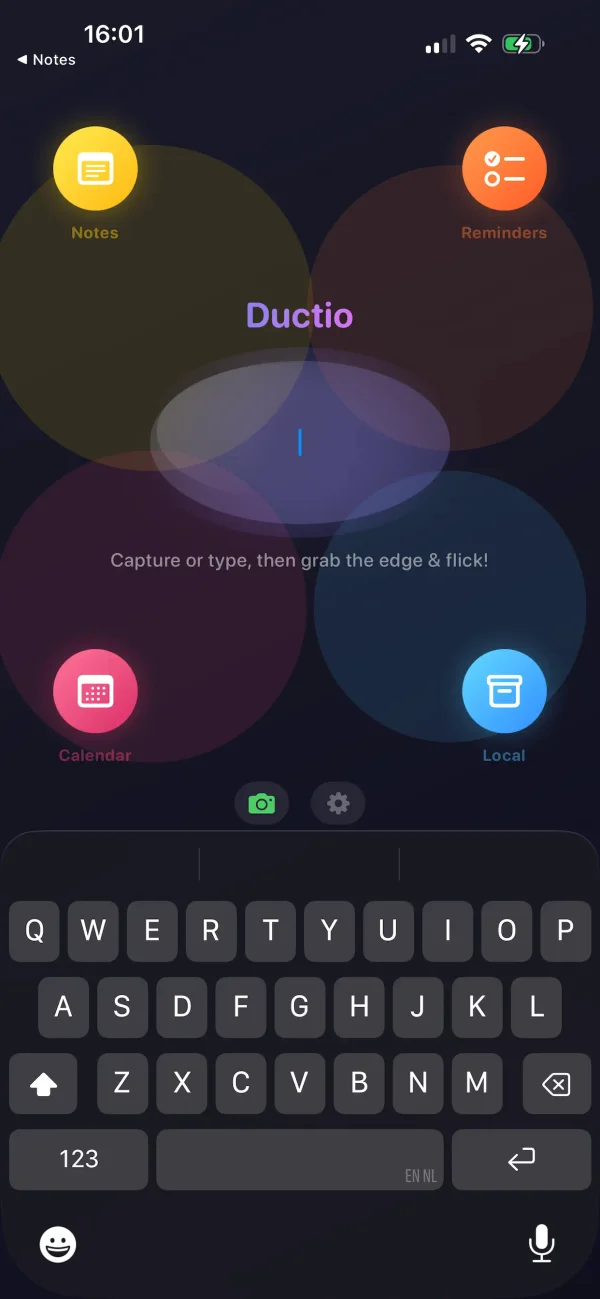
The Magic is in the Motion! Ductio transforms data entry into a tactile, satisfying experience. Simply take a picture or type your thought and flick it toward a corner of your screen.
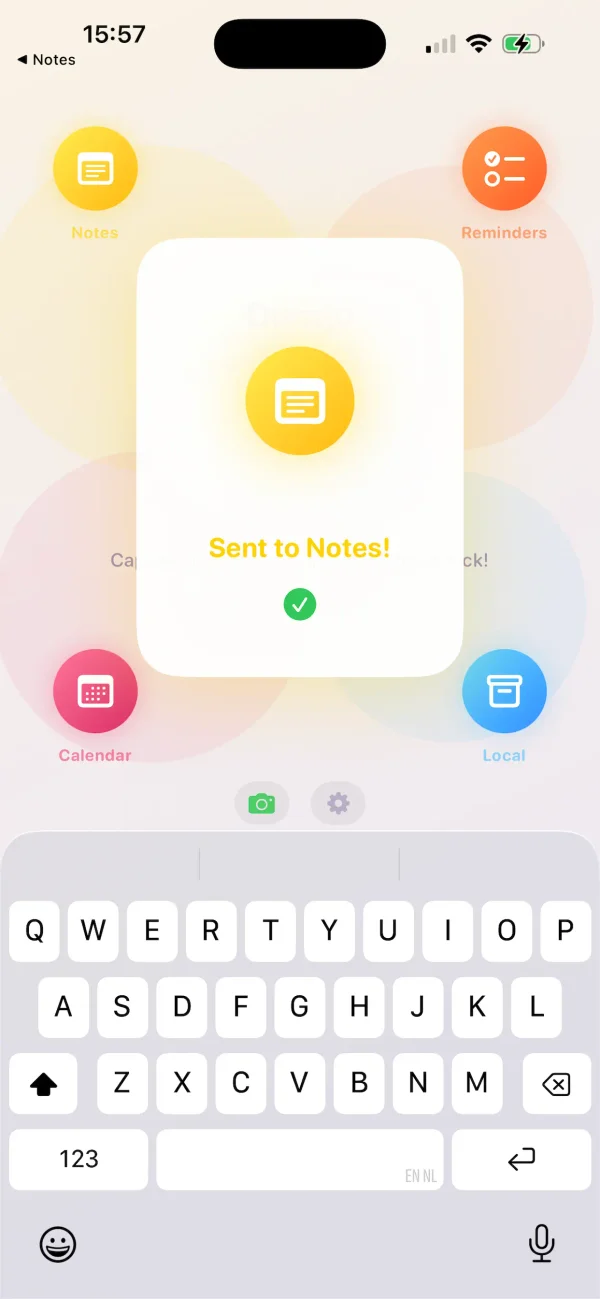
Top Left: Dispatch to Notes (via an optimized Shortcut).
Top Right: Create a Reminder instantly.
Bottom Left: Quickly schedule a Calendar event.
Bottom Right: The Ductio Local List, for those "I'm not sure yet" moments.
Why Ductio?
Sensory Precision: We’ve tuned the haptic feedback on iPhone and audio to make every drag or flick feel physical. It’s not just an input; it’s a release.
Zero Decision Fatigue: Don't waste energy deciding where a photo or note belongs while you're still thinking it. Capture or type first, decide with a gesture, and get back to your flow.
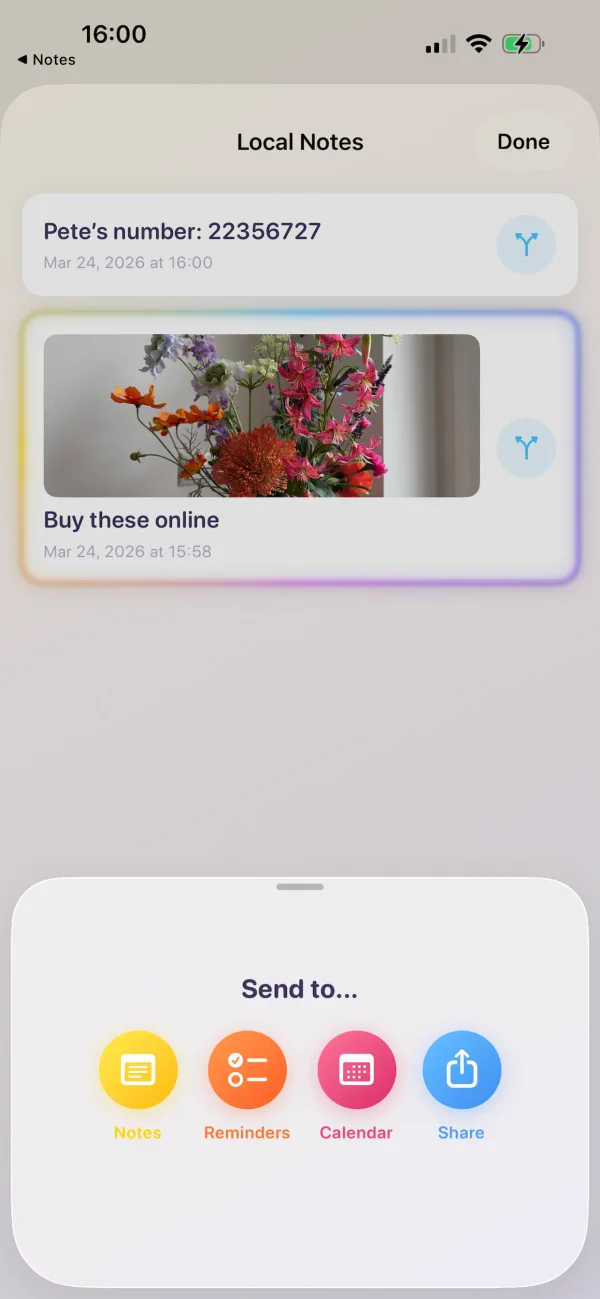
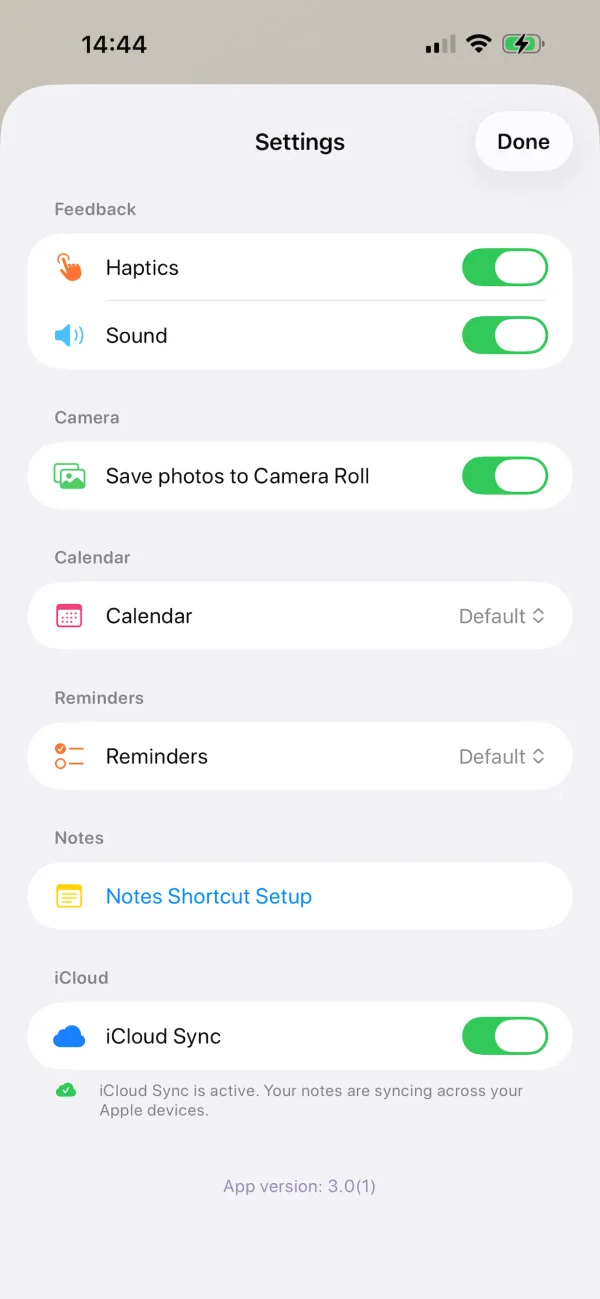
Local: This is the Ductio "Later" Inbox — your staging area. Process saved items at your own pace, or share them with any app on your iPhone or iPad. Version 3.0 introduced iCloud Sync, working seamlessly with the Ductio Mac Companion App, available in the Mac App Store.
Aesthetic Utility: Designed to look stunning in both Light and Dark modes. The minimalist UI ensures that your ideas remain the focal point.
Technical Integration & Privacy
Ductio is built to work with the tools you already use. To enable seamless dispatching, the app requests access to the iOS or iPadOS Photos, Calendar and Reminders. For Apple Notes, we provide a streamlined Shortcut setup that bypasses sandbox constraints, ensuring your data moves securely and directly to your native Apple ecosystem. Instructions on how to setup the Shortcut are provided in the App — this only needs to be done once.
No accounts, no cloud sync, no distractions. Just you and your ideas, moving at the speed of a flick.
新機能
バージョン 5.0 · 2026/11/19
Ductio version 5 is optimized for iPhone Duo!
アプリのプライバシー
このアプリのデータの取り扱いについて、ITSecuConsultがApp Storeで申告している内容です。
-
データの収集なし
開発元はこのアプリからデータを収集しません。
プライバシーの取り扱いは、ご利用の機能やお客様の年齢などに応じて異なる場合があります。
情報
- 販売元
- ITSecuConsult
- カテゴリ
- 仕事効率化
- バージョン
- 5.0
- 更新日
- 2026/11/19
- リリース
- 2026/3/19
- サイズ
- 6.6 MB
- 必要条件
- iOS 17.6以降
- 対象年齢
- 4+
- 価格
- ¥300
- 言語
- 英語
- 著作権
- © 2026 ITSecuConsult