- Age rating4+
- CategoryProductivity
- DeveloperITSecuConsult
- LanguagesEnglish
- Size6.6 MB
Links to the official App Store page
Download.org hosts no file of Ductio. The button opens its official App Store page, published by ITSecuConsult. Listing last checked on Nov 22, 2026.
Screenshots


About
Capture at the Speed of Thought
The gap between "having an idea" and "saving it" is where productivity dies. Choosing an app, navigating menus, and categorizing data creates cognitive friction. Ductio eliminates that friction by becoming your brain’s instant inbox.
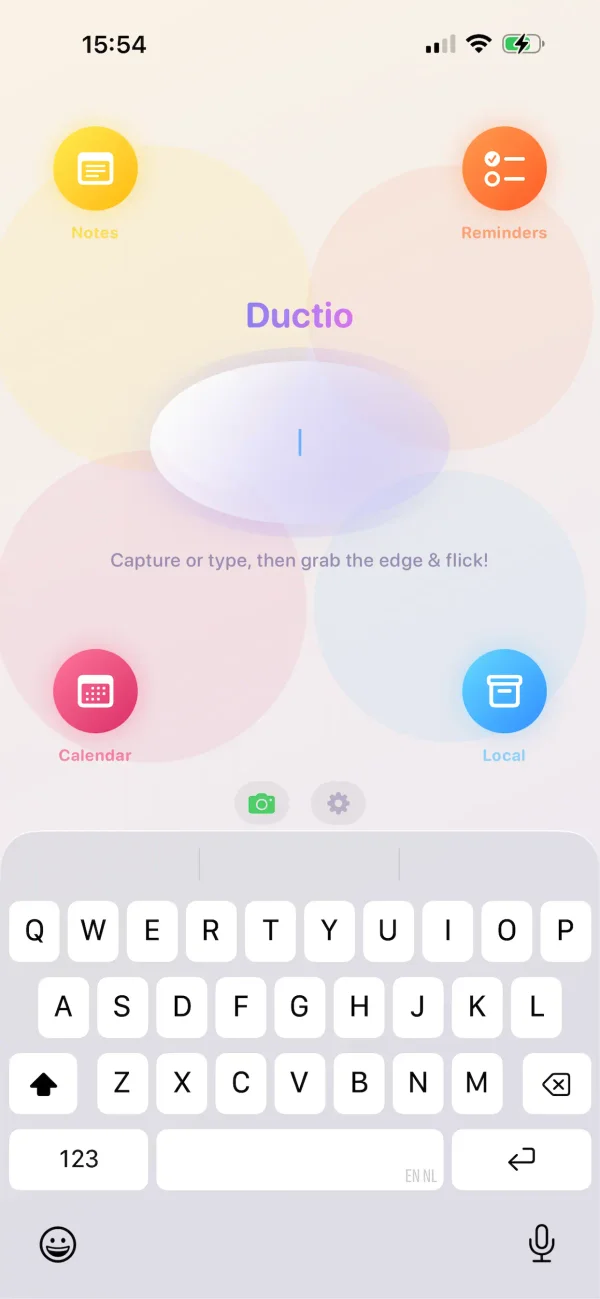
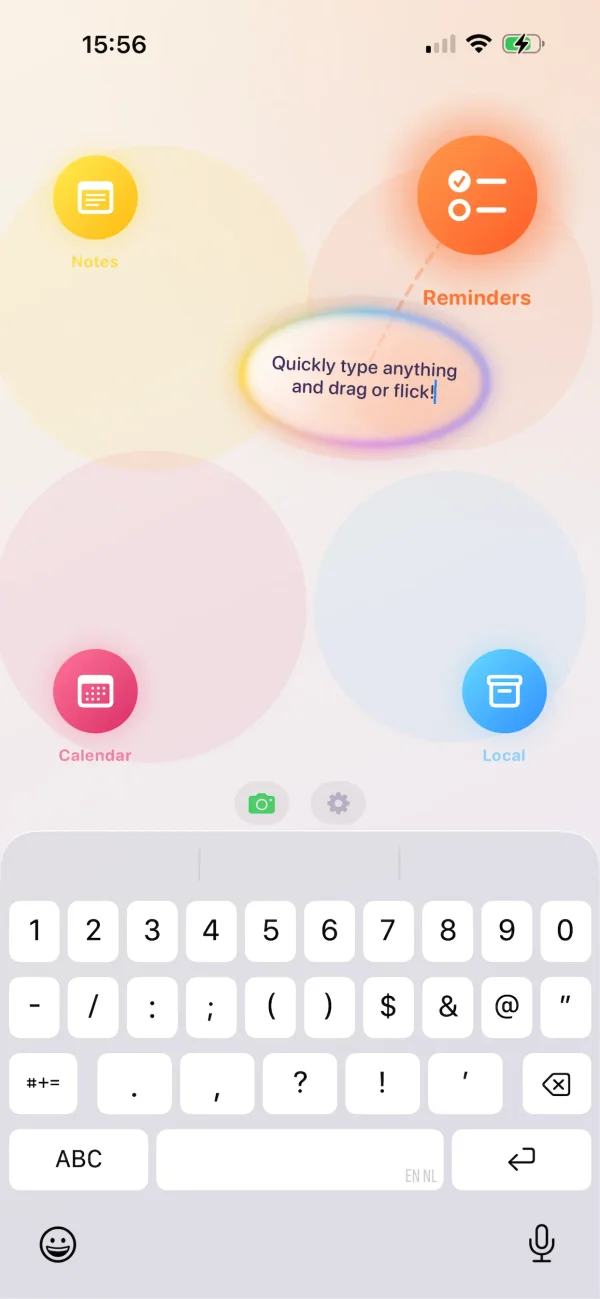
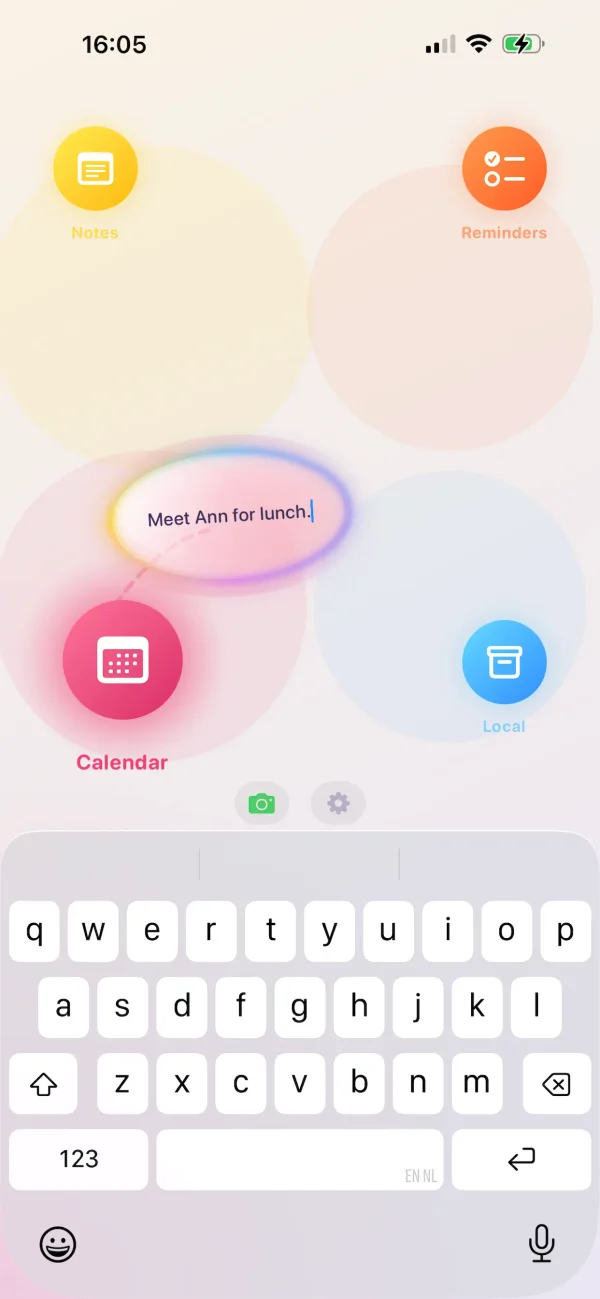
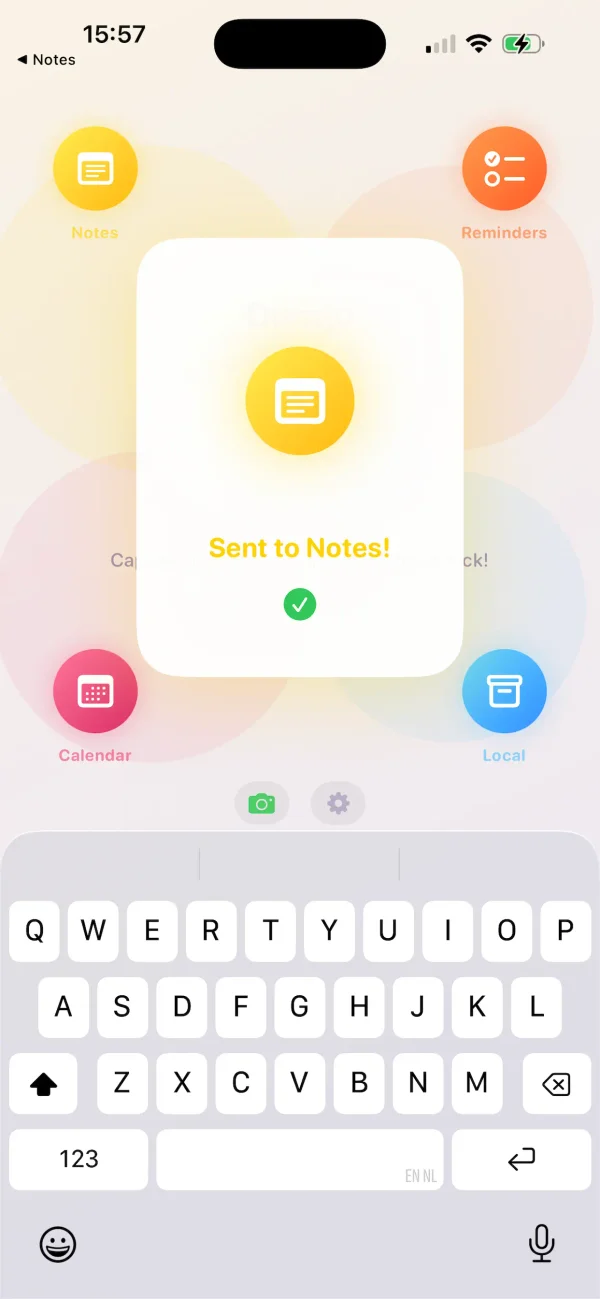
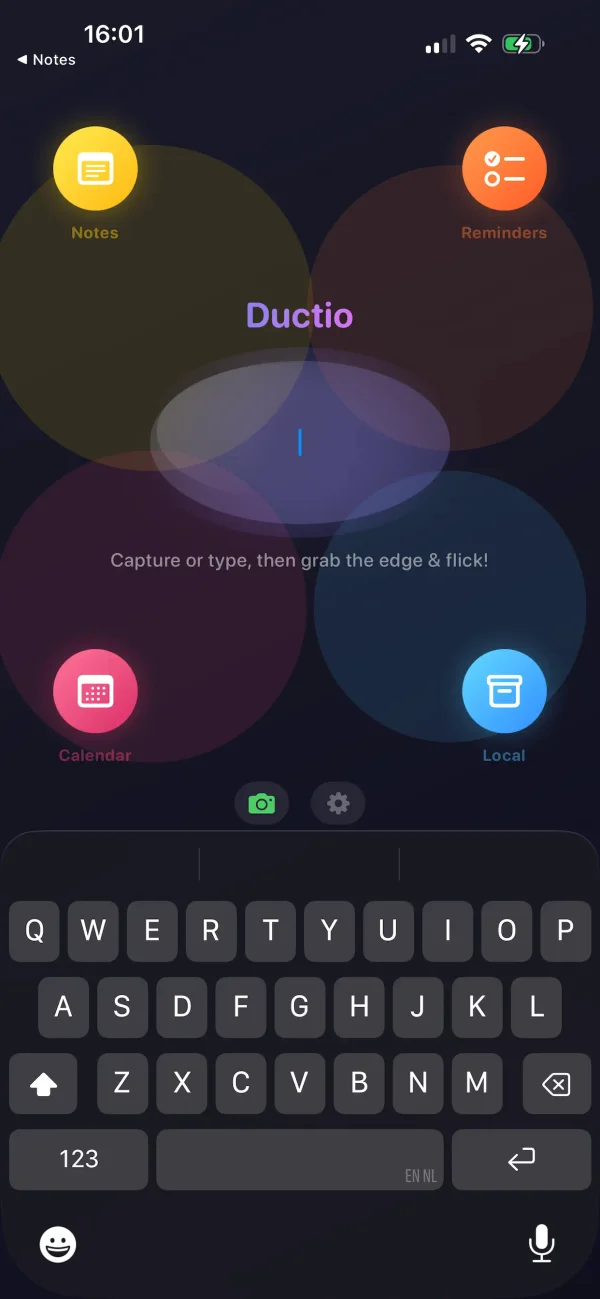
The Magic is in the Motion! Ductio transforms data entry into a tactile, satisfying experience. Simply take a picture or type your thought and flick it toward a corner of your screen.
Top Left: Dispatch to Notes (via an optimized Shortcut).
Top Right: Create a Reminder instantly.
Bottom Left: Quickly schedule a Calendar event.
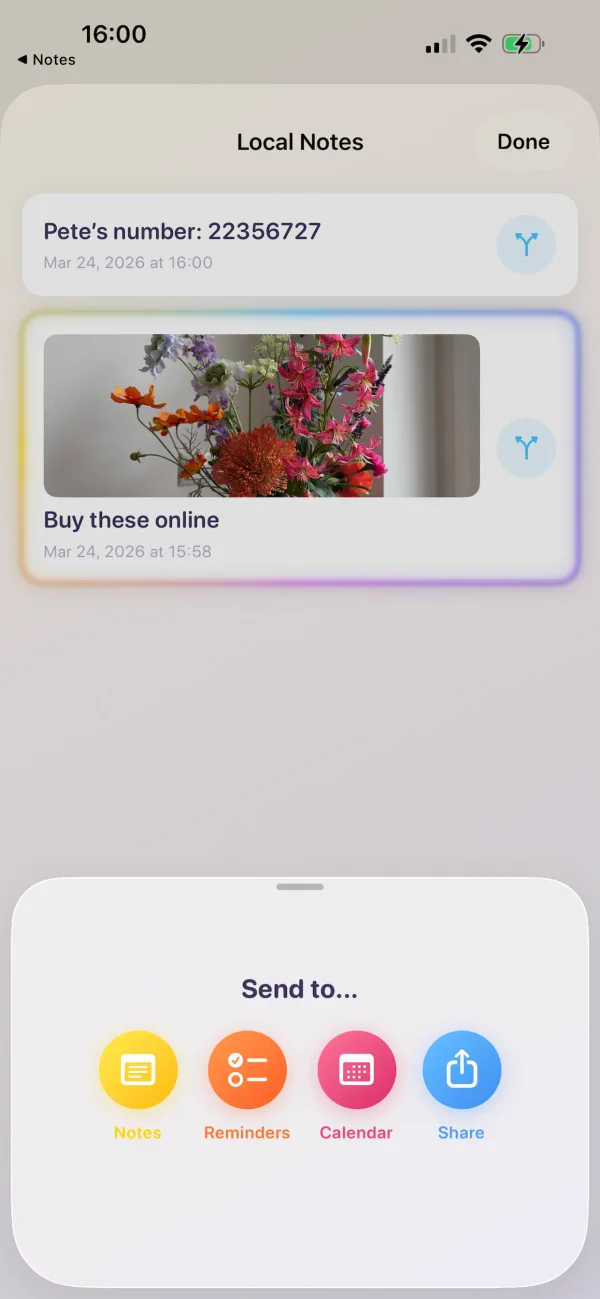
Bottom Right: The Ductio Local List, for those "I'm not sure yet" moments.
Why Ductio?
Sensory Precision: We’ve tuned the haptic feedback on iPhone and audio to make every drag or flick feel physical. It’s not just an input; it’s a release.
Zero Decision Fatigue: Don't waste energy deciding where a photo or note belongs while you're still thinking it. Capture or type first, decide with a gesture, and get back to your flow.
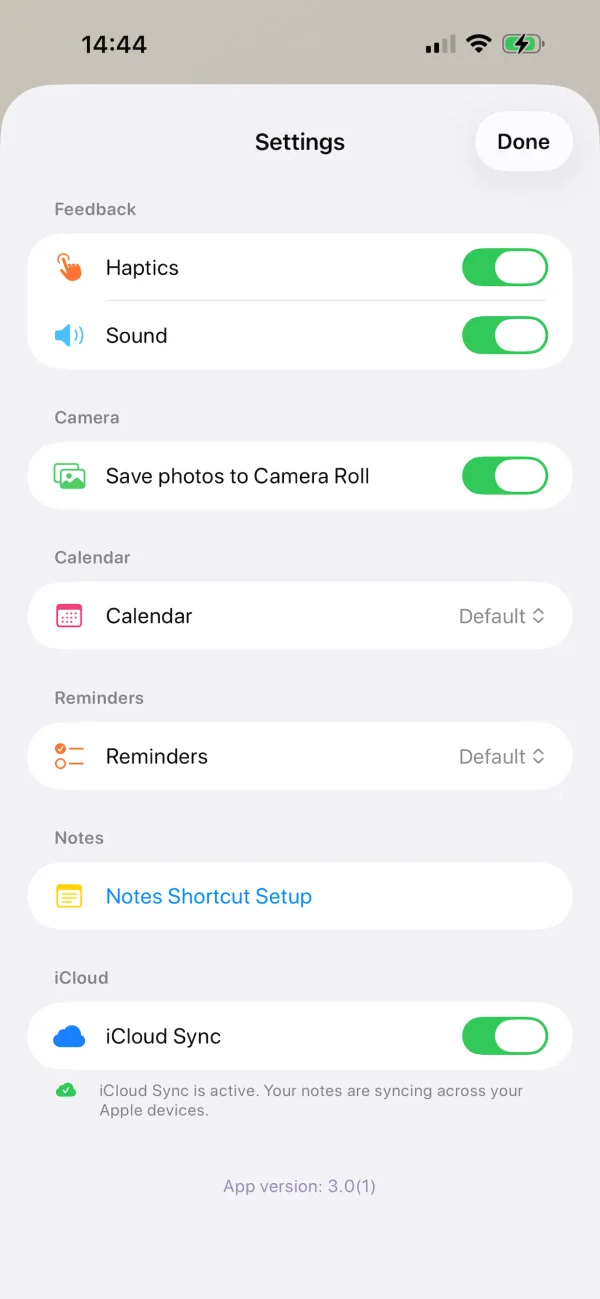
Local: This is the Ductio "Later" Inbox — your staging area. Process saved items at your own pace, or share them with any app on your iPhone or iPad. Version 3.0 introduced iCloud Sync, working seamlessly with the Ductio Mac Companion App, available in the Mac App Store.
Aesthetic Utility: Designed to look stunning in both Light and Dark modes. The minimalist UI ensures that your ideas remain the focal point.
Technical Integration & Privacy
Ductio is built to work with the tools you already use. To enable seamless dispatching, the app requests access to the iOS or iPadOS Photos, Calendar and Reminders. For Apple Notes, we provide a streamlined Shortcut setup that bypasses sandbox constraints, ensuring your data moves securely and directly to your native Apple ecosystem. Instructions on how to setup the Shortcut are provided in the App — this only needs to be done once.
No accounts, no cloud sync, no distractions. Just you and your ideas, moving at the speed of a flick.
What’s new
Version 5.0 · Nov 19, 2026
Ductio version 5 is optimized for iPhone Duo!
App privacy
What ITSecuConsult declares on the App Store about how this app handles data.
-
Data not collected
The developer does not collect any data from this app.
Privacy practices may vary, for example with the features you use or your age.
Information
- Seller
- ITSecuConsult
- Category
- Productivity
- Version
- 5.0
- Updated
- Nov 19, 2026
- Released
- Mar 19, 2026
- Size
- 6.6 MB
- Requires
- iOS 17.6 or later
- Age rating
- 4+
- Price
- $1.99
- Languages
- English
- Copyright
- © 2026 ITSecuConsult
You might also like
-
 QuietimeProductivity
-
 Leap Share - File TransferCross-Platform File Sharing
-
 Sticky Password Manager & SafeThe secure password manager
-
 Ermine - Calendar & WidgetsProductivity
-
 Enpass Password ManagerGenerate & Autofill Passwords
-
 Swift PaperlessNative document managament
-
 Dawn - Minimal CalendarSimplify your Life
-
 Across: Calendar, Your WaySimple start, endless depth