- 対象年齢4+
- カテゴリ仕事効率化
- 開発元Jordan Zeleny
- 言語英語
- サイズ37.3 MB
App Storeの公式ページにリンクしています
Download.orgはEnvelope Printer Labelsのファイルを一切ホストしていません。ボタンを押すと、Jordan Zelenyが公開しているApp Storeのアプリページが開きます。ページの最終確認:2026/11/24。
スクリーンショット
概要
開発元はこのテキストをお使いの言語で提供していません。
Design and print beautiful envelopes in minutes with Envelope Printer!
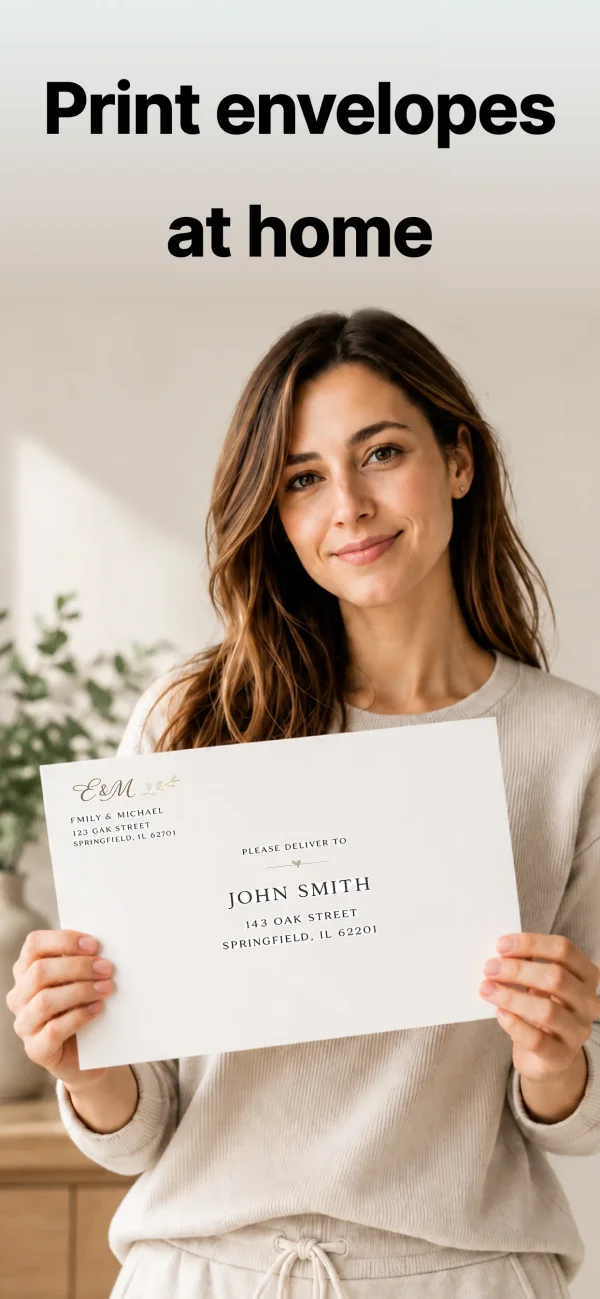
From wedding invitations to business mail, Envelope Printer gives you a full design studio for the front of your envelope — start from a professional template or a blank canvas, make it yours, and print right from your iPhone, iPad, or Mac. Designing is completely free; the app has a limited free plan for printing and exporting, and a paid subscription for unlimited output.
Key Features:
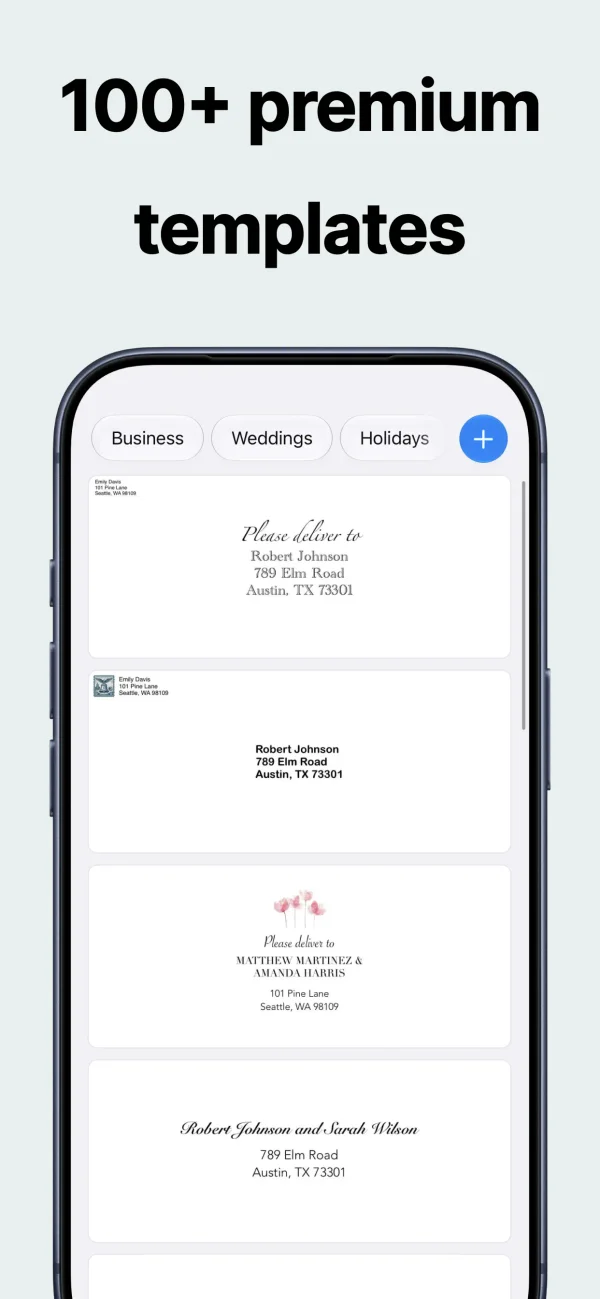
• 100 Professional Templates: A curated library across Business, Weddings, Holidays, and Birthdays — elegant scripts, modern type, wax seals, florals, borders, and more. Tap one and start editing.
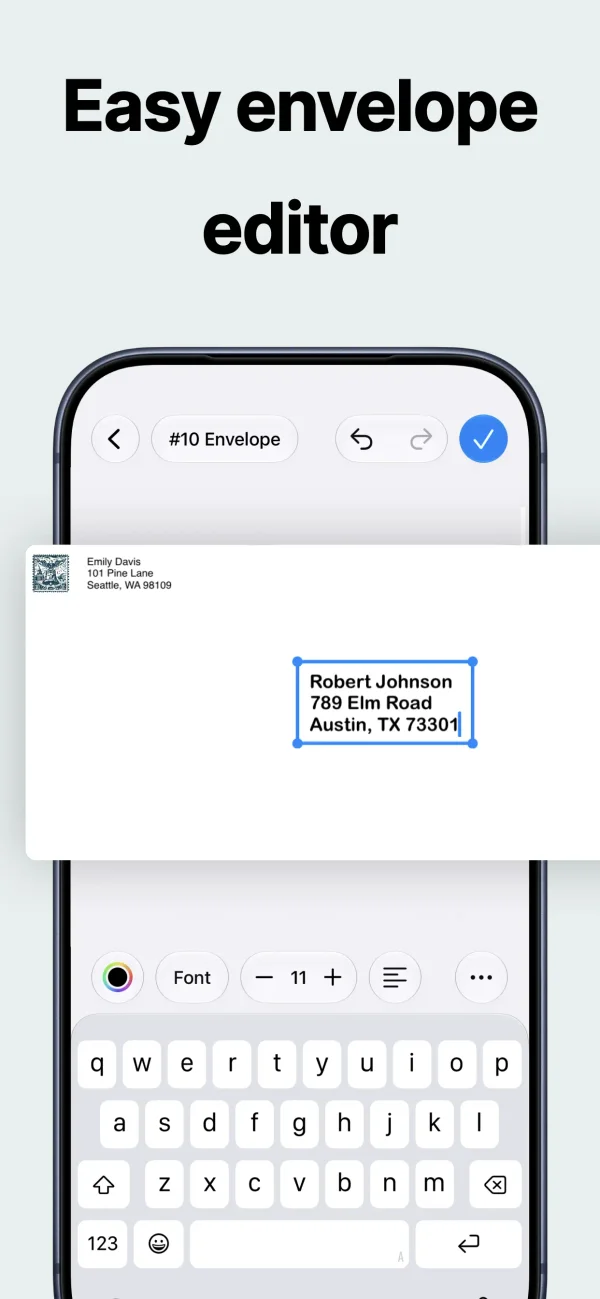
• A True Design Editor: Move and resize anything. Hundreds of beautiful typefaces, rich text styling (color, size, bold, italic, underline, alignment, line spacing), center-snap guides, and full undo/redo.
• AI Envelope Assistant: Describe what you want and watch it design your envelope — restyle layouts, generate logos, monograms, and artwork, or add a QR code, all from a simple chat.
• Bulk Addressing in Seconds: Paste a list of names or a CSV and the AI creates one addressed envelope per contact, keeping your return address on every one. Perfect for invitations and holiday cards.
• Add Images and QR Codes: Insert photos, logos, stamps, AI-generated art, or scannable QR codes for a personal or professional touch.
• Every Envelope Size: #10, #9, DL, A7, A6, square, catalog, baronial, and many more — or enter custom dimensions in inches, centimeters, or millimeters.
• Print-Perfect Output: Print directly to any AirPrint printer at full print resolution, or export a crisp PDF (one page per envelope) to share or print anywhere. Built-in guidance helps you load envelopes and match paper sizes.
• Favorites: Save your designs and reopen them anytime — your go-to layouts are always one tap away.
• Made for iPhone, iPad, and Mac: One app, everywhere you work.
Free Plan:
• Every template, the full editor, and all AI features — free
• A limited number of free exports (print, PDF, share)
Pro (subscription):
• Unlimited printing, PDF export, and sharing
Whether you're addressing a single letter or a whole guest list, Envelope Printer turns a chore into something you'll actually enjoy.
Download Envelope Printer today and make every envelope worth opening.
Enjoying the app? We'd love to hear from you! Please consider leaving a review to help others discover Envelope Printer.
Contact:
jordanzeleny@gmail.com
Terms:
https://www.apple.com/legal/internet-services/itunes/dev/stdeula/
Privacy:
https://sites.google.com/view/envelopeprinter-privacy-policy/home
新機能
バージョン 2.0.8 · 2026/7/29
Access contacts directly from the AI envelope assistant.
Bug fixes and performance improvements.
アプリのプライバシー
このアプリのデータの取り扱いについて、Jordan ZelenyがApp Storeで申告している内容です。
-
ユーザーに関連付けられないデータ
収集される場合がありますが、ユーザーの識別情報には関連付けられません。
- 購入
- 連絡先情報
- ユーザーコンテンツ
- ID
- その他のデータ
プライバシーの取り扱いは、ご利用の機能やお客様の年齢などに応じて異なる場合があります。
情報
- 販売元
- Jordan Zeleny
- カテゴリ
- 仕事効率化
- バージョン
- 2.0.8
- 更新日
- 2026/7/29
- リリース
- 2023/6/11
- サイズ
- 37.3 MB
- 必要条件
- iOS 16.0以降
- 対象年齢
- 4+
- 価格
- 無料
- アプリ内課金
- あり
- 言語
- 英語
- 著作権
- © Jordan Zeleny 2024
こちらもおすすめ
-
 封筒印刷:宛名・差出人をプリント長形3号・角2対応。AirPrintで住所をきれいに
-
 Barcode & Label仕事効率化
-
 封筒印刷・宛名印刷 - 縦書き・横書きの宛名書きプリント住所録からすぐ印刷|長形3号・長形4号・角形2号・洋形4号
-
 Label Printer: Address Sticker仕事効率化
-
 Posthaste: PWE Envelope Print仕事効率化
-
 Envely 封筒プリンター定形・A7・A2やカスタム対応
-
 Templates for Pages - DesiGNプロが作る書類とデザイン。
-
 Letter: just write letters仕事効率化
-
 Cloud Ready printerPrint to canon, brother, HP ..
-
 EZ Calendar Maker仕事効率化