- 対象年齢4+
- カテゴリユーティリティ
- 開発元ZHUHAI QUIN TECHNOLOGY CO., LTD.
- 言語英語ほか15言語
- サイズ107.2 MB
App Storeの公式ページにリンクしています
Download.orgはePrinterのファイルを一切ホストしていません。ボタンを押すと、ZHUHAI QUIN TECHNOLOGY CO., LTD.が公開しているApp Storeのアプリページが開きます。ページの最終確認:2026/11/12。
スクリーンショット

概要
開発元はこのテキストをお使いの言語で提供していません。
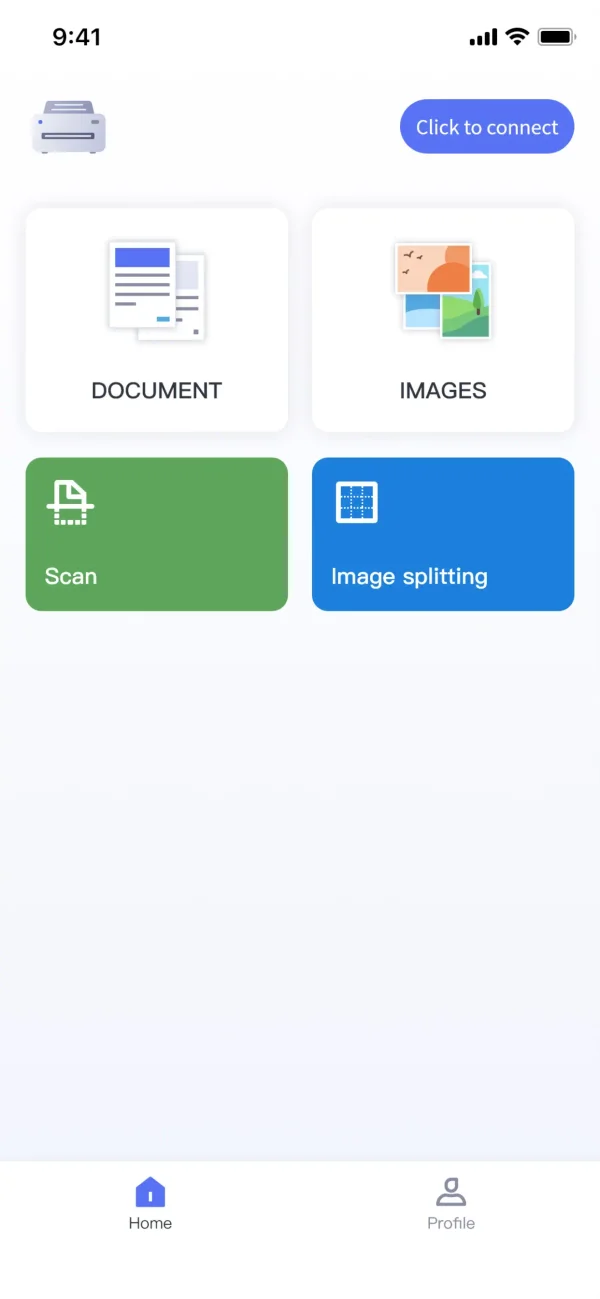
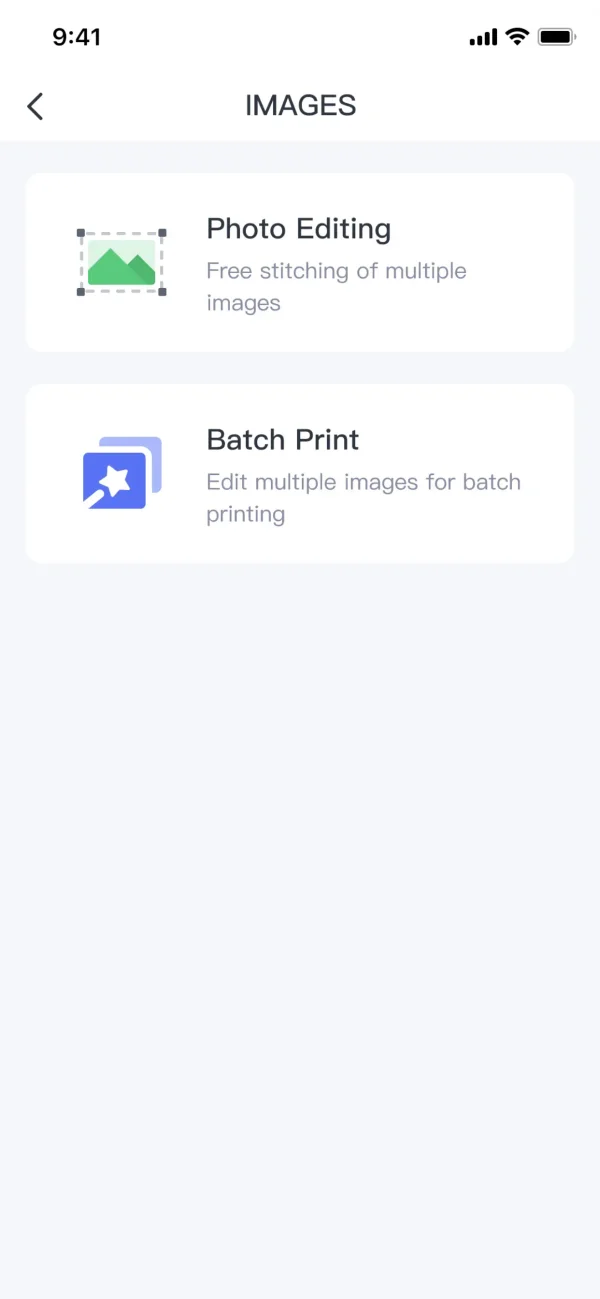
ePrinter is a versatile printing application that provides an unparalleled experience for document printing, photo printing, and scanning. Not only that, but we also offer an image cropping feature to ensure your printouts are flawless. Over time, we will continually introduce more rich printing features to meet all your printing needs.
Key Features:
1. Document Printing:
Effortlessly print your documents, including text documents, PDFs, spreadsheets, and more.
Support for multiple document formats and printing options to cater to both professional and personal needs.
2. Photo Printing:
Transform your cherished photos into high-quality printouts.
Choose from various print sizes and textures to meet your preferences.
3. Scan Printing:
Utilize your device's camera for scan printing.
Convert physical documents, photos, or illustrations into digital documents for archiving or sharing.
4. Image Cropping:
Precisely crop large-sized images to obtain the desired sections.
Customize cropping options to ensure perfect output.
5. More Features Coming Soon:
We will continuously update the application, introducing powerful printing features.
Look forward to more print templates, filter effects, and additional output options.
Why Choose ePrinter:
User-friendly interface suitable for all users.
High-quality print output.
Ongoing feature updates to meet growing demands.
Secure and reliable, ensuring the protection of your data.
How to Use:
Download and install the "ePrinter" application.
Open the app and connect your printer device.
Select the printing function you desire.
Adjust settings and options to meet your needs.
Preview and confirm, then start printing.
Enjoy your exquisite printouts or digitized documents!
ePrinter is the ideal companion for your daily work and creative
requirements. Download it now and embark on a journey of seamless printing!
Term of Use:https://www.apple.com/legal/internet-services/itunes/dev/stdeula/
EULA:https://www.apple.com/legal/internet-services/itunes/dev/stdeula/
新機能
バージョン 1.24.0 · 2026/10/23
This update targets T08FS, M08F-WS and other models
1. [Tattoo Preview Upgraded] New virtual try-on fits your body curves, hides clothing automatically, and once you confirm the effect it shows a realistic faded look and a natural result on skin. See it before you ink – decide with zero risk!
2. New AI styles added – create even more tattoo ideas!
アプリのプライバシー
このアプリのデータの取り扱いについて、ZHUHAI QUIN TECHNOLOGY CO., LTD.がApp Storeで申告している内容です。
-
データの収集なし
開発元はこのアプリからデータを収集しません。
プライバシーの取り扱いは、ご利用の機能やお客様の年齢などに応じて異なる場合があります。
情報
- 販売元
- ZHUHAI QUIN TECHNOLOGY CO., LTD.
- カテゴリ
- ユーティリティ
- バージョン
- 1.24.0
- 更新日
- 2026/10/23
- リリース
- 2023/11/3
- サイズ
- 107.2 MB
- 必要条件
- iOS 13.0以降
- 対象年齢
- 4+
- 価格
- 無料
- アプリ内課金
- あり
- 言語
- 英語, チェコ語, フランス語, ドイツ語, インドネシア語, イタリア語, 日本語, 韓国語, ポーランド語, ポルトガル語, 簡体字中国語, スペイン語 ほか4言語
- 著作権
- © Zhuhai Quyin Technology Co., Ltd.