- 対象年齢4+
- カテゴリ教育
- 開発元洪涛 刘
- 言語英語ほか17言語
- サイズ325.2 MB
App Storeの公式ページにリンクしています
Download.orgはEqualMathのファイルを一切ホストしていません。ボタンを押すと、洪涛 刘が公開しているApp Storeのアプリページが開きます。ページの最終確認:2026/11/17。
スクリーンショット



概要
開発元はこのテキストをお使いの言語で提供していません。
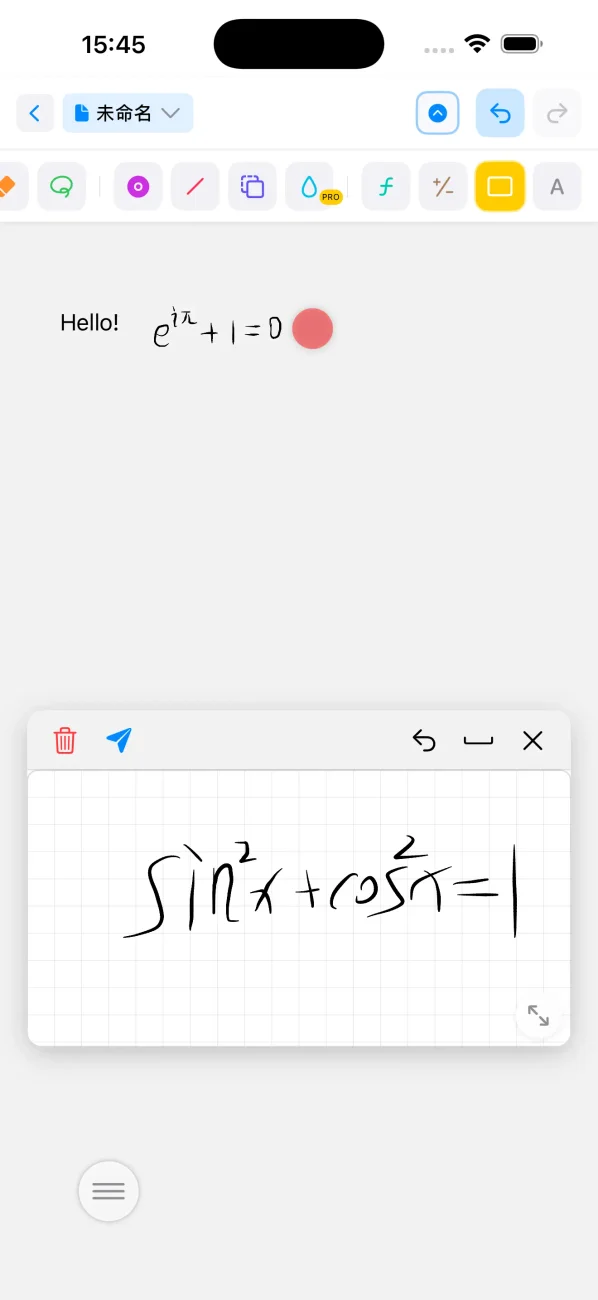
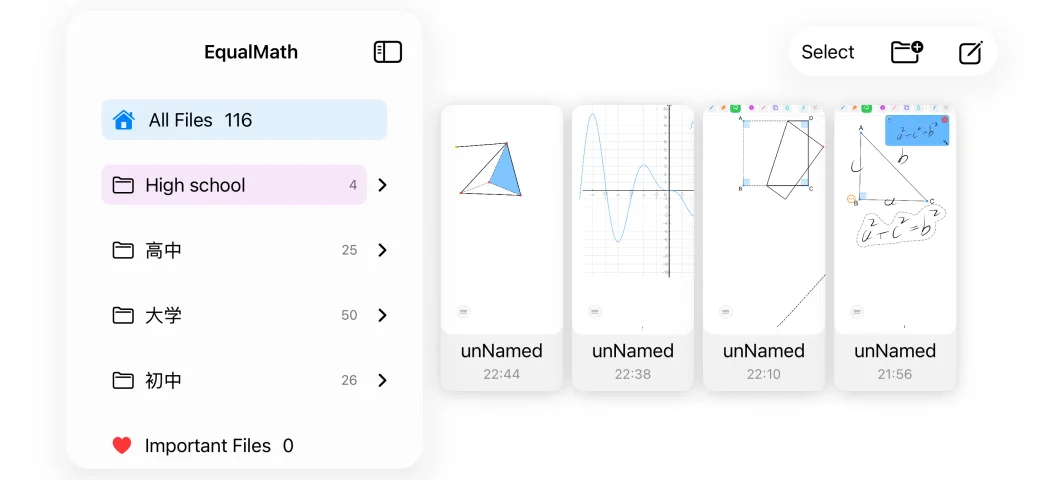
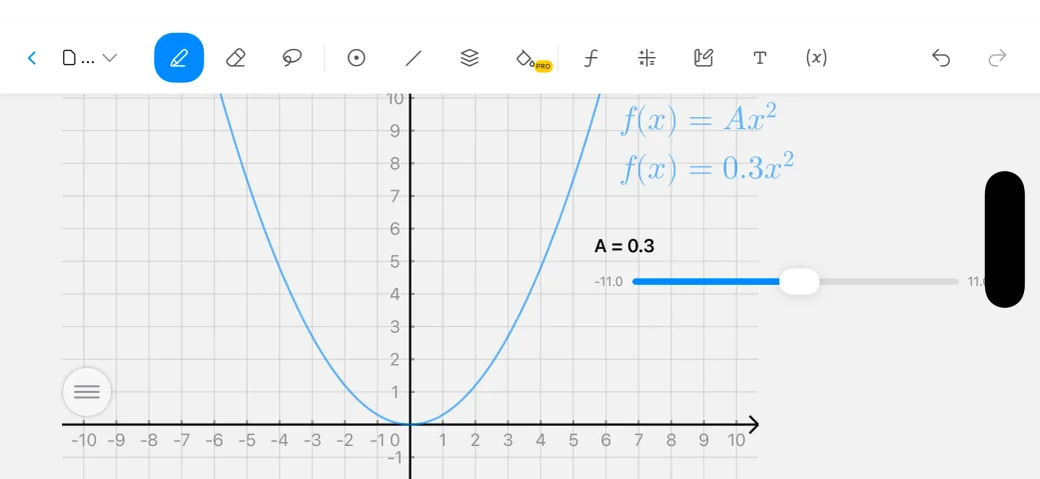
Designed for Apple Pencil and iPad, version 3.1.9 now lets you quickly sketch with basic elements — points, lines, and shapes — to support theoretical exploration. Function graphs are included.
Core features are free.But includes some paid features: linked point function, hidden circle and color block function, creating more than 5 folders, radian display in the plane coordinate system, 3D coordinate system, vector arrow, parametric equation, water drop coloring, etc.
Beyond geometry, sticky notes are central: pin them to the canvas to highlight key steps, while unwanted ink can be erased to keep your workspace clean.
### Additional Features
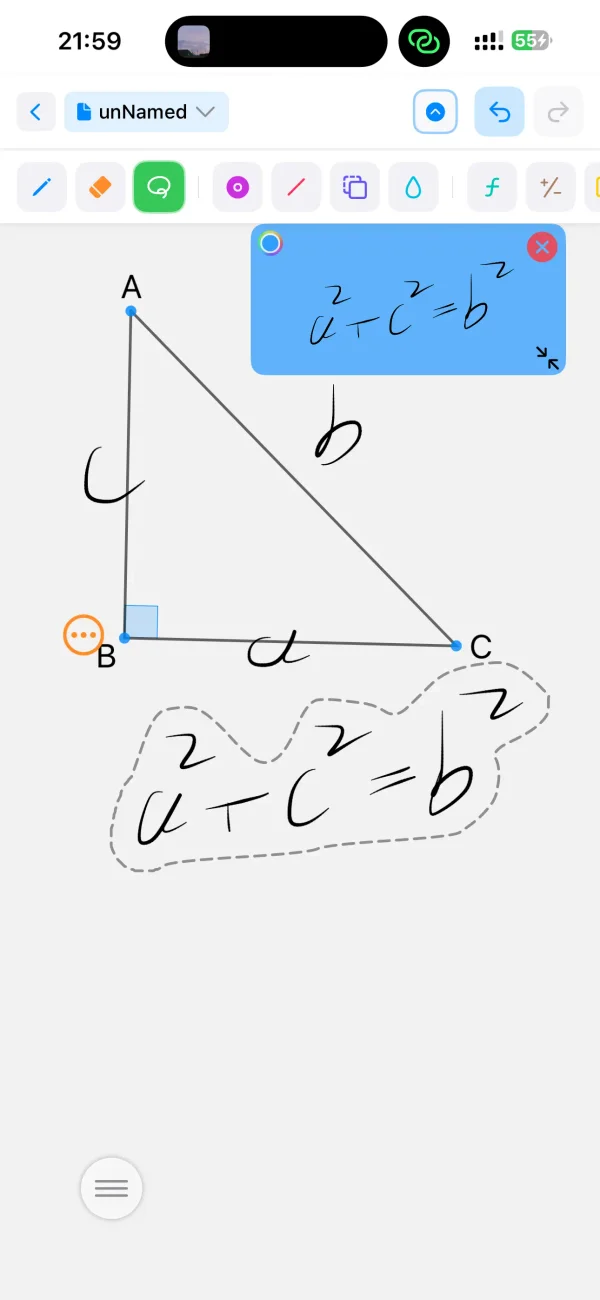
1. **Handwritten uppercase letter recognition** – instantly names vertices as you draw geometric figures. Turn it off to use freeform handwriting for names.
2. **Export to Photos** – one-tap export with no watermark.
3. **Import from Photos** – insert an image directly onto the canvas (display only, no recognition). Supports importing PDF files.
4. **Points, lines, and shapes** – select what you need. A key highlight: drag from a vertex of any shape to create a new point – no need to open the menu.
5. **Lasso tool** – select content or activate locked geometry elements. For points, three selection methods are supported: draw a line near the point, draw a line that passes through the point, or draw a small circle around it.
6. **Paint bucket** – fills enclosed geometric figures and regions, dynamically sensing surrounding areas to some extent.
7. **Infinite canvas** – the canvas automatically expands in all directions as you add more ink.
8. **Function graphs** – plot single-variable expressions and parametric equations.
9. **Multi-point linkage** – explore geometric problems involving multiple moving points.
10. **3D coordinate system** – the current release introduces a 3D coordinate space where you can place points and set spatial coordinates.
11. **3D Geometric Shapes: triangular prism, quadrangular prism, cylinder, cone, triangular pyramid, quadrangular pyramid
Terms of Use: https://www.apple.com/legal/internet-services/itunes/dev/stdeula/
新機能
バージョン 3.1.9 · 2026/11/5
Added the ability to set relationships between line segments.
アプリのプライバシー
このアプリのデータの取り扱いについて、洪涛 刘がApp Storeで申告している内容です。
-
データの収集なし
開発元はこのアプリからデータを収集しません。
プライバシーの取り扱いは、ご利用の機能やお客様の年齢などに応じて異なる場合があります。
情報
- 販売元
- 洪涛 刘
- カテゴリ
- 教育
- バージョン
- 3.1.9
- 更新日
- 2026/11/5
- リリース
- 2025/8/22
- サイズ
- 325.2 MB
- 必要条件
- iOS 16.5以降
- 対象年齢
- 4+
- 価格
- 無料
- アプリ内課金
- あり
- 言語
- 英語, アラビア語, オランダ語, フランス語, ドイツ語, ヒンディー語, イタリア語, 日本語, 韓国語, ポーランド語, ポルトガル語, ロシア語 ほか6言語
- 著作権
- © 2025 刘洪涛