- 対象年齢4+
- カテゴリナビゲーション
- 開発元Matthias Brands
- 言語英語ほか1言語
- サイズ90.9 MB
App Storeの公式ページにリンクしています
Download.orgはeTruckerのファイルを一切ホストしていません。ボタンを押すと、Matthias Brandsが公開しているApp Storeのアプリページが開きます。ページの最終確認:2026/11/23。
スクリーンショット

概要
開発元はこのテキストをお使いの言語で提供していません。
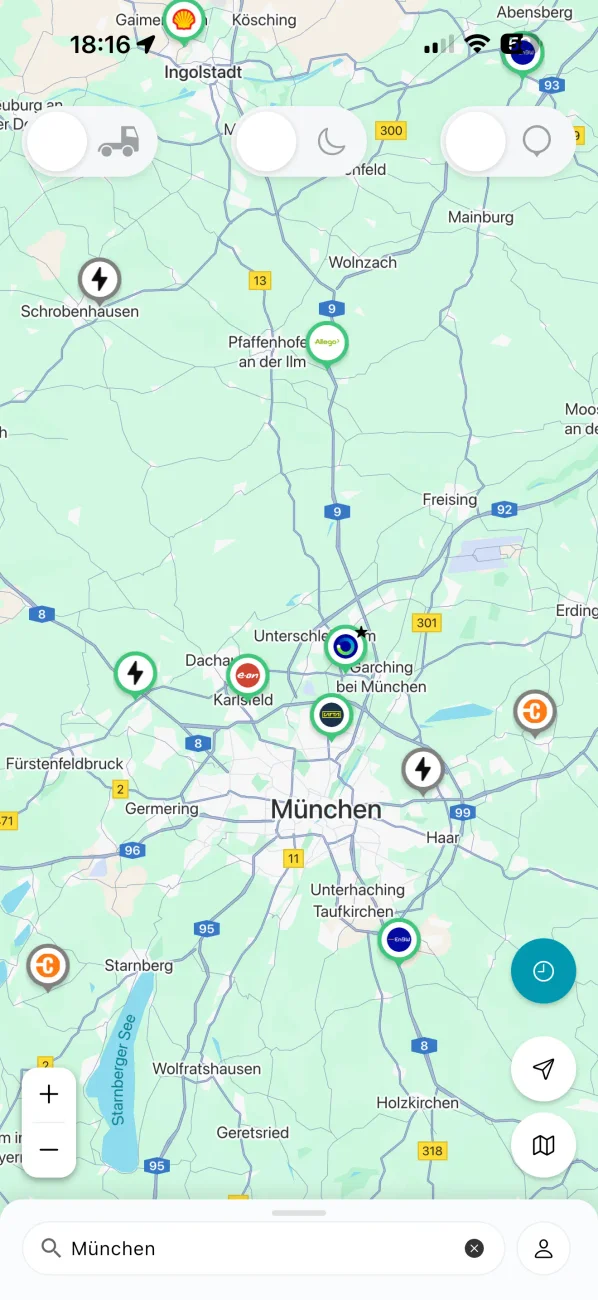
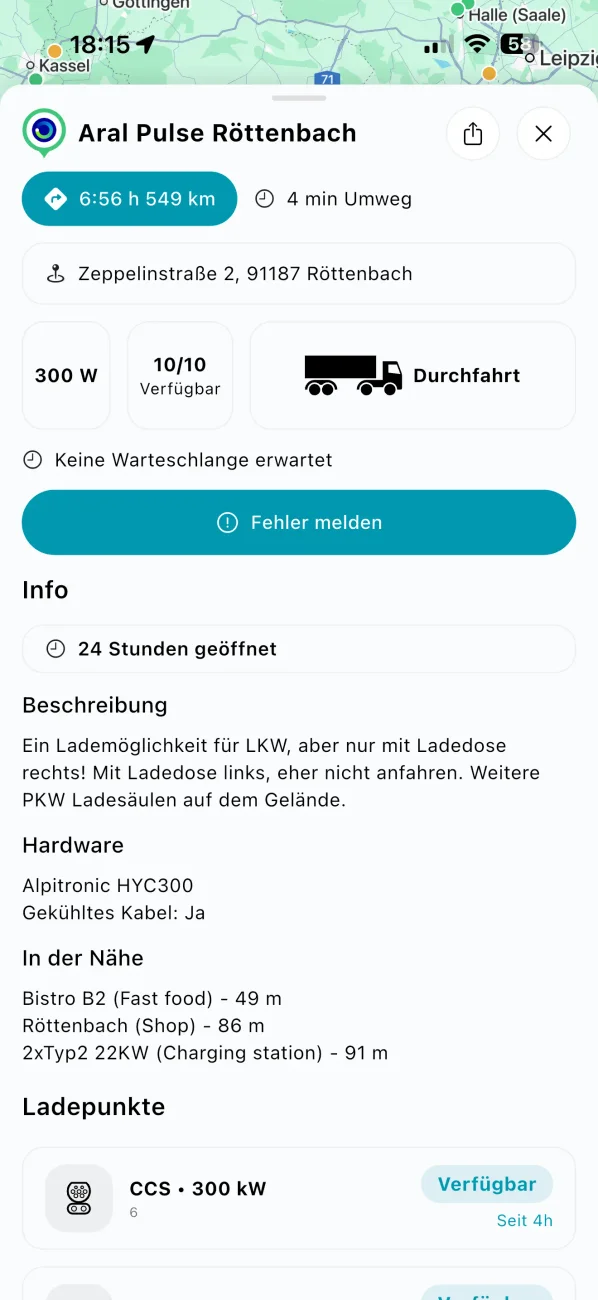
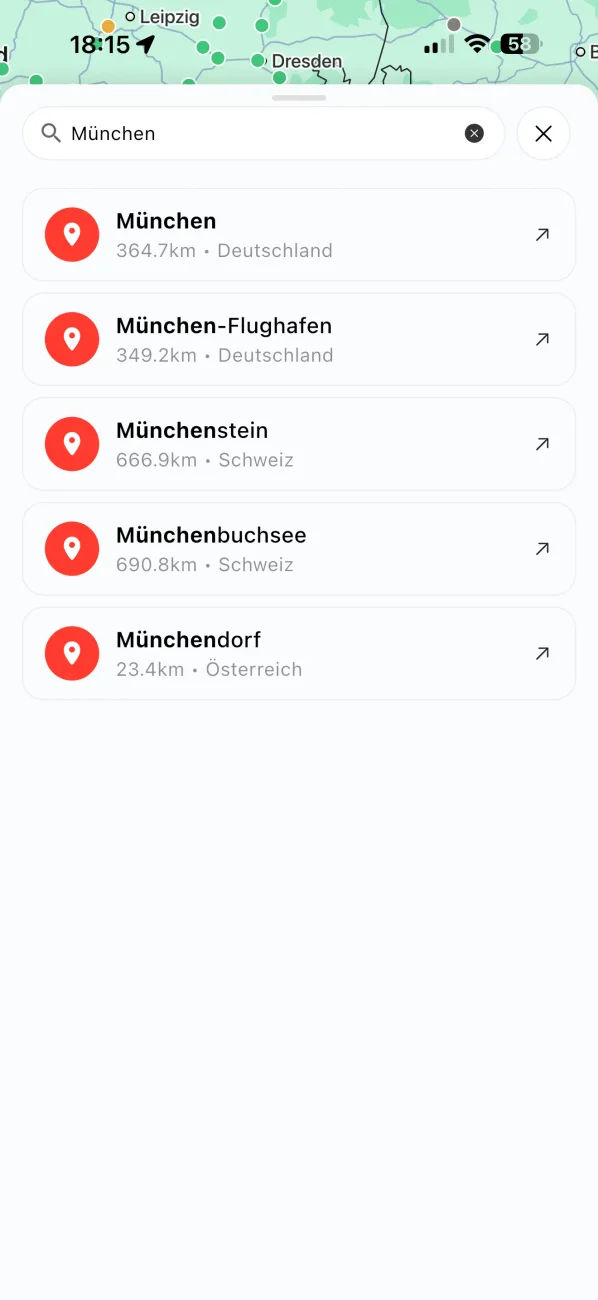
The eTrucker App helps electric truck drivers across Europe find compatible charging stations tailored to their needs. With filters for pull-through locations, overnight parking, and preferred operators, it simplifies route planning. Realistic driving times are provided via truck-specific routing, and range mode displays exact distances to chargers. Contribute to improving charger data through built-in community feedback mode. Developed by the Elektrotrucker Tobias Wagner – with support from Matthias Brands and Michael Clarke
新機能
バージョン 1.4.0 · 2026/9/2
Your dispatcher can now send you routes – and the map knows where trucks stop.
• Receive routes: when your company's dispatcher sends a route from eTrucker Manager, it pops up on your phone – with the sender's name, all stops, the planned departure and the breaks already set. Open it with one tap; if another route is open, the app asks before replacing it. Received routes are kept for 90 days, opened ones stay.
• Routes list: the new Routes button next to the search field remembers the last routes on your device. Tap one and it reopens instantly with the exact same path – no recalculation, no waiting. Routes you use move back to the top; received routes say who sent them, and unread ones are pinned on top with a badge.
• Truck stops and truck parking: rest areas and truck parking sites now appear on the map with their operator's logo. They group with nearby chargers into clusters, have their own details page – route, detour, address, and the charging points on site – and show up in search. In all 24 languages.
• Time and distance on the map: every leg of your route carries a small bubble with driving time and distance, placed so it never covers pins or the route line.
• Pick any point: long-press the map to select that exact spot as a stop or start. Any station, truck stop or place can now be the route's start, and the same stop can be added to a route more than once. If your route has no start yet, the details pages offer both: add as stop or set as start.
アプリのプライバシー
このアプリのデータの取り扱いについて、Matthias BrandsがApp Storeで申告している内容です。
-
ユーザーに関連付けられないデータ
収集される場合がありますが、ユーザーの識別情報には関連付けられません。
- 位置情報
- ID
- 使用状況データ
- 診断
プライバシーの取り扱いは、ご利用の機能やお客様の年齢などに応じて異なる場合があります。
情報
- 販売元
- Matthias Brands
- カテゴリ
- ナビゲーション
- バージョン
- 1.4.0
- 更新日
- 2026/9/2
- リリース
- 2025/6/28
- サイズ
- 90.9 MB
- 必要条件
- iOS 16.6以降
- 対象年齢
- 4+
- 価格
- 無料
- 言語
- 英語, ドイツ語
- 著作権
- © 2026 Hekstec GmbH