- Độ tuổi4+
- Danh mụcDẫn Đường
- Nhà phát triểnMatthias Brands
- Ngôn ngữTiếng Anh+ 1 ngôn ngữ khác
- Kích thước90,9 MB
Liên kết đến trang App Store chính thức
Download.org không lưu trữ tệp nào của eTrucker. Nút này mở trang ứng dụng trên App Store, nơi Matthias Brands phát hành ứng dụng. Trang được kiểm tra lần cuối: 23/11/2026.
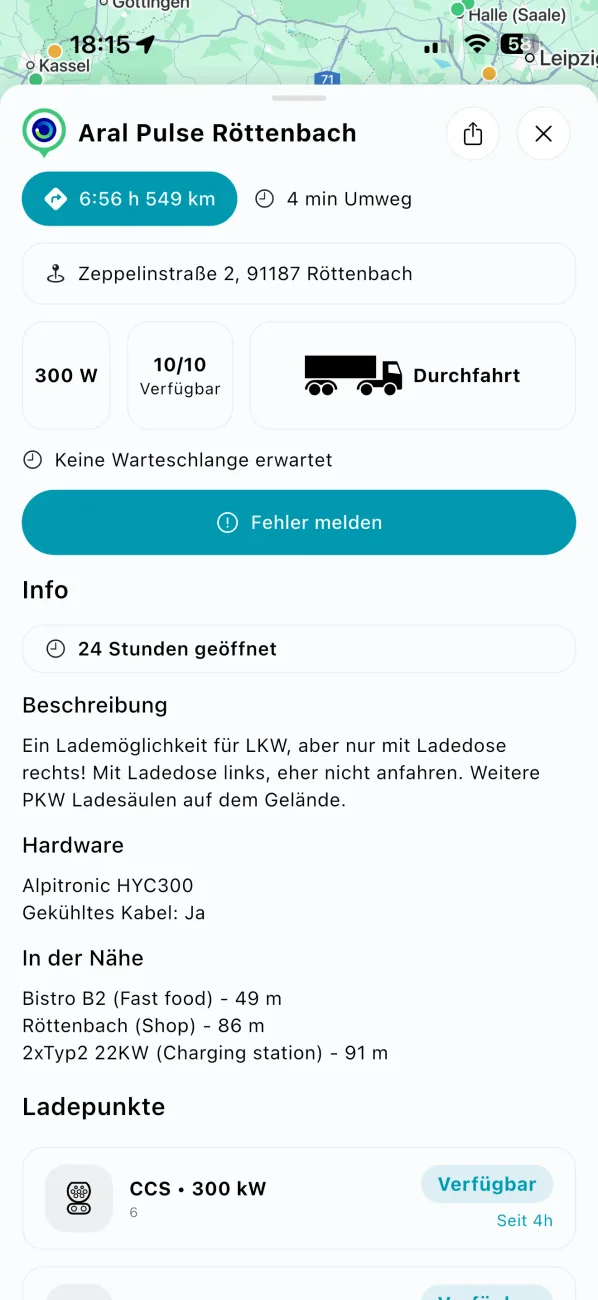
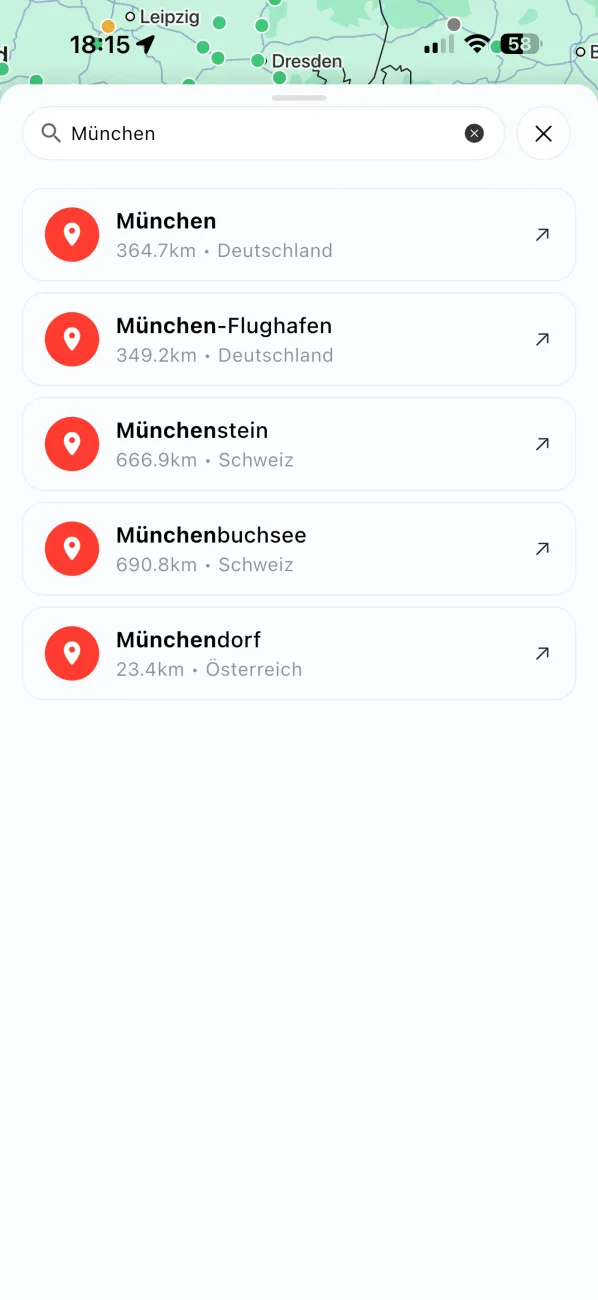
Ảnh chụp màn hình
Giới thiệu
Nhà phát triển chưa cung cấp nội dung này bằng ngôn ngữ của bạn.
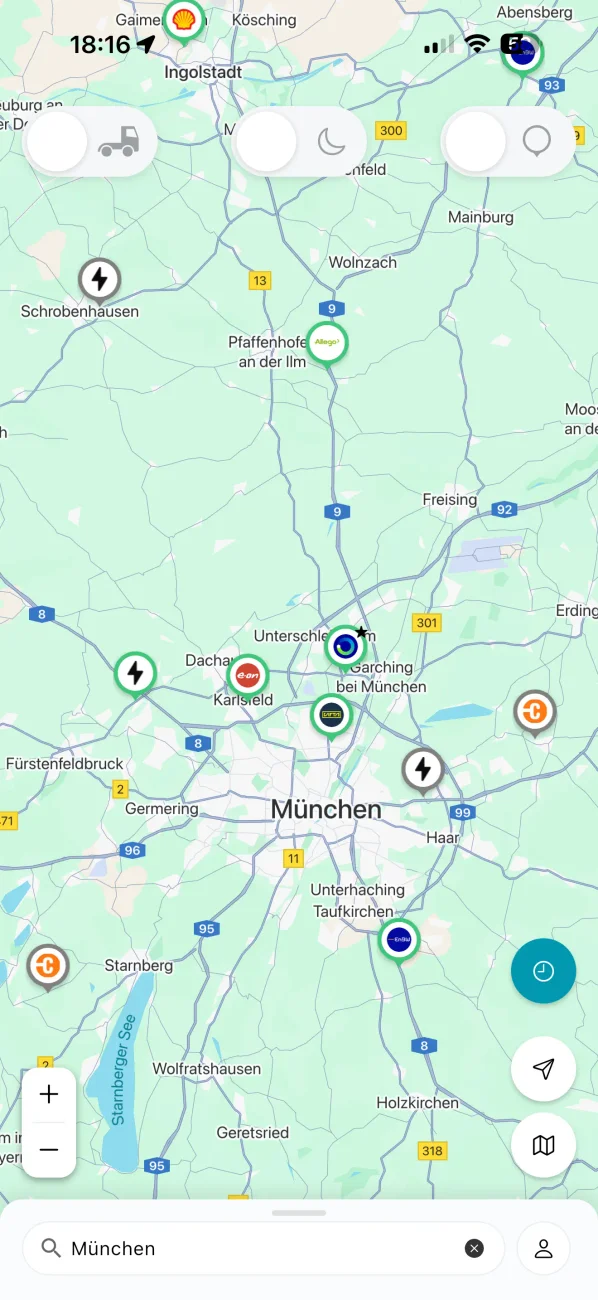
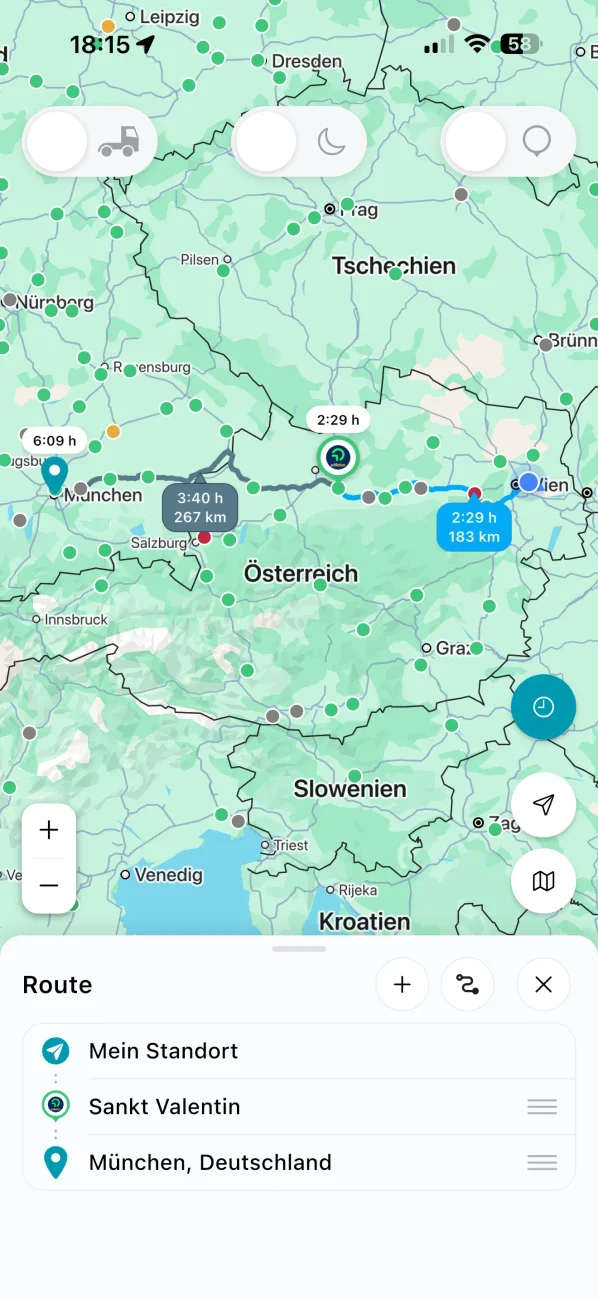
The eTrucker App helps electric truck drivers across Europe find compatible charging stations tailored to their needs. With filters for pull-through locations, overnight parking, and preferred operators, it simplifies route planning. Realistic driving times are provided via truck-specific routing, and range mode displays exact distances to chargers. Contribute to improving charger data through built-in community feedback mode. Developed by the Elektrotrucker Tobias Wagner – with support from Matthias Brands and Michael Clarke
Có gì mới
Phiên bản 1.4.0 · 02/09/2026
Your dispatcher can now send you routes – and the map knows where trucks stop.
• Receive routes: when your company's dispatcher sends a route from eTrucker Manager, it pops up on your phone – with the sender's name, all stops, the planned departure and the breaks already set. Open it with one tap; if another route is open, the app asks before replacing it. Received routes are kept for 90 days, opened ones stay.
• Routes list: the new Routes button next to the search field remembers the last routes on your device. Tap one and it reopens instantly with the exact same path – no recalculation, no waiting. Routes you use move back to the top; received routes say who sent them, and unread ones are pinned on top with a badge.
• Truck stops and truck parking: rest areas and truck parking sites now appear on the map with their operator's logo. They group with nearby chargers into clusters, have their own details page – route, detour, address, and the charging points on site – and show up in search. In all 24 languages.
• Time and distance on the map: every leg of your route carries a small bubble with driving time and distance, placed so it never covers pins or the route line.
• Pick any point: long-press the map to select that exact spot as a stop or start. Any station, truck stop or place can now be the route's start, and the same stop can be added to a route more than once. If your route has no start yet, the details pages offer both: add as stop or set as start.
Quyền riêng tư của ứng dụng
Những gì Matthias Brands khai báo trên App Store về cách ứng dụng này xử lý dữ liệu.
-
Dữ liệu không liên kết với bạn
Có thể được thu thập nhưng không liên kết với danh tính của bạn.
- Vị trí
- Mã định danh
- Dữ liệu sử dụng
- Chẩn đoán
Phương thức đảm bảo quyền riêng tư có thể khác nhau, chẳng hạn như tuỳ theo các tính năng bạn sử dụng hoặc độ tuổi của bạn.
Thông tin
- Người bán
- Matthias Brands
- Danh mục
- Dẫn Đường
- Phiên bản
- 1.4.0
- Cập nhật
- 02/09/2026
- Phát hành
- 28/06/2025
- Kích thước
- 90,9 MB
- Yêu cầu
- iOS 16.6 trở lên
- Độ tuổi
- 4+
- Giá
- Miễn phí
- Ngôn ngữ
- Tiếng Anh, Tiếng Đức
- Bản quyền
- © 2026 Hekstec GmbH