- 対象年齢4+
- カテゴリ写真/ビデオ
- 開発元Alessandro Casagli
- 言語英語
- サイズ32.6 MB
App Storeの公式ページにリンクしています
Download.orgはFieldbox Backupのファイルを一切ホストしていません。ボタンを押すと、Alessandro Casagliが公開しているApp Storeのアプリページが開きます。ページの最終確認:2026/11/18。
スクリーンショット

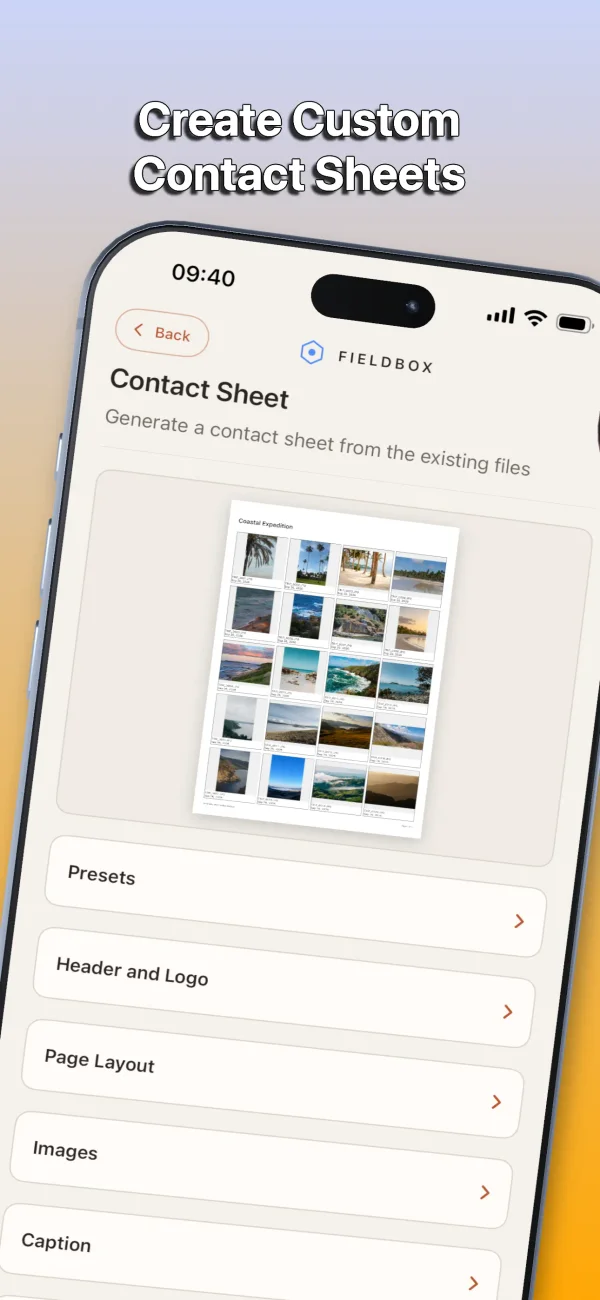
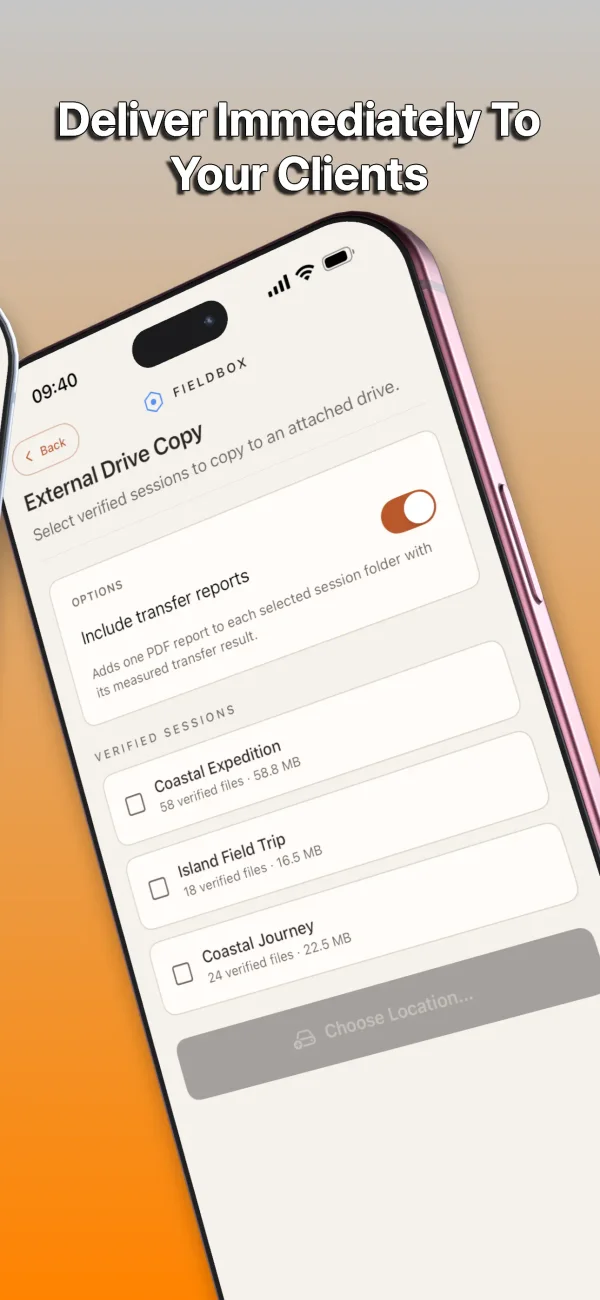
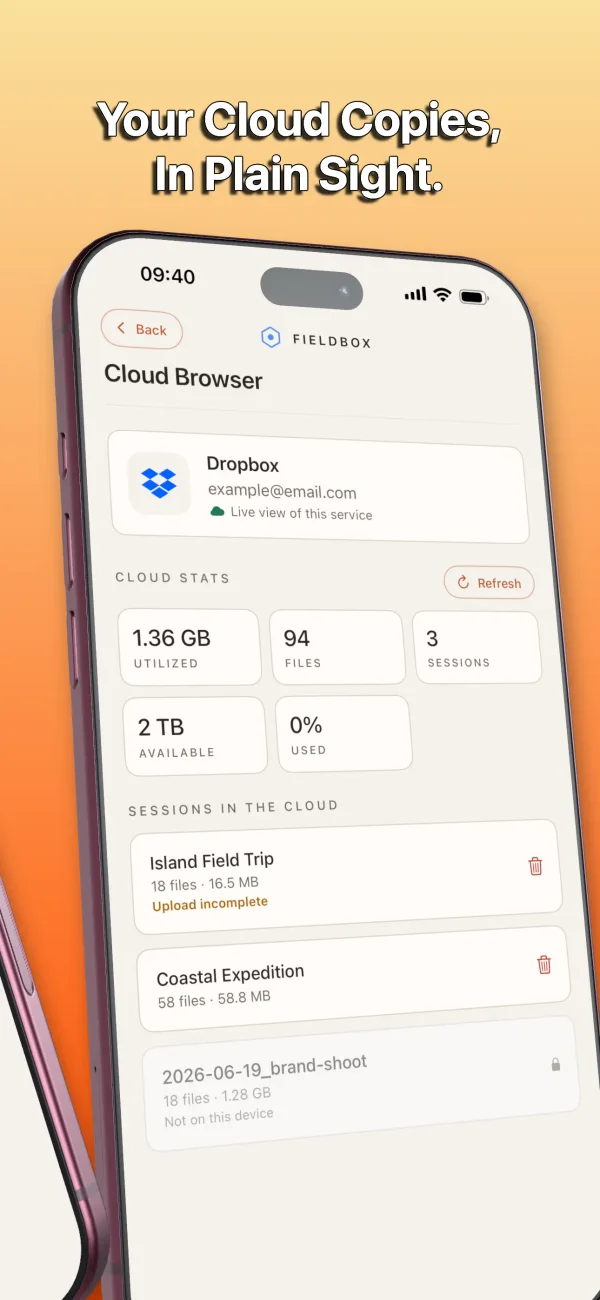
概要
開発元はこのテキストをお使いの言語で提供していません。
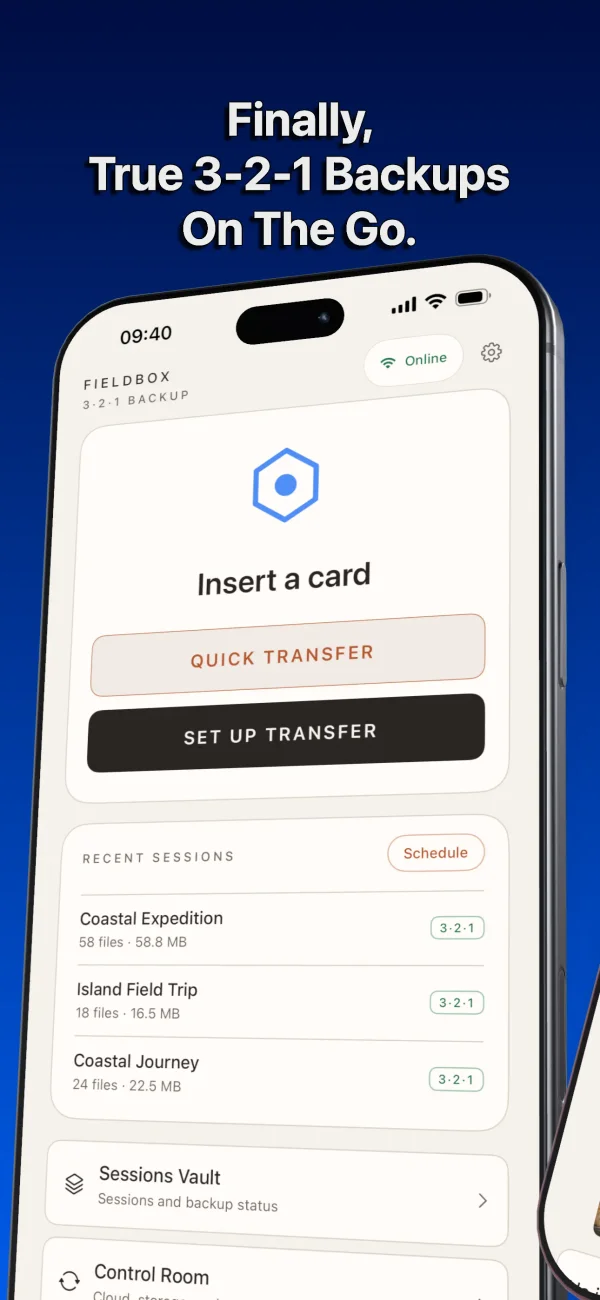
Fieldbox Backup copies your memory card to an archive on your iPhone or iPad, compares source and copied SHA-256 values, then uploads copies to your own cloud accounts. It records which files matched their source at transfer time and which providers confirmed a complete upload.
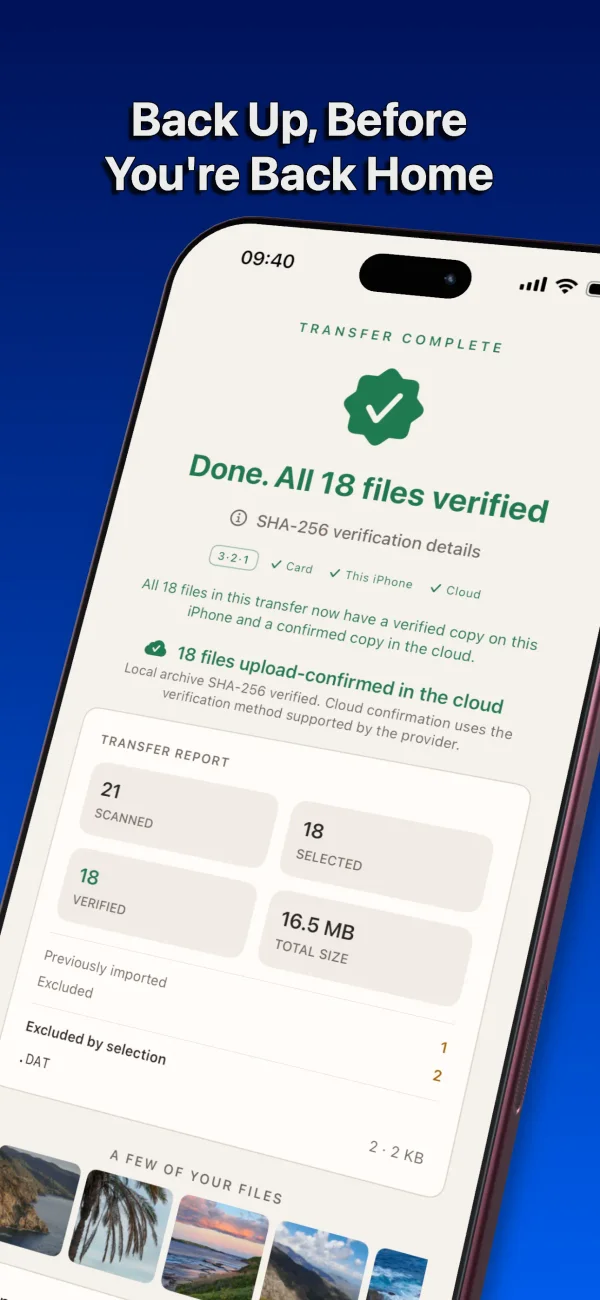
Before a transfer starts, every scanned file has an explicit outcome: selected, already verified in the session, or deliberately excluded. You can adjust the current transfer directly by file type.
Every copied file is checked with SHA-256. Fieldbox records a verified local file only when its source and copied values match. Cloud status separately shows when a provider has accepted an upload and confirmed its stored size. S3-compatible storage and Google Drive also require a matching provider-reported SHA-256 hash; Dropbox, OneDrive, and WebDAV report upload/size confirmation where a provider checksum is unavailable.
Backup Status shows the current 3-2-1 inventory: three copies, two kinds of storage, and one offsite. Normally that is your original card, a verified copy on your device, and a complete confirmed cloud copy. If you mark a source card formatted, two independently confirmed cloud providers can supply the non-device copies.
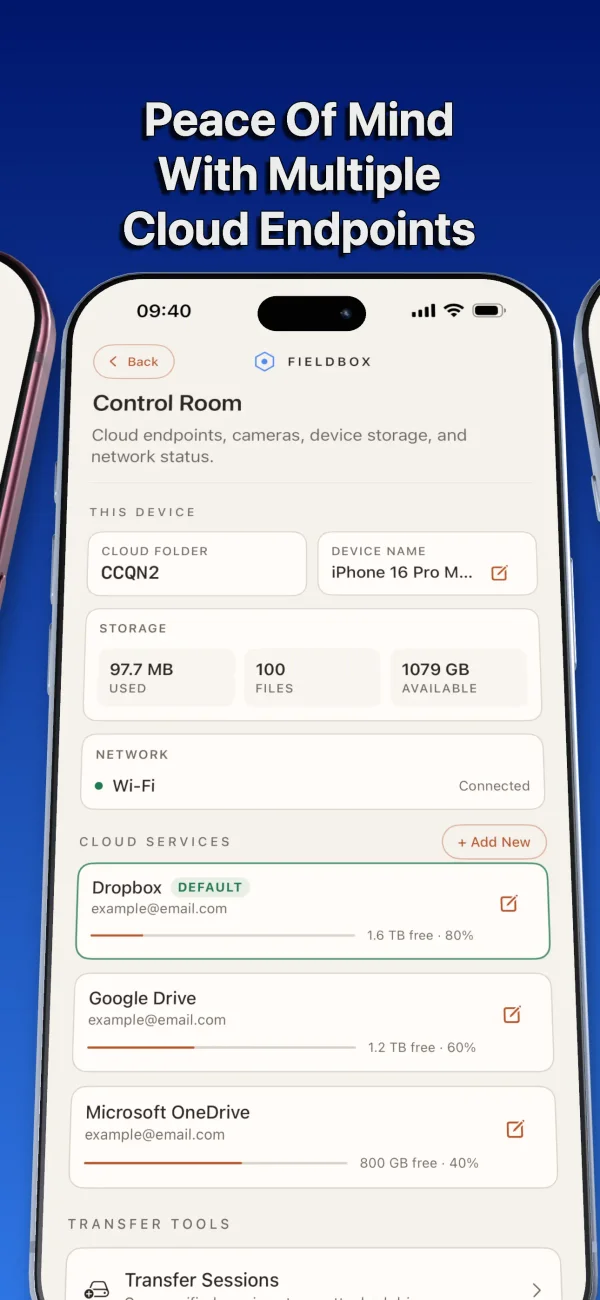
Connect the cloud you already use: Backblaze B2 and other S3-compatible storage, Dropbox, Google Drive, OneDrive, or WebDAV/NAS. You can see which provider holds a complete copy, with clear status for every transfer.
With Fieldbox Pro, files missing from your device can be repaired from the original card or a confirmed cloud copy. Fieldbox downloads to staging and returns a file to the archive only after its SHA-256 matches the recorded source hash. The session activity history records source-card status, cloud-provider changes, confirmed copies, deletions, repairs, and USB Transfers.
If a transfer is interrupted, Fieldbox keeps the verified-file checkpoints and resumes only after the reconnected source matches the recorded card identity, selected folder, inventory, and checkpoint evidence. A read-only source recheck can refresh the recorded card coverage later without starting another transfer.
Create and export a signed Integrity Record for a point-in-time summary of the session and its recorded evidence. The self-issued device signature provides tamper evidence and signing-key continuity. It is not external certification, trusted time, or proof that a copy still exists.
Built for the field:
• Works offline. Back up now, sync to the cloud when you have a connection.
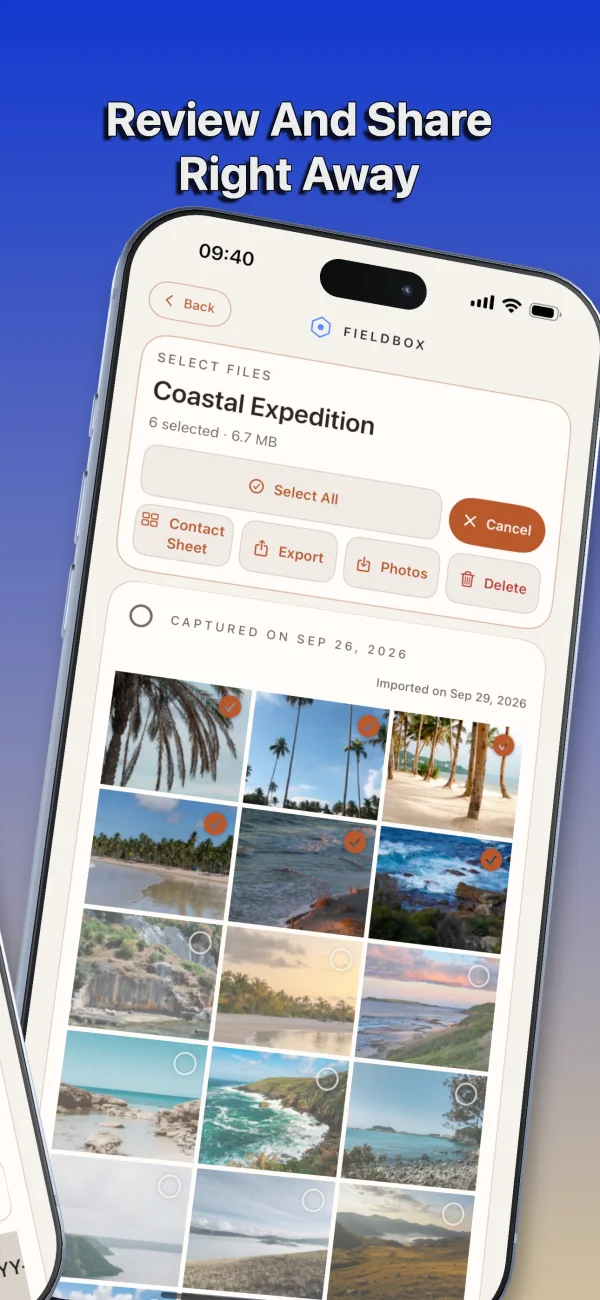
• Browse and preview your photos, including RAW and HEIC.
• Recognizes common camera RAW formats, still images, video, audio, and XMP, XML, or JSON sidecars. This includes 3FR, CR2, CR3, NEF, ARW, RAF, DNG, BRAW, R3D, and other listed formats.
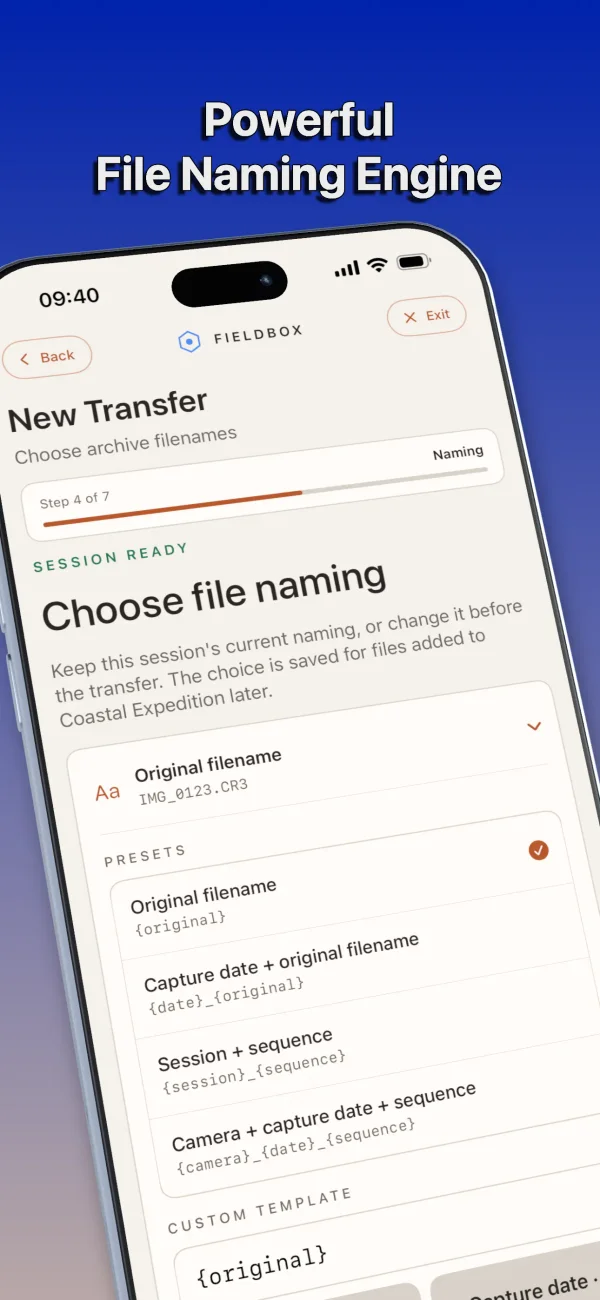
• Organize by session and camera, with EXIF and copyright details.
• The one-time unlock supports up to three user-selected active sessions that may keep receiving files. Every preserved session remains readable and verifiable, and you can change the active selection later.
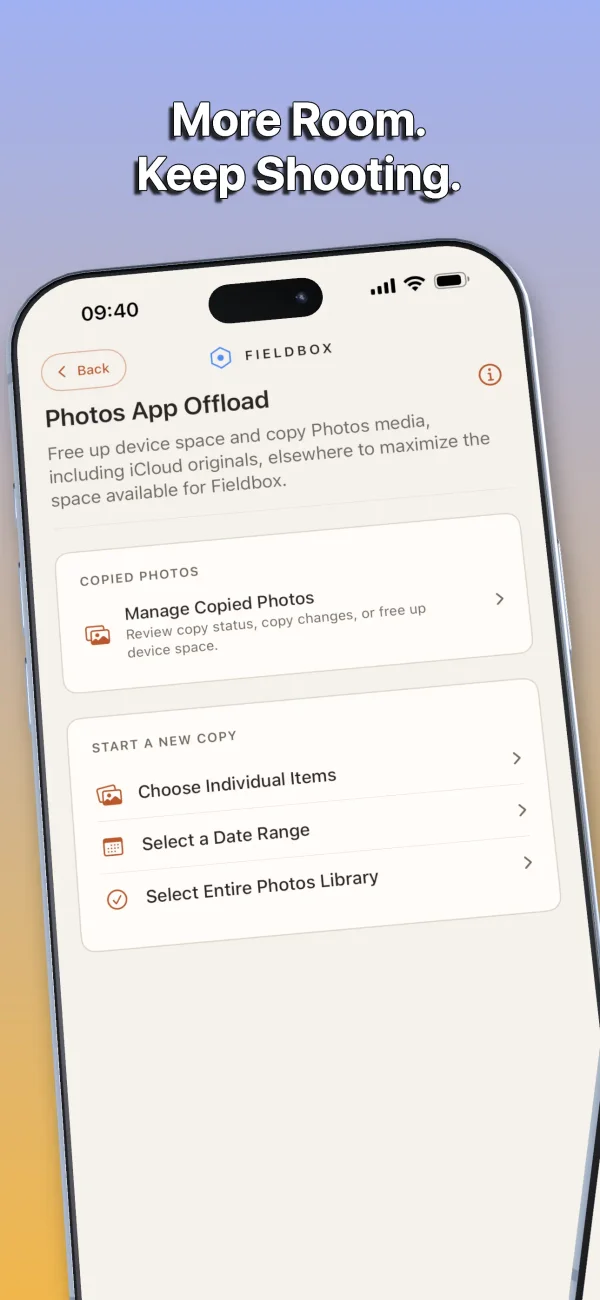
• Fieldbox Pro adds unlimited local sessions, planning, share and Photos export of working copies, selective local-file removal, verified repair, detailed events, Camera Profiles and Memory Cards management, additional themes, multiple cloud destinations with concurrent uploads, and USB Transfer to external drives. Every non-revoked Pro purchase also includes permanent ownership of the standard Unlock.
• Share one cloud account across devices. Fieldbox gives each device a separate top-level area and limits cloud deletion to the current device's area.
Review Backup Status and your normal workflow before deciding to reuse a card. Fieldbox never formats, erases, or changes the original source media.
Terms of Use (Apple Standard EULA): https://www.apple.com/legal/internet-services/itunes/dev/stdeula/
Fieldbox Terms of Service: https://fieldbox.app/terms.html
Privacy Policy: https://fieldbox.app/privacy.html
新機能
バージョン 1.8.3 · 2026/10/28
## What’s New in Fieldbox 1.8.3
- Optimized UI for iPhone Duo, with hinge-aware layouts for the cover display and open dual-screen workspace, consistent controls, and clearer spacing.
- Refined Black Aluminum with direction-correct gyro lighting, smoother recentering, and brushed-metal controls.
- Improved Core and permanent Pro purchase flows with clearer cancellation, retry, and error feedback.
- Expanded Help Improve Fieldbox disclosures to cover privacy-limited purchase-attribution summaries and their retention safeguards.
アプリのプライバシー
このアプリのデータの取り扱いについて、Alessandro CasagliがApp Storeで申告している内容です。
-
ユーザーに関連付けられないデータ
収集される場合がありますが、ユーザーの識別情報には関連付けられません。
- 使用状況データ
- 診断
プライバシーの取り扱いは、ご利用の機能やお客様の年齢などに応じて異なる場合があります。
情報
- 販売元
- Alessandro Casagli
- カテゴリ
- 写真/ビデオ
- バージョン
- 1.8.3
- 更新日
- 2026/10/28
- リリース
- 2026/8/21
- サイズ
- 32.6 MB
- 必要条件
- iOS 17.0以降
- 対象年齢
- 4+
- 価格
- 無料
- アプリ内課金
- あり
- 言語
- 英語
- 著作権
- © 2026 Alessandro Casagli