FileDrop: File Transfer
Photos to PC, NAS & Server
iPhone, iPad, iPod touch向けに設計
無料 · アプリ内課金
- 対象年齢4+
- カテゴリユーティリティ
- 開発元乃 樊
- 言語英語ほか1言語
- サイズ4.2 MB
App Storeの公式ページにリンクしています
Download.orgはFileDrop: File Transferのファイルを一切ホストしていません。ボタンを押すと、乃 樊が公開しているApp Storeのアプリページが開きます。ページの最終確認:2026/11/17。
スクリーンショット


概要
開発元はこのテキストをお使いの言語で提供していません。
FileDrop turns your iPhone into a private transfer port for photos, videos, and files.
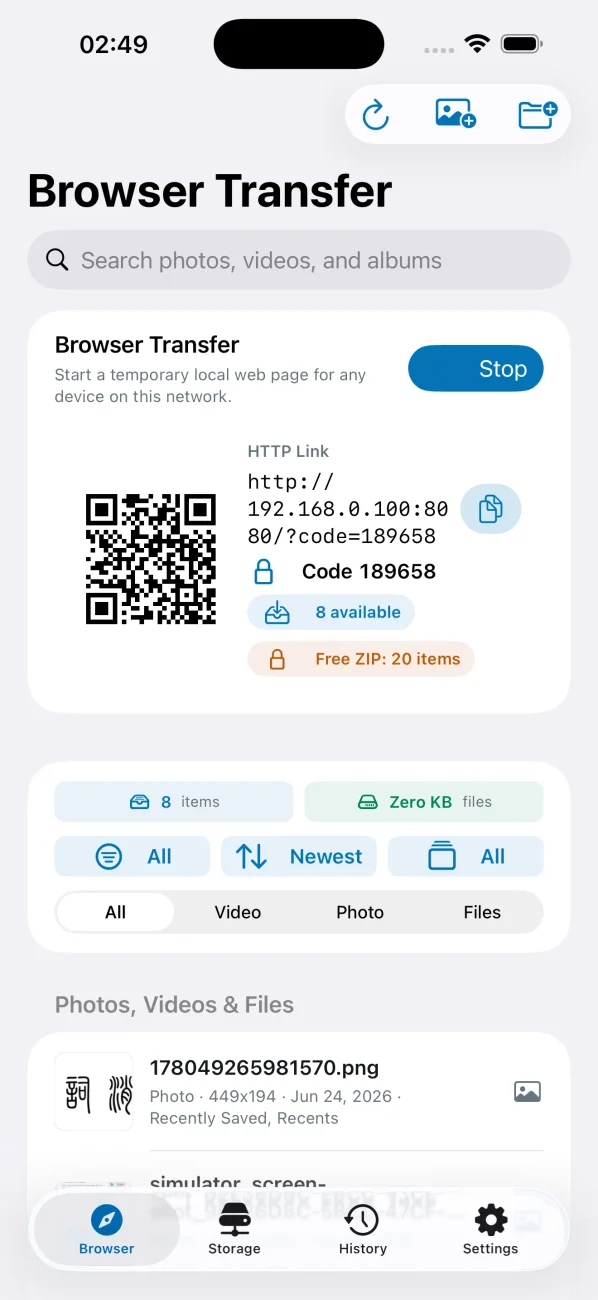
Need to move a large video to a computer? Start Browser Transfer, open the local address in a browser on the same Wi-Fi, and download from a clean web page. No desktop app, no cloud account, no cables.
For private storage, connect your own WebDAV, SFTP, or SMB target and send selected items to NAS, Nextcloud, private servers, or shared folders. You can also browse remote folders and download files back to your iPhone.
What you can do:
• Share iPhone photos, videos, and files through a temporary browser page
• Download single files or batch ZIP files from a browser on your local Wi-Fi
• Upload to WebDAV, SFTP, and SMB storage targets
• Download remote photos and videos to Photos
• Save other remote files to On My iPhone
• Track completed, failed, and running transfers
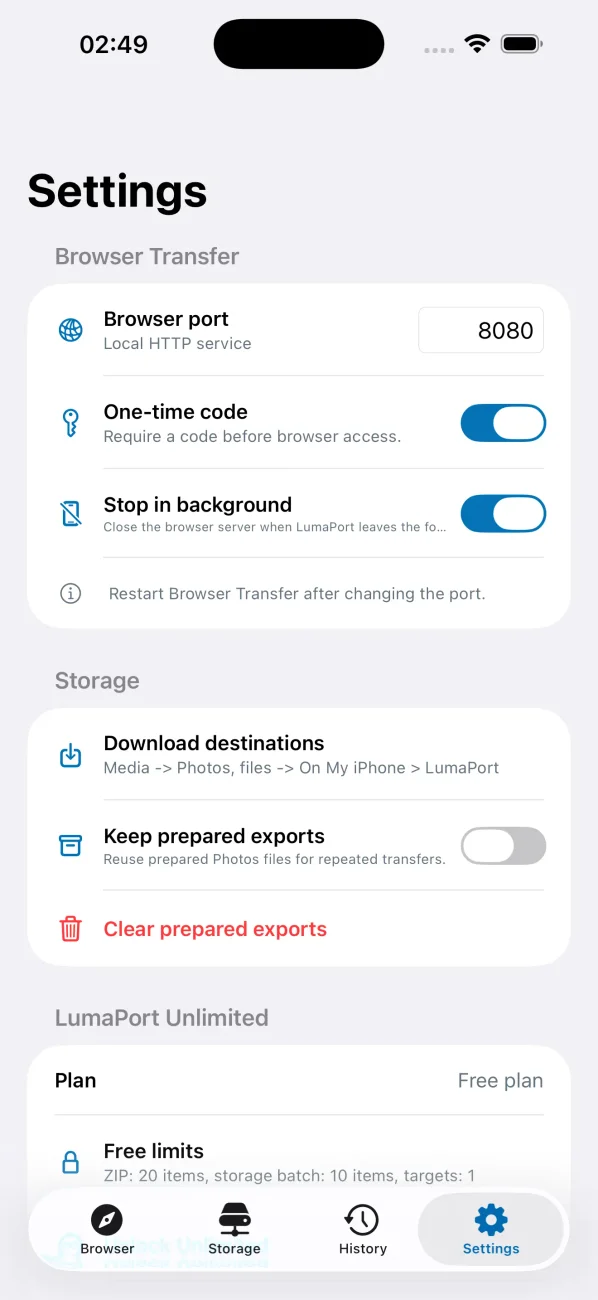
• Protect browser access with a one-time code
FileDrop is designed for local and private transfers. Your files are not sent to our servers, and there are no ads.
新機能
バージョン 2.0 · 2026/7/18
1. Fixed some issues.
アプリのプライバシー
このアプリのデータの取り扱いについて、乃 樊がApp Storeで申告している内容です。
-
データの収集なし
開発元はこのアプリからデータを収集しません。
プライバシーの取り扱いは、ご利用の機能やお客様の年齢などに応じて異なる場合があります。
情報
- 販売元
- 乃 樊
- カテゴリ
- ユーティリティ
- バージョン
- 2.0
- 更新日
- 2026/7/18
- リリース
- 2026/7/6
- サイズ
- 4.2 MB
- 必要条件
- iOS 15.0以降
- 対象年齢
- 4+
- 価格
- 無料
- アプリ内課金
- あり
- 言語
- 英語, 簡体字中国語
- 著作権
- © Kaiyuan Tongbao