- 対象年齢4+
- カテゴリユーティリティ
- 開発元Michael Price
- 言語英語
- サイズ1.6 MB
App Storeの公式ページにリンクしています
Download.orgはFLConvertのファイルを一切ホストしていません。ボタンを押すと、Michael Priceが公開しているApp Storeのアプリページが開きます。ページの最終確認:2026/11/20。
スクリーンショット
概要
開発元はこのテキストをお使いの言語で提供していません。
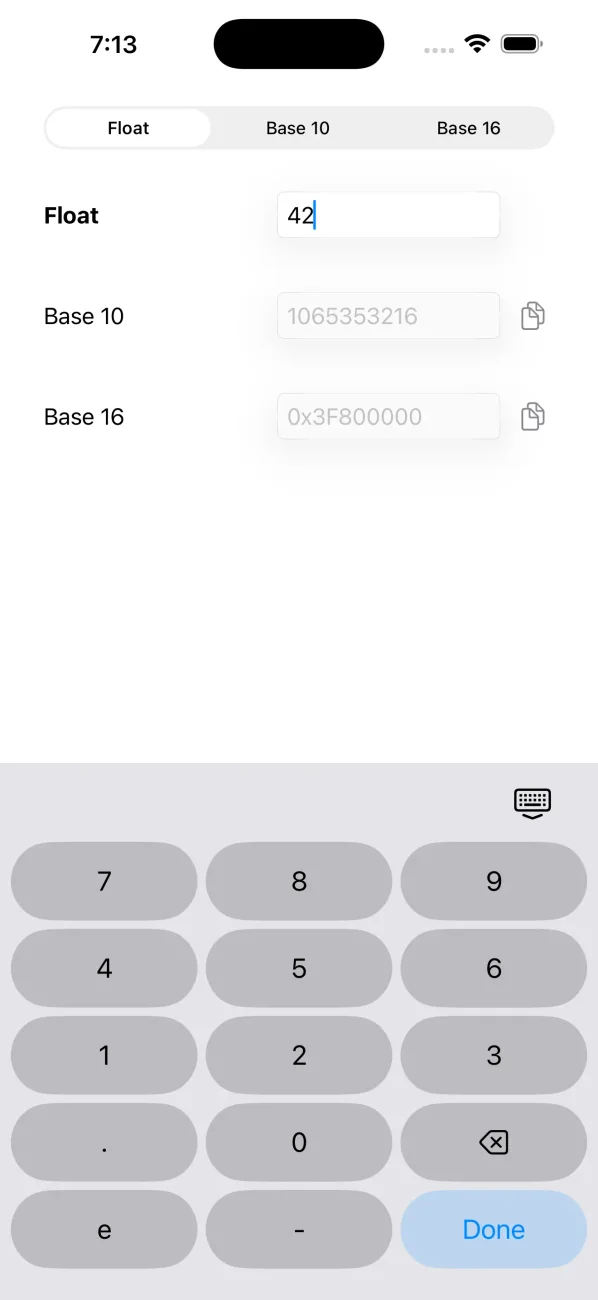
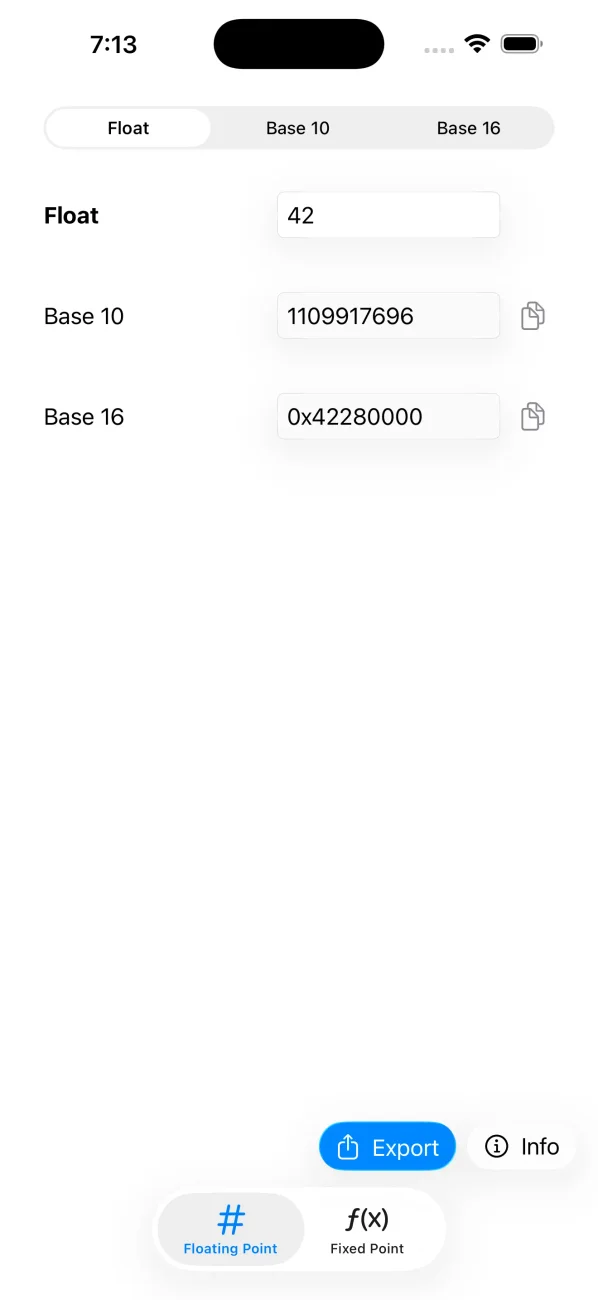
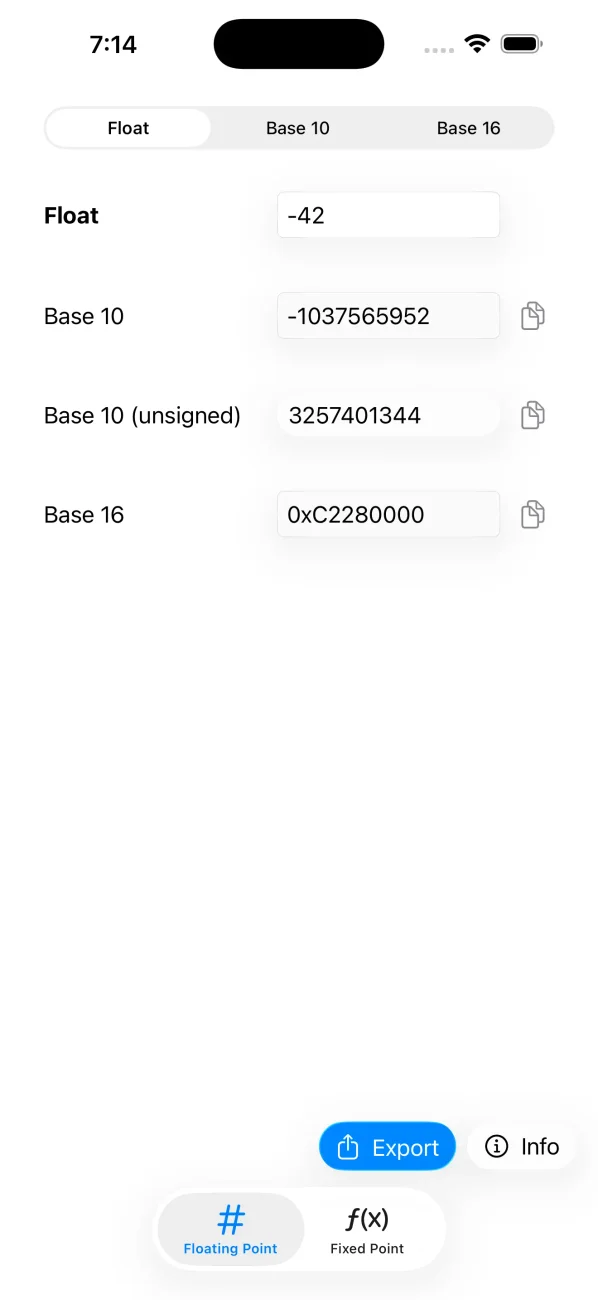
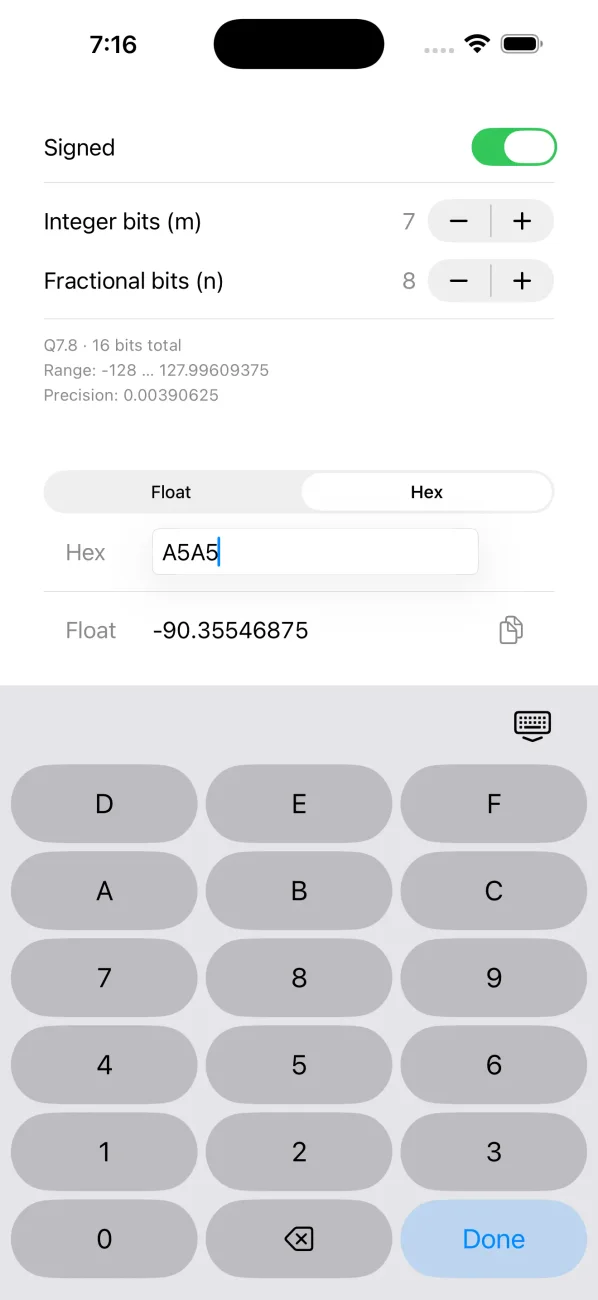
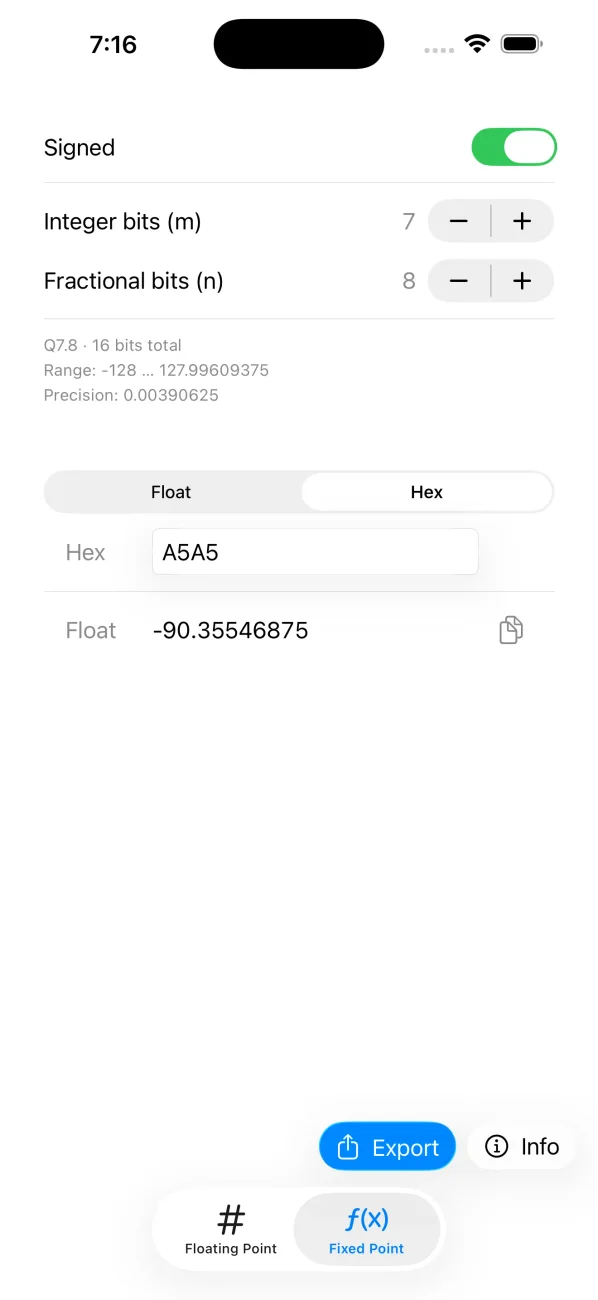
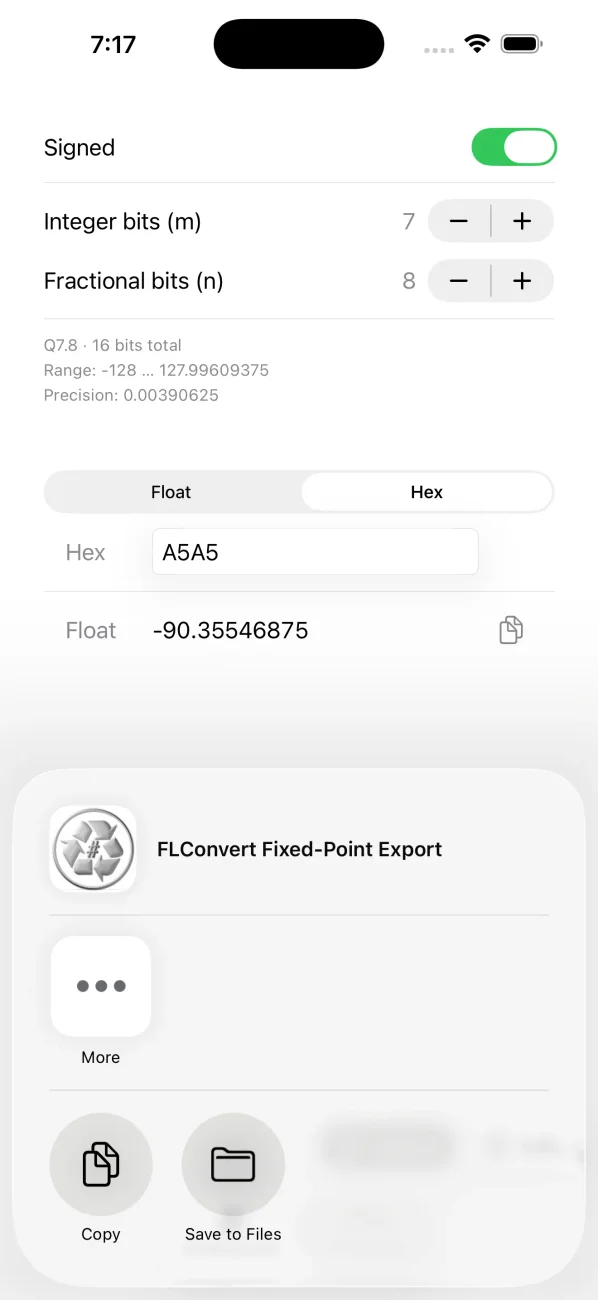
FLConvert performs IEEE-754 conversions of 32-bit numeric values and Fixed-Point (Qm.n/UQm.n) conversions.
新機能
バージョン 1.5 (202606111253) · 2026/6/14
FLConvert Release Notes — v1.5
What's New
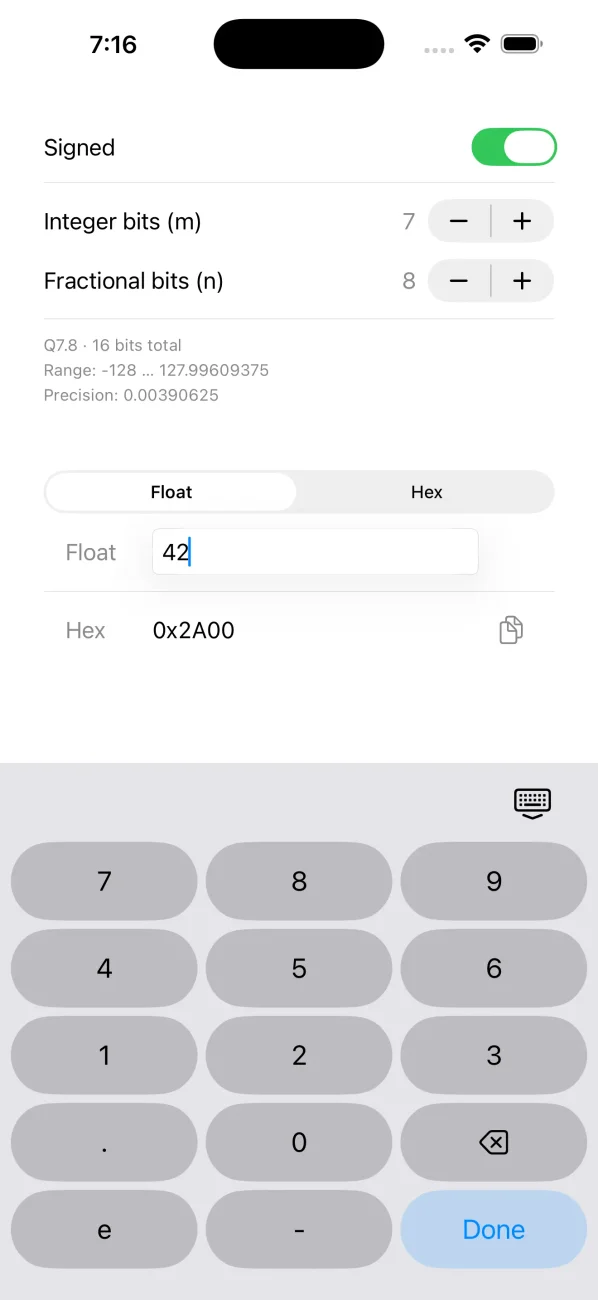
Fixed-Point Conversion
Floating-point getting all the glory? Not anymore. FLConvert now supports fixed-point number conversion, because sometimes you need your binary fractions to know exactly where they stand. Configure your integer and fractional bit widths, get your Q-format values, and feel that warm precision-engineering glow.
Shortcuts & Siri Support
You can now ask Siri to do your number conversions. Whether this is genuinely useful or just a great party trick is left as an exercise to the reader. Either way, FLConvert is now a full citizen of the Apple automation ecosystem — Shortcuts, App Intents, the works.
Other Improvements
Per-Field Copy Buttons Copying individual conversion results is now a one-tap affair.
IEEE754 Input & Persistence You can now type values directly into the IEEE754 section. And thanks to persistence, your values will survive an app restart — unlike your sanity after staring at binary representations too long.
Return Key Behavior The Return key on a hardware keyboard now correctly dismisses the keyboard. It only took the entire history of human-computer interaction to establish what "Return" should do, but here we are.
macOS: Save to Files No Longer Explodes On macOS 26, exporting via "Save to Files" would crash the app due to Apple quietly removing NSCalendarDate from the universe while forgetting to tell ShareKit. We've worked around this with a more civilized file exporter. No dates were harmed in the making of this fix.
IEEE-754 Improvements
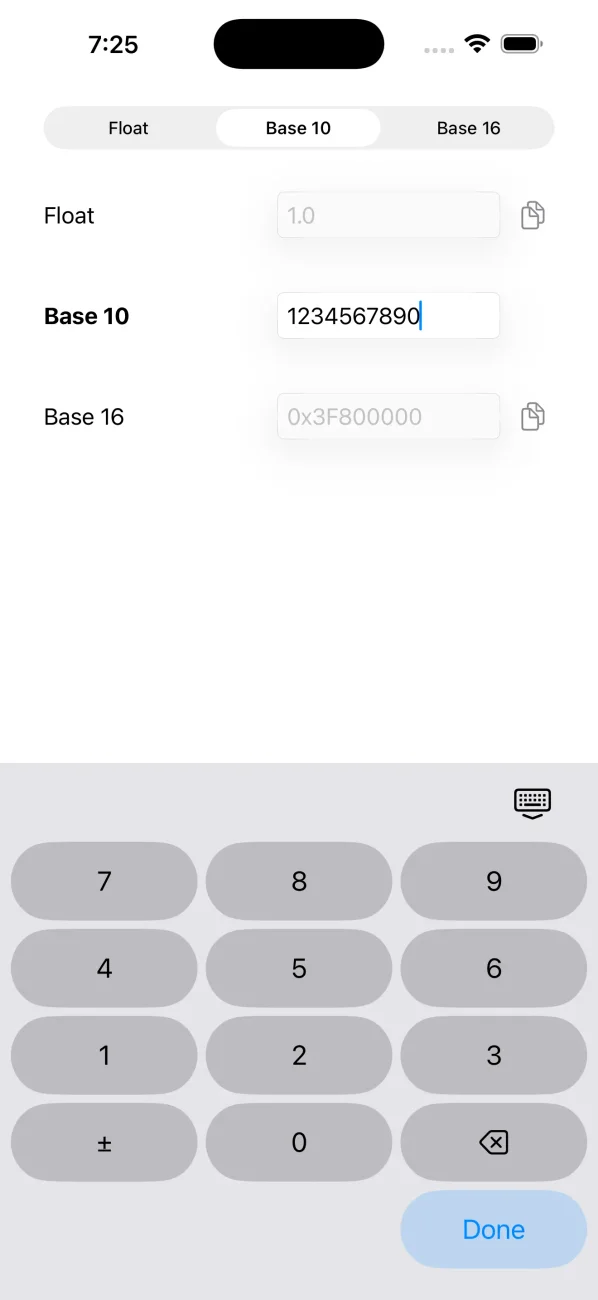
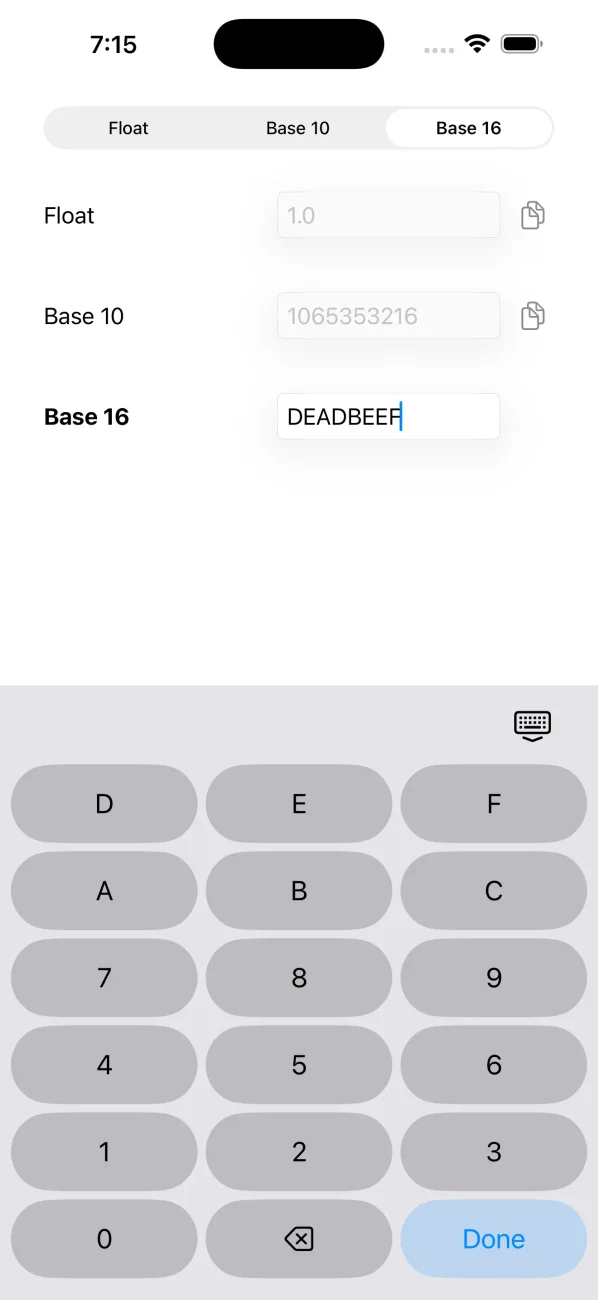
Clearer Mode Names: Base 10 and Base 16 The IEEE-754 conversion modes are now labelled Base 10 and Base 16 instead of "Signed Integer" and "Unsigned Integer (hex)". These names describe how you write the number, not how the hardware stores it — a distinction that mattered to at least one person filing this commit message.
Full Unsigned Range Accepted in Base-10 Mode Base-10 input now accepts the full unsigned 32-bit range — up to 4,294,967,295. Values in the upper half (2,147,483,648–4,294,967,295) are automatically reinterpreted as the equivalent signed two's-complement value before conversion.
Base 10 (unsigned) Display Field When a conversion produces a negative Base-10 result (i.e. the bit pattern's signed value is in the range −2,147,483,648 to −1), a new read-only row — Base 10 (unsigned) — appears between the Base-10 and Base-16 rows. It shows the same 32-bit pattern interpreted as an unsigned integer, which is handy when you need both signed and unsigned readings. The row has its own copy button and disappears automatically when the result is non-negative.
アプリのプライバシー
このアプリのデータの取り扱いについて、Michael PriceがApp Storeで申告している内容です。
-
データの収集なし
開発元はこのアプリからデータを収集しません。
プライバシーの取り扱いは、ご利用の機能やお客様の年齢などに応じて異なる場合があります。
情報
- 販売元
- Michael Price
- カテゴリ
- ユーティリティ
- バージョン
- 1.5 (202606111253)
- 更新日
- 2026/6/14
- リリース
- 2024/11/10
- サイズ
- 1.6 MB
- 必要条件
- iOS 26.0以降
- 対象年齢
- 4+
- 価格
- 無料
- 言語
- 英語
- 著作権
- © 2026 Michael Price