
- 対象年齢4+
- カテゴリ仕事効率化
- 開発元Michal Milczarski
- 言語英語
- サイズ2.0 MB
App Storeの公式ページにリンクしています
Download.orgはFlickaro: Swipe Notesのファイルを一切ホストしていません。ボタンを押すと、Michal Milczarskiが公開しているApp Storeのアプリページが開きます。ページの最終確認:2026/11/20。
スクリーンショット
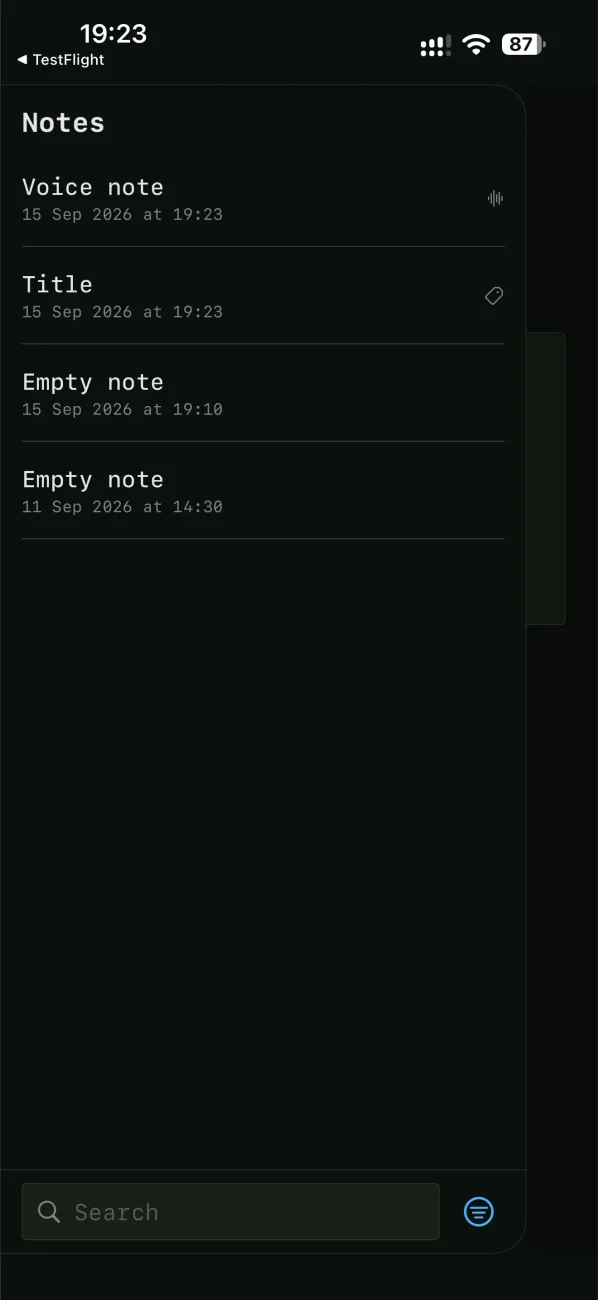
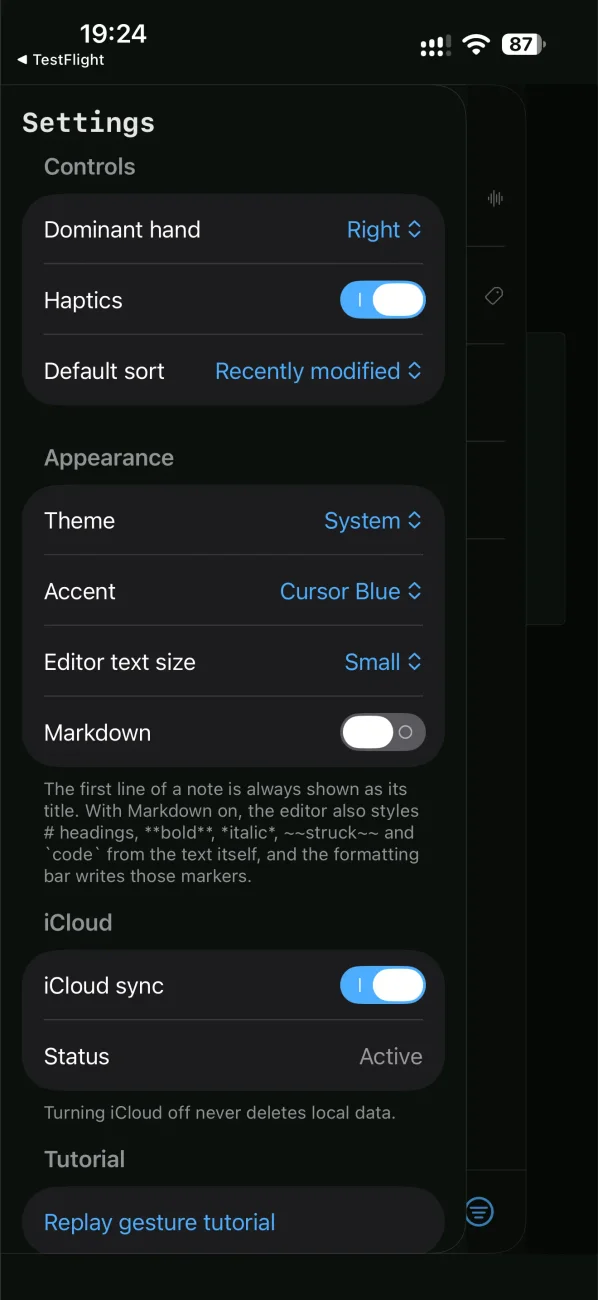
概要
開発元はこのテキストをお使いの言語で提供していません。
Flickaro is a notes app built around one idea: capturing a thought should be
faster than losing it.
SWIPE, DON'T TAP
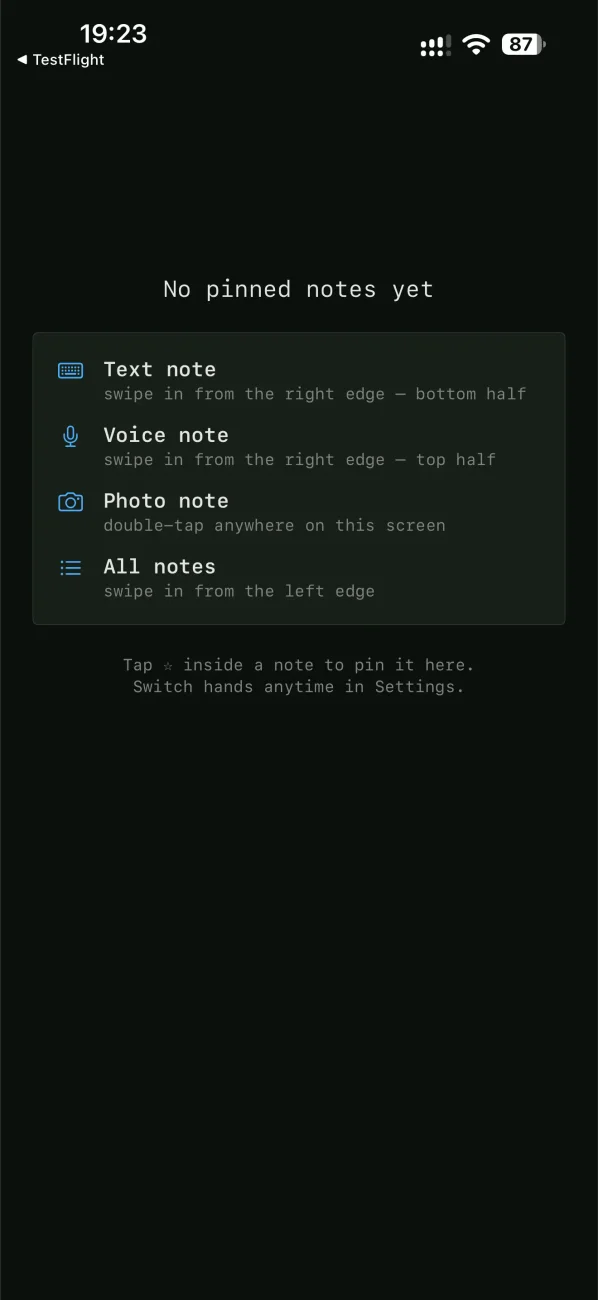
• Swipe in from the edge — the lower half starts a text note, the upper half
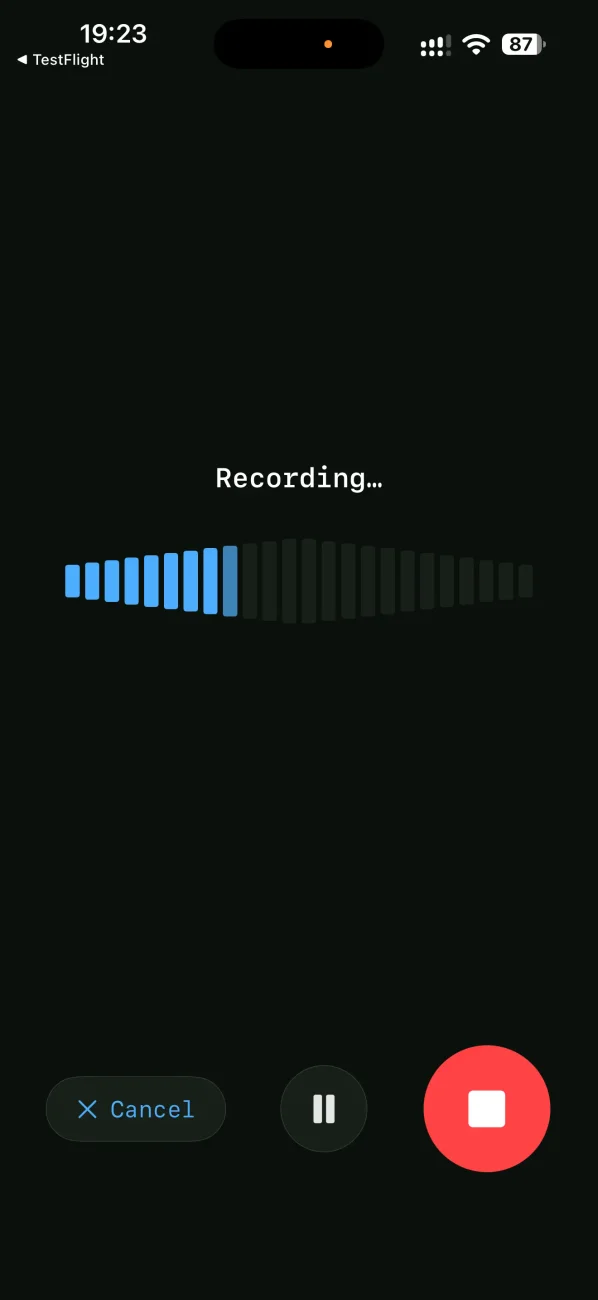
starts a voice recording at once.
• Double-tap empty space for a photo note.
• Swipe from the other edge for your notes, and again for settings.
• Everything mirrors for left-handed use.
NO FRICTION
• No "+" button. No save button. Every change saves itself.
• The cursor is live the moment the note slides in.
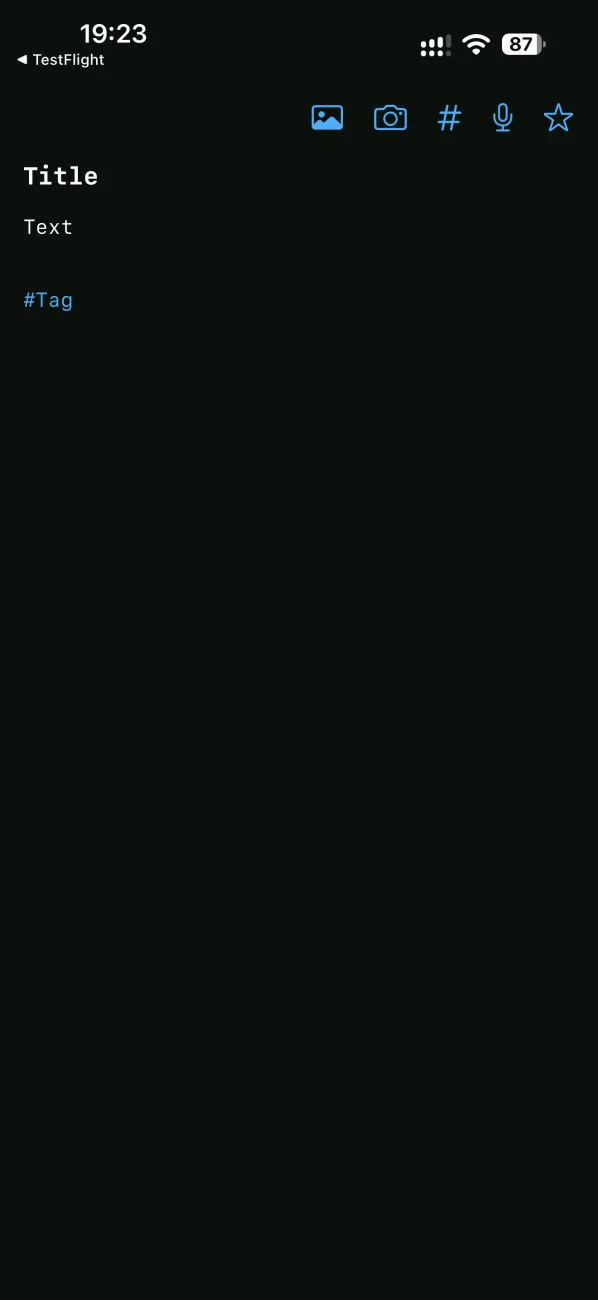
• Formatting that matters: headings, bold, italic, lists that carry on as you
type, and checkboxes you tick with a tap.
• Optional Markdown, styled straight from what you type.
PHOTOS, RECORDINGS AND DOCUMENTS
• Add many photos at once from your library, or take one with the camera.
• Attach PDFs, text files, spreadsheets — any file from Files.
• Everything sits in one slim strip above the text; pull it down to see it
all, push it up to fold it away.
• Voice recordings can be paused and resumed and play back right in the note.
FIND IT AGAIN
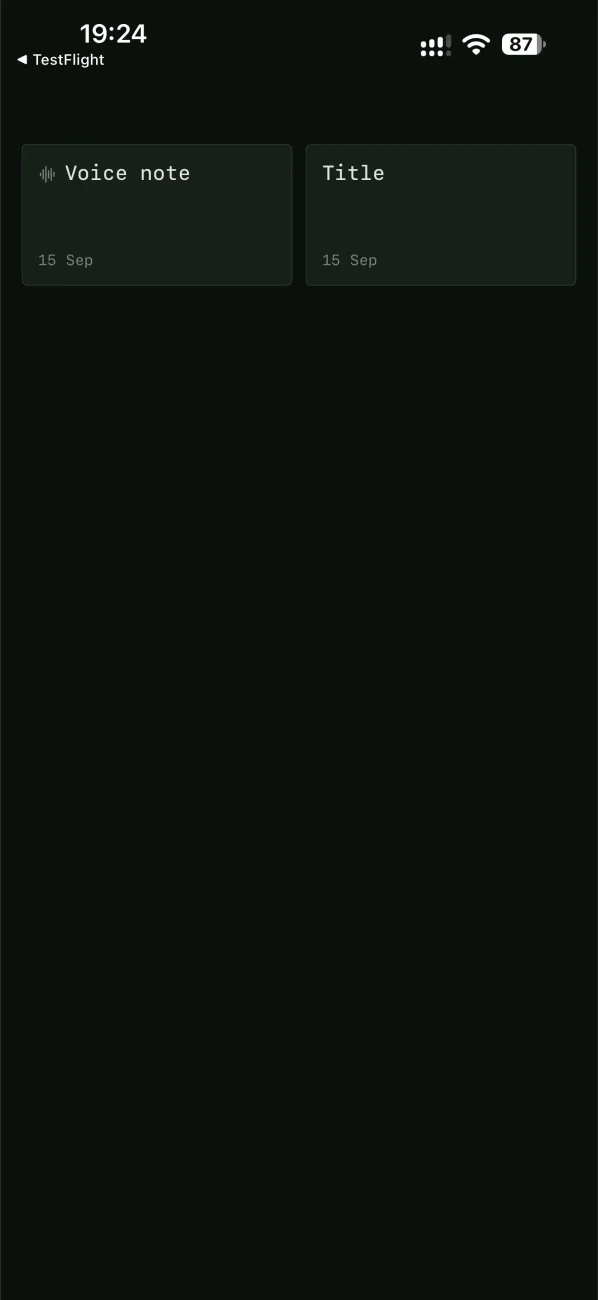
• File notes into folders — the list groups itself, each folder in its own
faint colour, and folders fold shut.
• Write #tags anywhere in a note, or add one from the # key.
• Search reads note text, tags, folder names and attached file names alike.
• Pin up to 10 favourites as tiles within thumb's reach.
ON IPAD, WITH A KEYBOARD
• Runs on iPad in every orientation.
• Shortcuts for everything: new note, list, search, pin, formatting.
YOURS, PRIVATELY
• Local-first: notes live on your device.
• Optional sync to your private iCloud — never to our servers (we have none).
• No accounts, no tracking, no analytics. Ever.
FAST AT ANY SIZE
• Smooth with ten thousand notes.
• Attachments are read only when you open them, so a launch stays quick.
Export any note as Markdown or PDF. Trash keeps deleted notes for 30 days.
新機能
バージョン 1.50 · 2026/11/15
A new look, attachments of every kind, and Flickaro on iPad.
A NEW LOOK
• Favourites sit as tiles with a photo preview, a recording icon and the time they were written.
• Calmer panels, a cleaner empty screen, a redesigned recorder and settings.
• Each folder gets its own faint colour in the list, so you can see where one ends and the next begins.
PHOTOS AND DOCUMENTS
• Pick as many photos as you like from your library in one go — they arrive in the order you ticked them.
• Attach PDFs, text files, spreadsheets or anything else from Files. A PDF shows its first page; tap to read it, long-press to open, export or remove it.
• Photos and documents share one slim strip above the text. Pull it down to see them all with their names, push it back up to fold it away.
• Search finds a note by the name of a file attached to it.
WRITING
• Export a note as Markdown or PDF straight from the note.
• Lists carry on as you type: bullets, numbers and tasks continue on Return and end on an empty line.
• Tasks are drawn as real checkboxes, and the formatting bar has been redesigned.
• A new key on the formatting bar puts the keyboard away. Closing a photo no longer brings the keyboard back.
IPAD AND KEYBOARDS
• Flickaro now runs on iPad, in every orientation.
• Hardware keyboard shortcuts: ⌘N new note, ⌘L list, ⌘F search, ⌘, settings, ⌘D pin, ⌘1–9 open a pinned note, ⌘B/⌘I/⌘U to format, Esc to go back.
FOLDABLES
• Unfolded, Flickaro spreads out: four tiles across the home screen, a comfortable reading column in the editor, and panels that keep their steps.
• Edge swipes follow your dominant hand on the inner screen too.
FASTER
• Swipes and panels stay smooth with ten thousand notes; opening the list no longer rebuilds it.
• Photos, recordings and documents are read only when you open them, so the app starts quickly and uses less memory however much you attach.
• Opens straight to your notes, with no splash screen in between.
• Long-press a folder header to select every note in it.
アプリのプライバシー
このアプリのデータの取り扱いについて、Michal MilczarskiがApp Storeで申告している内容です。
-
データの収集なし
開発元はこのアプリからデータを収集しません。
プライバシーの取り扱いは、ご利用の機能やお客様の年齢などに応じて異なる場合があります。
情報
- 販売元
- Michal Milczarski
- カテゴリ
- 仕事効率化
- バージョン
- 1.50
- 更新日
- 2026/11/15
- リリース
- 2026/7/25
- サイズ
- 2.0 MB
- 必要条件
- iOS 18.0以降
- 対象年齢
- 4+
- 価格
- 無料
- 言語
- 英語
- 著作権
- © 2026 Michał Milczarski