- 対象年齢4+
- カテゴリ仕事効率化
- 開発元Zerovik
- 言語英語
- サイズ27.7 MB
App Storeの公式ページにリンクしています
Download.orgはFloating Notes Teleprompterのファイルを一切ホストしていません。ボタンを押すと、Zerovikが公開しているApp Storeのアプリページが開きます。ページの最終確認:2026/11/13。
スクリーンショット

概要
開発元はこのテキストをお使いの言語で提供していません。
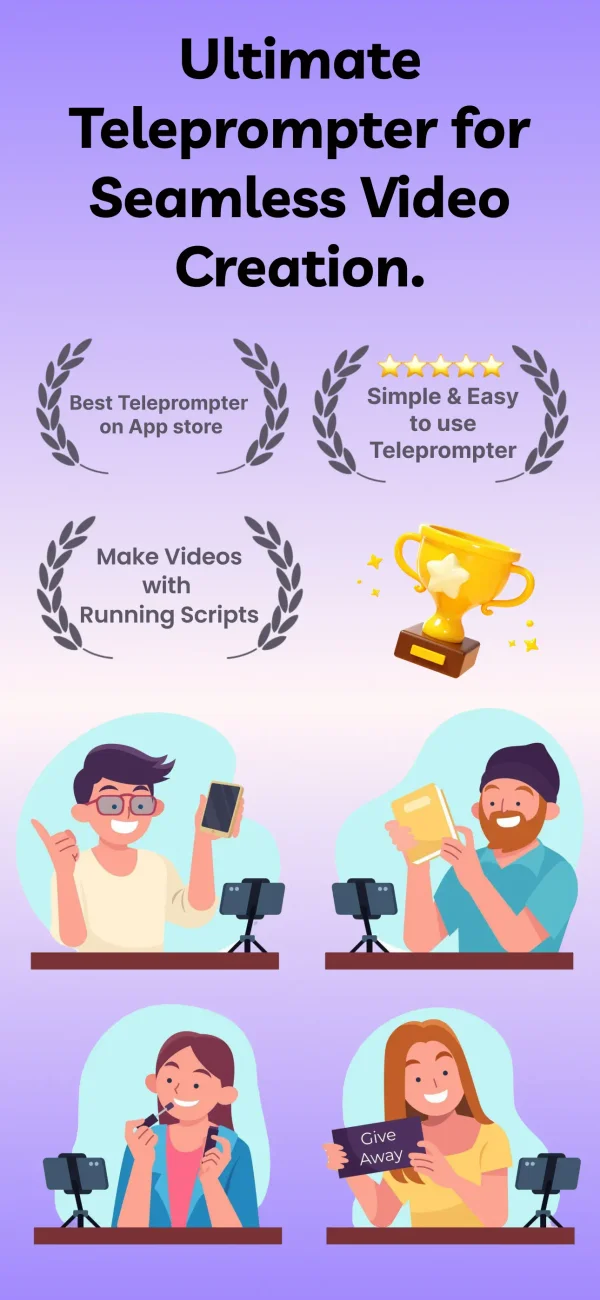
Introducing the iPrompter Teleprompter app, your all-in-one public speaking tele-prompter tool and video production assistant. Whether you're a professional speaker, video influencers, content creator, or just someone looking to make high-quality videos, iPrompter Teleprompter app has everything to make your content shine.
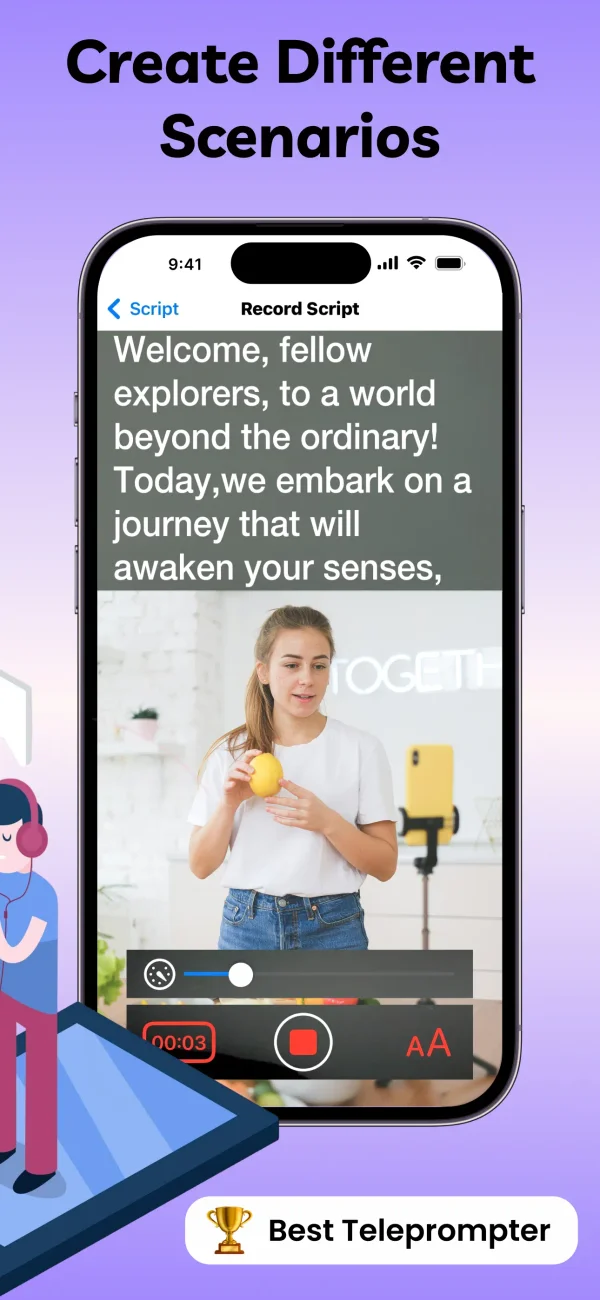
iPrompter Teleprompter makes it Possible to Capture Videos while Reading Script at the Same time.
It is easy to use free Teleprompter app with mirroring, no script limits, prompt smart pro and a lot of great features.
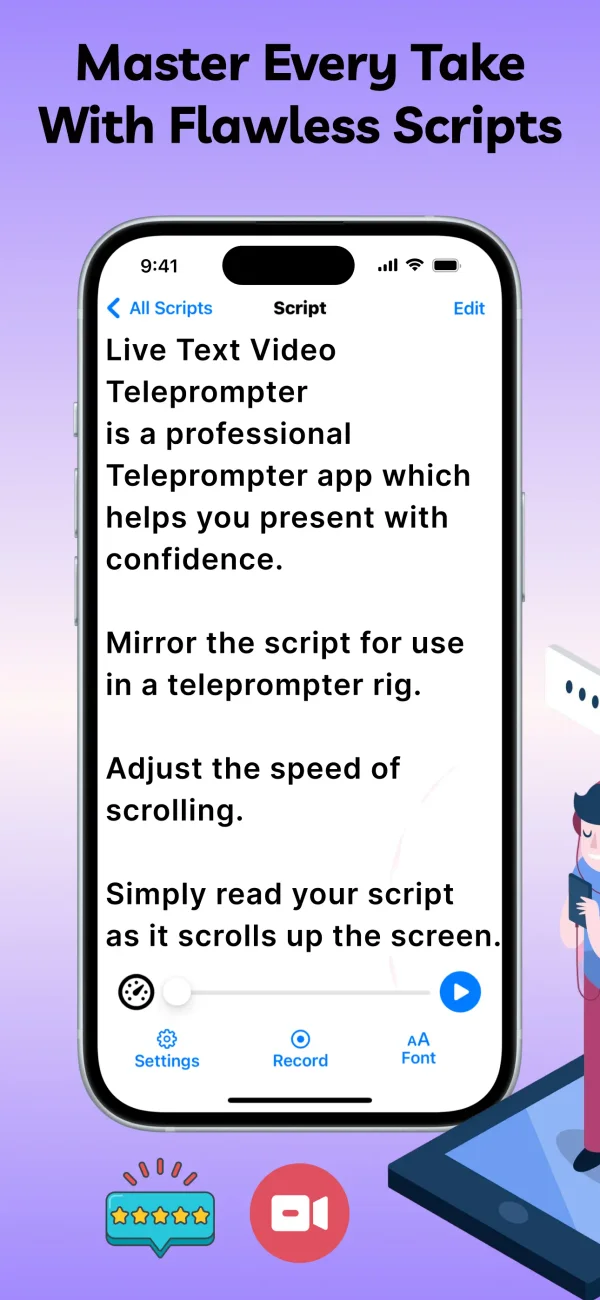
With its advanced functionality, the Teleprompter app makes it easy to speechify and present with confidence & ease. You can customize the app to display your scriptable Script prompter exactly as you need, with adjustable scrolling speed, auto captions and more.
The app is not just for public speaking, it's also an excellent Video recording assistance tool which can record videos using the front and rear-facing cameras on your device, choosing your camera resolution (Basic and 4K). Additionally, it allows you to record sound using both the in-built and external microphones, giving you great audio quality on your videos.
If you're looking for video recorder with audio then with this, the app functions as a Performance support tool to assist you capture the perfect shot.
The app has custom controls allowing you backstage to start and stop the video recording as well as control the autoscroll Script prompter (start / pause / resume / adjust speed).
Overall, the app is an essential Speaking coach, Narration aid, video teleprompter record, and video recording software for anyone looking to make compelling videos, translate video, or deliver confident and engaging speeches within eye blinks. It lets you add captions to videos so you can speak fluently with live caption and lets you feel as it's captions free. Its advanced features, intuitive interface, and versatility make it an indispensable tool for creators of all levels and final draft mobile.
Built for simplicity and ease of use.
Useful In:
• Public speaking
• Video production
• Content creation
• Teleprompter pro rig device
• Voice-over work
• Language learning
• Podcast recording
• Dubbing video
Some features of Teleprompter Require a Paid Subscription (Mentioned with asterisk *)
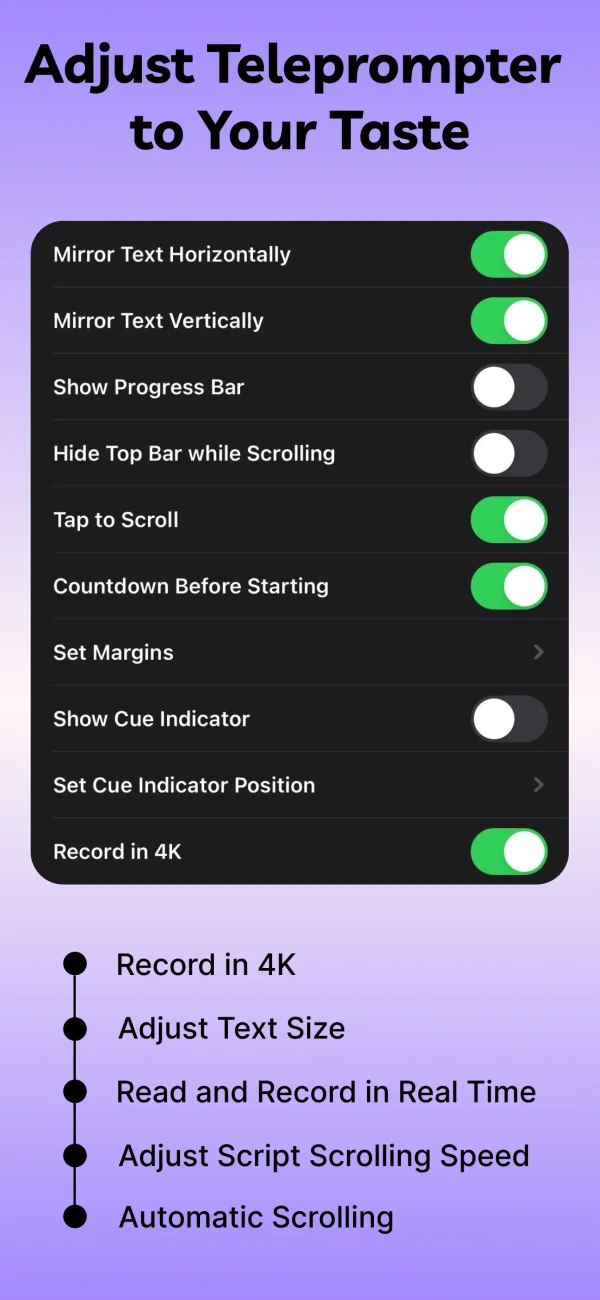
• Read and Record in real time with ease
• Scroll back to grab a quote or revisit a point
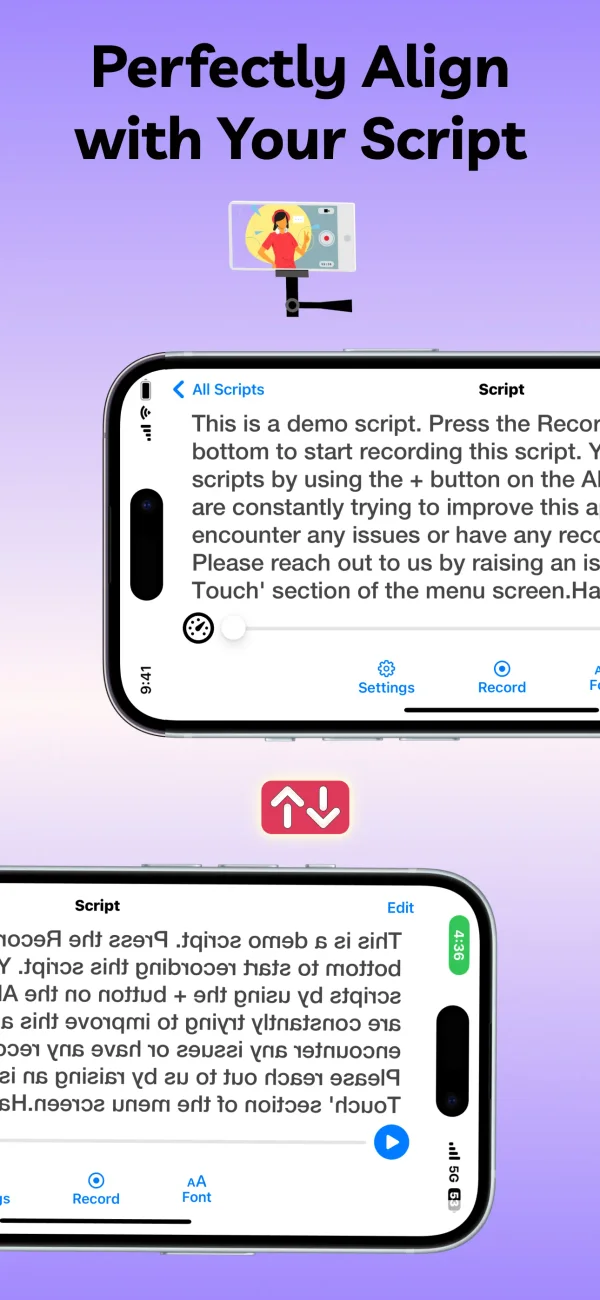
• Mirror text for on-camera Teleprompter rig (*)
• Scripts scroll smoothly and auto-scroll clearly on the display
• Record videos with eye contact as on a real mirror and read the Teleprompter like captions for videos
• Display your scripts full screen while scrolling (*)
• Compose and manage unlimited scripts, automated text with no script length limit
• Adjustable side margins on Teleprompter (*)
• Add cue points to your running scripts (*)
• Add a countdown timer before teleprompter scrolling begins (*)
Upcoming Features:
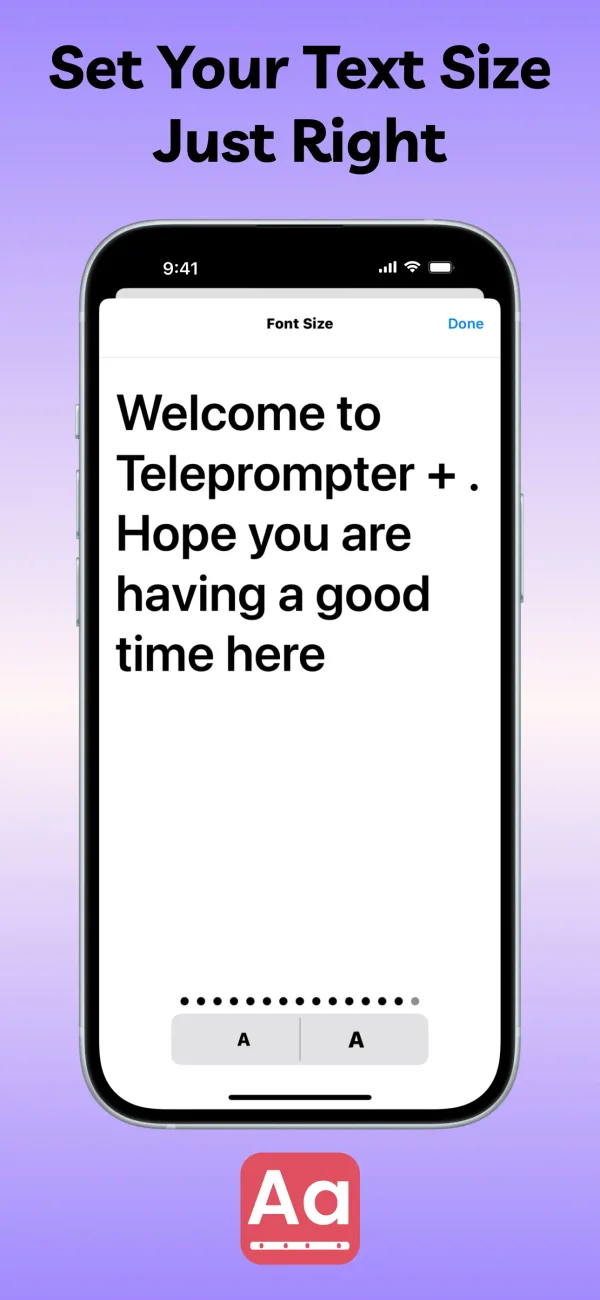
• Customize the text size and color of your scripts.
• Customize the background color behind your script.
• Re-arrange your scripts by title, date or arrange them in a custom order
• Airdrop your saved scripts to nearby devices
• Export and share your scripts with others quickly
To have access to the "Teleprompter Full Access" functionality, you can choose between a monthly and yearly auto-renewable subscription. This is a recurring transaction that will be charged to your iTunes Account at confirmation of purchase and will automatically renew unless you cancel it at least 24 hours before the end of your subscription. Renewals will be charged the same cost within 24 hours prior to the end of the current period. You can manage your subscriptions and auto-renewal can be turned off by going to your iTunes Account Settings after purchase.
Terms of Service (EULA) : https://www.apple.com/legal/internet-services/itunes/dev/stdeula/
Privacy Policy: https://www.freeprivacypolicy.com/live/cfeee37b-0c93-4bc8-ac4b-fd25ff754886
新機能
バージョン 2.0.22 · 2024/12/27
This app has been updated by Apple to prepare for watchOS 27 compatibility. No new features are included.
Stability improvements and bug fixes.
アプリのプライバシー
このアプリのデータの取り扱いについて、ZerovikがApp Storeで申告している内容です。
-
ユーザーのトラッキングに使用されるデータ
他社のアプリやウェブサイトを横断してユーザーをトラッキングする目的で使用される場合があります。
- 購入
- 使用状況データ
-
ユーザーに関連付けられたデータ
収集され、ユーザーの識別情報に関連付けられる場合があります。
- 購入
-
ユーザーに関連付けられないデータ
収集される場合がありますが、ユーザーの識別情報には関連付けられません。
- ID
- 使用状況データ
- 診断
プライバシーの取り扱いは、ご利用の機能やお客様の年齢などに応じて異なる場合があります。
情報
- 販売元
- Zerovik Pte. Ltd.
- カテゴリ
- 仕事効率化
- バージョン
- 2.0.22
- 更新日
- 2024/12/27
- リリース
- 2023/3/24
- サイズ
- 27.7 MB
- 必要条件
- iOS 16.0以降
- 対象年齢
- 4+
- 価格
- 無料
- アプリ内課金
- あり
- 言語
- 英語
- 著作権
- 2024 © Zerovik Innovations Private Limited
こちらもおすすめ
-
 Teleprompter - Floating window仕事効率化
-
 Teleprompter: Floating Scripts仕事効率化
-
 Teleprompter for Videos Script仕事効率化
-
 Teleprompter for Video ScriptPrompter for Video Captions
-
 テレプロンプター : スマート プロンプトとオートキュービデオ テレプロンプター Pro および録画スクリプト
-
 Teleprompter for Video+仕事効率化
-
 テレプロンプター:動画録画台本・カンペ・ミラー
-
 プロンプター 字幕 自動 テロップ 台本 CUEBOXAI字幕・翻訳・多言語対応・二言語表示
-
 Instant Prompter: Teleprompter仕事効率化
-
 Teleprompter App Lite仕事効率化