Floating Notes Teleprompter
Auto Scroll Script Rehearser
Được thiết kế cho iPhone
Miễn phí · Mua hàng trong ứng dụng
- Độ tuổi4+
- Danh mụcHiệu Suất
- Nhà phát triểnZerovik
- Ngôn ngữTiếng Anh
- Kích thước27,7 MB
Liên kết đến trang App Store chính thức
Download.org không lưu trữ tệp nào của Floating Notes Teleprompter. Nút này mở trang ứng dụng trên App Store, nơi Zerovik phát hành ứng dụng. Trang được kiểm tra lần cuối: 13/11/2026.
Ảnh chụp màn hình

Giới thiệu
Nhà phát triển chưa cung cấp nội dung này bằng ngôn ngữ của bạn.
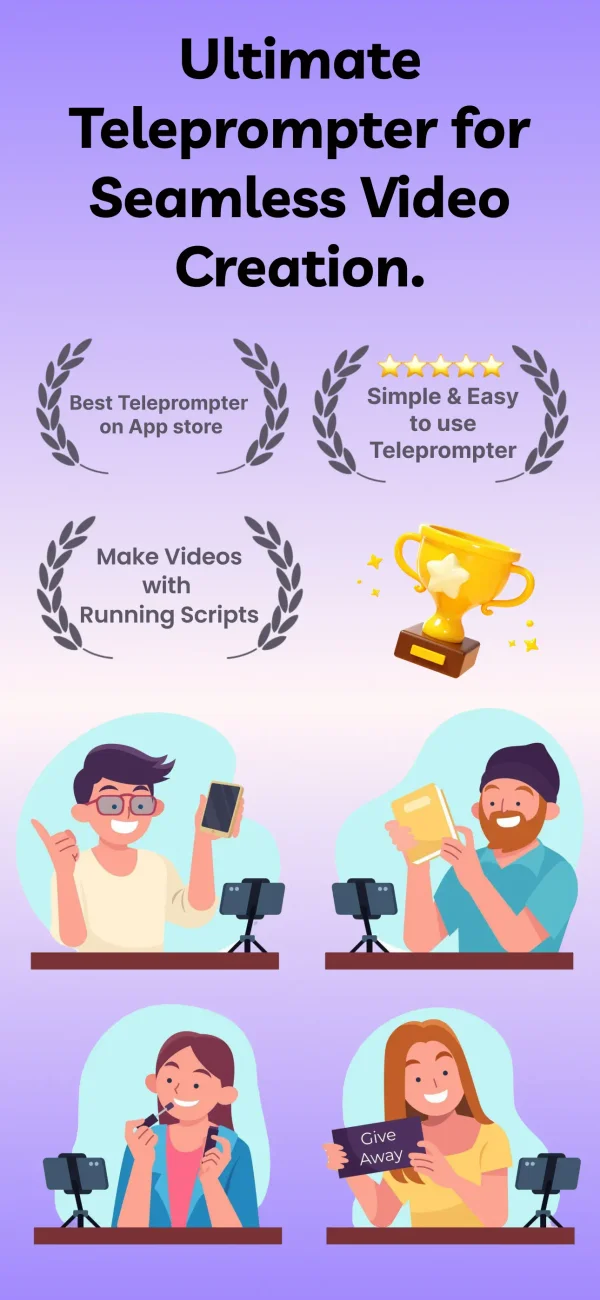
Introducing the iPrompter Teleprompter app, your all-in-one public speaking tele-prompter tool and video production assistant. Whether you're a professional speaker, video influencers, content creator, or just someone looking to make high-quality videos, iPrompter Teleprompter app has everything to make your content shine.
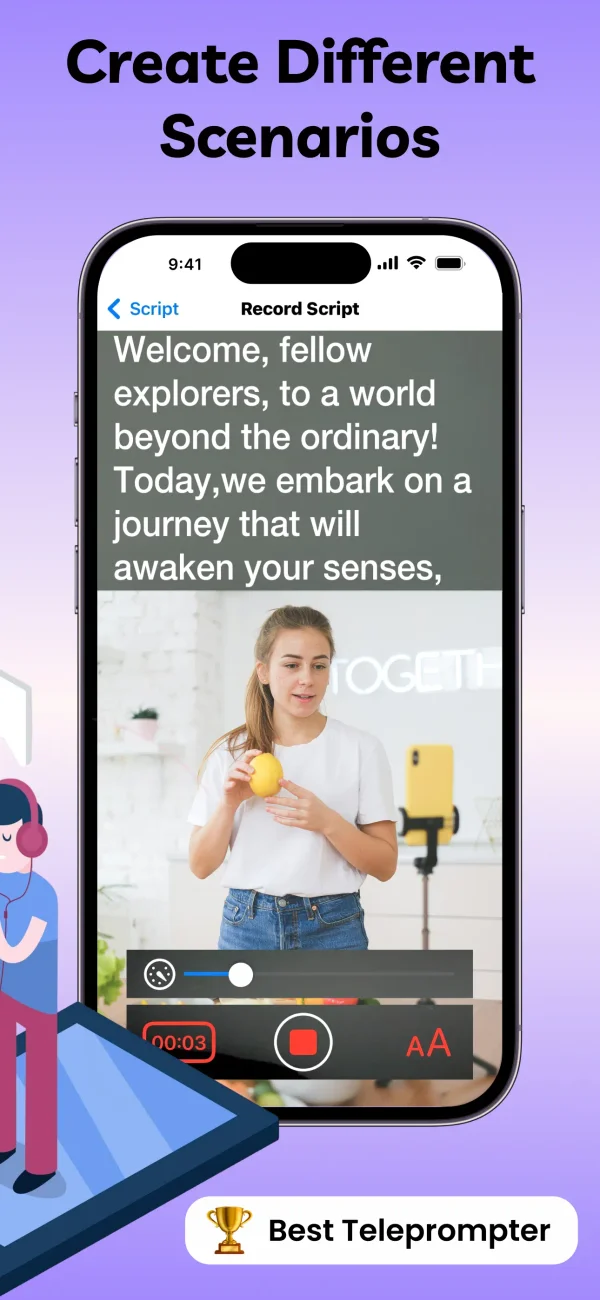
iPrompter Teleprompter makes it Possible to Capture Videos while Reading Script at the Same time.
It is easy to use free Teleprompter app with mirroring, no script limits, prompt smart pro and a lot of great features.
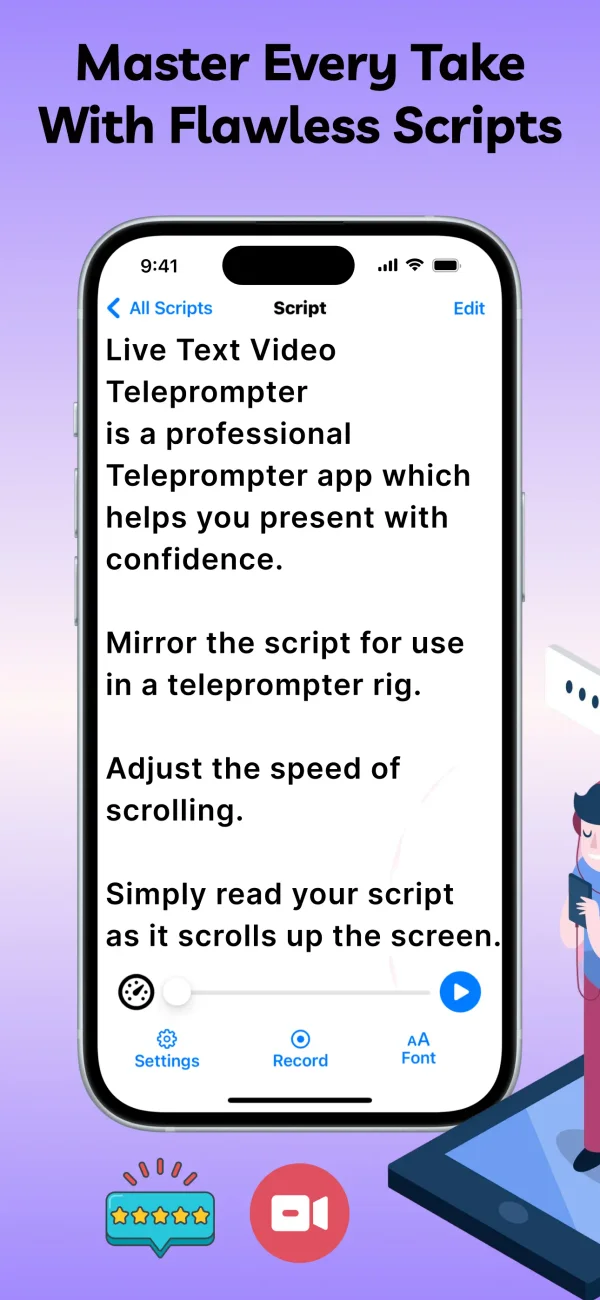
With its advanced functionality, the Teleprompter app makes it easy to speechify and present with confidence & ease. You can customize the app to display your scriptable Script prompter exactly as you need, with adjustable scrolling speed, auto captions and more.
The app is not just for public speaking, it's also an excellent Video recording assistance tool which can record videos using the front and rear-facing cameras on your device, choosing your camera resolution (Basic and 4K). Additionally, it allows you to record sound using both the in-built and external microphones, giving you great audio quality on your videos.
If you're looking for video recorder with audio then with this, the app functions as a Performance support tool to assist you capture the perfect shot.
The app has custom controls allowing you backstage to start and stop the video recording as well as control the autoscroll Script prompter (start / pause / resume / adjust speed).
Overall, the app is an essential Speaking coach, Narration aid, video teleprompter record, and video recording software for anyone looking to make compelling videos, translate video, or deliver confident and engaging speeches within eye blinks. It lets you add captions to videos so you can speak fluently with live caption and lets you feel as it's captions free. Its advanced features, intuitive interface, and versatility make it an indispensable tool for creators of all levels and final draft mobile.
Built for simplicity and ease of use.
Useful In:
• Public speaking
• Video production
• Content creation
• Teleprompter pro rig device
• Voice-over work
• Language learning
• Podcast recording
• Dubbing video
Some features of Teleprompter Require a Paid Subscription (Mentioned with asterisk *)
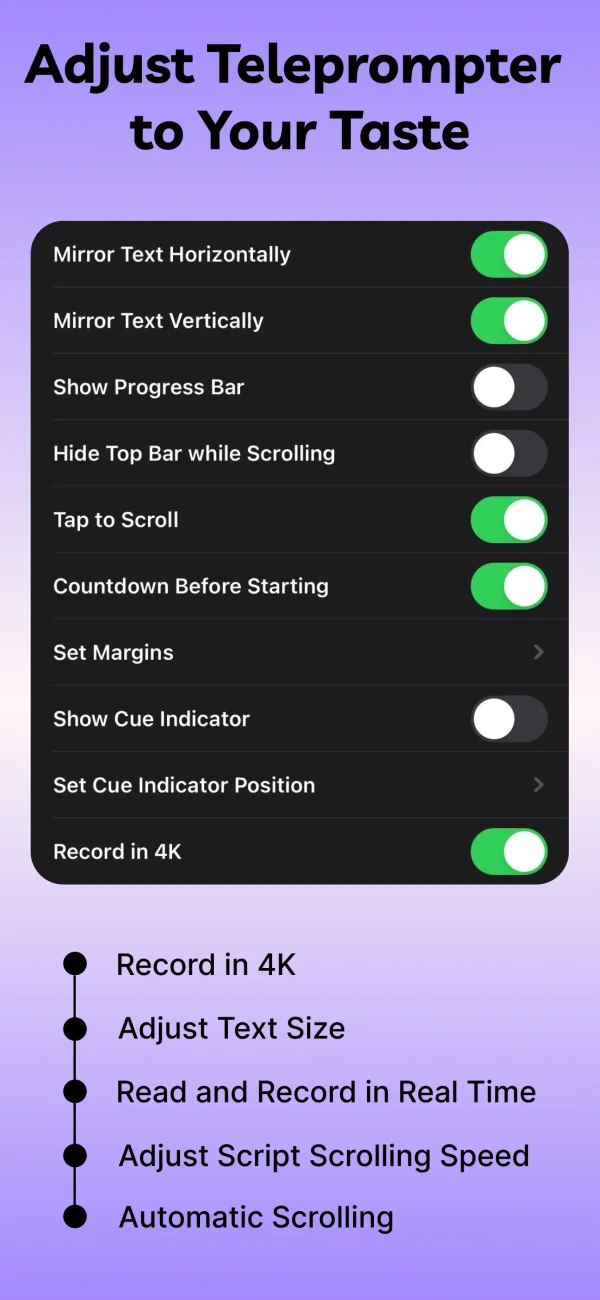
• Read and Record in real time with ease
• Scroll back to grab a quote or revisit a point
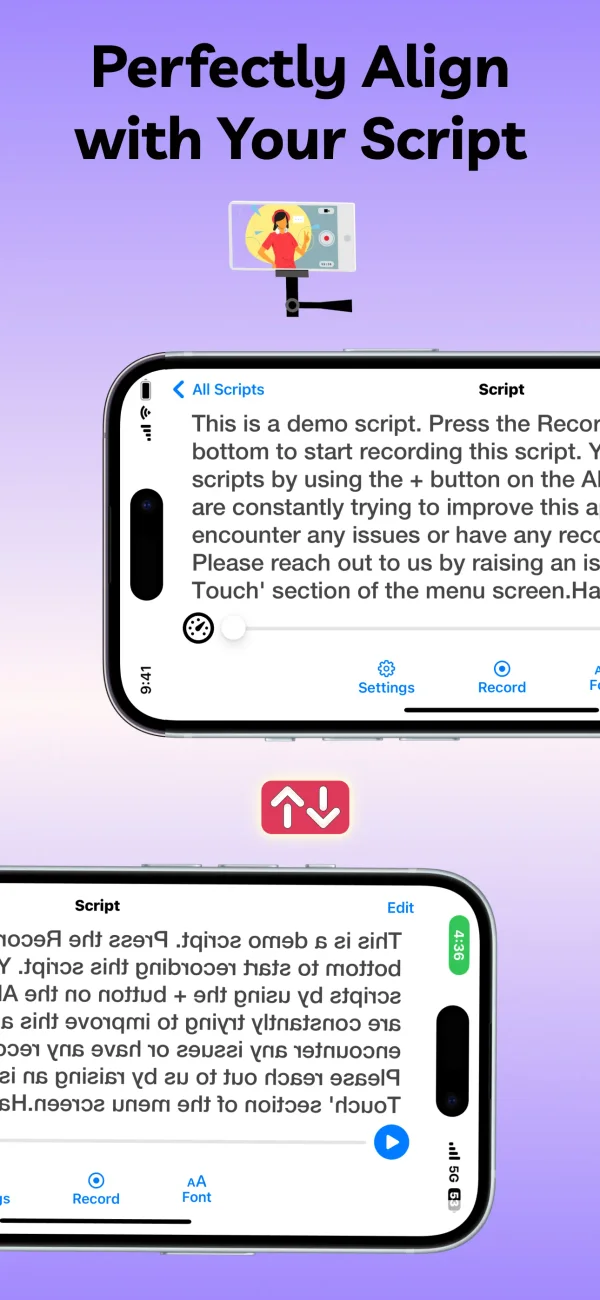
• Mirror text for on-camera Teleprompter rig (*)
• Scripts scroll smoothly and auto-scroll clearly on the display
• Record videos with eye contact as on a real mirror and read the Teleprompter like captions for videos
• Display your scripts full screen while scrolling (*)
• Compose and manage unlimited scripts, automated text with no script length limit
• Adjustable side margins on Teleprompter (*)
• Add cue points to your running scripts (*)
• Add a countdown timer before teleprompter scrolling begins (*)
Upcoming Features:
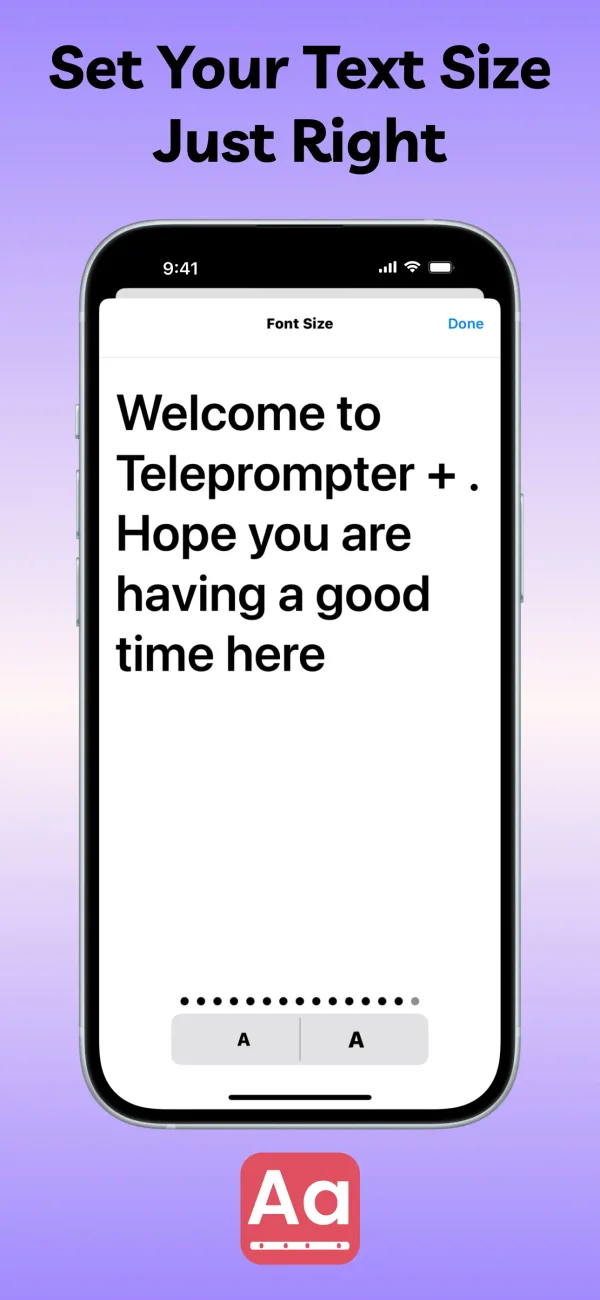
• Customize the text size and color of your scripts.
• Customize the background color behind your script.
• Re-arrange your scripts by title, date or arrange them in a custom order
• Airdrop your saved scripts to nearby devices
• Export and share your scripts with others quickly
To have access to the "Teleprompter Full Access" functionality, you can choose between a monthly and yearly auto-renewable subscription. This is a recurring transaction that will be charged to your iTunes Account at confirmation of purchase and will automatically renew unless you cancel it at least 24 hours before the end of your subscription. Renewals will be charged the same cost within 24 hours prior to the end of the current period. You can manage your subscriptions and auto-renewal can be turned off by going to your iTunes Account Settings after purchase.
Terms of Service (EULA) : https://www.apple.com/legal/internet-services/itunes/dev/stdeula/
Privacy Policy: https://www.freeprivacypolicy.com/live/cfeee37b-0c93-4bc8-ac4b-fd25ff754886
Có gì mới
Phiên bản 2.0.22 · 27/12/2024
This app has been updated by Apple to prepare for watchOS 27 compatibility. No new features are included.
Stability improvements and bug fixes.
Quyền riêng tư của ứng dụng
Những gì Zerovik khai báo trên App Store về cách ứng dụng này xử lý dữ liệu.
-
Dữ liệu được sử dụng để theo dõi bạn
Có thể được sử dụng để theo dõi bạn trên các ứng dụng và trang web do công ty khác sở hữu.
- Mục mua
- Dữ liệu sử dụng
-
Dữ liệu liên kết với bạn
Có thể được thu thập và liên kết với danh tính của bạn.
- Mục mua
-
Dữ liệu không liên kết với bạn
Có thể được thu thập nhưng không liên kết với danh tính của bạn.
- Mã định danh
- Dữ liệu sử dụng
- Chẩn đoán
Phương thức đảm bảo quyền riêng tư có thể khác nhau, chẳng hạn như tuỳ theo các tính năng bạn sử dụng hoặc độ tuổi của bạn.
Thông tin
- Người bán
- Zerovik Pte. Ltd.
- Danh mục
- Hiệu Suất
- Phiên bản
- 2.0.22
- Cập nhật
- 27/12/2024
- Phát hành
- 24/03/2023
- Kích thước
- 27,7 MB
- Yêu cầu
- iOS 16.0 trở lên
- Độ tuổi
- 4+
- Giá
- Miễn phí
- Mua hàng trong ứng dụng
- Có
- Ngôn ngữ
- Tiếng Anh
- Bản quyền
- 2024 © Zerovik Innovations Private Limited
Có thể bạn cũng thích
-
 Teleprompter - Floating windowHiệu Suất
-
 Teleprompter: Floating ScriptsHiệu Suất
-
 Teleprompter for Videos ScriptHiệu Suất
-
 Teleprompter for Video ScriptPrompter for Video Captions
-
 Máy nhắc chữ để quay videoĐọc văn bản, ghi âm & nhắc nhở
-
 Teleprompter for Video+Hiệu Suất
-
 Teleprompter For Video RecordĐọc chữ, chế độ gương
-
 Teleprompter: Captions: CUEBOXCaptions for Talking Videos
-
 Instant Prompter: TeleprompterHiệu Suất
-
 Teleprompter App LiteHiệu Suất