- 対象年齢4+
- カテゴリ仕事効率化
- 開発元ROAD LINE E.E.
- 言語英語
- サイズ13.1 MB
App Storeの公式ページにリンクしています
Download.orgはFlyFocus: Flight Mode Timerのファイルを一切ホストしていません。ボタンを押すと、ROAD LINE E.E.が公開しているApp Storeのアプリページが開きます。ページの最終確認:2026/11/16。
スクリーンショット
概要
開発元はこのテキストをお使いの言語で提供していません。
FlyFocus: Flight Mode Timer helps you stay focused by turning concentration into a simple flight-inspired experience.
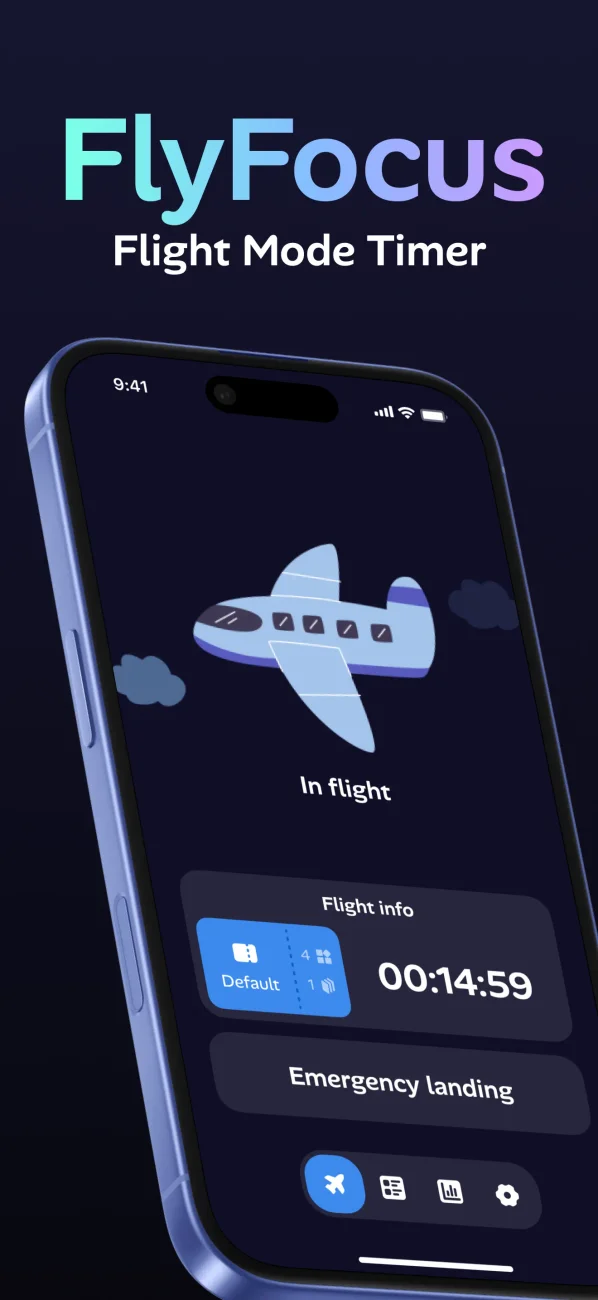
The app uses the metaphor of a "flight" to represent a distraction-free state. When a focus session begins, you enter Flight Focus Mode – a temporary environment where selected apps are restricted and your device becomes a quieter space for work, study, or reading.
FLIGHT FOCUS MODE
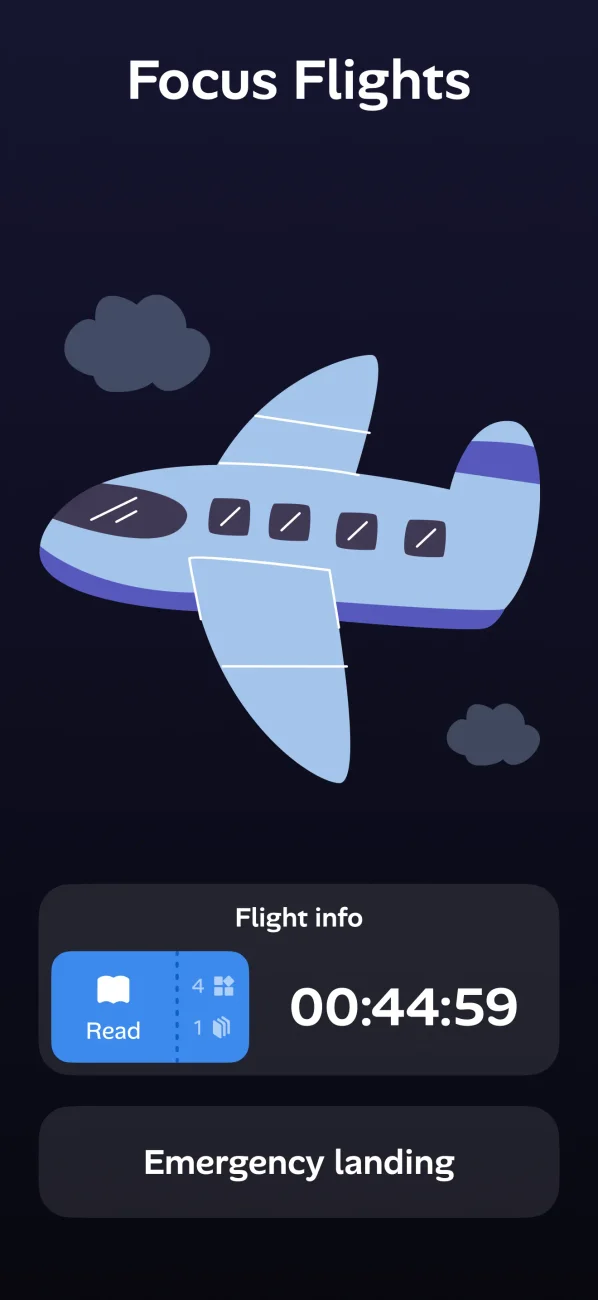
Start a focus session and enter In Flight status.
During a session:
• selected apps are blocked
• distracting notifications are limited using Screen Time
• a focus timer is displayed
• optional airplane ambience can play in the background
The app does not enable the device’s real airplane mode. The flight concept is used purely as a visual metaphor for a focused state.
APP BLOCKING TOOLS
Control distracting apps with flexible restrictions:
• block selected apps
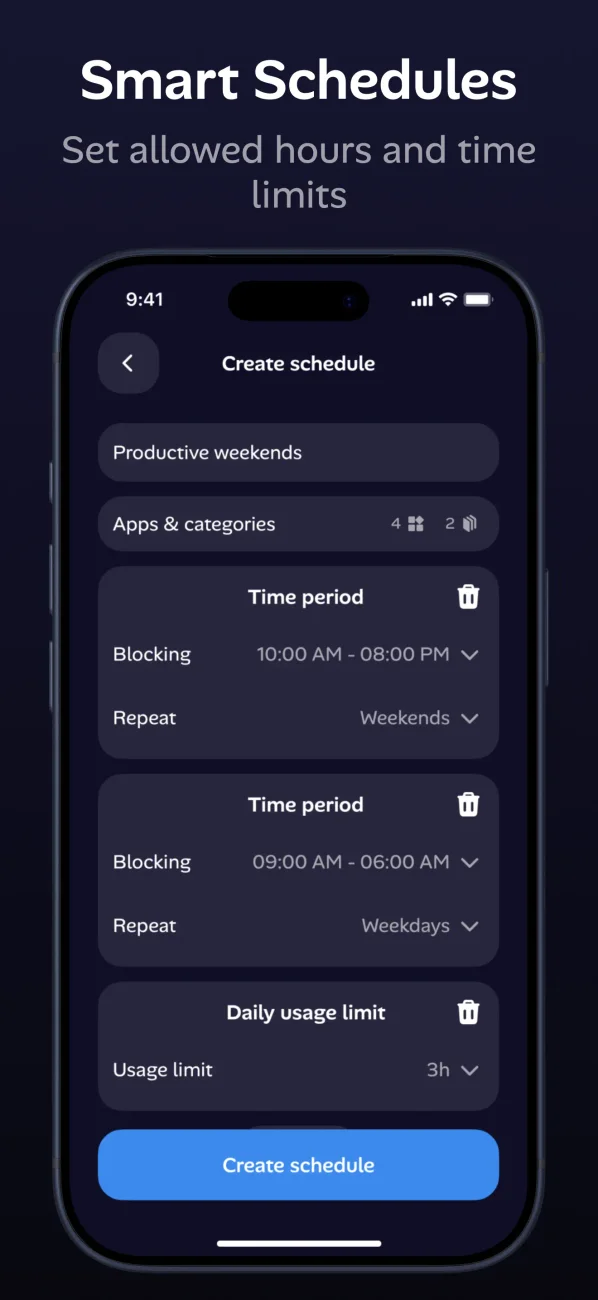
• create time-based schedules
• set daily usage limits
• limit the number of launches per day
If a blocked app is opened, a lock screen explains the reason for the restriction.
SCHEDULING
Create automated blocking scenarios based on time and days of the week.
You can configure:
• start and end times
• specific days or repeating schedules
• multiple restriction periods
FOCUS DASHBOARD
During a focus session you can see:
• current In Flight status
• session timer
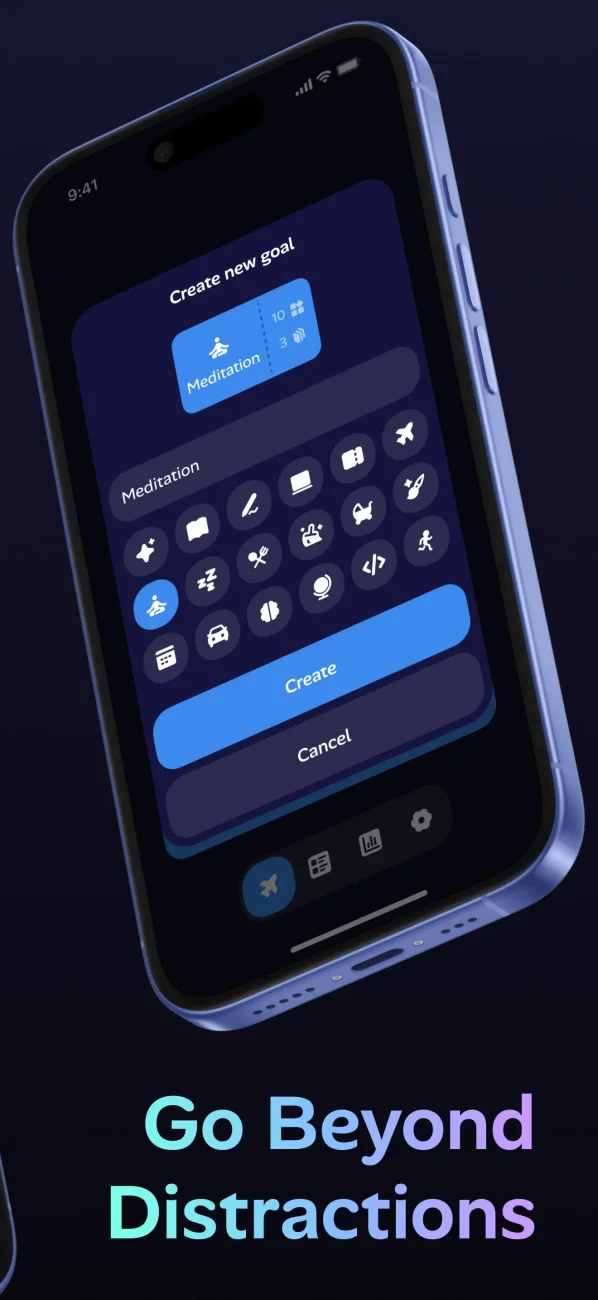
• focus goal (Work, Study, Reading, or custom)
• blocked apps
• focus indicator
A session can be ended early using Emergency Landing if needed.
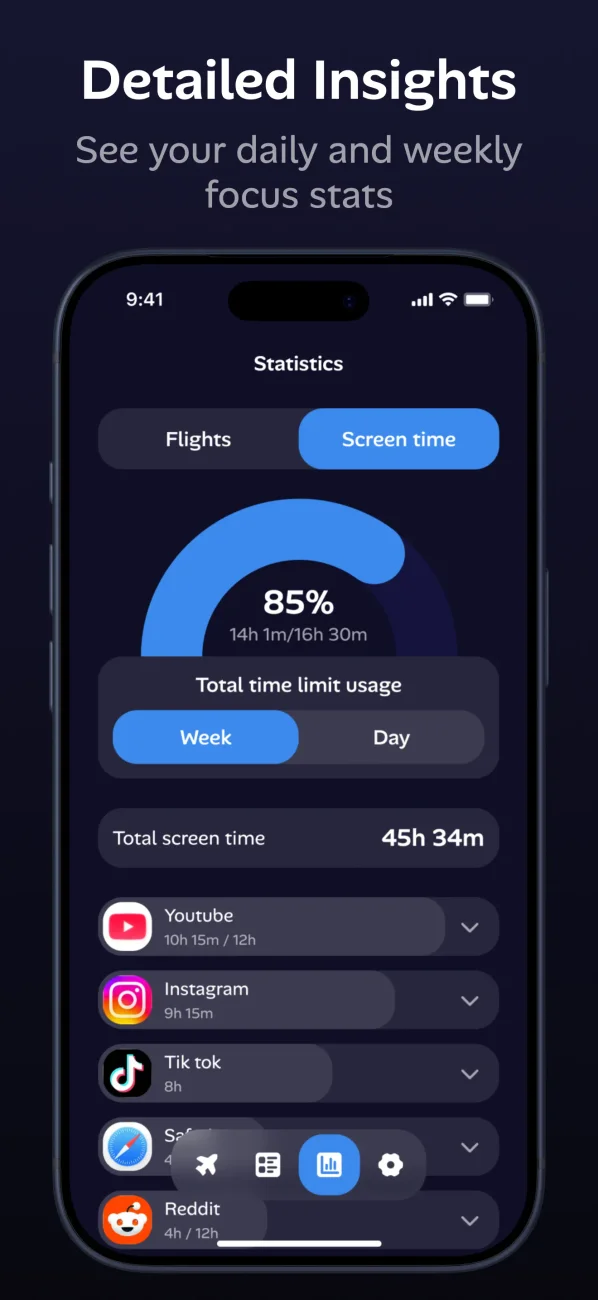
STATISTICS
Track your progress and stay aware of your digital habits.
Available metrics include:
• daily and weekly usage insights
• total time spent in focus sessions
• number of sessions completed
• average session duration
• focus streaks
• prevented distractions
FREE VERSION
- block up to 3 apps
- one active blocking scenario
- basic statistics
PREMIUM VERSION
- unlimited schedules and restrictions
- multiple restriction types per app
- detailed app statistics
- launch counts and session duration insights
- time-period comparisons
- protection against quickly disabling active restrictions
FlyFocus: Flight Mode Timer helps you disconnect from distractions and stay focused – one flight at a time.
Privacy Policy: https://docs.google.com/document/d/15p6pTH1-J9ToQkjrsjvsg5KROeDX7JhQD7ulQQf553Q/edit?usp=sharing
Terms & Conditions: https://docs.google.com/document/d/19dh9873HkYCBX97v69Fg0MsyU2mtI3WyPAIFH4fcRJw/edit?usp=sharing
新機能
バージョン 1.0.1 · 2026/8/30
Improved application performance.
アプリのプライバシー
このアプリのデータの取り扱いについて、ROAD LINE E.E.がApp Storeで申告している内容です。
-
データの収集なし
開発元はこのアプリからデータを収集しません。
プライバシーの取り扱いは、ご利用の機能やお客様の年齢などに応じて異なる場合があります。
情報
- 販売元
- ROAD LINE E.E.
- カテゴリ
- 仕事効率化
- バージョン
- 1.0.1
- 更新日
- 2026/8/30
- リリース
- 2026/8/21
- サイズ
- 13.1 MB
- 必要条件
- iOS 17.0以降
- 対象年齢
- 4+
- 価格
- 無料
- アプリ内課金
- あり
- 言語
- 英語
- 著作権
- © ROAD LINE E.E.
こちらもおすすめ
-
 集中へ飛ぼう:集中タイマー仕事と勉強のための集中フライト
-
 Plane focus: Flight Timer仕事効率化
-
 AeroFocus:集中フライトタイマー勉強がフライトになる集中タイマー
-
 AirFlow: Focus Flight 集中タイマーポモドーロ & ADHD 勉強 集中
-
 Tracky: Subscription Manager仕事効率化
-
 MRS: PDF編集・スキャナー・OCR書類スキャン・署名・写真をPDF変換
-
 FocusHouse 集中・勉強タイマーフォーカスタイマー。
-
 SkyFocus仕事効率化
-
 FocusAir: 集中タイマーアプリをブロックして、搭乗。
-
 Voyage: Study & Focus Timer仕事効率化