- 対象年齢4+
- カテゴリグラフィック/デザイン
- 開発元恒笑 吴
- 言語英語ほか2言語
- サイズ64.8 MB
App Storeの公式ページにリンクしています
Download.orgはFomaのファイルを一切ホストしていません。ボタンを押すと、恒笑 吴が公開しているApp Storeのアプリページが開きます。ページの最終確認:2026/11/24。
スクリーンショット

概要
開発元はこのテキストをお使いの言語で提供していません。
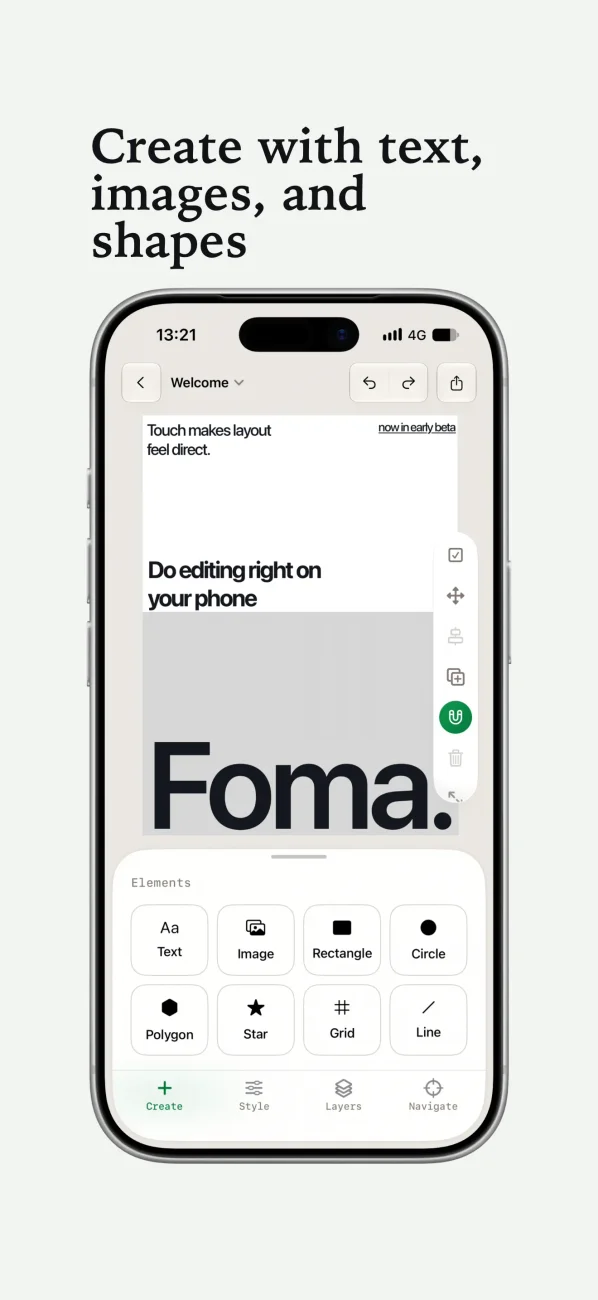
Foma is a touch-first graphic design and typography editor for iPhone and iPad. Create posters, social graphics, typographic compositions, and precise visual layouts in a workspace designed for direct manipulation.
DESIGN WITH PRECISION
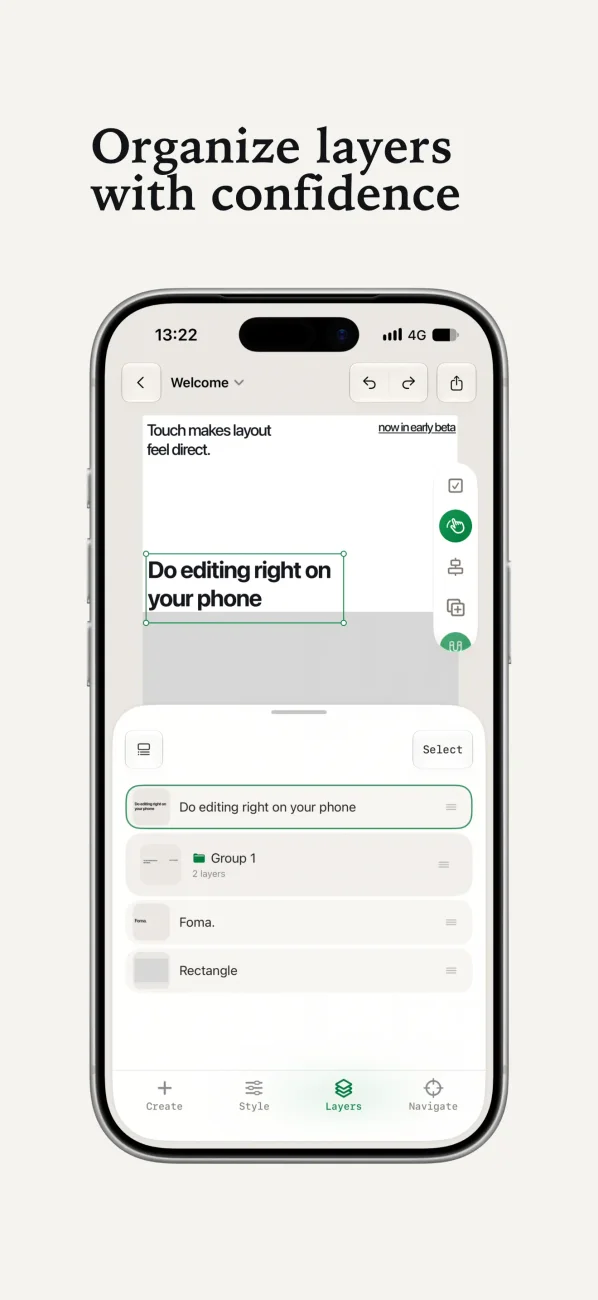
• Add and edit text, photos, rectangles, circles, polygons, stars, grids, and lines.
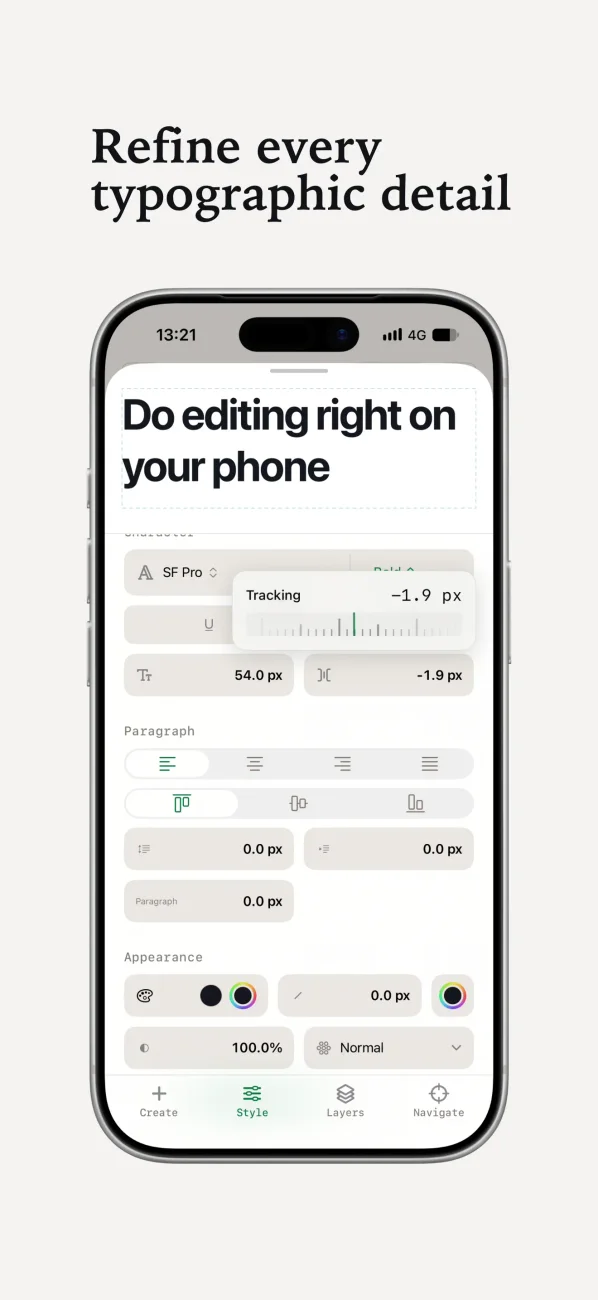
• Import custom fonts and fine-tune weight, size, tracking, line spacing, paragraph spacing, alignment, and decoration.
• Control fill, stroke, opacity, blend modes, position, size, rotation, and shape-specific settings.
• Create linear, mirrored, radial, and multi-point gradients. Add effects including Color Key, blur, shadow, and outline.
WORK NATURALLY
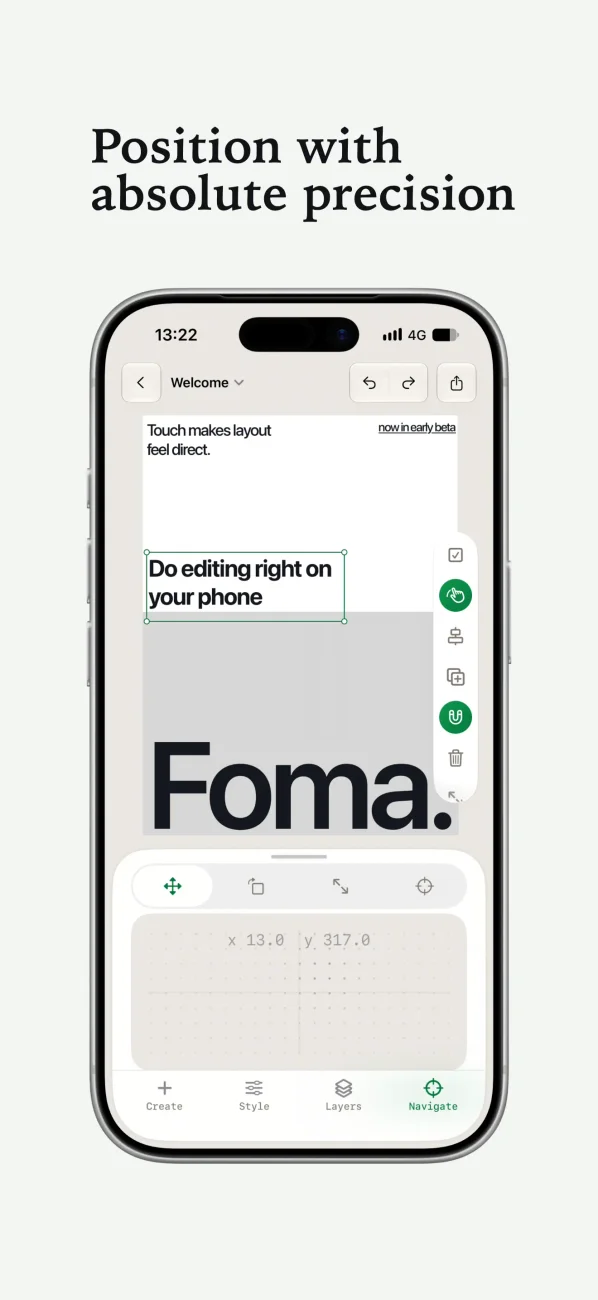
• Move, scale, rotate, duplicate, align, distribute, and group elements directly on the canvas.
• Use snapping, marquee selection, precision rulers, crop controls, cutout edges, and opacity masks.
• Save elements or groups to Hub, organize them, and reuse them across local projects.
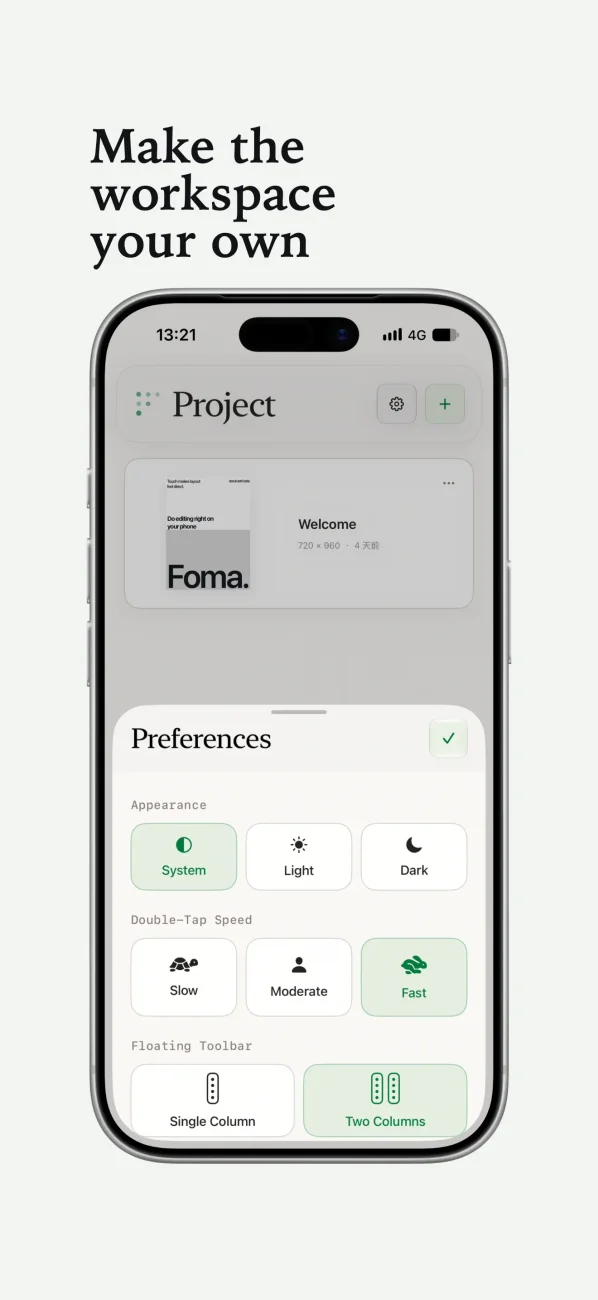
• Learn gestures and workflows with interactive onboarding and the visual Foma Guidebook.
CREATE FOR SCREEN OR PRINT
• Start from presets or set custom dimensions in pixels, millimeters, inches, or points.
• Configure DPI, bleed, background color, transparency, and grids.
• Import Illustrator, PDF, or Foma project files.
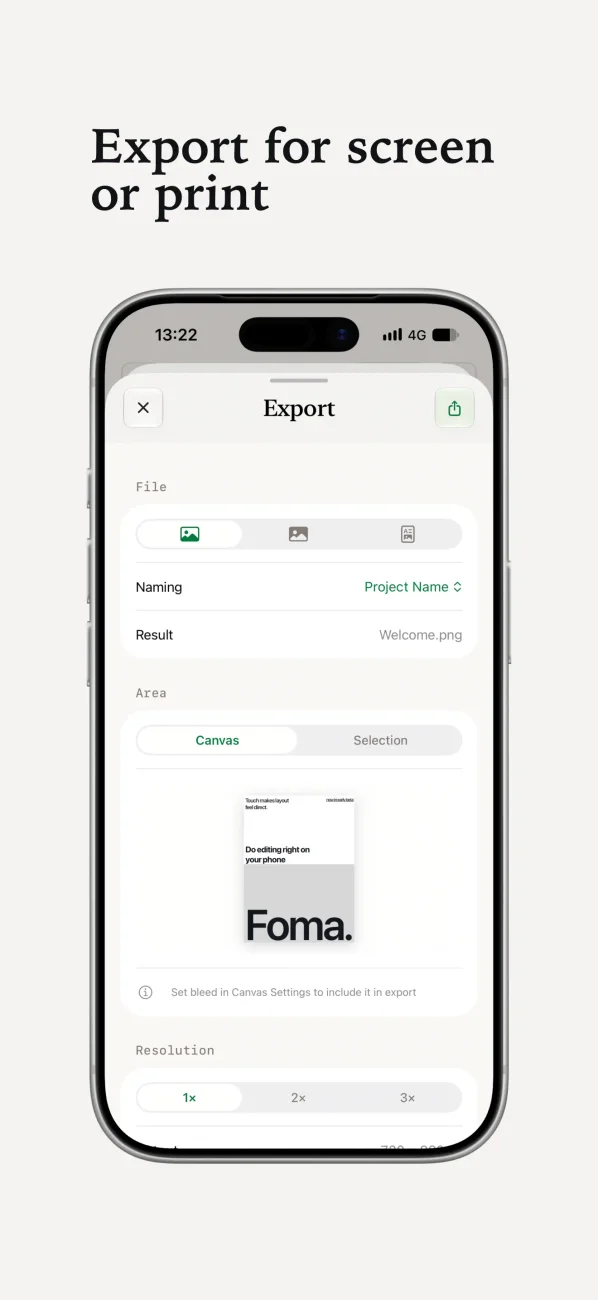
• Export a full canvas or selection as PNG, JPEG, PDF, or SVG; selected layers can also be exported as a combined image or separate files.
Foma adapts to iPhone, iPhone Duo, and iPad. Editing and rendering take place on your device. No account is required. Projects can be stored on the device or in an iCloud Drive folder you choose.
Foma Pro offers a 14-day free trial, monthly and annual subscriptions, and a one-time purchase. Start the trial when you’re ready. It ends without automatically renewing or charging you.
Terms of Use (EULA): https://www.apple.com/legal/internet-services/itunes/dev/stdeula/
新機能
バージョン 1.2.1 · 2026/11/24
• Layouts for iPhone Duo, including the outer display, unfolded canvas, and partially folded positions.
• Improved iPad panels, toolbars, keyboard handling, and transitions between screen sizes.
• A new Color Key effect, with color sampling, tolerance, and soft edges.
• Refined gradient controls, effect cards, and effect reordering.
• Open projects while the library refreshes, and queue multiple quick exports.
• Clearer trial export allowances and updated onboarding and purchase screens.
• Improved canvas and inspector transitions when rotating iPhone.
• Artwork stays sharp while dragging at high zoom and after release.
• Turning off Multi Select clears the entire selection.
• Smoother project opening and a cleaner export menu. SVG can convert text to paths, and options for grids, guides, and hidden layers appear when the canvas contains them.
アプリのプライバシー
このアプリのデータの取り扱いについて、恒笑 吴がApp Storeで申告している内容です。
-
データの収集なし
開発元はこのアプリからデータを収集しません。
プライバシーの取り扱いは、ご利用の機能やお客様の年齢などに応じて異なる場合があります。
情報
- 販売元
- 恒笑 吴
- カテゴリ
- グラフィック/デザイン
- バージョン
- 1.2.1
- 更新日
- 2026/11/24
- リリース
- 2026/9/17
- サイズ
- 64.8 MB
- 必要条件
- iOS 17.0以降
- 対象年齢
- 4+
- 価格
- 無料
- アプリ内課金
- あり
- 言語
- 英語, 簡体字中国語, 繁体字中国語
- 著作権
- © 2026 Glucos
こちらもおすすめ
-
 Medalsmith3Dエナメルメダルをデザイン
-
 MotMark-3Dモックアップ動画とプレビュー画像デザイン高変換スクリーンショット·ASO必須ツール
-
 AnyPiece - コラージュとZINE自由に切って、貼って、小さな本に
-
 Bentosグラフィック/デザイン
-
 Peelo - 贴纸 · 拼贴 · 时光日历グラフィック/デザイン
-
 Flipin - 3分钟做成一本zineグラフィック/デザイン
-
 CMSHTグラフィック/デザイン
-
 Wiggle Together(ウィグルトゥギャザー)友だちとお絵かき交換日記、世界とぬりえ
-
 ArtDraw: Sketch & Paint Studioグラフィック/デザイン
-
 Finelinerグラフィック/デザイン