
- 対象年齢4+
- カテゴリユーティリティ
- 開発元Giuseppe Caccavale
- 言語英語ほか1言語
- サイズ7.2 MB
App Storeの公式ページにリンクしています
Download.orgはGallery Optimizerのファイルを一切ホストしていません。ボタンを押すと、Giuseppe Caccavaleが公開しているApp Storeのアプリページが開きます。ページの最終確認:2026/11/18。
スクリーンショット

概要
開発元はこのテキストをお使いの言語で提供していません。
RECLAIM YOUR STORAGE SPACE
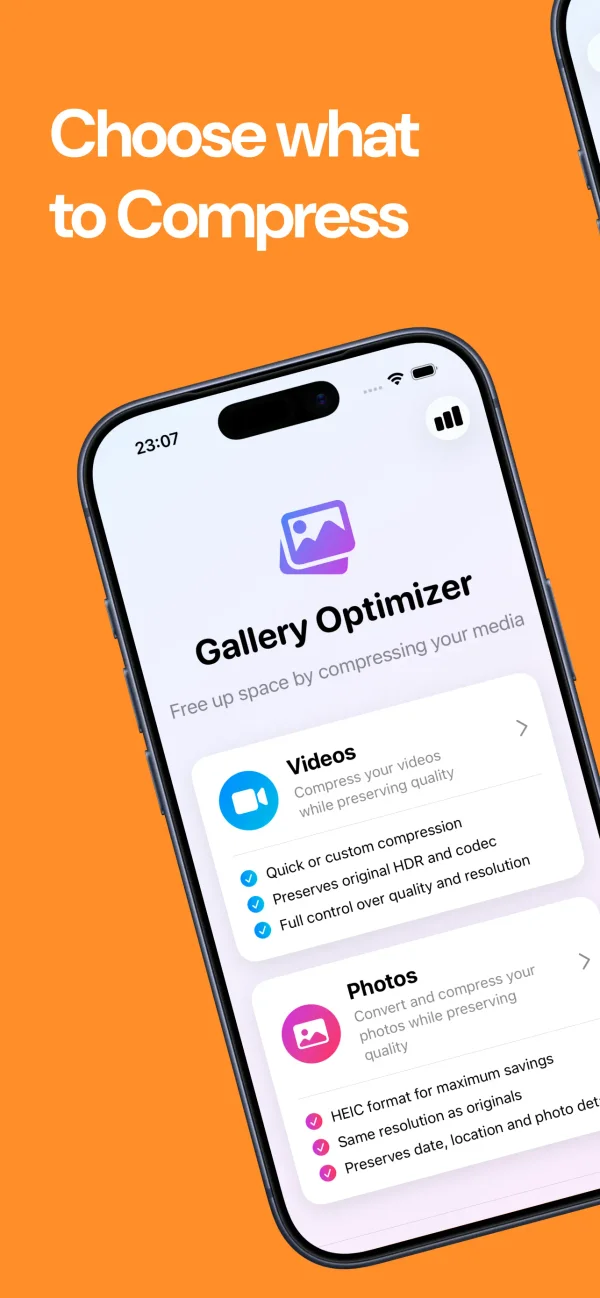
Gallery Optimizer helps you free up valuable storage on your iPhone by intelligently compressing videos and optimizing photos—all while preserving quality and your precious memories.
SMART VIDEO COMPRESSION
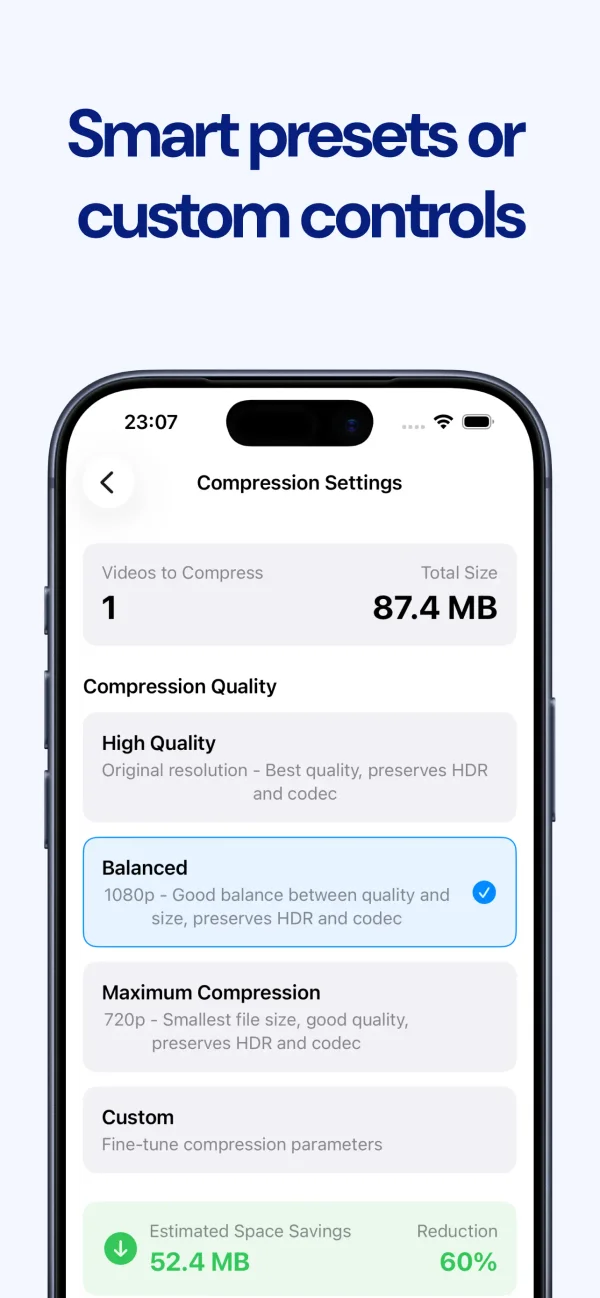
• Multiple quality presets: High Quality (4K), Balanced (1080p), or Maximum Compression (720p)
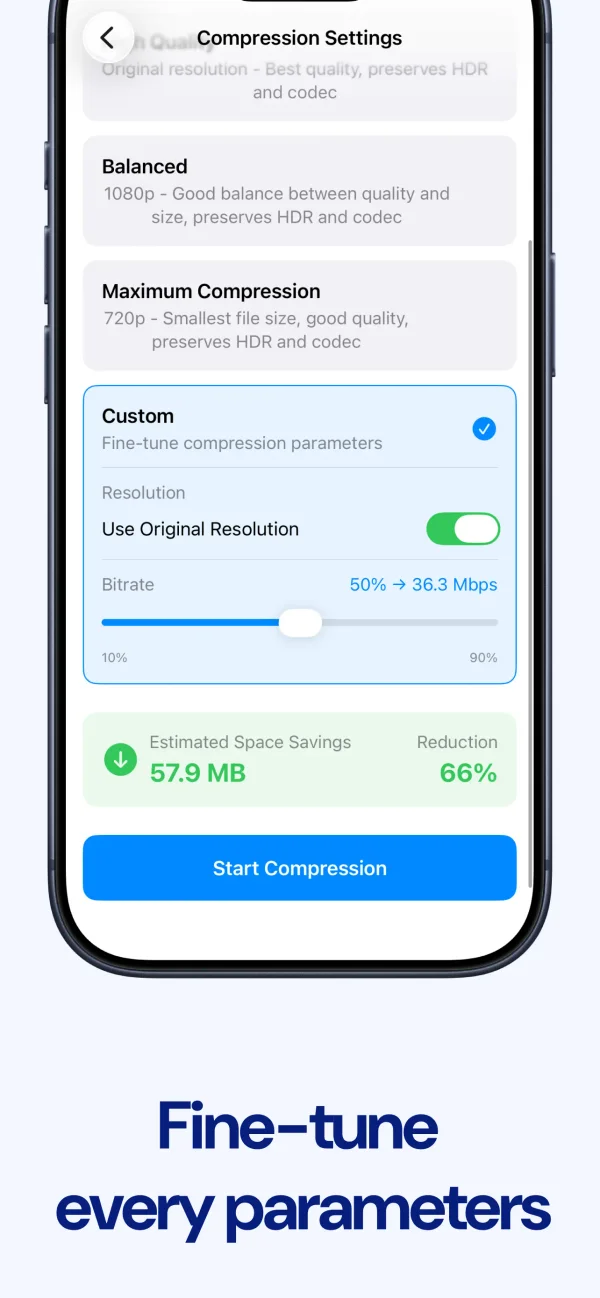
• Advanced custom controls for resolution, bitrate, and frame rate
• Automatically preserves HDR (HDR10/HLG) and original codec (HEVC/H.264)
• Maintains creation date, location, favorites, and all metadata
• Real-time compression progress with time estimates
• Typical space savings: 40-70% depending on settings
INTELLIGENT PHOTO OPTIMIZATION
• Convert photos to space-efficient HEIC format
• Quality presets: High (90%), Balanced (70%), or Maximum Compression (50%)
• Custom quality control from 10-100%
• Preserves original resolution, HDR, and wide color gamut
• Maintains GPS, camera settings, and lens information
• Typical space savings: 20-60% depending on format and quality
PRIVACY-FIRST DESIGN
• All processing happens locally on your device
• No cloud uploads or external servers
• Your photos and videos never leave your iPhone
• Full control over your media library
• Completely offline after initial setup
POWERFUL FEATURES
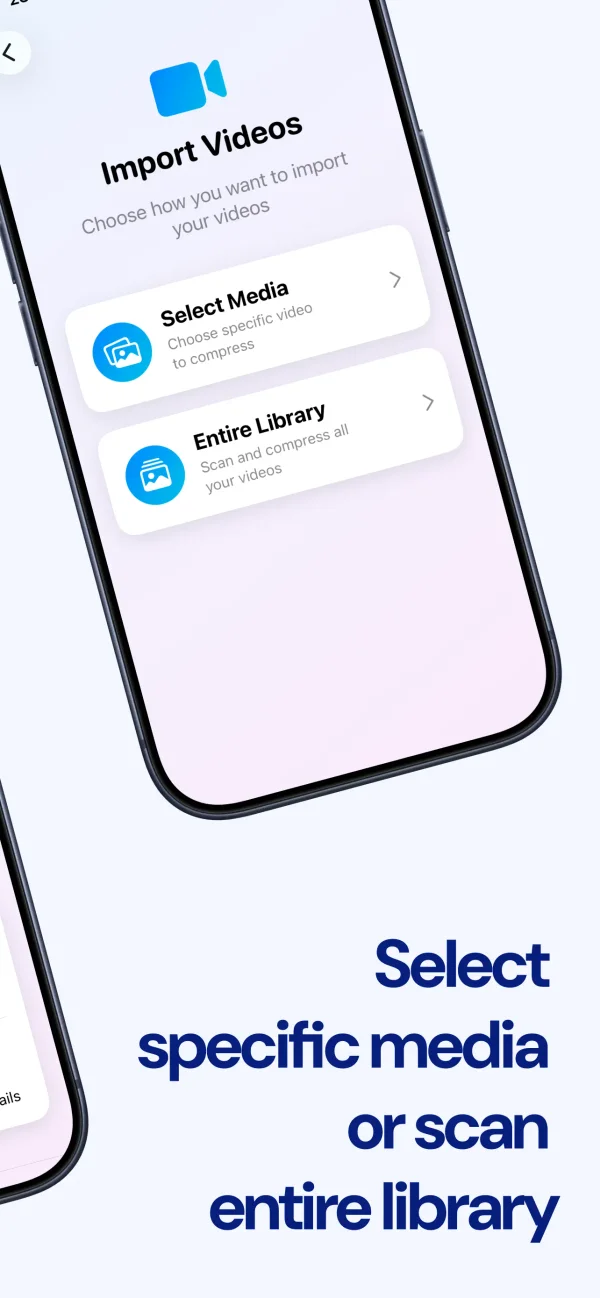
• Choose specific media or process your entire library
• See detailed statistics and track space saved over time
• Filter and sort by size, date, duration, or resolution
• Batch processing with pause/resume capability
• Automatic detection of already-optimized media
• Screen lock prevention during processing
• Clean, modern interface following Apple design guidelines
HOW IT WORKS
1. Grant photo library access
2. Choose between videos or photos
3. Select specific items or scan your entire library
4. Pick a quality preset or customize settings
5. Let Gallery Optimizer do the work
6. Optionally delete originals to reclaim space
PERFECT FOR
• Anyone running low on iPhone storage
• Users with large video and photo libraries
• Content creators managing 4K videos
• Travelers wanting to free up space for new memories
• Anyone wanting to optimize their photo library without quality loss
TECHNICAL EXCELLENCE
• Built with native Apple frameworks for optimal performance
• Supports all modern iPhone formats and codecs
• Concurrent processing for faster optimization
• Intelligent metadata preservation
• No subscriptions or hidden fees
NOTES
• iOS 18.0 or later required
• App must remain open during processing
• Original media can be optionally deleted after optimization
• Compression is permanent—keep backups of irreplaceable content
Download Gallery Optimizer today and take back control of your storage!
新機能
バージョン 1.6 · 2026/1/3
- Compressed photos and videos are now organized into albums within the Photos app.
- Improved statistics graph.
- Fixed a bug in the "Find Duplicates" tool.
アプリのプライバシー
このアプリのデータの取り扱いについて、Giuseppe CaccavaleがApp Storeで申告している内容です。
-
データの収集なし
開発元はこのアプリからデータを収集しません。
プライバシーの取り扱いは、ご利用の機能やお客様の年齢などに応じて異なる場合があります。
情報
- 販売元
- Giuseppe Caccavale
- カテゴリ
- ユーティリティ
- バージョン
- 1.6
- 更新日
- 2026/1/3
- リリース
- 2025/12/2
- サイズ
- 7.2 MB
- 必要条件
- iOS 18.0以降
- 対象年齢
- 4+
- 価格
- 無料
- アプリ内課金
- あり
- 言語
- 英語, イタリア語
- 著作権
- © Giuseppe Caccavale
こちらもおすすめ
-
 TidyShotユーティリティ
-
 BaerClear: Photo Cleanerユーティリティ
-
 Photo Cleaner AI-Phone Cleanerユーティリティ
-
 PhotoTri: 写真整理・重複削除スワイプで写真と動画を整理
-
 Calcster: 写真保存 & 画像保存写真バックアップ & 写真保存アプリ
-
 iSecret!Lite -Protected Photosユーティリティ
-
 Clario: ストレージ最適化・整理重複写真・不要メディア削除
-
 Albumly - 写真と動画を整理, 写真ライブラリを分類写真のフィルタリング、並べ替え、クリーンアップ
-
 Presenze FPCユーティリティ