- 対象年齢4+
- カテゴリ写真/ビデオ
- 開発元Michel Fortin
- 言語英語ほか1言語
- サイズ14.4 MB
App Storeの公式ページにリンクしています
Download.orgはGamma Boardのファイルを一切ホストしていません。ボタンを押すと、Michel Fortinが公開しているApp Storeのアプリページが開きます。ページの最終確認:2026/11/20。
スクリーンショット

概要
開発元はこのテキストをお使いの言語で提供していません。
Remotely control the colors of an array screens.
Important: requires Gamma Control 6 (for Mac) or Scenica Player (for Mac, iPad, iPhone, Apple TV), sold separately.
Gamma Board makes it easy to change the gamma settings for screens on the local network. Devices running Gamma Control 6 or Scenica Player can be configured from afar using an iPhone or iPad. This is ideal for adjusting screen colors while looking from behind the camera. Tweak the colors to match the lighting and dim screens in a way that avoids flicker caused by the strobing LED backlight.
SETS
Create separate documents to save settings for a set of screens. Open an existing set to restore automatically its settings to the screens on the network.
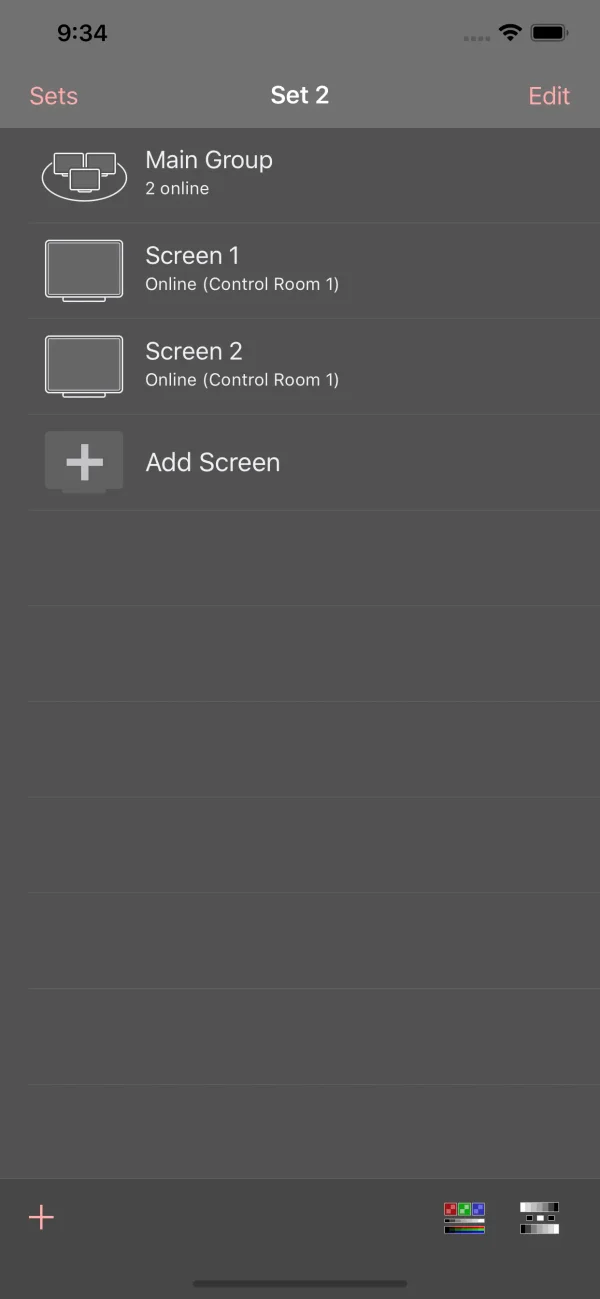
Inside a set you can see a list of screens that have been added. As soon as the set opens, Gamma Board establishes communication with the Gamma Control or Scenica Player running over the local network to apply its settings. You can add, remove, and reorder screens in the list.
The screen list also shows you at a glance which screens are online and offline as well as which screens are currently displaying a calibration pattern.
GAMMA SETTINGS
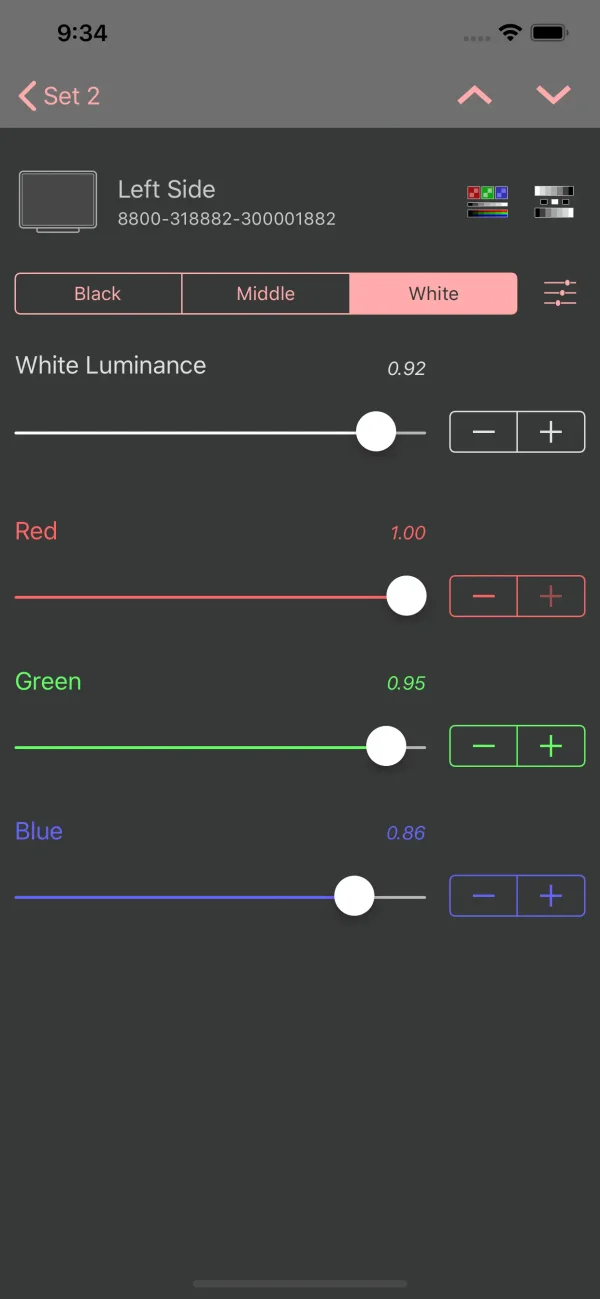
For each group and each screen in a set, you can edit its gamma settings. They are applied instantly to the screen over the network every time you make a change. Just look up at the screen to see the results live.
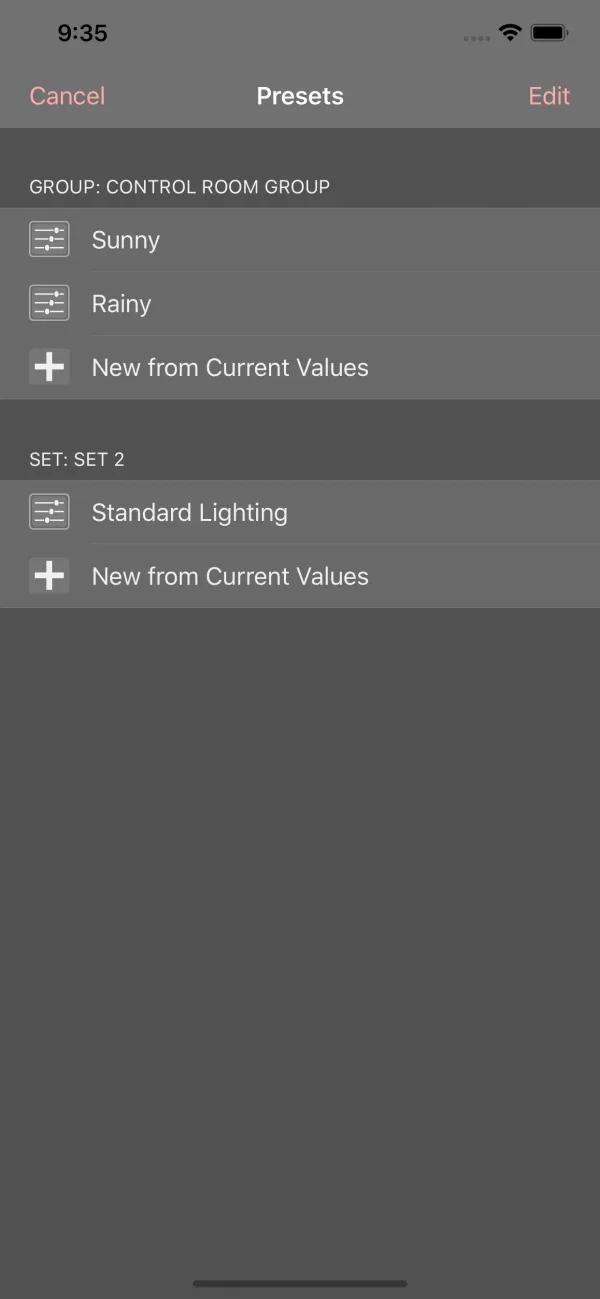
From the settings screen, tap the icon with three sliders to open the preset panel where you can save settings and restore them later.
GROUPS
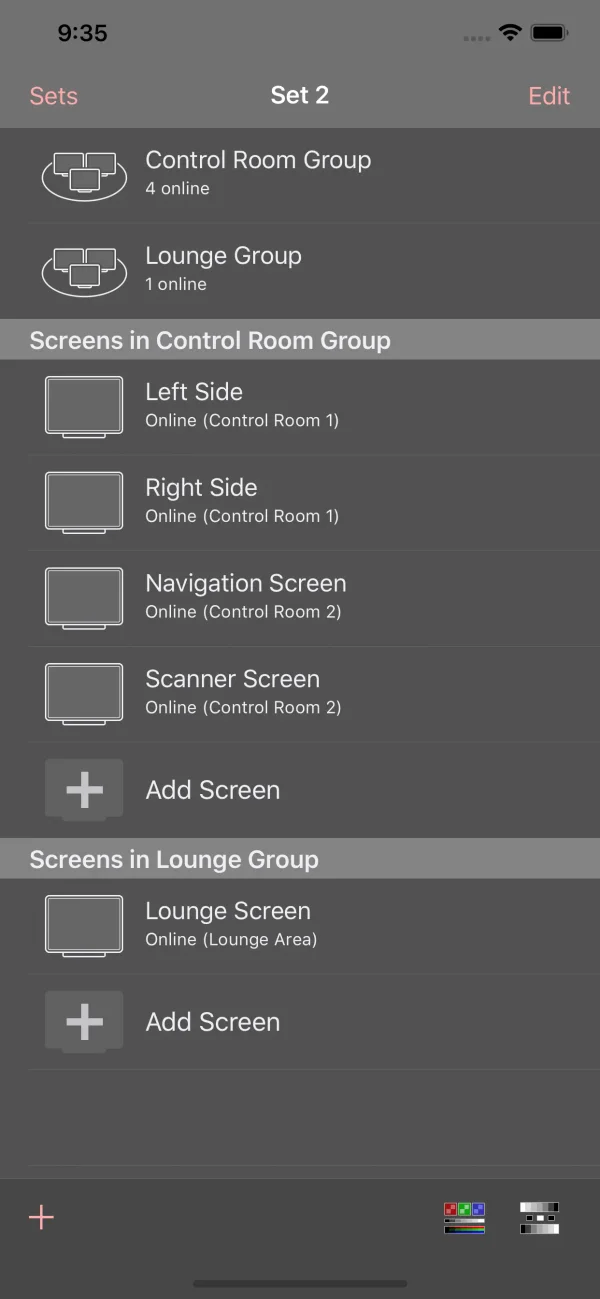
Each set document starts with one group. A group allows gamma settings for many screens to be controlled simultaneously. More groups can be added to control independently various subsets of the screen list.
Screens retain their individual settings, allowing them to be calibrated independently. Group settings are combined with those individual settings to create the final gamma values sent to each screen.
ADDING A SCREEN
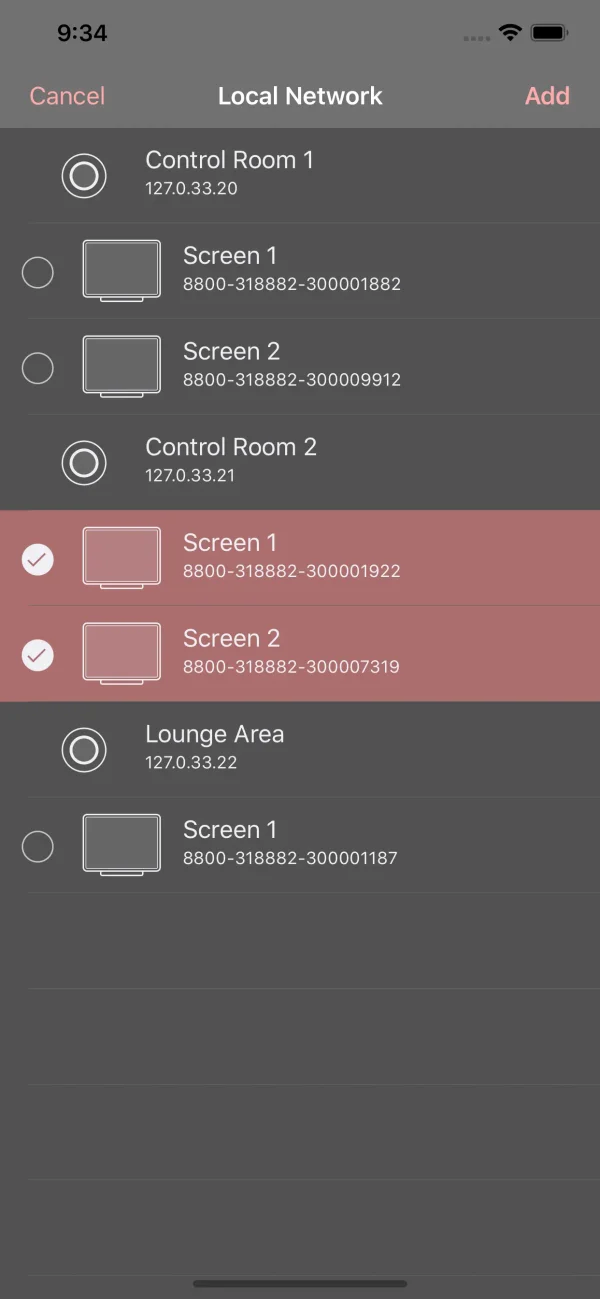
When adding a new screen to a set, you are presented with a list of all the available screens on the local network. Tap a screen in the list to add it to the current set.
Gamma Board talks to Gamma Control 6 or Scenica Player on the remote device to receive and apply its settings. Install Gamma Control or Scenica Player, then check Allow remote configuration in Preferences and this device is ready to for Gamma Board.
Connect as many devices as you can to your local network and control all the screens that are attached to them. There is no limit other than the number of copies of Gamma Control and Scenica Player you have.
CALIBRATION PATTERNS
At your fingertip, two full-screen calibration patterns can show up on connected screens. (Note: calibration patterns are only available on devices running Gamma Control, not Scenica Player.)
REQUIREMENTS
• Gamma Control 6 on one or more Macs, or Scenica Player on one or more devices. Sold separately.
• A local network connecting all the devices (Wi-Fi or wired).
(Internet is not needed: closed internal network are supported.)
新機能
バージョン 1.3.3 · 2026/8/30
- Fixed an issue where the permission prompt for local network access would not show up for new app installs.
アプリのプライバシー
このアプリのデータの取り扱いについて、Michel FortinがApp Storeで申告している内容です。
-
データの収集なし
開発元はこのアプリからデータを収集しません。
プライバシーの取り扱いは、ご利用の機能やお客様の年齢などに応じて異なる場合があります。
情報
- 販売元
- Michel Fortin
- カテゴリ
- 写真/ビデオ
- バージョン
- 1.3.3
- 更新日
- 2026/8/30
- リリース
- 2017/7/24
- サイズ
- 14.4 MB
- 必要条件
- iOS 11.0以降
- 対象年齢
- 4+
- 価格
- ¥13,000
- 言語
- 英語, フランス語
- 著作権
- © 2026 Michel Fortin