
- 対象年齢4+
- カテゴリグラフィック/デザイン
- 開発元Chris Wang
- 言語英語
- サイズ659.0 KB
App Storeの公式ページにリンクしています
Download.orgはGrid - Layoutのファイルを一切ホストしていません。ボタンを押すと、Chris Wangが公開しているApp Storeのアプリページが開きます。ページの最終確認:2026/11/16。
スクリーンショット
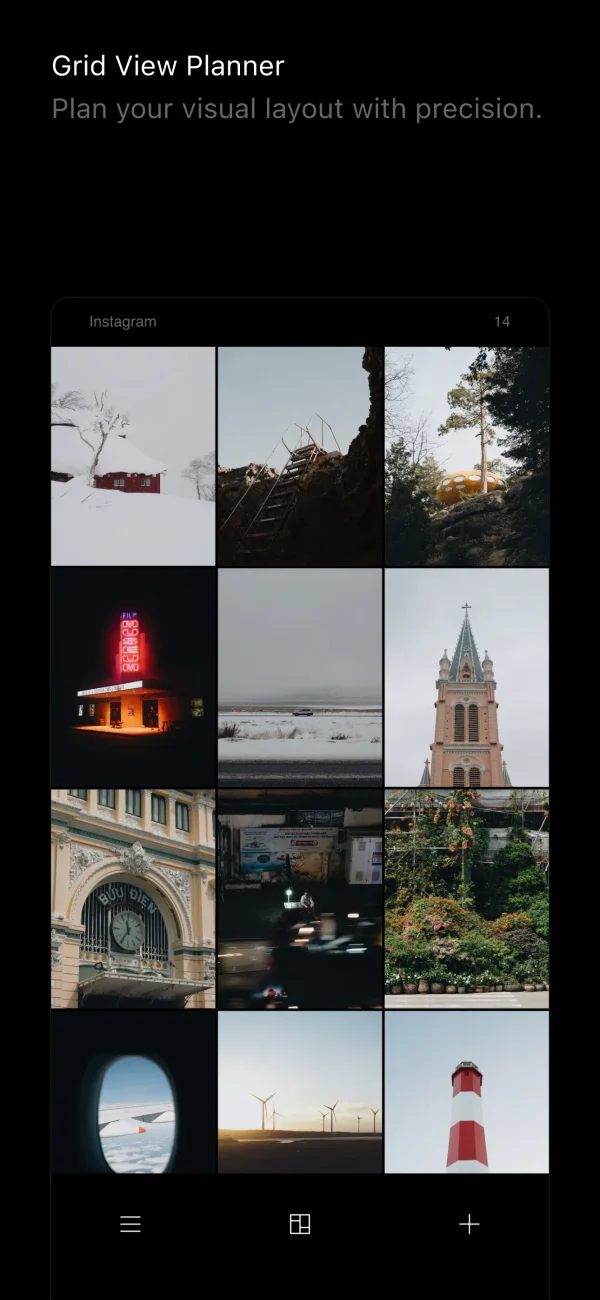

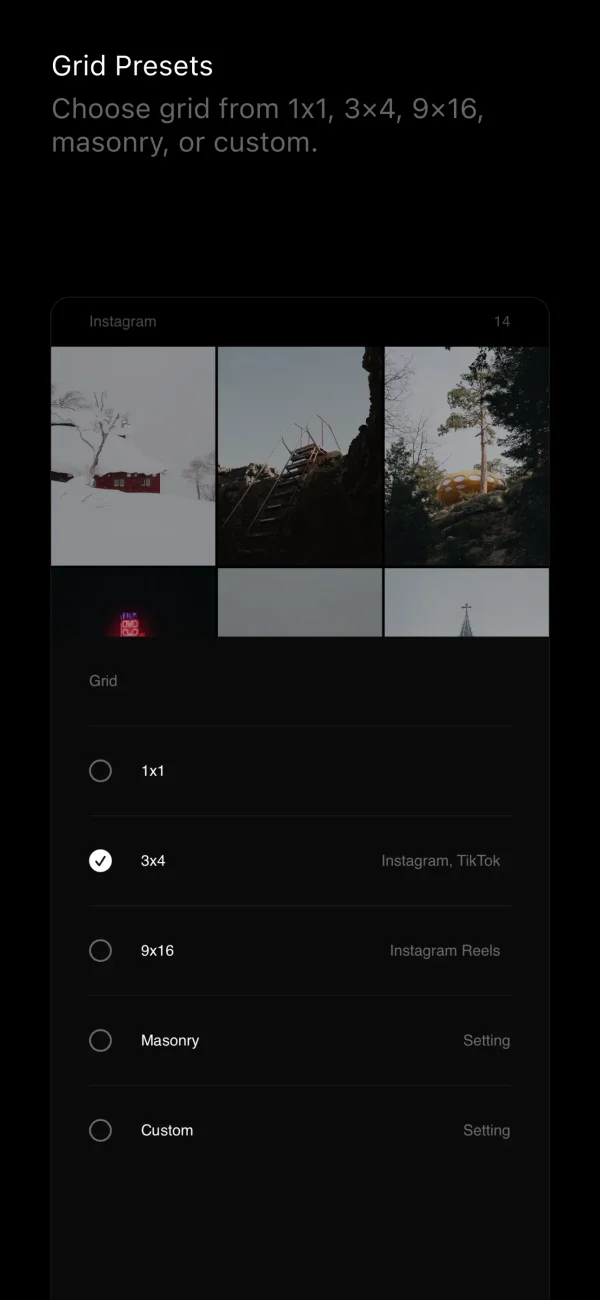
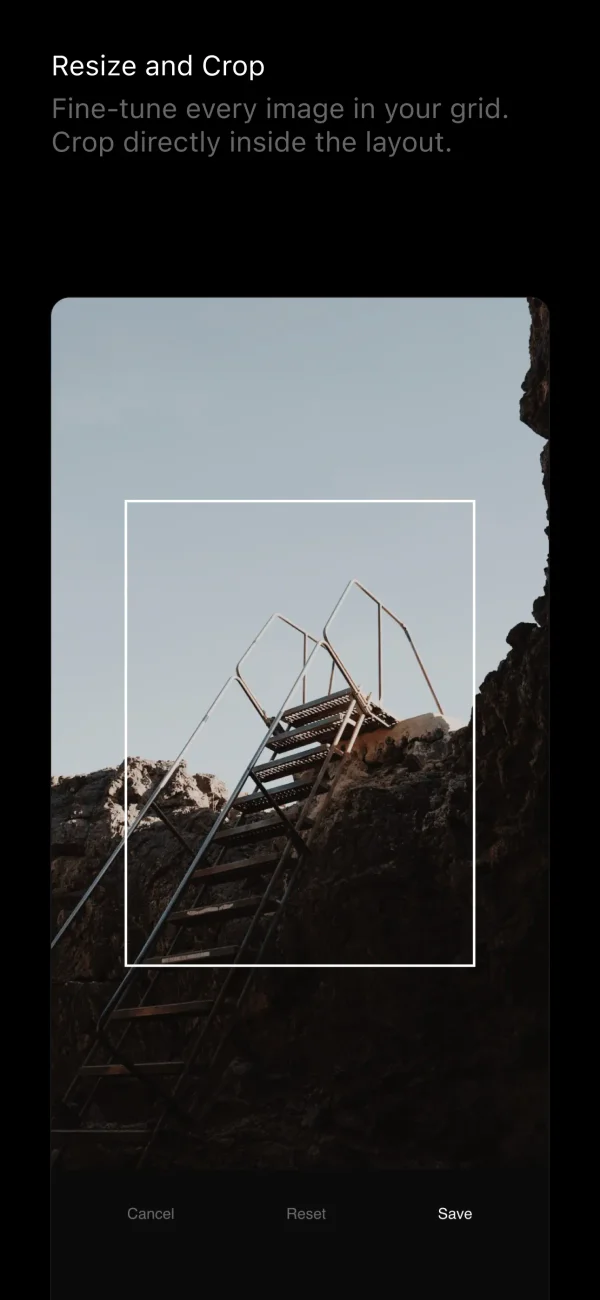
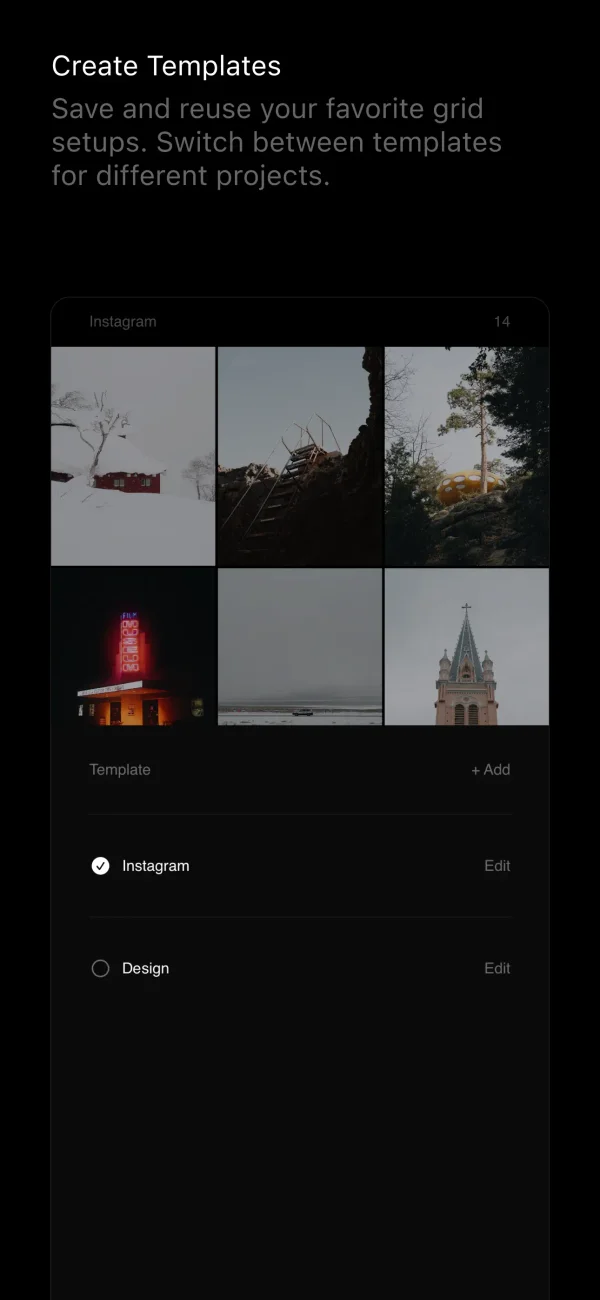
概要
開発元はこのテキストをお使いの言語で提供していません。
Grid View is a simple yet powerful grid planner that helps you organize and preview your images in customizable layouts. Upload your photos and arrange them using preset grid sizes like 3×4, 9×16, or 1×1, or define your own custom dimensions. Easily drag and drop images to rearrange them until your layout looks just right.
Create and save multiple templates, each with different grid settings, so you can quickly switch between layouts for different projects. Whether you’re planning a photo wall, an Instagram feed, or a visual story, Grid View gives you full control over how your images are presented.
新機能
バージョン 1.0.3 · 2026/4/2
Improved image cropping and app performance.
アプリのプライバシー
このアプリのデータの取り扱いについて、Chris WangがApp Storeで申告している内容です。
-
データの収集なし
開発元はこのアプリからデータを収集しません。
プライバシーの取り扱いは、ご利用の機能やお客様の年齢などに応じて異なる場合があります。
情報
- 販売元
- Chris Wang
- カテゴリ
- グラフィック/デザイン
- バージョン
- 1.0.3
- 更新日
- 2026/4/2
- リリース
- 2025/7/9
- サイズ
- 659.0 KB
- 必要条件
- iOS 18.0以降
- 対象年齢
- 4+
- 価格
- 無料
- 言語
- 英語
- 著作権
- © 2026 Chris Wang
こちらもおすすめ
-
 Grid Post - 写真グリッドInstagram & Collage用グリッド
-
 Preview • グリッド インスタ投稿プレビューInstagram分割・計画・フィードプレビュー
-
 Grid layout for Instagram feedグラフィック/デザイン
-
 Photo Collage Maker : Pic Gridグラフィック/デザイン
-
 UNUM — Layout & Feed Previewグラフィック/デザイン
-
 Griddy:写真分割グリッド投稿インスタ用グリッドレイアウト作成
-
 写真コラージュ Caroカルーセル & ストーリーメーカー
-
 写真コラージュメーカー Starilグリッド・レイアウト・写真編集
-
 写真 コラージュ: 画像合成, フォトグリッド レイアウト写真組み合わせ・フレーム 加工・写真編集
-
 Adobe Capture: Ps、Ai のためのツールPhotoshop、Illustratorツール