
- Age rating4+
- CategoryGraphics & Design
- DeveloperChris Wang
- LanguagesEnglish
- Size659.0 KB
Links to the official App Store page
Download.org hosts no file of Grid - Layout. The button opens its official App Store page, published by Chris Wang. Listing last checked on Nov 16, 2026.
Screenshots

About
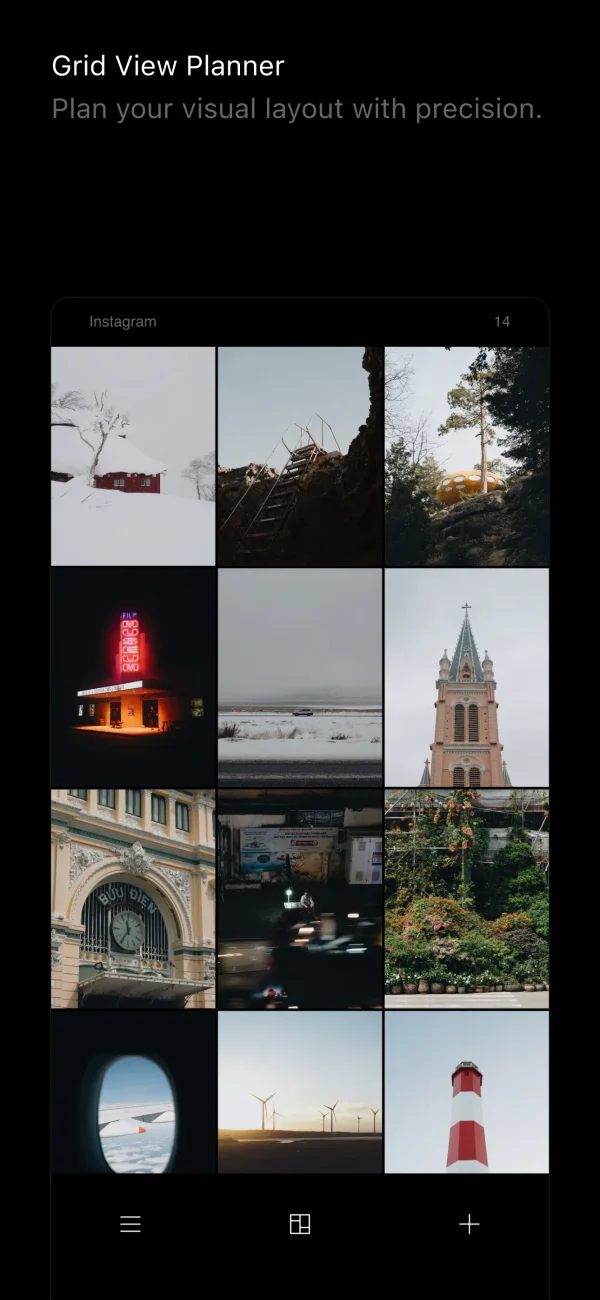
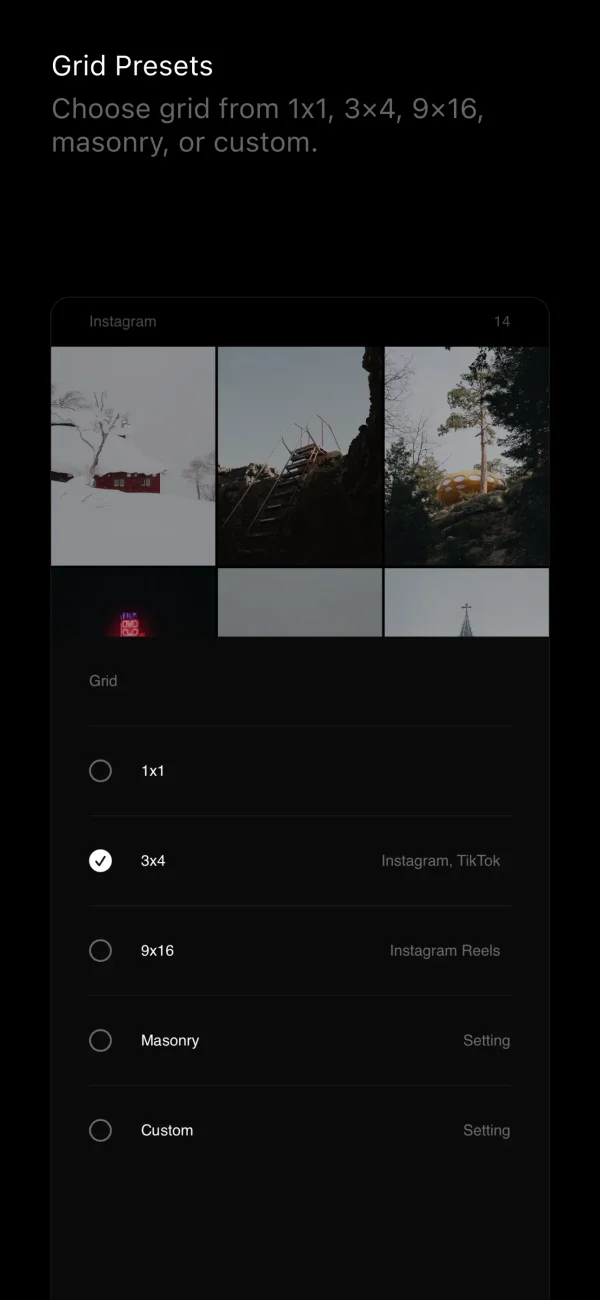
Grid View is a simple yet powerful grid planner that helps you organize and preview your images in customizable layouts. Upload your photos and arrange them using preset grid sizes like 3×4, 9×16, or 1×1, or define your own custom dimensions. Easily drag and drop images to rearrange them until your layout looks just right.
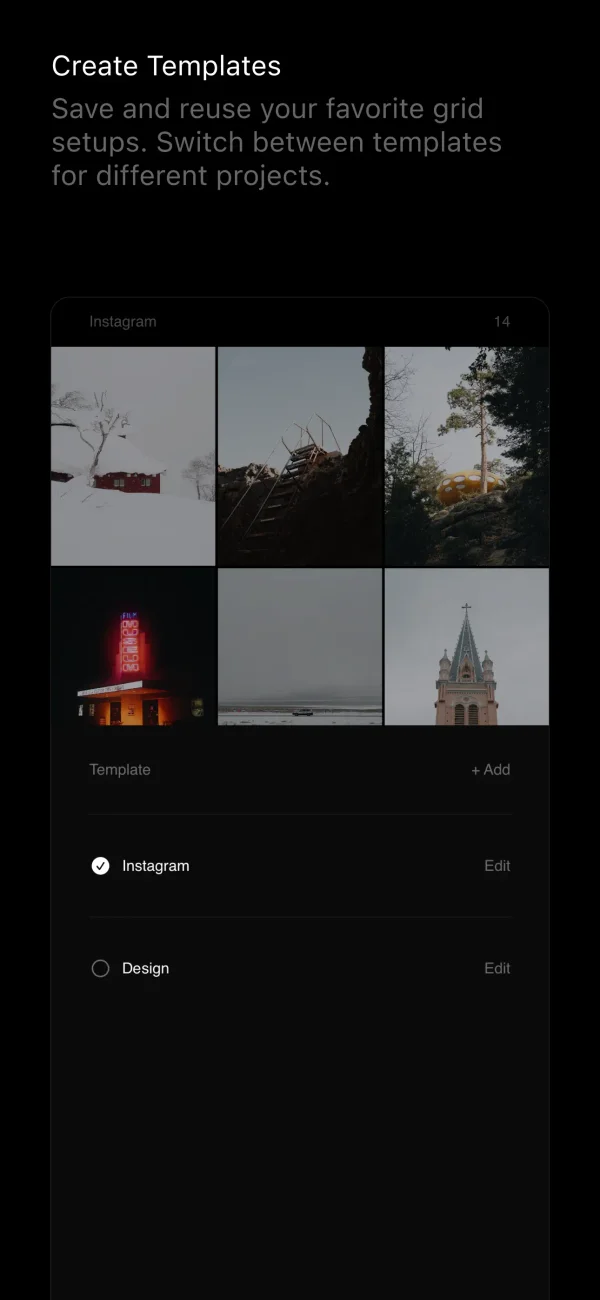
Create and save multiple templates, each with different grid settings, so you can quickly switch between layouts for different projects. Whether you’re planning a photo wall, an Instagram feed, or a visual story, Grid View gives you full control over how your images are presented.
What’s new
Version 1.0.3 · Apr 2, 2026
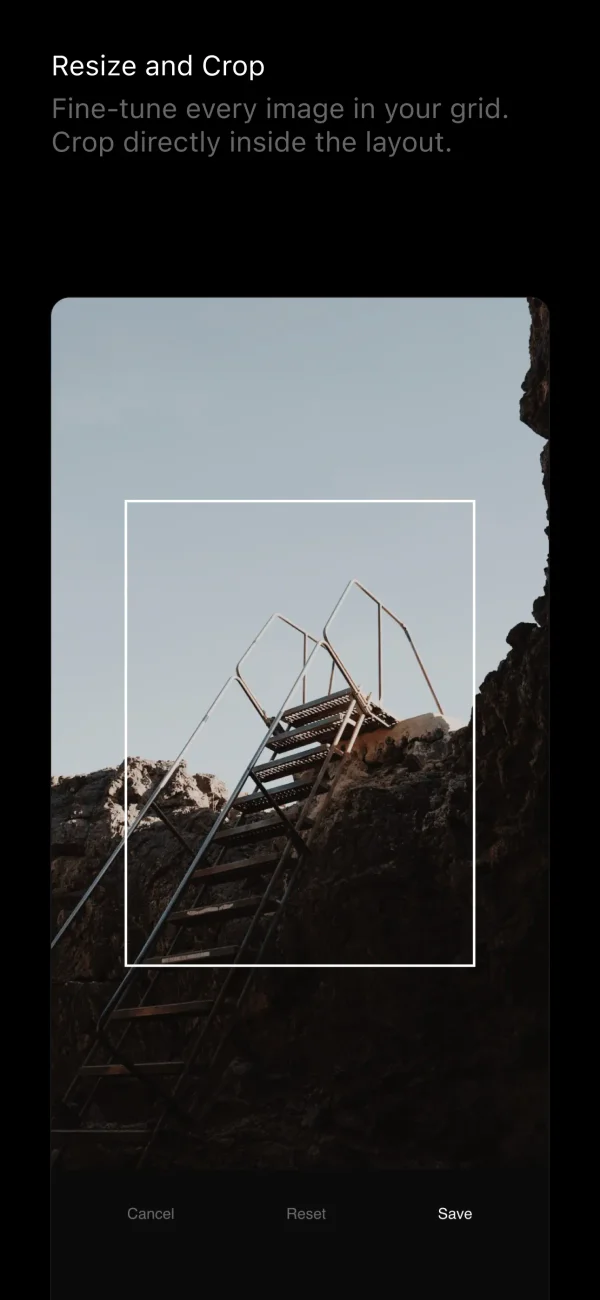
Improved image cropping and app performance.
App privacy
What Chris Wang declares on the App Store about how this app handles data.
-
Data not collected
The developer does not collect any data from this app.
Privacy practices may vary, for example with the features you use or your age.
Information
- Seller
- Chris Wang
- Category
- Graphics & Design
- Version
- 1.0.3
- Updated
- Apr 2, 2026
- Released
- Jul 9, 2025
- Size
- 659.0 KB
- Requires
- iOS 18.0 or later
- Age rating
- 4+
- Price
- Free
- Languages
- English
- Copyright
- © 2026 Chris Wang
You might also like
-
 Photo Layout Maker - Grid PostGrid Maker for Collage
-
 Grid Preview for InstagramFeed Preview & Post Planner
-
 Grid layout for Instagram feedPhoto Collage & Split Pic
-
 Photo Collage Maker : Pic GridPhoto Grids & Picture Collages
-
 UNUM — Layout & Feed PreviewGrid, Collage Maker & Reels
-
 Griddy: Split Photo Grid PostsMarketing Banner for Instagram
-
 Panorama Scroll Carousel MakerPhoto Collage Instagram Layout
-
 Photo Collage Maker - StarilGrids, Layouts & Picture Maker
-
 Layout - Photo Collage MakerGrid Templates, Design Editor
-
 Adobe Capture: Illustrator, PsFor Photoshop,Indesign,Fresco