- 対象年齢4+
- カテゴリ教育
- 開発元GiGa infosystems GmbH
- 言語英語
- サイズ1.7 MB
App Storeの公式ページにリンクしています
Download.orgはGST[AR]のファイルを一切ホストしていません。ボタンを押すと、GiGa infosystems GmbHが公開しているApp Storeのアプリページが開きます。ページの最終確認:2026/11/14。
スクリーンショット


概要
開発元はこのテキストをお使いの言語で提供していません。
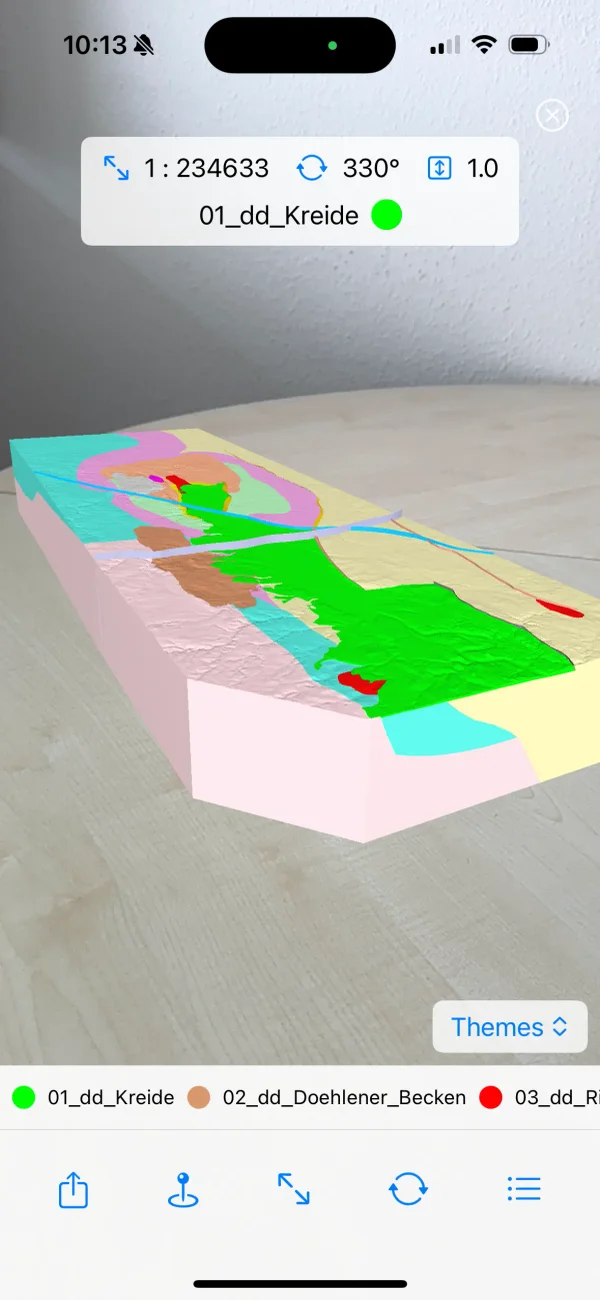
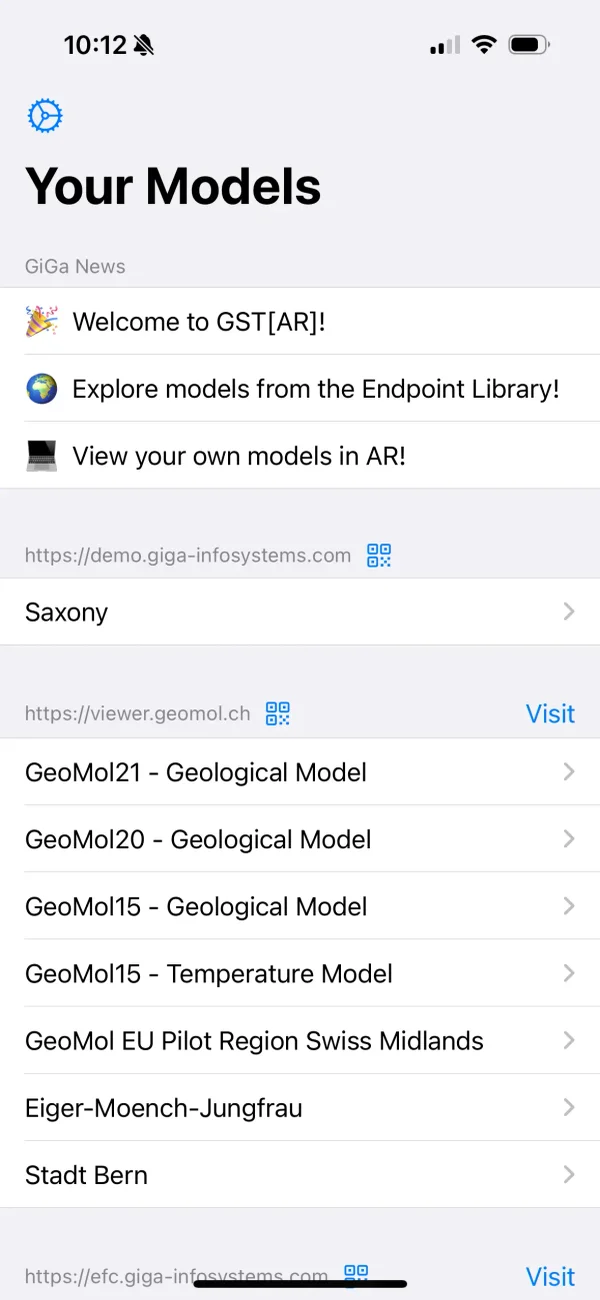
GST[AR] allows you to browse, download, view, and share geological models in augmented reality.
Browse
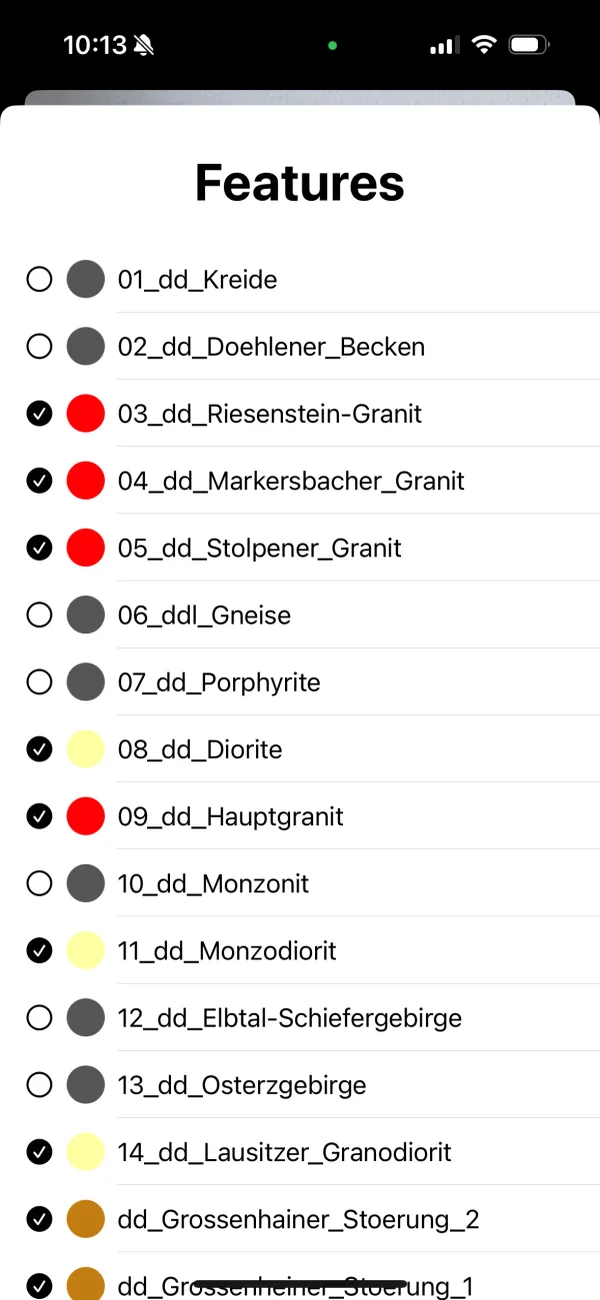
Browse through available models and their features to find a nice selection to present in AR. Models are retrieved from running instances of GST Web. Don’t worry, there are default sources added already, so you can get started right away. Hint: If you see a „Visit“ button near a section of models, you can tap it to learn more about the institution that provides these models for you! When you select a model, you will find a list of features waiting for you. Make your selection and off you go to the AR view.
View
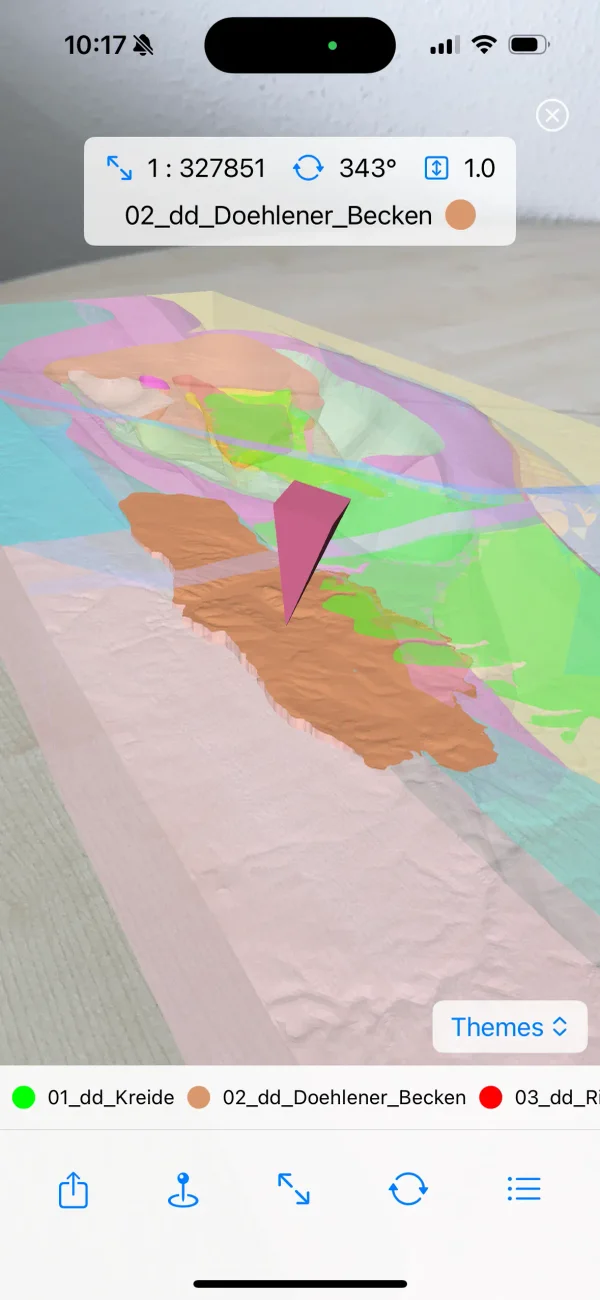
As soon as the features are downloaded, you will be able to place them on any horizontal surface in AR. Use gestures or sliders to rotate and scale your model. Tap on individual parts to learn about their name or use the legend to even highlight individual features. Superelevation is available via sliders as well!
Share
When you have placed a feature selection in AR, you get the option to share your session with others! Use the share button to let other peers join your session, synchronize your worlds and you will be looking at the same model in no time. Changes to the model rotation, scale and location will be synced automatically between all peers in the session. Hold down on a model to place your marker to point towards the feature of interest or highlight a certain feature via the legend for all other peers.
Settings and customization
Customize your experience by changing a couple of settings. In the settings menu, you will have the possibility to change aspects of scaling, how high the models float above the surface or even enable such cool features like "people occlusion" that make your AR scene even more immersive! Furthermore, if you want to access models from a GST Web instance that is not present in the app, you have the possibility to add endpoints of your own.
新機能
バージョン 1.2.0 · 2026/5/27
It took a while, but GST[AR] finally makes use of Liquid Glass on iOS 26. Now you see more of your models with less space occupied by the user interface, especially on iPad.
アプリのプライバシー
このアプリのデータの取り扱いについて、GiGa infosystems GmbHがApp Storeで申告している内容です。
-
データの収集なし
開発元はこのアプリからデータを収集しません。
プライバシーの取り扱いは、ご利用の機能やお客様の年齢などに応じて異なる場合があります。
情報
- 販売元
- GiGa infosystems GmbH
- カテゴリ
- 教育
- バージョン
- 1.2.0
- 更新日
- 2026/5/27
- リリース
- 2020/10/24
- サイズ
- 1.7 MB
- 必要条件
- iOS 16.4以降
- 対象年齢
- 4+
- 価格
- 無料
- 言語
- 英語
- 著作権
- © 2021 GiGa infosystems GmbH